.jpg)


How to Standardize POS Item and Ingredient Mapping Across Restaurant Sites
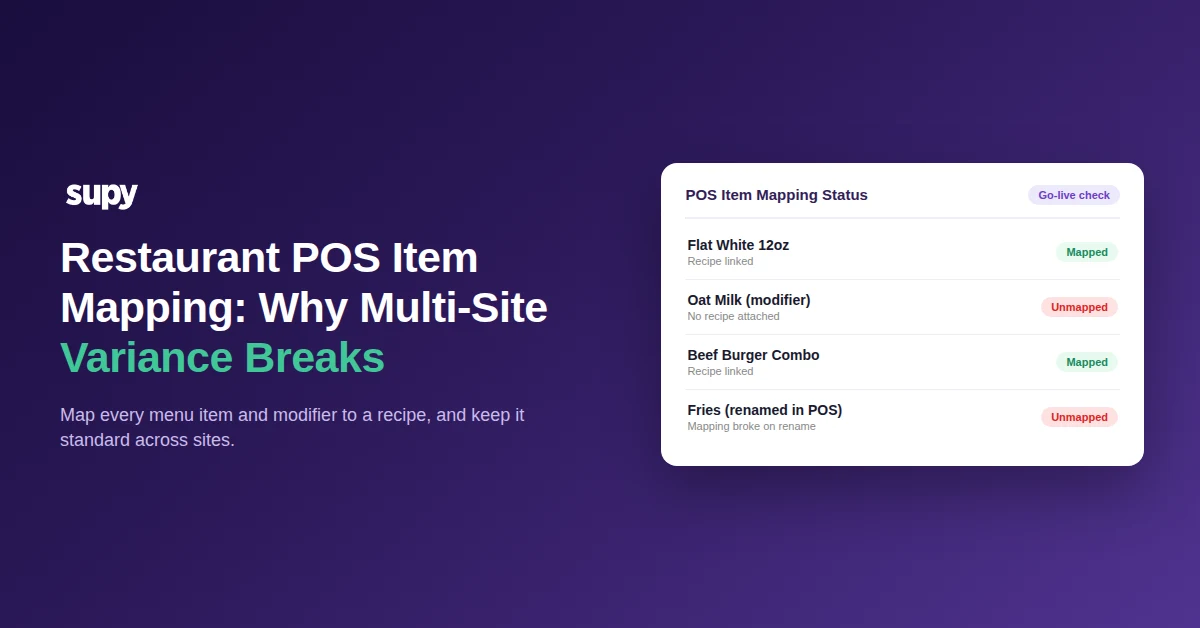
Standardizing POS item and ingredient mapping across every site is what keeps stock, cost of goods and variance accurate as a restaurant group grows. This guide walks through it step by step: understand what mapping controls, diagnose the five ways it breaks, make mapping a go-live gate for each new site, correct historical errors without breaking a closed period, and run the weekly audit that keeps every outlet honest.
Step 1: Understand what POS item mapping controls
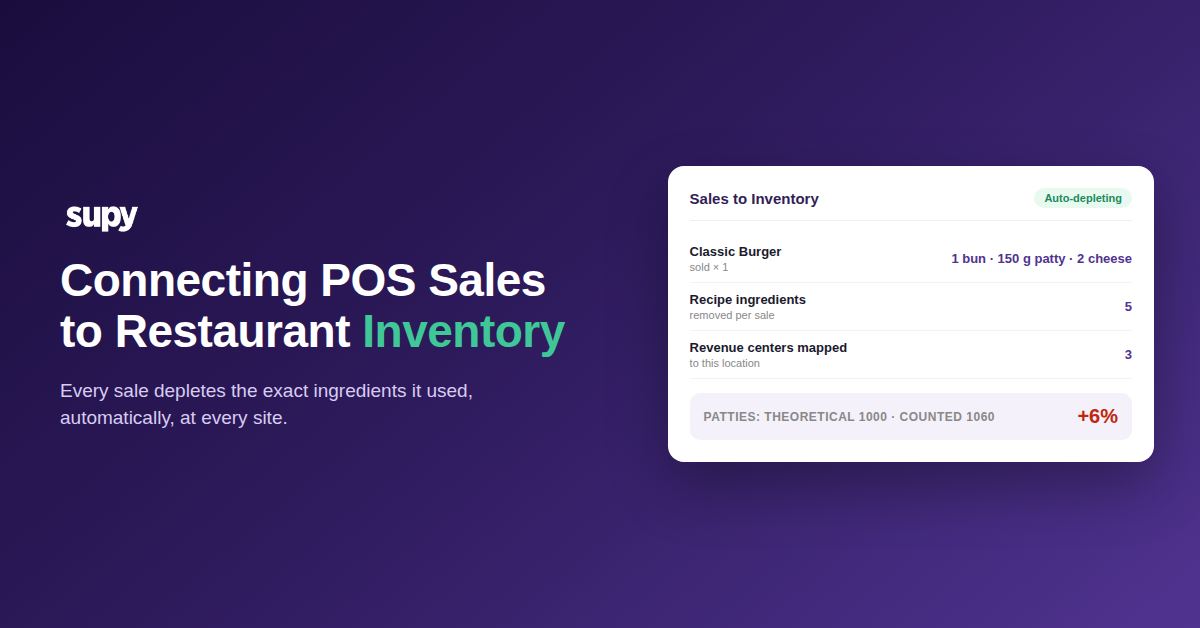
POS item mapping is the link between each button in your point-of-sale system and a recipe in your inventory system. When a sale rings up, that link tells the system which ingredients to deplete and what they cost. Get it right and stock, cost of goods and variance stay accurate; leave an item unmapped and the sale still records revenue but depletes nothing.
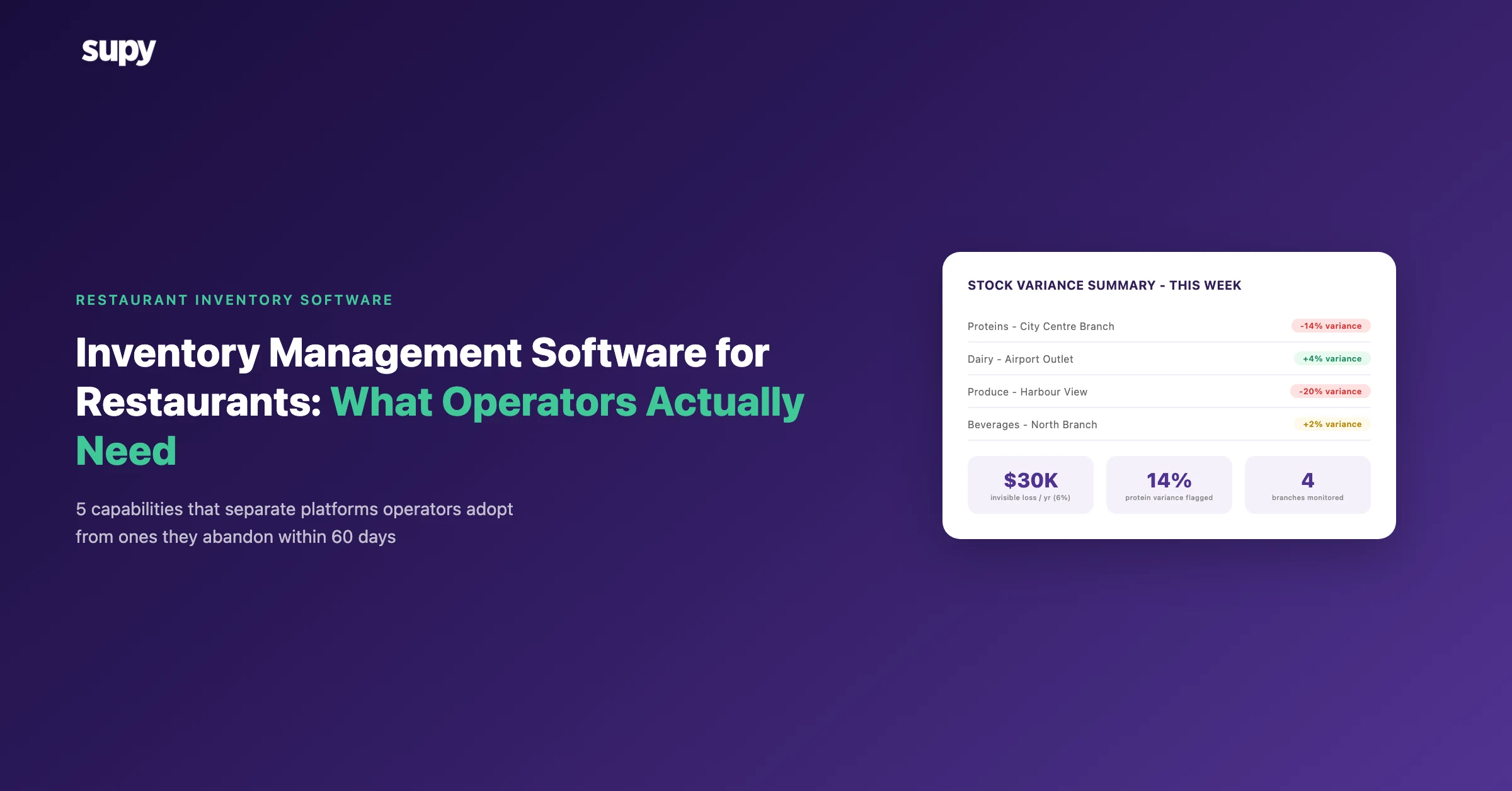
That gap is not cosmetic. An unmapped item posts a zero-cost sale, so cost of goods is understated and the shortfall resurfaces later as unexplained variance. The same broken link corrupts stock depletion, recipe costing, variance and menu engineering at the same time - four reports wrong from one mapping error. Across a multi-site group, where the same menu runs in several outlets, a single mismapped item repeats everywhere it sells.
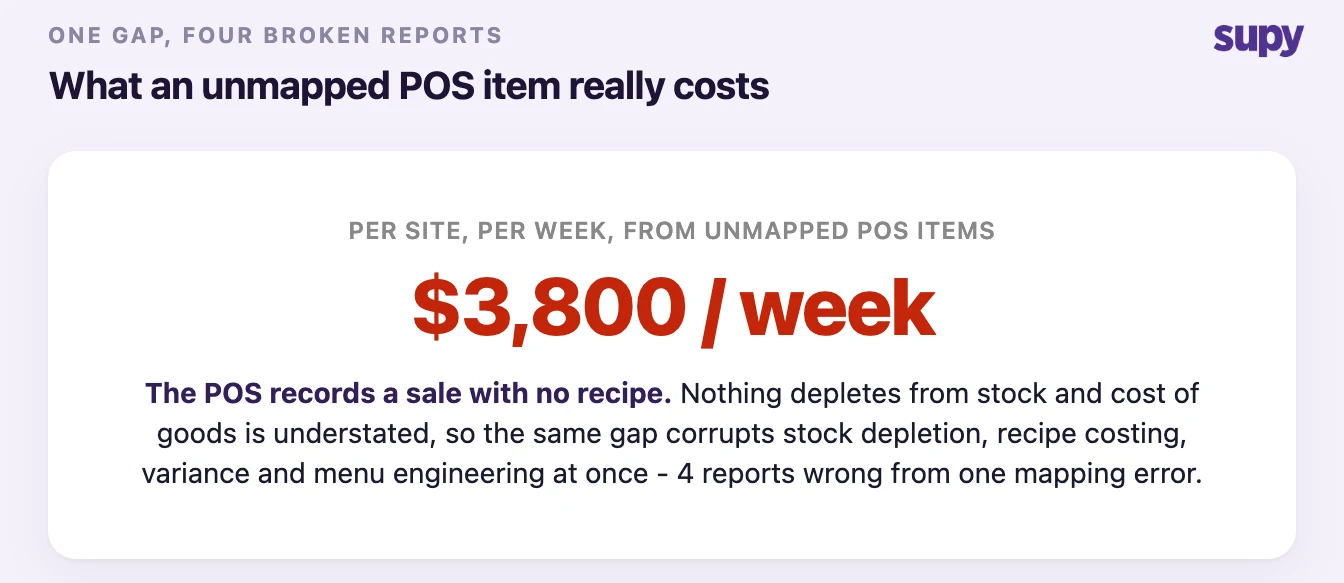
The number attached to that leak is real money. One multi-outlet operator traced a four-figure weekly cost variance per store to items sitting unmapped, alongside food cost readings that ran past every plausible level once discounts and free-of-charge items were pulled into the calculation. You cannot cost a menu you have not finished mapping, and you cannot trust a variance report built on top of it. If your food cost math looks wrong before you touch a single count, check mapping first - our food cost calculator shows what the number should look like once the inputs are clean.
Step 2: Diagnose the five ways mapping breaks across sites
Mapping rarely fails all at once. It drifts. An item is added without a PLU (price look-up) code, renamed, or re-priced in the POS, and the link to its recipe quietly breaks while sales keep flowing. These are the five failures that show up again and again across outlets, and what to do about each.
| Mapping failure | What the operator sees | The fix |
|---|---|---|
| Recipe built after sales sync started | Revenue with no cost; the recipe shows as unlinked | Link the recipe, then backdate it to the correct cost centre |
| POS item renamed after setup | Depletion silently stops for that item | Re-map it; treat every rename as a mapping event |
| New POS item has no PLU code | The item cannot link to a recipe at all | Add the PLU in the POS first, then map it |
| Modifier not mapped to a recipe | The default ingredient depletes on every sale | Build a finished recipe per modifier and map each one |
| Unmapped item stuck part-processed | Zero-cost sales inflate that site's variance | Clear the mapping queue before trusting a variance number |
Modifiers are the seam most groups miss. If a drink recipe hard-codes one milk or one bean, the system depletes that default no matter what the guest chose, so stock disagrees with sales every day. The fix is to build a finished recipe for each guest-selectable option and map each one; for a default that is already live, add it back as a return-to-stock ingredient inside every alternative so the wrong depletion reverses when an alternative is punched. There is no one-click bulk tool for this yet - it is item-by-item work, which is exactly why finishing it is a go-live gate, not an afterthought.
Step 3: Make mapping a go-live gate for every new site
A site is not go-live ready the moment the integration switch flips - it is ready when every live menu item is mapped. Treat mapping completeness as the gate for each outlet, and you stop shipping zero-cost sales into a new site's numbers on day one.
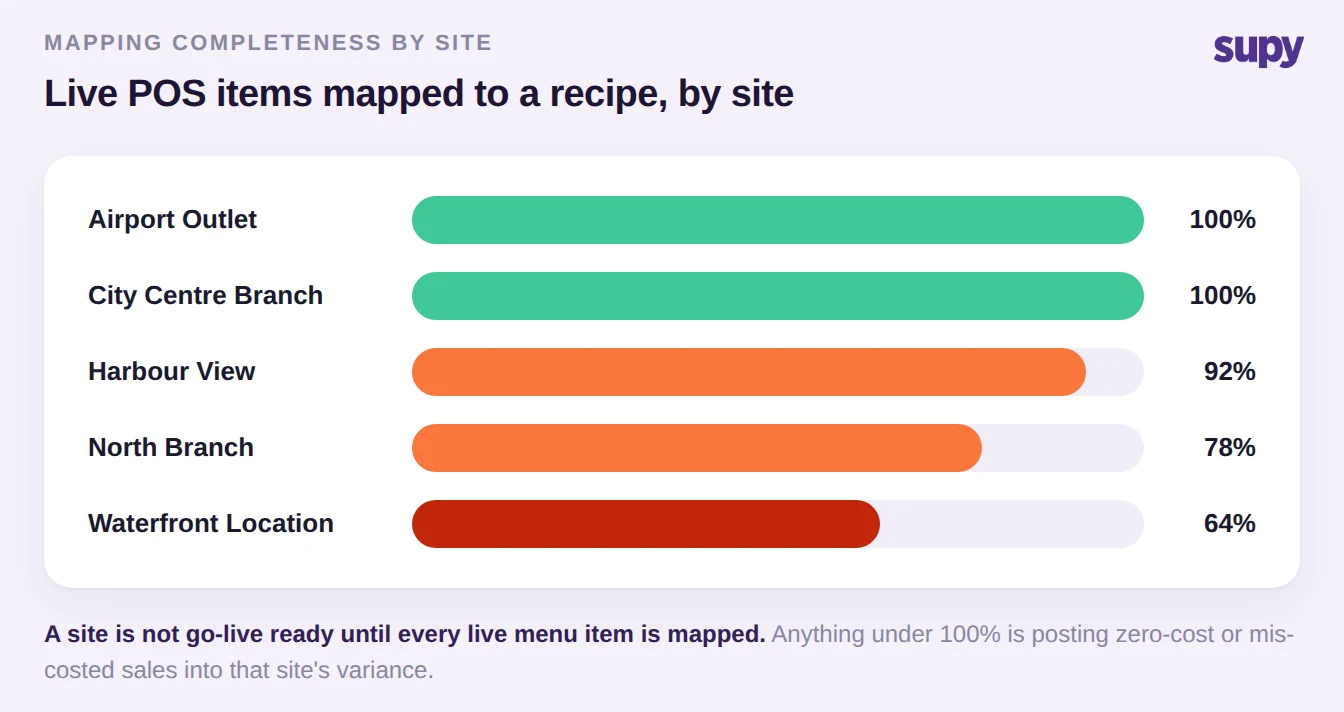
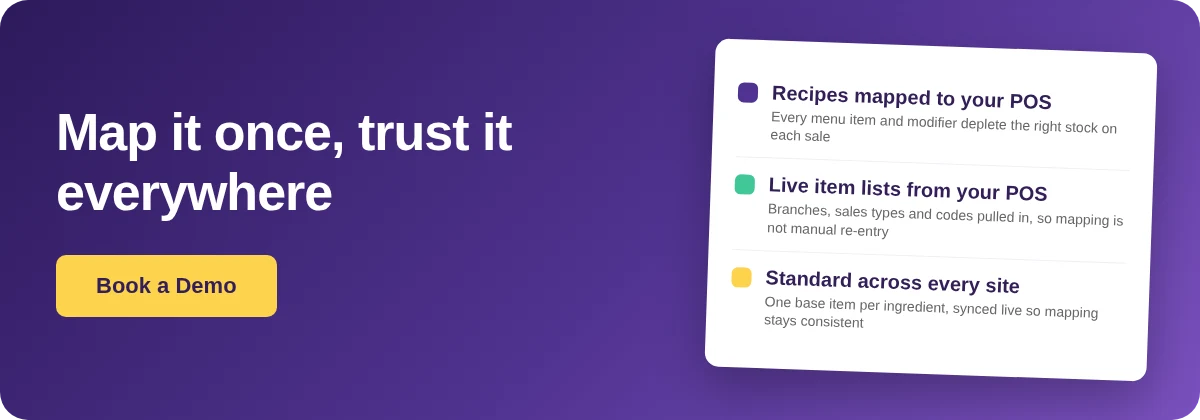
Three things keep mapping consistent as you add outlets. First, exclude archived POS items so the mapping surface holds only live menu items, not years of retired ones - most operators do not know that toggle exists. Second, keep one base item per ingredient, synced live across outlets, so a change maps once and holds everywhere instead of being re-entered site by site; the same discipline that keeps item master data clean keeps mapping clean. Third, let the integration pull live branch lists, sales types and codes from the POS on setup, so mapping becomes a review step rather than manual re-entry.
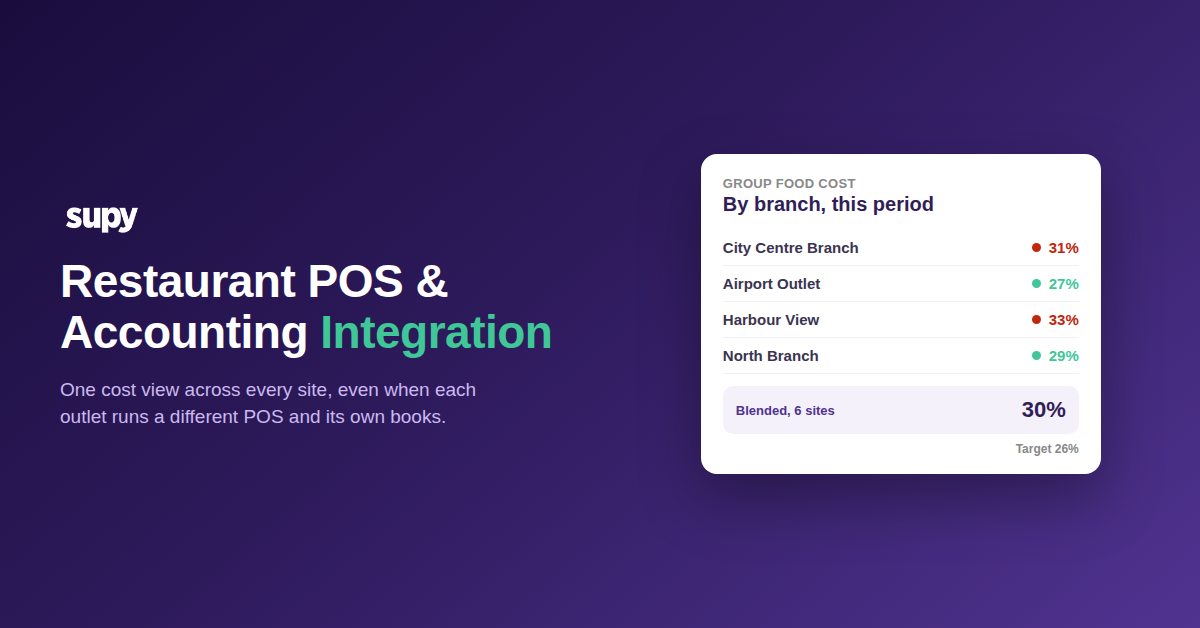
Supy connects to 75+ systems and can run more than one POS on a single back-of-house instance, and for revenue-centre POS systems it can map several revenue centres in one branch to a single location - useful when a site rings up through more than one till configuration. Recipes are where the mapping actually lives, so treat recipe setup as the standardization work, not paperwork.
Step 4: Correct historical mapping errors without breaking a closed period
Sooner or later you will find a mapping mistake in a month you have already closed - a soft drink mapped to a burger combo, or a modifier pointed at the wrong recipe. You can correct it, but only within a limit worth knowing before you start: corrections reach back only as far as your last stock count or period lock. Dates before that submission cannot be changed.
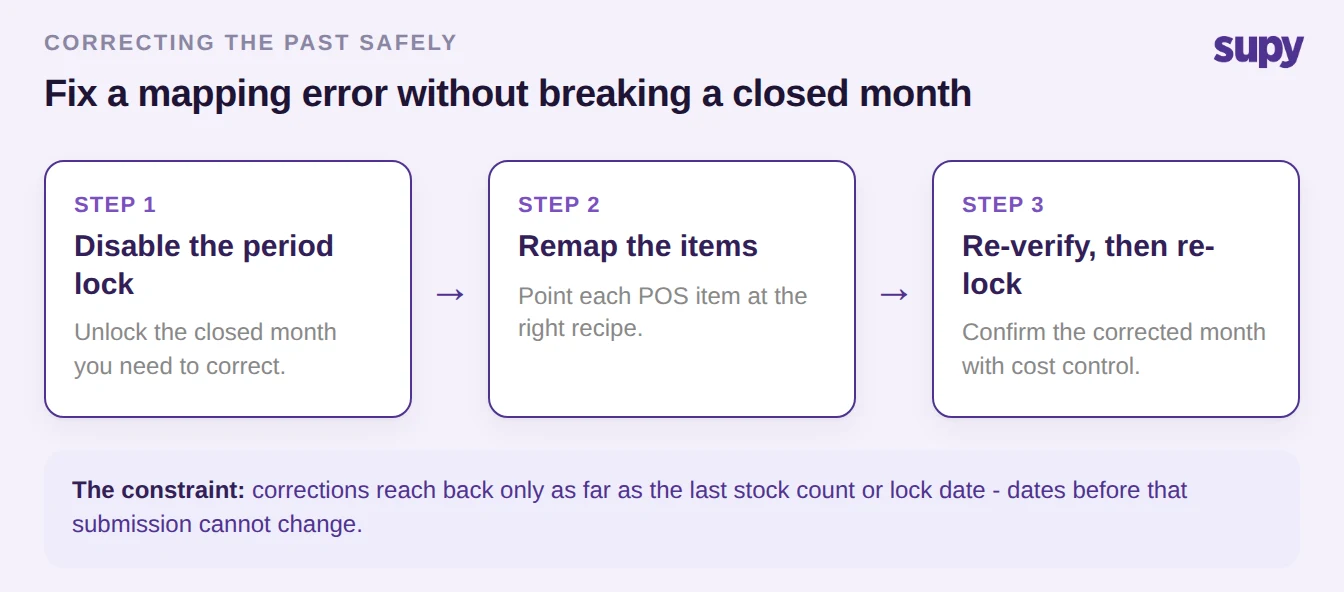
The working order is short: disable the period lock for the month you need to fix, remap the items to the right recipes, then re-verify the corrected month with your cost control team before locking it again. One caution at the tool level - when you remap a PLU, decide the scope first. Unmapping applies either to all history or to future sales only; it is not date-range scoped, so choose which one you actually want before you change anything, or you will leave ghost items in reports you thought you had cleaned.
Step 5: Run your POS mapping audit this week
You do not need a project to get ahead of this - you need one honest pass per site. Pull the list of unmapped and part-processed items for each outlet: that list is your zero-cost leak, ranked by how much each item sells. Check whether any high-volume item was renamed in the POS since setup, because that is where depletion stops without an error. Ring a test sale on your top modifier and confirm the right ingredient depletes, not the default. Then fix the highest-revenue unmapped item first and work down - one site's variance report becomes trustworthy the moment its mapping does.
If you would rather see mapping handled as a standard step across every site than as a recurring clean-up, that is the problem Supy is built to close. Book a demo and bring your messiest outlet.