Integration
Inventory

Restaurant Combo Items Depleting Wrong Stock: Map Every Sub-Item
Why a Combo Can Sell and Still Show Zero Cost

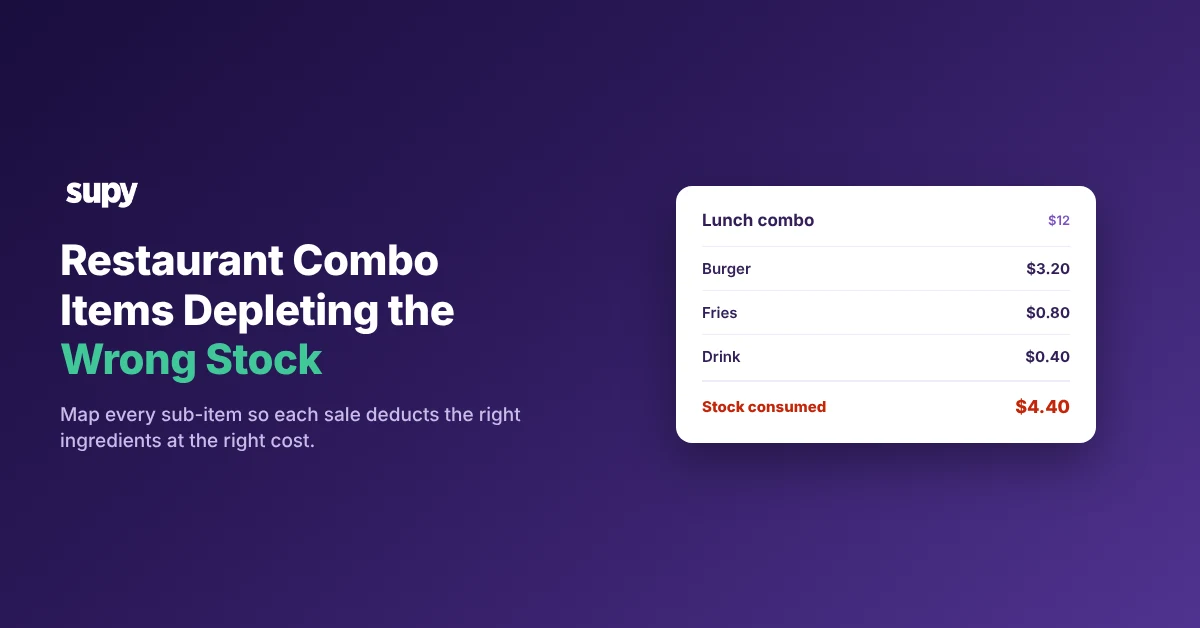
A combo depletes the wrong stock when its sub-items are rung on zero-price keys and never linked to recipes. The parent combo button carries the whole sale price, so the burger, fries and drink inside it post no cost and move no stock. On the report the combo looks like pure profit, while the shelf quietly empties.

The split sits between the parent item and its sub-items. An operator sells a $12 combo built from a burger, fries and a drink that together cost $4.40 of stock.

  • What it really costs. That is a true food cost of 37%.
  • What the report shows. When the sub-items ring at zero, the combo posts 0% instead, and the $4.40 of ingredients it consumed never leaves inventory on paper.

Both numbers break at once. Revenue can inflate on the parent while cost reads zero, so the dish that moves the most stock is the one you can see the least.

The fix is not a report setting. It is mapping each sub-item the combo consumes to its recipe, so every sale deducts the right ingredients at the right cost.
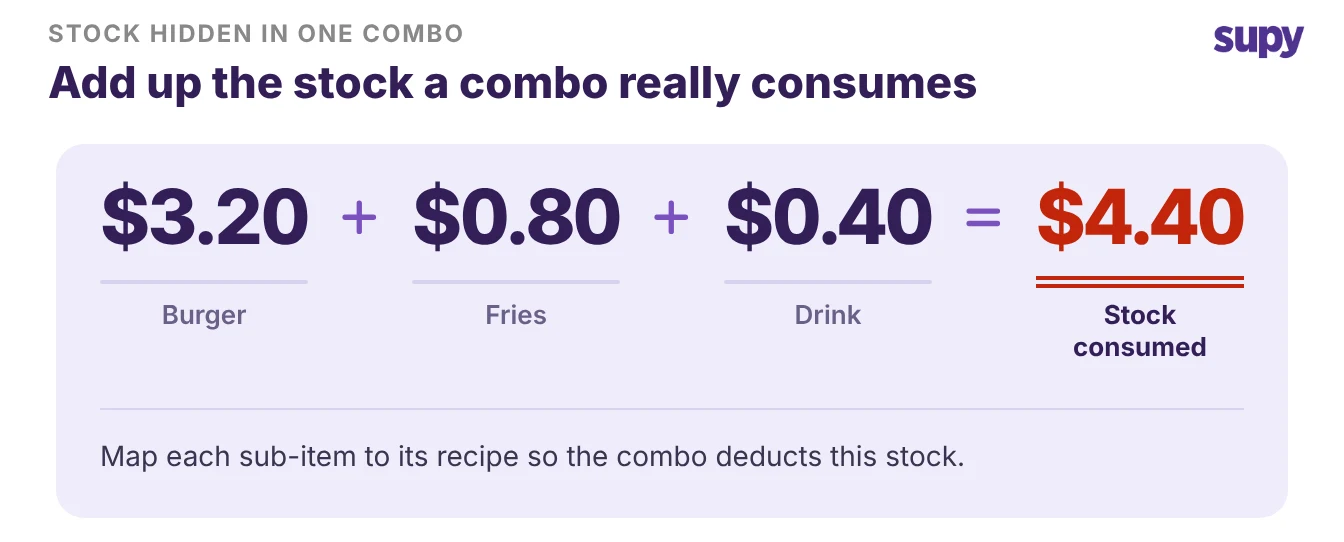
A combo's burger, fries and drink add up to $4.40 of stock the report hides

Work Out Which Way Your Combos Break

Three symptoms point at three different faults. Read the one you have, then go to its branch below.

What you seeWhat it meansWhere to fix it
Combo shows zero cost or pure profitSub-items ring at zero and map to no recipeMap each sub-item to its recipe
Variance on items you did not sellCombo links to the wrong recipe or modifierCorrect the recipe mapping
Combo missing from the sales reportParent item never reaches the POS sales feedCheck the POS export and its mapping

When the Combo Depletes Nothing

The combo rings up, the ticket prints, and no ingredients move. The cause is a missing link: the sub-items are not mapped to recipes, or the combo parent never reaches the POS sales-by-product feed that drives depletion. Nothing deducts because nothing told the system what the sale consumed.

Map the POS item code for each sub-item and modifier to the recipe it uses. Once an item is mapped, every sale of it deducts the correct ingredient quantities across inventory.

  • Review screen. Items that are still unmapped surface in a dedicated review screen after each sync, so you clear a few each time until none are left.
  • POS connections. Supy connects to 75+ POS, accounting and supplier systems, and its recipes and prep recipes link to the POS menu items, modifiers included, so sales deplete the right stock.

Work through standardising POS item and ingredient mapping once per site, and the review screen stops filling up.
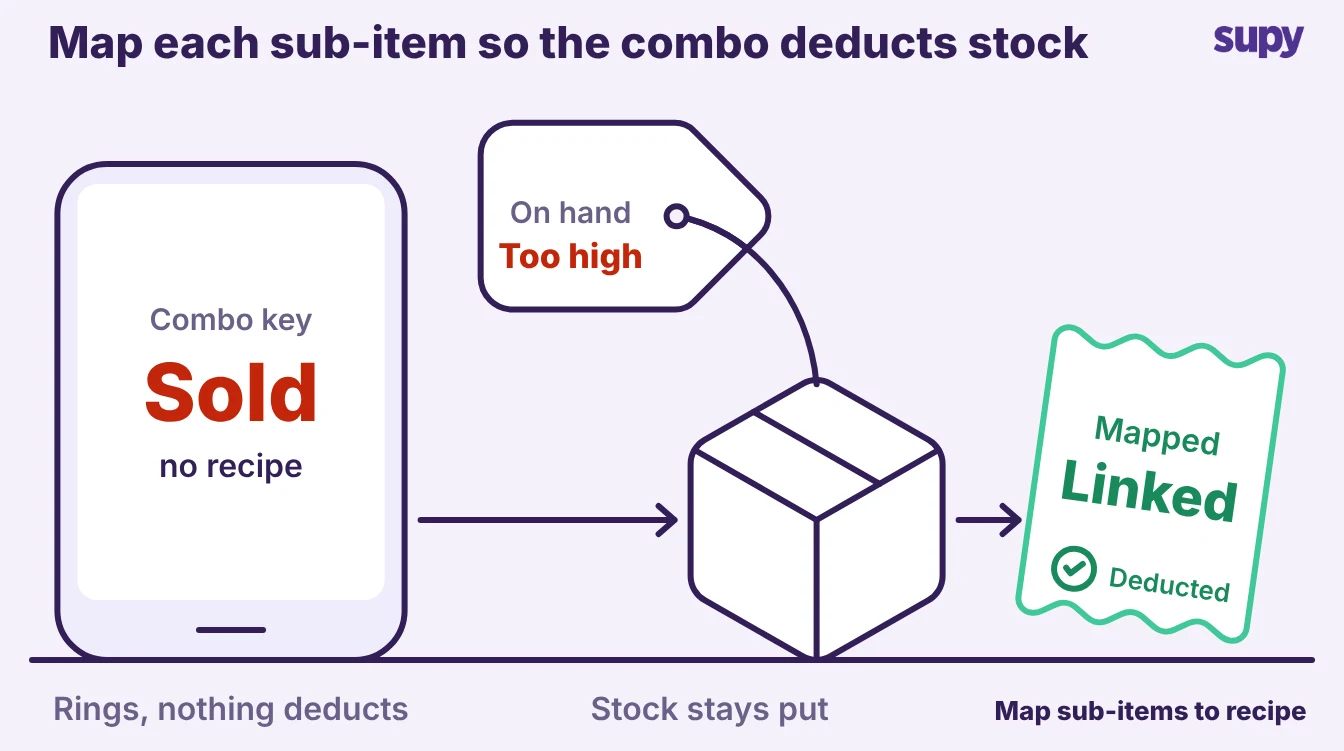
A combo sells but deducts no stock until each sub-item is mapped to a recipe

When the Combo Depletes the Wrong Items

Here the stock moves, but on the wrong items, so your next count comes up short on something you never sold. The combo is mapped, but to one generic recipe rather than the sub-items it actually consumes, or a modifier points at the wrong ingredient. You find the shortage on whichever items the system guessed at.

Map the combo to the recipes its sub-items really use.

  • Each outlet. Redo the modifier-to-recipe mapping for each outlet, because a combo mapped correctly at one site can still be wrong at another.
  • Each sales type. Set the mapping per sales type as well. Supy tracks a separate cost for dine-in, takeaway and delivery, so a combo sold through three channels deducts and costs correctly in each.

When a sales-type mapping changes, the affected sales reprocess, so the cost data stays right without a rebuild.
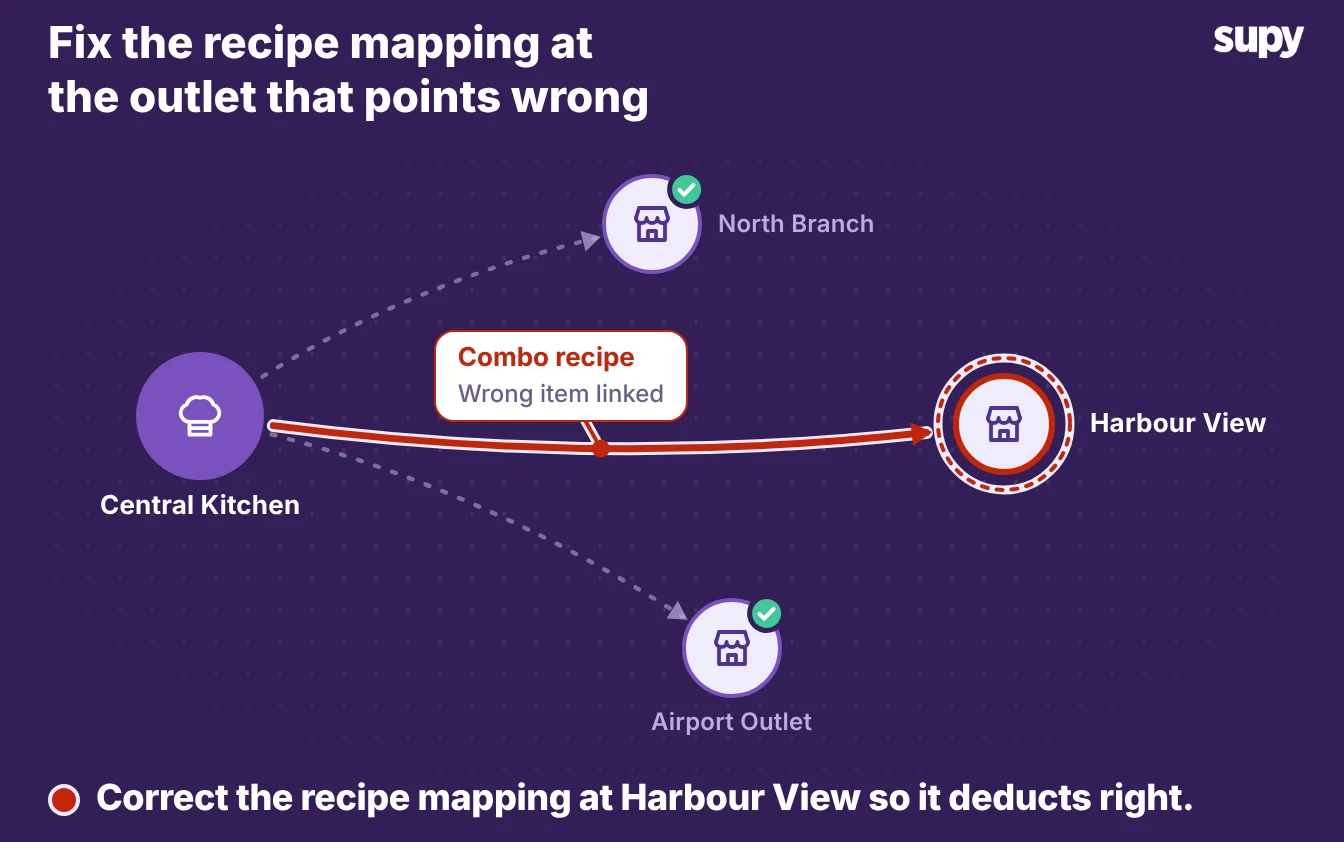
The same combo points at the wrong recipe at one outlet, so stock depletes wrong there

Keep Revenue on Items That Should Not Deplete Stock

Some package lines should book revenue and deplete nothing, such as a service charge, a cover, or a package upsell that moves no ingredients. Mapping these to a normal recipe would deduct stock you never used, which is the mirror image of the first fault.

Point these lines at a revenue-tracking, non-stockable recipe. The sale posts its revenue so the report still shows the combo's full takings, and stock stays put because there is no ingredient to deduct. Revenue stays visible, inventory stays honest, and the profit on the package reflects only the items that actually left the shelf.
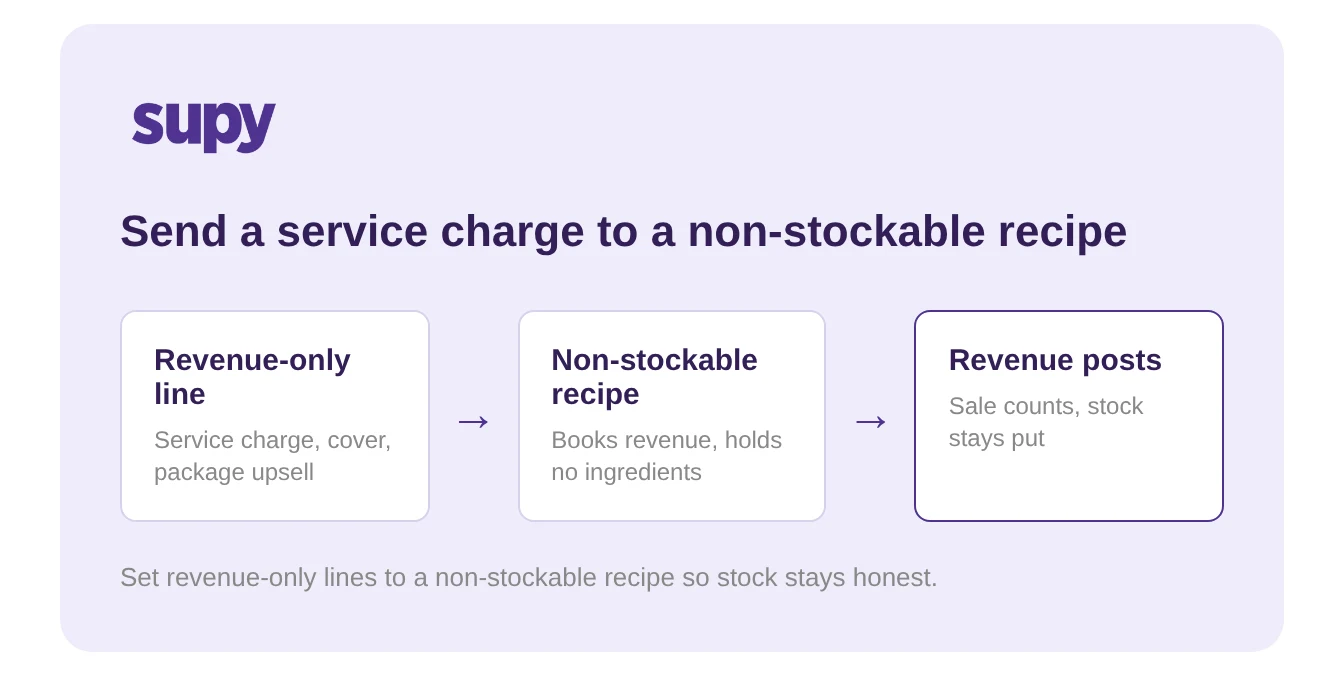
A revenue-only line mapped to a non-stockable recipe books revenue without depleting stock

Name the branch you are in and make one move.

  • Zero cost. Zero cost means unmapped sub-items, so map them.
  • Wrong-item variance. Variance on the wrong items means a wrong recipe link, so correct it.
  • Missing combo. A missing combo means a broken sales feed, so check the export.

Start with your highest-volume combo.

  1. Map. Map its sub-items and modifiers.
  2. Test. Ring one test sale.
  3. Confirm. Confirm the stock moved by the amount the recipe says.

One combo proven right is the template for the rest of the menu.
Book a Demo with Supy - map combo sub-items so stock depletes right

Ready to optimize your restaurant operations?

Blog

Our operational insights

Restaurant inventory management - complete guide for multi-location operators
Inventory

Restaurant Inventory Management: The Complete Guide for Multi-Unit Operators

AI robot monitors restaurant chefs and digital menus
No items found.

How Restaurants Detect Pricing Errors Automatically With AI

Inventory

Introducing Supy's Platform : The Data-Driven Back-of-House Solution for Hospitality Businesses

Your questions 
answered

Everything you need to know about Supy — from setup to integrations, pricing, and daily use. If it’s not covered here, just ask.

Why does my combo meal show zero food cost?
+

Because its sub-items were rung on zero-price keys and never linked to recipes. The parent combo button carries the whole sale price, so the burger, fries and drink inside it post no cost and deplete no stock. On the report the combo reads as pure profit while the shelf empties. Map each sub-item the combo consumes to its recipe, and every sale deducts the right ingredients at the right cost, so the combo's true food cost shows up instead of zero.

How do I map a combo meal to recipes so it deducts stock?
+

Map the POS item code for each sub-item and modifier to the recipe it uses. Once an item is mapped, every sale of it deducts the correct ingredient quantities across inventory. For a combo, link the burger, fries and drink to their own recipes rather than leaving the parent button to carry the sale alone. Items you have not mapped yet surface in a dedicated review screen after each sync, so you work through them until the combo deducts every ingredient it consumes.

What is a non-stockable recipe?
+

A non-stockable recipe books revenue without depleting any stock. Use it for lines that should count as a sale but move no ingredients, such as a service charge, a cover or a package upsell. The sale posts its revenue so the report still shows the full takings, and stock stays put because there is no ingredient to deduct. It is the mirror image of a normal recipe: reach for it whenever mapping a line to real ingredients would wrongly deduct stock you never used.

Why does a modifier not deplete stock?
+

Because the modifier is not mapped to a recipe, or it points at the wrong ingredient. A modifier such as extra cheese or no onion changes what the dish consumes, so it needs its own link to the ingredients it adds or removes. When that link is missing, the sale deducts nothing for the modifier, and your count comes up short on the items it should have moved. Map each modifier to the recipe it affects, and redo the mapping per outlet, because a modifier mapped correctly at one site can still be wrong at another.

Can one combo deplete different stock at different sites?
+

Yes, and it often does when the recipe mapping is done per outlet. A combo mapped correctly at one site can point at the wrong recipe at another, so the same sale deducts different ingredients depending on where it rings up. Supy lets each recipe set its mapping per site and per sales type, so dine-in, takeaway and delivery each deduct and cost correctly. Check the mapping at every outlet that sells the combo, not just the first one you set up, and confirm each deducts the ingredients the combo actually uses.

Where do unmapped POS items show up?
+

Unmapped POS items surface in a dedicated review screen after each sync. Every sale that rings against an item with no recipe link lands there, so you can see which buttons are not deducting stock. Work through the list a few at a time, map each item or modifier to the recipe it consumes, and the screen empties as the mapping grows. This is also where a new combo or a new menu line shows up the first time it sells, which is your prompt to map it before the variance builds.

How do I check that a combo deducts the right stock?
+

Start with your highest-volume combo and ring one test sale. Then open the stock movement for its ingredients and confirm each one dropped by the amount the recipe says. If the burger, fries and drink each deducted their portions, the mapping is right; if any stayed flat, that sub-item is still unmapped or points at the wrong recipe. Repeat the test for any combo that sells across several sites, because the mapping can differ per outlet. One combo proven right is the template you apply to the rest of the menu.

Ready to transform your operations?

Join 3500+ restaurant operators cutting costs, streamlining operations and making smarter decisions with Supy.