.jpg)


Central Kitchen Transfer Pricing: Stock Transfers vs Internal Invoicing When Outlets Are Separate Entities
What central kitchen transfer pricing actually means
Every multi-site group that runs a central kitchen has to answer one quiet question: when a tray of prepped sauce leaves the central kitchen and arrives at an outlet, how does the cost travel with it? That is central kitchen transfer pricing. It is not an accounting nicety. It decides whether your food cost is accurate per location, whether the central kitchen has any visibility of what it produces, and whether month-end reconciles or turns into a hunt for numbers that do not add up.
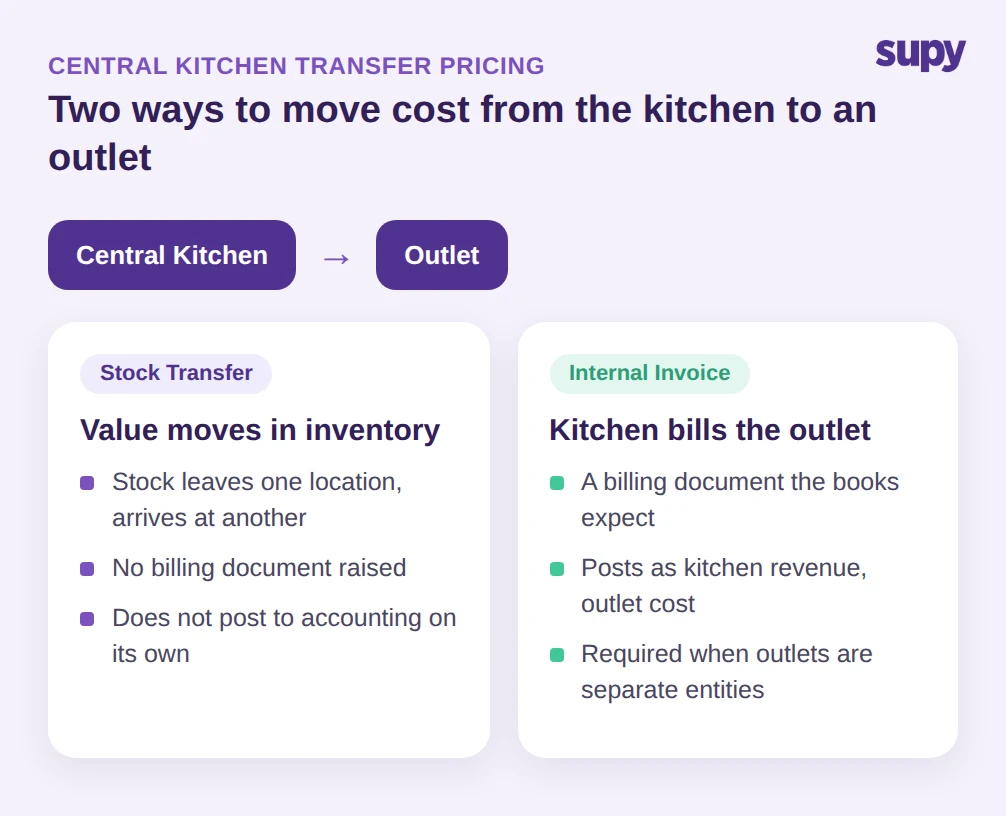
There are two ways to move that cost, and most operators pick one by accident rather than on purpose. The first is a stock transfer: the items simply move from one location's stock to another's, and the value rides along with them. The second is an internal invoice: the central kitchen bills the outlet for the goods, the same way an outside supplier would, and that document posts into the books. For a group with a central kitchen supplying 12 outlets and moving roughly $164,000 of product a month, the gap between those two models is the difference between clean per-outlet reporting and a permanent reconciliation headache.
The right choice depends on how your group is structured and what your finance team needs the movement to do, and it sits on top of sound central kitchen inventory management. The rest of this guide lays out both models, the failure mode each one hides, and the three questions that tell you which one you actually need.
The stock transfer: simple, fast, and silently incomplete
A stock transfer is the lightest option. The central kitchen records that it sent items, the receiving outlet records that it got them, stock on hand updates at both ends, and the cost of those goods moves out of the central kitchen's inventory and into the outlet's. No invoice, no billing document, nothing to chase. For a single legal entity running several branches under one set of books, this is usually all you need.
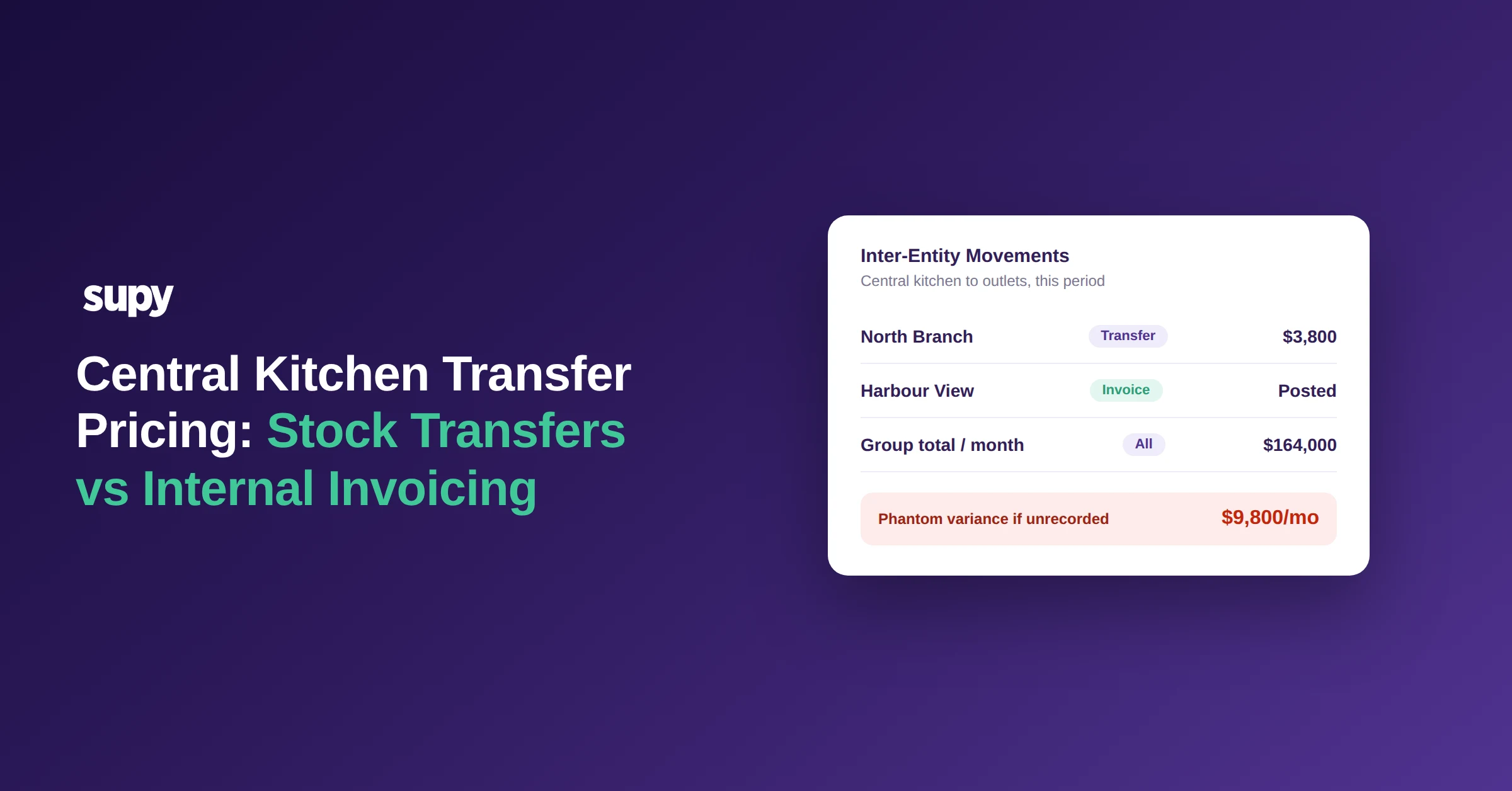
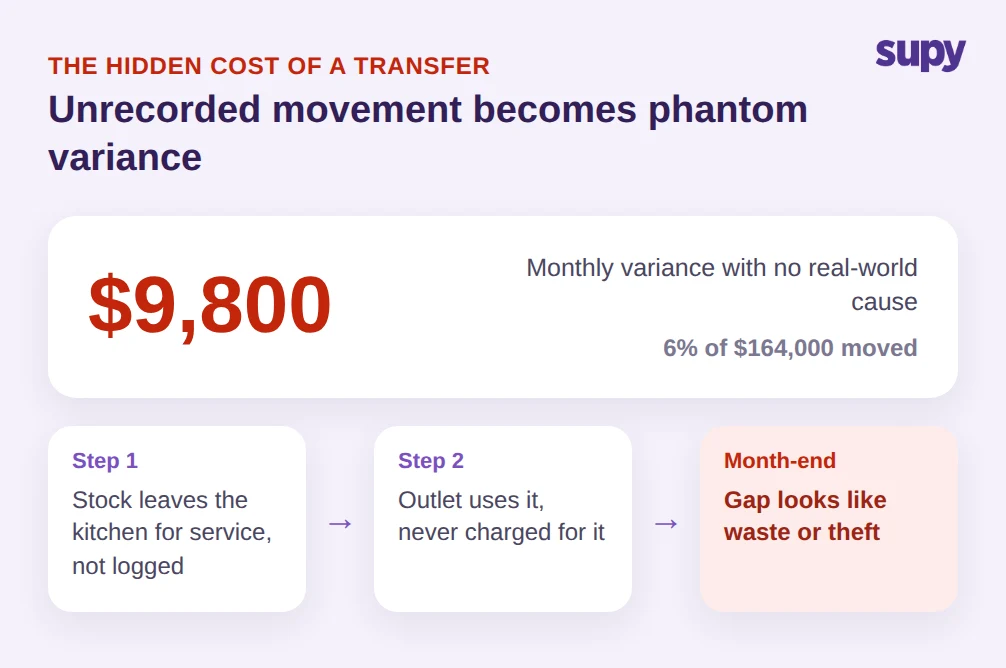
The trouble starts when the transfer is not recorded at all, or recorded late. Stock physically leaves the central kitchen because the outlet needs it for service, but the paperwork lags or never happens. Now the central kitchen's system still thinks it holds product it has already shipped, and the outlet is using stock it was never charged for. At month-end this surfaces as phantom variance: a gap between theoretical and actual usage that looks like waste or theft but is really just an unrecorded movement. In a group moving $164,000 a month, a 6% phantom variance is roughly $9,800 of cost landing in the wrong place, every month, with no real-world event behind it.
The other limitation is structural. When stock is physically co-mingled in one central kitchen but financially owned per outlet, a plain transfer struggles to keep per-location variance honest. The items are in one building, but four different outlets each own a slice. Picture one outlet pulling $3,800 of product from the kitchen in a week: if that movement is logged days later, or rolled up into a single end-of-week adjustment, the variance report can no longer tell which outlet the cost belongs to. If the movement is not captured cleanly as it happens, you cannot reconcile variance by location, and the per-outlet food cost numbers your managers are measured on stop being trustworthy.
The internal invoice: when cost has to post to the books
An internal invoice treats the central kitchen as a supplier and each outlet as its customer. The central kitchen raises a billing document, the outlet receives it, and that document posts into accounting as revenue for the kitchen and a cost for the outlet. It is heavier than a transfer, and you would not reach for it inside a single legal entity. But there are situations where nothing lighter will do.
The clearest trigger is legal structure. When outlets are set up as separate legal entities, moving cost between them is an inter-company transaction, and an inter-company transaction needs a billing document, not just a stock move. A group whose 12 outlets sit under 4 separate legal entities cannot satisfy its own books with a transfer alone. The tax and audit trail expects an invoice from one entity to another, so the internal invoice is not optional, it is the only compliant way to move the cost.
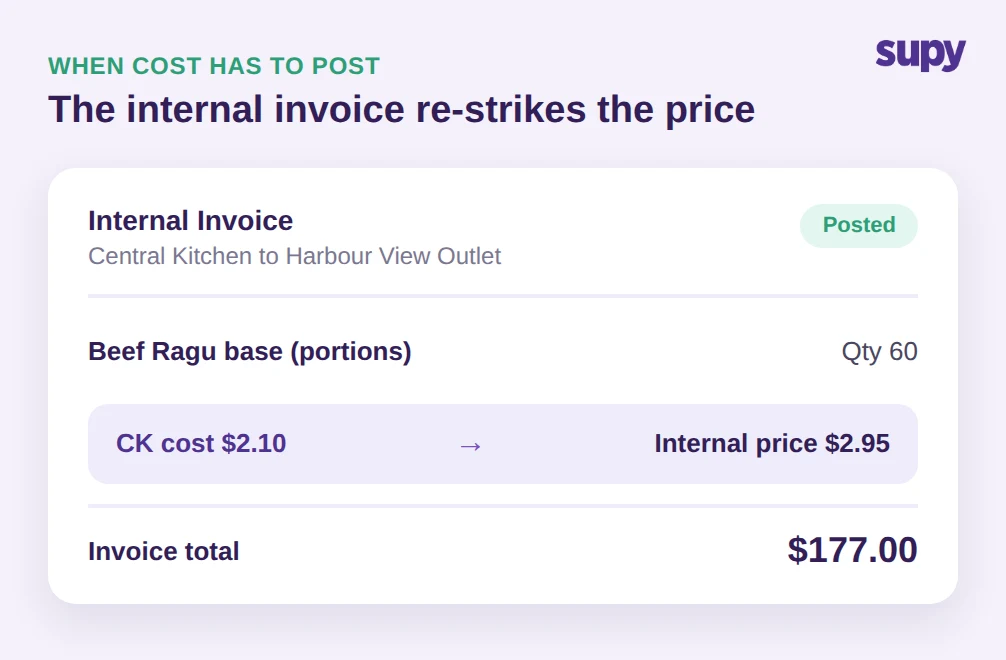
The second trigger is accounting visibility. A transfer that does not post to accounting leaves the central kitchen with no revenue and no real attribution of cost to the outlet that consumed it. Operators who want to run the central kitchen as a cost center they can actually measure, or treat the commissary as an internal supplier to get food-cost visibility, reach for invoicing precisely because the document posts. The trade-off is that cost gets re-struck along the way: a portion that costs the kitchen $2.10 to produce might be invoiced to the outlet at $2.95 once handling is built in, which means you are now costing the same item twice, once at the kitchen and once at the branch. That dual-level costing is powerful for visibility and punishing to maintain by hand.
Three questions that decide which model you need
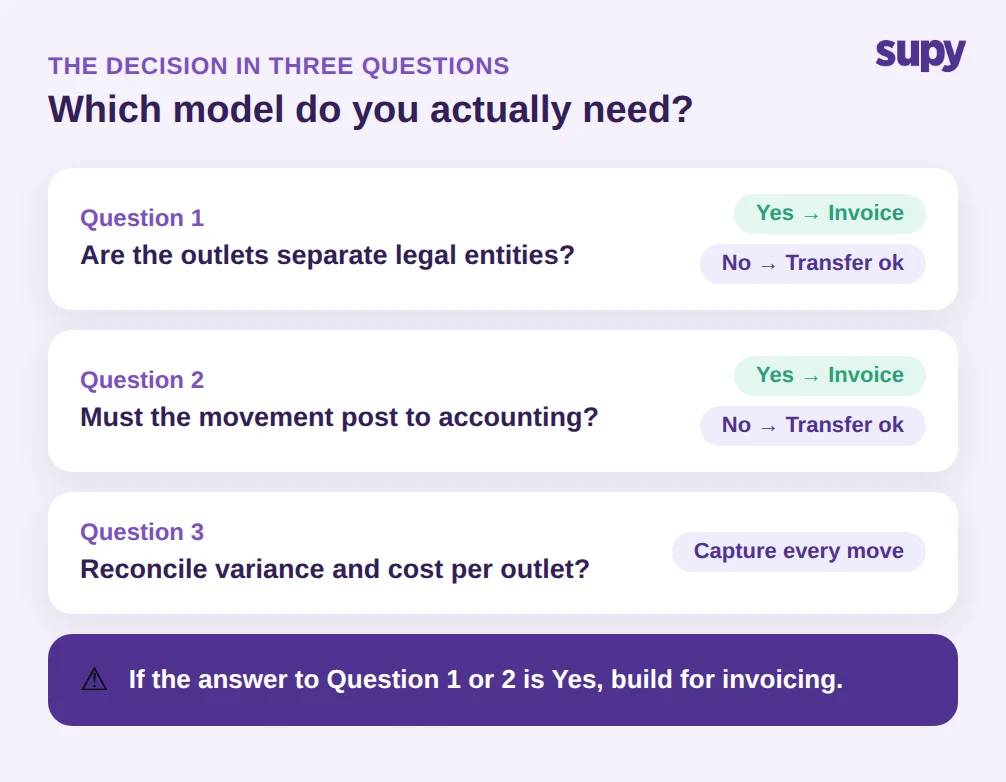
You do not need to agonise over this. Three questions settle almost every case.
First: are the outlets separate legal entities? If yes, you need internal invoicing, because an inter-company movement requires a billing document for tax and audit. If every outlet sits inside one legal entity, a transfer is enough.
Second: does the movement have to post to accounting? If your finance team needs the central kitchen to show revenue, or needs each outlet's books to carry the cost of what it pulled, only an invoice does that. A transfer moves stock value inside inventory but does not create an accounting entry the way a posted invoice does. If you only need stock and food-cost numbers to be right, and the accounting consolidation happens elsewhere, a transfer covers it.
Third: do you need to reconcile variance and food cost per outlet? When several outlets draw from one co-mingled central kitchen, the model has to attribute every movement to the right outlet cleanly, or per-location variance becomes guesswork. Both models can do this in principle, but only if the movement is captured the moment it happens. The danger is not choosing the wrong model; it is choosing either model and then recording it loosely.
Running the model you chose without dual-entry chaos
Both models only work if the movement is recorded as it happens and lands in your reporting automatically. That is where a purpose-built central kitchen system earns its place, because it lets you run either model, or both, from one record instead of re-keying everything in a spreadsheet and an accounting package.
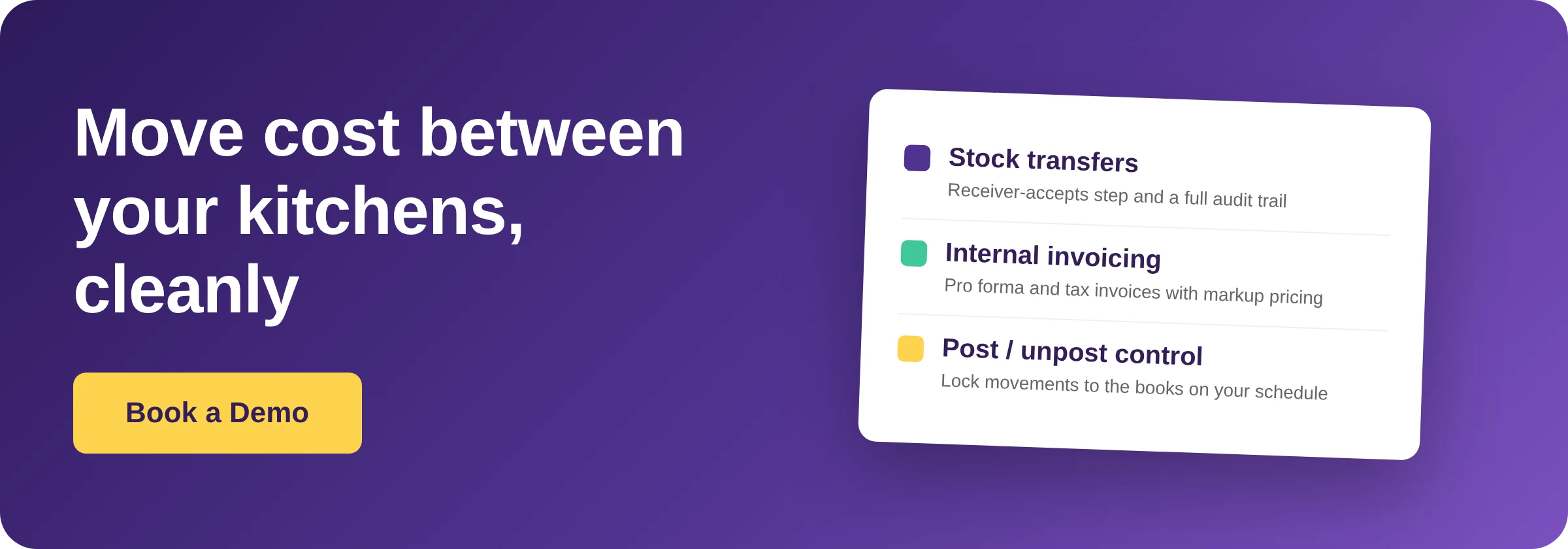
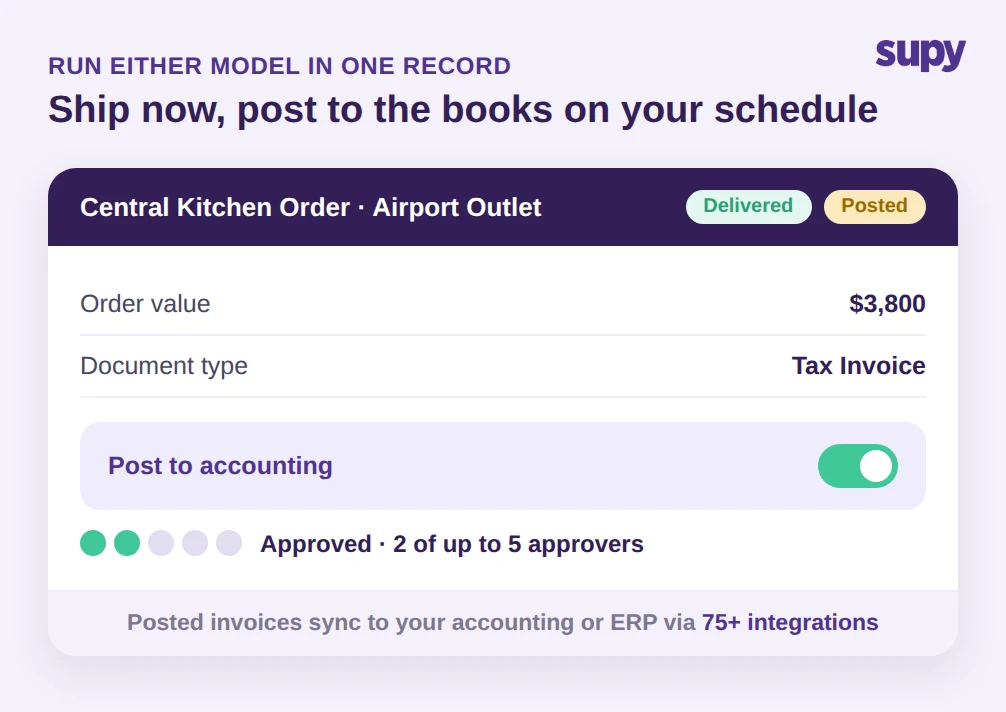
Supy's Central Kitchen module is built for exactly this flow: branches send purchase orders to the central kitchen, the kitchen confirms, ships and delivers against delivery notes, and it can bill those branches with pro forma and tax invoices using per-customer price lists and cost, markup or fixed pricing. That covers the invoicing model end to end, including the markup step where a $2.10 production cost becomes a $2.95 internal price. For groups that only need stock to move, Supy's Inventory Transfers handle the transfer model with a receiver-accepts step before stock updates at both ends, a partial accept or reject option, and a full audit trail, so the movement shows up in variance and live stock the moment it is confirmed.
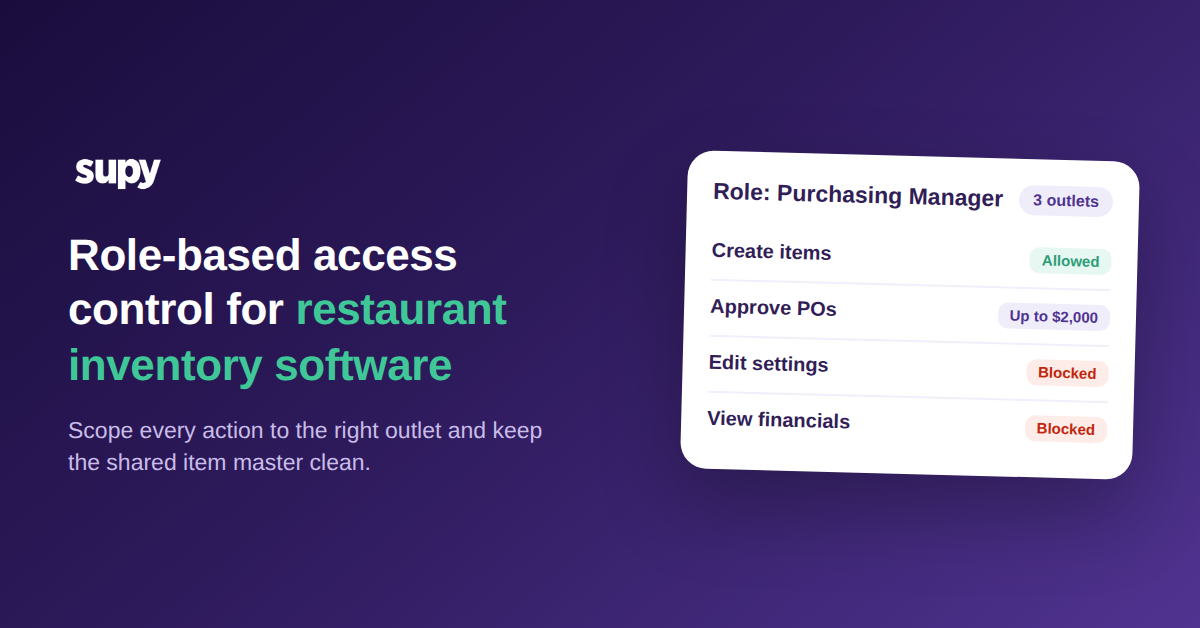
The detail that resolves the accounting-visibility problem is that a central kitchen's B2B orders can be posted and unposted for accounting purposes. That separates the fulfilment step from the financial step: the kitchen can ship and the outlet can receive in real time, while finance controls exactly when that movement locks into the books. Spending policies and sequential approval, up to 5 approvers, can be applied to those central kitchen orders and invoices, so an inter-entity movement cannot post without the right sign-off. And because every movement, transfer or invoice, feeds the same live dashboards, you get theoretical-versus-actual variance and food cost at group and site level without re-keying anything, with one-click stock-movement and recipe-costing reports across the group. With 75+ integrations, the posted invoices flow into the accounting or ERP system your finance team already runs.
The point is not the feature list. It is that the phantom variance, the missing central-kitchen revenue, and the double-keyed dual costing all come from the same root: a movement that was not captured cleanly at the moment it happened. Fix the capture and the model you chose, transfer or invoice, simply works.
So choose deliberately. Use a stock transfer when your outlets sit inside one legal entity, the movement does not need to post to accounting, and you mainly need stock and food cost to stay accurate; keep it honest by recording every movement as it happens, not at month-end. Use an internal invoice when outlets are separate legal entities, or when finance needs the central kitchen to show revenue and each outlet's books to carry its own cost; accept the dual-costing overhead and let the system re-strike the price for you. If you are not sure which camp you are in, run the three questions above, and if the answer to even one is yes, build for invoicing. The cheapest month-end is the one where nothing moved without a record behind it.