.jpg)


Central Kitchen Inventory Management Software: How Multi-Location Restaurant Groups Track Stock from Production to Branch
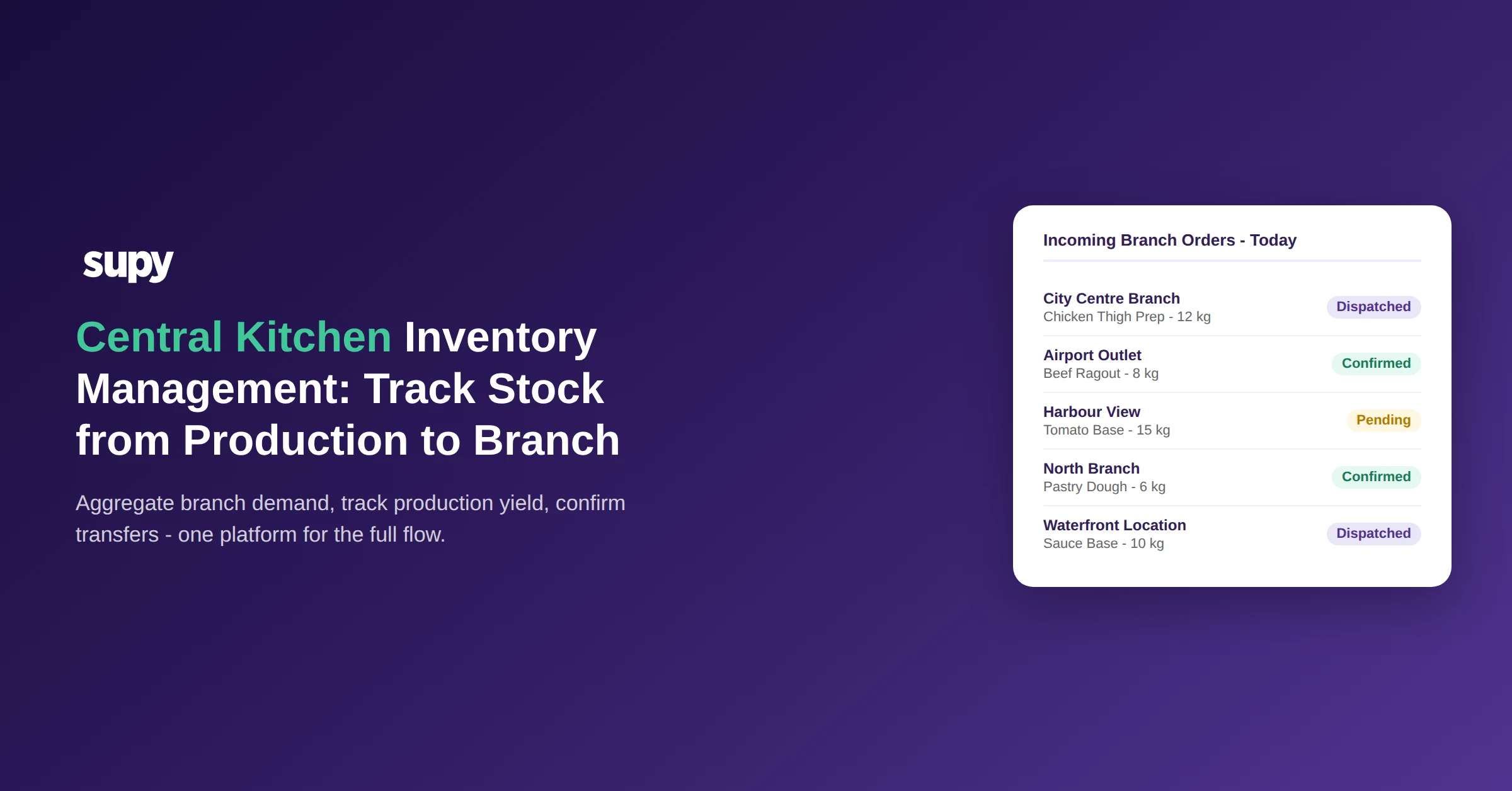
What a Central Kitchen Inventory System Needs to Do Across Multiple Branches
Standard restaurant inventory software tracks stock at each location: goods received, wastage logged, stock counted, theoretical usage compared to actual. For a group with no central production facility, that model works at scale.
A central production setup changes the inventory picture in two ways. First, the facility is a production unit that converts raw materials into semi-finished goods, which then move to branches as internal deliveries. Those deliveries must update stock at both ends - the facility's raw material inventory decreases as production runs, and each branch's semi-finished goods inventory increases when a delivery is received - without requiring a separate manual reconciliation at either location. Second, the facility may supply multiple branches on different schedules, at different internal transfer prices, with different product ranges per branch. A system that treats it as just another location in a flat list cannot model this accurately.
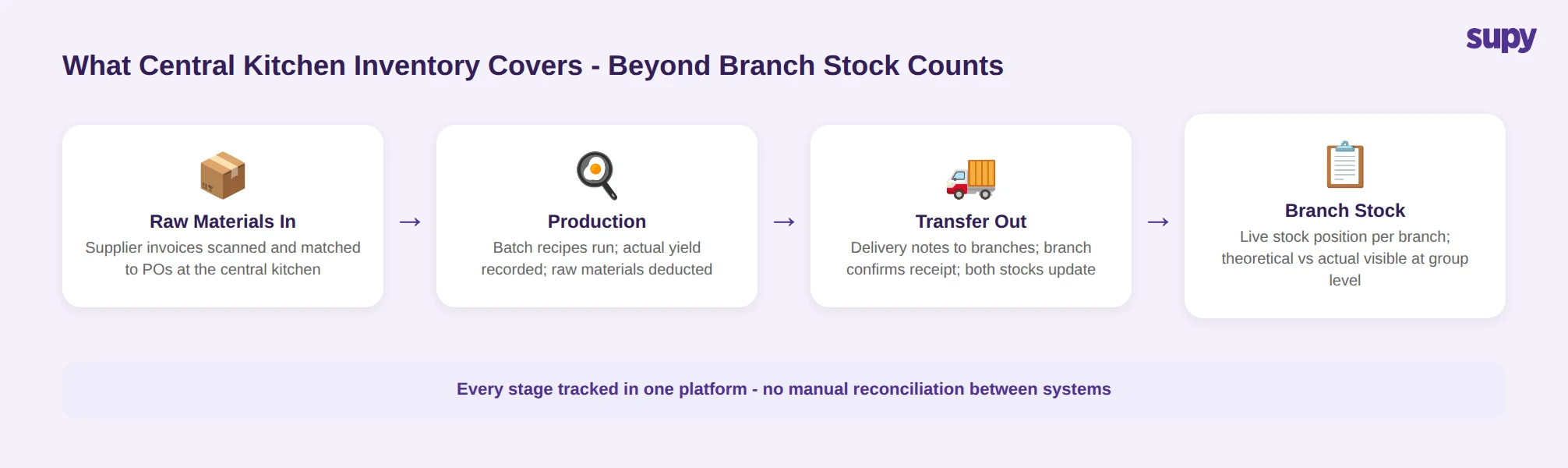
For a group running 3 or 5 locations from a shared production hub, the inventory record must cover every stage: raw material receipts at the facility, production that converts those materials into prep goods, outbound delivery notes to branches, receipt confirmation at the branch, and the resulting stock position at each location - all without a parallel manual update sitting outside the system. When any one of those steps is not captured automatically, the group loses visibility into where stock actually is and at what cost.
How Branches Send Orders to the Central Kitchen and How Demand Aggregates
When each branch manages its own supplier orders independently and sends requests to the production facility by message or phone, the team coordinating production has no consolidated view of what each location needs before the production day. Branch managers submit requests on their own timelines; someone compiles them manually; production planning depends on that compilation being accurate and complete. When a branch submits late or not at all, its demand does not appear in the plan.
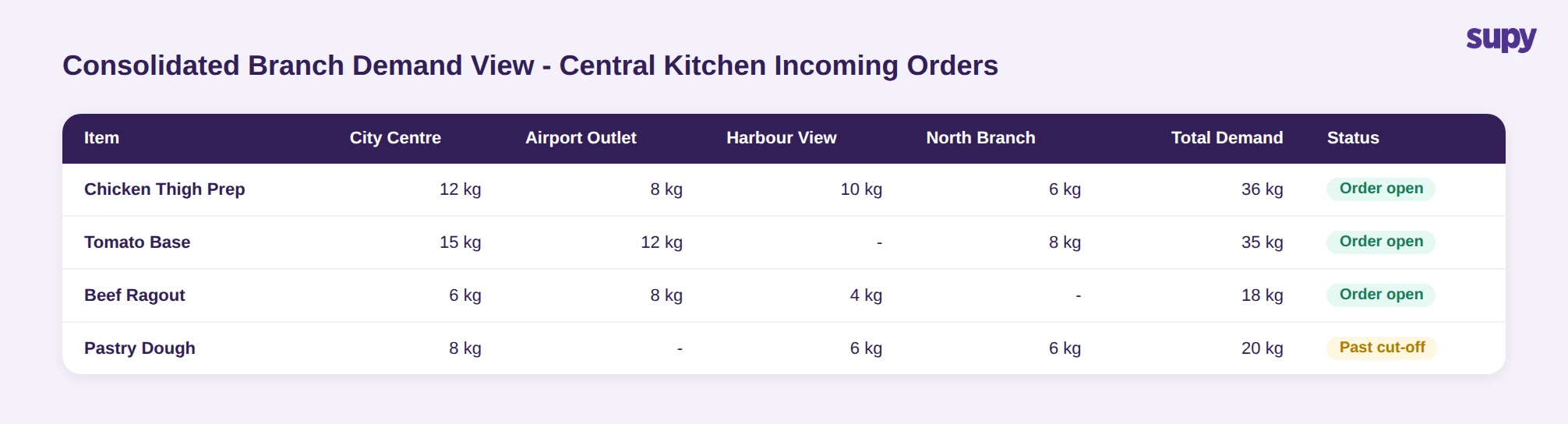
In a platform built for this model, branches submit internal orders directly through the system. The central kitchen's incoming orders view aggregates demand by item across all locations - how much of each item is needed, from which branches, and for which delivery date. That consolidated view drives production planning from actual branch demand rather than estimates, and it is available on both the web and mobile app so the production team can work from it on the floor.
For groups running 5 or more branches from one facility, the ability to see total demand for any given item before committing to a production run changes how the day is planned. A branch that does not submit its order by the agreed cut-off is not included in that run. When the facility confirms and dispatches, a delivery note is created; when the branch receives the delivery, the receipt closes the order and stock at both ends updates automatically - without a separate step for the branch team or the facility.
Managing Transfers: How Stock Moves from the Central Kitchen to Branches
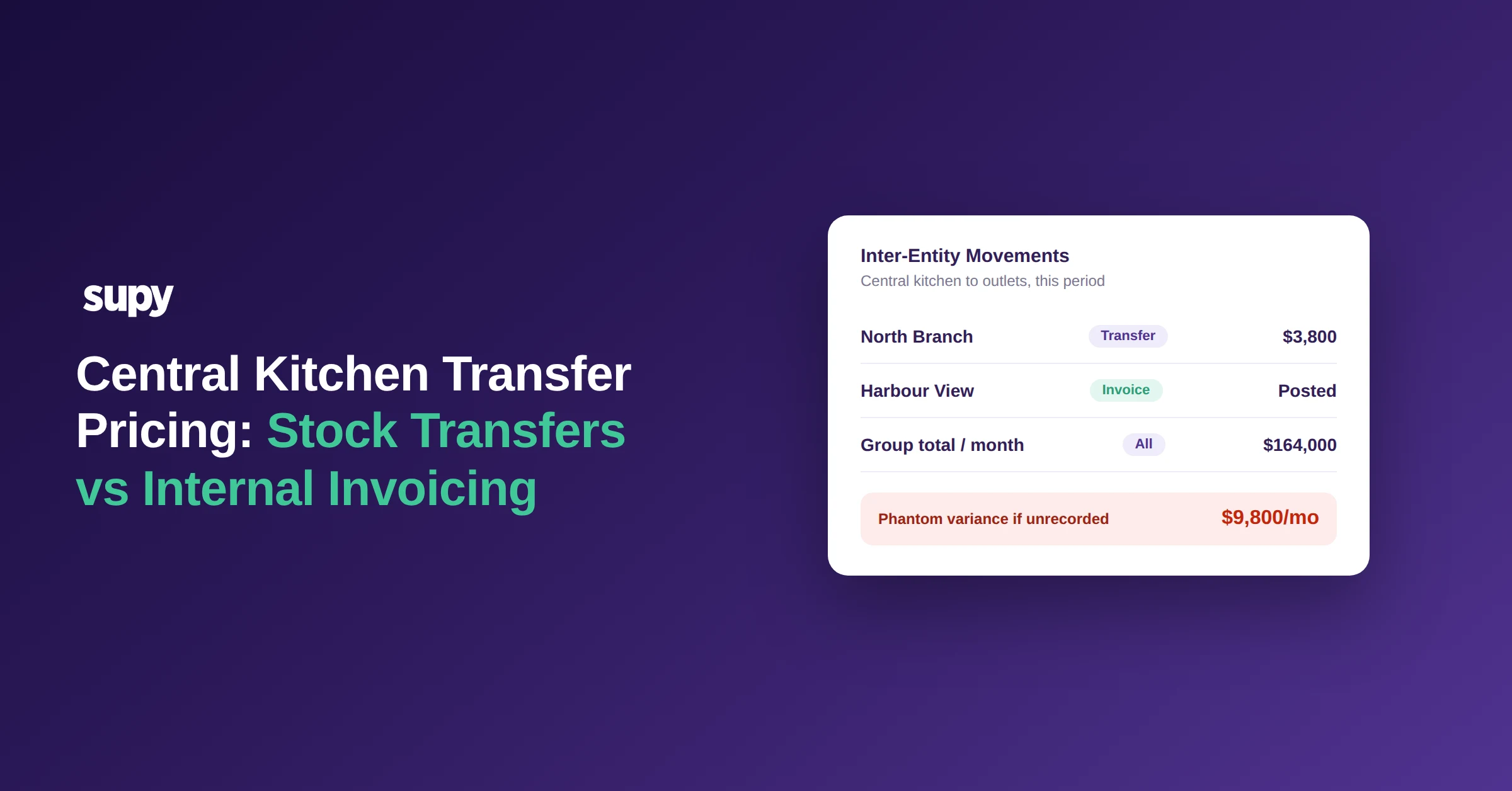
The delivery of prepared goods from a central kitchen to a branch is an inventory transfer, not a supplier purchase. The stock does not enter the system at an invoice price - it leaves the central kitchen's inventory at a production cost and arrives in the branch's inventory at the internal transfer price agreed for that item.
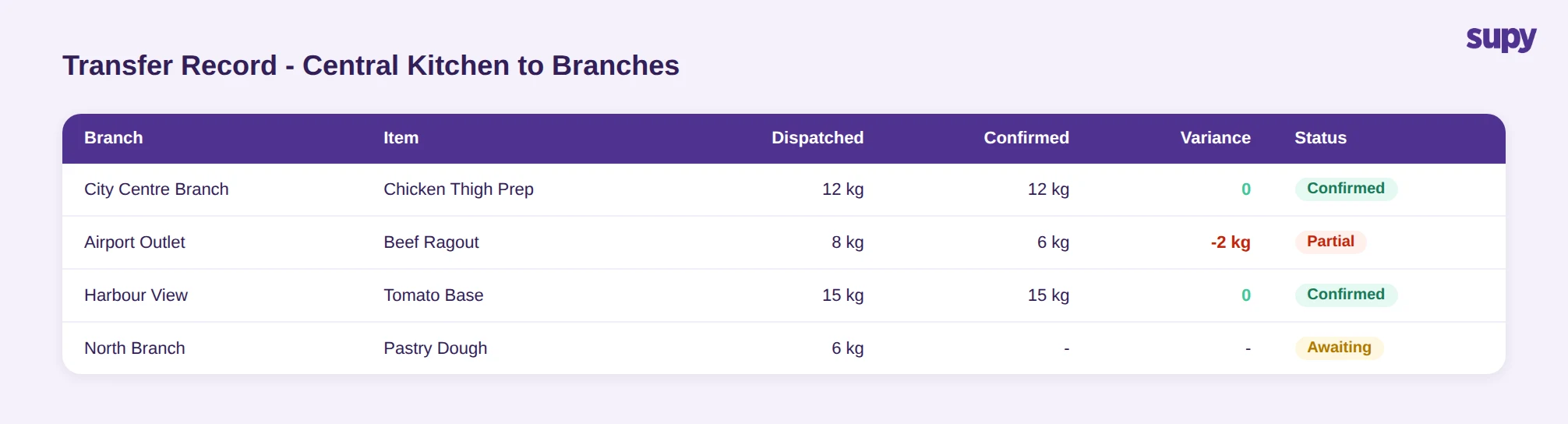
A transfer workflow built for this model requires the receiving branch to confirm acceptance before the stock position updates. A branch can confirm the full delivery, accept a partial quantity if something is short, or flag individual items for rejection. Each outcome is recorded against the transfer event with a timestamp and the name of the person who actioned it. Both the central kitchen's and the branch's stock positions update from that confirmation - not from the dispatch alone.
Each transfer appears in the variance, usage, and live stock reports for both locations. If a branch receives less than was dispatched, the shortfall is visible at both ends: the central kitchen's outbound record shows what was sent, the branch's inbound record shows what was confirmed, and the gap is auditable rather than silent. For groups tracking food cost across multiple locations, this means the branch is not carrying stock it never received, and the central kitchen is not showing a gap it cannot explain.
For groups where the central kitchen also supplies external B2B customers - franchise partners or other operators outside the group - a separate price list is assigned to each external buyer. The catalog visible to each external customer is filtered to only the items agreed for their account, and orders placed externally follow the same delivery note and confirmation workflow as internal branch orders.
Production Tracking: Actual Yield vs Recipe-Defined Quantities
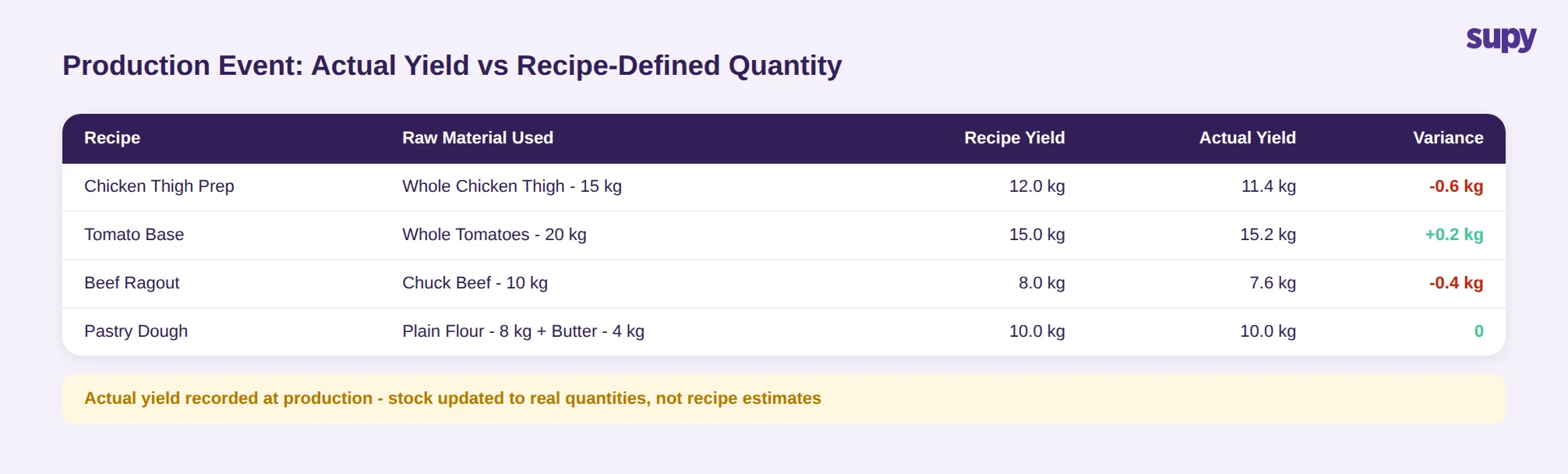
A production event at the central kitchen deducts raw material quantities from stock based on the recipe used. The challenge in practice is that actual production yield often differs from the yield the recipe defines. A prep batch may produce slightly more or less than the recipe's standard quantity; a portion of raw material may be trimmed away before the usable quantity is weighed; a production run on a day with a different batch size produces a different total yield.
If the system records only the recipe-defined yield and not the actual, the inventory for the semi-finished good shows a quantity that does not match what physically went to the shelf. That discrepancy accumulates across production runs and surfaces as an unexplained variance at the next stock count - with no clear way to identify which production events drove it.
When a central kitchen inventory platform allows the production team to record actual yield directly within the production event, the raw material deduction runs at the quantity actually used and the semi-finished goods added to stock reflect what was actually produced. This means recipe costs at each branch are based on real production data: what it cost to make the batch, at the quantities that came out of it, not what the recipe specified. For groups running several production batches per day across multiple prep recipes, this closes the gap between recipe theory and kitchen reality before it accumulates into a cost variance that has to be investigated at month-end. For more on how recipe costing connects to overall food cost management, see our guide to reducing restaurant food costs.
What to Check When Evaluating Central Kitchen Inventory Software
For multi-location groups evaluating software to manage inventory across a central production hub and multiple branches, the standard demo shows stock counts and purchase orders. A few additional checks will show whether the system handles the specific requirements of a central production model.
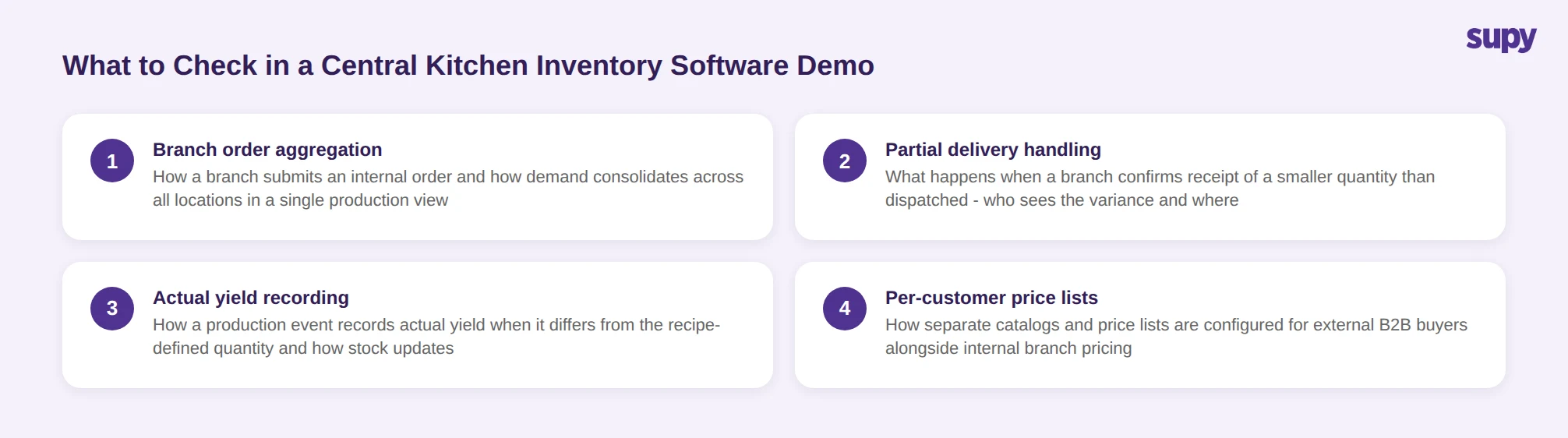
Ask the vendor to show: how a branch submits an internal order to the central kitchen and how that demand aggregates into a single view across all locations; what happens when the central kitchen ships a delivery and the branch confirms receipt of a different quantity - who sees the discrepancy and where; how the production event records actual yield when it differs from the recipe-defined quantity; and whether the stock position at both the central kitchen and the receiving branch updates automatically from the transfer confirmation, without a separate step outside the platform.
For groups that also supply external B2B customers from the central kitchen, ask specifically how per-customer price lists and catalog restrictions are configured. A system that applies a single internal price to all buyers cannot serve both internal branches and external clients accurately.
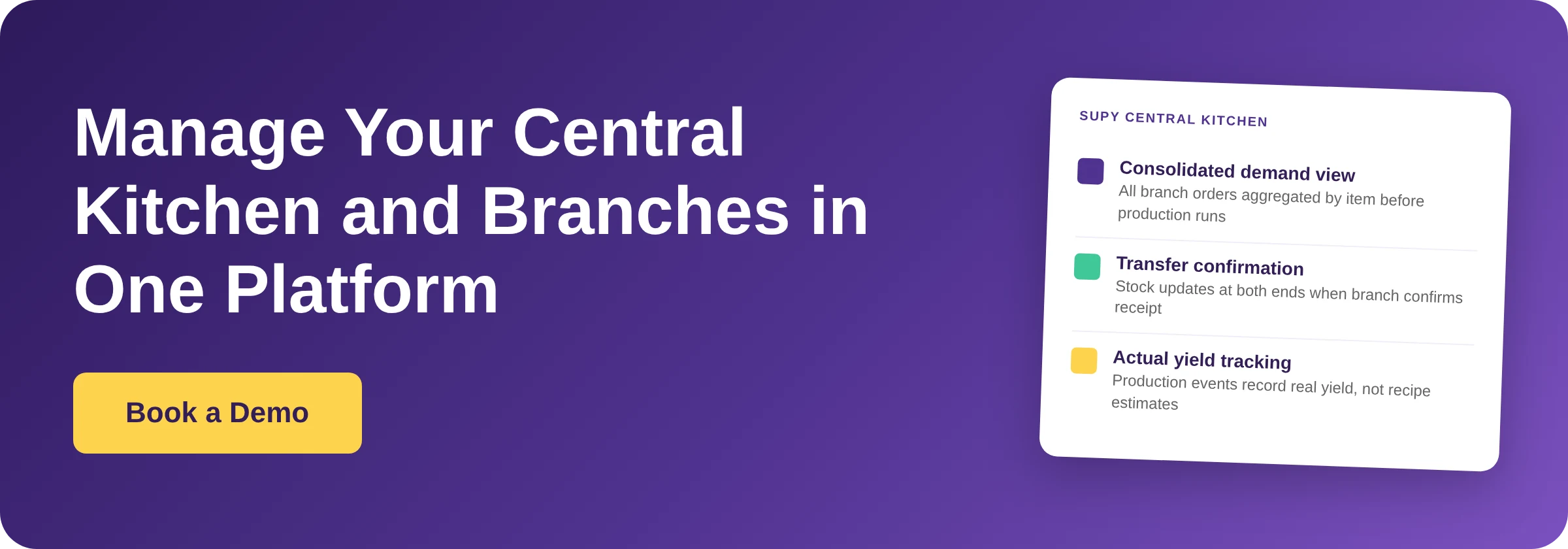
Supy's Central Kitchen module covers consolidated demand, delivery notes, transfer confirmation with partial accept and reject, production event tracking with actual yield, and per-customer price list configuration - within the same platform that handles inventory, stock counting, and purchase orders across every branch. To see how it works on your operation, book a demo at supy.io/book-a-demo.