.jpg)


Restaurant Supplier Cashback and Rebates: Track Credit Across Sites
How to track supplier cashback and rebates across sites
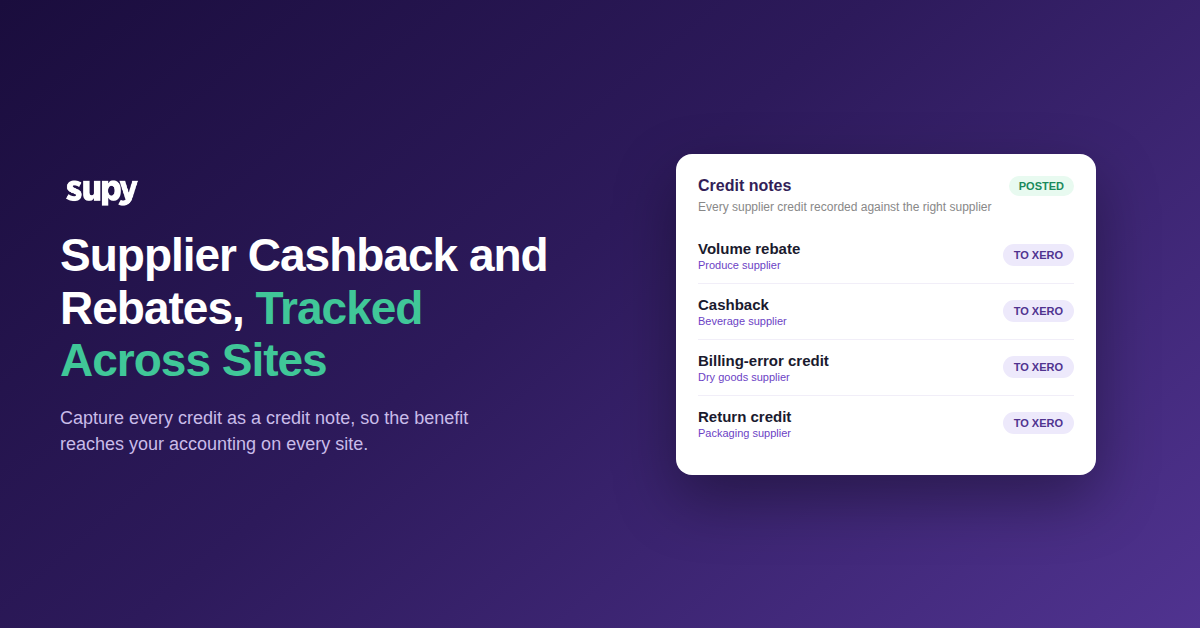
To track supplier cashback and rebates across sites, record each one as a credit note against the supplier it came from. A credit note captures the cashback, rebate or one-off credit, moves it through approval, and posts it to your accounting. Do this on every site and the benefit stops hiding in supplier terms.
The money is real. It is the cashback in a contract, a quarterly volume rebate, or a credit for a billing error or return. Captured properly, it lands against the right supplier and lowers what you actually paid.
Left in a spreadsheet, it goes missing. Nobody reconciles it, so the credit never reaches your books. Your cost of goods sold then reads higher than the truth, and the benefit you negotiated disappears.
It only gets harder as you add sites. A rebate that repeats every quarter, or a credit that lands mid-month, needs a routine anyone can follow rather than a one-off someone remembers to make. Without one, each site handles credits its own way and the totals drift apart.
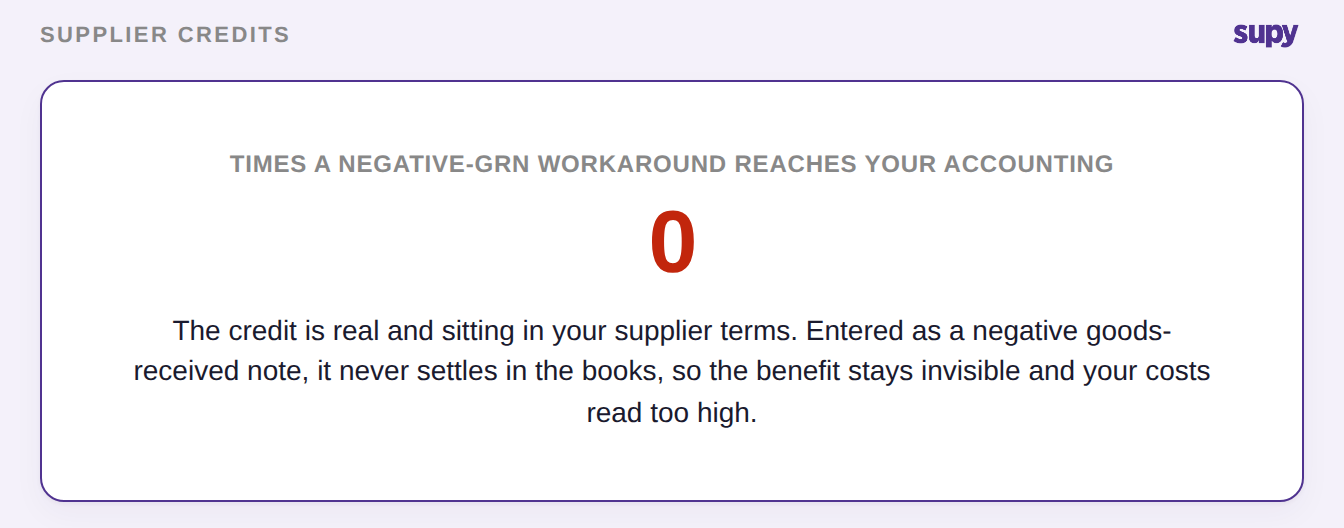
The worst version is a quiet one. A supplier credit entered as a negative goods-received note looks handled on screen. It never posts to your accounting, so it settles nowhere.
Log every credit as a credit note
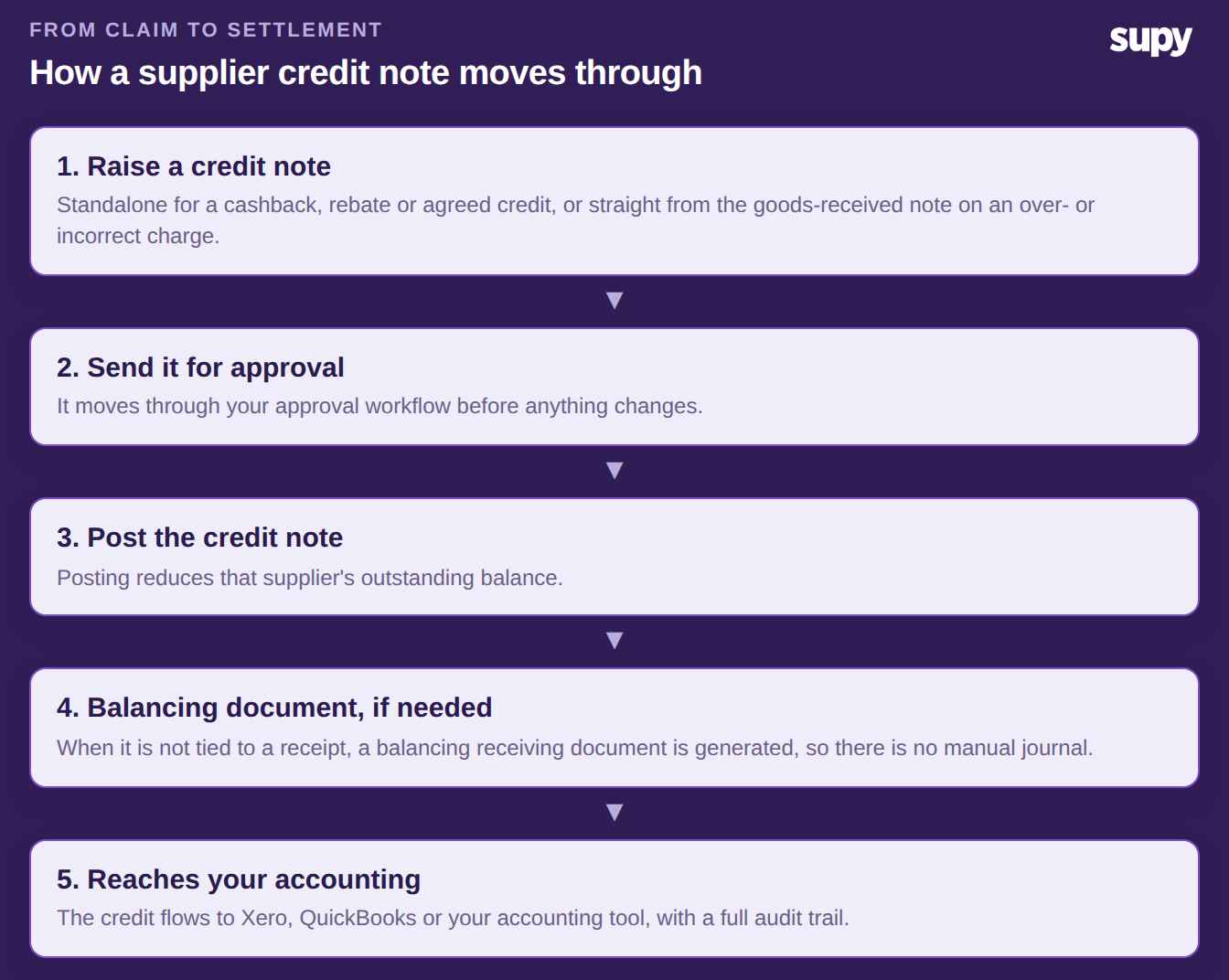
The reliable method is one path for every kind of credit. You raise a credit note in the Accounting section, and it carries the cashback, rebate or correction from claim to settlement.
Raise it standalone when the amount is a cashback figure, an agreed rebate or a promotional credit. Raise it from the goods-received note instead when a delivery was over-charged or came in short. Either way, the credit note is tied to the right supplier from the start.
From there it moves through your approval workflow. Once posted, it reduces that supplier's outstanding balance. If the credit is not matched to a specific receipt, a balancing receiving document is generated for you, so nothing needs a manual journal entry. You can see the full mechanism in Supy's invoices and credit notes feature.
Because every credit follows the same path, you keep a full audit trail from claim to settlement. Each credit note records what it was for, who approved it and when it posted, so a rebate you agreed months ago is easy to trace rather than lost in an inbox.
Credit note or negative GRN? Only one settles
Many multi-site teams record a supplier credit as a negative goods-received note. It feels quick, but it leaves the credit stranded. The correct path is a credit note raised against the original goods-received note, which posts on its own.
The difference shows up where it matters: in your accounting and your costs. The table below compares the two.
| What you need | Negative GRN | Credit note |
|---|---|---|
| Posts to your accounting | Never settles | Posts automatically |
| Reduces the supplier balance | No | Yes |
| Full audit trail | No | Yes |
| Corrects your recorded cost | No | Yes |
If you have used the negative-GRN workaround before, reverse those entries. Then re-record each credit as a proper credit note. For a fuller walk-through of the two, see how restaurant teams record supplier discrepancies with credit notes and GRNs.
Fixing it is not just tidiness. Until the credit posts, that supplier's balance is overstated and your cost of goods sold reads too high, so the saving you negotiated never reaches the figures you run the business on.
Keep each site's credits from mixing
Across a group, the risk is a credit landing against the wrong books. Supy scopes every credit note to a single operator account, so one brand's credits never mix with another's.
That separation matters most when you report at group level. When each credit is scoped to the account it belongs to, your consolidated numbers build up from clean per-site figures instead of a pool you have to untangle at period end.
Each credit stays tied to the supplier and the account it belongs to. It then posts to that entity's accounting, whether that is Xero, QuickBooks or another of Supy's 75+ integrations. That per-account separation is what makes tracking cashback and rebates reliable across sites, not a month-end headache. If your books span several entities, the same principle applies when you are posting restaurant invoices to Xero across entities.
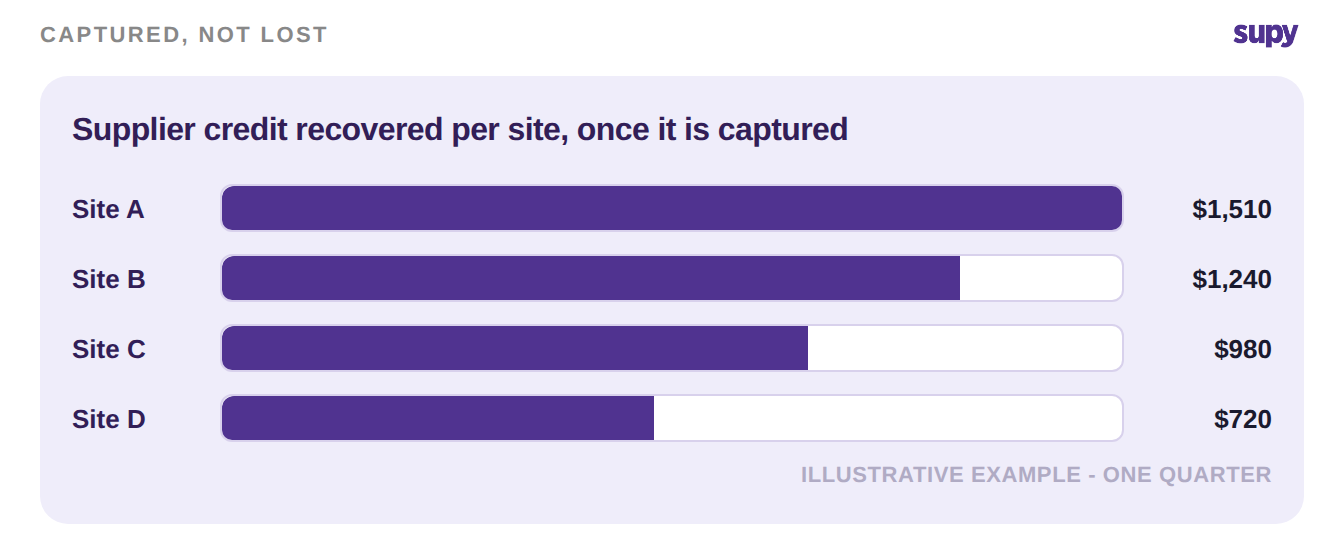
Start where the money is. Pull the contract terms and recent statements for your three largest suppliers, and list every cashback, volume rebate and promotional credit you are owed. Record each one as a credit note against that supplier, then do the same for any open billing-error or return credits.
Once your top suppliers are captured this way, the same routine covers the rest. Every site's credits post cleanly to accounting, your costs reflect what you actually paid, and the benefit you negotiated stops slipping away.