Inventory
Procurement

What is Supy and Where Does It Fit in a Restaurant Tech Stack?
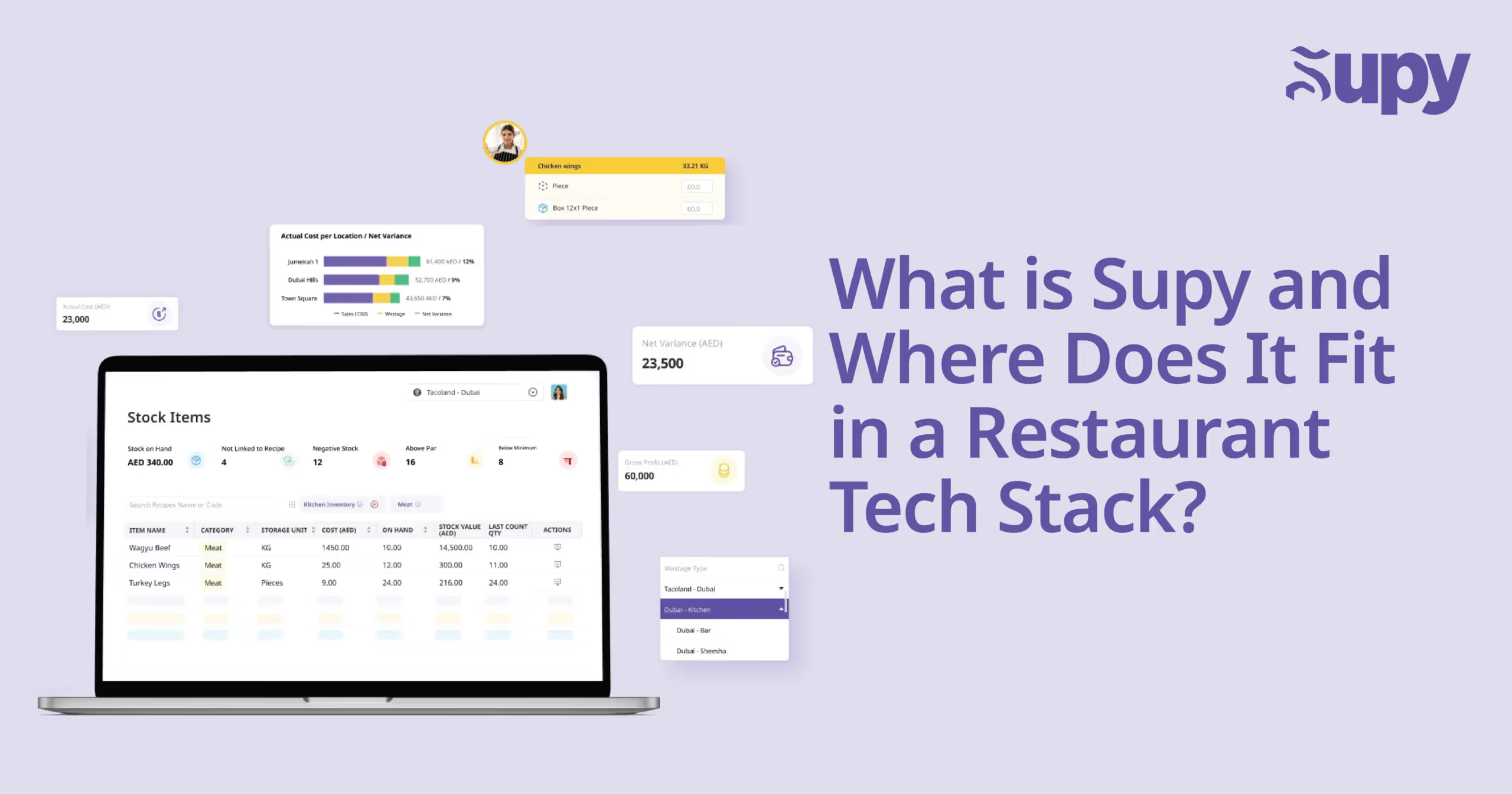
Restaurant tech stacks have grown fast. POS, accounting software, delivery platforms, labour scheduling, QR ordering — there’s a tool for everything.But there’s one part of the stack that’s still often misunderstood, delayed, or duct-taped together: inventory and purchasing.That’s where Supy fits in.This blog breaks down what Supy is, how it works, and where it sits in the broader ecosystem of tools restaurants rely on every day.

So... What Is Supy?

Supy is an inventory, procurement, and operations platform built specifically for multi-site restaurant groups. It helps operators:

  • Control food cost in real time
  • Track live stock and usage
  • Automate purchase orders
  • Manage supplier relationships
  • Standardise recipes and portions
  • Connect purchasing to accounting with clean, reconciled data

All in one place.All built for the way kitchens actually run.

Where Supy Fits in the Tech Stack

Supy doesn’t replace your POS or your ERP. It works alongside them and fills the operational gap they weren’t designed to handle.Here’s how a modern tech stack looks with Supy in place:
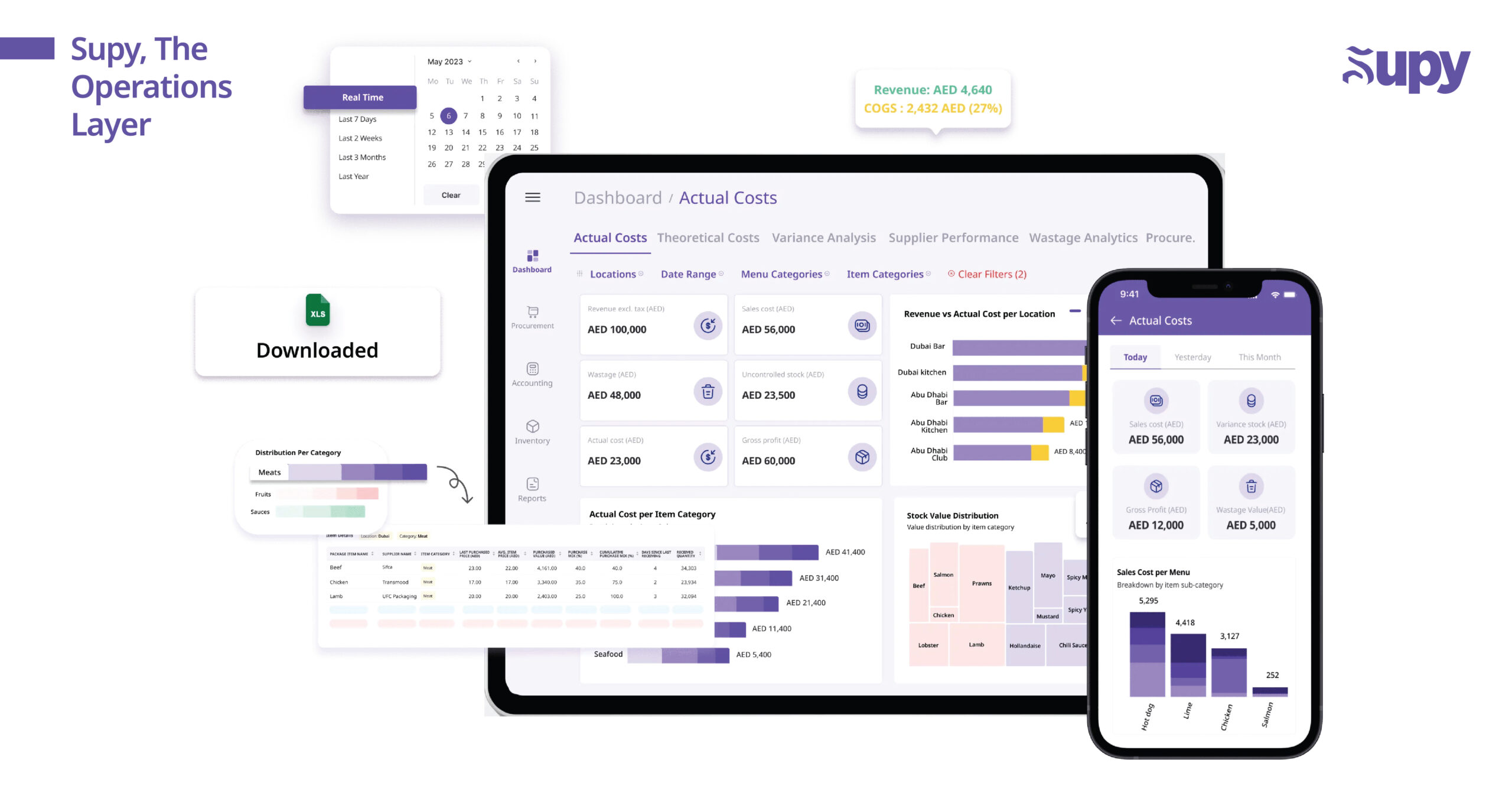
LayerToolFunctionFront of HousePOS (e.g. Lightspeed, Toast)Order taking, payments, sales dataWorkforceScheduling tools (e.g. Bizimply)Staff shifts, labour cost trackingAccounting / ERPXero, QuickBooks, NetSuiteFinancial reporting, payroll, reconciliationDelivery / OrderingUber Eats, Deliverect, OtterOnline sales, delivery integrationsBack of HouseSupyInventory control, purchasing, recipe costing, supplier managementSupy is the operations layer. It is the tool used every day by chefs, GMs, and ops teams to keep control over cost and chaos.

Why POS and ERP Aren’t Enough

Most restaurant operators assume their POS or ERP can “handle inventory.” Technically, they’re not wrong. There’s usually some module for it.But here’s the problem:

  • It’s not made for restaurants
  • It’s slow to adopt
  • It’s not mobile-friendly
  • It lacks real-time food cost and waste tracking
  • It doesn’t support the operational complexity of growing brands

Supy was built because restaurant inventory is too important to be an afterthought. It’s too operational to be left to tools designed for finance.

Supy’s Role in a Multi-Location Operation

Supy becomes the source of truth for stock, recipes, orders, and margins. Operators use it to:

  • Run live stock counts on mobile
  • See real-time COGS and recipe-level profitability
  • Approve purchasing workflows with clear accountability
  • Track supplier price changes and auto-flag discrepancies
  • Push clean, structured data directly into accounting systems

This is the difference between reviewing reports after the month ends and fixing problems while there’s still time to act.

Why Operators Love the UX

Most ERP and legacy inventory tools are designed for desktops and finance teams. Supy is different.The UI is modern, mobile-first, and fast. That means your team actually uses it.

  • Stock counts feel like using a modern app, not filling out a government form
  • Approvals happen with a tap
  • Data makes sense at a glance
  • Staff adoption is quick and intuitive

If your ops team dreads opening the system, it’s not the right system.

Supy Doesn’t Replace Your ERP. It Makes It Smarter

One of the most common objections we hear in markets like KSA is:“But we already have an ERP.”That’s exactly why you need Supy.Trying to build inventory, recipe costing, or purchasing workflows inside an ERP is expensive and slow. Even then, the end result rarely fits how restaurants operate.Supy integrates with your ERP to deliver:

  • Operational data your ERP can’t capture
  • Real-time purchasing and stock movements
  • Clean, reconciled records for accounting
  • Faster implementation at a fraction of the cost

You don’t need to rebuild your ERP.You just need to plug in the part it’s missing.

Final Thought: Supy Is Built for Restaurants. Period.

Supy isn’t a generalist platform with a restaurant module bolted on.It’s built from the ground up for multi-location F&B businesses.It doesn’t replace your stack. It completes it.And in a margin-sensitive industry, control over inventory and purchasing isn’t optional. It is foundational.If your current stack is missing that, Supy is how you fix it.

Ready to optimize your restaurant operations?

Blog

Our operational insights

Analytics
F&B
Food cost

10 Tips To Reduce Restaurant Food Waste

Analytics
F&B
Food cost

The Ultimate Guide To Restaurant Operations Management

Analytics
F&B
Food cost
Menu engineering

Effective Inventory Management Through Strategic Procurement

Your questions 
answered

Everything you need to know about Supy — from setup to integrations, pricing, and daily use. If it’s not covered here, just ask.

What is Supy?
+

Supy is an inventory, procurement and operations platform built for multi-site restaurant groups. Chefs, general managers and operations teams use it every day to run the back of house. In Supy, a team can count stock on a phone, see live COGS and food cost percentage, and raise purchase orders that go through set approvals. Supy also holds recipes and portions, so the team can see what each dish costs to make. Supy flags price and quantity differences between a supplier's invoice and the order. It sits alongside the POS and accounting software, and passes purchasing and stock data to the accounting system.

Does Supy work with my POS and accounting software?
+

Yes, Supy connects to POS, accounting and ERP systems through more than 75 integrations. Named POS integrations include Foodics, Oracle Micros/Simphony, Revel, Lightspeed, Square, Clover, Toast and Eats365. On the accounting side, Supy connects to QuickBooks, Xero, Zoho Books and Wafeq, and to ERPs such as NetSuite, SAP and Odoo. Recipes in Supy link to POS menu items, including modifiers, so each sale uses up the right ingredients. Supy also has a documented REST API, so a group can send its data to a data warehouse or to Power BI, Tableau or Looker. Supy works alongside these systems and adds the stock, purchasing and recipe costing they lack.

Where does inventory software fit in a restaurant tech stack?
+

Inventory software sits in the back-of-house layer, alongside the POS, accounting, workforce and delivery tools. Each layer has its own job. The POS takes orders and payments and records sales. Scheduling tools manage shifts and labour cost. Accounting or ERP software handles financial reporting, payroll and reconciliation. Delivery platforms handle online sales. The back-of-house layer covers inventory control, purchasing, recipe costing and supplier management. Chefs, general managers and operations teams use it every day to keep control of cost. It sends clean purchasing and stock data to the accounting system, so finance works from the same numbers as the kitchen.

Can a POS or ERP handle restaurant inventory on its own?
+

A POS or ERP usually has an inventory module, but most of these modules are built for finance teams rather than kitchens. They tend to run on desktops, so chefs find them slow to use on the kitchen floor. Many lack live food cost and wastage tracking, so managers only see problems in reports after the month ends. They also struggle with the extra complexity a group takes on as it opens more sites. A restaurant group usually needs a dedicated operations tool for inventory, purchasing and recipe costing. That tool works alongside the POS and ERP and passes clean data back to them.

Should I build inventory and recipe costing inside my ERP?
+

Usually no, because building inventory, recipe costing and purchasing workflows inside an ERP is expensive and slow. Even after the build, the result rarely fits the way a restaurant runs day to day. An ERP is designed for finance, while a kitchen needs stock counts, recipe costs and purchase approvals that work on the floor. Connecting an operations platform to the ERP is usually faster and costs a fraction of a custom build. The platform captures the operational data the ERP misses, such as live purchasing and stock movements. It then sends clean, reconciled records into the ERP for the accounting team.

Why does a mobile-first design matter for restaurant inventory software?
+

A mobile-first design matters because kitchen teams count stock and approve orders on the floor, away from a desk. If the system feels like filling in a government form on a desktop, staff put off using it, so counts and orders get entered late. A fast mobile app lets a team run stock counts with a phone in hand and approve orders with a tap. Data that makes sense at a glance means managers act on it the same day. Quick adoption matters most in a group, because each site has to use the system for the group's numbers to add up. If your team dreads opening the system, it is the wrong system.

What problems does back-of-house software solve for procurement and inventory teams?
+

Back-of-house software gives procurement and inventory teams one source of truth for stock, recipes, orders and margins. Without it, teams often piece together stock counts, supplier prices and order approvals from separate tools. With it, staff run live stock counts on mobile, and managers see real-time COGS and profit by recipe. Purchase orders go through approval steps, with a named person accountable at each one. The software tracks supplier price changes and flags differences for review. It also sends clean, structured data into the accounting system. The team can then fix problems while there is still time to act, instead of reading about them in month-end reports.

Ready to transform your operations?

Join 3500+ restaurant operators cutting costs, streamlining operations and making smarter decisions with Supy.