.jpg)


Streamline Your Kitchen: The Ultimate Guide to Restaurant Inventory Software in 2026
Running a restaurant is tough. You've got food costs, staff, and keeping customers happy. One big piece of the puzzle is knowing exactly what you have in stock. If you're still using clipboards and spreadsheets, it's probably costing you money. This guide is all about how restaurant inventory software can make things way easier and more profitable in 2026. We'll cover the basics, how to pick the right system, and how to actually use it to your advantage.
Key Takeaways
- Restaurant inventory software helps you track what you have, what you need, and what's going to waste.
- Good inventory control means ordering the right amount of food and supplies, saving money.
- Look for software that connects with your other systems, like your cash register (POS), and can grow with your business.
- Automated features like reordering alerts and real-time tracking save time and reduce errors.
- Proper training and regular system checks are important so your staff uses the software correctly and it stays accurate.
Understanding Restaurant Inventory Software Essentials
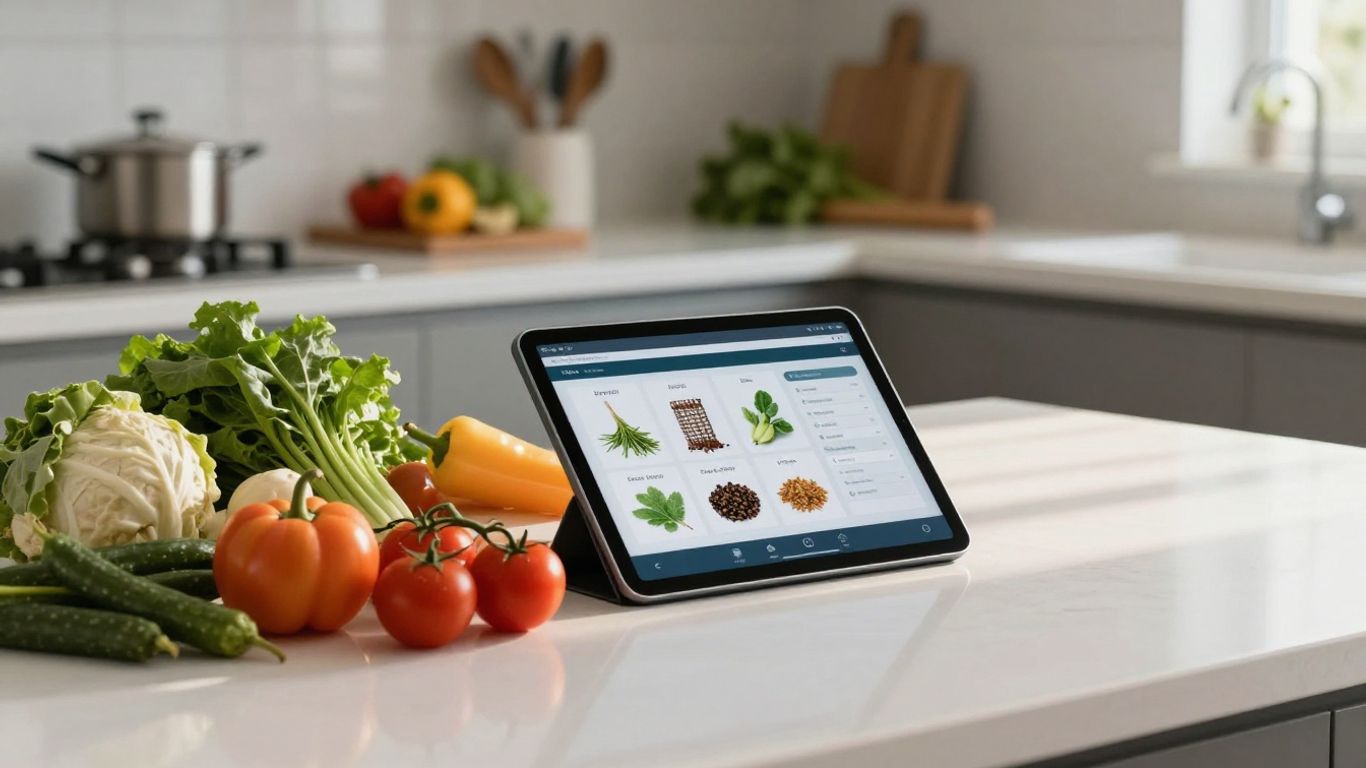
Running a restaurant is a juggling act, and keeping track of what's in your kitchen, storeroom, and bar is a big part of that. It's not just about knowing if you have enough ketchup packets; it's about managing a complex system that directly impacts your bottom line. This is where restaurant inventory software steps in, moving you away from guesswork and towards data-driven decisions.
Defining Restaurant Inventory Management
At its core, restaurant inventory management is the process of keeping tabs on all the food, beverages, and supplies your establishment uses. This includes everything from fresh produce and raw meats to bottled spirits and cleaning rags. It's about knowing what you have, where it is, how much it costs, and when you'll need more. Without a solid system, you're essentially flying blind, risking overspending, waste, and unhappy customers.
The Critical Role of Inventory Control
Inventory control is the active part of management. It's about implementing the strategies and processes to keep your inventory levels optimized. Think of it as the difference between just knowing you have a lot of flour and actively making sure you're using the oldest flour first and reordering before you run out completely. This control prevents common issues like:
- Spoilage: Food going bad before it can be used.
- Shrinkage: Items disappearing due to theft or errors.
- Stockouts: Running out of key ingredients, leading to menu item unavailability.
- Overstocking: Tying up too much cash in inventory that isn't moving.
Effective inventory control isn't just about counting items; it's about creating a predictable and profitable flow of goods through your operation. It requires consistent attention and a clear understanding of usage patterns.
Leveraging Technology for Stock Oversight
Gone are the days of relying solely on clipboards and gut feelings. Modern restaurant management solutions in 2026 offer significant benefits, including the automation of tasks like scheduling, payroll, and inventory tracking. This automation saves valuable time and streamlines operations. By leveraging these solutions, businesses can improve efficiency and focus on core aspects of their operations. Inventory software provides real-time data, alerts for low stock, and detailed reports that were once impossible to generate manually. This technology transforms inventory from a chore into a strategic tool for improving efficiency.
Here's a quick look at how technology helps:
- Real-time Tracking: See exactly what you have on hand at any moment.
- Automated Alerts: Get notified when stock levels hit pre-set minimums.
- Detailed Reporting: Analyze usage, costs, and waste patterns with ease.
- Mobile Access: Manage inventory counts from anywhere in your establishment.
Implementing Best Practices with Restaurant Inventory Software
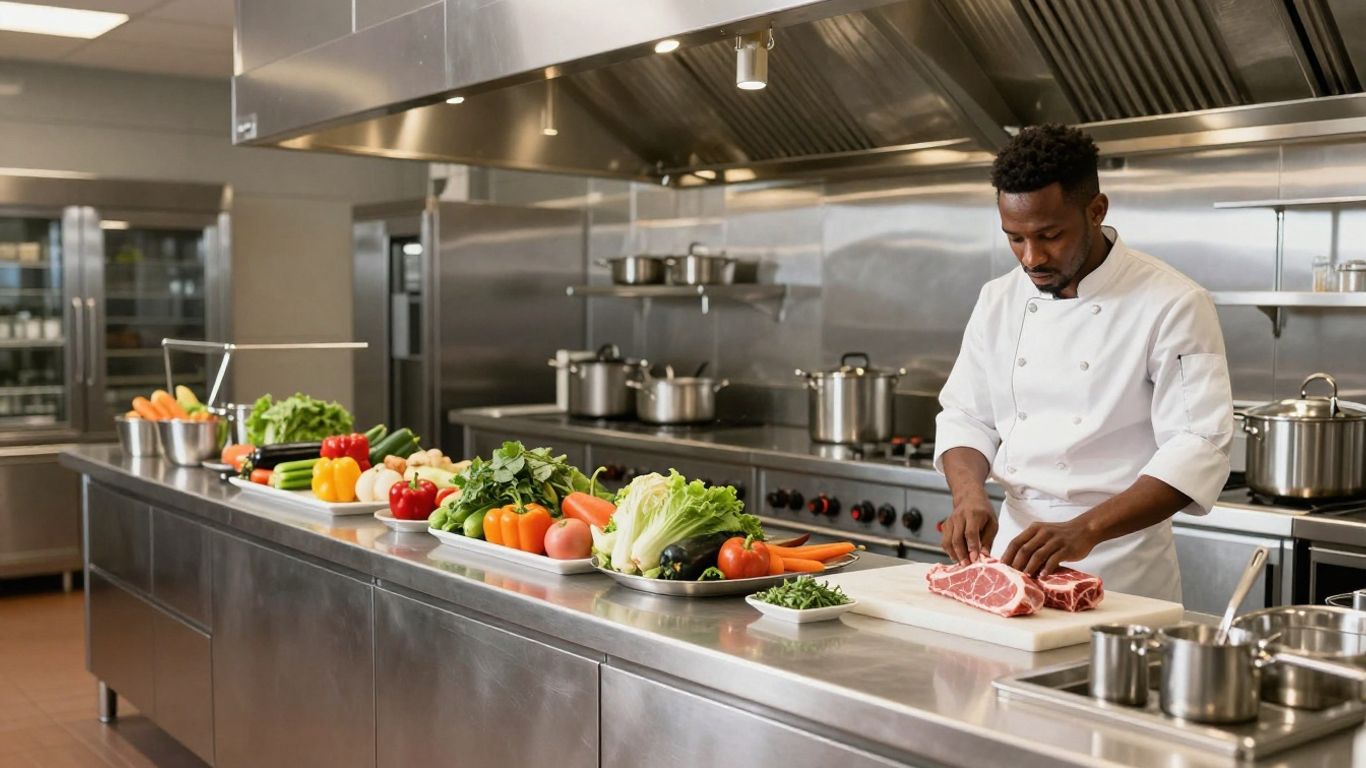
So, you've got the software, that's great. But just having it isn't the magic bullet. To really make it work for you, you've got to put some solid practices in place. Think of it like buying a fancy new tool – it's only useful if you know how to use it and actually use it regularly. This section is all about making sure your inventory software isn't just sitting there, but actively helping your kitchen run smoother and make more money.
Standardizing Processes for Consistency
This is where you make sure everyone's on the same page. If one person counts lettuce differently than another, your numbers are going to be all over the place. You need clear, written-down steps for everything. This includes how you receive deliveries, how you count stock, and how you put things away. Consistency is key to accurate data.
- Receiving Deliveries: Always check items against the invoice before signing. Note any shortages or damaged goods right then and there. This is your first line of defense against supplier errors.
- Counting Stock: Decide on a schedule. Are you doing full counts weekly, bi-weekly, or monthly? What about high-value items like liquor or prime cuts of meat – maybe those need daily checks? Make sure the digital categories in your software match how your physical storage is set up. It makes counting way faster and less confusing.
- Storage: Define where everything goes. Use clear labels. This isn't just about looking tidy; it's about making sure staff can find what they need quickly and put new stock away correctly.
A common mistake is treating inventory setup as a one-time thing. Menus change, suppliers swap, and recipes get tweaked. If your system isn't updated to reflect these changes, your data quickly becomes useless. Schedule regular reviews, maybe quarterly, to keep everything current.
Optimizing Storage and Organization
Think about your walk-in cooler and dry storage. Is it a chaotic mess, or is it organized like a well-oiled machine? Good organization saves time, reduces waste, and makes counting a breeze. Your inventory software can help you map out your storage digitally, but you've got to make the physical space match.
- Logical Layout: Group similar items together. All your dairy in one spot, all your produce in another, canned goods together, and so on. This makes it easy to see what you have at a glance and prevents you from buying something you already have buried in the back.
- Labeling: Everything should be clearly labeled with the item name and, if applicable, the date it was received or its expiration date. This is especially important for items that look similar but have different uses or costs.
- Accessibility: Make sure frequently used items are easy to reach. Less popular or bulk items can go in harder-to-reach spots. This minimizes unnecessary movement and potential damage.
Mastering the FIFO Method
FIFO stands for "First-In, First-Out." It sounds simple, but it's incredibly important for preventing food waste. The idea is that the oldest stock should be used before the newer stock. Your inventory software can help you track receiving dates, but the actual execution happens on the floor.
- Receiving: When new deliveries come in, don't just shove them on the shelf. Pull out the older items and place the new items behind them. This ensures the older stock is more accessible.
- Prep: When your cooks are pulling ingredients for prep, train them to grab from the front of the shelf or bin, where the older items are.
- Rotation: Make it a habit. Regularly check shelves and storage areas to ensure older items are being used first. This is where real-time stock tracking really shines, as it can flag items nearing their expiration.
Implementing these practices turns your inventory software from a data entry tool into a powerful operational asset. It requires discipline, but the payoff in reduced waste, better cost control, and smoother operations is definitely worth it.
Choosing the Right Restaurant Inventory Software
Picking the right inventory software can feel like a big decision, and honestly, it is. You don't want to end up with a system that's too complicated or doesn't actually do what you need it to. Think about your restaurant's size, how many different items you keep in stock, and what you can realistically spend. For a small place with a simple menu, maybe a fancy system isn't necessary. But if you're running a busy spot with tons of ingredients, you'll probably want something more robust.
Key Features for Effective Management
When you're looking at different software options, keep an eye out for a few things that really make a difference in day-to-day operations. You want something that makes your life easier, not harder.
- Real-Time Tracking: This is a big one. You need to know exactly what you have on hand at any given moment. No more guessing or relying on old paper counts.
- Automated Alerts: Getting a heads-up when something is running low or if there's a weird spike in usage is super helpful for preventing shortages or overspending.
- Mobile Access: Being able to check inventory levels or do counts from your phone or tablet while you're on the floor or in the walk-in cooler is a game-changer.
- Reporting and Analytics: Good software will give you insights into what's selling, what's not, and where your costs are going.
Don't get swayed by a million bells and whistles if they don't actually help you manage your stock better. Focus on the features that solve your biggest inventory headaches.
Integration Capabilities with Existing Systems
This is where things can get tricky, but it's super important. Your inventory software shouldn't be a standalone island. It needs to play nice with the other tech you're already using.
- Point of Sale (POS) System: This is the most common integration. When your POS talks to your inventory system, sales automatically update your stock levels. This means less manual data entry and more accurate counts.
- Accounting Software: Connecting your inventory to your accounting can help streamline bookkeeping and give you a clearer picture of your finances.
- Ordering Platforms: If you use online ordering or third-party delivery apps, integration can help manage stock for those channels too.
Trying to manage inventory without it talking to your POS is like trying to drive with one hand tied behind your back. It's possible, but way more difficult and prone to errors.
Scalability for Future Growth
Think about where your restaurant is headed. Are you planning to open another location? Expand your menu? If so, your inventory software needs to be able to grow with you. A system that works great for one small restaurant might not cut it if you suddenly have three locations to manage. Look for software that allows you to easily add more items, more users, or more locations without a massive price hike or a complete system overhaul. It’s way less painful to start with something that can handle your future needs than to switch systems down the road.
Maximizing Efficiency Through Restaurant Inventory Software
Let's be honest, keeping track of every single item in a busy kitchen can feel like a full-time job on its own. But what if technology could take a huge chunk of that burden off your shoulders? That's where modern inventory software really shines. It's not just about knowing what you have; it's about making that knowledge work for you, saving time, reducing errors, and ultimately, boosting your bottom line. Think of it as giving your kitchen a super-smart assistant.
Automating Reordering and Alerts
One of the biggest time-sinks in inventory management is manually checking stock levels and then figuring out what needs to be ordered. Software can completely change this. You can set up minimum stock levels, often called 'par levels,' for all your ingredients and supplies. When an item dips below that level, the system automatically flags it or can even generate a draft purchase order for you. This means you're far less likely to run out of that key ingredient right before a big dinner rush. Plus, you can set up custom alerts for all sorts of things – maybe a specific item is being used way faster than usual, or a supplier's price has jumped unexpectedly. These little nudges can prevent bigger problems down the road.
Real-Time Tracking and Mobile Access
Gone are the days of scribbling notes on a clipboard and hoping you don't lose them. Good inventory software gives you live data. You can see exactly what's in stock, what's been used, and what's been received, all updated instantly. The real game-changer, though, is mobile access. Most systems let you use tablets or smartphones right on the stockroom floor. This means you can do counts, check stock, or even place orders directly from your phone. It speeds up the whole process and makes sure the numbers you're looking at are current. This kind of immediate visibility is a big deal for keeping things running smoothly, especially in a fast-paced environment. Restaurants are showing resilience, and technology plays a big part in that 2026 American State of Restaurants Report.
Forecasting Demand and Usage Patterns
This is where inventory software really moves beyond simple tracking and into strategic planning. By looking at historical sales data and current inventory levels, the software can help you predict what you'll need in the coming days, weeks, or even months. It can identify trends – maybe you sell a lot more soup in the winter, or certain appetizers fly off the menu on weekends. Understanding these patterns allows you to order more precisely, cutting down on both overstocking (which leads to waste) and understocking (which leads to lost sales). It helps you make smarter purchasing decisions based on actual data, not just guesswork.
Effective inventory management isn't just about counting items; it's about using that information to make smarter business decisions. It connects what you have on hand with what you're selling and what you'll need, creating a more efficient and profitable operation.
Here's a quick look at how these features translate to daily operations:
- Automated Reordering: Set par levels and let the system suggest or create purchase orders.
- Instant Alerts: Get notified about low stock, unusual usage, or price changes.
- Mobile Counts: Perform inventory checks directly from your phone or tablet.
- Demand Forecasting: Predict future needs based on historical data and trends.
- Usage Pattern Analysis: Understand how and when ingredients are consumed.
Staff Training and System Maintenance
Empowering Your Team with Training
Look, even the fanciest software won't do much good if nobody knows how to use it, right? That's where training comes in. You've got to make sure your crew is comfortable with the inventory system. Think about it: if they're fumbling around trying to figure out how to log a delivery or check stock levels, you're not going to get accurate data. And inaccurate data? That's just as bad as no data at all. We're talking about making sure everyone, from the new hire to the seasoned chef, knows the ropes. This means hands-on sessions, maybe some cheat sheets for common tasks, and definitely explaining why this stuff matters. When people understand how their input affects food costs and waste, they tend to care a lot more.
- Onboarding: Make software training a standard part of bringing new people on board.
- Quick Guides: Create simple, visual guides for tasks like receiving orders or doing a stock count.
- Mentorship: Designate a couple of go-to people who can help others with the system.
- Refresher Courses: Schedule short sessions every few months to go over anything new or tricky.
The goal here isn't just to tick a box. It's about building a team that feels confident using the tools you've given them, which ultimately leads to better accuracy and less hassle for everyone.
Regular System Checks and Updates
Just like you wouldn't ignore a leaky faucet, you can't ignore your inventory software. It needs a little TLC to keep running smoothly. This means regularly checking that the numbers in the system actually match what's in your walk-in cooler or on your shelves. If you change your menu, get a new supplier, or adjust prices, you need to update the software accordingly. It’s also smart to look at the reports your system spits out. Are there any weird trends? Anything that just doesn't make sense? Catching these things early can save you a lot of headaches down the road. Keeping your software up-to-date is key to making smart purchasing decisions.
Addressing Common Inventory Challenges
Let's be real, inventory management isn't always smooth sailing. You'll run into issues. Theft is a big one, unfortunately. So is staff not portioning correctly, leading to more food used than planned. And then there's spoilage – things going bad before you can use them. To tackle these, you need a plan. For theft, think about security measures and clear policies. For portioning, consistent training and maybe even portioning tools can help. And for spoilage, good storage and using the FIFO (First-In, First-Out) method are your best friends. It’s about being proactive and having systems in place to catch and fix problems before they really hurt your bottom line.
Financial Benefits of Restaurant Inventory Software
Let's talk about the money. Because honestly, that's a big part of why we're even looking at this software in the first place, right? Keeping track of every single onion and steak isn't just about being organized; it's about making sure your business is actually making money, not just moving food around.
Reducing Food Waste and Spoilage
This is probably the most obvious win. Think about all those sad, wilted greens or that milk that went sour before you could use it. When you don't know exactly what you have, or when it arrived, things just get lost in the back and end up in the bin. Software helps you see what's oldest, what's running low, and what you actually need, so you're not buying more than you can use. It's like having a crystal ball for your pantry, preventing those costly mistakes.
- First-In, First-Out (FIFO): The software makes it way easier to actually use the older stuff first. No more digging around for the new carton of cream when there's one already open that needs using.
- Expiration Date Tracking: Many systems let you input expiration dates, so you get alerts before items go bad.
- Accurate Ordering: By knowing your actual usage, you stop over-ordering perishables that are likely to spoil.
The amount of money that can be lost to simple spoilage adds up faster than you might think. It's not just the cost of the item itself, but the labor and time that went into preparing it, only for it to be thrown away.
Minimizing Shrinkage and Theft
Shrinkage isn't just about things going bad; it's also about stuff disappearing. Whether it's an employee taking a few extra sodas or a supplier shorting you on a delivery, it hits your bottom line. Good inventory software makes it harder for this to happen.
- Regular Audits: Comparing what your system says you should have with what you actually have on hand highlights discrepancies quickly.
- Controlled Access: Some systems track who is doing inventory counts or adjustments, adding a layer of accountability.
- Invoice Verification: Matching deliveries against purchase orders and invoices becomes a much more streamlined process, catching errors or intentional short-changes.
Improving Food Cost Percentage
This is the big one that ties it all together. Your food cost percentage is basically how much you spend on ingredients compared to how much you make selling food. When you reduce waste and stop shrinkage, your food cost percentage naturally goes down. Software gives you the data to see this happening in real-time.
When your food costs are lower, you have more money left over as profit. It's that simple. Plus, knowing your exact costs helps you price your menu items correctly, so you're not accidentally losing money on popular dishes.
Wrapping It Up
So, we've gone over a lot of ground here, right? From understanding why keeping tabs on your stock is a big deal to figuring out what kind of software actually works for your place. It’s not just about counting cans and boxes anymore. Using the right tools means you can stop guessing and start knowing exactly what you have, what you need, and where your money is going. It really boils down to making smart choices that save you cash and headaches. Get this sorted, and you'll be running a much smoother, more profitable kitchen. It’s a game-changer, seriously.
FAQ's:
1. What exactly is restaurant inventory management?
It's like keeping a super close eye on all the food, drinks, and other stuff you have in your restaurant. You track it from when you buy it until it's used up or sold.
2. Why is keeping track of inventory so important?
Knowing exactly what you have helps you order just the right amount of food, so you don't waste money on things that go bad. It also helps you keep your costs down and make sure you always have what customers want.
3. How often should a restaurant count its inventory?
Most places count their inventory regularly. They might do a quick count of important items every week and a full count of everything once a month. It really depends on how busy the restaurant is and what kind of items they have.
4. Can inventory software connect with my current systems, like the cash register?
Yes, many modern inventory software programs can link up with your point-of-sale (POS) system, which is what your cash registers use. This makes tracking sales and inventory much easier.
5. What does 'FIFO' mean for inventory?
FIFO stands for 'First In, First Out.' It's a simple rule: you always use the oldest items first. This is super important for food because it helps prevent things from spoiling before you can use them.
6. How can inventory software help me waste less food?
By showing you exactly what you have and how fast you use it, the software helps you order smarter. It can also alert you if something is about to expire, so you can use it up. Plus, by tracking what gets thrown away, you can figure out why and fix the problem.