.jpg)


Multi-Site Restaurant Rollout: What to Standardise Before You Open
What to standardise before you open the next site
Standardise your data before the next site opens, and counts and costs reconcile across every location from day one. It means fixing six things in the master data first: a complete item master, one code per item, a shared category tree, consistent naming, par levels per site and tidy supplier records. Set them while you still run one site well, so the new location inherits order instead of copying your mess.
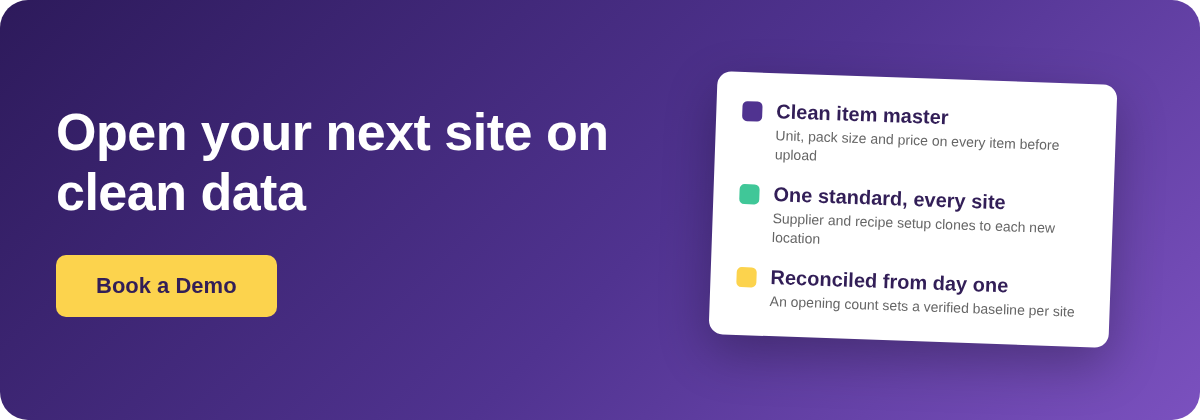
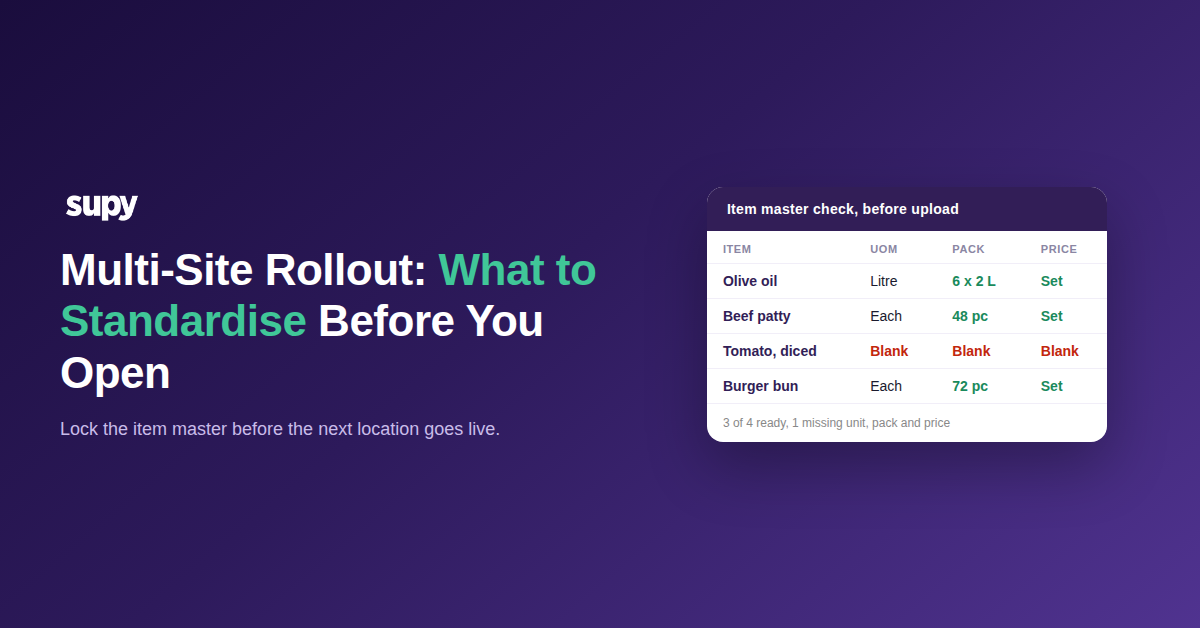
- Fill in the item master. Every item needs its unit of measure, pack size and price before upload. Operators routinely hand over a master with blanks in these fields, which forces guesses at migration and leaves the costing wrong from the first count. A case that should read as 6 x 2 litres instead lands as a single unit, and every recipe built on it inherits the error. Check that each item carries all three before anyone loads it.
- Keep one code per item. The same product entered under two codes splits its usage across two records, so group-level variance and theoretical cost never add up. One site counts it, another orders it, and the numbers drift apart with nobody at fault. Merge duplicates into a single code before you clone the catalogue to a new site, because the clone copies the duplication too.
- Agree one category tree. A category structure that each site invents on its own makes reports unreadable across the group. One location files an item under produce, another under prep, and the category spend report stops meaning anything the moment you compare sites. Decide the categories once, apply them everywhere, and sort every item into exactly one. A shared tree is also what lets a regional manager compare food spend across sites without re-mapping anything by hand.
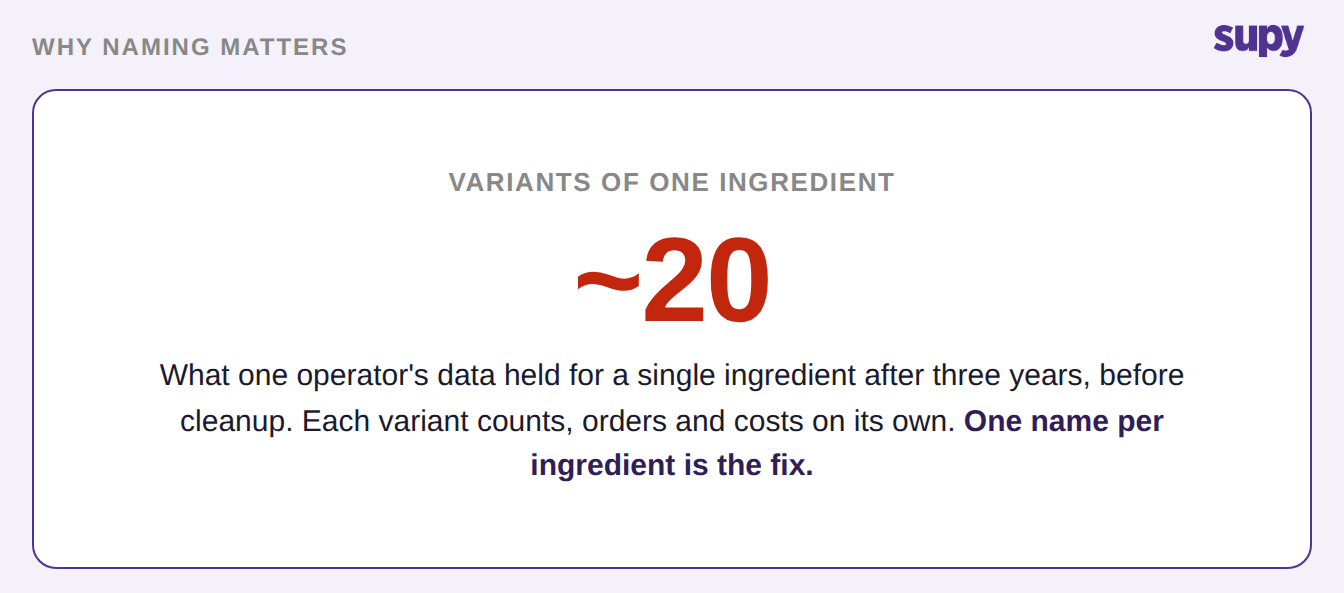
- Settle on one name per ingredient. Unmanaged data breeds variants: one operator carried about 20 versions of a single ingredient after three years, which made its inventory and recipe numbers unreliable. Each variant counts, orders and costs on its own, so usage scatters and no report can total it. Pick one name per ingredient and retire the rest, so a stock count and a recipe point at the same thing.
- Set par levels per item, per site. Each location holds different stock and sells at a different rate, so par levels belong to the site, not the group. A downtown lunch site and a suburban dinner site should never share the same reorder points. Agree the method for setting them before rollout, even though the numbers themselves differ by location.
- Tidy the supplier records. One supplier record per vendor, with consistent pack sizes and prices, lets a new site inherit a clean setup instead of rebuilding it. Messy supplier data is the part that quietly breaks ordering at the new location: the wrong pack size turns every purchase order into a manual correction. Reconcile the records to what the supplier actually delivers before go-live.
Par levels are the hardest standard to set for a brand new site, because it has no sales history to base them on. Copy the par levels from a comparable location, then tighten them once a few weeks of real usage come in.
If you'd rather not work par out by hand, the free par level calculator does it for every item on your sheet from your usage, delivery days and supplier lead times.
What skipping standardisation costs the new site
Each gap in the master data looks harmless at one site and turns into a recurring cost the moment a second site copies it. The new location inherits the master data as it stands, errors included, so a shortcut taken once is paid for at every opening that follows. The table below pairs the common shortcuts with what each one costs once the next site is live.
| What you skip | What it costs the new site | When it surfaces |
|---|---|---|
| An item master left with blank unit of measure, pack size or price | The migration guesses the missing values, so costing is wrong from the first count | The opening count |
| The same product left under two item codes | Usage splits across both records and group variance never reconciles | The first cross-site report |
| Years of ingredient variants carried across untouched | Counts, orders and recipe costs scatter across near-duplicate records | Week one of real trading |
| Each site inventing its own category tree | Category spend cannot be compared across locations | The first group food-cost review |
| Items missing from the master sheet at go-live | The new team recreates each one by hand after opening | The days right after launch |
Each gap is cheap to close while you run one site and expensive once a second site inherits it. Fixing the master first is what turns the next opening into a clean copy instead of a repeated problem.
How to roll the standard out to each new location
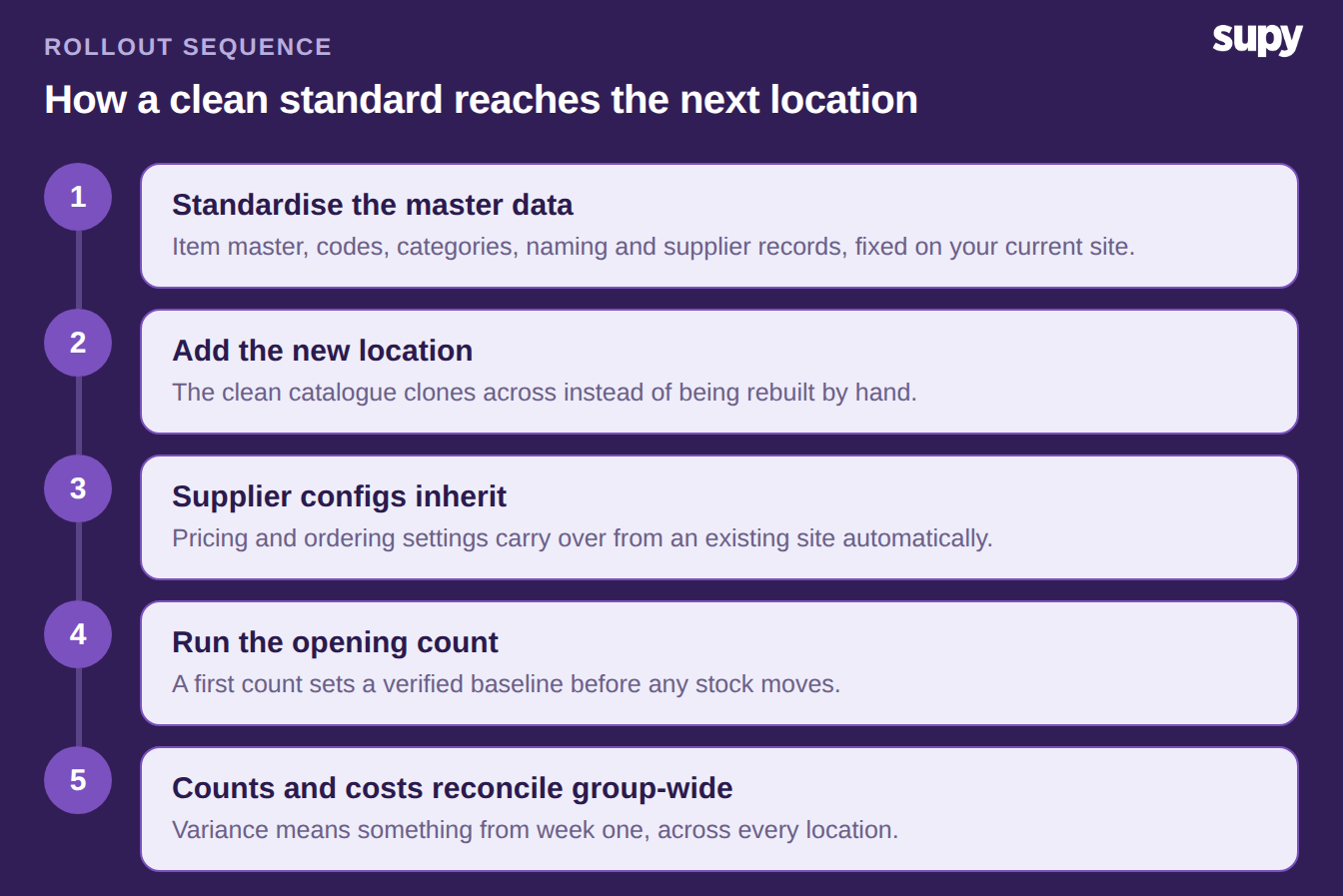
Once the master data follows one format, restaurant inventory management software replicates it to each new site instead of rebuilding it by hand. When you add a location, the platform inherits the supplier item configurations, including pricing and ordering settings, from an existing site. Nobody re-enters the same supplier setup for every new venue, so the standard you set once travels to the next opening on its own.
Recipes carry across the same way. A recipe can be assigned to specific branches, each with its own selling price, target food cost and tax rate. A group runs different margins on the same dish without ever creating a duplicate recipe. Stock count templates stay saved per outlet, so each site keeps its own shelf-order list while the item master underneath stays shared across the group.
The new site then needs a clean starting point. A first opening count sets a verified inventory baseline before any stock moves, which is what lets variance mean something from week one. Skip it and the first month's numbers measure your setup error, not your operation. For the counting controls that keep that baseline honest across the group, see our guide to stock count controls across multiple sites.
Before you open the next site, pull your current item master and scan two columns: blanks in unit of measure, pack size or price, and any item that appears twice under different codes. Fix those two first. They are the gaps that multiply with every location, and the cheapest place to close them is the one site you already run well. Everything else on the list is easier once those two are clean, because a tidy master is what the new site copies from.