.jpg)


AI Restaurant Procurement Software: What Multi-Site Operators Need
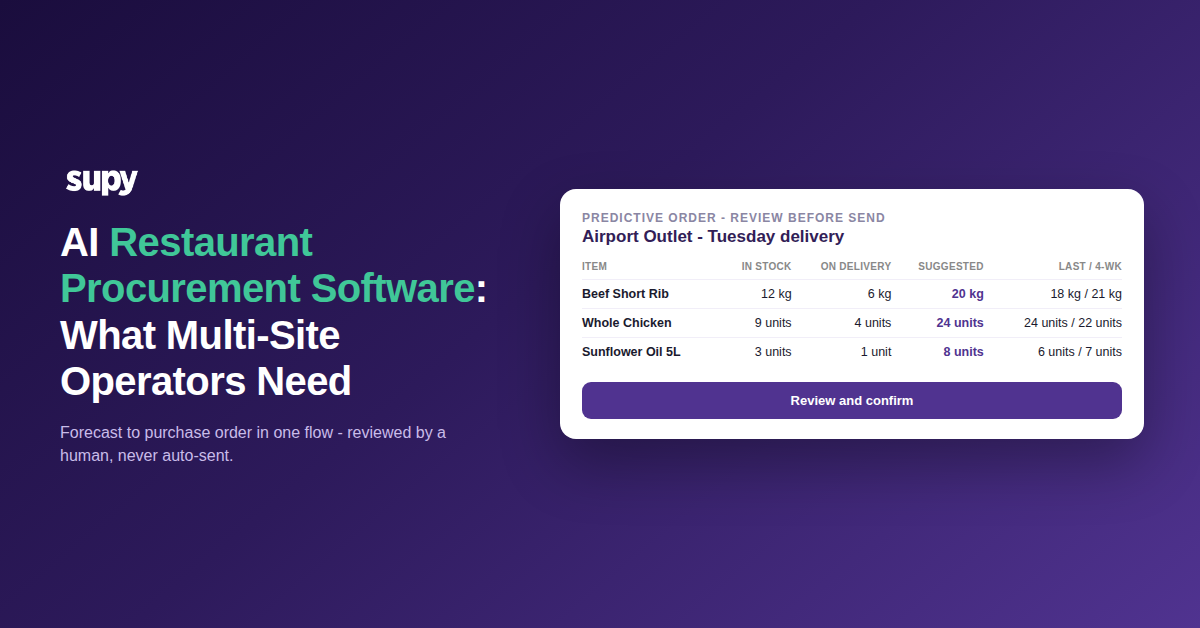
What AI restaurant procurement software does across multiple sites - and the one line it won't cross
AI restaurant procurement software is the layer that turns your sales forecast, recipes and live stock into ready-to-submit purchase orders, then reads the invoices that come back and reconciles them against what you actually ordered. Across multiple sites it does one more thing that a single-site tool never has to: it makes what every branch buys, and the price it pays, visible in one place.
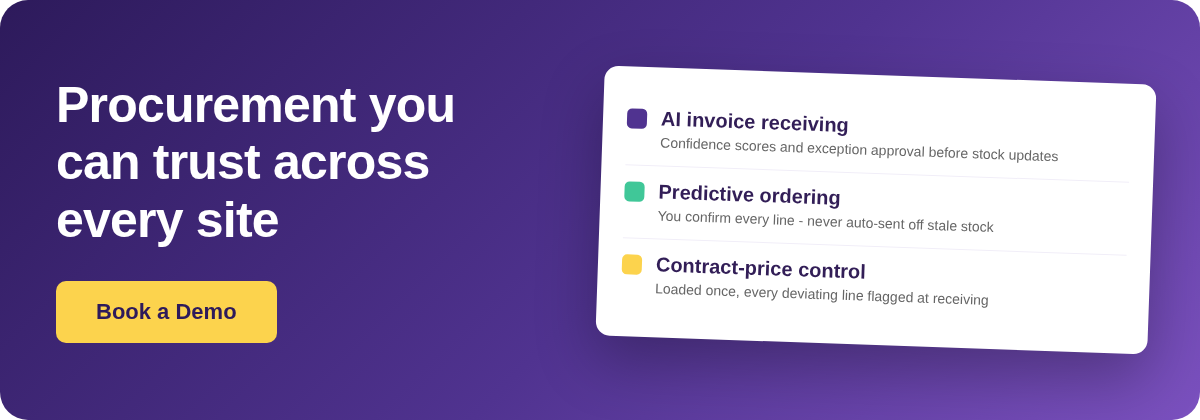
The temptation, once a system can forecast demand and see stock, is to let it place the orders too. Supy deliberately does not, and that refusal is the most useful thing on this page. What the platform will do is live today: AI Invoice Receiving, AI Invoices and Credit Notes, AI Predictive Ordering and AI Sales Forecasting. What it will not do is fire a purchase order on its own. The table below sets out each capability, what it produces, and where its limit sits.
| Capability | Status | What it produces | The limit |
|---|---|---|---|
| AI Invoice Receiving | Live | A per-restaurant inbox that auto-matches invoices to purchase orders and flags price and quantity conflicts | Needs exception approval before stock or accounts update |
| AI Invoices and Credit Notes | Live | One-click purchase order to goods-received note, auto-populated lines, split deliveries, credit notes | Handwritten invoices are not supported |
| AI Predictive Ordering | Live | Ready-to-submit orders built from the forecast, recipes and current stock | Never auto-sends; a person confirms every line |
| AI Sales Forecasting | Live | Daily demand per branch, 14 days ahead, down to the menu item | Managers can override any day or item |
| Auto-send a purchase order | Deliberately not offered | Nothing, by design | Stock data always lags, so an auto-order off stale numbers is worse than none |
Why predictive ordering stops one step short of sending
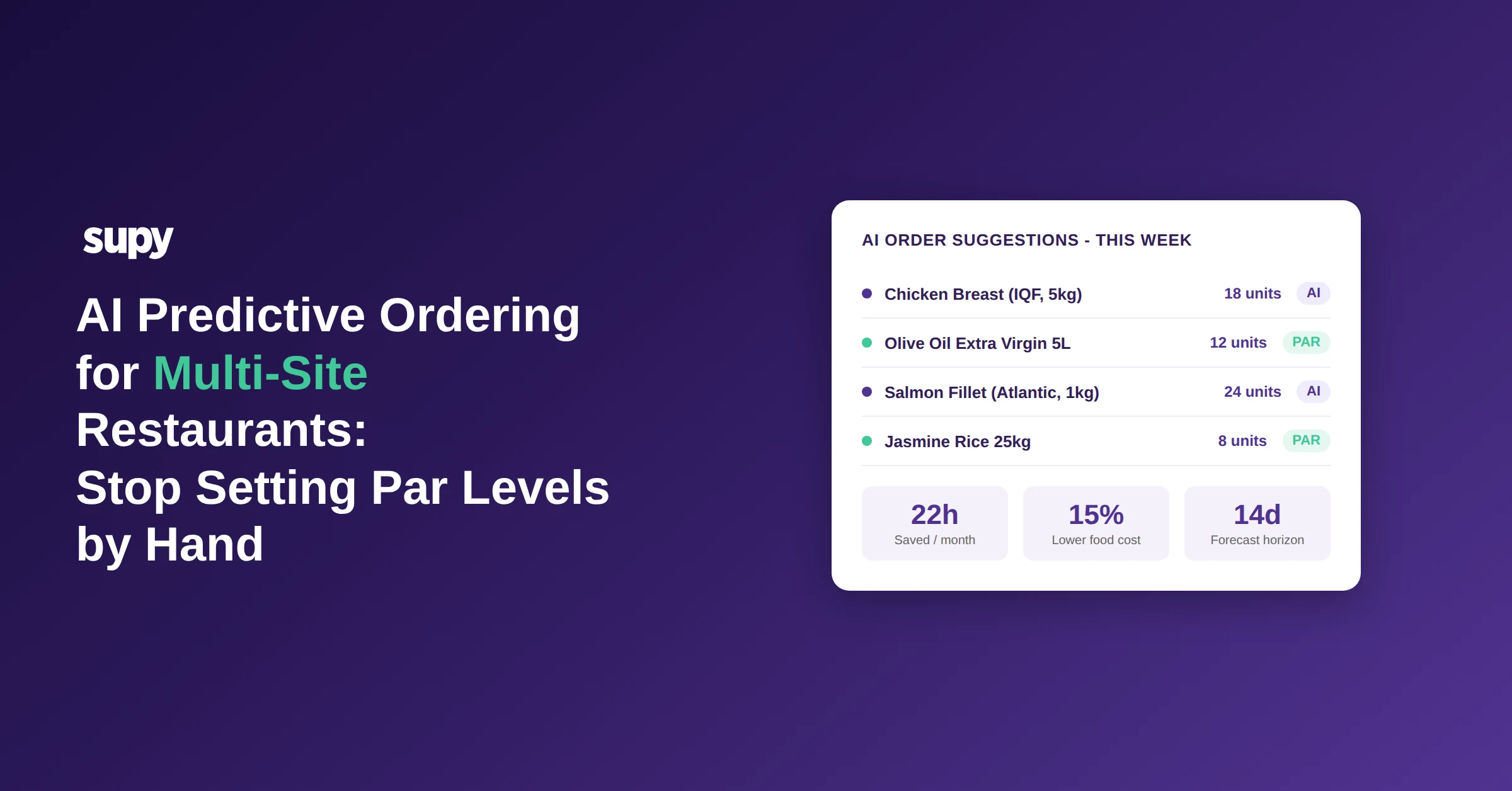
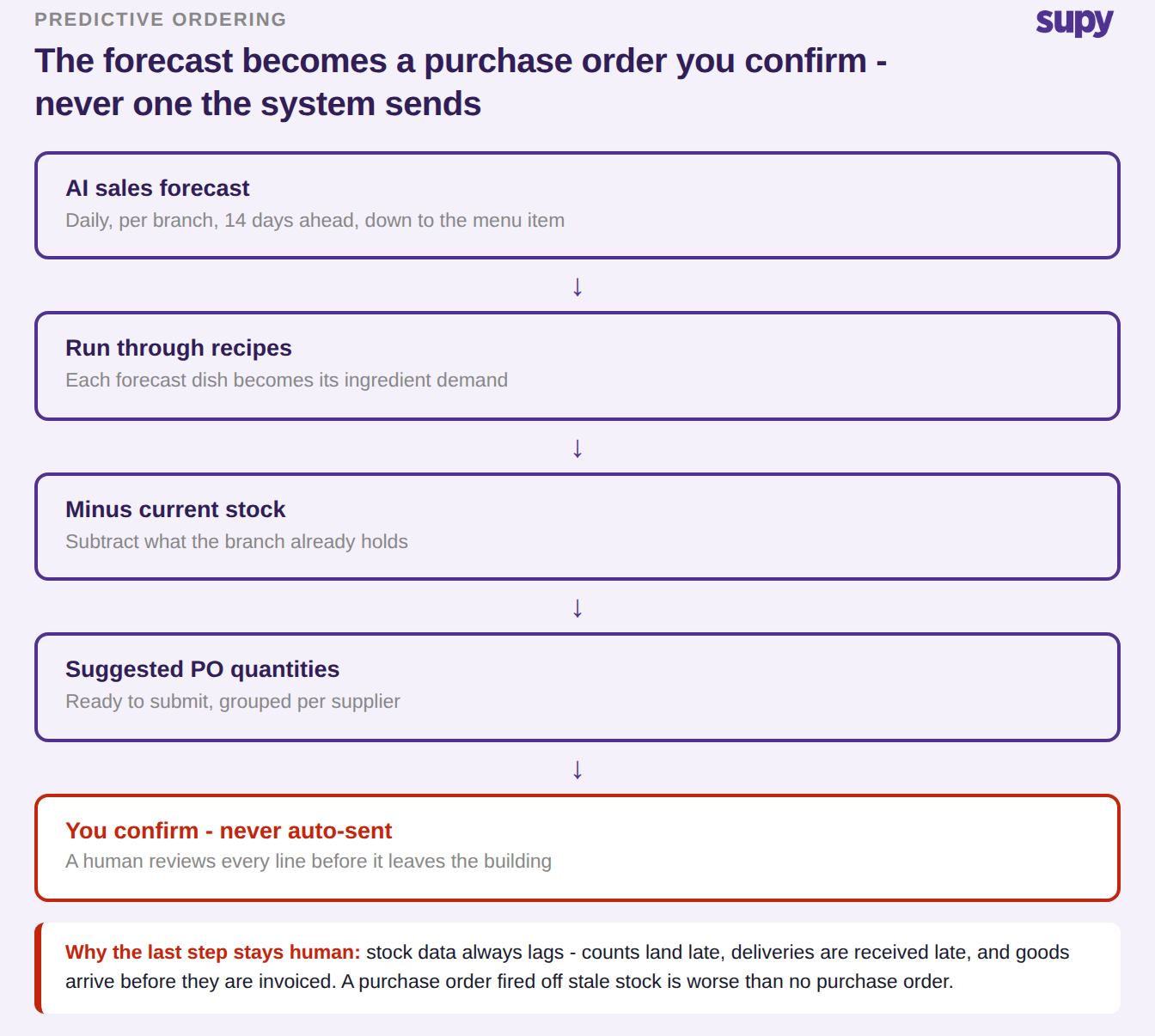
Predictive ordering runs a clear pipeline. The AI sales forecast predicts demand daily, per branch, 14 days ahead and down to the menu item. Each forecast dish is run through its recipe to become ingredient demand, current stock is subtracted, and what remains becomes suggested purchase order quantities, grouped per supplier and ready to submit. Then it stops. A person reviews every line before it leaves the building.
A franchise operator running well over a hundred quick-service sites asked whether the system could raise a purchase order automatically once stock fell below par. The answer was a principled no, not a missing feature. Stock data always lags: counts land late, deliveries are received late, and goods routinely arrive before they are invoiced. An order fired off those numbers buys the wrong quantity with confidence. The alternative Supy offers is fill-to-par, where the system computes the shortage against a minimum and par set for each item at each location and prefills it, and a human confirms it.
The suggestions are only as good as their inputs, and three conditions decide that. Orders have to actually run through the platform, or there is no purchase history for the engine to learn from and the suggested quantities come back near useless. Non-recipe items such as cleaning chemicals, gloves and packaging never appear, because nothing depletes them through a recipe. And the forecast horizon has to be shorter than an item's shelf life, with the cover period reconciled to each supplier's real order cadence rather than set once globally. Get those right and the review becomes a confirmation rather than a rebuild. You can see how this looks across sites in our guide to AI predictive ordering for multi-site groups, and how it connects to the wider platform on the restaurant procurement software page.
Before you switch on AI invoice capture: what only you can fix
The accuracy of automated invoice capture is decided before the first invoice arrives, and almost every prerequisite sits on your side of the line. An invoice line with no matching item in your catalogue is skipped and has to be created by hand before the goods-received note can complete. Where a supplier's item code is mapped to the wrong pack size, every scan from that supplier produces disputed lines until someone with edit rights on codes and prices fixes the data. On top of the data, the inbox fails quietly for pure communication reasons: a supplier sending from a second, un-whitelisted address, or suppliers who were never actually told the new invoice address. Months after one group changed systems, some suppliers were still emailing the previous provider, so those purchases were simply missing until a per-supplier redirect check caught them.
Treat a capture cutover as a supplier-by-supplier task list with a verification pass, not a switch you flip. The checklist below is the one operators keep rediscovering the hard way.
| Prerequisite | Why it matters | Who owns it | Symptom if you skip it |
|---|---|---|---|
| Supplier item codes maintained | A line with no matching item is skipped | Your data owner, with edit rights on codes | Lines drop out and the goods-received note will not complete |
| Correct pack size mapped | A wrong pack size disputes every scan | Your data owner | Every invoice from that supplier throws disputed lines |
| Inbox addresses whitelisted | Capture fails silently for un-whitelisted senders | Whoever manages the invoice inbox | Whole suppliers never appear in the inbox |
| Suppliers told the new address | Some keep emailing the old one for months | Your onboarding lead | Those purchases are absent until you reconcile |
| Printed or electronic invoices only | Handwritten invoices are not supported | Your suppliers | Handwritten dockets cannot be captured |
Whitelisting a supplier can reprocess invoices that were skipped from that sender in the same action, and suspected duplicates are held for review rather than force-processed, so a legitimate resubmission needs a permissioned override. The inbox itself shows every supplier email with status tabs, attachment previews and the AI-extracted fields with a confidence score against each one, which is what lets a reviewer trust the green lines and look hard at the amber.
Where automated invoice scanning actually breaks in foodservice
Saying where optical character recognition, the technology that reads an invoice into structured fields, actually breaks is more persuasive than claiming an accuracy percentage. In foodservice the failure classes are specific and nameable. Catch-weight and box-buy items break first: a correction that forces box size and value to match the invoice total, rather than reading the unit weight, is the wrong fix and operators reject it. Delivery fees are the second: charged once but allocated across every line, they distort per-item cost. The third is a unit-of-measure mismatch, where the supplier invoices in eaches or packs while the purchase order was raised in cartons, so the matcher records the wrong quantity and opens new lines instead of matching the existing ones.
The prerequisite both sides converge on is to define the buying unit, the packaging unit and the conversion factor for every item, per supplier, before enabling automated matching. For box-buy and catch-weight items set both the unit weight and the unit value, or the matcher will try to derive pack size from the invoice total and get it wrong. A short standing audit closes the rest: spot-check by supplier layout, reconcile totals before accepting, and check how credit notes are handled. An item priced per kilogram that is really bought as a multi-kilo box shows up as a large valuation error in the stock count, not as an obviously wrong price, so the count is where it surfaces if the matching does not.
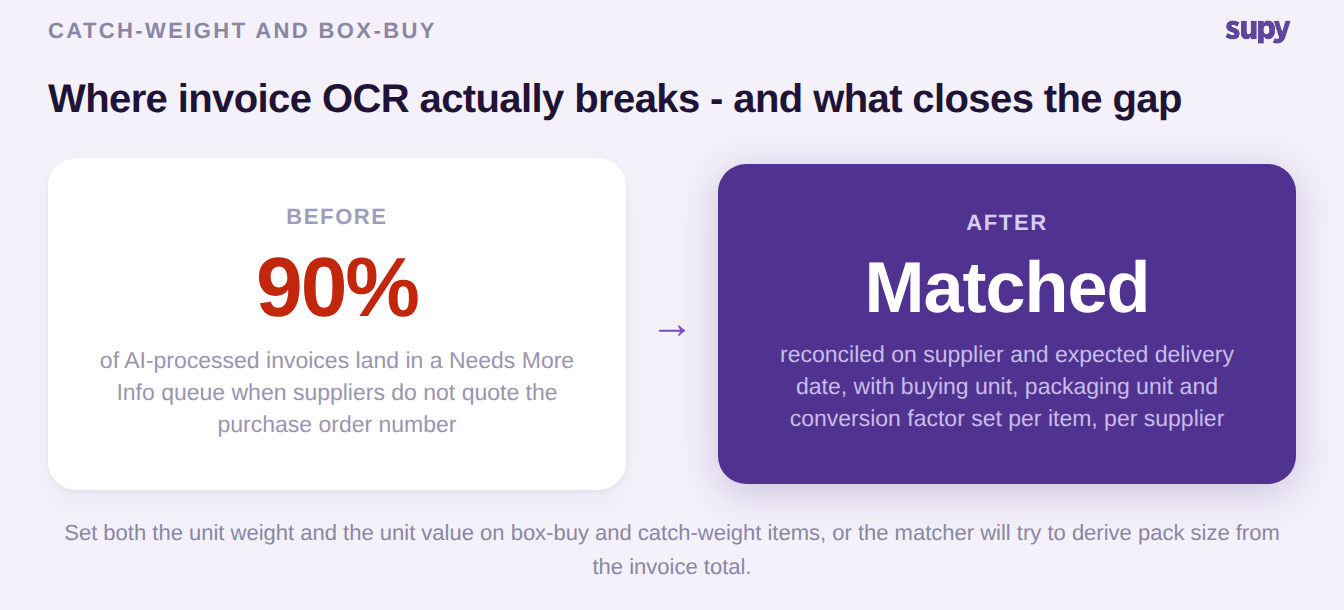
This is the bridge that the honest version of the story needs. It is easy to admit that roughly nine in ten invoices can land in a Needs More Info queue when suppliers do not quote a purchase order number; it is more useful to explain what closes that gap. For the receiving side of this in more depth, see our guide to restaurant invoice scanning across multiple locations.
Your supplier network sets the procurement automation ceiling, not your software
The most common misread of procurement automation is that the software decides how automated you can be. Your suppliers decide. The largest national wholesalers often require ordering through their own portals and will not accept email orders at all, and a major cash-and-carry may integrate by structured data exchange only, with no interface for anything else. Only suppliers with an established electronic or file-transfer connection appear in supplier mapping in the first place, which is by design, not a fault. Even when a supplier is connected, a file-based catalogue feed cannot carry live stock or price, so a branch can order an item that is already out of stock and not know.
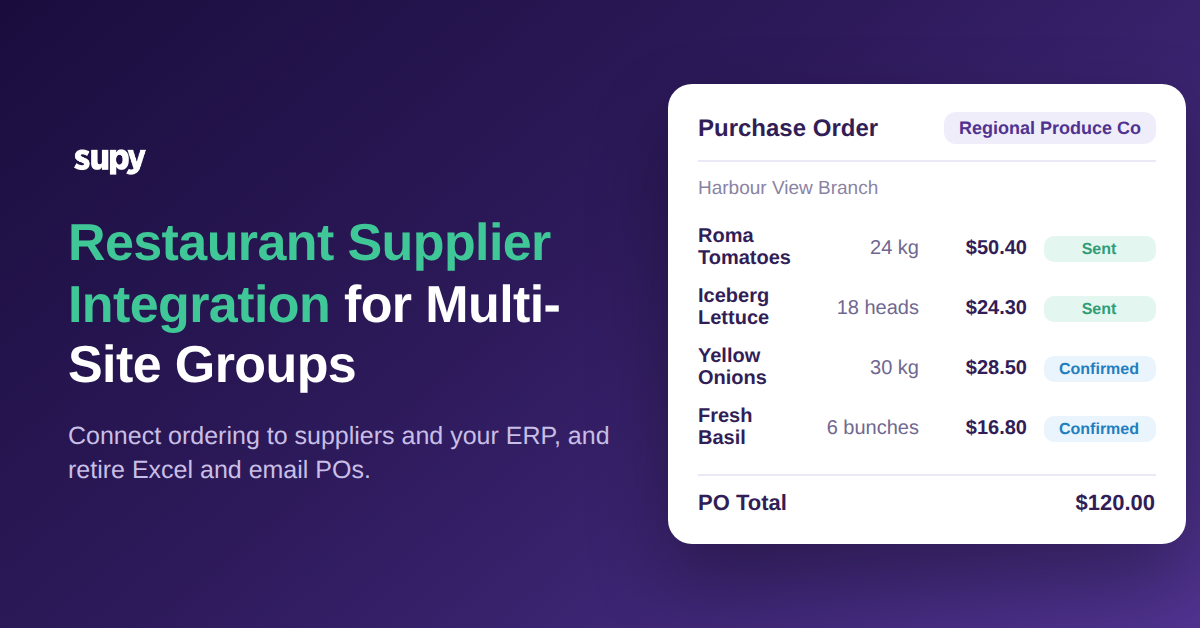
Catalogues also have to be consumed per customer and per delivery branch, because a distributor's price and range differ across its own branch network. Supy's honest position is that its order integration is one-way and pricing is derived from invoice data after the fact, rather than a live two-way catalogue sync. Where a supplier supports it, a file-transfer connection auto-formats every submitted purchase order and delivers it to the supplier's file server with no email step. The table sets out the trade-offs by mode, so you can match the ambition to the supplier rather than to the brochure. Our guide to supplier integration for multi-site groups goes deeper on each.
| Mode | Setup effort | Catalogue freshness | Known limit |
|---|---|---|---|
| Email order | Low | None, no catalogue data | The most widely accepted channel, but some large suppliers refuse it |
| File transfer | Medium | None, no live stock | Order auto-delivered to the supplier's file server |
| Structured data exchange | High | Pricing derived from invoices after the fact | One-way order flow; a major wholesaler may support only this |
| Punch-out | High | Live | The only route to genuinely live catalogue data |
Price drift: the report you read vs the alert that finds you
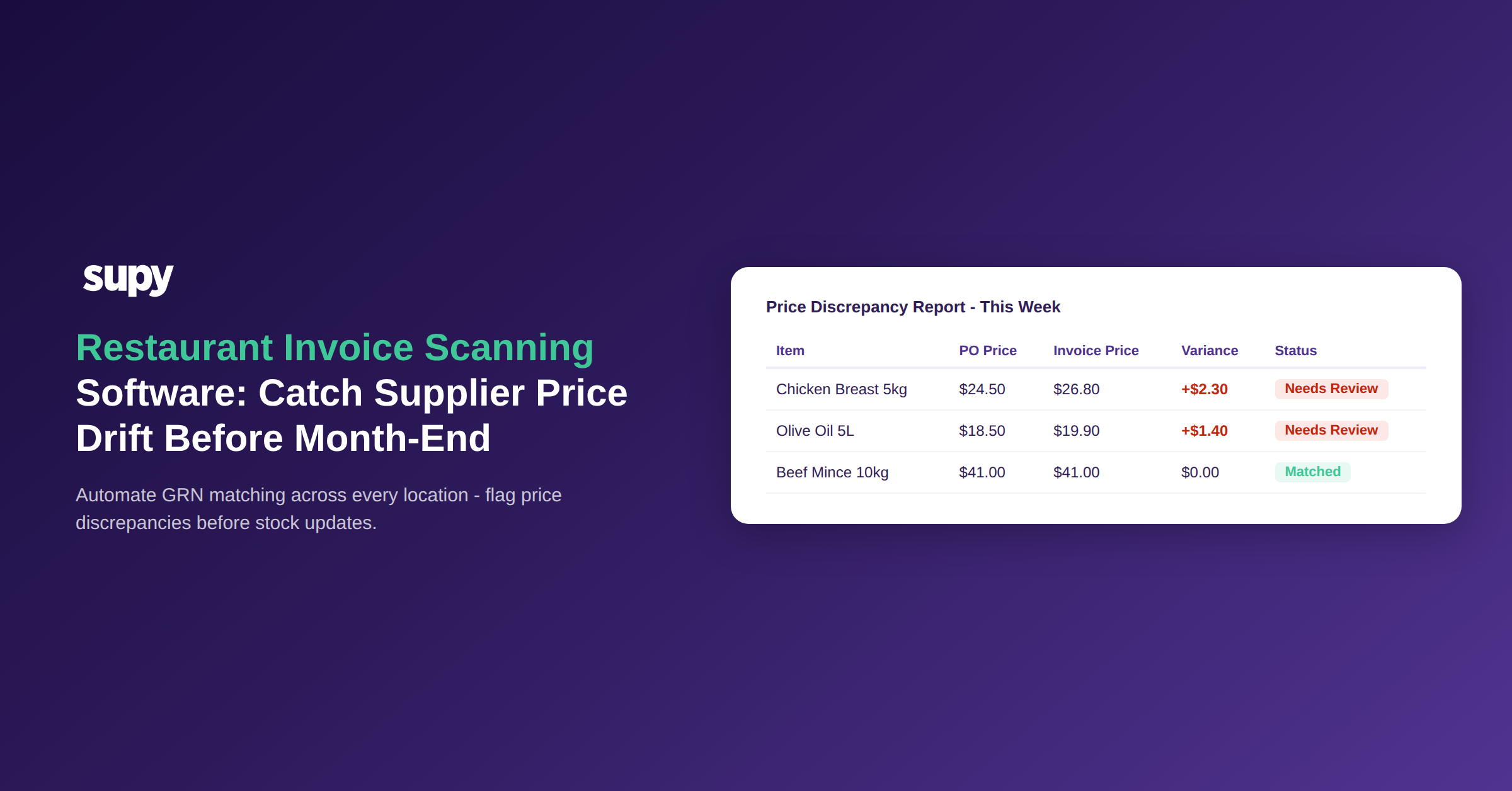
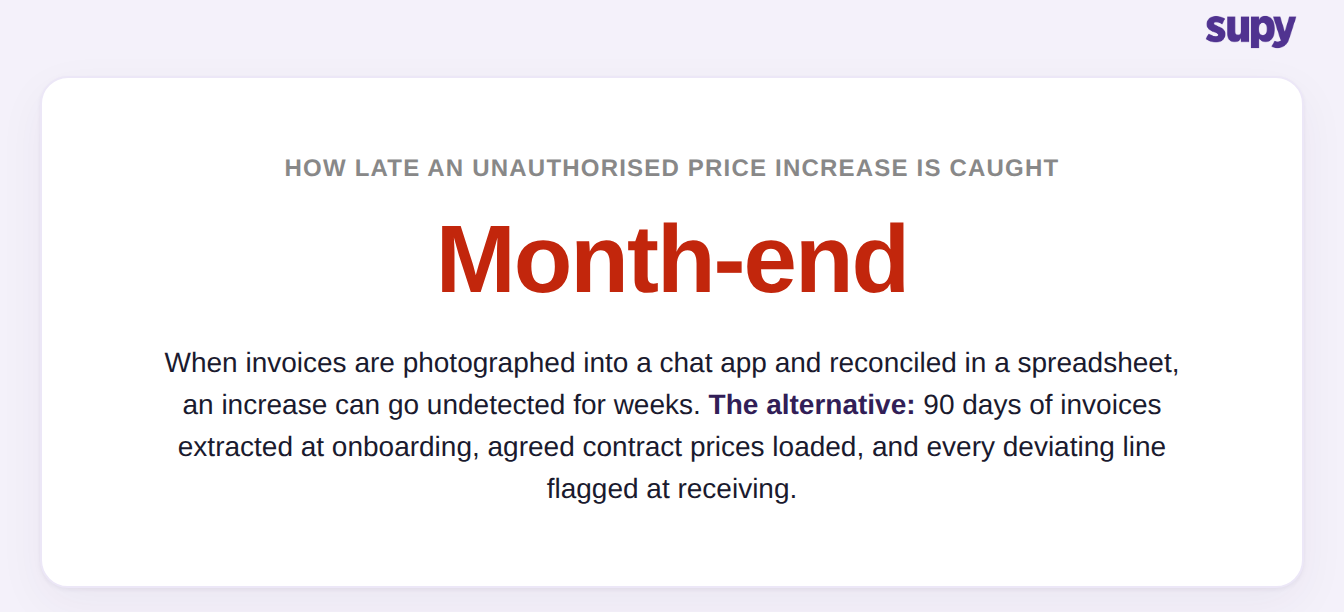
Price control has moved from a report someone has to remember to open to a signal that reaches the person at the point it matters. One small group tracked supplier price changes by photographing invoices into a chat app and reconciling them in a spreadsheet through an external accountant at month-end, so unauthorised increases went undetected for weeks. Another found suppliers were quietly invoicing above contracted rates. The fix in both cases was the same shape: extract items from ninety days of invoices at onboarding, load the agreed contract prices, and let receiving flag any invoice line that deviates, per invoice rather than aggregated across orders, and red rather than amber.
When a received price differs from the expected cost, the buyer can update the expected price or raise a credit note from the same screen, and the change is written to price history so future cost calculations use the corrected figure. The blunt control that works at scale is to shrink what a branch can see: hide the long tail of a catalogue that can run to tens of thousands of records, leave only the few hundred approved suppliers visible, then lock specific items to a designated supplier at a designated price. Procurement control at multi-site scale comes from narrowing what a branch can buy, not from policing what it already bought. If you want to pressure-test your own numbers first, our food cost calculator is a quick way to see where a price move actually lands.
How to judge an AI restaurant procurement platform in a demo
If you are evaluating AI restaurant procurement software, four questions separate a tool that holds up across sites from one that only looks good in a demo. Ask each one and watch how the answer is given, not just what it is.
First, ask what it refuses to automate. A vendor that will auto-send purchase orders off live stock has not understood how late your data actually is. Second, ask to see the invoice inbox with confidence scores and the exception-approval step, then ask what happens to a line whose item code is not set up, because that is the case you will hit in week one. Third, ask how it handles catch-weight and box-buy items, specifically whether you set both a unit weight and a unit value per item, per supplier. Fourth, ask where contract prices live and when a deviation is flagged: at receiving, per invoice, or in a month-end report nobody opens. The right answers describe the failure modes above and how the product meets them, honestly, limits and all.