.jpg)


Hospitality Inventory Management Software: What Multi-Site Operators Actually Need
What Real-Time Stock Visibility Looks Like Across Multiple Sites
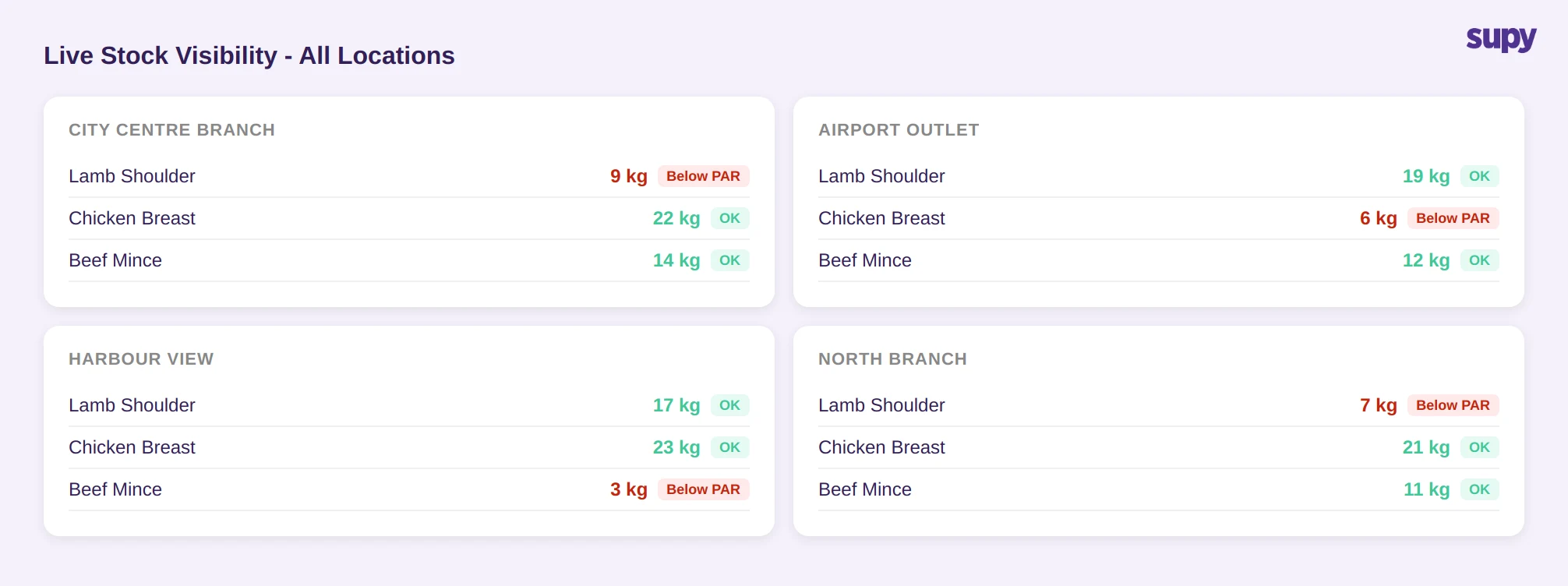
The most cited gap among multi-site operators is not the absence of an inventory system - it is the absence of a view that works across all sites at once. When each location manages its own spreadsheet or POS-native inventory module, the group operations team has no aggregated picture. Stock counts are stale by the time they reach decision-makers.
Purpose-built hospitality inventory management software maintains a live stock-on-hand figure for every ingredient, by location and storage unit. As goods receipts are confirmed, production batches are logged, and transfers between branches are accepted, the system adjusts automatically. No manual sync is required.
The practical test: after a busy Friday service, can the ops team see which sites have dropped below their minimum stock threshold without calling each branch manager? If the answer requires manual extraction from multiple systems, the inventory layer is not doing its job.
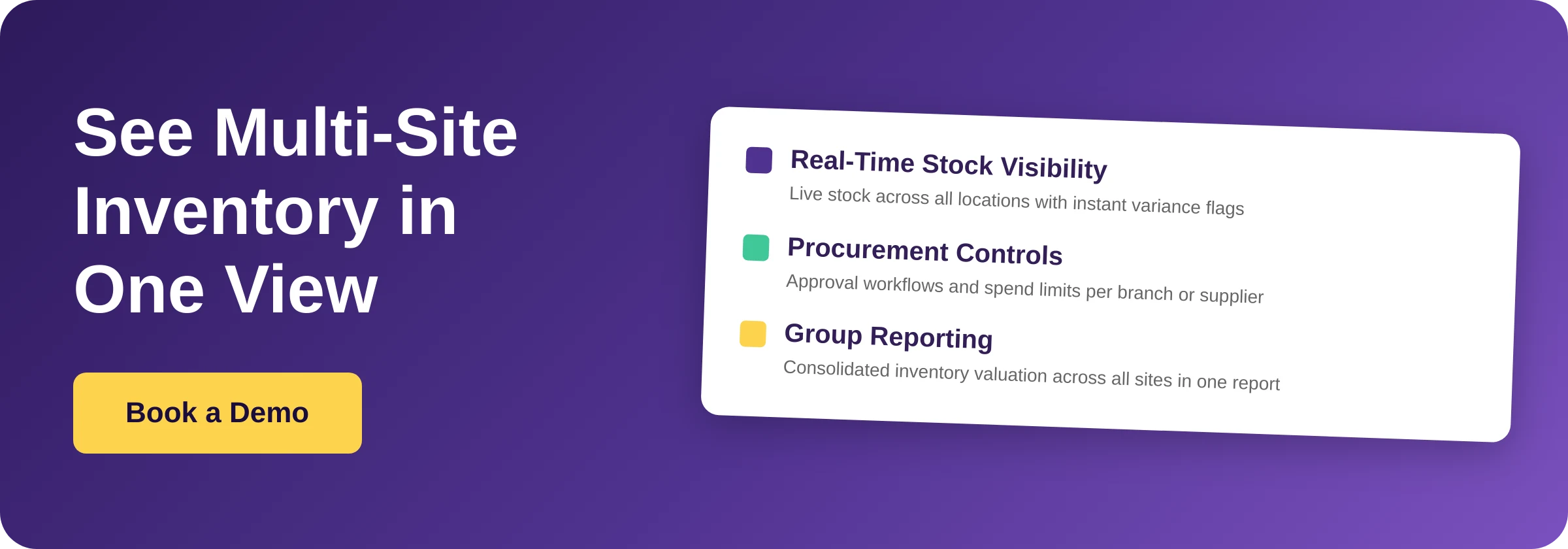
Supy's Live Stock Visibility feature flags any item that falls below its minimum or above its PAR level in real time, across all sites from one view. The multi-location stock consolidation report shows aggregated inventory valuation across all branches, giving group finance teams a single figure instead of a weekly spreadsheet merge.
How Stock Counting Should Work at Scale
Stock counting is where most multi-site operators lose the most time. The standard approach - a manager walking the store with a clipboard or tablet, entering figures into a spreadsheet, then emailing the result to head office - takes several hours per location and produces a snapshot that is accurate only for that moment.
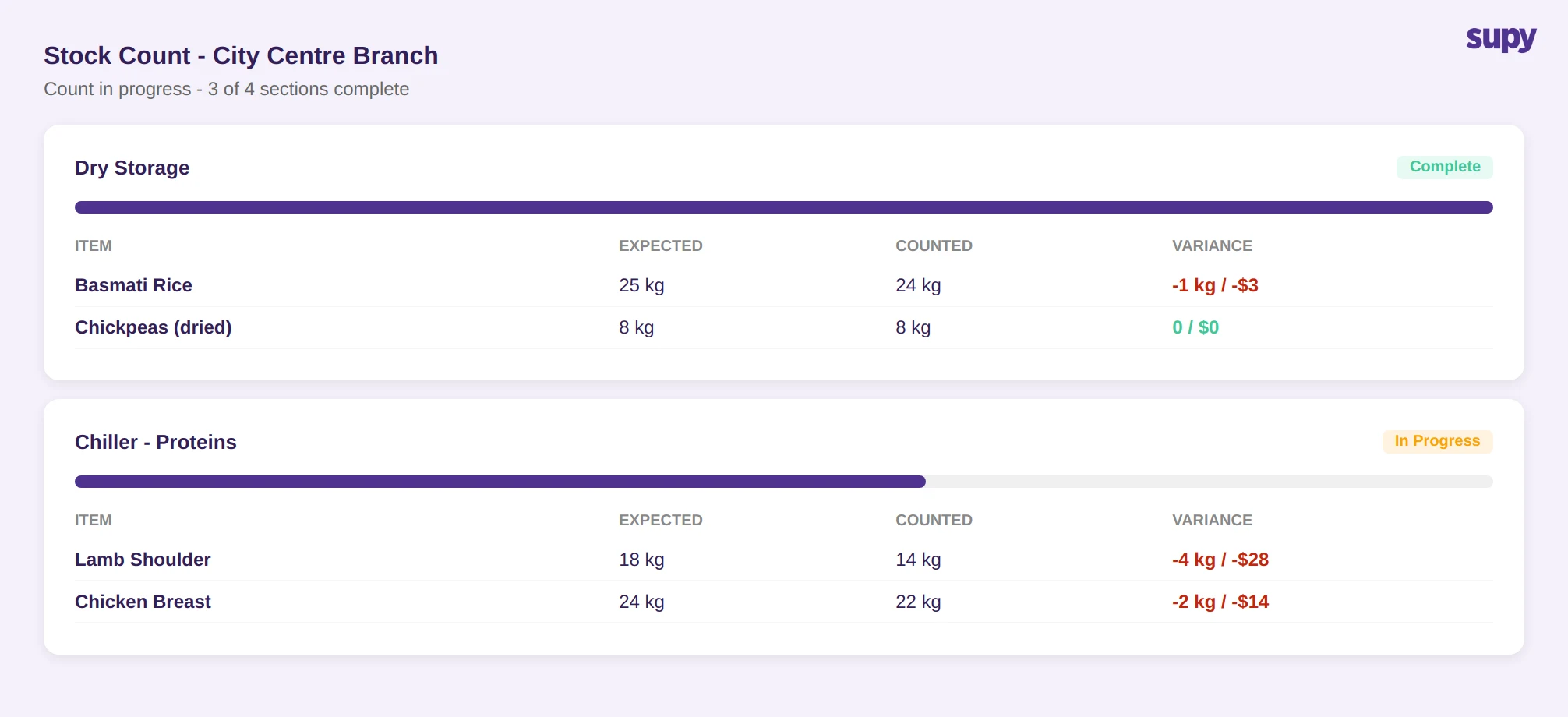
The better model uses reusable count templates built in shelf order, so counters follow the same sequence every time and do not skip items. Multiple staff can count the same location simultaneously, with the system auto-merging their tallies and attributing each entry to the individual counter. Supy's stock counting module works this way, and operators report reductions of more than 50% in the time taken to complete a full count.
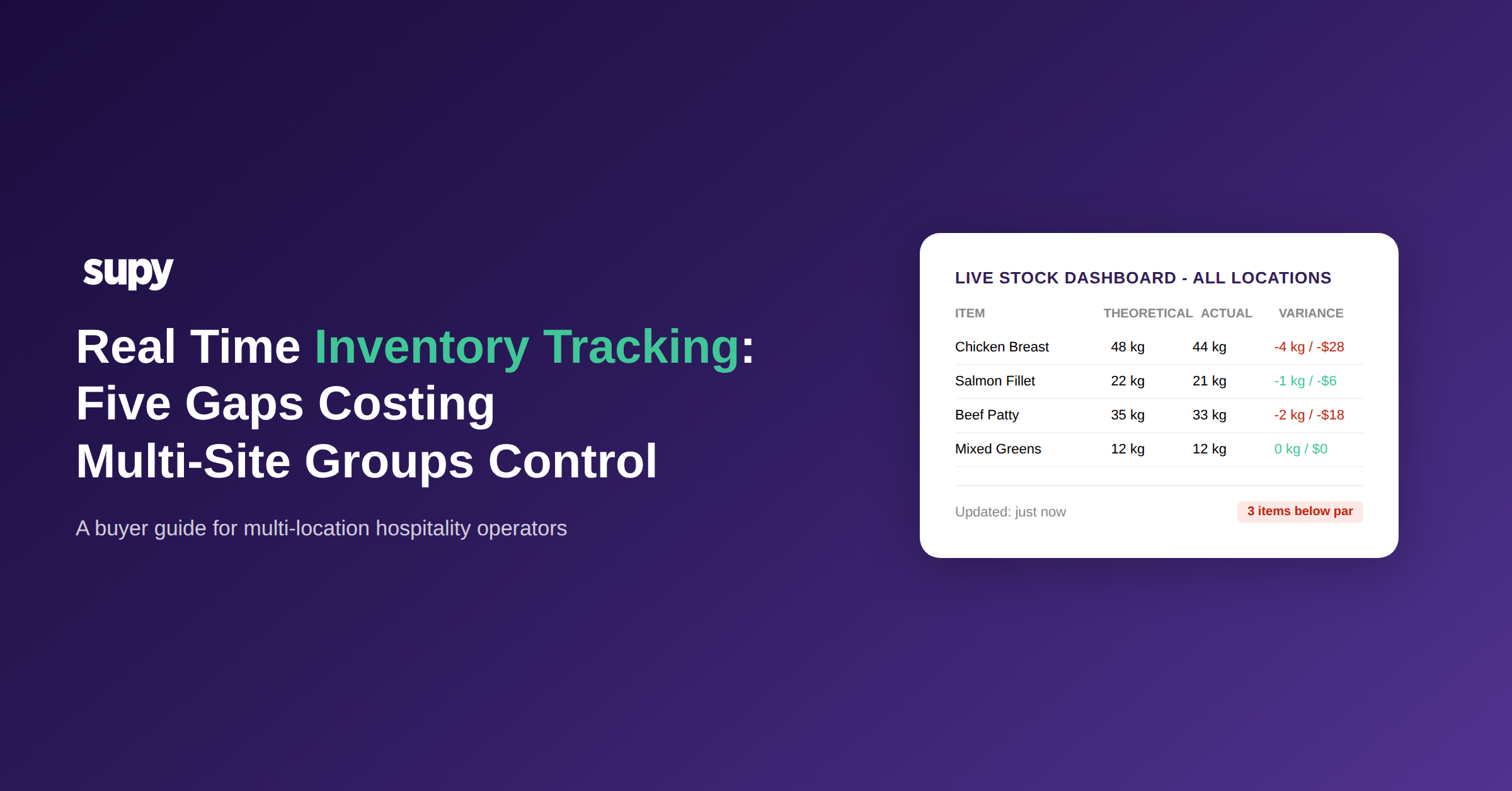
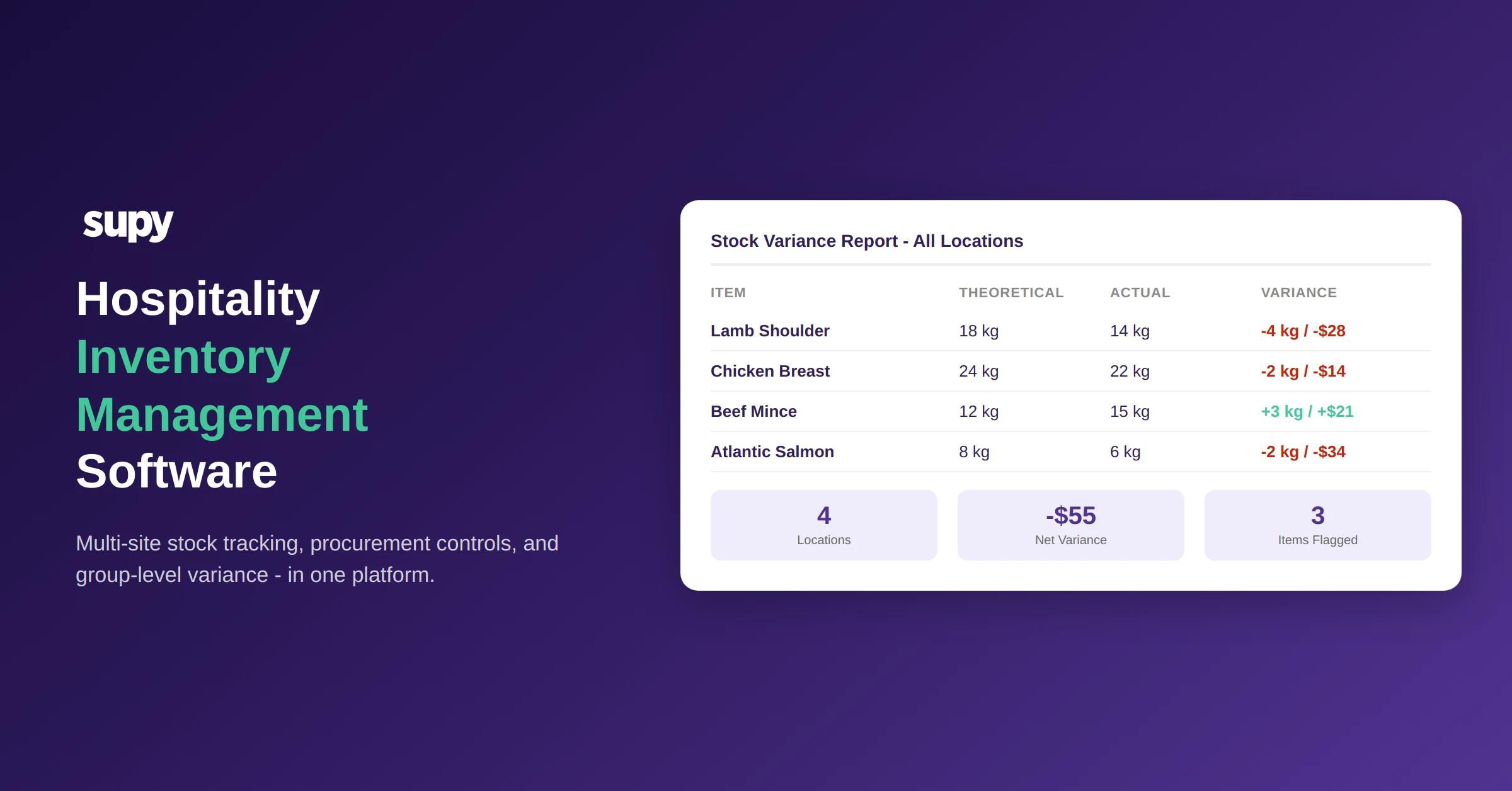
The critical output is the variance report: the difference between what the system expects to be on hand (theoretical stock, based on opening stock plus received goods minus recipe-driven consumption) and what was physically counted. Without that instant comparison, a count is just a data entry exercise. With it, a manager can see, within seconds of closing the count, where unexplained losses are occurring.
For groups running 5 or more sites, parallel counting and immediate variance visibility are not conveniences - they are the only way to run a meaningful stock program without dedicating a full day per week per location to the task.
Procurement Controls That Prevent Overspend Before It Happens
Most hospitality groups running more than three or four sites find that uncontrolled purchasing is where food cost leaks first. Individual branch managers place orders without visibility into what other sites have already ordered from the same supplier. Delivery quantities come in above the agreed PAR. Invoices arrive with price variances that nobody catches because there is no comparison point.
Hospitality inventory management software built for multi-site groups addresses this at the procurement layer rather than trying to catch errors in the variance report after the fact.
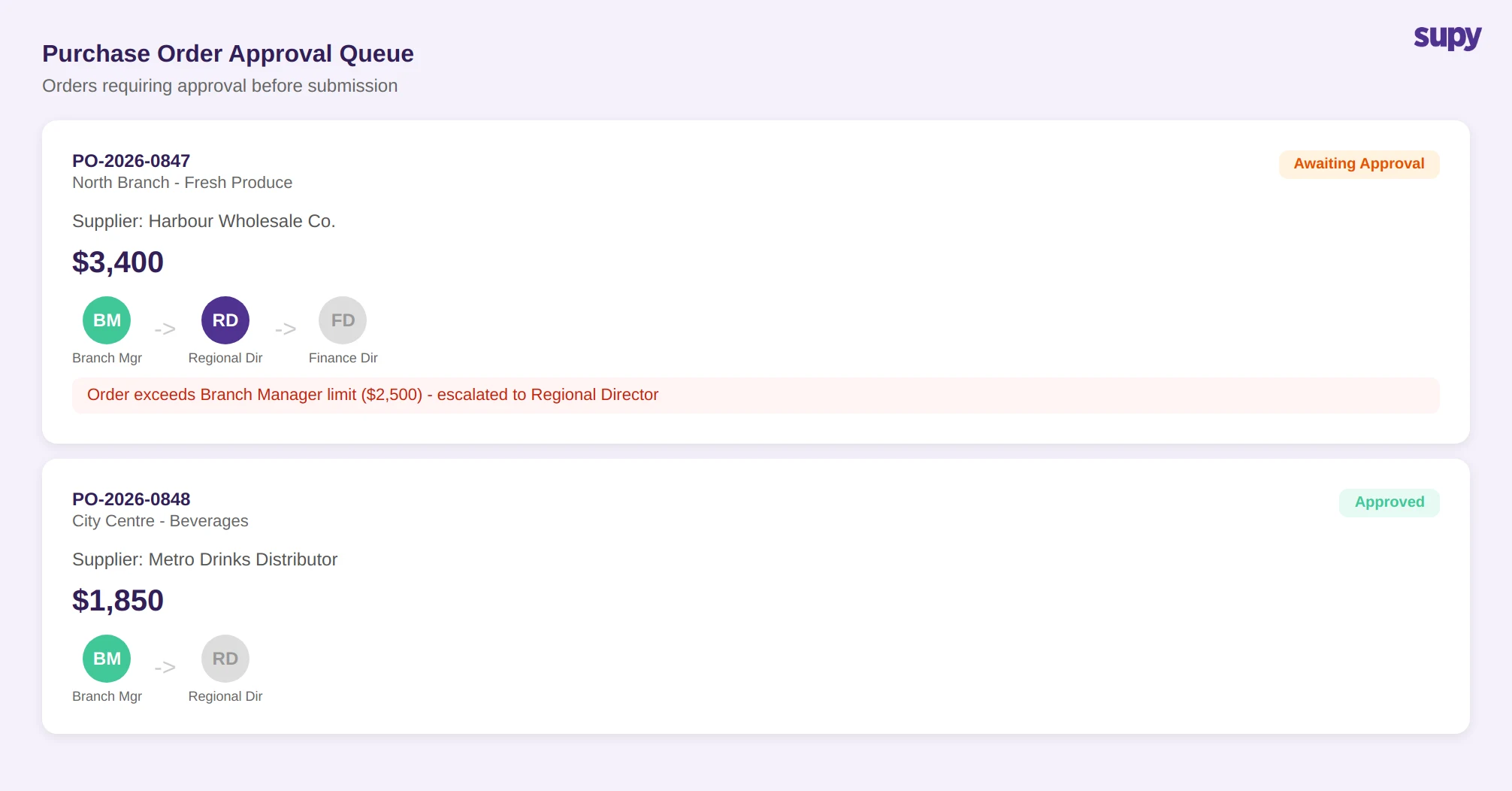
The key controls are fill-to-PAR ordering (the system calculates the gap between current stock and the target PAR level, pre-filling order quantities so buyers do not over-order), spending limits (purchase orders that exceed a defined threshold by branch, supplier, or category are routed to an approver before they can be submitted), and sequential approval workflows (Supy supports up to 5 sequential approvers per order type, with separate rules for requisitions and purchase orders, and more than 200 customisable permission settings).
When goods arrive, the system compares the received quantities and prices against the original purchase order, flagging discrepancies for review rather than letting them silently update stock and cost figures. One operational pattern that matters for multi-site groups: open purchase orders should factor into reorder calculations. A basic par-management tool does not account for what is already in transit. If a delivery covering the shortfall is already en route and the system does not know that, it will trigger a duplicate order. Purpose-built software deducts open POs from the reorder calculation, preventing this.
Consolidated Reporting at the Group Level
For a finance team overseeing 5 or more locations, the most valuable report is not site-level food cost - it is group-level food cost with the ability to drill into any site. The standard multi-site problem is that each location produces its own cost data in its own format, and reconciling them into a group view requires manual work that typically runs at least a week behind.
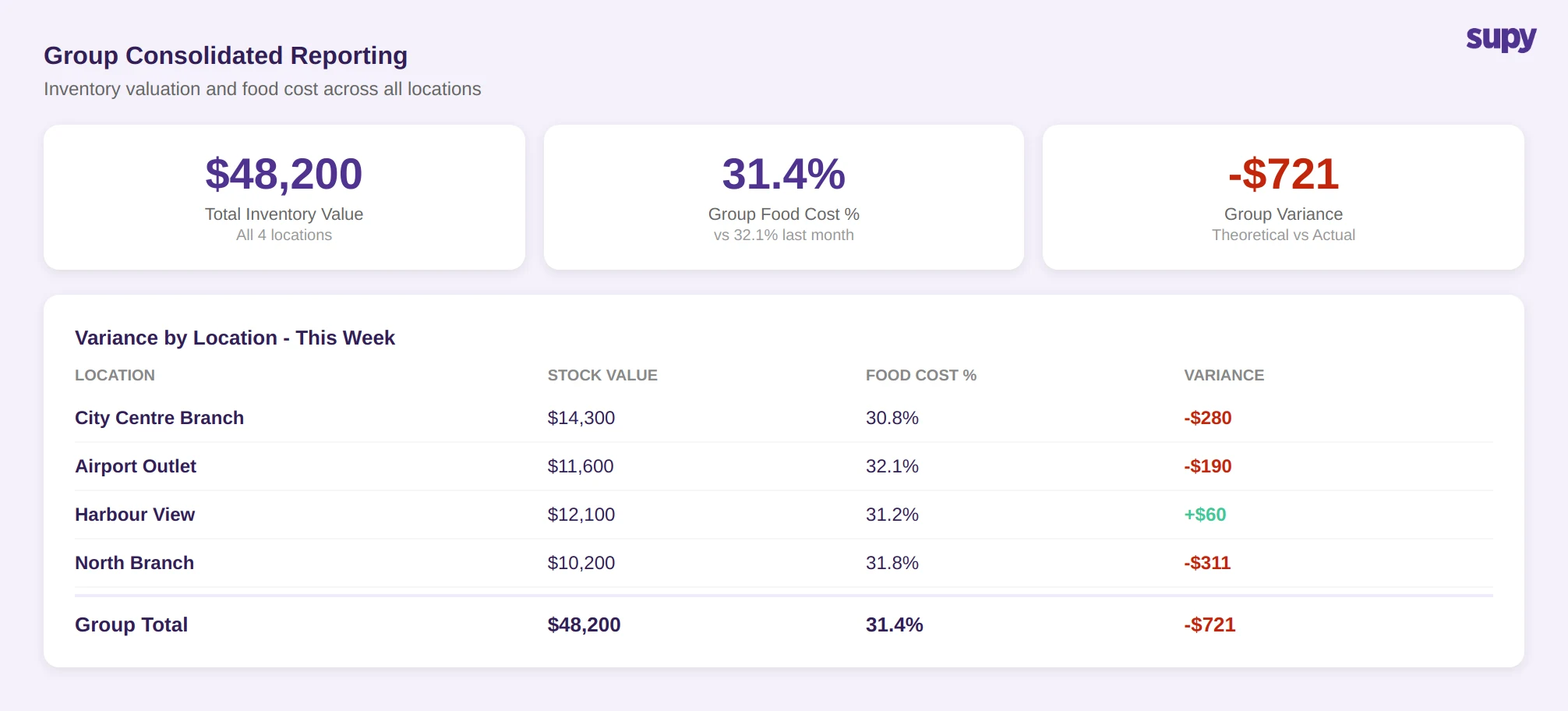
Purpose-built hospitality inventory management software produces consolidated reports covering cost of goods sold at group level and per site, theoretical versus actual variance aggregated and by location, wastage by category across the group, and inventory valuation per site and total group.
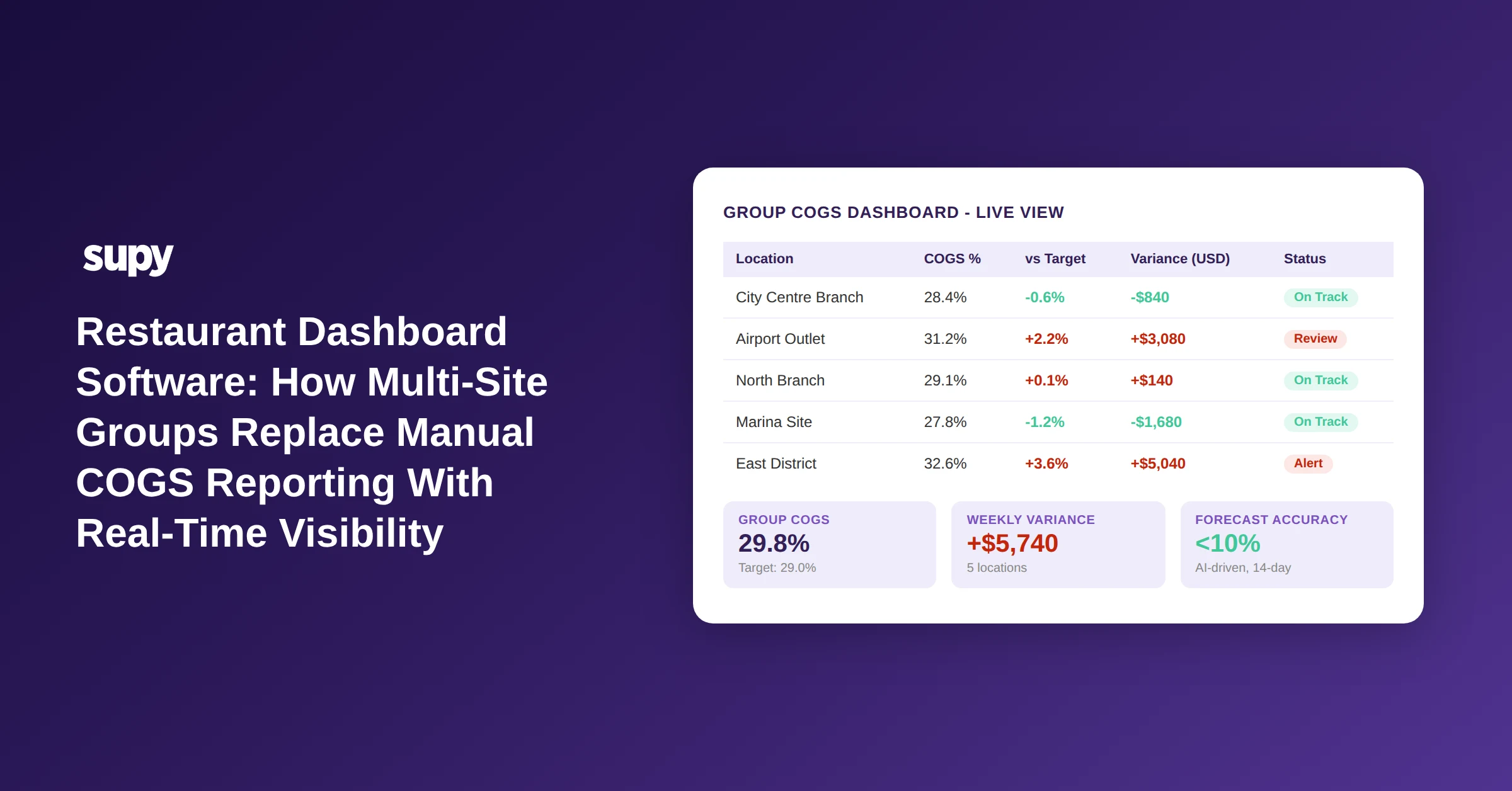
Supy's Interactive Dashboards pull live cost of goods sold and food cost percentage at group, site, and menu category level, with drill-down to individual dishes. The group finance team sees one number - total inventory value across all sites - without extracting data from each branch separately. One-click spreadsheet export covers procurement, stock movement, variance, and wastage reports, in Excel or CSV, for any period.
For groups whose data needs go further, Supy's Open API connects to data lake tools (Databricks, Snowflake, BigQuery), BI platforms (Power BI, Tableau, Looker), and 75+ POS, accounting, and ERP integrations. For a connected view of what this looks like in practice, see how restaurant inventory management connects procurement to cost visibility.
Access Controls and the Multi-Tier Operator Structure
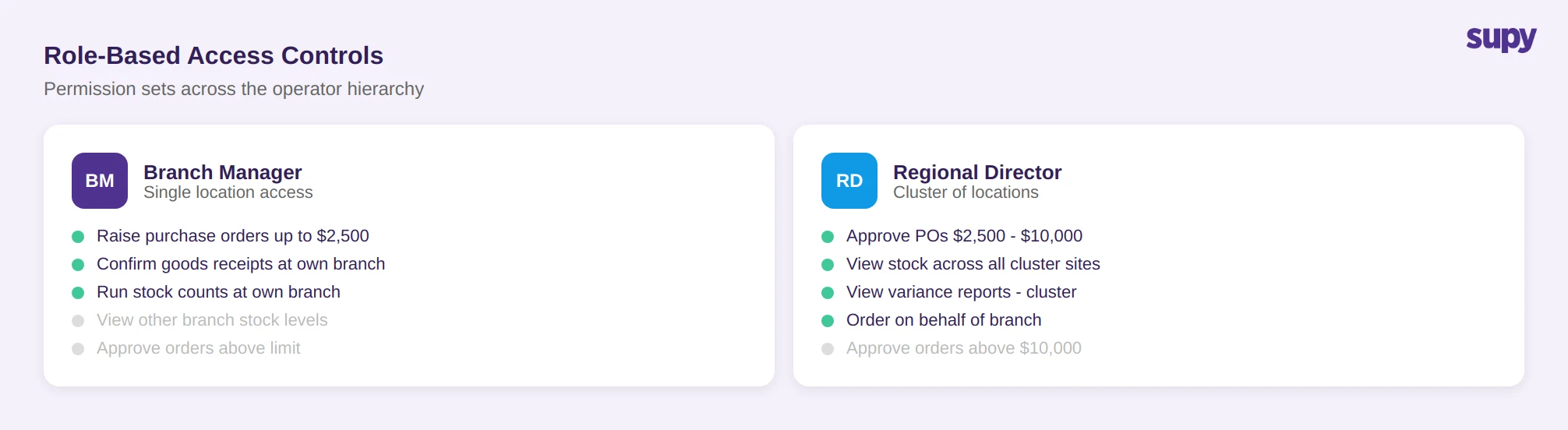
One requirement that generic inventory tools rarely handle well is the multi-tier permission structure of a hospitality group. A branch manager needs to see stock at their site and raise purchase orders up to a certain value. A regional director needs to see and approve orders across a cluster of sites. A group finance director needs read access to everything but should not be raising purchase orders. A central kitchen team needs to see incoming demand from all branches and ship against it.
These are fundamentally different access patterns, and they need to be configurable without requiring a software engineer to set them up.
Supy's permission framework allows each user to hold multiple roles simultaneously, with access rights reflecting all their responsibilities at once. Roles can be enabled or disabled at any time, and access updates immediately across the system. The procurement approval chain is set per order type, with limits by branch, supplier, and category. This means the same user can be a standard orderer at one branch and an approver at another, without any manual workaround.
For groups managing a central kitchen alongside restaurant branches, Supy handles both tiers in the same platform: branches send purchase orders to the central kitchen, the central kitchen sees consolidated demand across all branches, confirms shipments, and generates delivery notes and invoices against each branch.
How to Evaluate Hospitality Inventory Management Software
The buyer-guide question for any operator evaluating this category is: does the system reduce the time and error involved in managing stock across all sites, or does it add a new layer of data entry on top of what already exists?
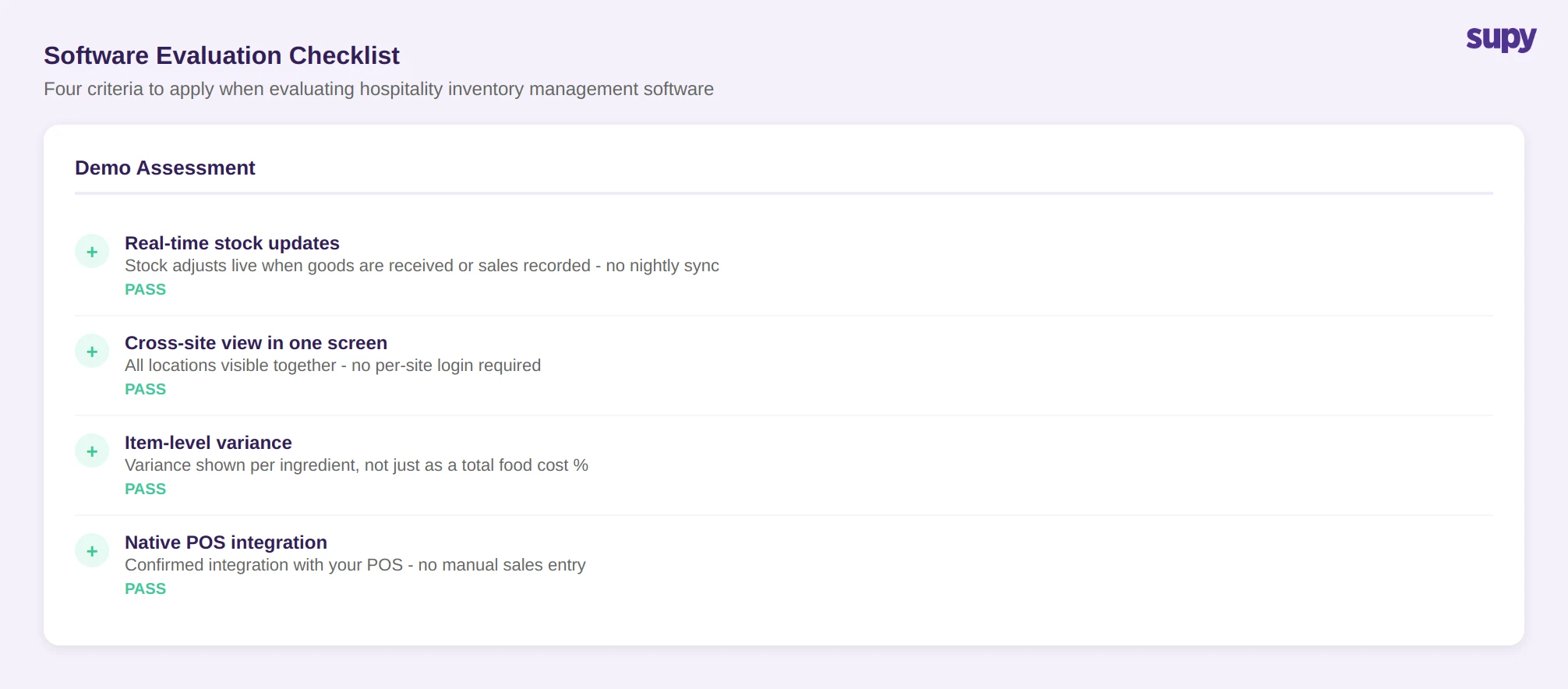
Four criteria to apply in any evaluation or demo:
Real-time vs. batch updates. Ask whether stock figures update live as deliveries are received and sales are made, or whether they require a nightly sync or manual refresh. For multi-site groups, stale data is the primary cause of poor decisions.
Cross-site visibility in one screen. The demo should show you the group-level stock view without switching between locations. If you have to log into each site separately to get a full picture, the system is not built for multi-site operations.
Variance at the item level. A system that shows you that food cost percentage is 34% tells you there is a problem. A system that shows you that lamb shoulder had a 4 kg unexplained loss at the North Branch last week tells you where to investigate. Item-level theoretical versus actual variance is the diagnostic tool, not a nice-to-have.
Integration with your existing POS. Inventory software that does not connect to your POS requires manual sales entry, which defeats the purpose of automated theoretical stock tracking. Confirm which POS systems are natively integrated before the demo.
For most multi-site hospitality groups evaluating this category, the test is not whether the software can do inventory - almost every system can. The test is whether it can do inventory across 5, 10, or 20 locations in a single operator view, with controls that prevent procurement errors rather than just reporting them after the fact. Apply these four criteria in your next demo and you will quickly separate purpose-built systems from those that have been stretched beyond their design.
Supy is built for multi-site hospitality groups who need live stock visibility, item-level variance, procurement controls, and group reporting in one platform. Book a demo to see the full system in action.
To see the full range of inventory capabilities Supy offers multi-site groups, book a demo and request a walkthrough of the stock count, variance, and group reporting modules.