.jpg)


Best Restaurant Inventory Management Software in 2026
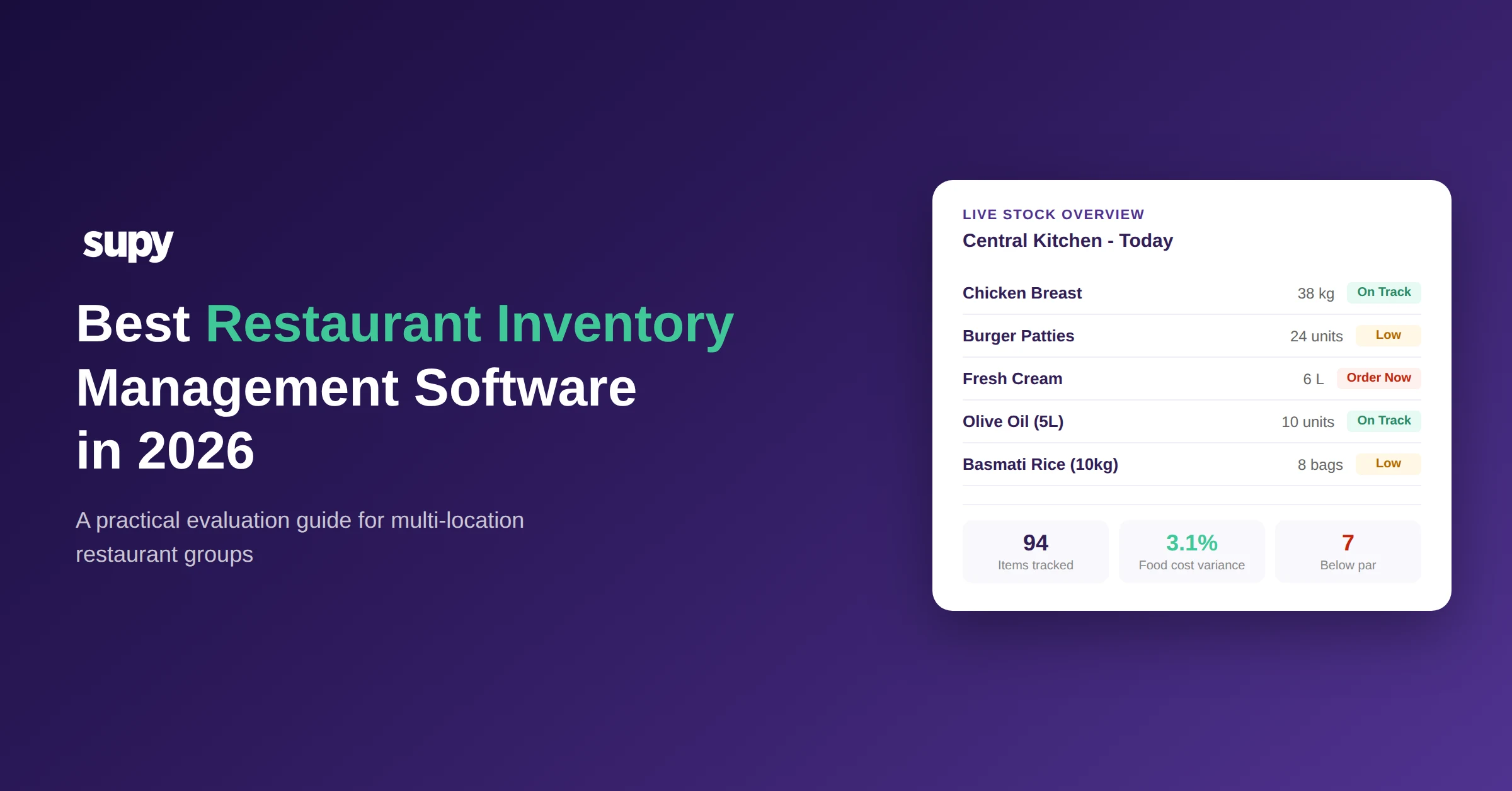
Operators running three or more restaurant locations lose an average of 5-10% of revenue to inventory mismanagement every year - through over-ordering, untracked waste, inconsistent portioning, and supplier pricing that nobody has time to verify. The best restaurant inventory management software eliminates these gaps by connecting purchasing, stock movement, and recipe costing into a single system that works across every location in real time.
If you are evaluating inventory management software for your restaurant group, this guide gives you a practical framework for making that decision. Rather than listing product names, it focuses on what actually matters: the features that separate useful tools from expensive shelfware, the multi-location capabilities most vendors gloss over, and the total cost of ownership questions your sales rep hopes you will not ask.
What Restaurant Inventory Management Software Actually Does
At its core, inventory management software replaces the manual processes that most restaurant groups still rely on - paper stocktakes, Excel spreadsheets, and invoices checked line by line. One operations director we spoke with recently described their current system in two words: “On paper.” Another multi-site group acknowledged maintaining dozens of separate documents, each manually entered into spreadsheets.
The shift from manual to software-based inventory management is not about technology for its own sake. It is about operational control. A well-implemented system should handle five core functions:
If you are currently managing inventory with spreadsheets, a free inventory management template can help you structure your data before you migrate. But for groups with more than two or three locations, the limitations of manual tracking compound quickly.
Key Features to Evaluate
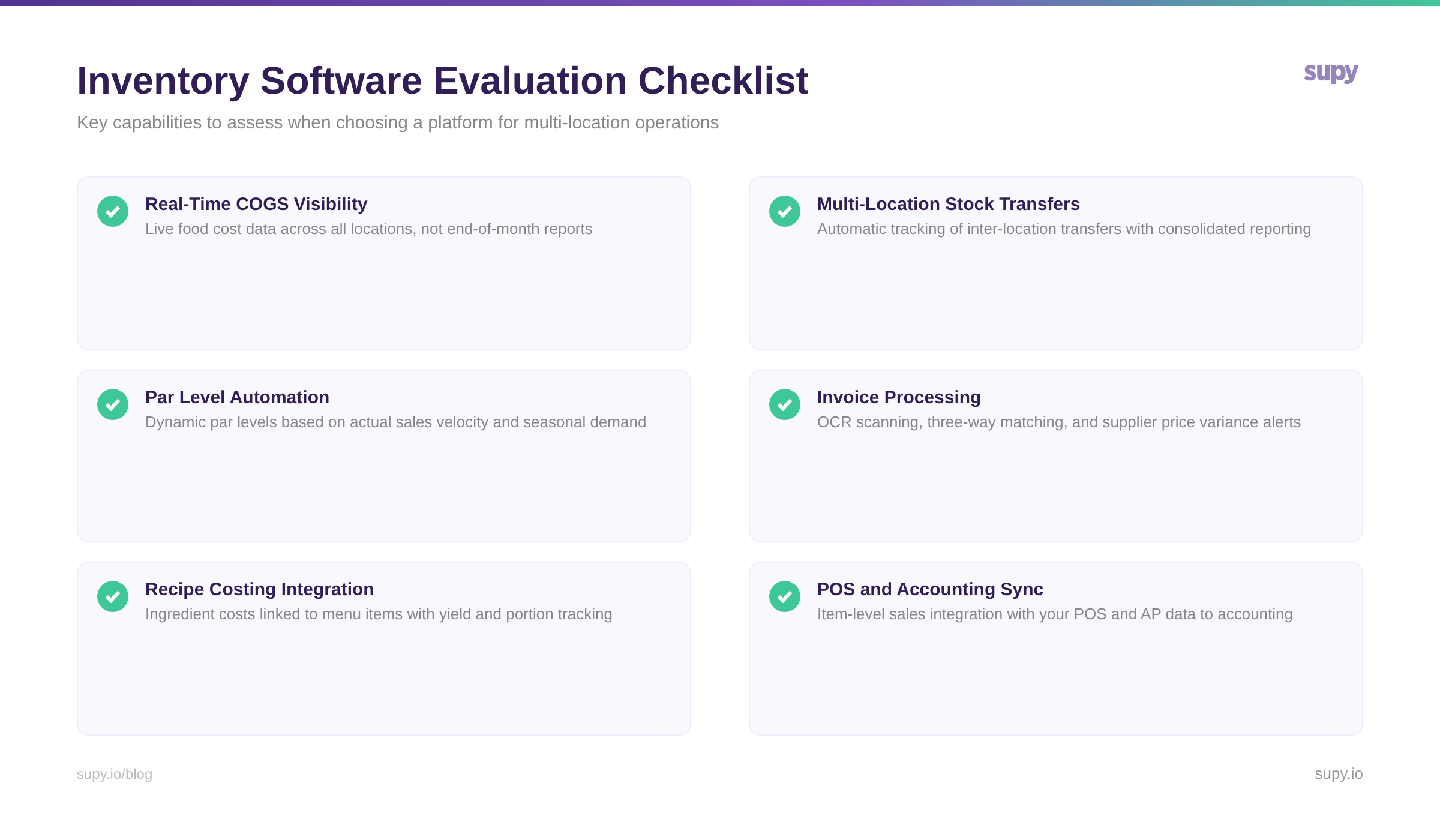
Not all inventory management software is built for the complexity of multi-location restaurant operations. When evaluating options, focus on these categories.
Real-Time Visibility, Not End-of-Month Reports
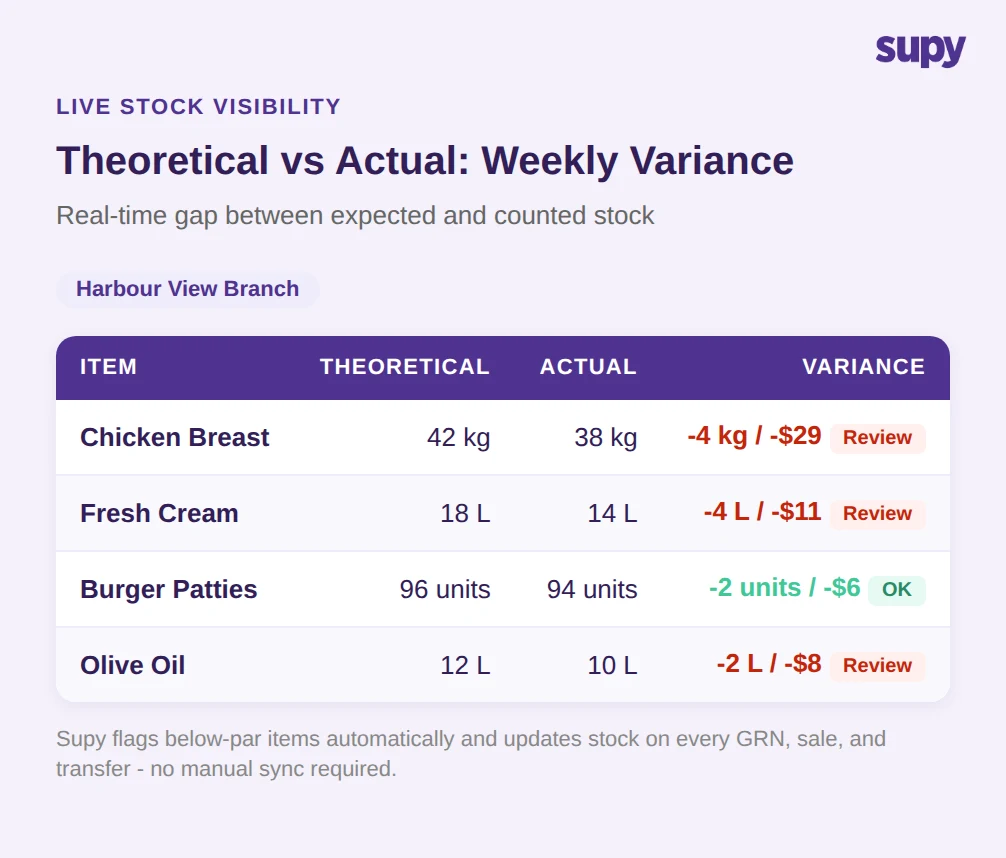
Many platforms only surface cost data at the end of the month. By then, the damage is done. The software you choose should show live cost of goods sold (COGS), so you can spot problems - a supplier price increase, a kitchen over-portioning, an unexpected spike in waste - while there is still time to act.
One head of operations put the core problem plainly: the biggest challenge is always making sure theoretical food cost margin is accurate, because that is where most groups struggle. If your system cannot show you the gap between what your recipes should cost and what your kitchen is actually spending in real time, you are flying blind.
Multi-Location Stock Management
This is where most inventory software falls short. Managing a single restaurant is straightforward. Managing stock across five, ten, or thirty locations introduces complexity that many platforms were never designed for:
Multi-location operators consistently flag stock transfers as a core requirement - the ability to understand and manage transfers between stores without manual logs. If a platform cannot handle cross-location movement natively, it will create more work than it saves.
Par Level Automation
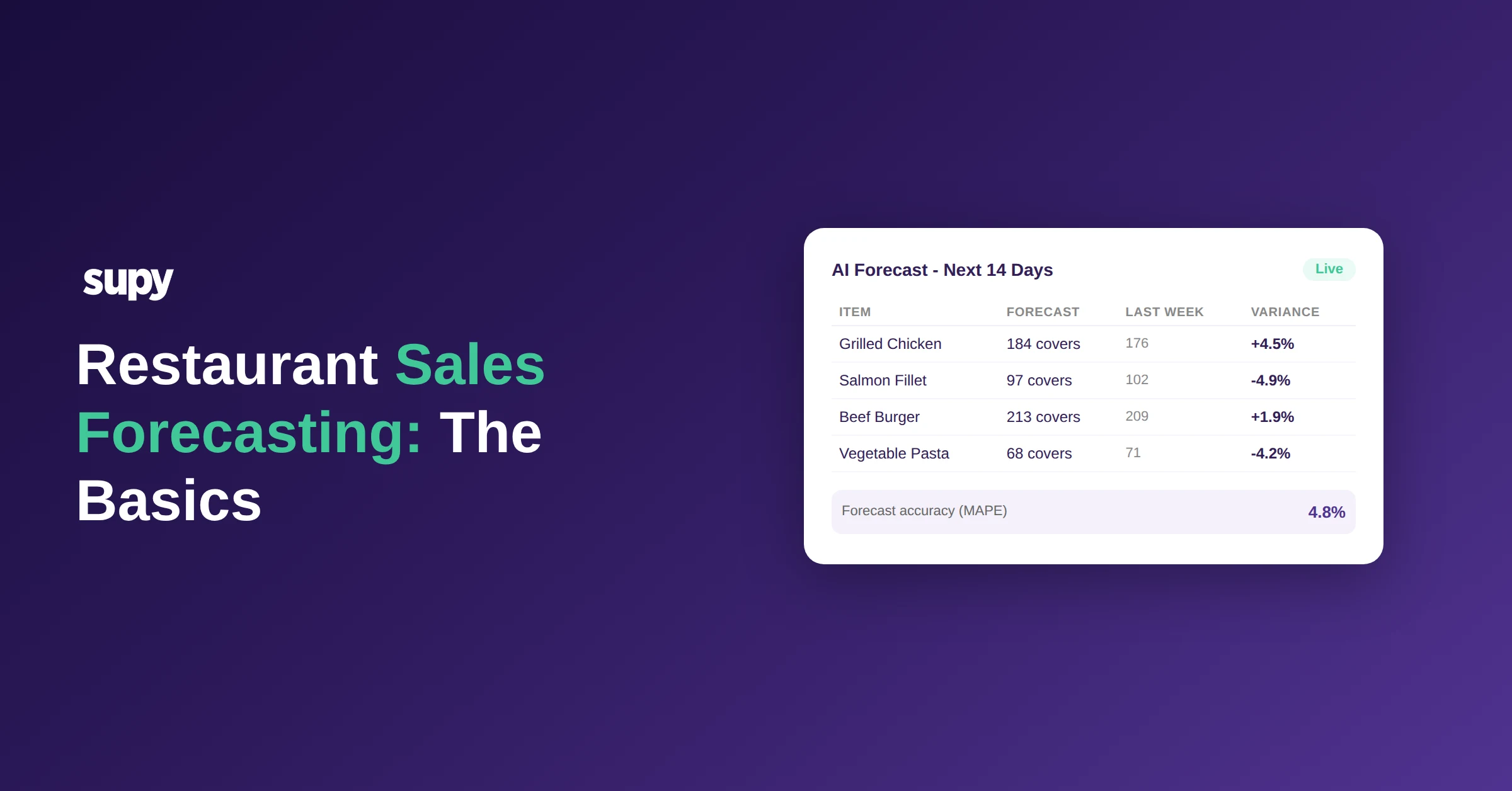
Setting optimal par levels is foundational to preventing both over-ordering and stockouts. The best inventory management software calculates par levels from actual usage data - not static numbers that someone set six months ago and never updated.
If you'd rather not work par out by hand, the free par level calculator does it for every item on your sheet from your usage, delivery days and supplier lead times.
Look for systems that adjust par recommendations based on sales velocity, seasonality, and location-specific demand. A QSR doing 500 covers a day needs different par levels than a fine-dining restaurant doing 60, even if they share the same menu items through a central kitchen.
Invoice Processing and AP Automation
Invoice management is one of the most emotionally charged pain points in restaurant operations. Operators describe checking every line of every invoice manually, dealing with pricing that does not match agreed terms, and spending hours on accounts payable that should be automated.
The software you evaluate should offer:
Be realistic about AI capabilities here. Automated invoice processing works well for standardised documents, but when the same ingredient is ordered across multiple locations and the supplier invoice does not include a PO number, even sophisticated systems need manual intervention. Ask vendors how they handle edge cases, not just the happy path.
Recipe Costing and Menu Engineering
Your inventory software should connect directly to your recipes, so every fluctuation in ingredient cost automatically updates your menu item profitability. This connection between procurement and menu engineering is what turns inventory data into actionable business intelligence.
Evaluate whether the system supports:
One prospect we spoke with summed up the goal: getting COGS down from 40% to 30% by using software to enforce portion control across locations. That kind of improvement is achievable, but only if the system connects real purchasing data to recipe specifications.
Integration Requirements: The Questions Most Buyers Forget
A standalone inventory system creates data silos. The software you choose needs to connect to:
Ask specifically about integration depth. A basic integration might sync daily sales totals. A proper integration syncs item-level sales in near real time, enabling you to see exactly which menu items are moving and what that means for your inventory position. The difference between these two levels of integration is the difference between useful software and an expensive data entry tool.
Verify that your specific POS and accounting platform are supported before committing - and ask about the depth of each integration, not just whether it exists on a compatibility list.
Total Cost of Ownership: Beyond the Monthly Subscription
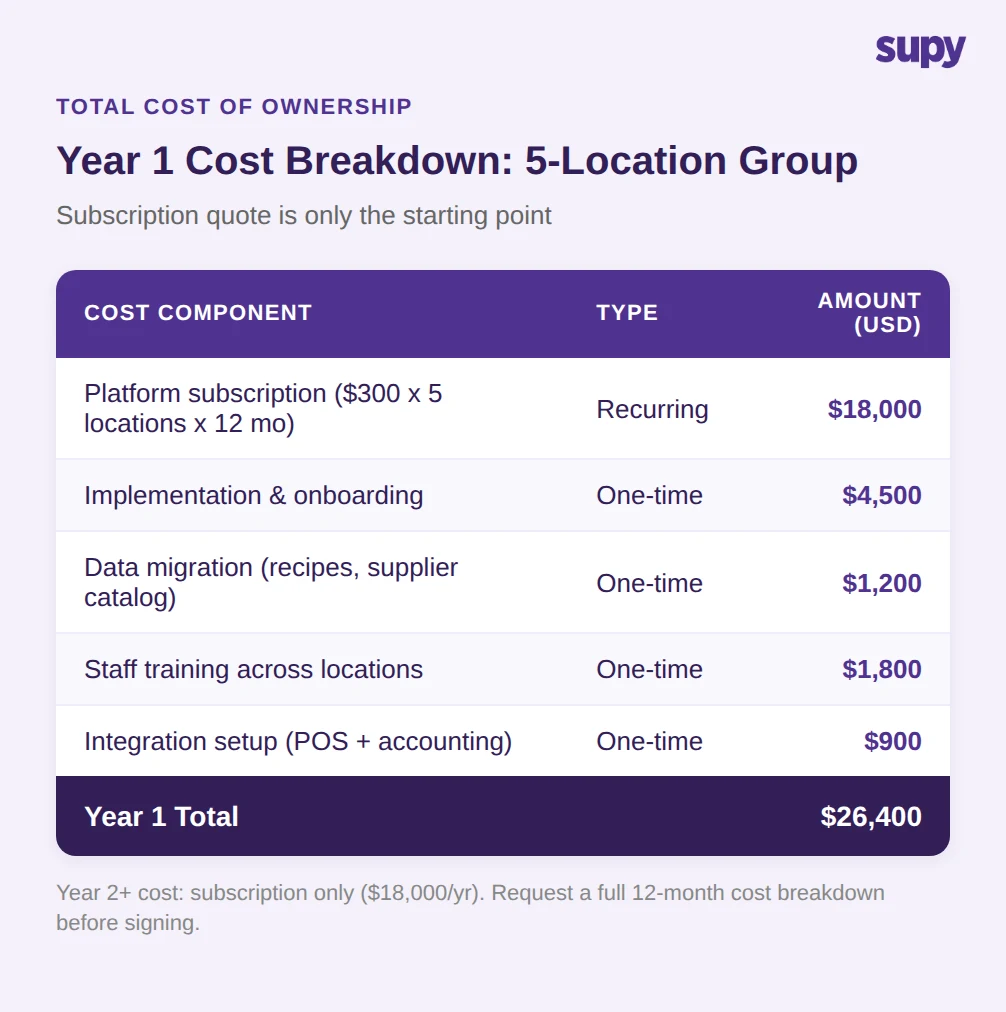
Subscription pricing is only part of the cost. When building your business case, account for:
System transition is a genuine concern for operators. One group described it as their biggest worry - moving all their data and processes without disrupting daily operations. Ask for a detailed onboarding timeline and a named implementation manager, not just a help centre link.
How to Run Your Evaluation
A structured evaluation prevents the most common mistake: choosing software based on a demo rather than operational fit. Here is a practical framework:
Week 1-2: Define requirements. Document your current process, pain points, and must-have features. Involve your kitchen managers and procurement team, not just the finance team.
Week 3: Shortlist vendors. Request demos from 3-4 platforms. Use the feature categories above as your evaluation criteria.
Week 4: Pilot. Run a paid pilot at one location with your top two choices. Use real data - real suppliers, real invoices, real recipes. A demo environment tells you nothing about how the system handles your operational complexity.
Week 5-6: Decide. Compare based on the pilot, not the sales deck. The platform that handles your messiest location well will handle the rest.
How Supy Handles Multi-Location Inventory
Supy was built specifically for multi-branch restaurant operators - the procurement, inventory, and business intelligence challenges that come with running five, fifteen, or fifty locations. The platform connects inventory movement, purchasing, and actual usage data into a unified operational view, with 300+ permission levels that let you standardise processes while giving individual locations the flexibility they need.
For groups evaluating their options, see how Supy handles multi-location inventory with a guided demo tailored to your operational setup.