.jpg)


Restaurant Staff Meals and Prep Waste: How to Track and Cost Both
Where Staff Meals and Prep Waste Actually Go
Staff meals and prep waste are stock that leaves the kitchen with no sale behind it. A staff meal is ingredients the team eats. Prep waste is the trim, offcuts and spoilage lost while getting product ready to serve.
Neither shows up as revenue. If you do not record them, the system never depletes the stock they used. That missing stock surfaces later as unexplained variance. It makes food cost look worse than the kitchen really ran.
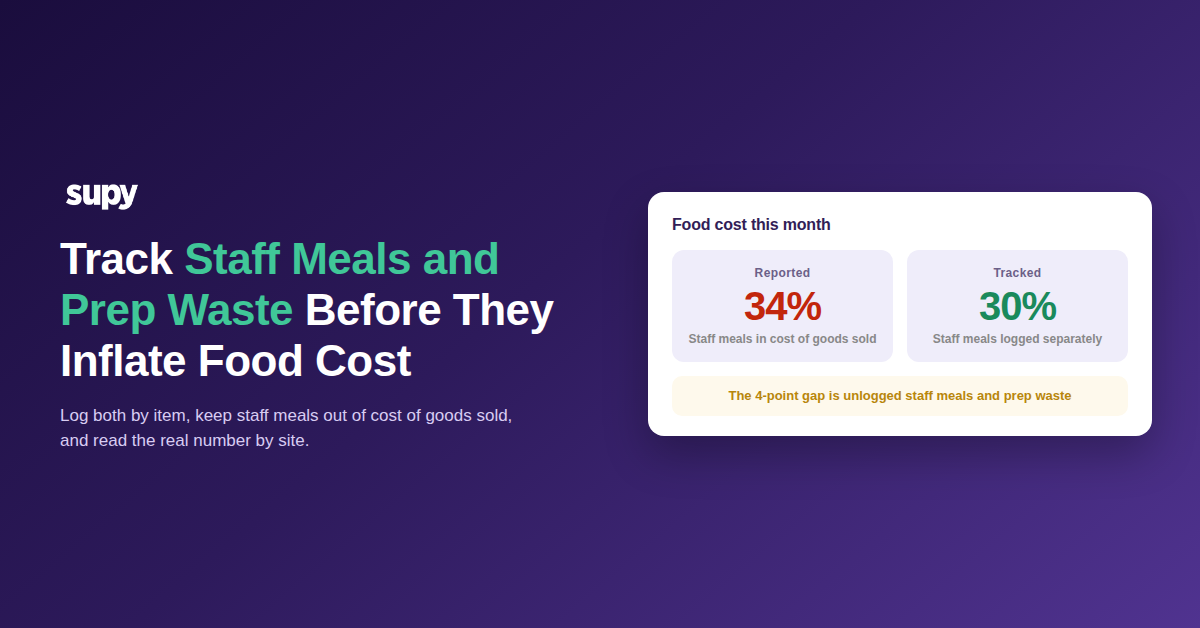
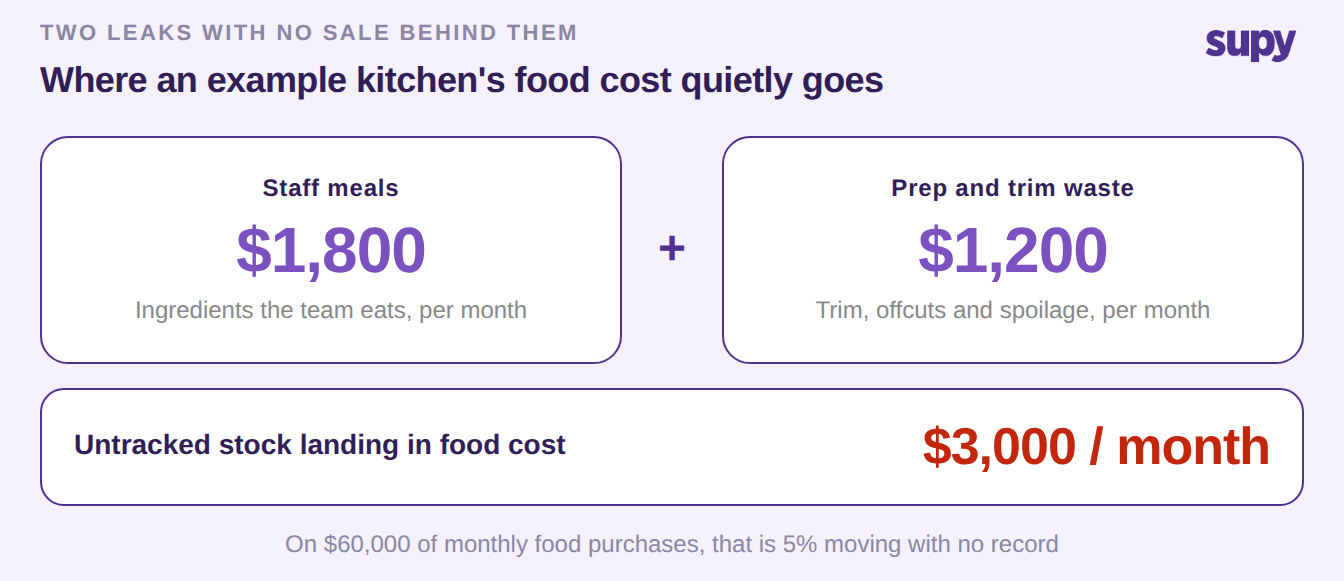
This is why they matter more than their size suggests. Take an example kitchen buying $60,000 of food a month. Staff meals near 3% and prep and trim waste near 2% add up to about $3,000 of stock a month. Untracked, that $3,000 does not vanish. It lands in food cost as a mystery gap. A kitchen genuinely running at 30% can report 34%. The team then hunts a problem that is really just unlogged movement.
Stop the Staff Button From Hiding Meal Costs
The most common way staff meals go missing is the flat-fee staff button on the till. It is rung as a fixed-price "staff meal" with no link to specific menu items. So it records a sale value but never tells the inventory system which ingredients were used. Stock is never depleted for what the team ate. Do that a few times a day across sites and the on-hand figures drift from reality.
There are two clean fixes, and both keep the stock ledger honest. First, ring staff meals through the till as the actual menu items the team ate. The point-of-sale link then depletes the right ingredients automatically. Second, where a meal is not a menu item, log it as a wastage entry against a dedicated staff-meal category. The ingredients still come out of stock. You can also switch on the setting that auto-converts a voided or cancelled ticket into a wastage record. A comped or cancelled staff order is then captured and costed with no re-keying.
| How the staff meal is recorded | Does stock deplete? | Effect on food cost |
|---|---|---|
| Flat-fee staff button | No | Understates stock, inflates variance |
| Actual menu items through the till | Yes, automatically | Correct stock, cost sits in food cost |
| Staff-meal wastage category | Yes | Correct stock, separated from food cost |
Log Prep and Trim Waste by Item, Not by Guess
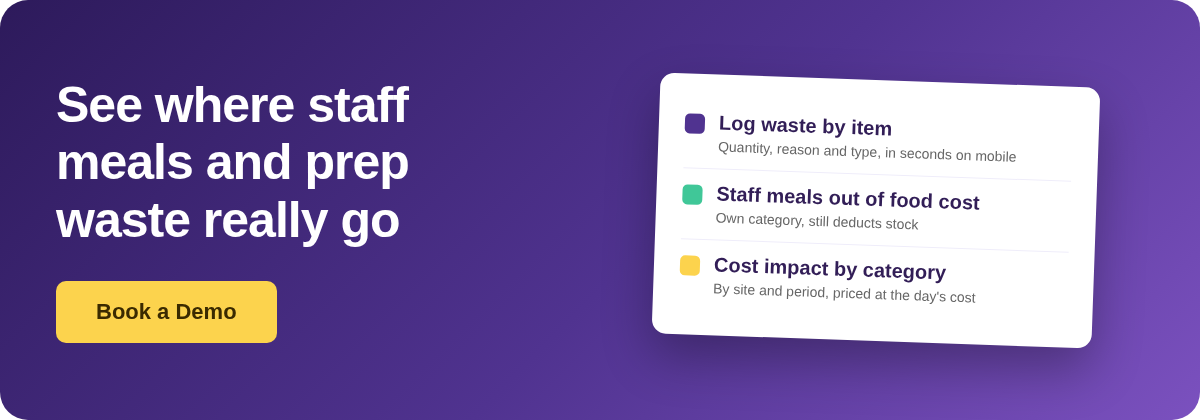
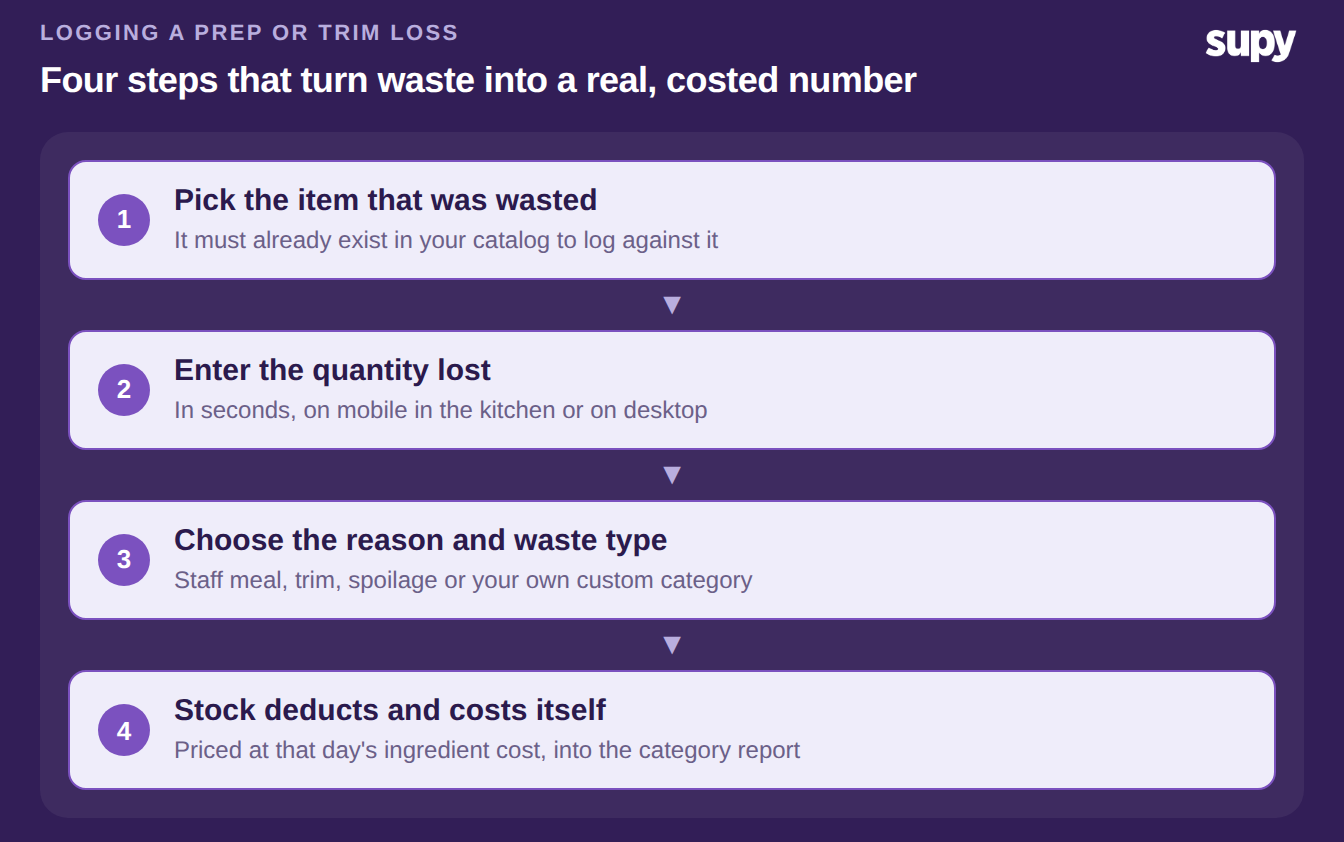
Prep waste needs the same discipline. Record it the moment it happens, not at month-end. Log each loss by item, quantity, reason and waste type in seconds on mobile or desktop. Each entry deducts from stock and costs the loss at that day's ingredient price. It then feeds a live cost-impact breakdown by branch, period and category. Recipe-level losses decompose to their ingredients. A wasted batch deducts each component in proportion, not as one vague write-off. You can also attach a photo of spoiled goods before discarding them. Our guide to restaurant food waste tracking covers the wider setup.
One setup step comes first. Skipping it is how prep waste stays invisible. An item can only be wasted against if it exists in the catalog. So build your item master and prep recipes before the team logs against them. One operator generated significant waste during a tasting of more than forty new dishes. They could not record any of it, because the new ingredients had not been created yet. For recurring losses like daily trim, clone a previous wastage record to a new date. That removes the friction that makes people stop logging.
Keep Staff Meals Out of Your Food Cost Percentage
Logging staff meals fixes your stock counts. It also forces one decision about your food cost percentage. Is a staff meal a cost of selling food, or a staff benefit? Kept inside cost of goods sold, staff meals inflate the food cost percentage you report. Tagged to a dedicated staff-meal category or wastage-type expense flag, the usage still comes out of stock. But the cost is separated from cost of goods sold. Your food cost percentage then reflects what you actually sold. That single choice makes the cost appear in or vanish from food cost. Make it deliberately, not by accident.
Custom categories make this practical across a group. Two categories, Sales and Complimentary, are built in and fixed. Every other reason category you can add, rename or hide. So staff meals, prep, trim and spoilage each get their own line. Each line matches your own cost-centre breakdown. Read the cost-impact-by-category report and you see where staff meals and prep waste actually go. The report splits it by site and by period. They stop hiding as one unexplained lump in the food cost gap. Note one thing. A dedicated staff-meal cost centre is a common request, not a single named button. The mechanism above is how operators do it today, with categories that already exist.
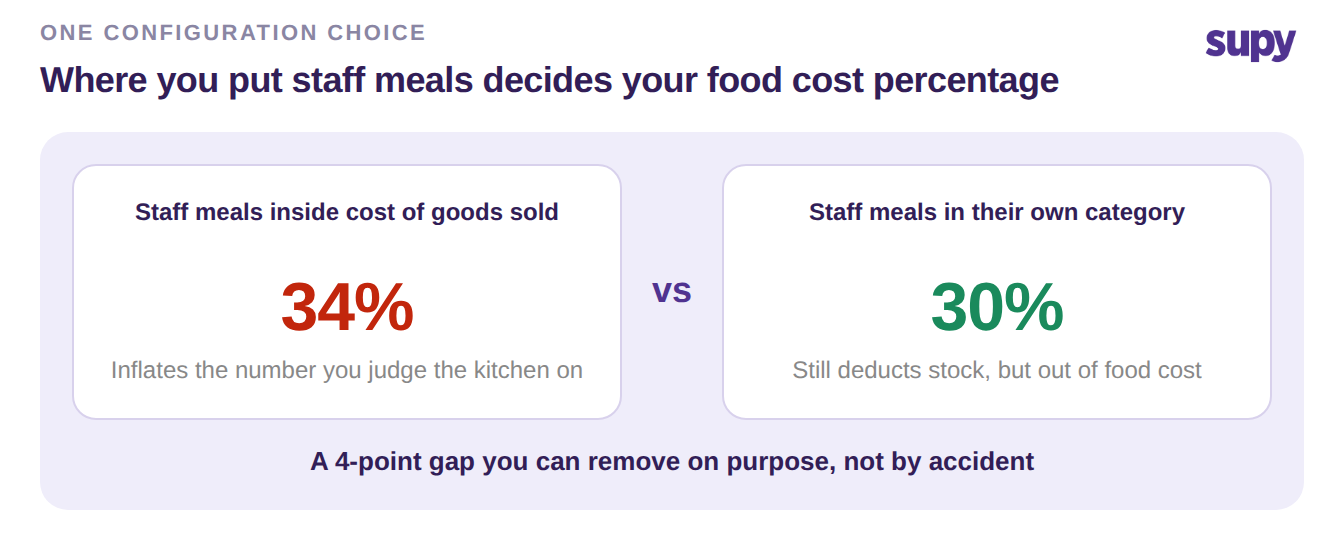
Put a number on it before you change anything. Take a month of food purchases. Estimate the share going to staff meals and prep waste, then price it. In the $60,000 example, 5% is about $3,000 a month you cannot currently see. Then compare your reported food cost percentage against your own target for the site, not an industry average. Treat any gap wider than about 2 points as worth investigating. The example kitchen shows a 4-point gap, between a real 30% and a reported 34%. That is exactly what unlogged staff meals and prep waste create. Start logging both this week and tag them to their own categories. The gap either closes or points you at the next real problem.