.jpg)


Restaurant Combo Meal Recipe Costing: Cost Every Combo and Modifier
What Accurate Combo Costing Shows You
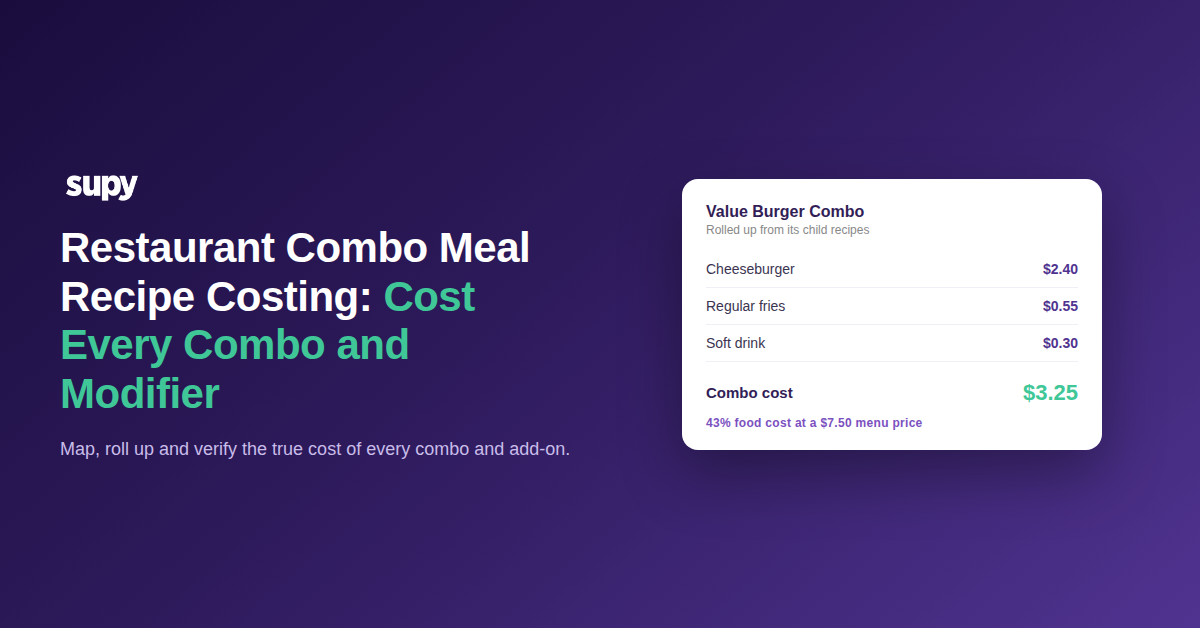
Restaurant combo meal recipe costing maps every item inside a combo to a recipe, then adds those recipe costs together into one true cost. It turns a bundled price into a real cost and margin you can act on. Without it, a combo whose recipe is split across separate child items shows no cost at all.
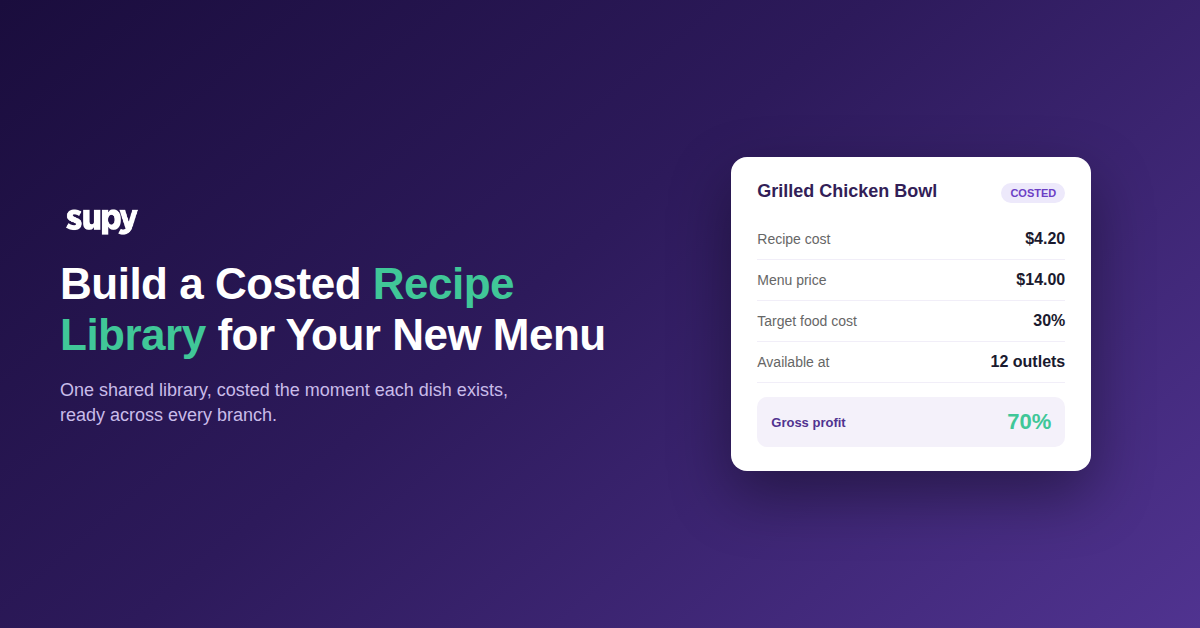
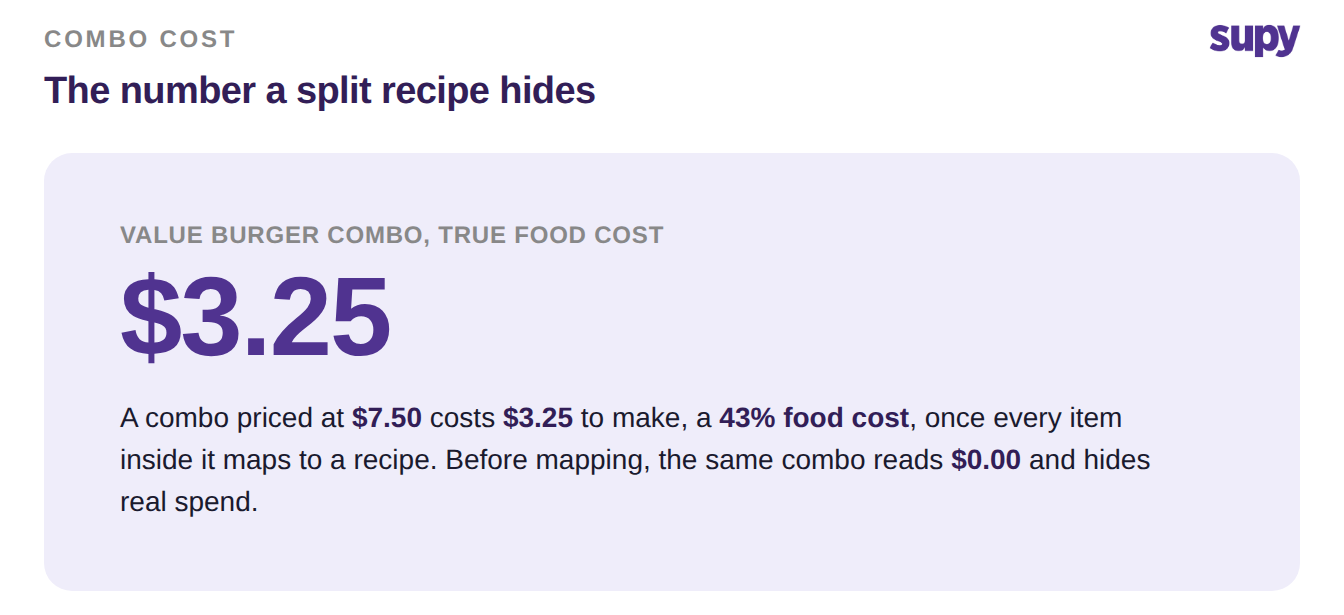
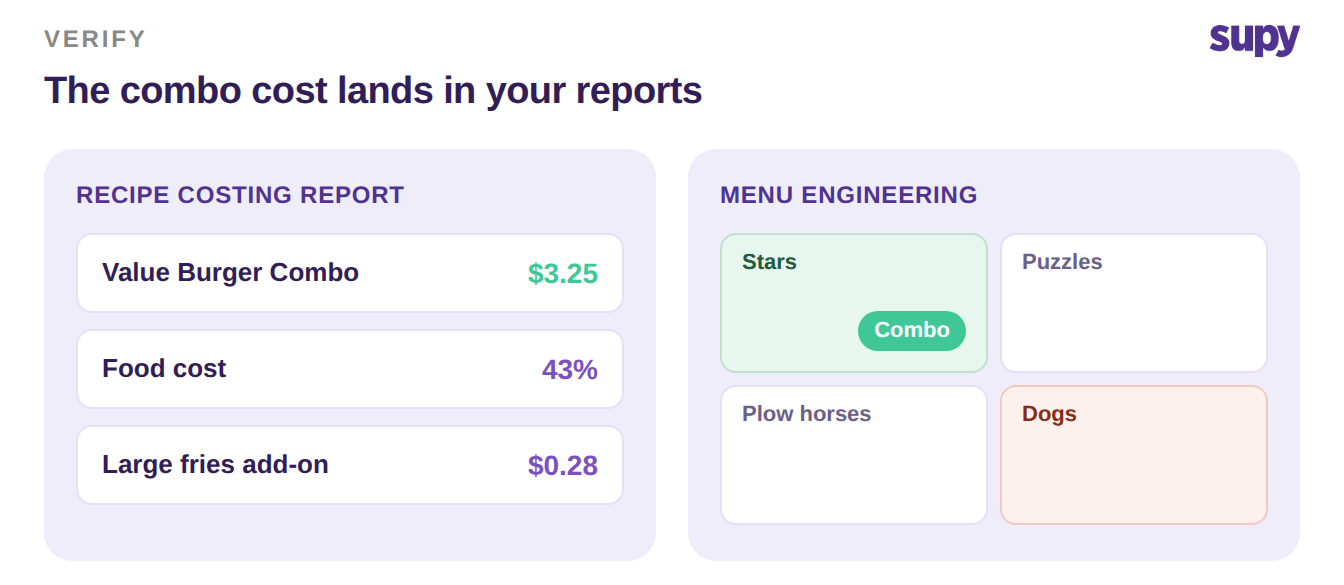
Once the cost is visible, the combo joins the rest of your menu in food cost and menu engineering reports. In our worked example, a Value Burger Combo priced at $7.50 turns out to cost $3.25 to make, a 43% food cost. That is the number a manager needs before they discount the combo or push it harder.
Map Every Child and Parent Item to a Recipe
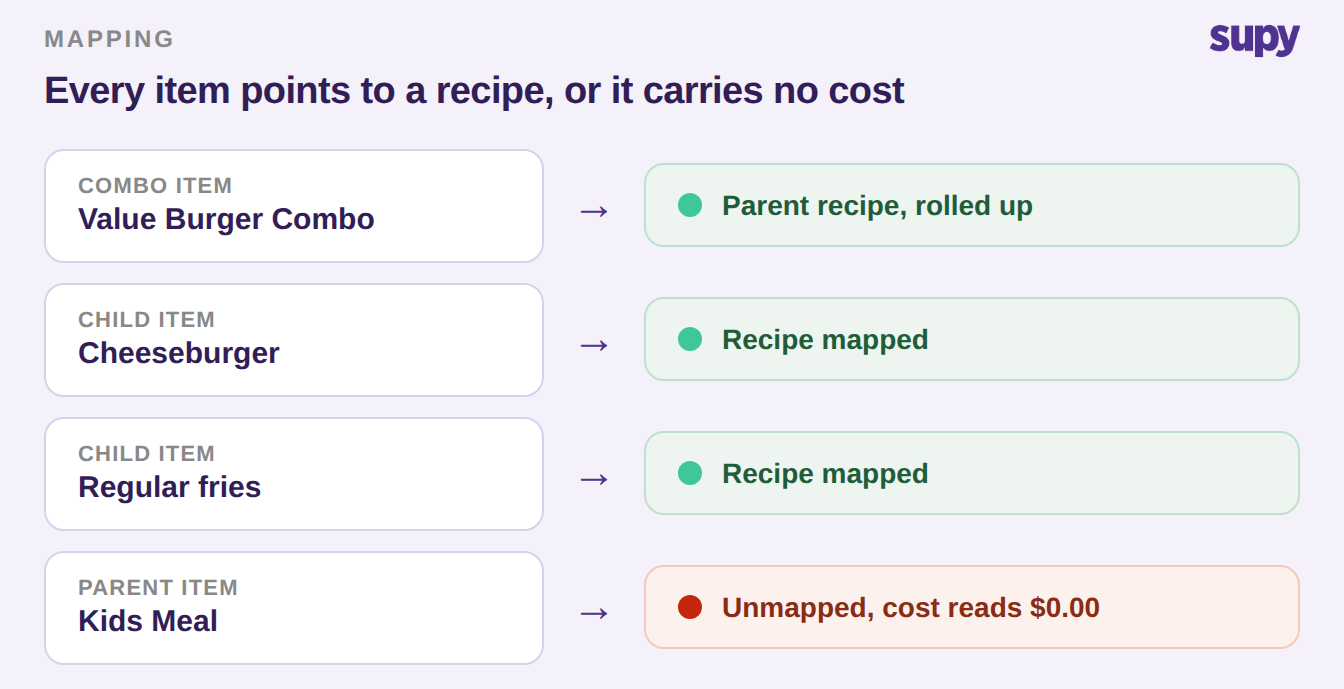
A combo carries no cost until every item it contains points to a recipe. Enterprise operators often have combo and parent items left unmapped, so those items sit on the menu with a zero cost. Start here, because nothing downstream works without it.
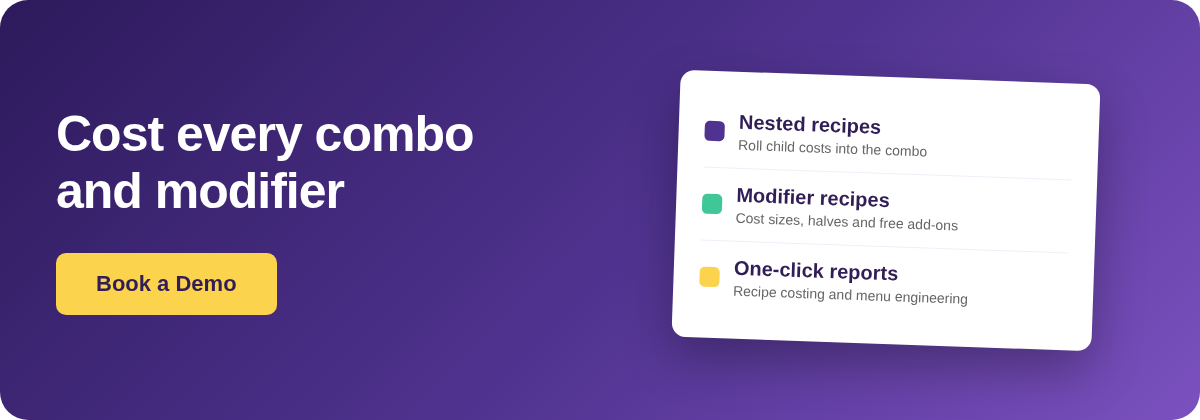
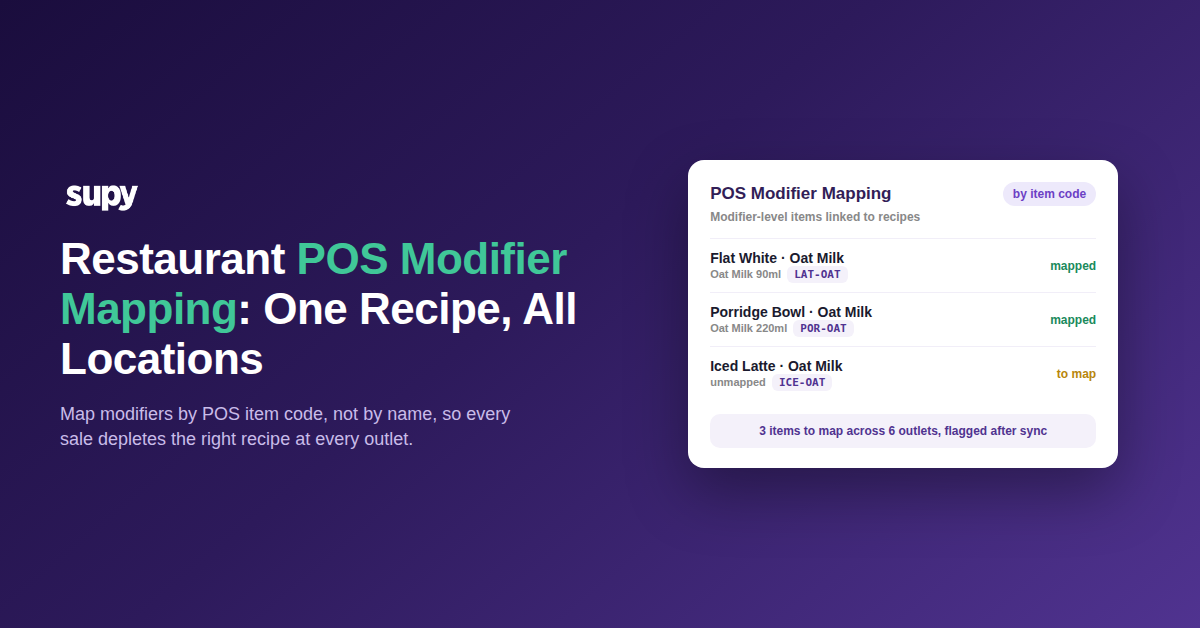
Work through three item types. Each child item, such as the burger, the fries and the drink, needs its own recipe. Each parent or combo item needs a recipe too, built from those children. Any modifier a guest can add needs a recipe so its cost is not lost. Supy links recipes to POS menu items, including modifiers, so a sale depletes the correct ingredients and carries the correct cost.
Roll the Component Costs Up Into the Combo
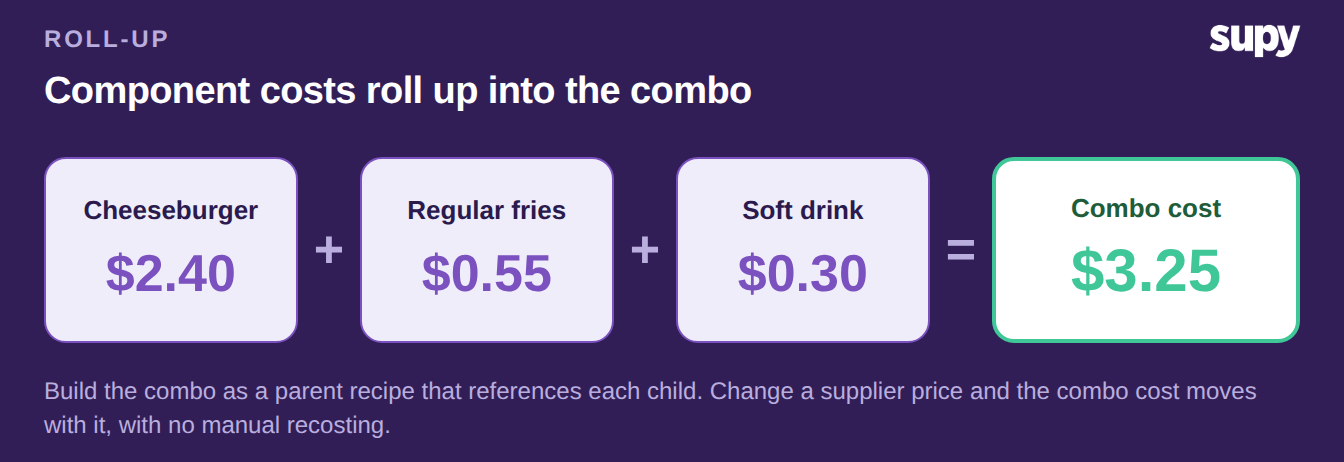
With every child mapped, the combo cost is the sum of its parts. Build the combo as a parent recipe that references each child recipe, and the component costs roll up automatically. Change a supplier price on the fries and the combo cost moves with it, so you never recost the bundle by hand.
In the worked example, the cheeseburger recipe costs $2.40, the regular fries $0.55 and the soft drink $0.30. Rolled up, the combo costs $3.25. Semi-finished and prep recipes nest the same way, so a sauce made in the central kitchen carries its own cost into every combo that uses it. For the mechanics of nesting recipes, see our guide to recipes and prep recipes.
Cost the Modifiers: Sizes, Halves and Free Add-Ons
Modifiers are where most combo costing breaks. Sizes, sauces and spice levels are fiddly to configure for costing, so operators skip them and leave a gap. Three modifier types cover almost every case, and each has a clean method. Our post on recipe costing with menu modifiers and variations goes deeper on the same patterns.
One current limit is worth naming. The platform does not yet model complex nested modifiers, such as a half-and-half choice that also changes with size. For those, use the documented workaround below: a fractional-quantity recipe for the size or half portion, and a revenue-tracking recipe for a free add-on.
| Modifier type | How to cost it | Recipe to use |
|---|---|---|
| Size or half portion | Scale the base recipe by a fraction, so a large fries at 1.5 portions adds $0.28 over the regular | Fractional-quantity recipe |
| Free add-on at zero price | Cost the ingredient even though the guest pays nothing, so a free sauce still shows its $0.08 cost | Non-stockable revenue-tracking recipe |
| Paid extra | Map it like any child item, so its cost and its price both land on the ticket | Standard recipe linked to the modifier |
Check the Combo Cost Lands in Your Reports
Mapping is only done when the number shows up where you make decisions. Open the recipe costing report and confirm the combo now carries $3.25 rather than a blank. Do the same for each modifier so no add-on reads as free to make.
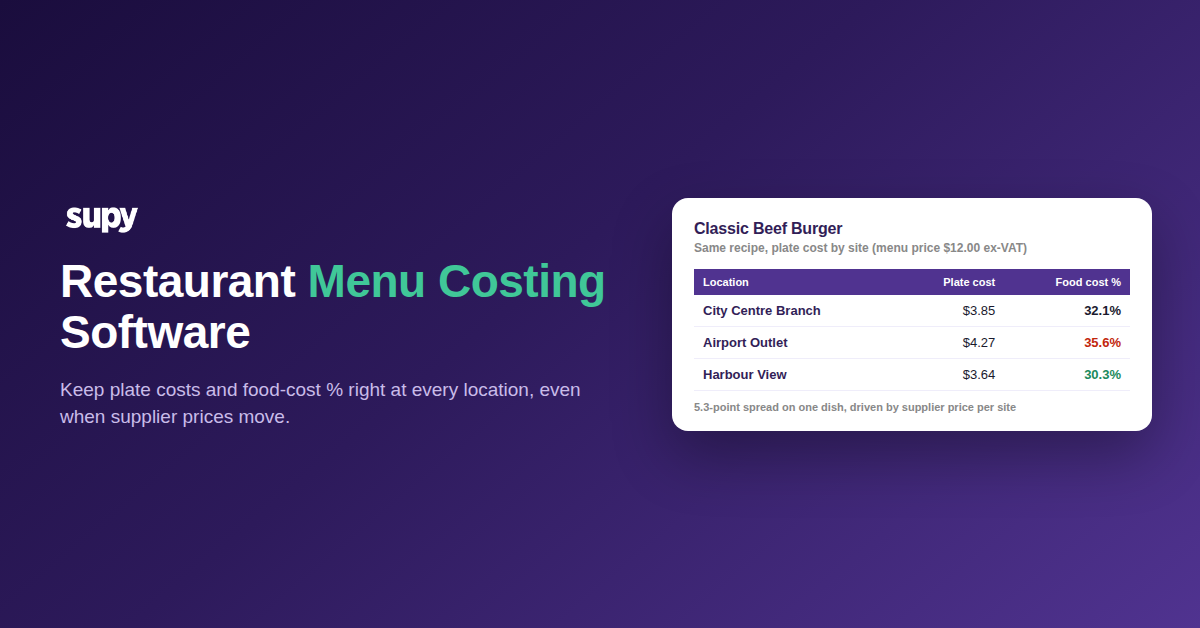
Then look at the menu engineering matrix. A combo with a real cost falls into a quadrant, so you can see whether it is a star worth promoting or a dog draining margin. Supy exports recipe costing and menu engineering at group and site level in one click, so a head office can check every branch at once.
Your first move is simple. Pull your recipe costing report and sort by cost, then treat every combo or parent item reading $0.00 as the gap to close first, because it is hiding real spend. Map its children, build the parent recipe, then add the modifier recipes using the three methods above. Book a demo below if you want to see combo and modifier costing on your own menu.