.jpg)


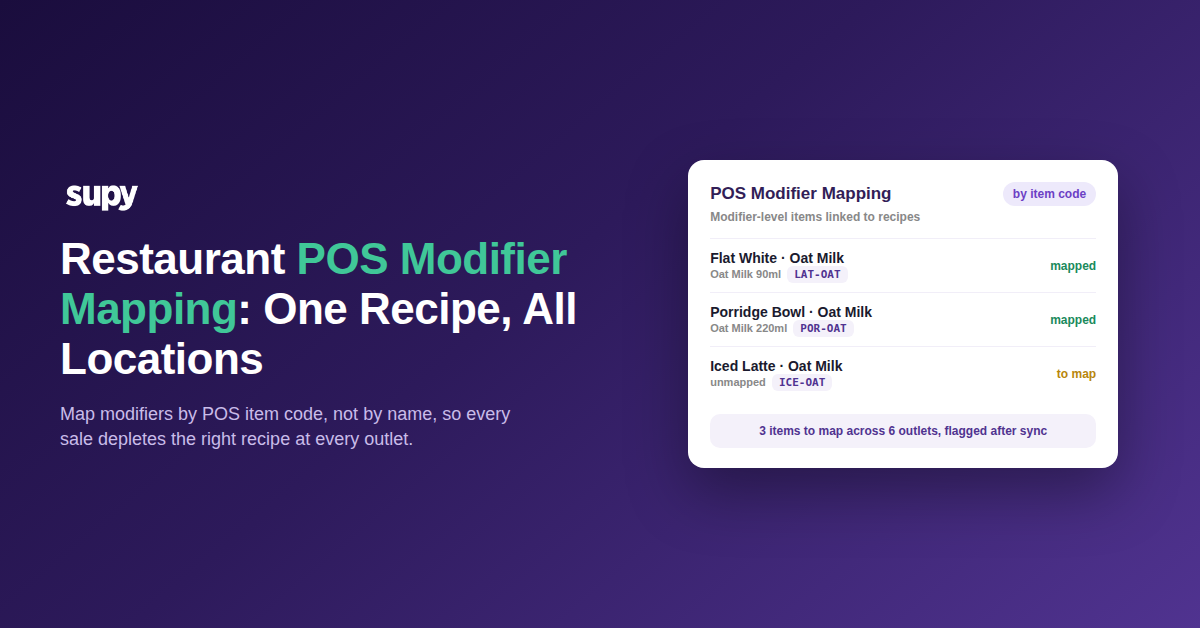
Restaurant POS Modifier Mapping: One Recipe, All Locations
Start Here: Which Modifier Problem Are You Solving?
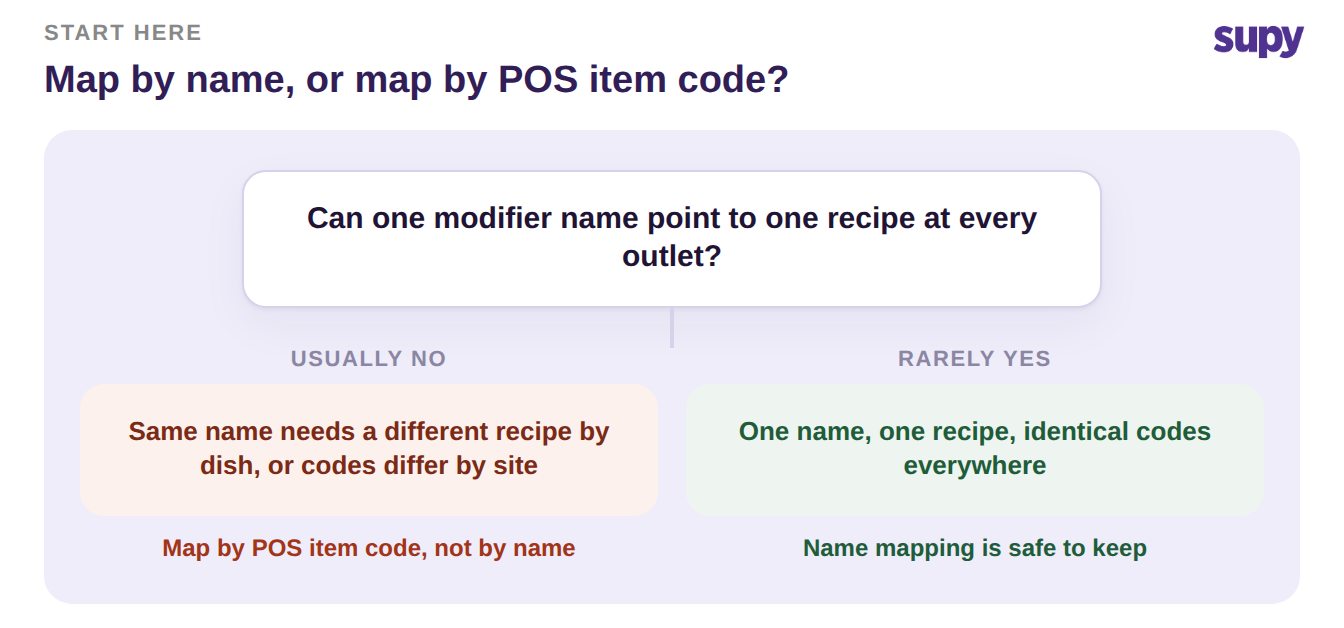
Mapping a POS modifier to the right recipe breaks the moment you do it by name across multiple locations. The same modifier name can need a different recipe, depending on the dish it is added to. The codes behind it rarely match from one outlet to the next. Map by POS item code instead, and standardise those codes before you scale.
That one change, mapping by code rather than by name, is the decision everything else hangs on. The three situations below are the ones a multi-site group actually hits. They come in the order they usually appear. Find the one that matches your setup and go straight to its fix.
When the Same Modifier Needs a Different Recipe
A single modifier name is not a single recipe. "Oat milk" on a flat white is a small barista pour. "Oat milk" in a porridge bowl is a larger quantity made in the kitchen.
Map those one-to-one by name and every sale depletes the wrong amount. Your theoretical usage drifts from reality on day one.
The reliable unit is the POS item code, not the label a guest sees. Give each parent-item-plus-modifier its own code. Then map that code to the matching recipe.
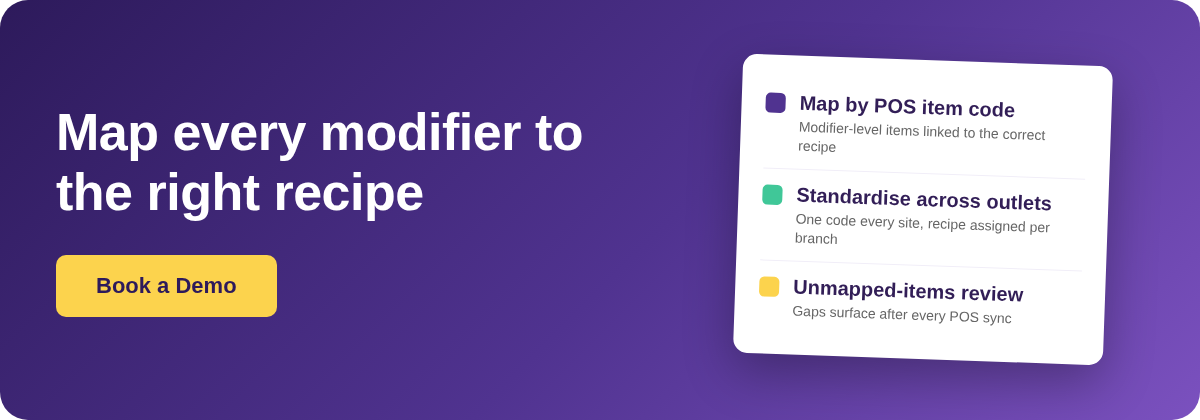
Supy links a POS item code, including modifier-level items, to the corresponding recipe. Every sale of that exact item then reduces the correct ingredient quantities. Anything you have not mapped yet surfaces on a review screen after each sync. A missed modifier shows up there instead of quietly depleting nothing.
| Parent item | Modifier | POS item code | Supy recipe |
|---|---|---|---|
| Flat White | Oat Milk | LAT-OAT | Oat Milk 90ml |
| Porridge Bowl | Oat Milk | POR-OAT | Oat Milk 220ml |
| Iced Latte | Oat Milk | ICE-OAT | Oat Milk 120ml |
| Pancakes | Extra Syrup | PAN-SYR | Maple Syrup 30ml |
When Codes Differ Across Every Outlet
Here is where most groups stall. You finish the mapping at one outlet and move to the next. The modifier codes are different, so none of the work carries over.
You redo it by hand at every site. That holds even when 80 to 90 percent of the menu is identical across the group. It stops scaling the moment you add a location.
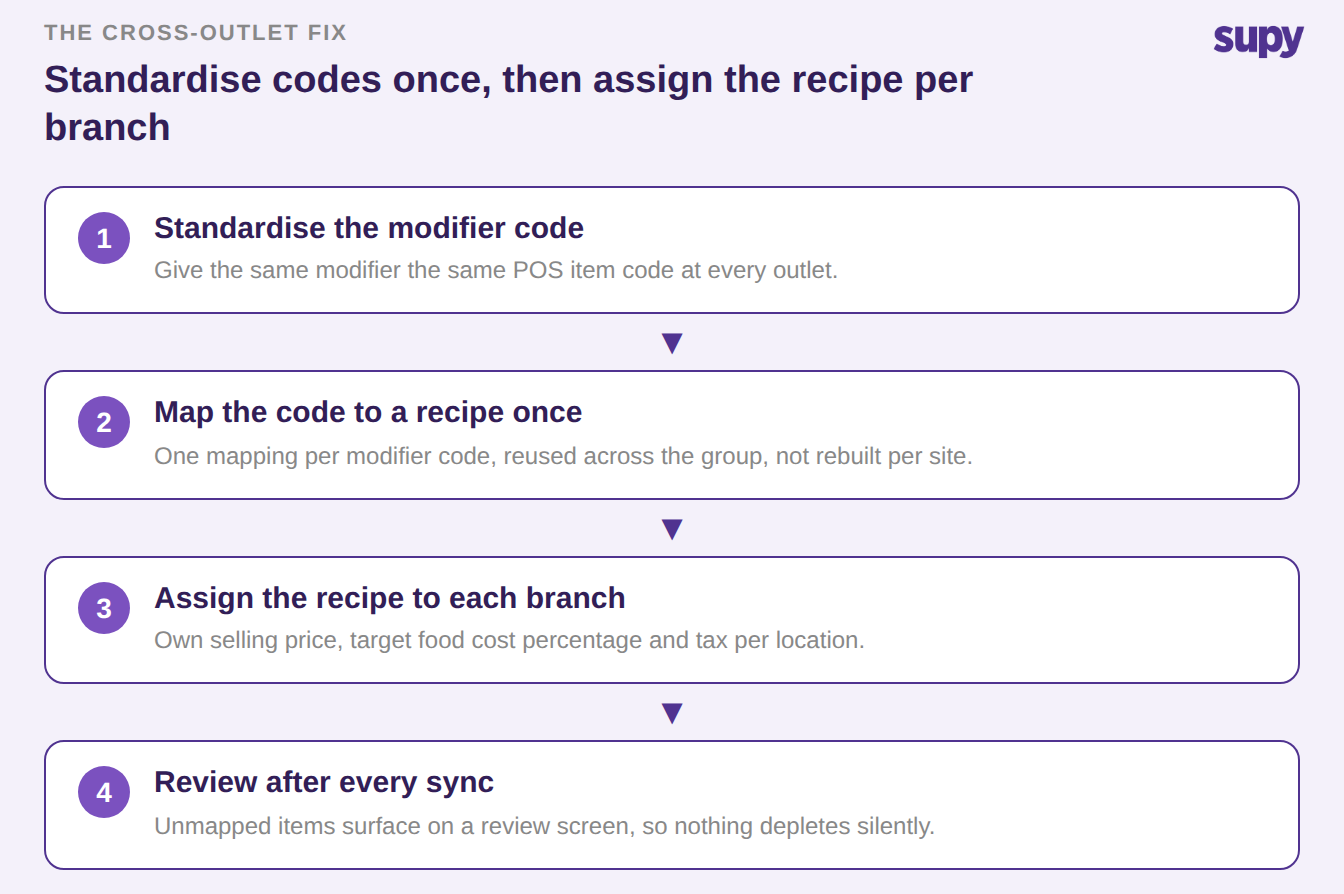
There is no one-click copy that moves a mapping between outlets. Chasing one is the wrong goal. Standardise the modifier codes first.
Give the same modifier the same POS item code everywhere. Map each code to its recipe once. Then assign that recipe to each branch, with its own selling price, target food cost and tax.
The scheduled POS sync keeps sales flowing per branch. The review screen catches anything still unmapped. Recipe costs stay current at every site, not only at the one you set up first.
When Your POS Has No Shared Modifier Code
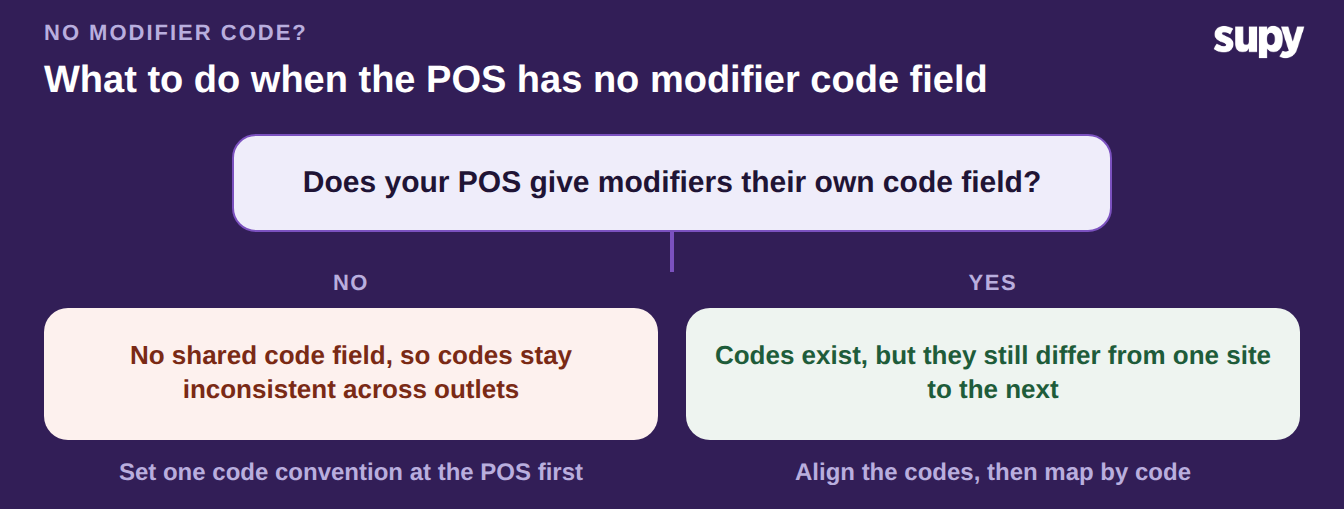
Some POS systems do not give modifiers their own code field at all. The codes then stay inconsistent across outlets, and you cannot align them by copy-paste. This is the situation that forces the manual work the other branches let you avoid. Fix it at the POS before any mapping is reliable.
Agree one code convention and apply it everywhere. Write down how a modifier is coded: parent item plus modifier. Use that exact pattern at every outlet when you build the menu in the POS.
Once the codes are consistent, mapping by code works like it does for any other group. The review screen then tells you which items still need attention.
Pick the branch that matches your group. If the same modifier name needs different recipes, map to the POS item code, not the label. If codes differ by outlet, standardise them first, then let the review screen catch the gaps.
If your POS has no modifier code field, agree one convention and roll it out before you scale. One recipe, mapped by code and assigned per branch, keeps every sale depleting the right ingredients. That is how each outlet's margin stays honest.