.jpg)


Restaurant VAT Categories: Get Menu Item Tax Codes Right at Upload
What a Menu Item's VAT Category Actually Controls
A menu item's VAT category is the tax treatment attached to that item in your system. It sets the rate applied when you receive stock and when you sell, and it controls what VAT posts to your accounts. Get it wrong and the same error repeats on every transaction for that item.
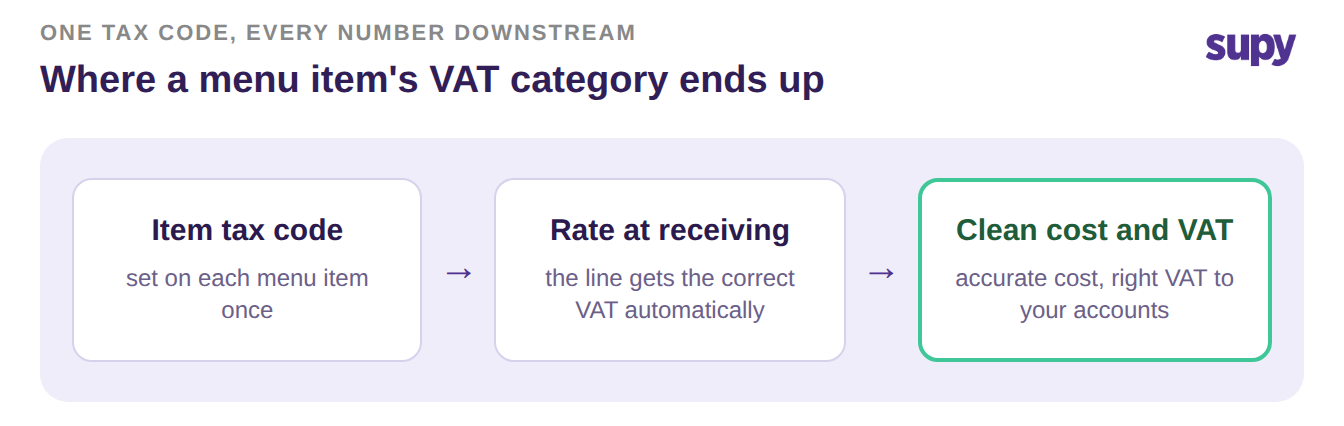
Think of the tax code as a setting that travels with the item. Your team sets it once. After that, the system uses it every time the item is received, sold, or reported. The diagram below traces the path from a single item's tax code to the numbers your finance team signs off.
Where Inherited Menu Tax Codes Go Wrong
Most groups do not start with a clean slate. The item master is inherited, and much of it was typed in by people focused on getting items live, not on tax rules. So codes get guessed, left blank, or copied from the wrong item.
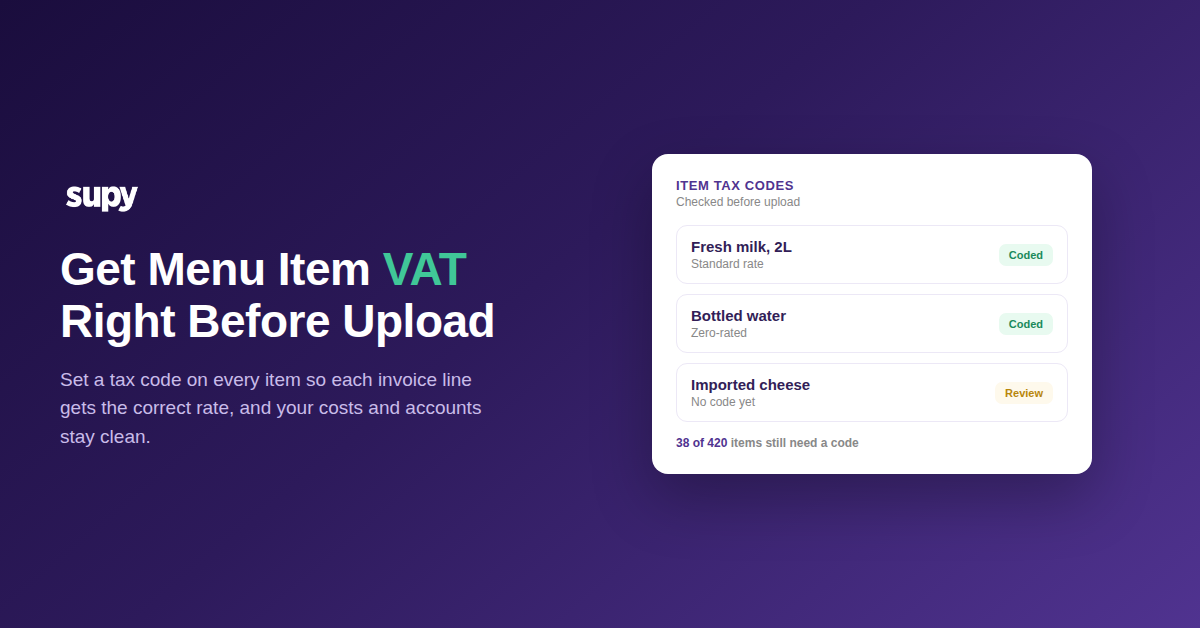
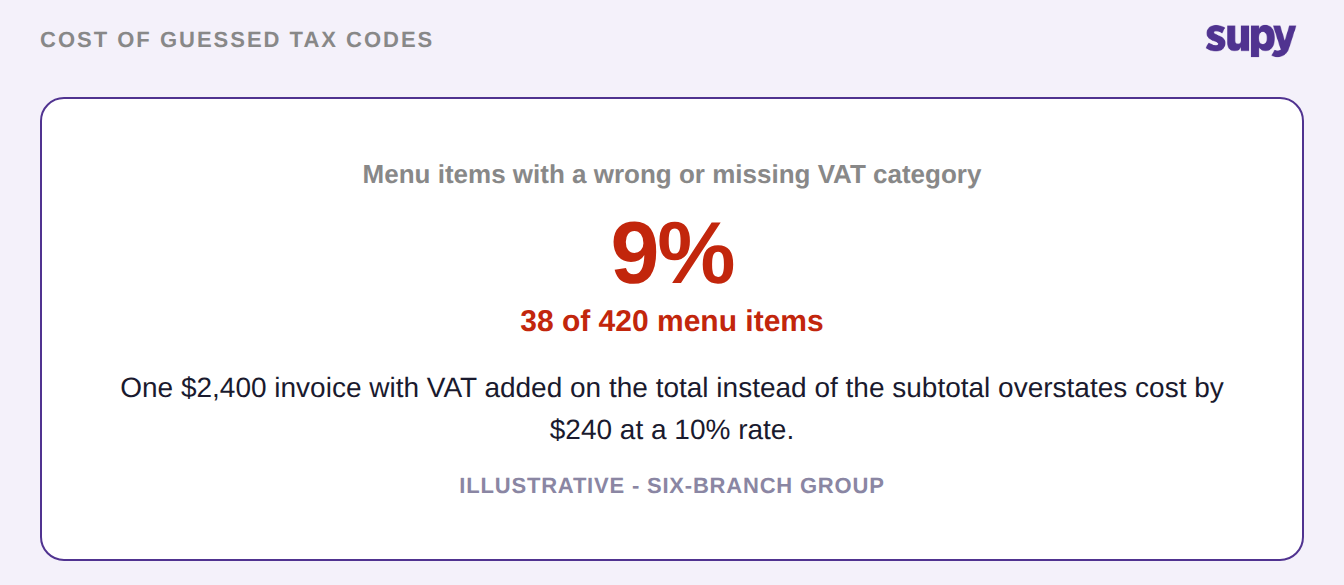
In one review of a six-branch group's list, 38 of 420 menu items carried a wrong or missing VAT category. That is 9% of the menu waiting to mis-cost itself.
The damage is quiet. A blank code means the line falls back to whatever default is set, which may be wrong. A standard-rate item marked zero-rated understates the tax you owe. A zero-rated item marked standard overstates both your cost and your price.
A second failure hits the total itself. If VAT is added on top of a gross total instead of worked out from the subtotal, the cost inflates. On a $2,400 invoice at a 10% rate, that is $240 added that should never have been there. Rates vary by market, so treat that 10% as illustrative and use your own.
Internal Transfers vs External Sales: One Item, Two VAT Treatments
The same item does not always carry the same VAT. Move stock from your central kitchen to your own branch and it is an internal transfer, usually on a proforma document with no VAT. Sell that same item to an outside business and it is a tax invoice with VAT. Treat every movement the same and you either add VAT that should not be there or drop VAT that should.
| Movement | Document | VAT applied | Where you set it |
|---|---|---|---|
| Internal transfer to your own branch | Proforma | None | Customer group |
| External sale to another business | Tax invoice | Standard rate | Customer group |
Supy handles this with customer groups and price lists. An internal branch and an external customer can buy the same item under different tax rules. Set the group once and the right document follows every time.
How to Set Tax Codes So They Survive to Your Accounts
Getting this right is a setup job, not a monthly chore. Do it once, in order, before you upload.
- Set a tax code on every item. No blanks. Standard, zero-rated, or exempt, item by item.
- Set a default receiving tax for each supplier, so a missing rate has a sensible fallback.
- Map the tax and other-charge fields from your POS, so service charges and local fees are not counted as VAT.
- Assign customer groups for internal transfers and external sales, so transfers stay VAT-free.
- Run an upload audit: sort the item master by tax code and check every blank before you import.
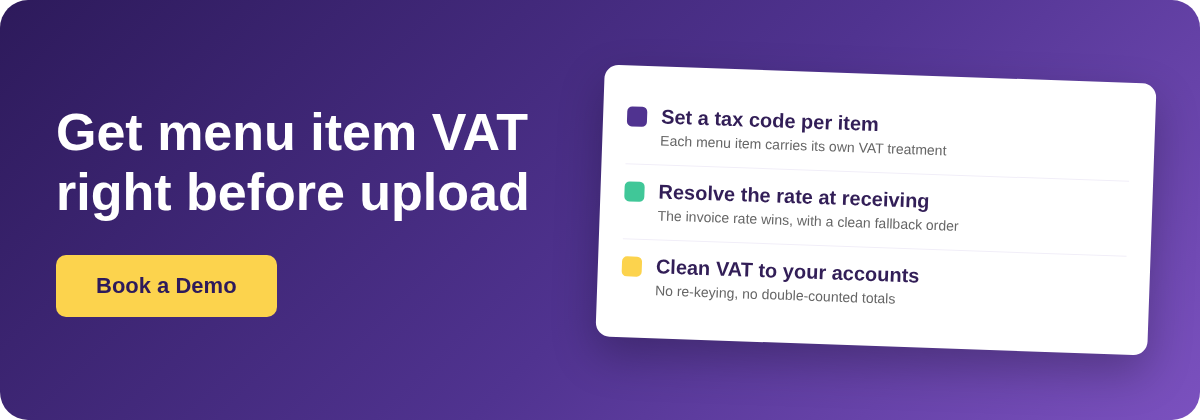
When an invoice arrives, the rate is resolved in a fixed order. The rate stated on the invoice line wins first. If there is none, the item's own tax code is used. If that is missing, your default receiving tax applies. Exempt is the last resort. The diagram below shows the decision at the door.
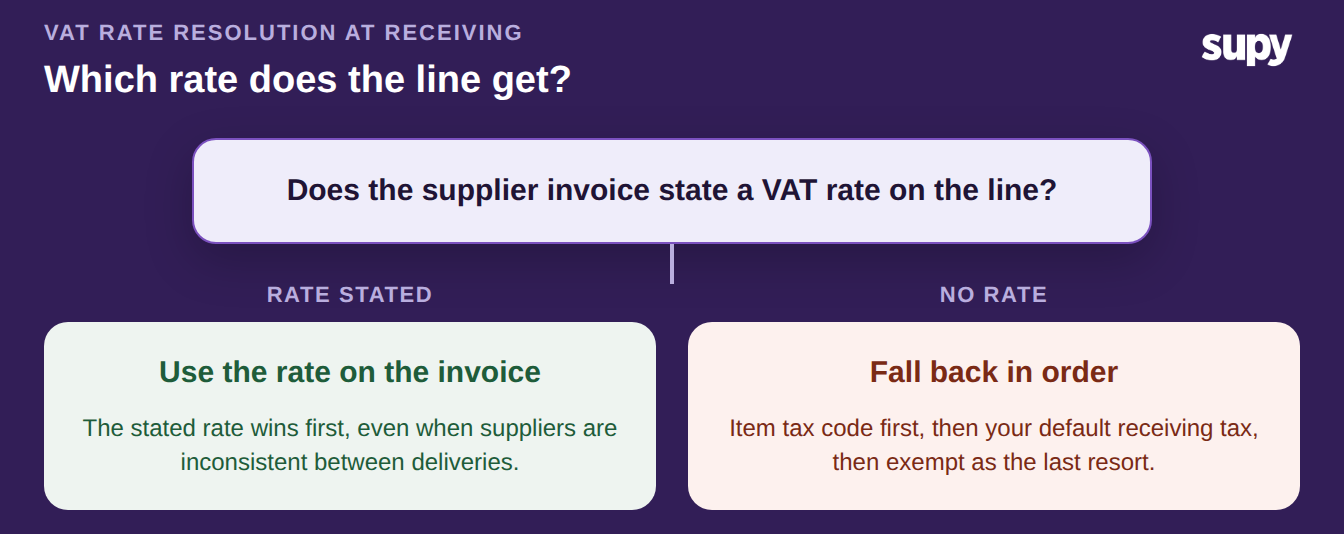
This is what Supy's invoice receiving does on every delivery, so a line is rated correctly even when suppliers use inconsistent tax codes. Because the rate is fixed at receiving, the cost that reaches your accounting integration is already right. If you scan supplier invoices, the same codes flow through invoice scanning without re-keying, and then post to whichever of Supy's 75+ accounting connections you use.
Start With the Blanks
You do not need to audit everything to know if this is a problem. Sort your item master by tax code and count the blanks. If more than a handful of items have no code, or if internal transfers show VAT, fix those first. The single highest-value move is setting a tax code on every item before your next upload, because that is the setting every downstream number depends on.