.jpg)


Restaurant Recipe Library: How to Build a Costed One for a New Menu
What Goes Into a Recipe That Controls Its Own Cost
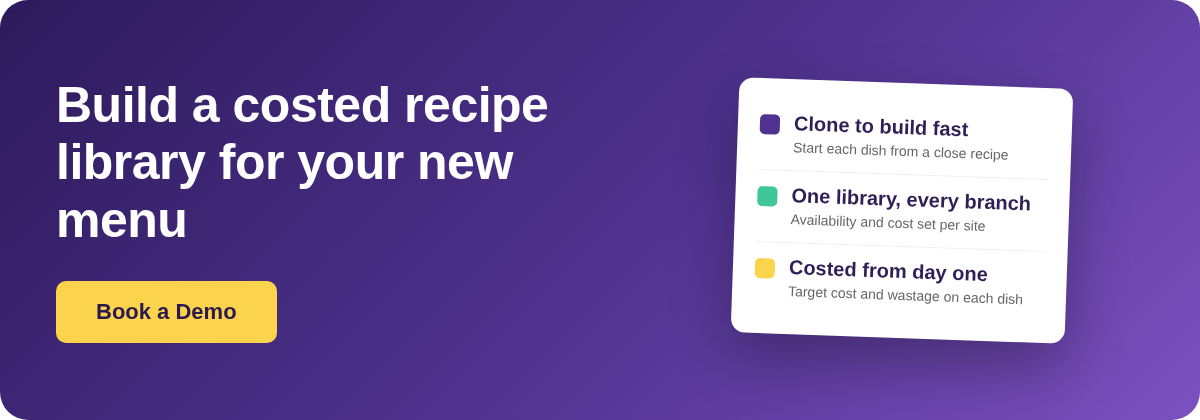
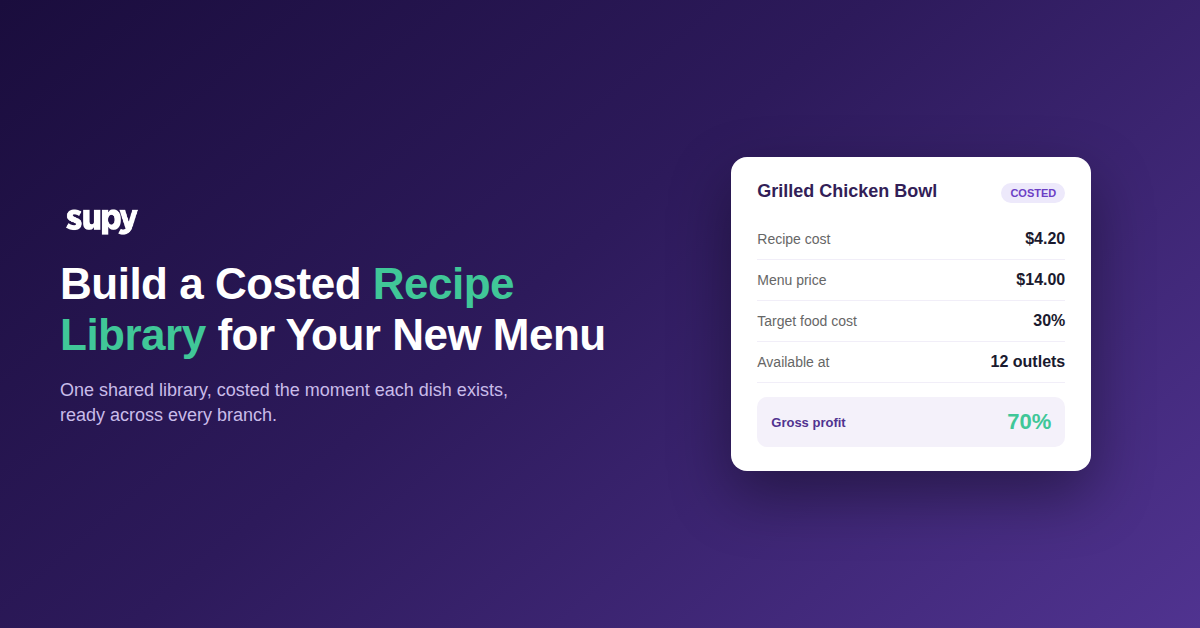
A recipe library controls cost when each recipe carries more than a name and a method. Every dish needs its ingredients with portion sizes, the prep and cooking wastage on each item, the yield it produces, and a target cost to hit. Capture those at build time and the library becomes your food-cost backbone, not a digital binder.
Most teams launching a new menu start from the method and add cost later. That is backwards. Build a recipe and its prep recipes with quantities, wastage and a cost centre from the first save. Then every dish is costed the moment it exists.
The kitchen view and the finance view of the same recipe then stay in step. Structure it once and you never re-enter a dish just to answer a cost question.
| Recipe field | What to capture at build time | Why it drives cost |
|---|---|---|
| Ingredients and portions | Each item with its exact portion, in the unit you buy or prep in | Portion size is the biggest lever on plate cost |
| Prep and cooking wastage | The percentage lost to trim, shrinkage and cooking | Ignore it and you understate cost on every serving |
| Yield | How many portions the built recipe actually produces | A wrong yield throws off cost per plate and ordering |
| Target cost | The food cost the finished dish is expected to hit | Turns the recipe into an alert when reality drifts |
| Cost centre and branches | Where it is costed and which sites can use it | Keeps one recipe accurate across every location |
Build the Library Fast by Cloning, Not Retyping
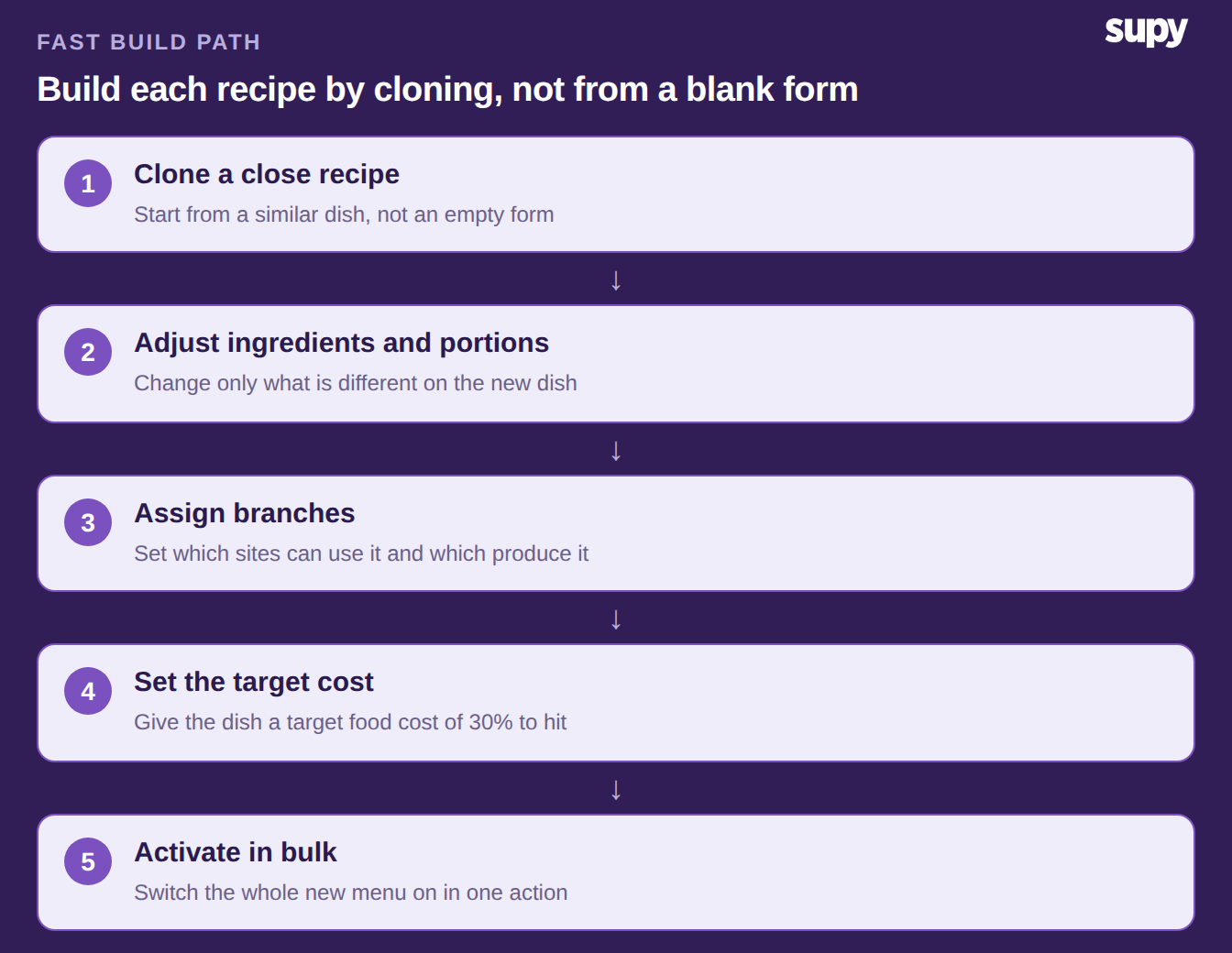
A new-menu build rarely stalls on the thinking. It stalls on the effort of entering a large volume of dishes at once. That is why recipe setup so often becomes the real go-live blocker. The fix is to stop building each recipe from a blank form.
Take a recipe close to the new dish. Clone it as a starting point. Then adjust the ingredients, portions and target cost. You keep the structure and the wastage assumptions, and change only what is different.
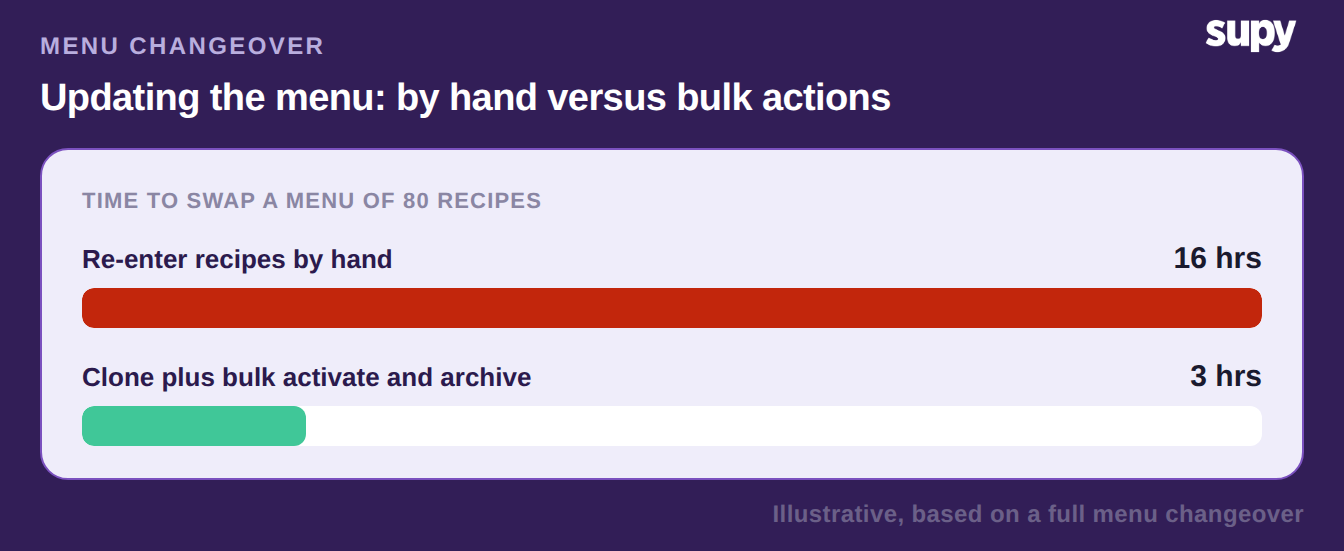
The same instinct applies to the whole menu. Do not switch dishes one at a time. Activate the new recipes and retire the old ones in one bulk action. Clone to build each recipe; bulk actions to swap the set.
Run One Library Across Every Branch
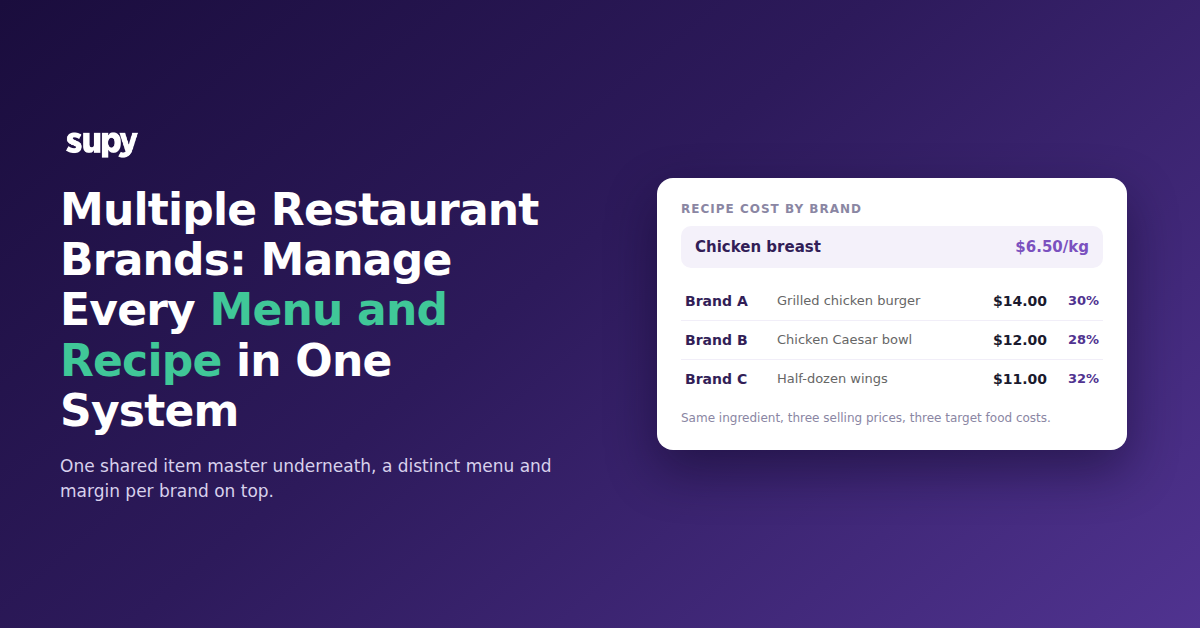
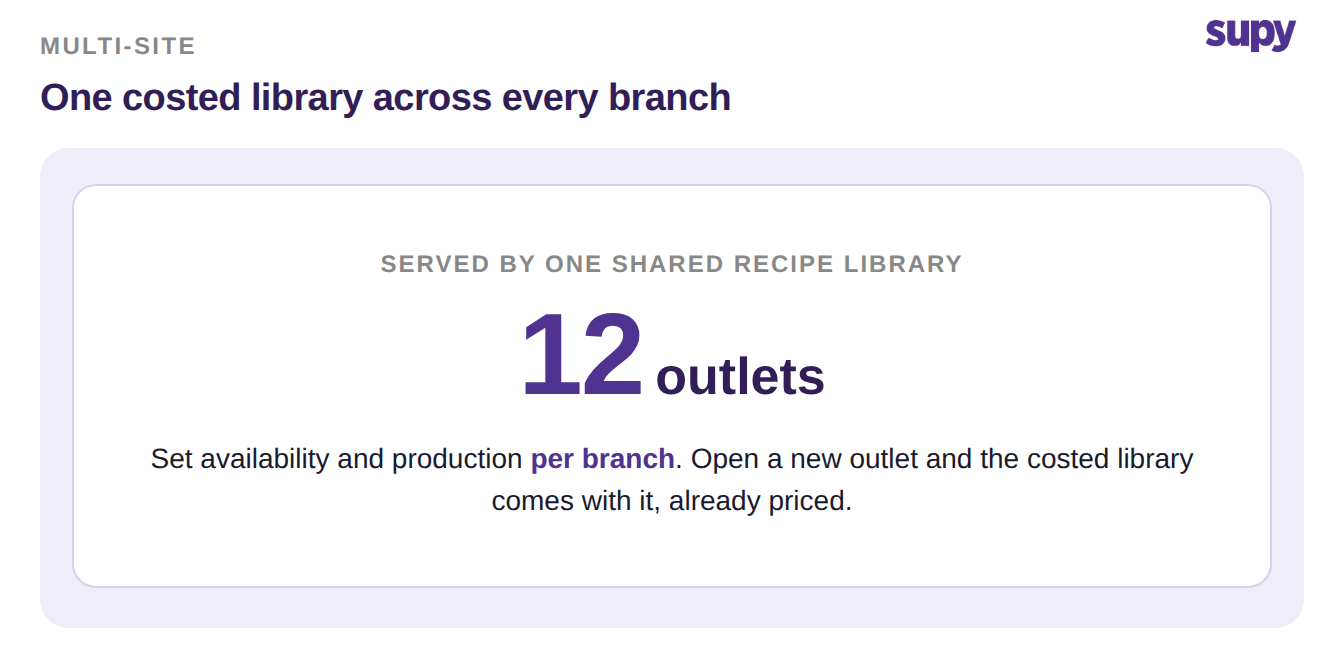
A common launch mistake is to rebuild the same menu separately for each site. That leaves a different version of every dish per location. The cost numbers drift apart within weeks. Build the menu once as a single shared library instead.
Then set, per recipe, which branches can use it. Mark which of those branches actually produce it. Availability and production are controlled per site, without cloning the dish for each one.
Opening a new outlet works the same way. When you add the location, choose to include the existing recipes. The costed library comes across with it. The new site starts fully costed rather than rebuilt by hand.
Model Prep and Semi-Finished Items for a Central Kitchen
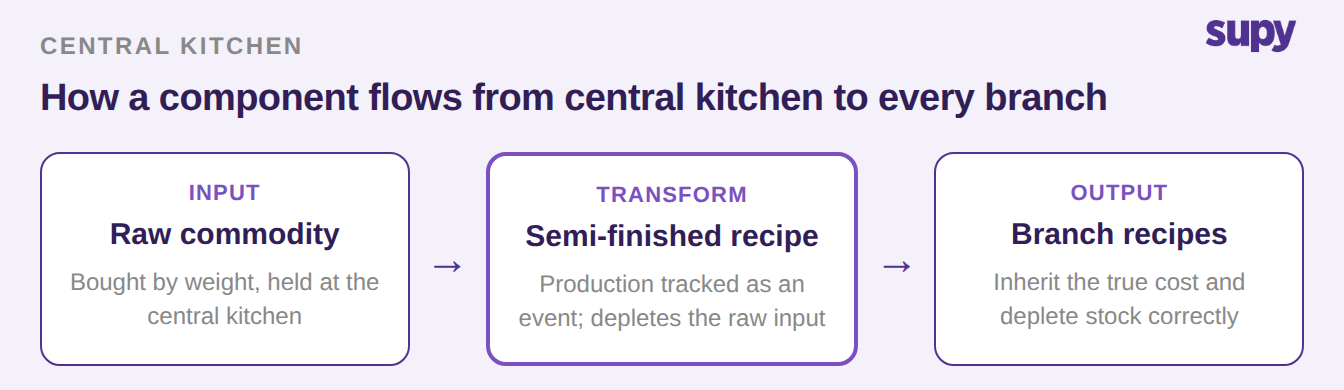
Not every entry in the library is a plated dish. A central kitchen often turns a raw commodity into a component that branches use. That component is a recipe too. Build it as a stockable semi-finished recipe.
Its production is then tracked as a real event. It depletes the raw input and feeds cost and stock into every downstream branch dish. Skip this and the transformation goes uncosted. Branch recipes then understate what they actually consume.
Deciding what counts as a semi-finished item is its own small discipline. So is deciding how its cost should flow. There is a fuller treatment of finished versus semi-finished recipes in a central kitchen worth reading first. The principle is simple: capture the component once, centrally, and let branch recipes inherit its cost.
Keep the Library Clean When the Menu Changes
A recipe library is not a one-time build. You maintain it every time the menu turns over. Two habits keep it clean.
First, retire dishes in bulk as you activate the new ones. The live library then shows only what is on sale. Second, know the order of operations for ingredients. An ingredient cannot be archived while a recipe still links to it. Remove or replace it in those recipes first, then archive the item.
The payoff is speed at the next changeover. When the structure is already right, swapping a menu is a set of bulk actions. It takes minutes, not hours of re-entry.
Where to Start This Week
Pick the section of the new menu you know best. Build one recipe there properly, end to end: ingredients with portions, wastage, yield, a target cost and the branches that will run it. That single recipe becomes the template you clone for the rest. Get the structure right once and it carries through the whole library.
Before you build in bulk, decide which items are central-kitchen semi-finished components. Getting those in first keeps every branch dish costed accurately from day one.
You do not have to build this blind. The fastest way to see it on your own menu is to walk one live dish through it. Do it with someone who has set up a multi-site library before.