Procurement

Restaurant Supplier Invoice Backlog: Import Months Into a New System
What Switching Inventory Systems Does to Your Invoice History

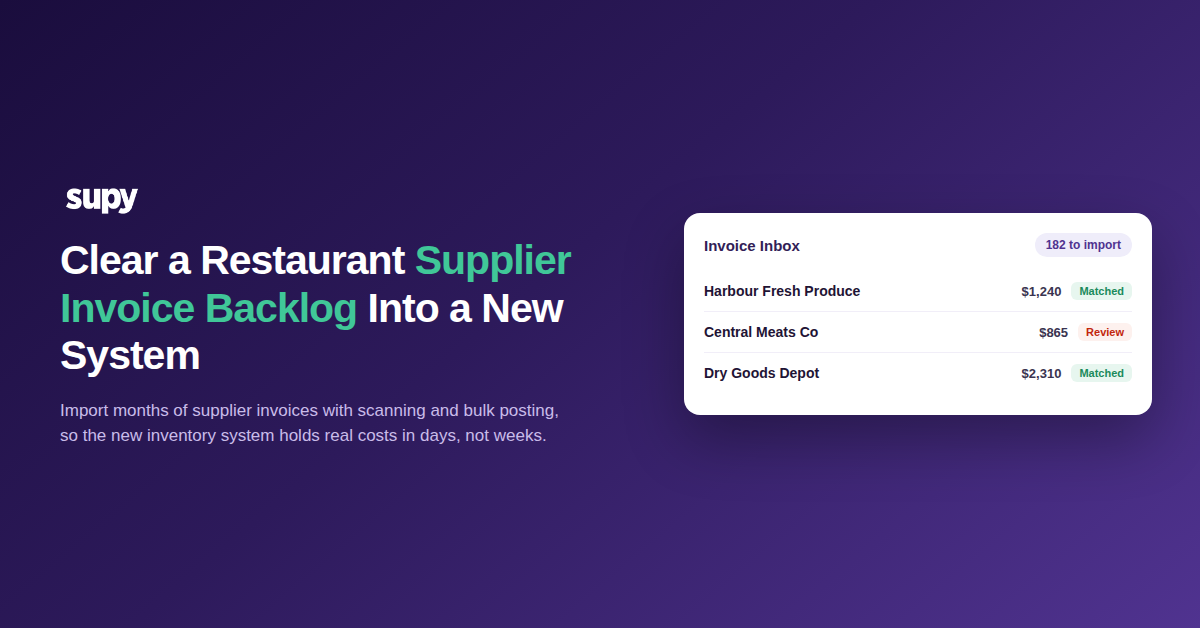
A new inventory system starts empty. Every item, supplier and cost has to come from your past invoices, so months of supplier paperwork wait to be entered. Re-keying that backlog by hand is what stalls most switchovers. The faster route is to let scanning read the backlog and post it in bulk.

The delay is real. One operator moving systems described entering three months of invoices as a huge task. It ran close to ten working days, all before the new system could cost a single plate.

This is a migration job, not your daily routine. The aim is narrow. Get real suppliers, items and costs into the new system fast, so it can price a menu and catch a variance in the first week rather than the second month. Everything else about the setup can wait. The backlog is the part that holds up go-live, so it is the part worth clearing first.
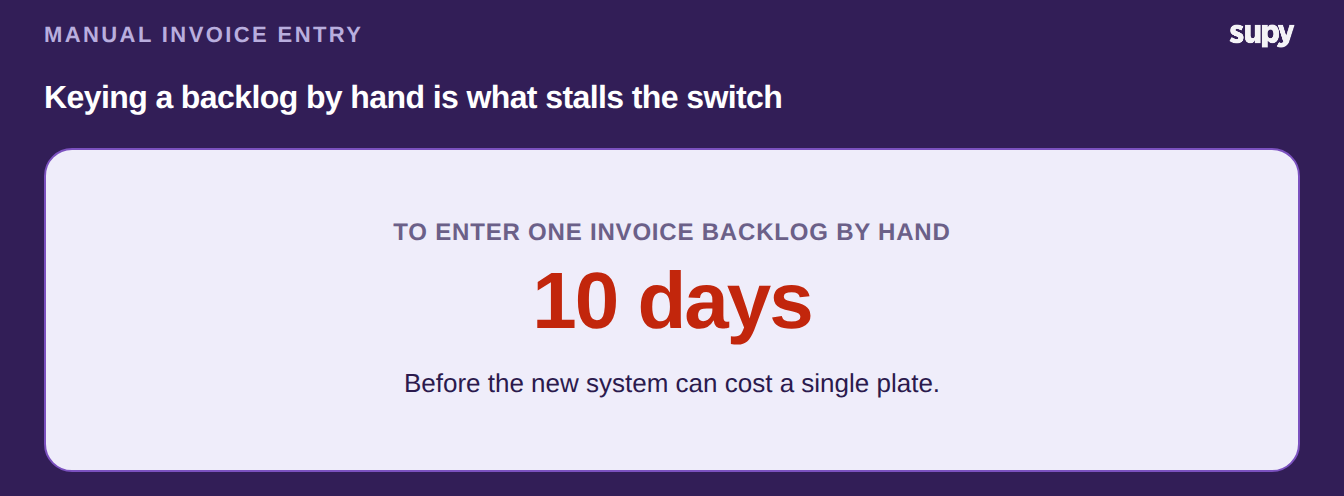
Stat card: entering one invoice backlog by hand takes about ten days

Get the Backlog Out of Paper and Into the Inbox

Most backlogs are not tidy data files. They are PDFs, emailed statements and photos of paper invoices. Supy gives each restaurant its own invoice inbox. You email the documents in, or snap them on a phone. The system then reads each one into structured lines: supplier, invoice number, dates, items, prices and tax.

You read those emailed PDFs and photos inside Supy, with no file to download and sort by hand. Whitelist a supplier's email address and every future invoice from that sender matches on its own. The same action reaches back over any invoice the system skipped from that supplier and reprocesses it in one step. A document that did not match the first time is picked up again, not lost.

Handwritten invoices work the same way. If a lot of your backlog is written by hand, our guide to handwritten supplier invoices covers what to expect.
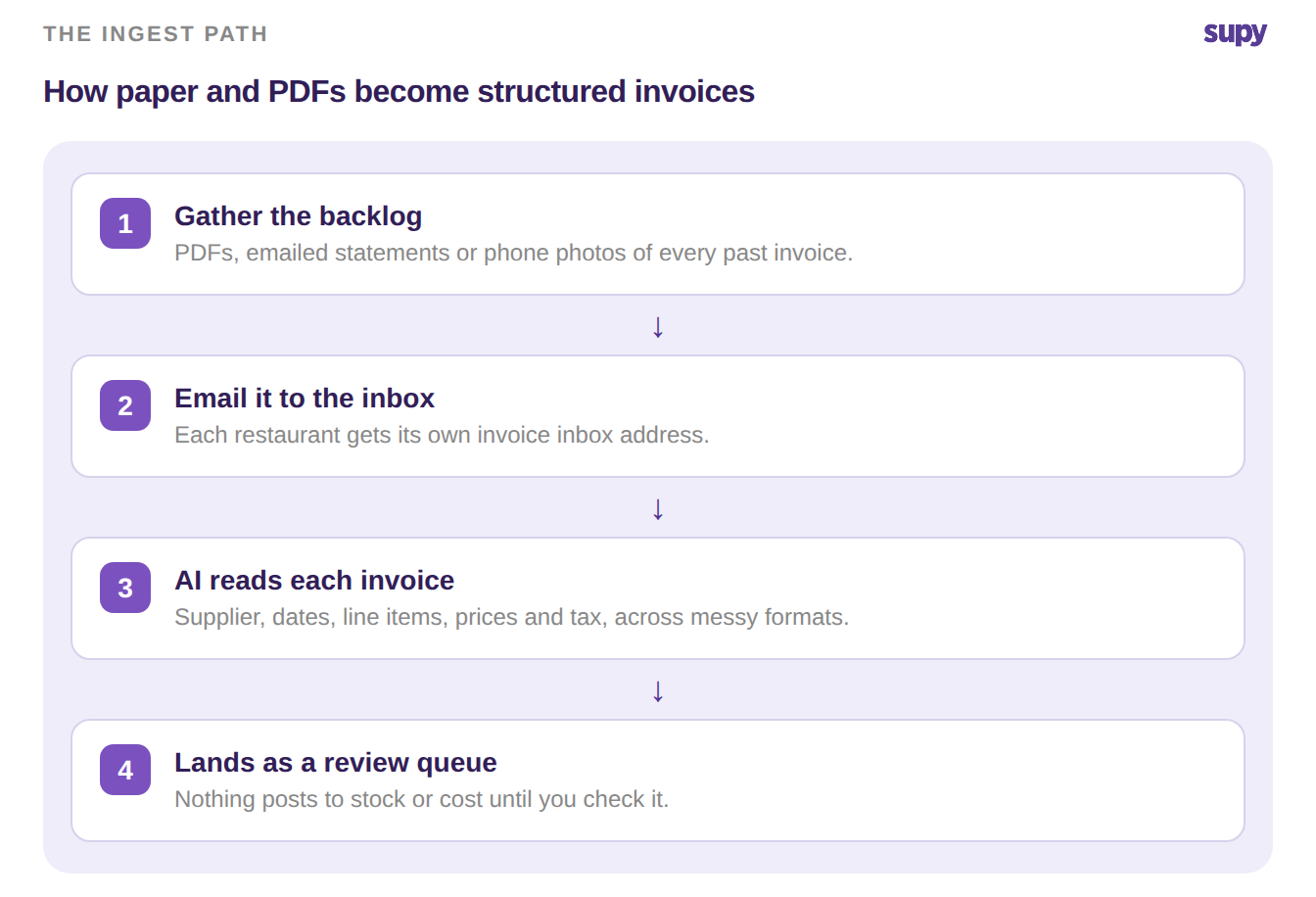
Four-step flow: gather the backlog, email it to the inbox, AI reads each invoice, lands as a review queue

Let Scanning Fill the Fields, Then Check Its Work

Scanning is fast, not flawless. On a messy backlog you will see the odd wrong tax rate or a missing product name. So treat the inbox as a review queue, not an autopilot. You can correct the supplier, document number and location on each invoice before it posts, which stops a bad line from seeding a wrong cost.

The review stays quick because the system points you at what needs a person. Where a scanned price or quantity disagrees with the purchase order behind it, Supy flags the conflict instead of posting it quietly. You correct the field, not the whole invoice. Only the flagged lines need a second look.

The full receiving flow, from scan to posted invoice, sits in Supy's invoices and credit notes tooling.

Invoice fieldWhat to confirm before it posts
SupplierMatched to the right account, not a near-duplicate name.
Invoice number and dateCorrect period, so it lands in the right month.
Line itemsEvery product read, none merged or dropped.
Unit pricesRead from the price column, not the line total.
Tax or VATRate matches the invoice, not a default.

Post the Month in Bulk, Then Let It Sync

Once a batch is reviewed, you do not post invoices one at a time. You select the month and post it in a single action, which creates the goods-received records and closes any linked credit notes. Re-sending a document during a catch-up is common, so duplicate detection holds anything it has already seen rather than posting it twice.

Bulk posting runs once per batch, not once per invoice. Each document becomes a goods-received record, and one purchase order can hold several receipts. A month of staggered deliveries closes without a separate note for every drop.

The duplicate guard also steps aside when you need it to. If a document is genuinely new but trips the check, a targeted override clears only that held item. The guard keeps stopping double-posting without blocking a real invoice.

From there the history flows into your books. Supy pushes purchase invoices and receiving data into QuickBooks, Xero, Zoho Books, Wafeq and 75+ other platforms, so finance does not re-enter the same backlog.

For the day-to-day version of this once you are live, see our guide to restaurant invoice scanning software.
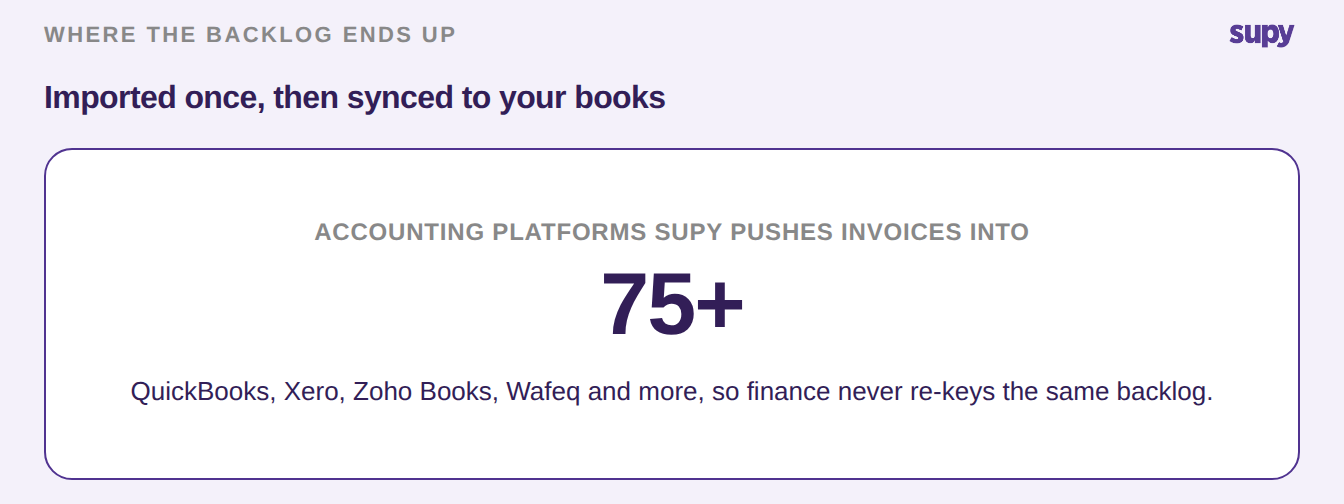
Stat card: Supy pushes invoices into 75 plus accounting platforms

Where to Start on Your Own Backlog

Before you load anything, gather the backlog into one place as PDFs or clear photos, oldest month first. Set up the invoice inbox and whitelist the handful of suppliers you buy from most, so their invoices match from the start.

Then run one month end to end: scan, review, bulk post. Check the costs it produced before you turn the rest loose. From there you work month by month, oldest first, and the new system fills with real cost history as you go. Getting one month right tells you the whole backlog will hold up.

Book a Demo with Supy to import your restaurant supplier invoice backlog

Ready to optimize your restaurant operations?

Blog

Our operational insights

No items found.

Your questions 
answered

Everything you need to know about Supy — from setup to integrations, pricing, and daily use. If it’s not covered here, just ask.

How long does it take to import a supplier invoice backlog?
+

It depends on the volume and how clean your documents are, but scanning turns a job measured in days into one measured in hours. The slow part is no longer typing. It is reviewing what the scan read and fixing the odd error before you post. A sensible plan is one month at a time, oldest first. Most teams get faster after the first month, once the common suppliers are recognised and auto-matching. By the time you reach recent invoices, the backlog is mostly a review task, not a data-entry one.

Can Supy read scanned or photographed invoices?
+

Yes. Most backlogs are not clean electronic files, so the invoice inbox accepts PDFs, emailed statements and phone photos of paper invoices. You email them in or snap them on a phone, and the system reads each one into structured lines. That covers supplier, invoice number, dates, line items, prices and tax. Very messy or faint scans are more likely to need a correction, so review those first. The point is that you do not have to convert paper into a spreadsheet before you start. The scan does that step for you.

What happens if the scanner reads a price or tax rate wrong?
+

You catch it before it posts. Scanning is fast, not perfect, and on a messy backlog you will see the occasional wrong tax rate or a missing product name. That is why the inbox works as a review queue rather than an autopilot. You can correct the supplier, document number, location and the line details on each invoice before it is posted. Fixing it at this stage stops a bad figure from seeding a wrong cost in the new system. Treat the first pass as checking, not trusting, and the backlog stays accurate.

How do I avoid posting the same invoice twice during a catch-up?
+

Duplicate detection handles it. During a backlog import you will almost certainly re-send some documents, because invoices arrive by several routes and get forwarded more than once. When the system sees a document it has already processed, it holds it as a suspected duplicate instead of posting it again. You review those exceptions rather than hunting for double entries after the fact. If a held item is a genuine re-submission that should go through, an override lets you force it. So a bulk catch-up does not quietly inflate your costs with repeated invoices.

Do I have to enter historical invoices one at a time?
+

No. Entering a backlog one invoice at a time is exactly the bottleneck this process removes. Once a batch has been scanned and reviewed, you select the month and post it in a single bulk action. That creates the goods-received records, closes any linked credit notes and moves the whole set in one step. You still review before posting, because accuracy matters more than speed on historical data. But the posting itself is a bulk operation, not hundreds of separate saves. That is the difference between a week of typing and an afternoon of checking.

Will the imported invoices sync to my accounting system?
+

Yes, if your accounting platform is connected. Supy pushes purchase invoices and goods-received data into QuickBooks, Xero, Zoho Books, Wafeq and more than 75 other platforms. So the backlog you import into the inventory system also reaches your books without a second round of data entry. That matters on a migration, because finance and operations otherwise re-key the same invoices into two systems. With the sync in place, you import once and both sides stay in step. Map each location to the right accounting branch first, so the posted invoices land in the correct books.

Should I import the whole backlog at once or month by month?
+

Month by month, oldest first, is the safer route. Running one full month end to end lets you check the costs it produced before you commit to the rest. If the first month reconciles against what you already know, you can move faster through the others with confidence. Doing the entire backlog in one pass hides problems until the end, when they are harder to trace. It also makes the review queue unwieldy. A month is a unit you can actually check. Get one right, and the pattern holds for the whole catch-up.

Ready to transform your operations?

Join 3500+ restaurant operators cutting costs, streamlining operations and making smarter decisions with Supy.