.jpg)


Restaurant Purchase Order Approval Limits: Control Spend by Location
What a Purchase Order Approval Limit Controls
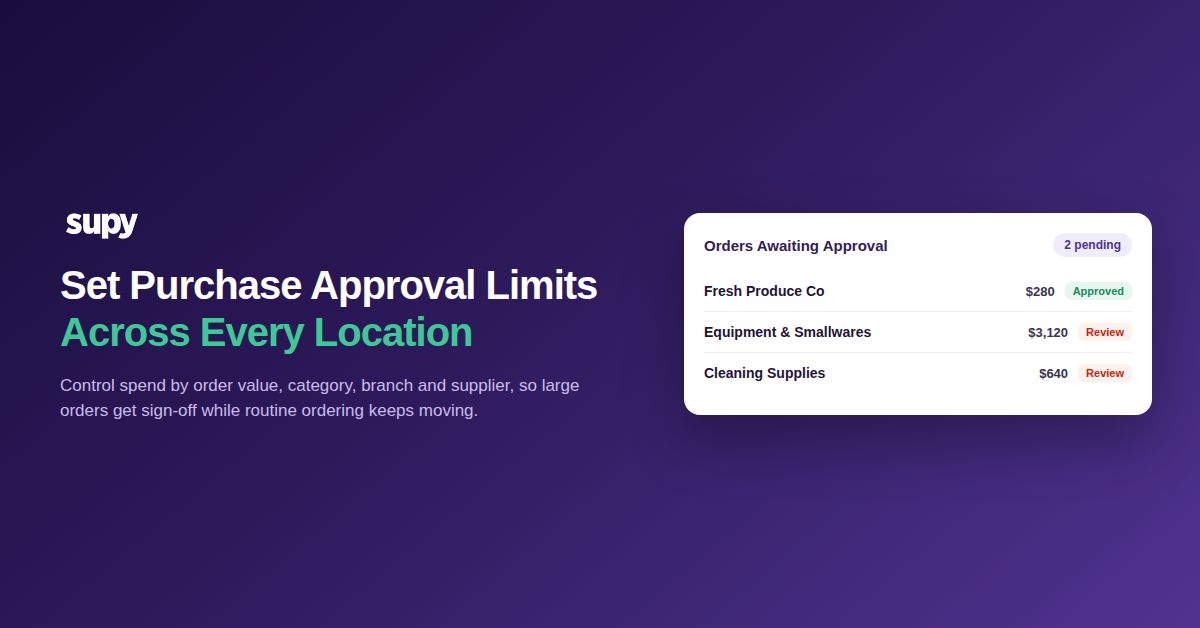
A purchase order approval limit decides which orders a location can send on its own and which need sign-off first. You set it by order value, category, branch and supplier. An order inside the limit reaches the supplier; one above it waits for an approver, so head office controls spend across multiple locations without hovering over every order.
A limit is not a blanket lock. The aim is the opposite: let the everyday ordering a site has always done run untouched, and spend the attention only where it changes the number at month-end. Most orders should clear with no approval at all. The ones that wait are the exceptions worth a person's time.
Supy keeps two flows separate here. A requisition is the internal request a site raises to replenish stock, and it carries its own approval policy. A purchase order is what actually goes to the supplier. You can set a limit on each, so an internal request and the spend it becomes are both governed rather than only one of them.
The control that matters most for a group is the order-value threshold. Below it, routine orders flow. Above it, a purchase order routes to an approver before it reaches the supplier. You can set separate thresholds by branch and supplier, so a busy flagship is not held to the same ceiling as a week-old site.
Set a Value Threshold So Small Orders Don't Wait
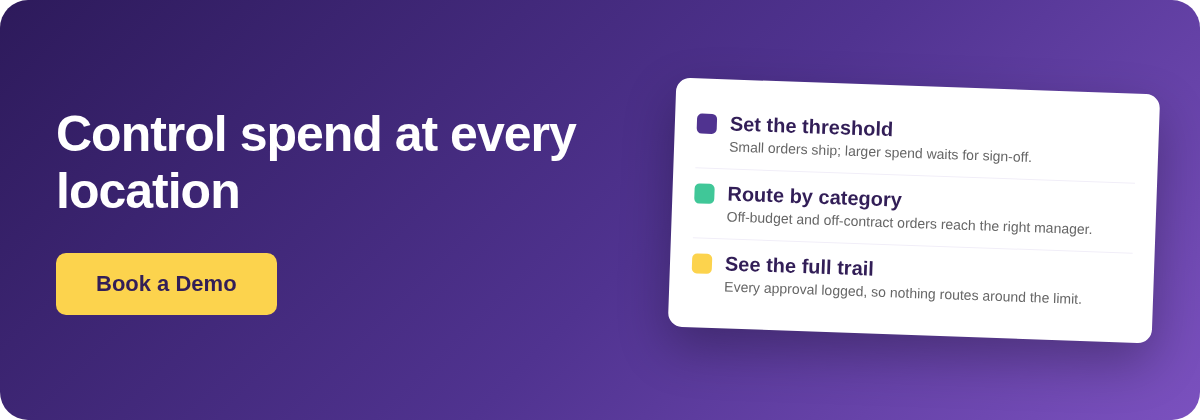
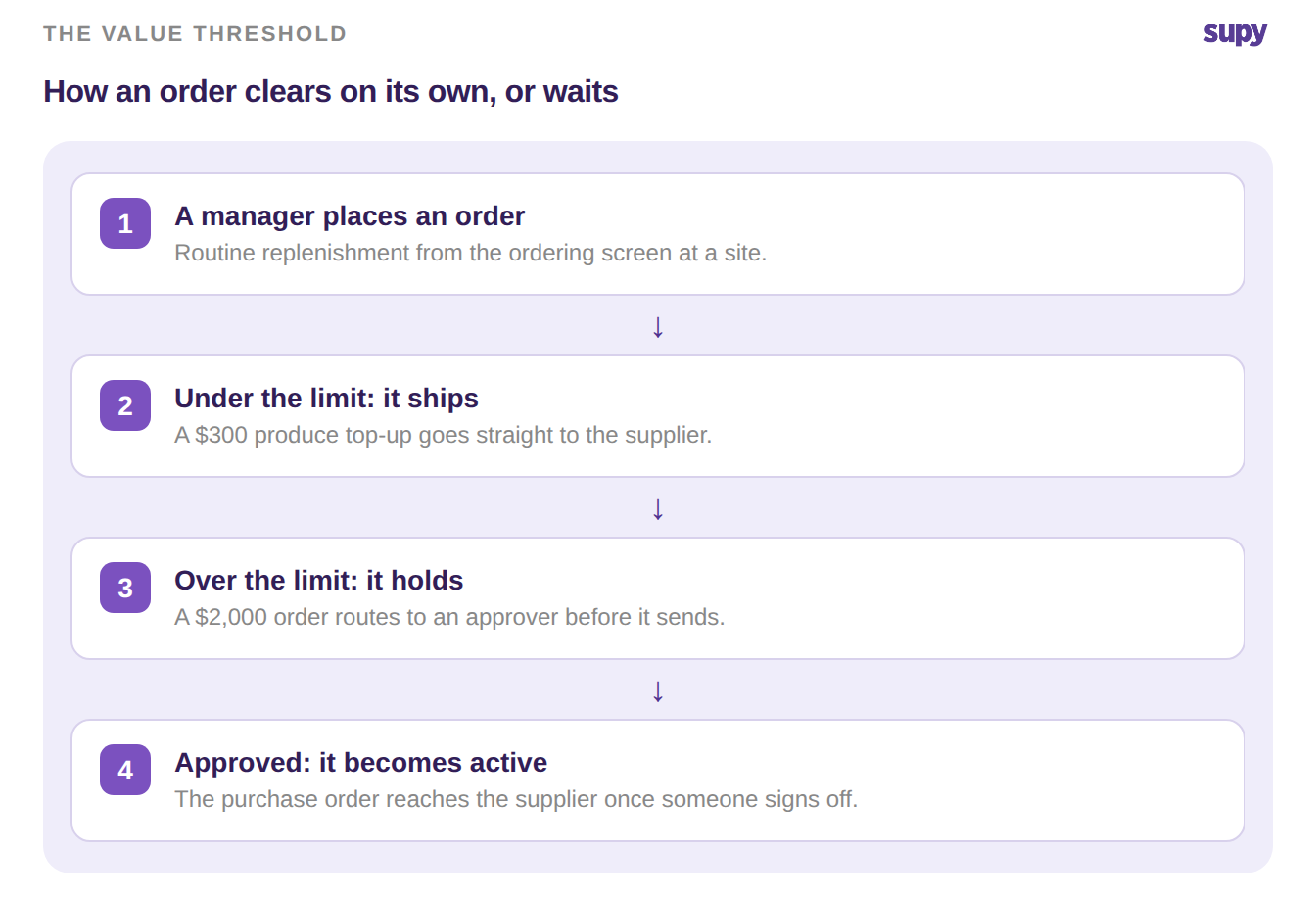
Start with the number that unblocks daily ordering: the amount a location can spend without asking. Set it just above the routine replenishment a manager places every shift. A $300 produce top-up then submits to the supplier the moment they order it. A larger purchase order, say $2,000, routes to an approver first.
Pick the number from order history, not a guess. Look at what each site actually spends per order on a normal week and set the limit just above the common case. Set it too low and approvers drown in sign-off they add nothing to. Set it too high and real overspend walks straight through.
One multi-site operator found internal approvals were averaging four days, because every order waited in the same queue whatever its size. A value threshold ends that. The small, repeatable spend never enters the queue, and the approver only sees what is worth a second look.
You can also tie the limit to a time window. Supy supports rules by day, week, month or quarter, so a site can run freely within a weekly budget and only hit approval once it has spent past it. That catches the slow drift of many small orders that each clear the per-order limit but add up over a month.
Route Off-Budget and Off-Category Spend to the Right Person
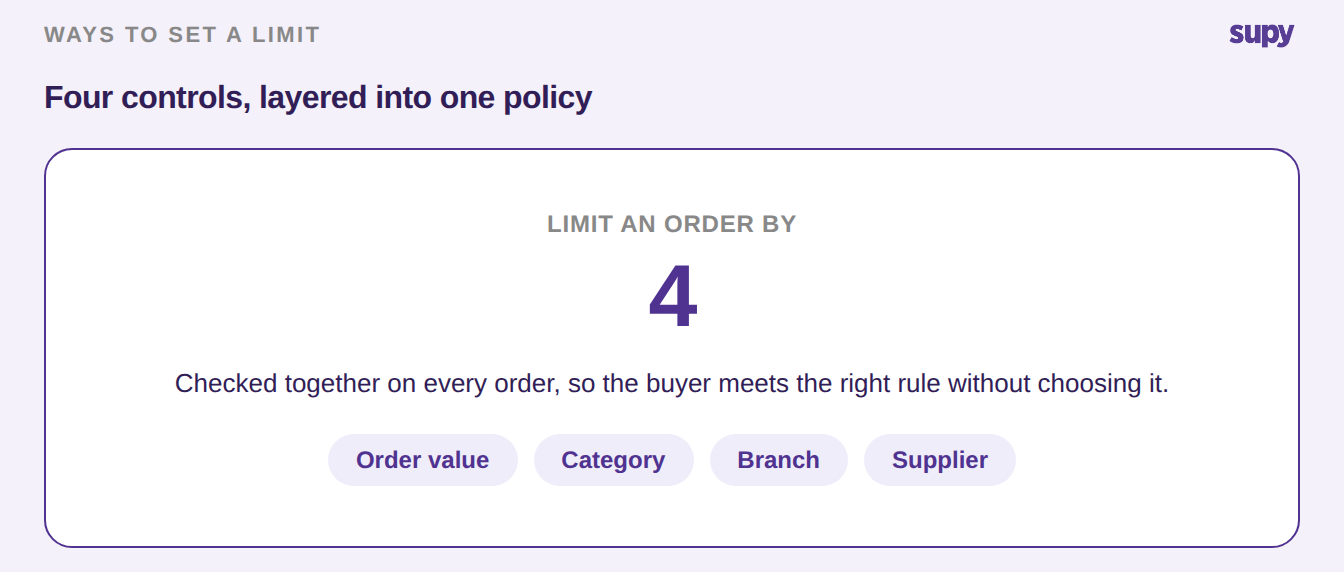
Order value is one control, not the only one. Some spend needs a second pair of eyes whatever its size, so route it by category, branch and supplier as well. Supy's restaurant procurement software applies each rule inside the ordering screen, so the buyer meets the limit as they order rather than after.
Flag a category and any order touching it needs sign-off. A crockery or cleaning order goes to the branch manager even when it is small, because it sits outside the food budget. Tie a limit to a supplier and a new or off-contract vendor gets caught before a purchase order goes out.
Combine the controls and one order is checked against value, category and the branch's own ceiling in a single pass. A $150 order of cleaning supplies clears the value threshold but trips the category rule, so it still routes to the manager. A $900 produce order from an approved supplier, well inside budget, goes straight through. The buyer never has to work out which rule applies; the order meets the right one on its own.
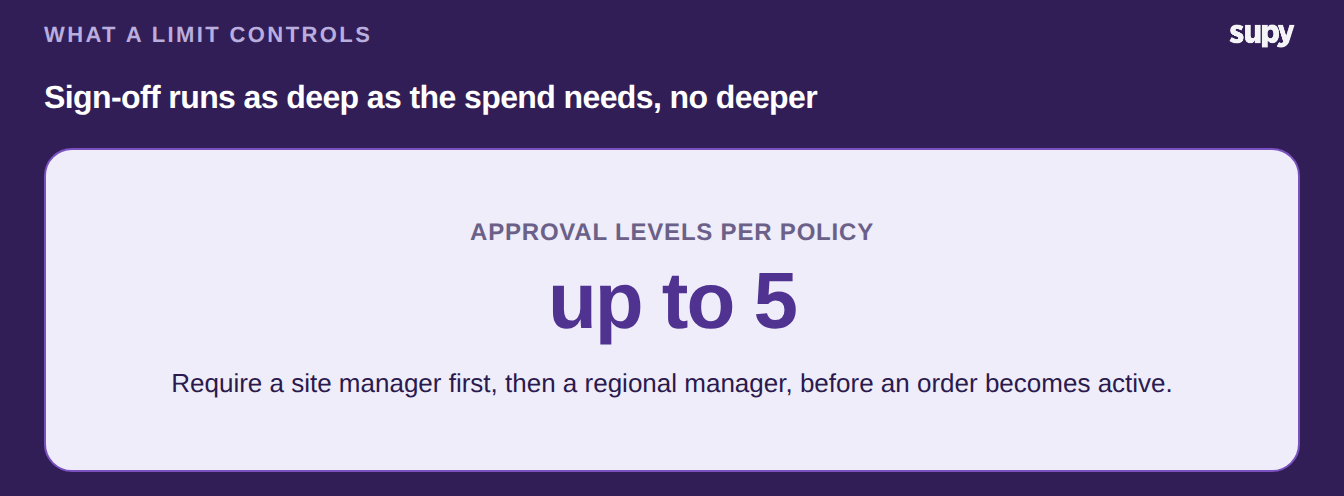
When an order does need more than one yes, a multi-level approval ladder decides who signs, and in what order. Head office sets these policies centrally and pushes them to every location, rather than configuring each site by hand. The same rules reach the mobile app, so a manager ordering from the floor during service meets the limit there too and cannot route around it by switching device.
See Where Every Approval Is Stuck
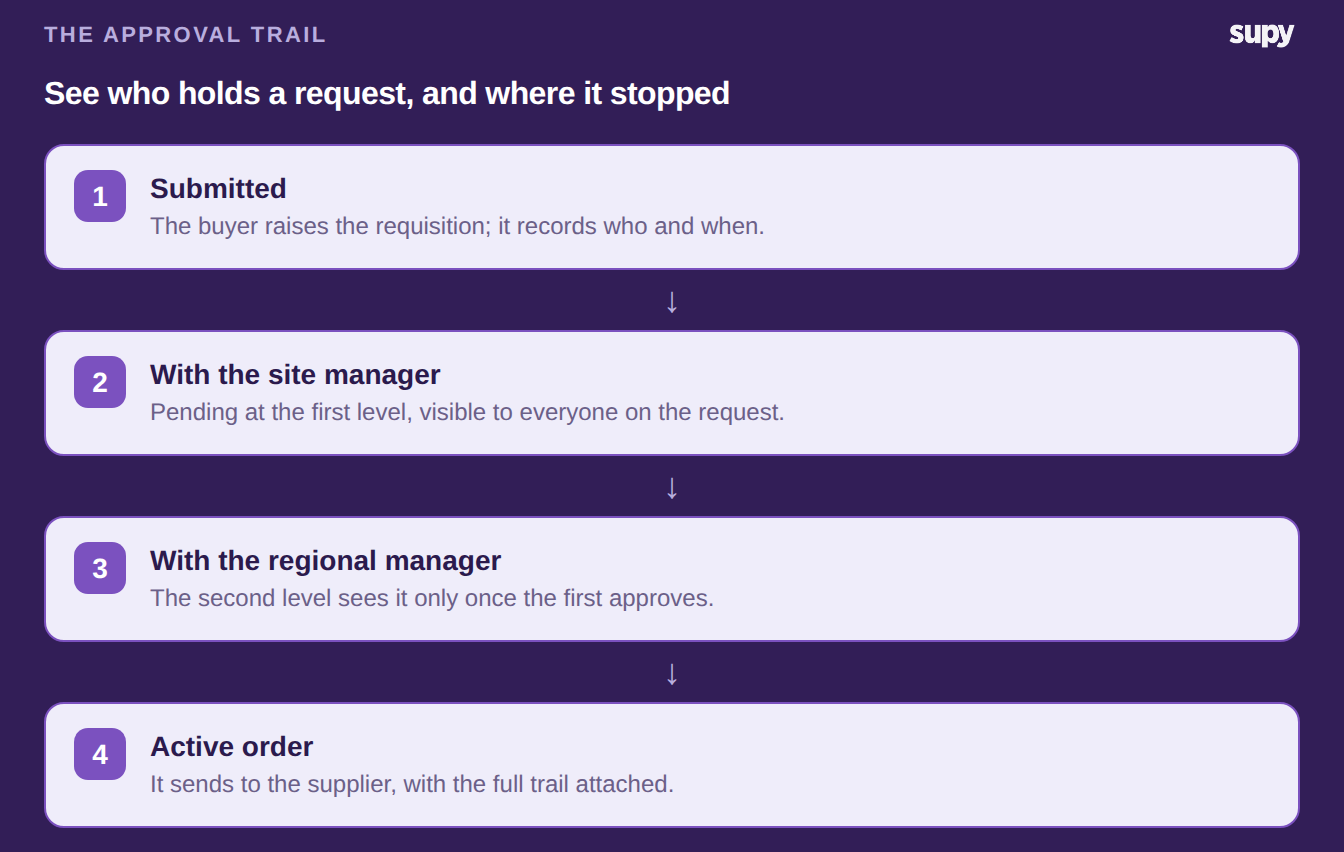
A limit only helps if nobody can quietly route around it and a held order does not vanish. Supy shows the full approval trail on every requisition: who approved, who rejected and why, and who still has it. A regional manager sees exactly where a request is blocked instead of chasing people one by one.
Every action is logged with a timestamp and the person who took it, so the audit trail holds up at month-end. Underneath sit 200+ permissions that decide who can order, approve and set a limit, so you grant each site exactly as much ordering freedom as it has earned.
Set one threshold this week. Pick the order value most of your locations clear every day, put the limit just above it, and leave everything under it to submit on its own. Watch which orders pile up above the line for a fortnight, then add a category or supplier rule for the ones that keep needing a second look. The limit earns its place when the small orders stop waiting and the large ones stop slipping through.