Restaurant AI Readiness: Five Data Fixes Before You Switch It On
What AI readiness means for a restaurant group
An AI assistant answers your questions about food cost, dish margin and supplier prices only as well as the records behind them. Before you switch one on, fix five things: one item master, clean unit conversions, recipes tied to your menu, counts you trust, and goods received notes that match the delivery. This article shows each fix, what breaks without it, and how to check it this week.
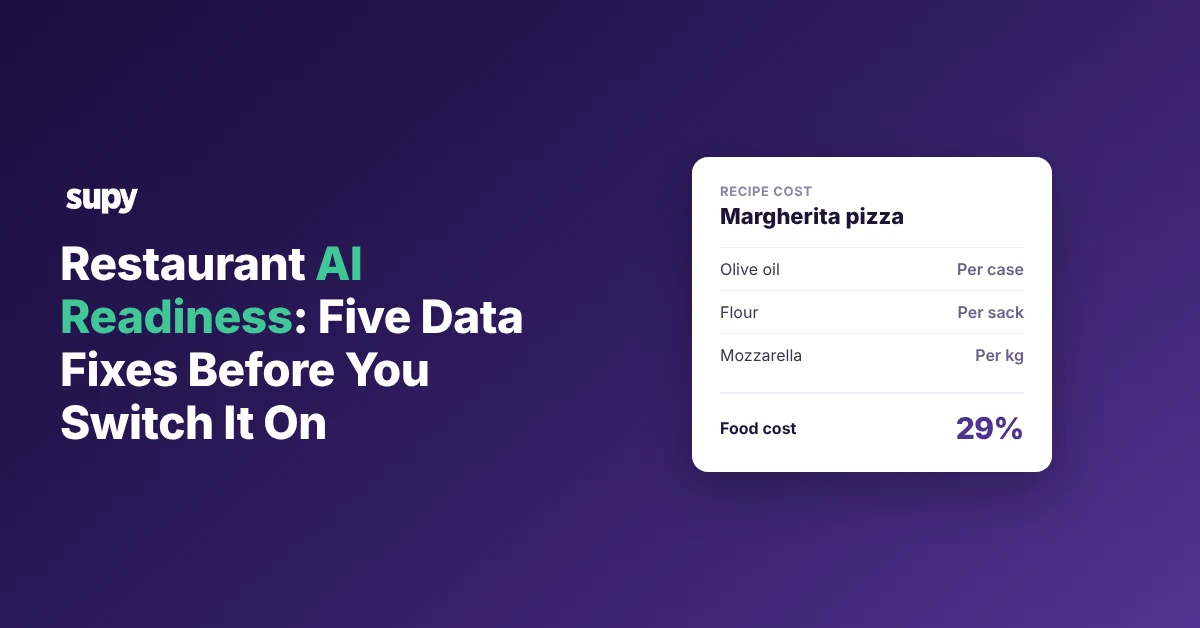
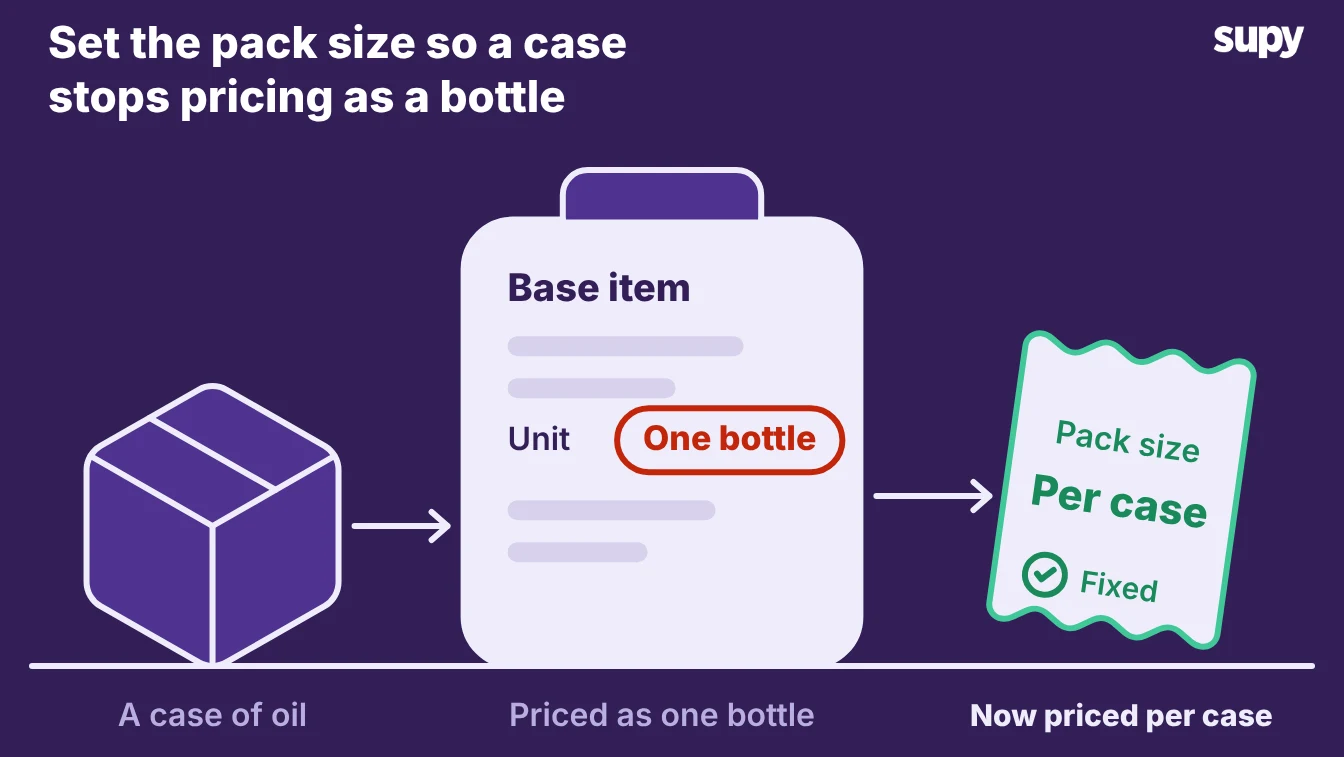
- Records, not assistant. Most groups already hold this data in their inventory and procurement system. The gap is rarely the assistant; it is the records it reads. A case of oil logged as a single bottle prices twelve bottles into one pour, so a dish whose true food cost is 29% can read 61% instead. Fix the pack size, ask the same question again, and the number comes back right. The assistant did not get smarter. The record did.
- Readiness is records. So AI readiness is the plain state of your records. A clean item, a correct unit and a count your team actually did are what turn a quick question into a reliable answer. The five fixes below get your records to that standard, in the order that pays off first.
The five data fixes to make before you switch an AI assistant on
Work through these five in order. Each one names what goes wrong without it, because that failure is exactly what you will see in the assistant's answers if you skip it.
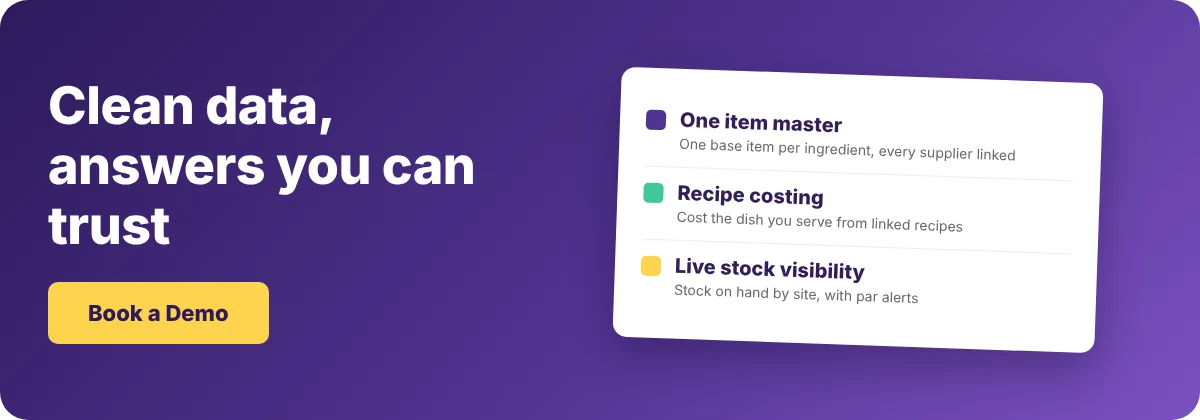
- One item master. Keep one base item for each ingredient, with every supplier code and pack size linked to it. When the same olive oil sits in your system three times under three supplier names, the assistant counts it three ways. Your food cost answer splits three ways with it. One operator fed the same handwritten invoice to several AI tools and got different item names back each time, so the team still checked every line by hand.
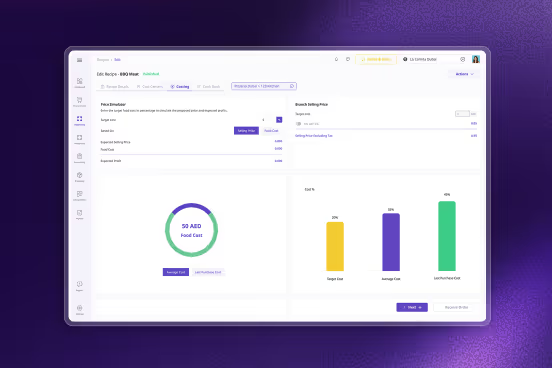
- Clean unit conversions. Set how each item converts from the pack you buy to the unit you cost, so a case, a bottle and a gram all tie back to one base unit. A case of oil logged as a single bottle prices the whole case into one pour. Every dish that uses it then looks far more expensive than it is, and the assistant repeats that error until you correct the conversion.
- Recipes tied to your menu. Link each recipe to the menu item it sells, modifiers included, so a sale depletes the right ingredients. Management at one group used an outside AI tool to merge several conflicting recipe databases into one list and still could not trust the result. An assistant cannot cost the dish you actually serve if the recipe behind it is a guess.
- Counts you do often enough to trust. Count the stock that moves on a schedule your team keeps, not once a quarter. Groups that count more than once a week keep records about three times more accurate than those counting fewer than eight times a year (The Spread, 610 restaurant businesses, 2026). Stale counts make theoretical-versus-actual variance meaningless, so an assistant reading it reports noise as if it were a finding.
- Goods received notes that match the delivery. Record what actually arrived, at the price on the invoice, against the order you placed. When the note, the order and the invoice disagree, the assistant cannot tell which figure is real, so it answers supplier-price questions with a number you never paid.
The table below repeats the five fixes as a quick audit. Run the right-hand check for each one before you connect any assistant.
| Fix | What goes wrong without it | How to check it this week |
|---|---|---|
| One item master | The same ingredient is counted several ways | Search your top ingredients; if one appears more than once, merge the duplicates |
| Clean unit conversions | A pack and its unit cost disagree | Open a dish that uses a bought-in case and confirm its cost matches the shelf price |
| Recipes tied to your menu | Sales deplete the wrong ingredients | Sell a test item on the till and watch whether the right stock moves |
| Counts you trust | Variance becomes noise | Check the date of your last full count; if it is over a week old, schedule the next one |
| Matching goods received notes | The assistant quotes prices you never paid | Pull last week's deliveries and compare each note against its order and invoice |
Build your own AI tool, or use the one connected to your data
Some groups build their own. One four-site group built internal AI systems for stock, gross profit and labour, then found it could not maintain them and fix the bugs while running the business. If you build the tool, you maintain it yourself, including the day a supplier changes a pack size and the model quietly reads it wrong.
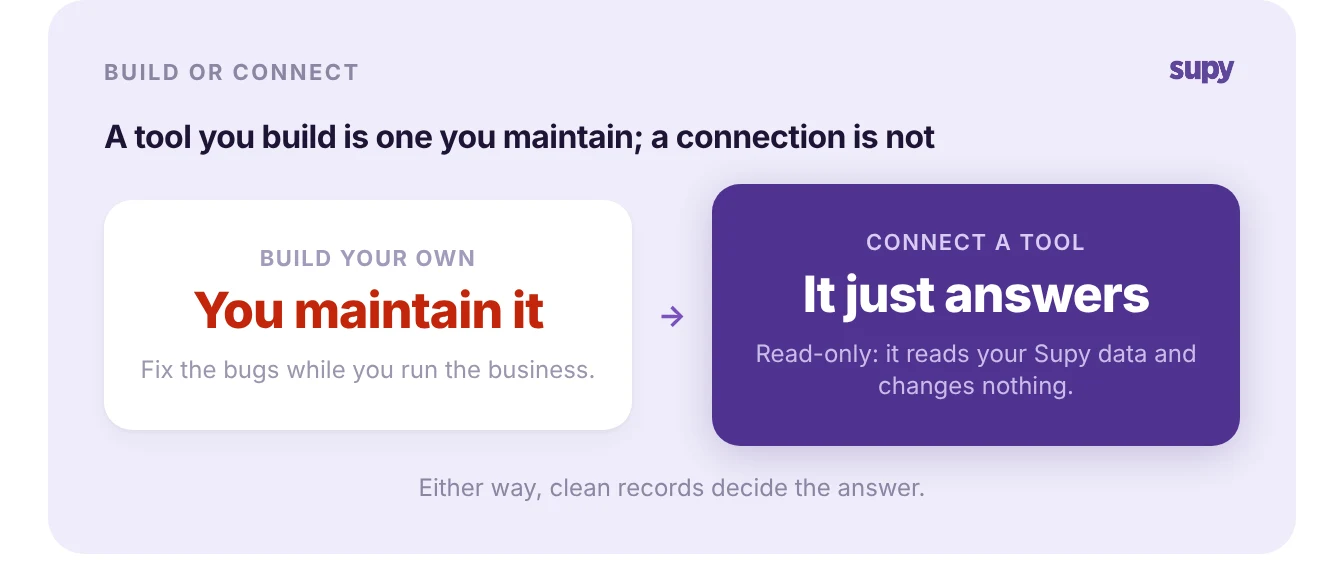
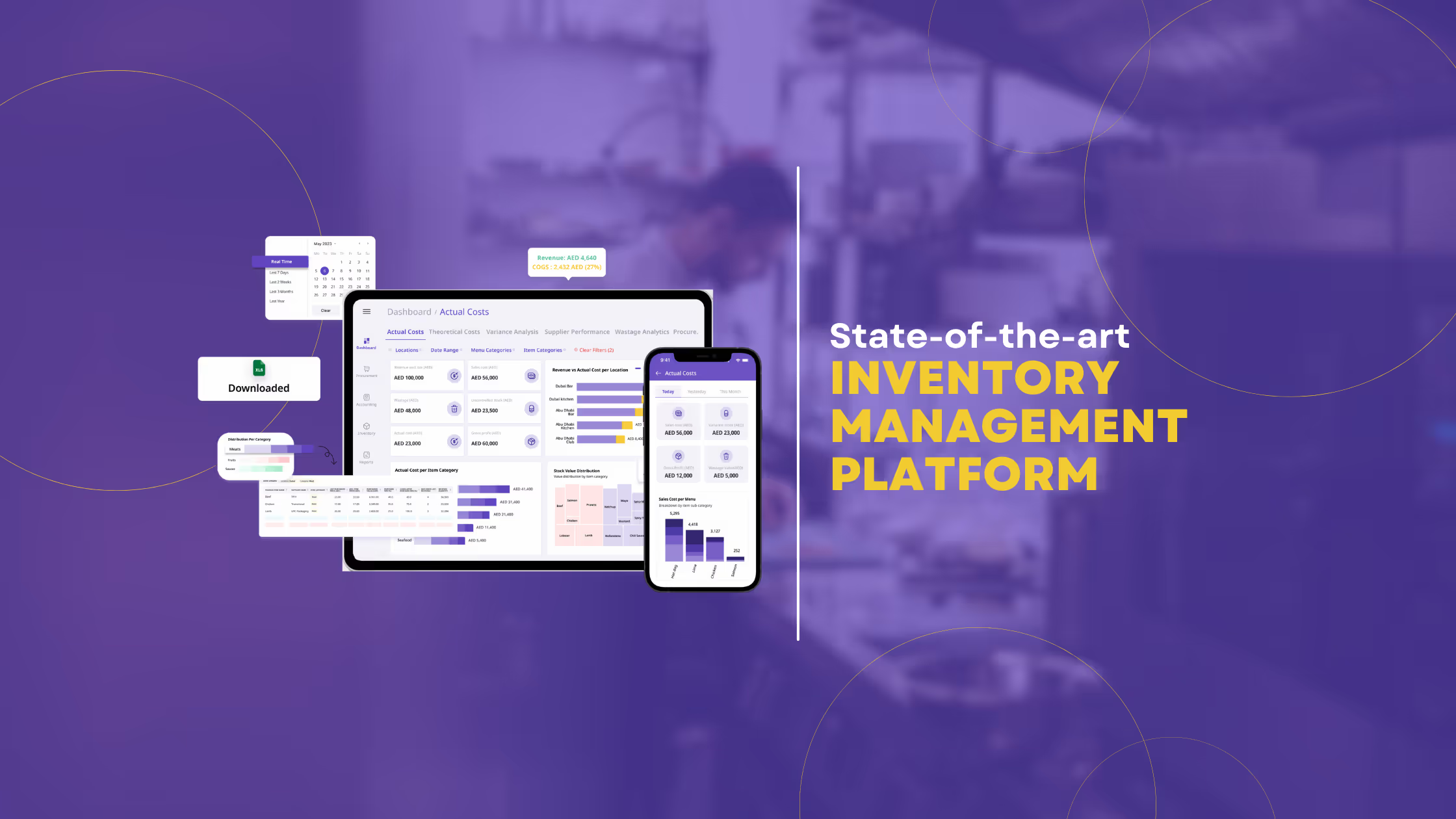
- Connect your tool. The other route is to connect an AI tool you already use to the data you already keep. Supy connects Claude, ChatGPT and other AI tools to your own Supy analytics data, read-only today. The assistant reads and answers; it does not create or change anything.
- Sign in, consent. You sign in with your own Supy login and approve a consent screen before it reads a thing. Supy switches the connection on per company, so ask your account manager to enable it for yours, and the AI tool's own subscription runs the questions.
Once it is on, you can ask about the numbers Supy already holds:
- What you spent with a supplier last month
- Which dishes carry the thinnest margins
- How a recipe is set up
- Which purchase orders are still open
It answers each from your Supy analytics data.
- Same clean records. The same clean records sit behind a recipe answer and a stock management one.
- Build or connect. Build or connect, the five fixes decide the answer. The assistant is only as good as the item master, units, recipes, counts and notes behind it.
Run the five checks this week. If you only do one, start with the item master, because every other number depends on each ingredient existing exactly once.