





How to Choose Bookkeeping Software for a Multi-Site Restaurant Group
What bookkeeping software for a restaurant group has to handle
The best bookkeeping software for a restaurant group is the one your real site data can reach without breaking. A generic package records what someone types into it. The harder job across several sites is getting clean, matched, categorised figures into it from every kitchen. You also need a sync that does not quietly fail and leave a month half-posted. This article shows what to compare in the software, and what has to sit around it before a group can trust its books.
Most buyer's lists rank packages on price, invoicing and a few reports. That is the easy half. One operator told us he wants to eliminate bookkeeping as a concept and cut the manual work out of his business. The job to be done is simple: fewer hours of typing, and numbers he can believe. For a single site, almost any tidy package gets you there. For a group, the package is only as good as the data reaching it. That is where the real choice sits.
Why your books are only as good as the data that reaches them
A bookkeeping package cannot fix what you feed it.
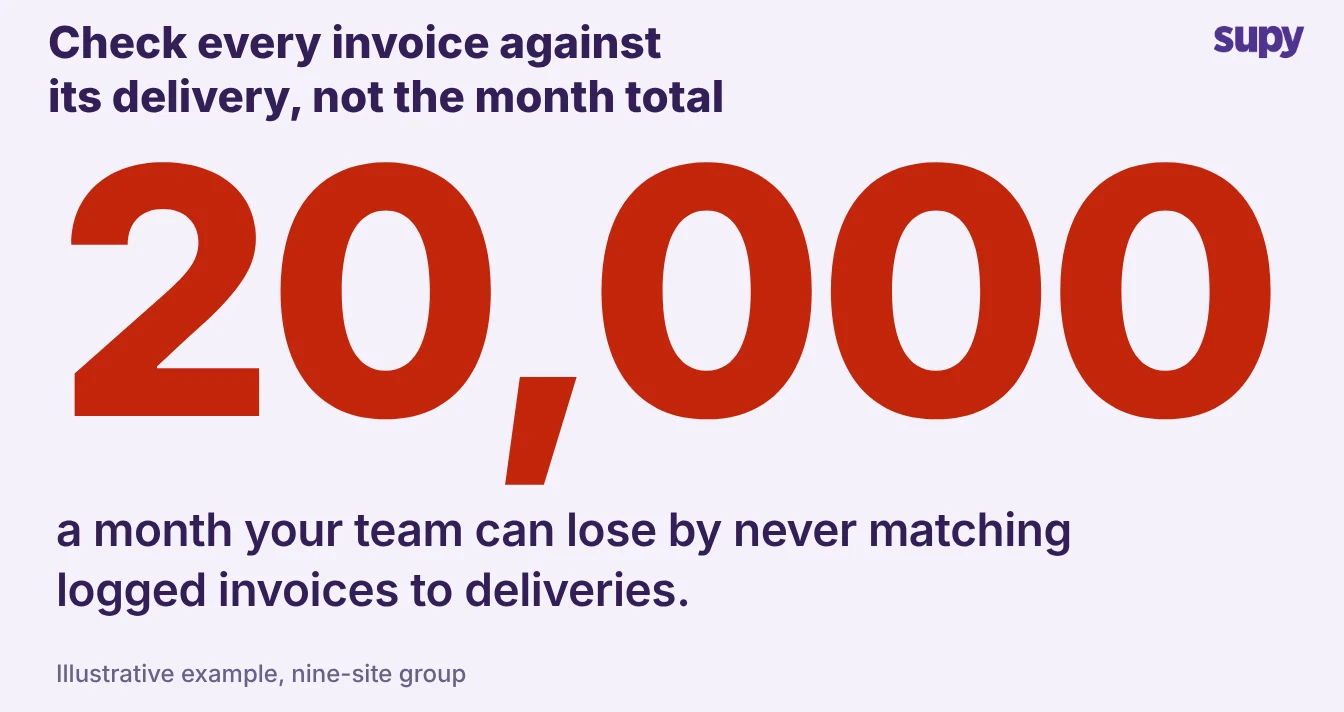
- Losing money. A nine-site group once asked why it kept losing money even though every invoice was logged.
- Nobody matched. The invoices went into the accounting system for the books only, and nobody matched them against the quantities actually received.
- Waste invisible. Waste, over-delivery and short deliveries stayed invisible, and the group estimated it was losing 15,000 to 20,000 US dollars a month.
Two input problems do most of the damage, and no package solves either on its own:
- Line entry by hand. Large supplier orders run to hundreds of line items, and typing them in one by one costs hours a week and invites a wrong figure on every line.
- Mixed supplier invoices. A single cash-and-carry invoice often carries food, cleaning chemicals, alcohol and tax-bearing items together. Splitting and categorising those lines costs the finance team time every day. A spreadsheet version of the same work can cost a founder half a day a month, with missed tax and some invoices never entered at all.
So before you judge any package on its reports, ask how the data gets in. Clean, matched, categorised figures make a modest package look great. Dirty inputs make the best package on the market produce books nobody trusts.
The features to compare, and what good looks like
Judge bookkeeping software for a restaurant group on how it handles multi-site reality, not on its feature count. The table below is the shortlist that actually separates one option from another. We go deeper on narrowing the field in our guide to accounting software for restaurants.
| What to compare | Why it matters for a group | What good looks like |
|---|---|---|
| Multi-entity books | Each company and site needs its own ledger that still rolls up | One consolidated view, no manual re-keying between entities |
| Accounting integrations | The package must connect to your point-of-sale and cost systems | A real, supported connection, not a monthly export |
| Invoice capture and matching | Typed invoices hide waste and errors | Scanned lines matched to what was received, with variances flagged |
| Per-site cost centres | Food, beverage and central kitchen costs post to the right accounts | Cost centres map to your chart of accounts per site |
| Tax handling | Mixed invoices and multi-company tax get complex fast | Tax split and categorised at the line, not after the fact |
| Reporting cadence | You need the numbers before the month is cold | Live cost of goods sold and margin, not a month-end surprise |
Use the right column as your demo checklist, and ask the vendor to show each one on your own data, not a canned example.
What several sites add: cost centres, consolidation and cutover
A group makes three demands a single-site package rarely meets:
- Per-site cost centres. One operator needed four cost centres, kitchen food, restaurant food, kitchen general and restaurant beverage, each mapping to its own general ledger account. If your software cannot map cost centres per site, someone re-keys every month.
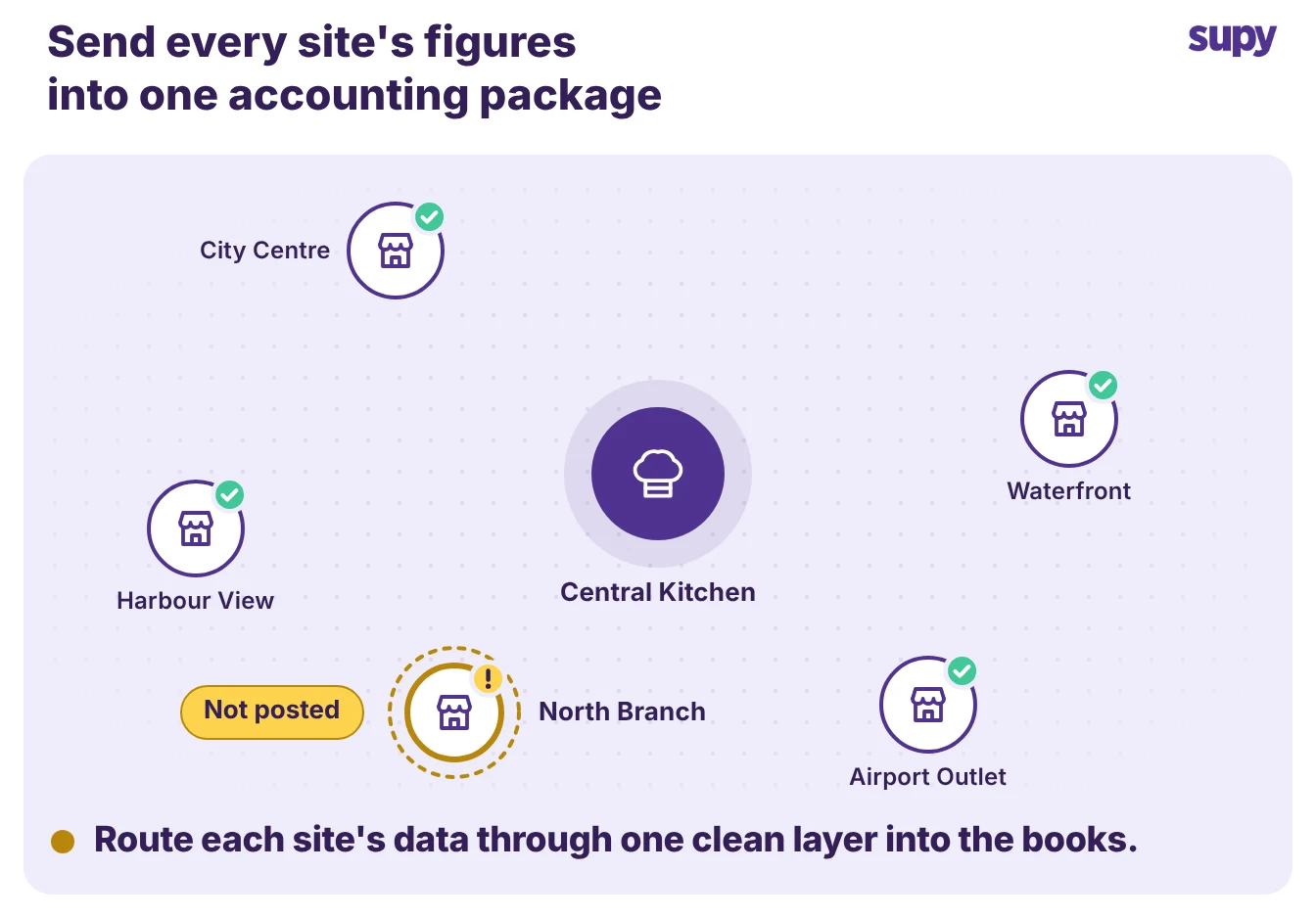
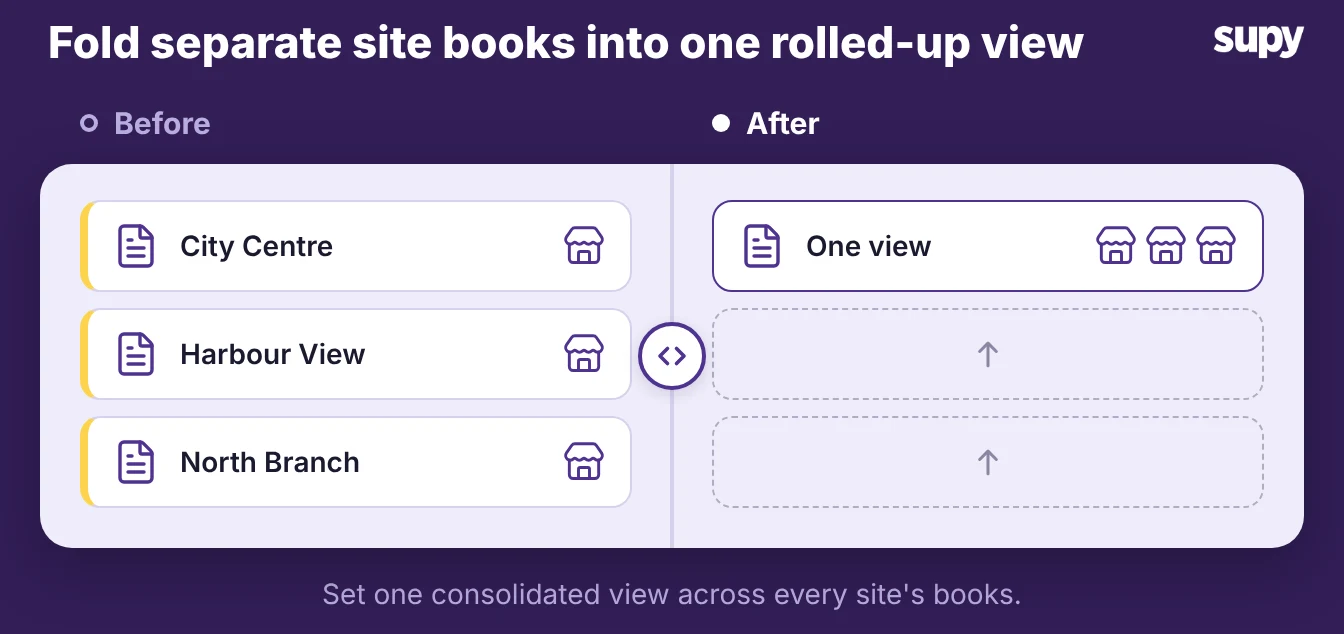
- Consolidation. Each site keeps its own books, but an area manager and a finance director need one rolled-up view, without exporting spreadsheets and stitching them together by hand.
- A tested cutover. One operator gave notice on its old system expecting a clean handover, then sat without a working integration at the worst moment. Test the connection on live data before you commit.
As another operator put it, going live across dozens of outlets without proper testing would be a disaster, because a failure at that scale takes real money with it. Treat a trial sync as a hard requirement, not a nice-to-have.
How to choose, and where Supy fits
Supy is not bookkeeping software and does not replace your accountant.
- Feeds the books. It is the inventory, procurement and cost-control layer that feeds your chosen accounting package, so the figures reaching the books are already matched, categorised and costed.
- Connects to tools. Supy connects to 75+ tools, including accounting packages such as QuickBooks, Xero, Zoho Books and Wafeq, so the group keeps the books it already runs.
Because the data layer sits between your sites and the accounts, it can catch the problems that silently break a sync. When you post a central kitchen order to accounting, Supy first checks that an invoice due date is set. If it is missing, Supy prompts for it, so the post does not fail on a blank field.
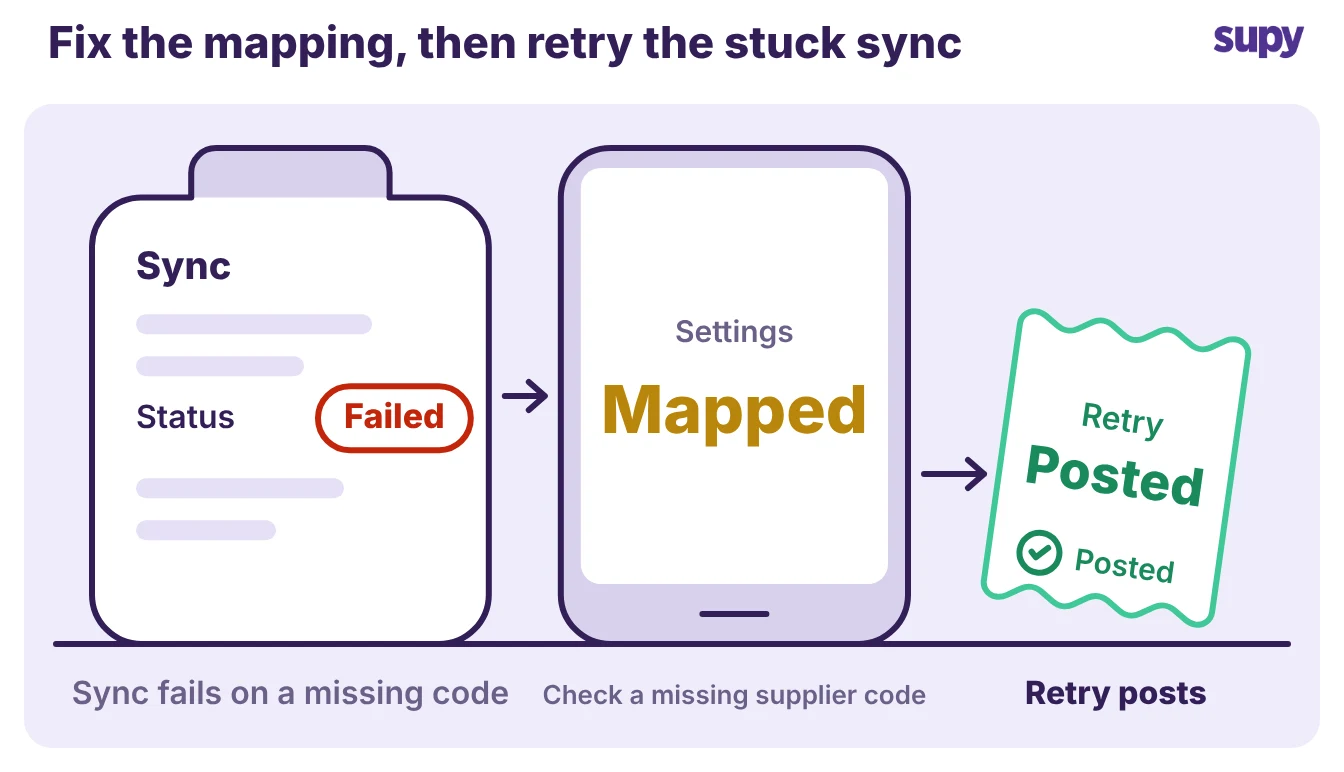
If a sync does fail, a Post to accounting button comes back on the order, so the retry is obvious.
- Root cause. The retry only works once you fix the root cause, such as a missing supplier or tax code in the integration settings.
- Names the fix. Supy names what to fix, so the next attempt is not wasted.
That reliability is the part the best-of lists never mention, and it is what a restaurant reporting stack has to get right before the numbers mean anything.
To choose well, run a short, specific test rather than a feature tour:
- Bring your own messiest week of invoices and watch the software capture and match them.
- Ask to see per-site cost centres posting to your real chart of accounts.
- Trigger a sync to your accounting package on live data, then break it on purpose and watch how it recovers.
- Pull a cost of goods sold figure mid-month and check it against a site you know.
Pick the package your team can keep fed without a spreadsheet in the middle, and the data layer that keeps it fed cleanly. The books only ever reflect the inputs, so how the data gets in is what you are really choosing.