.jpg)


Restaurant Software Rollout Across Locations: Get Every Site Live
Where Multi-Site Rollouts Actually Stall
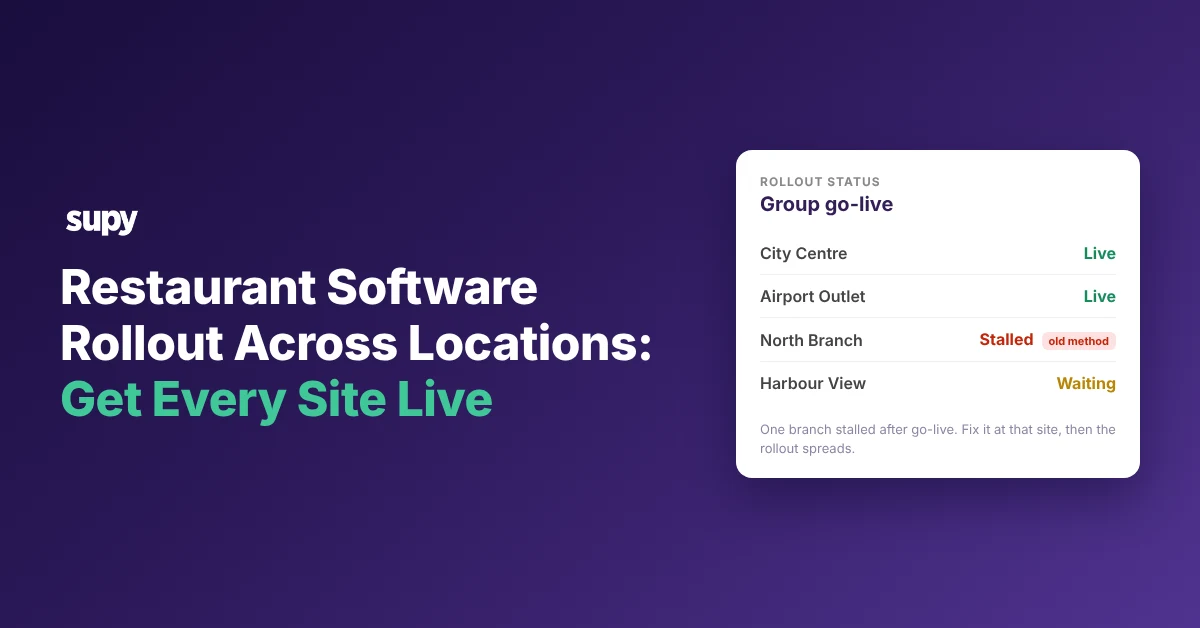
A multi-site software rollout stalls when a problem that stayed invisible at one site repeats at every other site. Four causes account for most of it: branch adoption friction, an unfinished integration or data dependency, a missing approval, and a dirty item master. Each cause has a different fix, so the first job is diagnosis, not a new timeline.
The general pilot-to-full-estate sequence is covered elsewhere in our guide to rolling inventory software across a group, and this guide picks up where that one stops. It covers the specific points where a rollout halts after go-live, and the move for each. The signal differs by stall point, and so does the first move:
| Stall point | Signal you will see | First move |
|---|---|---|
| Branch adoption | A site quietly keeps its old ordering method past go-live | Map the routine onto order templates, pilot one site first |
| Integration or data | Go-live waits on a POS, a logistics provider, or an export format | Sequence the dependency, validate at one site, use a workaround |
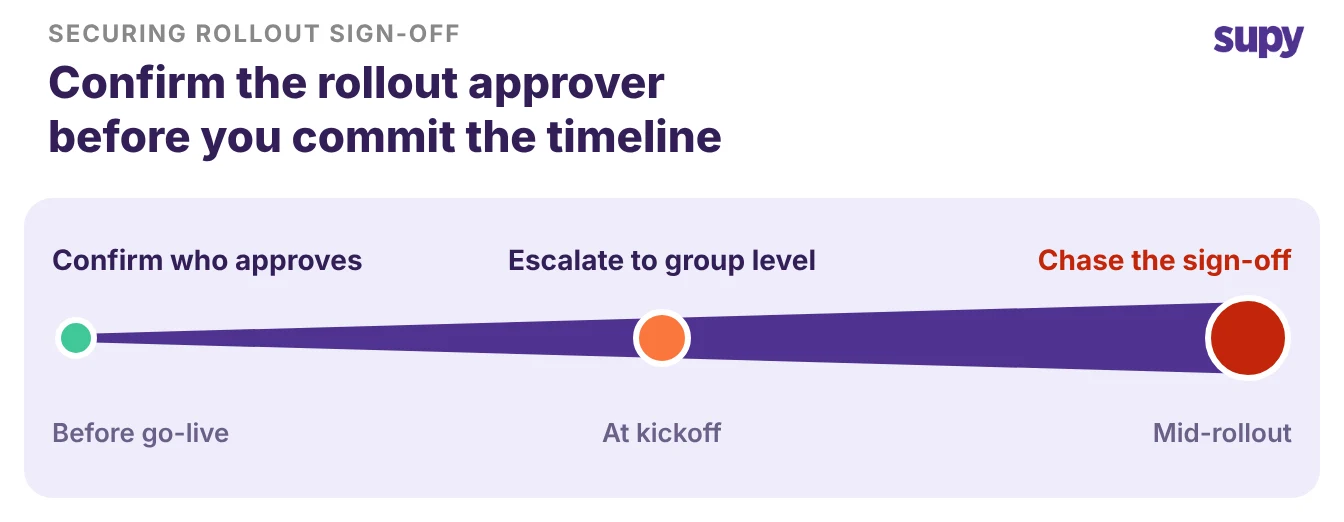
| Decision authority | The project pauses for a director or franchisor sign-off | Confirm who approves before you commit a timeline |
| Dirty item master | Duplicate items from the catalogue and from invoices | Dedupe and standardise one item list before you copy it |
The Branch That Will Not Drop Its Ordering Routine
The most common stall is quiet.
- The old routine. A branch team has an ordering routine it trusts.
- The new search. The new system asks them to search for each item instead of following that routine.
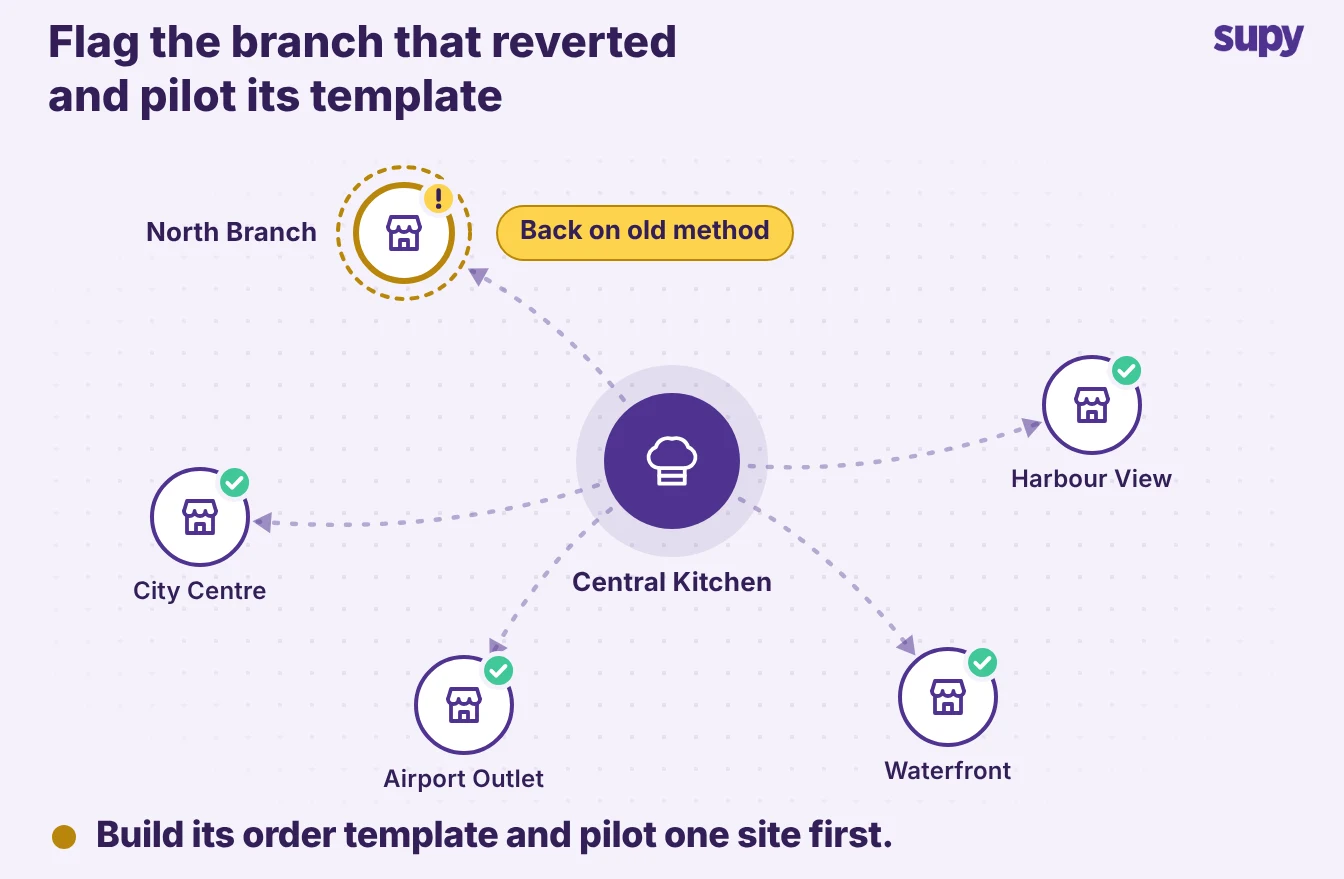
- The stall. The new way feels slower, so the team keeps ordering the old way and the rollout stops spreading.
One casual-dining group paused its wider rollout for months for this reason. It piloted the new workflow at a single site alongside the old method before committing further.
Map the routine onto the system instead of asking the team to abandon it.
- Order templates. Supy order and requisition templates give each location and supplier a pre-built item list.
- Load template. "Load template" prefills the usual items into an order, so a branch follows its familiar sequence in one tap.
- Template-only permissions. Permissions can restrict a branch user to templates only, so the fixed routine becomes the fast path.
Pilot one site in parallel with the old method first, prove the template is faster, then roll it to the next location.
When Go-Live Waits on Another System
A rollout also stalls on a dependency the software cannot resolve by itself.
- Logistics. A third-party logistics provider still allocates stock by hand.
- Point of sale. A point-of-sale system has not been chosen.
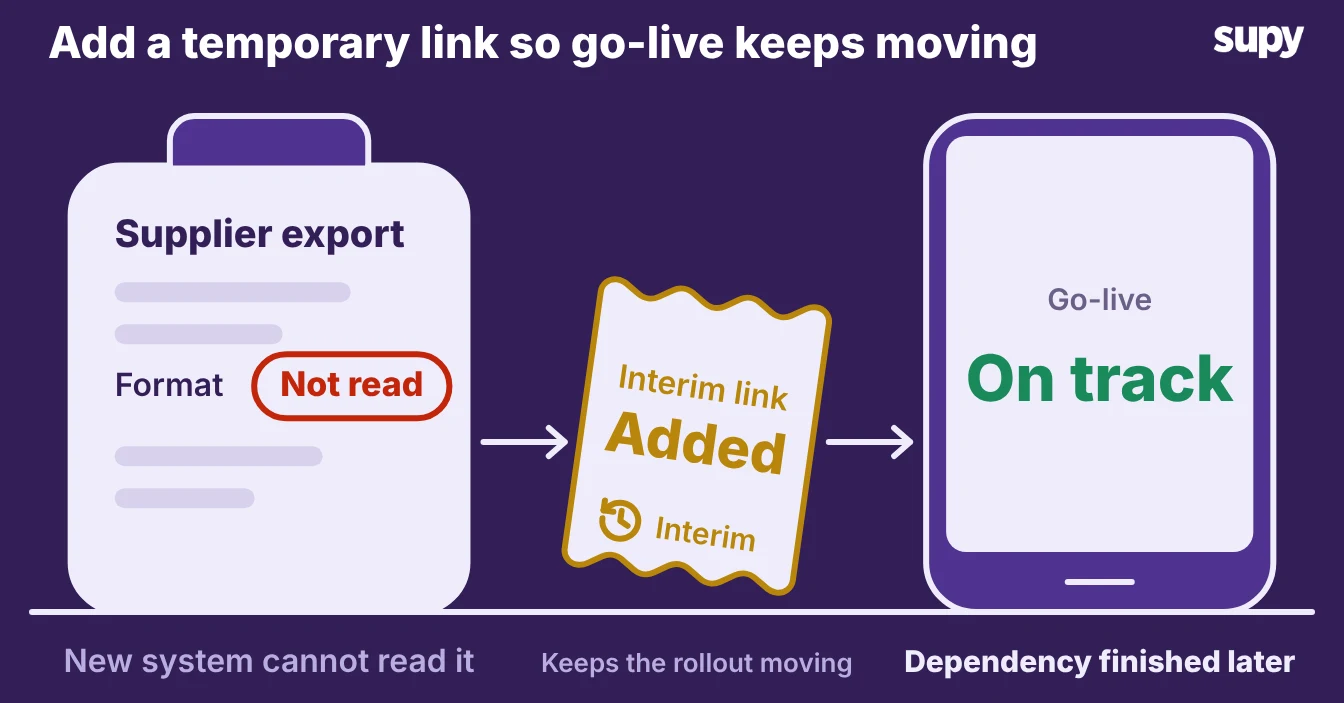
- Invoice format. A supplier's invoice export uses a format the new system cannot read.
Any one of these blocks go-live until someone finishes it, and a project plan alone does not move it.
- Sequence it first. Sequence the dependency before the rollout, not during it.
- Validate at one site. Validate the connection at one site.
- Work around long waits. Where the dependency will take weeks, use a temporary workaround so the rest of the go-live keeps moving.
One group hit a logistics provider's manual allocation and item-code mismatches. A temporary integration kept progress while the dependency was resolved, and go-live moved by weeks instead of stalling outright.
Supy connects to 75+ integrations across point-of-sale, accounting and ERP systems. Most dependencies map to a supported connection rather than a custom build, so confirm the one your estate needs before you set the date.
The Approval Nobody Secured
Some rollouts stall on a decision, not a system. The project waits with no restart date, because the people on the rollout cannot give the sign-off it needs.
- No director approval. A director has not approved the project.
- A slipped prerequisite. A prerequisite like the point-of-sale choice has slipped.
- Head-office procurement. Procurement sits with a franchisor's head office rather than the individual location.
Confirm who holds the decision before you commit a timeline. Where authority sits above the location, move the decision to the group or head-office level early. A single site is then never asked to approve something it does not control.
Treat the approval as a prerequisite on the plan, named and dated, not a surprise that surfaces halfway through. Once the system is live, clear approval rules keep that authority visible, so a branch cannot quietly route around it.
The Item List That Multiplies Across Sites
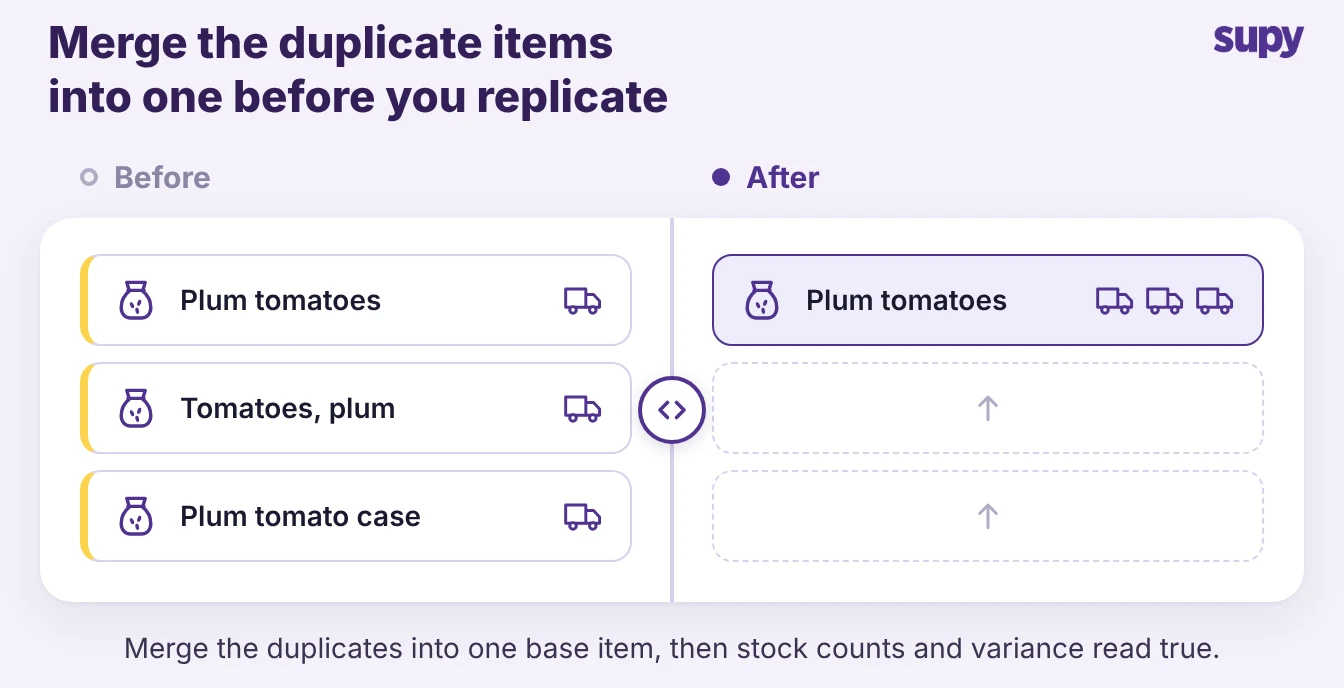
A dirty item master is the stall that spreads fastest, because every new site inherits it. One duplicate comes from the central catalogue and one from a supplier invoice, and together they halt central-kitchen and recipe setup.
Inconsistent entry then creates stock-count variances at every location at once. Copy that list to a new site and you copy the mess with it. Clean one item list before you replicate it.
- Dedupe pass. Run a dedupe pass that decides which duplicates to merge.
- New-item standard. Standardise how new items get created, so the next invoice does not reopen the problem.
- Excel bulk edit. Supplier item lists export to Excel for bulk edit and re-import, which makes the cleanup a single pass rather than an item-by-item slog.
Reusable count templates then clone across sites in shelf order. Parallel counting lets several staff count one site at once and merge the results, which cuts counting time by more than half once the master is clean. Standardise first, replicate second.
Find your stall point before you touch the timeline.
- Old routine. If a branch keeps its old routine, build its order template and pilot one site.
- Waiting on a system. If go-live is waiting on another system, sequence that dependency and validate it at a single location.
- Paused project. If the project has paused, confirm who approves it and move the decision to the right level.
- Duplicate items. If the same duplicate items keep appearing, dedupe and standardise one master list first.
A stalled rollout almost always traces to one of these four, and each one clears at a single site before it spreads to the rest.