.jpg)


Shared Central Kitchen Cost Centres: Multi-Site Restaurant Setup
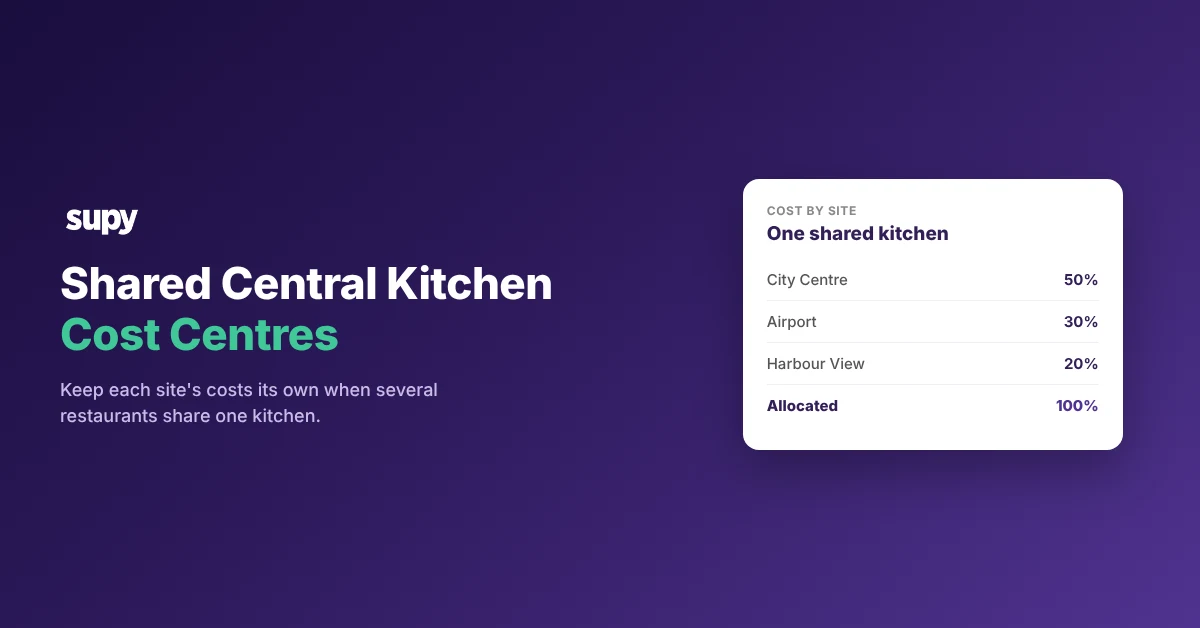
How shared central kitchen cost centres keep each site's costs separate
A shared central kitchen cost centre setup keeps each restaurant site's costs its own. You model every site as its own branch, then tag each recipe to the cost centre that earns from it. Several brands can cook in one kitchen and still read a true food cost each, as long as the tagging and the transfers are set on purpose. This article shows the structures operators run, and the setup that keeps costs attributable per site.
- Why costs blur. When legal entities share one kitchen, costs blur the moment nobody decides where each cost belongs. A beverage delivery received without a purchase order can sit in two cost centres at once, and the food cost report then counts it twice. A deliberate cost-centre structure prevents this, set before the next count rather than cleaned up after month end.
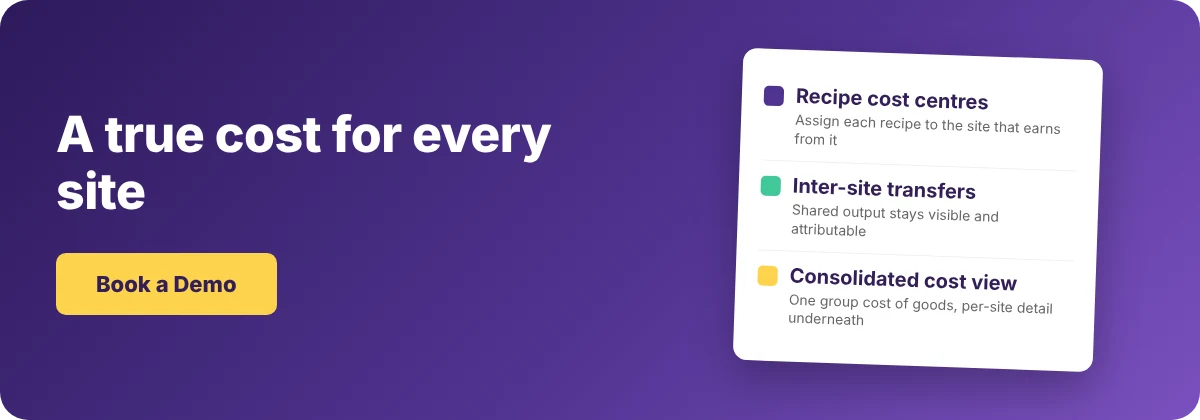
- The setup move. Start by modelling each site as its own branch, so every count, transfer and report already separates by site. Within a branch, assign each recipe to the cost centre that sells it. When more than one site sells the same dish, set the revenue share per location. Supy's recipe and prep setup validates the allocation, so the split adds up before it reaches a report. This is operational cost attribution, not statutory or tax consolidation. Treat it as how you read each site's cost, not as entity accounting.
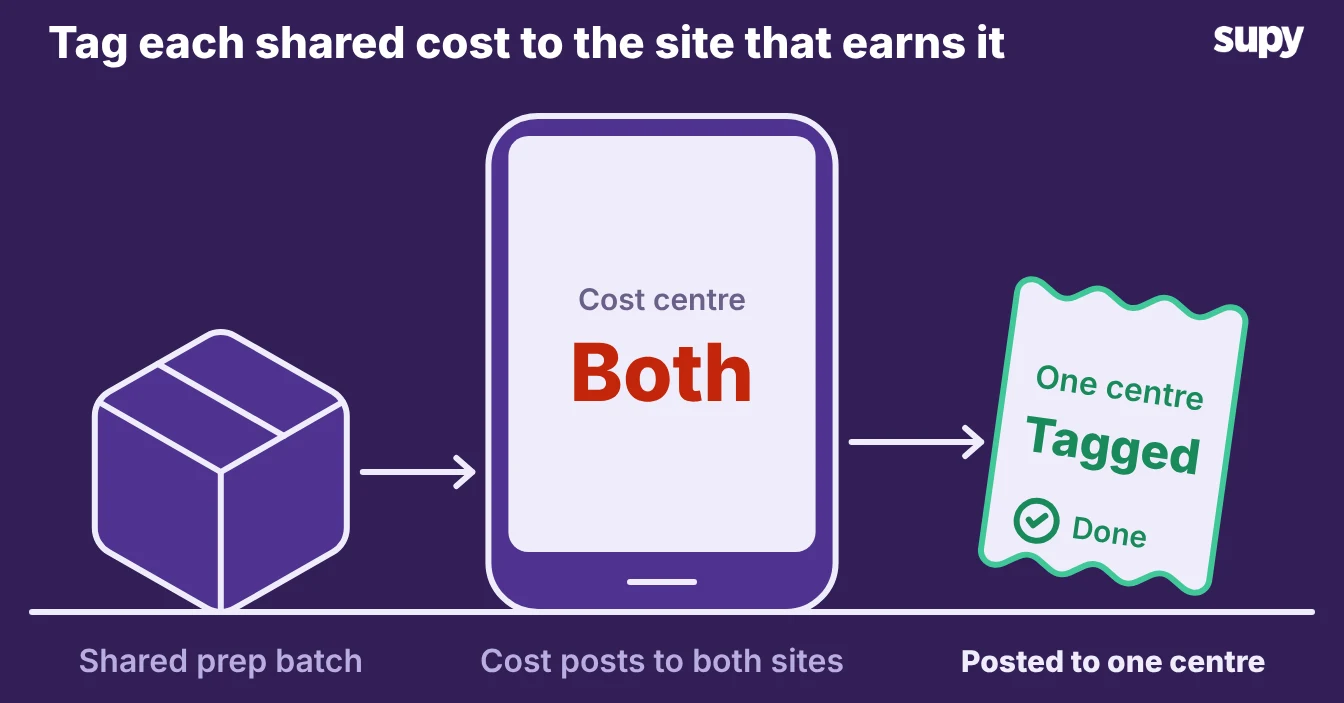
Which shared-kitchen structure are you running?
Three structures cover almost every shared kitchen. Find yours, because the cost-centre setup differs for each.
| Structure | What it looks like | How to model it |
|---|---|---|
| One brand, several legal outlets | Each outlet is its own legal entity, one kitchen preps for all | One branch per outlet, a cost centre per outlet, prep moved between them as transfers |
| Several brands, one kitchen | Two brands cook in the same physical kitchen | One branch per brand, a cost centre per brand, shared prep split by recipe |
| A central kitchen feeding outlets | The kitchen makes prep, the outlets finish and sell it | The kitchen is its own branch, each outlet is a branch, output moved as transfers |
Mixed setups happen too. A group might run two brands and a production kitchen at once, so model each part by its row above, then connect the parts with transfers.
Set each recipe to the right cost centre, and move output as transfers
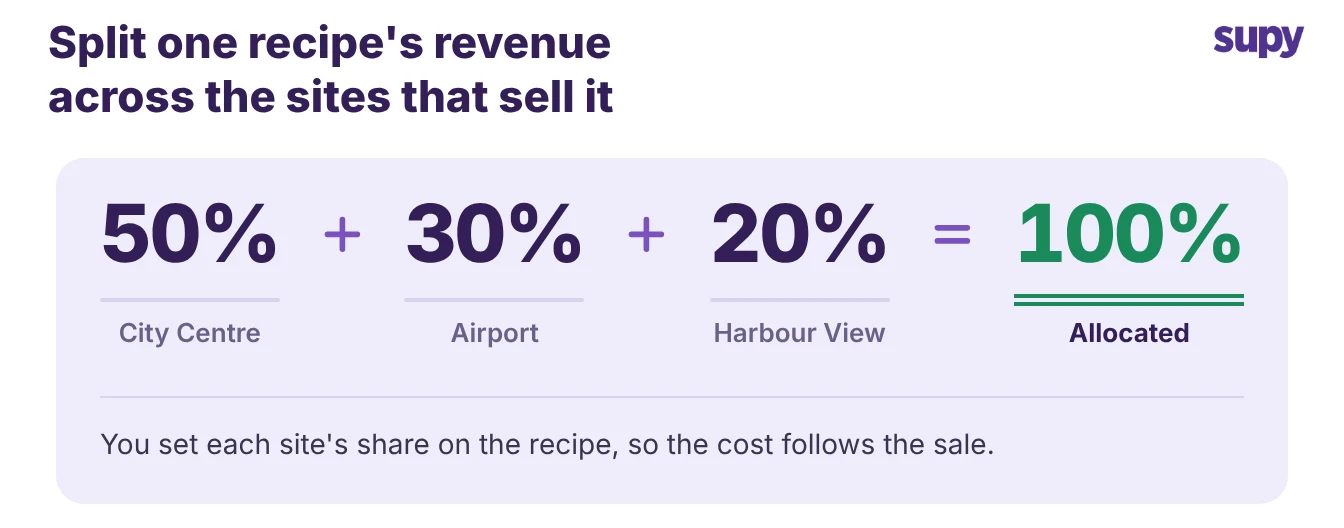
Assign each recipe to one or more cost centres within its branch. When more than one site sells the output of a shared recipe, set each site's revenue share so the cost follows the sale.
For three outlets, the split might be 50%, 30% and 20%. Supy checks the shares add up before they reach a report.
- Move as transfers. Move shared output between sites as an internal transfer, never as a sale. Every transfer stays in the stock-movement history. Filter that history by transaction type to read transfers, counts, wastage and central-kitchen movements separately. The receiving site carries the cost of what it takes, and the kitchen's stock drops by the same amount, so neither site double-counts the food.
- Set up once. Set this up once per recipe, and each site keeps its correct costs run to run. The work is the first configuration, deciding which cost centre earns from each recipe and how shared output moves. After that, each sale and each transfer posts to the right site without a manual adjustment.
Count per site, read one cost view, and avoid double-tagging
Count each site on its own schedule. Sub-counts and count templates let different staff count different areas of a branch, so a large multi-cost-centre site stays countable without losing which cost centre each count belongs to.
- Count prep batches. Count central-kitchen prep as recipe-based items, not only as raw ingredients. Once you count a prep batch, Supy costs it from its recipe, so a shared production kitchen carries a real value like $620 instead of reading $0.00. A kitchen that counts only its raw ingredients undervalues its own output and pushes the cost onto the wrong period.
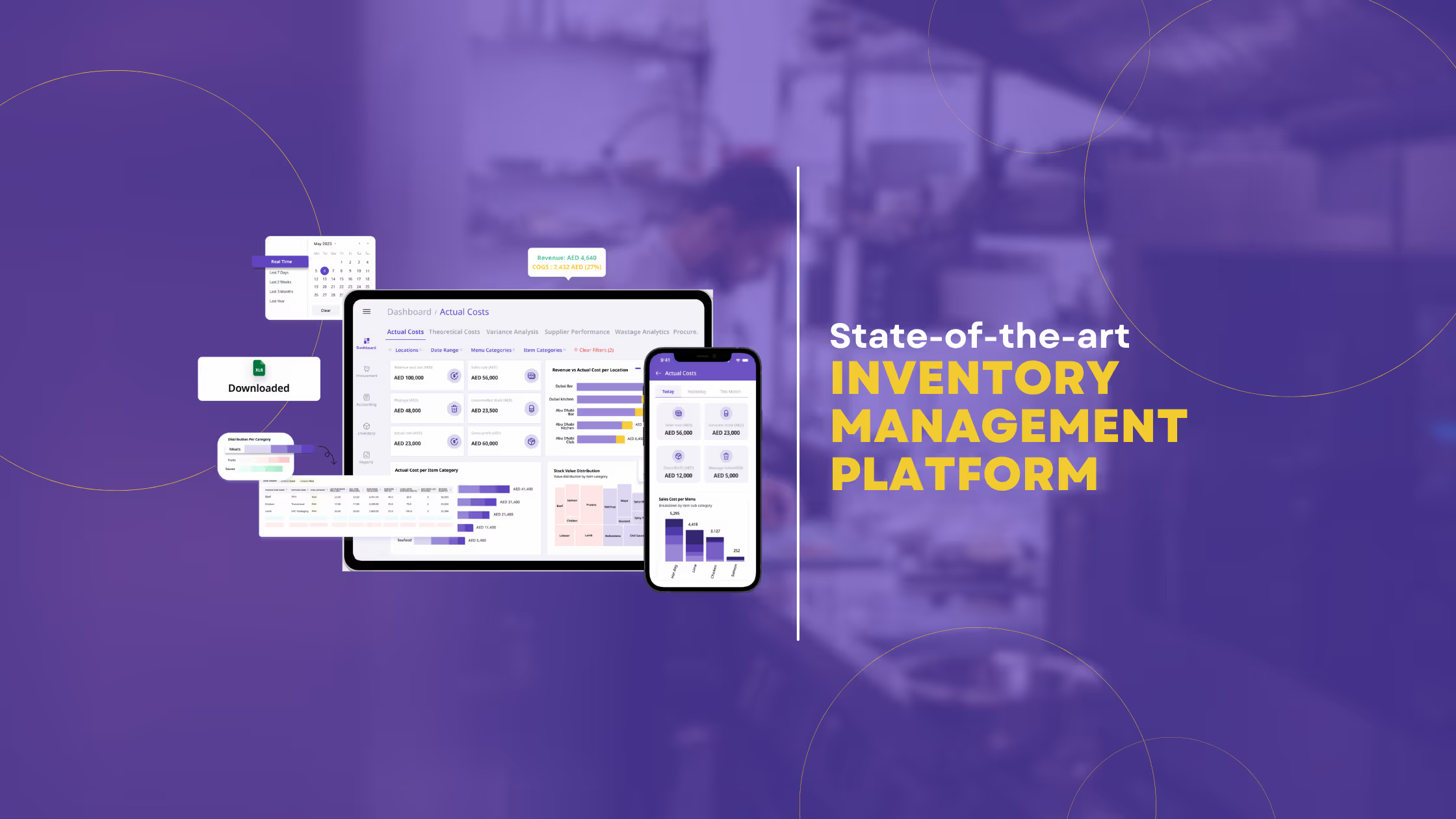
- Group cost view. Read one consolidated cost view across the sites you choose, for the period you choose. The Cost Overview report applies the same stock-count-bounded logic as the per-location report, so group finance sees a single cost-of-goods figure with the per-site detail still underneath it.
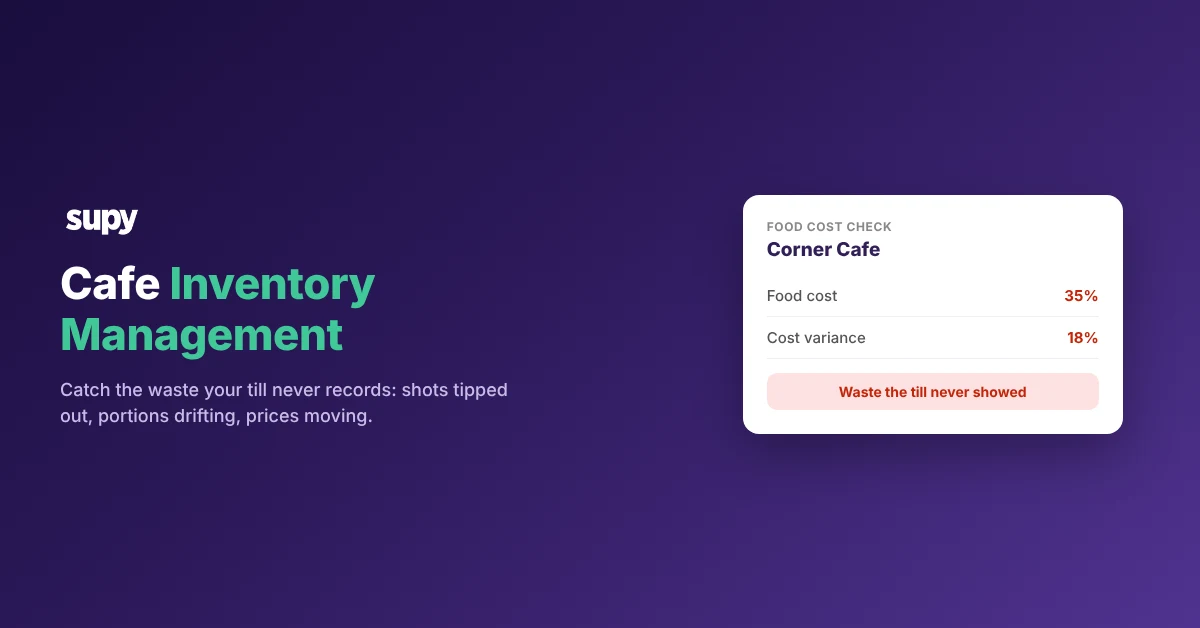
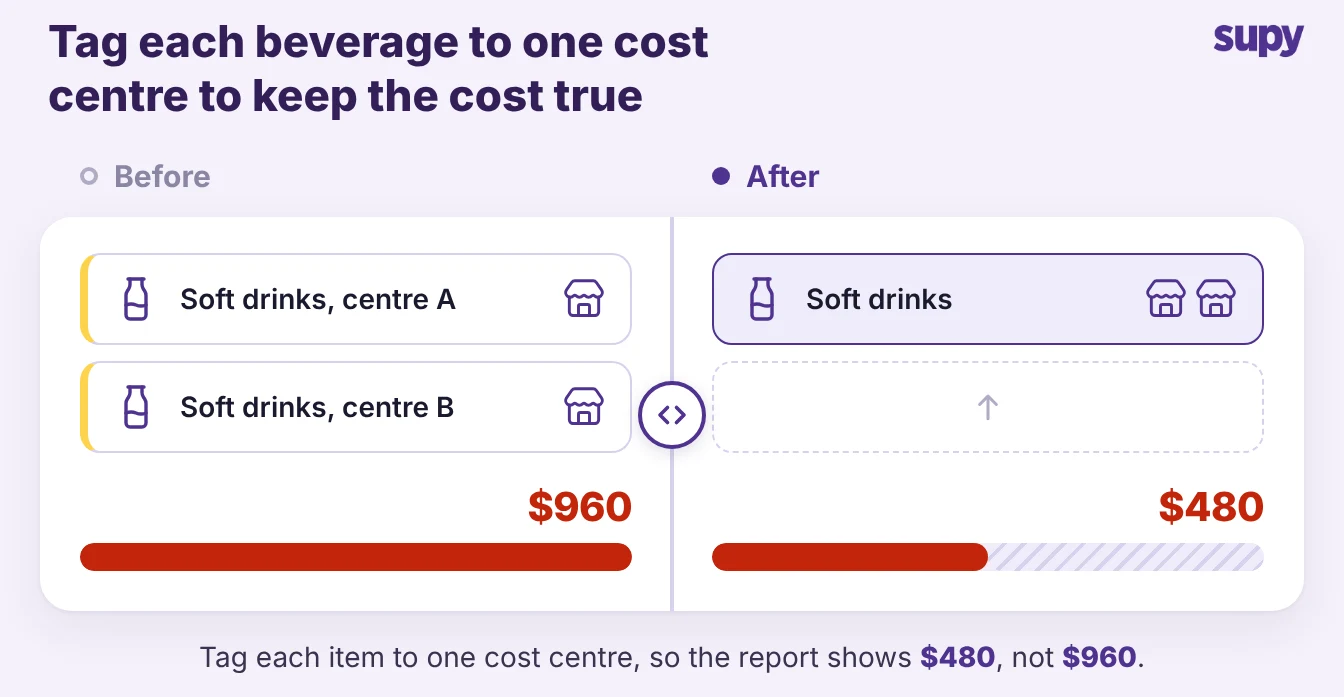
- Tag on purpose. Watch the dual-tagging trap. A beverage item tagged to two cost centres at once shows up twice in the food cost report, so you read $960 for a $480 delivery. Tag each item to one cost centre on purpose, and scan the food cost report for any line that looks doubled.
Our guide to a central kitchen as a cost centre or a separate location shows when each one fits.
Name the structure you are in from the table above, then make the one move it needs:
- Several brands share your kitchen. Set a cost centre per brand before the next stock count.
- A production kitchen feeds your outlets. Start counting its prep batches so its value stops reading zero.
Set the structure first, and each report after it separates by site without a manual adjustment.