.jpg)


Restaurant Wastage Tracking: The Setup Behind Numbers You Can Trust
Why Wastage Numbers Break at Setup, Not at Logging
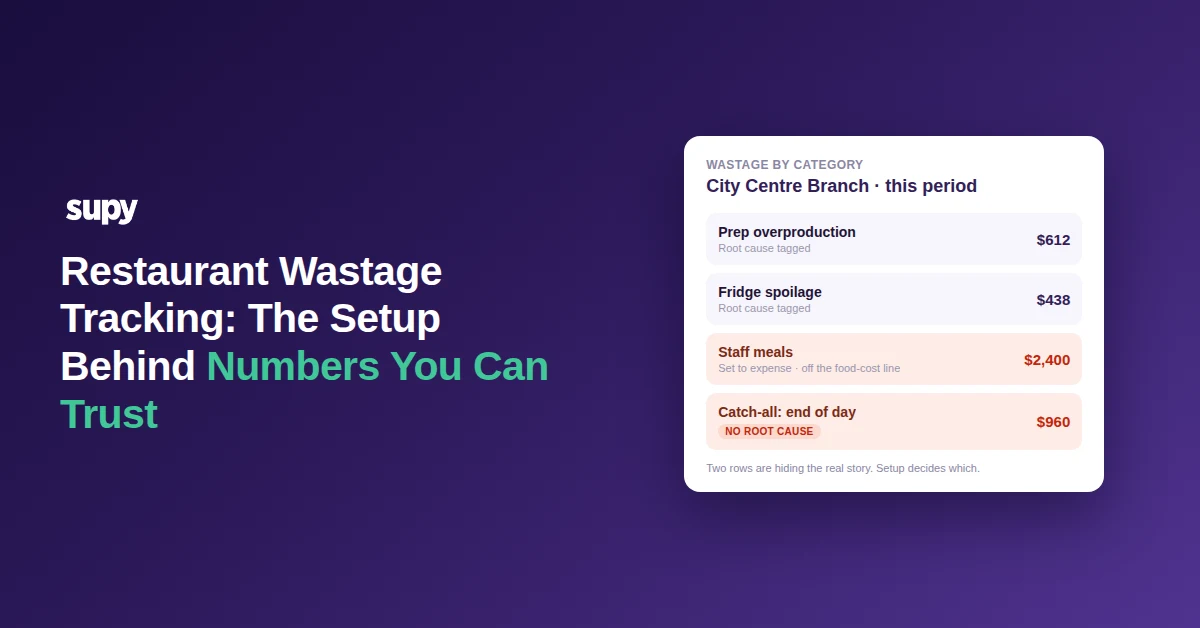
Most wastage numbers fail before a single waste event is ever logged. The report is only as honest as the setup behind it: the categories staff can pick, the recipe fields that cost each loss, the toggle that decides whether a cost reaches your food-cost line, and the checks you run before you believe a total. Get those wrong and the number is confidently precise and quietly meaningless.
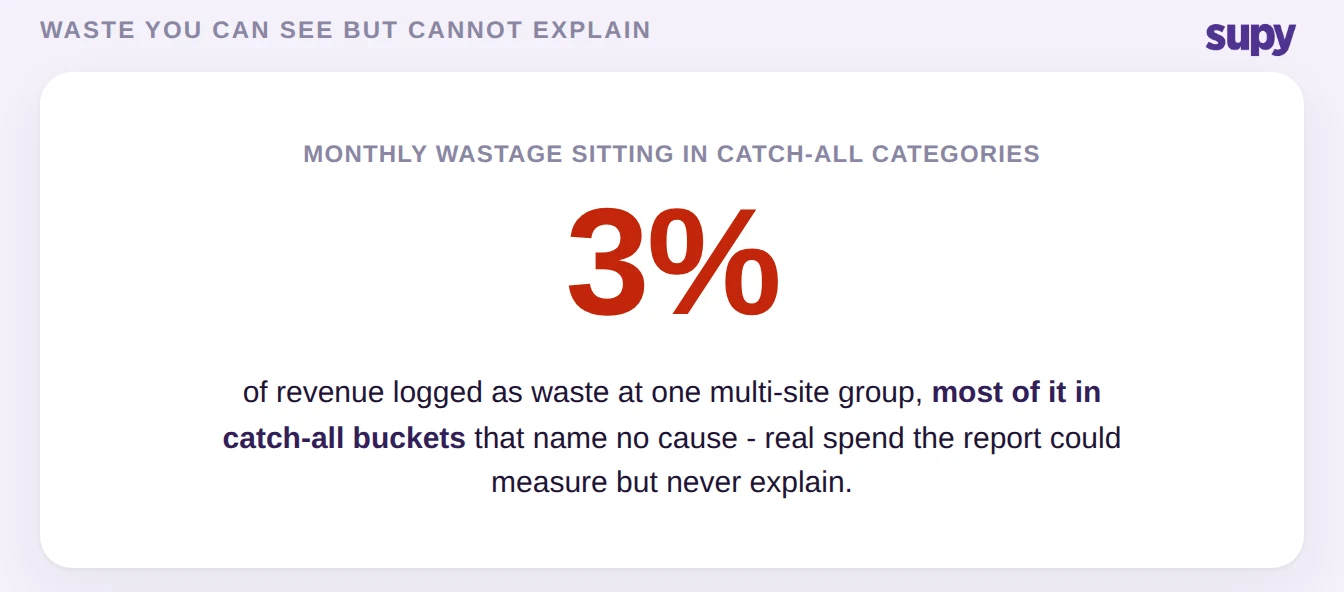
That is why a multi-site group can log waste diligently at every site and still not know where the money is going. One operator's monthly wastage ran at roughly 3% of revenue with most of it sitting in catch-all categories, so the number was real but told nobody which process to fix. The five setup decisions below are the ones that decide whether your wastage data can be trusted. Each pairs a decision you make once, at configuration time, with the concrete fix. Work through them before go-live, or during a clean-up if the numbers already feel soft.
Define Your Wastage Taxonomy and Map It to the Accounts First
A wastage taxonomy is the fixed set of loss types your operation recognises - spoilage, prep loss, staff meals, complimentary items - and the profit-and-loss line each one is supposed to hit. Decide it before anyone logs waste, because a category with no agreed home in the accounts is where setup stalls and where the numbers start drifting.
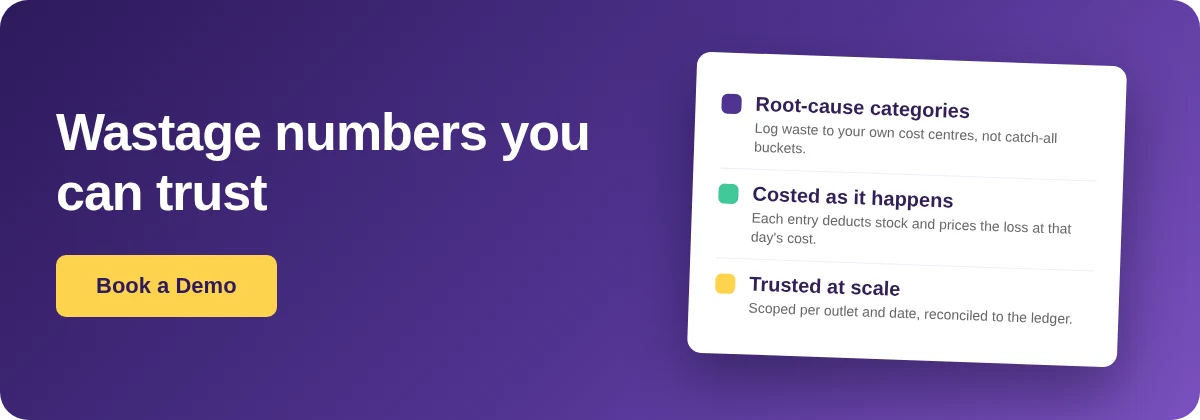
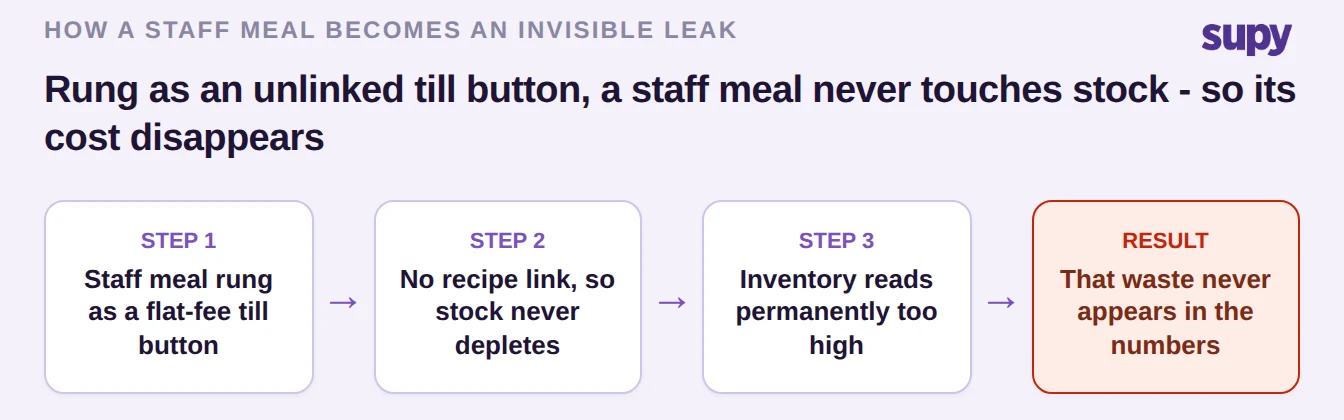
The most expensive gap here is the staff meal. When staff meals are rung through the till as an unlinked flat-fee button, they never deplete stock, so inventory stays permanently high and the waste those meals represent is invisible. The fix is to log staff meals as real wastage so the stock actually moves, and to decide up front which account the cost lands on. This is where restaurant inventory management software earns its keep: in Supy you create custom wastage categories in settings that match your own cost-centre and profit-and-loss breakdown rather than a fixed default list, and each logged entry deducts from stock and is costed at that day's ingredient price. Define the "complimentary" and "staff meal" homes at the same time, so there is no category that staff can reach for but the accountant cannot place.
Build Categories for Root Cause, Not Catch-All Buckets
The point of a wastage category is to tell you which process broke. A bucket labelled "end of day" or a single "staff meal" catch-all cannot do that, so waste logged into it is spend you can see but cannot act on. Won accounts routinely arrive with no wastage categories at all, or with waste tracked only as a discount code with no reason attached - both leave you blind to root cause.
Design categories around cause, not convenience: separate prep overproduction from fridge spoilage from customer rejection, because each points at a different fix. Recipe wastage should decompose to individual ingredients rather than a single recipe-level write-off, so a batch you bin still shows up correctly against each ingredient in variance. When your categories map to real causes, a rising number tells you what to change; when they map to catch-alls, it only tells you that money left.
| What you compare | Catch-all bucket | Root-cause category |
|---|---|---|
| What staff pick | "End of day", "staff meal", a bare discount code | Spoilage, prep overproduction, customer rejection |
| What the number tells you | Money left; the cause is unknown | Exactly which process to fix |
| At multi-site scale | A shared blind spot across every site | A like-for-like comparison by cause |
| The fix | Retire the bucket and split it by cause | Tag categories to your own cost centres |
Keep Prep Wastage and Portion Yield in Separate Lanes
This is the single most common field-level mistake in wastage setup, and it produces recipe costs that are not slightly off but impossible. Prep wastage and portion yield both describe loss, but they model different things, and using one where the other belongs corrupts every cost that recipe touches - and every variance number that depends on it.
Prep wastage is for trim loss on an ingredient that is still partly used - the outer leaves, the peel, the ends. Portion yield is for when an item is wholly discarded, or when you already know the finished batch weight. Operators reach for prep wastage set to 99% to model an ingredient that is almost entirely thrown away, and the costing engine dutifully inflates the recipe: a plate that truly costs $4.80 can surface at $96, and a group pulling an urgent costing report finds several dishes at figures that cannot be real. Correcting the field returns both recipe cost and variance to a plausible range.
| The question | Prep wastage | Portion yield |
|---|---|---|
| What it models | Trim loss on an ingredient still partly used | An item wholly discarded, or a known finished batch weight |
| When to use it | Peel, outer leaves, trimmed ends | Binned batches, spoiled portions, tested yields |
| Symptom when wrong | Recipe costs inflate to impossible figures | Costs understate and variance drifts quietly |
Set the Expense vs Cost of Goods Sold Toggle Before Go-Live
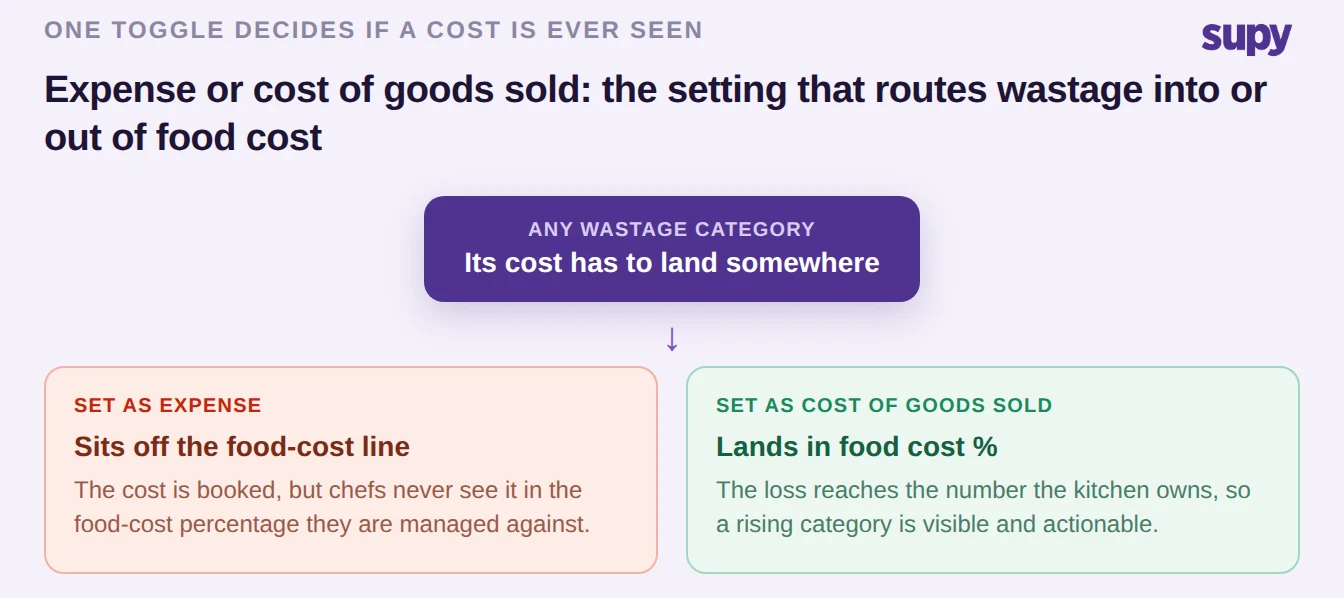
Every wastage category carries a quiet accounting decision: is this loss an operating expense, or is it cost of goods sold? That toggle decides whether the cost ever appears in your food-cost numbers, and it is set at configuration time, not discovered later. A purchasing manager who cannot find staff-meal wastage on the dashboard is usually not looking at a bug - the category was set to expense, so it never reached the food-cost view.
Decide the treatment for each category deliberately. Losses you want reflected in food cost - spoilage, prep waste, most staff meals - belong as cost of goods sold. Costs you deliberately hold outside the kitchen's food-cost percentage belong as expense. Get it wrong in the same direction on several categories and a real cost, say $2,400 a month of staff meals, sits entirely outside the number your chefs are managed against. In Supy each entry is costed at that day's ingredient price into a live cost-impact view by branch, period and category, so once the toggle is right the cost lands where you expect and stays there.
Run Three Integrity Checks Before You Trust a Number
Even a well-configured report can carry a silent fault, and at multi-site scale a wrong total is worse than no total because people act on it. Three checks, each drawn from a real enterprise reporting fault, catch almost everything before it reaches a decision. It helps that a cancelled or voided point-of-sale ticket converts to a wastage record automatically, and that wastage is scoped to one outlet on one date, so a discrepancy has fewer places to hide - but you still run the checks.
First, reconcile the overview total against the sum of the line items; a mismatch often traces to tiny quantities, below 0.001, being dropped from the summary while the detail keeps them. Second, check unit-of-measure conversion on any item that appears in more than one unit, because a bad conversion is where two export sheets stop agreeing. Third, restrict which usage codes staff can actually select - one operator blocked "complimentary" precisely so an open-ended list could not turn the waste report into a dumping ground.
| Check | What it catches | Where to look |
|---|---|---|
| Overview vs line-item total | Tiny quantities below 0.001 dropped from the summary | Reconcile the report total against its detail |
| Unit-of-measure conversion | Two export sheets that stop agreeing | Any item logged in more than one unit |
| Restricted usage codes | An open list that becomes a dumping ground | Lock which reasons staff can pick |
Your Ten-Minute Wastage Setup Audit
You do not need a full project to find out whether your numbers are trustworthy - you need ten minutes and the four symptoms below. Pull last month's wastage report, open your recipe and category settings alongside it, and check each one. Whichever symptom you see first is the decision to fix first; the rest can follow.
| If you see this | It points to | Fix first |
|---|---|---|
| Waste piled into "end of day" or "staff meal" | No root-cause categories | Rebuild categories around cause |
| A recipe costing an impossible amount | Prep wastage used where portion yield belongs | Separate the two recipe fields |
| Staff-meal cost missing from food cost % | The expense vs cost-of-goods-sold toggle is wrong | Reset the category treatment |
| Report total not matching the line items | An integrity fault, not a real number | Reconcile before you trust it |