.jpg)


Supplier Master Data: Who's Job Is it in a Restaurant Group
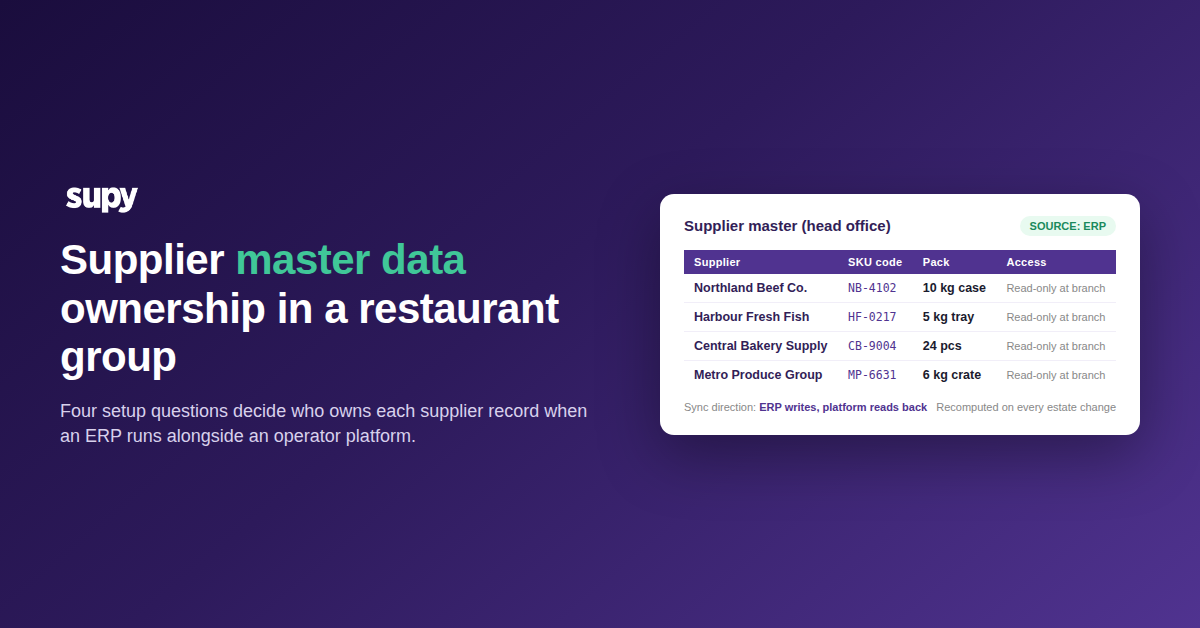
Suppliers get created upstream in a group's ERP, re-entered by hand at the branch, and then edited locally when a price or a pack size changes. The whole point of the ERP rollout, one authoritative supplier record, disappears in the double entry it was meant to remove. Fixing this is not about buying a different tool. It is about deciding four setup questions before the two platforms start talking to each other.
Pick the Source of Record, Then Lock the Other Side
A supplier's source of record is the single system that new supplier data and edits are allowed to originate in; every other system consumes that record read-only. In a restaurant group that runs both an ERP and an operator platform, this choice is the setup that has to be made explicitly, because when it is not, both systems accept edits, both fall out of sync, and the double-entry loop reproduces itself branch by branch.
Three configurations are possible. Only the first two work.
| Configuration | New suppliers created in | Price and pack edits made in | Branch users can edit |
|---|---|---|---|
| ERP as source of record | ERP | ERP | No |
| Platform as source of record | Operator platform | Operator platform | No |
| Neither locked | Both | Both | Yes |
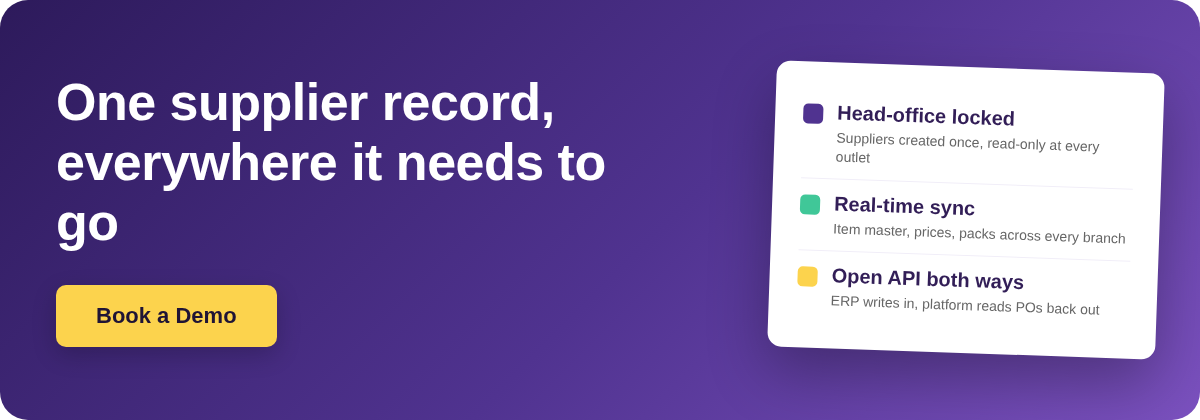
When the ERP holds finance-side supplier data (payment terms, tax registration, banking details), the ERP is the source of record and the operator platform is the consumer. When the operator platform holds the buying-side data (SKUs, pack sizes, per-item pricing, branch coverage), the platform can be the source of record and the ERP consumes it. The unlocked third configuration is not a middle ground; it is the state the ownership question was created to eliminate.
Match the Supplier Catalog Schema to What the ERP Sends
A supplier record that arrives from the ERP as a single row is not usable at the branch. A branch needs to buy in a specific pack size, receive against a specific unit of measure, and post a specific SKU code back to the invoice. The record has to arrive in a shape that carries all of those fields, or the branch adds them by hand, which is the double entry in a different form.
| Field | What it carries | Why the branch needs it |
|---|---|---|
| Item code | The base ingredient identifier the group's catalogue is built on | Links the supplier's SKU back to a single recipe cost line |
| Unit of measure | The counting unit at the shelf (kg, litre, piece) | Stock counts and receipts have to post in this unit |
| Packaging format | How the supplier sells the item (case, tray, drum) | Purchase orders are raised in packs, not raw units |
| Conversion factor | How many counting units are in one pack | Turns a pack price into a per-unit cost automatically |
| In-stock flag | Whether the supplier can currently fulfil the SKU | Stops the branch raising an order that will not be filled |
| Supplier code | The supplier's own SKU identifier for the item | Matches the invoice line back to the platform SKU on receipt |
Each supplier's SKU is its own item at the branch, carrying its own unit, packaging, conversion factor, in-stock flag, and supplier code, linked back to the corresponding base ingredient in the group's central catalogue. This is what makes the ERP's supplier record actionable at the outlet rather than a name the branch has to translate every time it raises a purchase order.
Set Read-Only at the Branch with Role-Based Permissions
The reason branch users edit supplier records locally is rarely because they wanted to change the source of record. It is because the platform gave them the button. The fix is not user training; it is turning the button off for the roles that should not have it, while keeping visibility on for everyone who needs to see prices and pack sizes at the shelf.
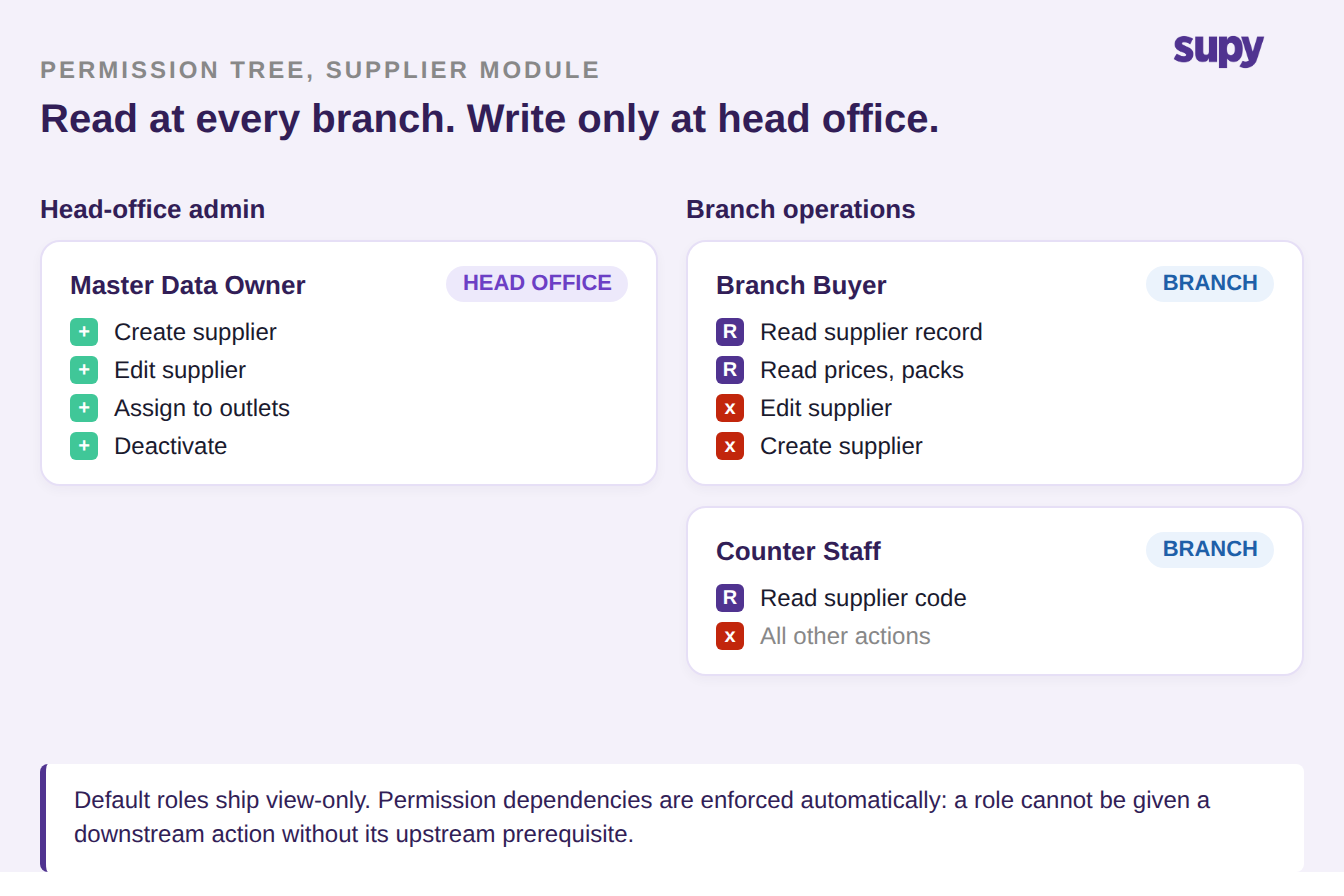
Role-based permission control operates as a granular permission tree per module. Default roles ship view-only and cannot be modified; administrators build custom roles from the tree, and permission dependencies are enforced automatically so a role cannot be given a downstream action without its upstream prerequisite. The setup that makes ownership stick is a custom branch role with read on the supplier module and write nowhere near it.
Direct the API: ERP Writes In, Platform Reads Back
When the ERP is source of record, the integration is not one-way. Two channels have to be set up separately and in opposite directions, and confusing them is the reason "integrated" master data still ends up re-keyed on both sides.
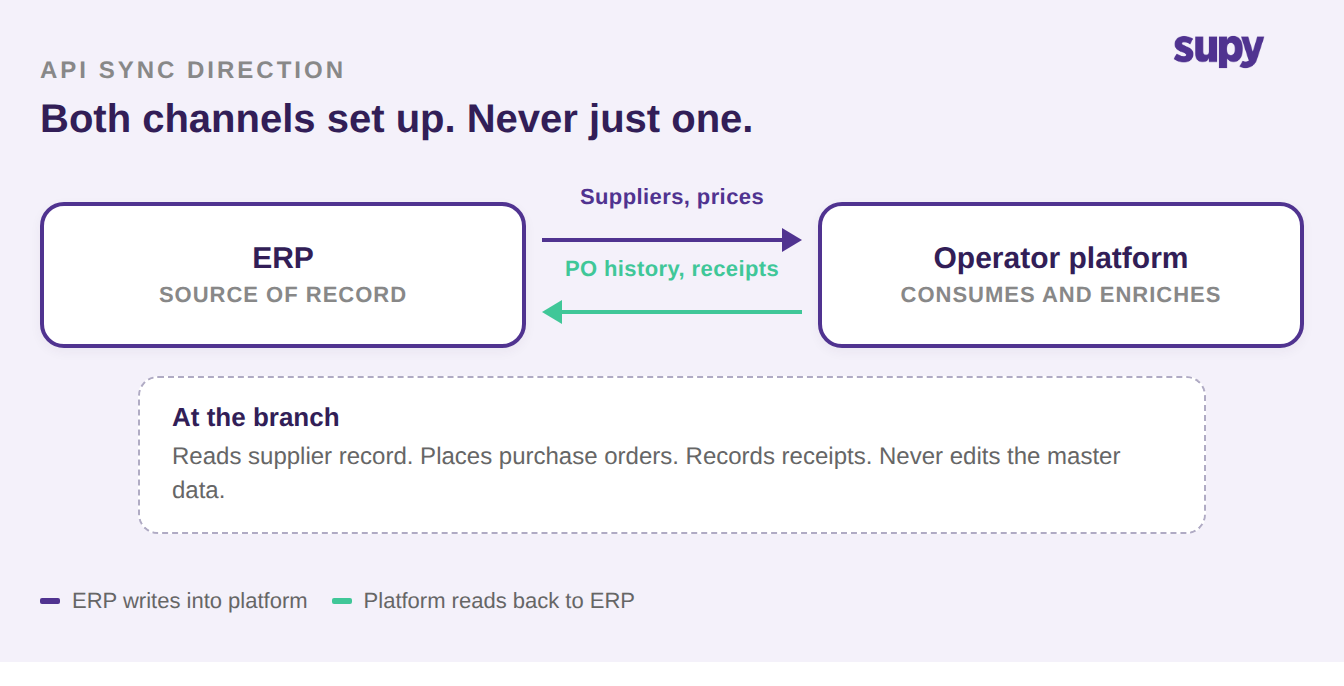
Upstream, new suppliers and edits flow from the ERP into the operator platform through the platform's supplier endpoints, so a supplier added in finance appears at every branch without a re-entry step. Downstream, the operator platform's Open API exposes detailed purchase order data (lifecycle history, confirmed and received quantities, enriched supplier information) so the ERP can read back what happened against each supplier record it pushed in. That downstream read is what closes the loop; without it, the ERP has no visibility on whether its supplier records are being used and no basis to reconcile spend by supplier.
Keep the Record Intact When the Estate Moves
Supplier ownership is easy to hold steady when the estate is fixed. It gets fragile when an outlet opens, closes, moves brand, or moves the central kitchen it draws from, because most systems treat "which suppliers are active where" as a manually maintained list per site.
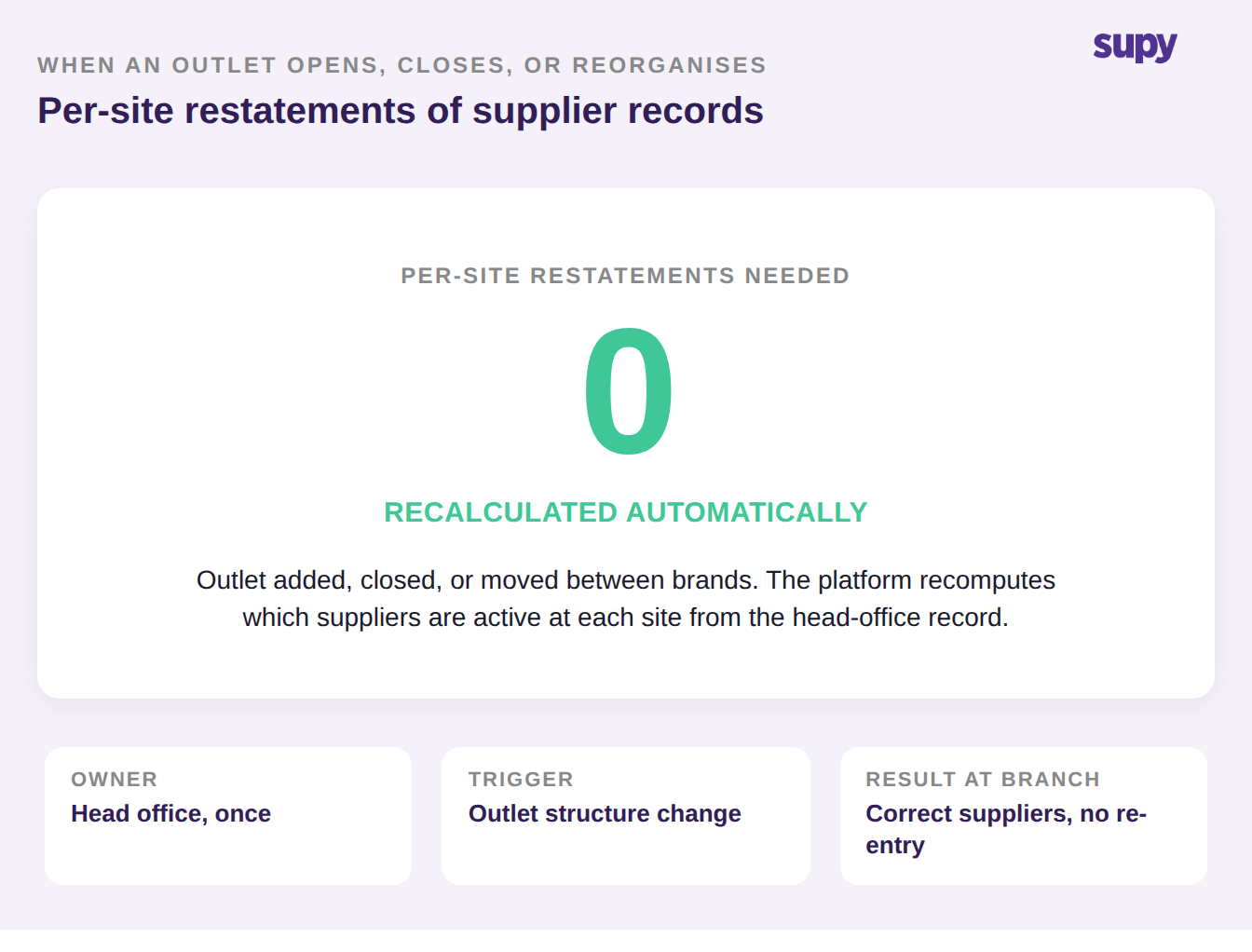
When a brand entity's outlet structure changes in the operator platform, the platform automatically recalculates which suppliers are active for each ingredient at each site, so a supplier record does not need per-site restatement every time the group's footprint moves. The ownership decision made once, upstream, survives the reorganisation. If your integration requires re-keying supplier assignments every time an outlet opens or closes, that is not an estate-change problem; it is a sign the recalculation is still being done in the ERP by hand and no upstream single record ever existed.
Where to Start on Your Own Setup
Work through these four questions before the ERP and the operator platform are wired together. If any answer is unclear or "both", that setup is where double entry will come back.
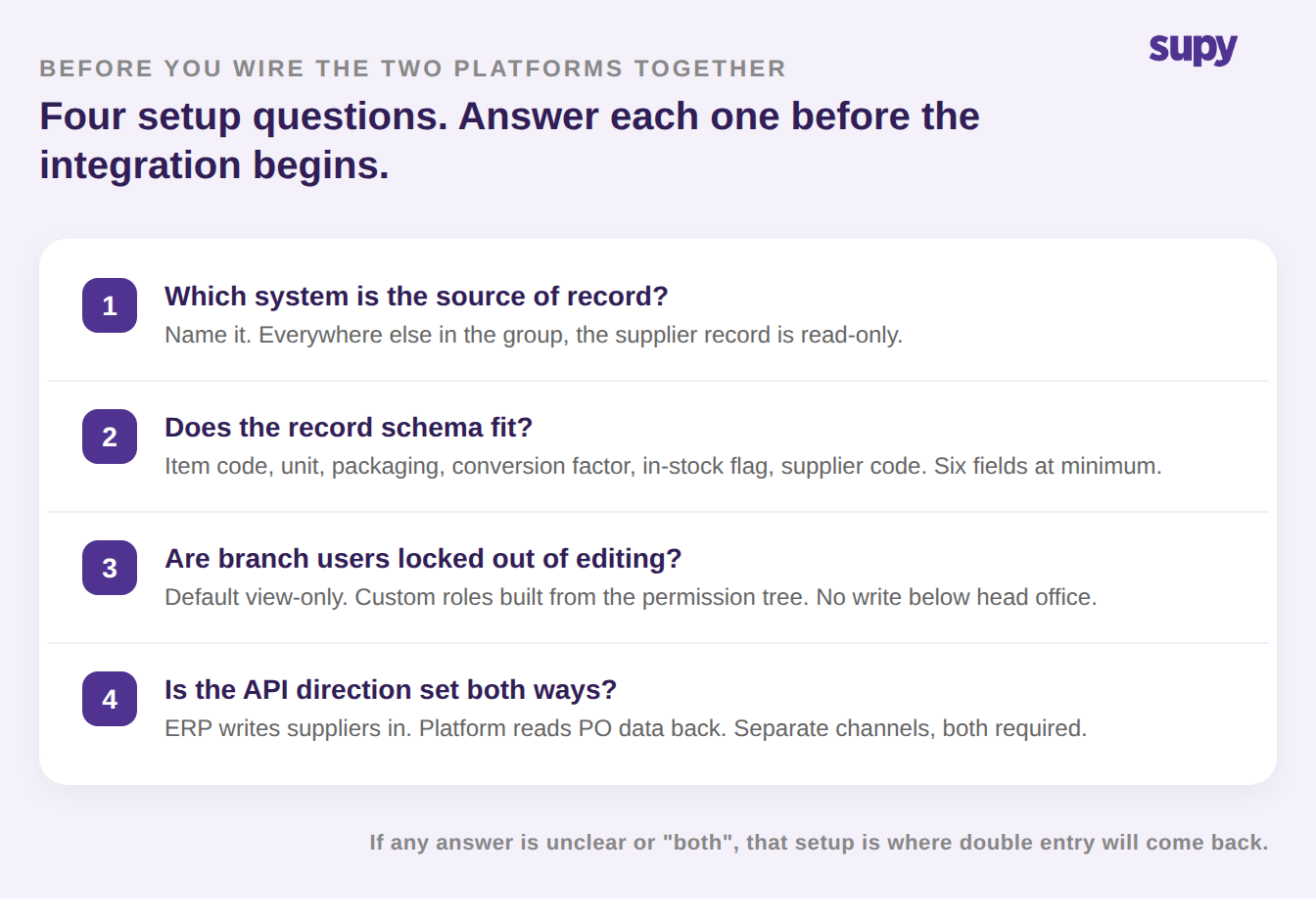
- Which system is the source of record? Name it. Everywhere else in the group, the supplier record is read-only.
- Does the record schema fit? The receiving side needs unit, packaging, conversion factor, in-stock flag, and supplier code for the record to be usable at the shelf, not just supplier name and payment terms.
- Are branch users locked out of editing? Default roles view-only, custom roles built from the permission tree, no edit rights on the supplier module below head-office level.
- Is the API direction set both ways? ERP writes in, platform reads back, on separate channels, both required.
Supy's supplier management module holds each supplier's SKU as its own item with its own unit, packaging, and conversion factor, and its Open API reads back detailed purchase order data by supplier so the ERP can reconcile what happened against each record it pushed. Combined with role-based permissions that ship default view-only, the ownership decision made once at head office survives every outlet change and every branch shift. If you are working through this in a live rollout, our guide on restaurant procurement software covers the wider procurement stack, and the free ROI calculator can help make the business case for locking supplier data down at head office.