.jpg)


Restaurant Opening Stock Balance: Set It Right for Accurate COGS
Why your COGS report stays empty until you set an opening balance
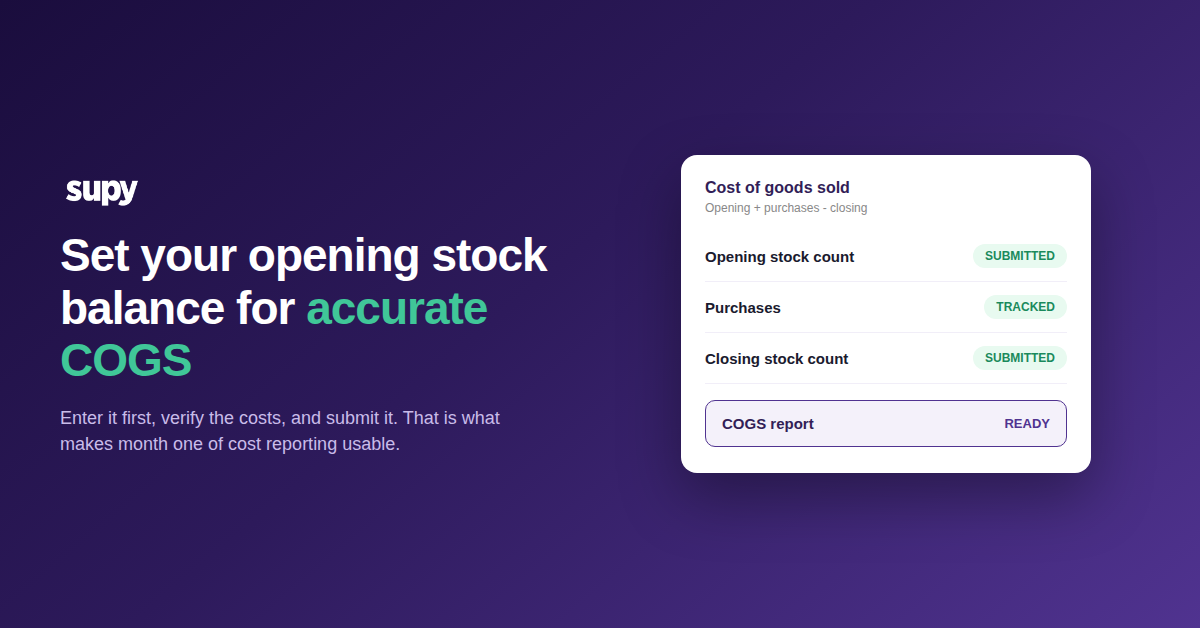
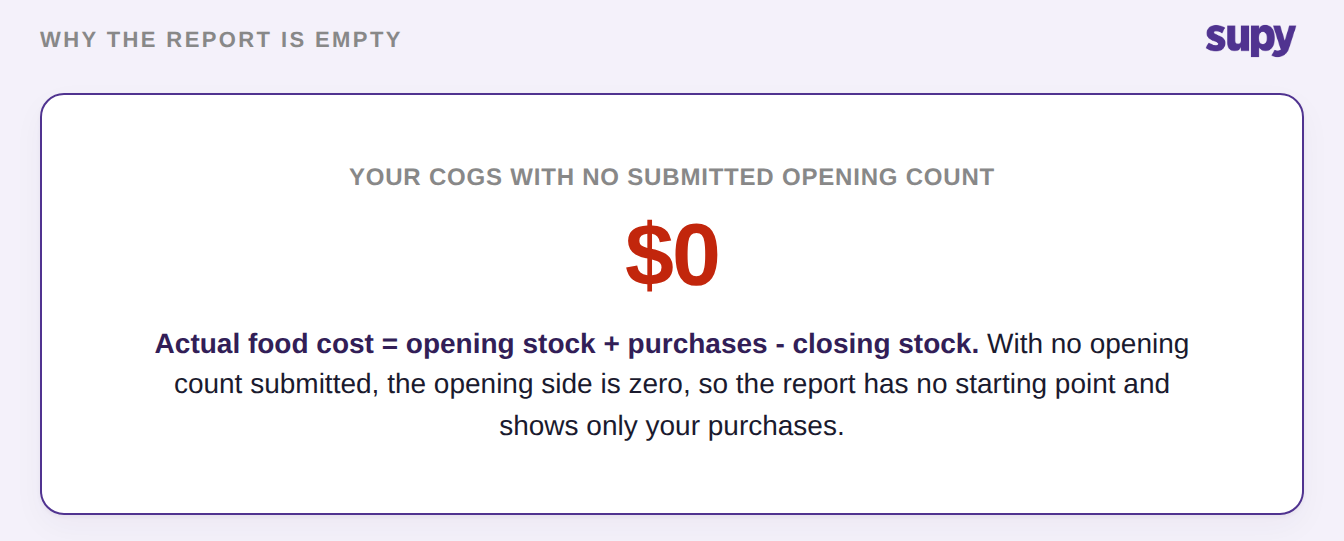
An opening stock balance is the value of everything you hold at the moment you start tracking. Actual cost of goods sold (COGS) is calculated as opening stock plus purchases minus closing stock. Without a submitted opening count, that opening value is zero. The report has nothing to work from, so it shows only your purchases, or nothing at all.
This catches almost every new operator, and it is not a bug. Two submitted counts define a reporting period: an opening one and a closing one. Until the opening count exists and is submitted, the system has no starting point for the period. So your month-one cost results stay empty or reflect purchases alone, even after you have "done a count". Getting this one balance right is what makes the first month of numbers usable.
In practice this usually surfaces as a food cost dashboard that will not show a true cost of sales. It sits empty, or it reflects only what you have purchased. The instinct is to count again, but a second count does not help when the missing piece is the opening balance. The period has no opening figure to measure against, so recounting returns the same empty result. The fix is the opening count, not another closing one. Once a submitted opening balance exists for the period, the dashboard has both sides of the calculation and your cost of sales finally populates.
Enter the opening count first, before your first purchase order
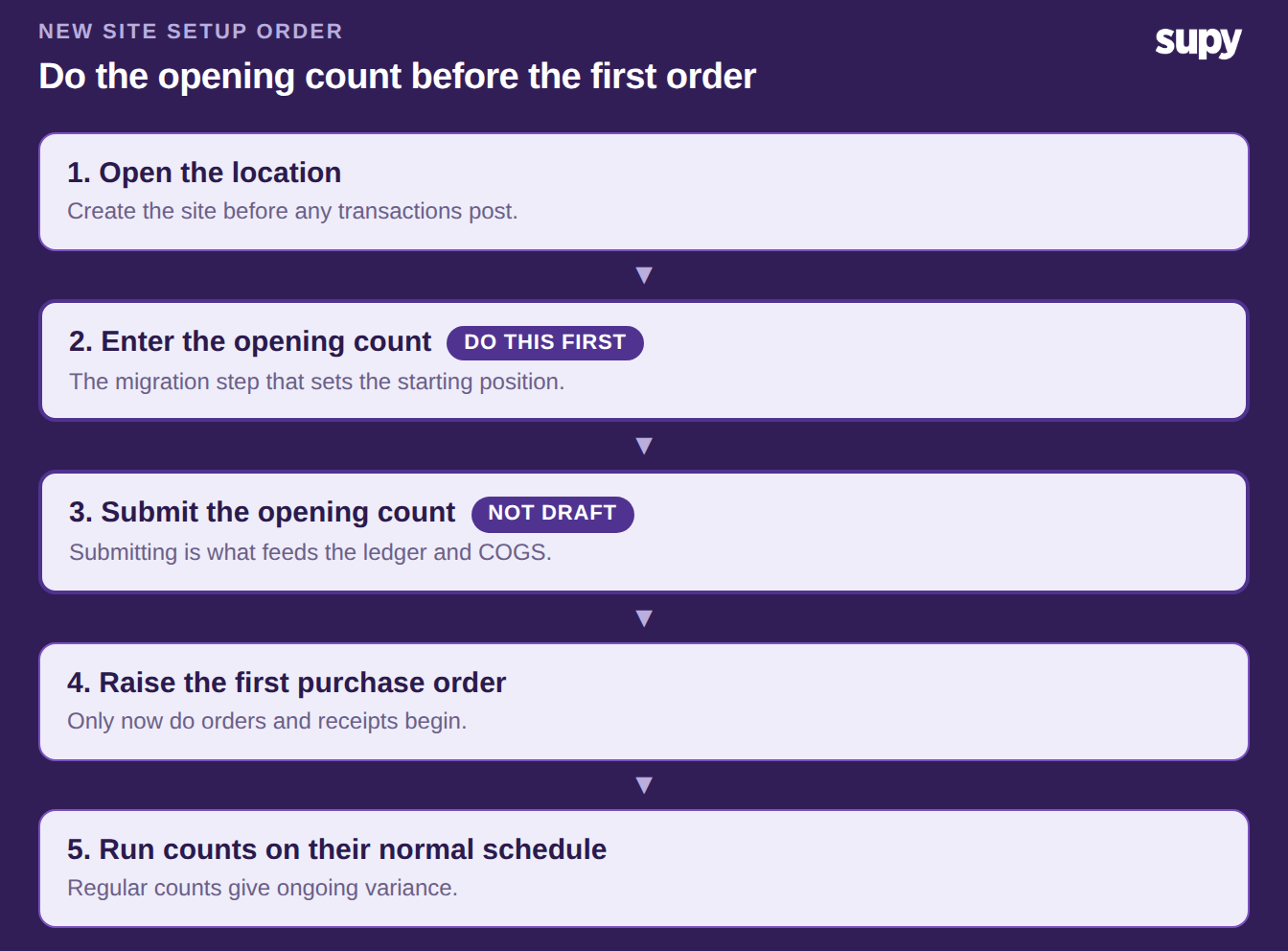
The opening count is a migration step, not just the first of your regular counts. It sets the starting position for the location. So it has to be the first activity there, before any purchase order or goods receipt is posted. Operators who treat it as an ordinary count end up with zero-value or misconfigured results. Run it after orders have already flowed and you lose the first month to rework.
So the sequence for a new site is simple: open the location, enter and submit the opening count, and only then raise the first purchase order. Regular counts follow on their normal schedule. If you are rolling out several sites, our restaurant inventory go-live checklist covers where this step sits in the wider launch.
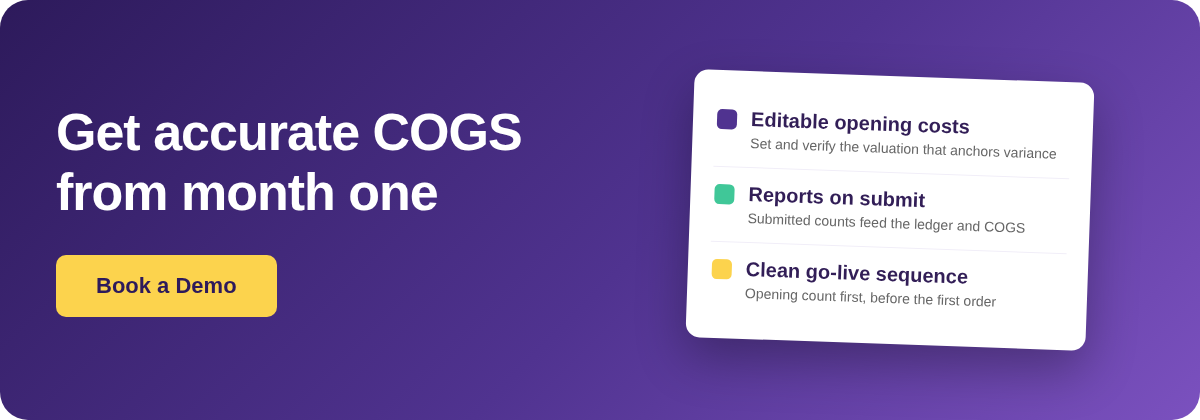
Set the unit costs that anchor every future variance, then submit
The opening count has its own report view with an editable cost column, separate from a regular count. This is where you set the unit cost of each item you are holding. It is worth entering or checking these costs deliberately, because the opening valuation anchors every variance the system calculates afterwards. Many operators prefer their own team to key the opening costs rather than accept an automated default. That way the numbers are owned by the people doing the counting. This is part of Supy's restaurant inventory management software.
Once you submit the opening count, those costs flow into the inventory ledger and the COGS report. The step people miss is the submit itself. A count that is recorded but left in draft looks done, yet it silently blocks every cost and variance report for the period. If your report is still empty after counting, check this first.
| Count state | What you see | What your reports show |
|---|---|---|
| Recorded but in draft | Looks complete on screen | Cost and variance reports stay blocked |
| Submitted | Costs locked into the period | Costs flow to the ledger and COGS populates |
What to do if you missed the window or lack full history
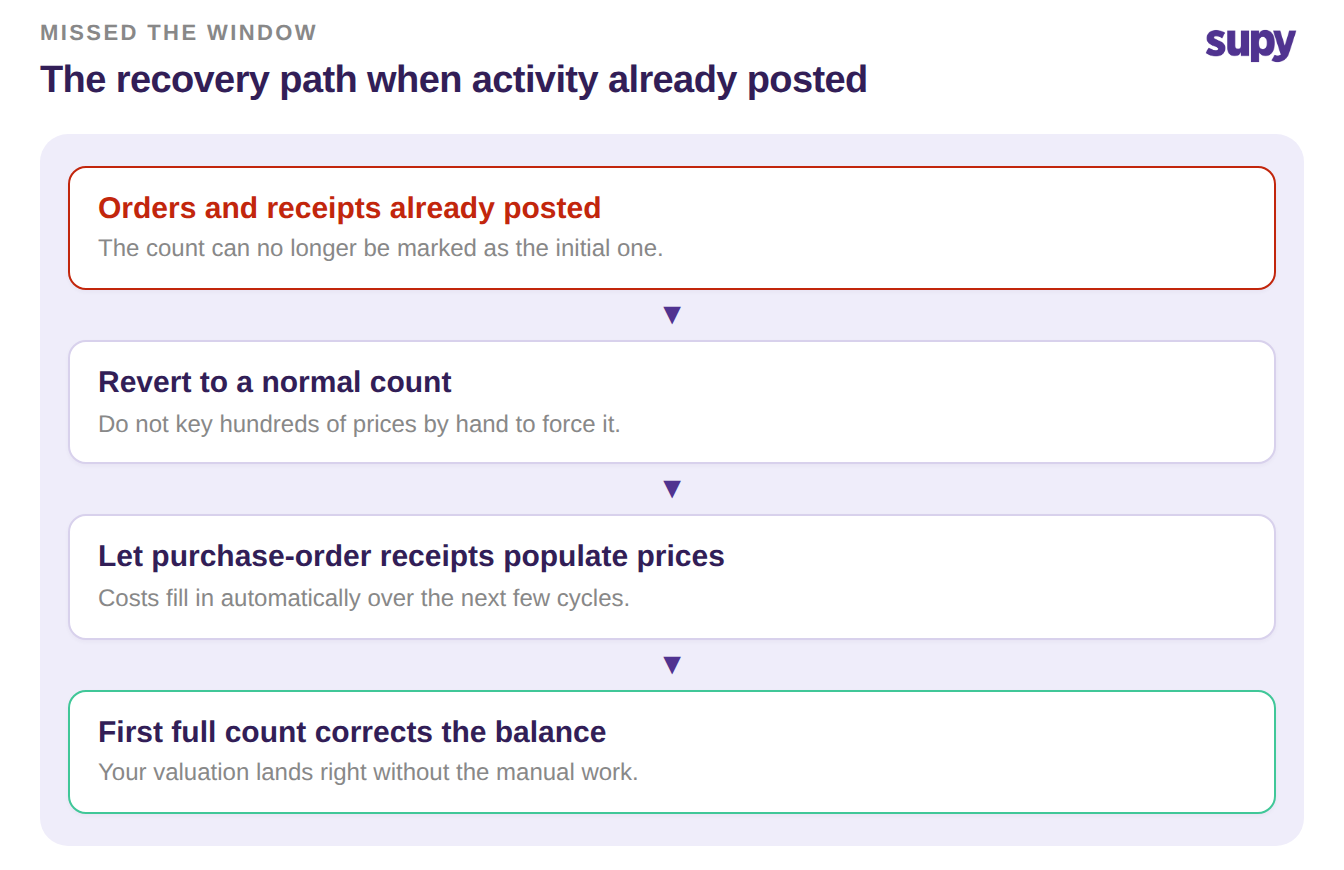
If orders and receipts have already posted, the count can no longer be marked as the initial one. Do not key hundreds of prices by hand to force it. Revert to a normal count and let your purchase-order receipts auto-populate item prices over the next few cycles, which corrects the valuation without the manual work. The theoretical-versus-actual gap this creates in the meantime is explained in our guide to theoretical versus actual food cost variance.
If you simply do not have complete historical figures, do not wait for perfect data. Enter a defensible best estimate for the opening balance now, submit it, and let your first full physical count correct it at the end of the period. A reasonable starting figure that you improve on beats an empty report you cannot use.
A clean opening stock balance is the smallest onboarding step with the biggest payoff, because every cost and variance report you run afterwards depends on it. Before you trust your first COGS report, confirm three things. The opening count came first on the location. The unit costs on it are verified. And the count is submitted, not sitting in draft. Get those right and month one reads true.