.jpg)


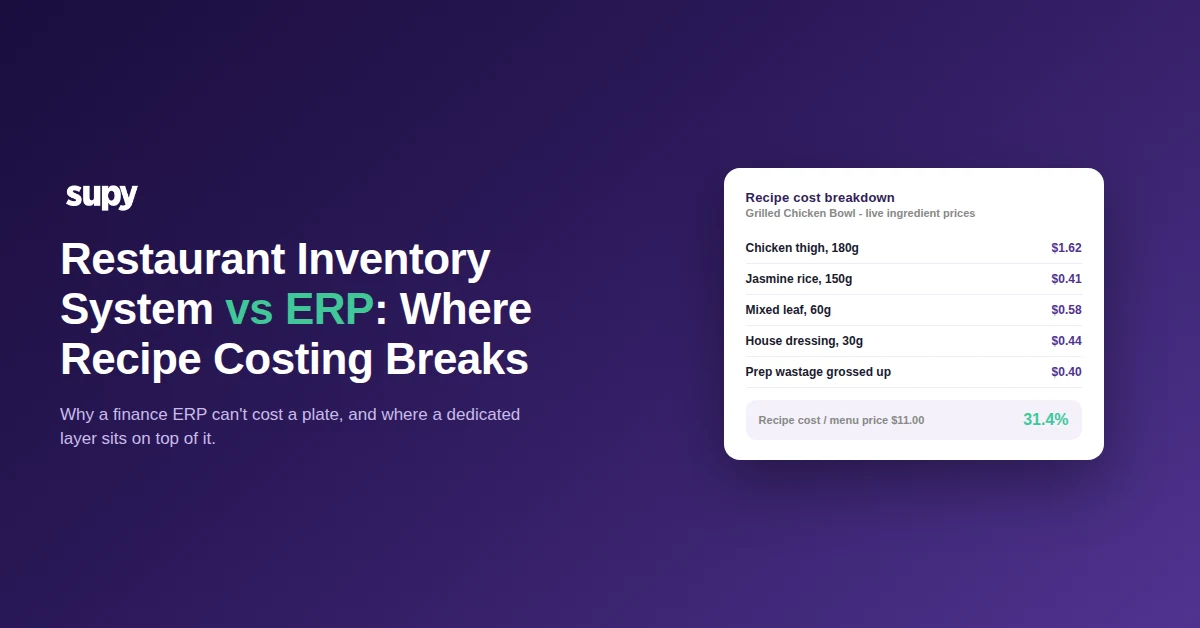
Restaurant Inventory System vs ERP: Where Recipe Costing Breaks
What a restaurant inventory system and an ERP each actually do
A restaurant inventory system tracks stock, recipes and food cost at the plate level; a general enterprise ERP runs the finance and supply chain of the whole business. They overlap on purchasing and stock, but only one of them was built to cost a recipe, and that gap is where multi-site groups get stuck.
Both systems hold items, suppliers and prices, so on paper an ERP looks like it should cover inventory too. The teams evaluating this are usually already running SAP, Microsoft Dynamics 365 or a similar back office, and the question is rarely "which one do we buy" but "do we really need a separate layer when the ERP already has an inventory module". The honest answer depends on one thing: how much of your operation is recipe costing, and how many sites carry it.
The table below sets out where each system is strong. Read it as a division of labour, not a fight to the death, because in most multi-site groups the two end up working together rather than one replacing the other.
| Capability | Restaurant inventory and recipe platform | General enterprise ERP |
|---|---|---|
| Recipe costing (bill of materials) | Native, costed per plate | Manufacturing bill of materials, not restaurant-native |
| Costs update when prices move | Automatic at receiving | Manual export to a spreadsheet |
| Sales deplete the right ingredients | Built in through the POS link | Rarely, needs custom work |
| Prep wastage and yields | Modelled in the recipe | Not modelled |
| Non-stock payables and ledger | Not its job | Native strength |
| Fits a multi-site restaurant group | Purpose-built for it | Heavy to configure for food |
Why a finance ERP can't cost a restaurant recipe
Enterprise ERPs like SAP and Microsoft Dynamics were built for manufacturing and finance, where a bill of materials assembles fixed components into a finished product. A restaurant recipe is a different animal: portions vary, ingredients get substituted, prep introduces yield loss, and the same dish is made slightly differently across ten kitchens. The ERP's bill of materials was never designed to carry that, so the costing team ends up exporting goods-received and pricing data into Excel and rebuilding recipe costs by hand.
That is the moment recipe costing breaks. It is not that the ERP is a bad system; it is that costing a plate is outside what it was built to do. We hear the same story from a multi-brand group forced onto spreadsheets because their ERP had no recipe costing, and from a ten-site group manually pulling receiving and price data out of the same ERP every week. The work is real, repetitive and quietly error-prone, which is exactly the kind of task a spreadsheet handles right up until it doesn't. The same trap catches teams who try to run costing out of an ERP inventory module in a central kitchen.
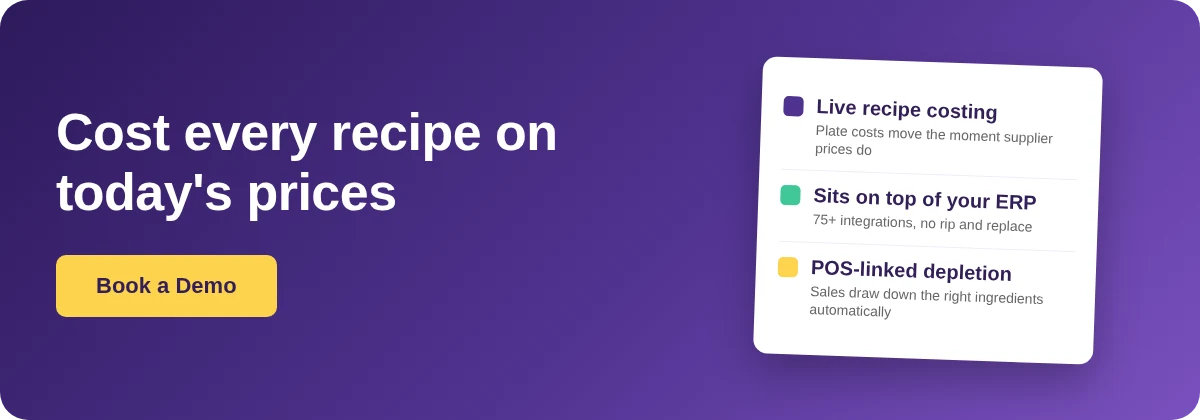
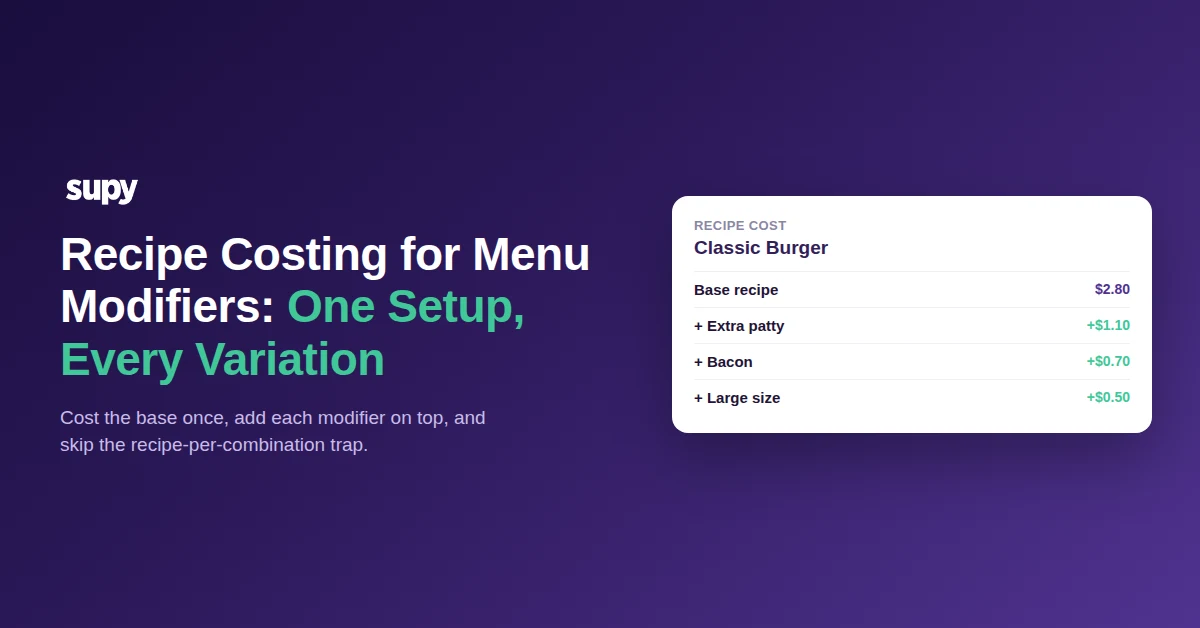
A dedicated platform closes the gap by modelling the recipe the way the kitchen actually works. Recipes and prep recipes carry plated and semi-finished items, link to the point-of-sale menu so a sale depletes the correct ingredients including modifiers, and gross up prep wastage so the cost reflects what the kitchen really uses. Because the cost is applied automatically across counts, wastage, production and transfers, the theoretical food cost is always based on the current recipe cost, with no one having to trigger a recalculation.
Where the Excel workaround silently corrupts your costs
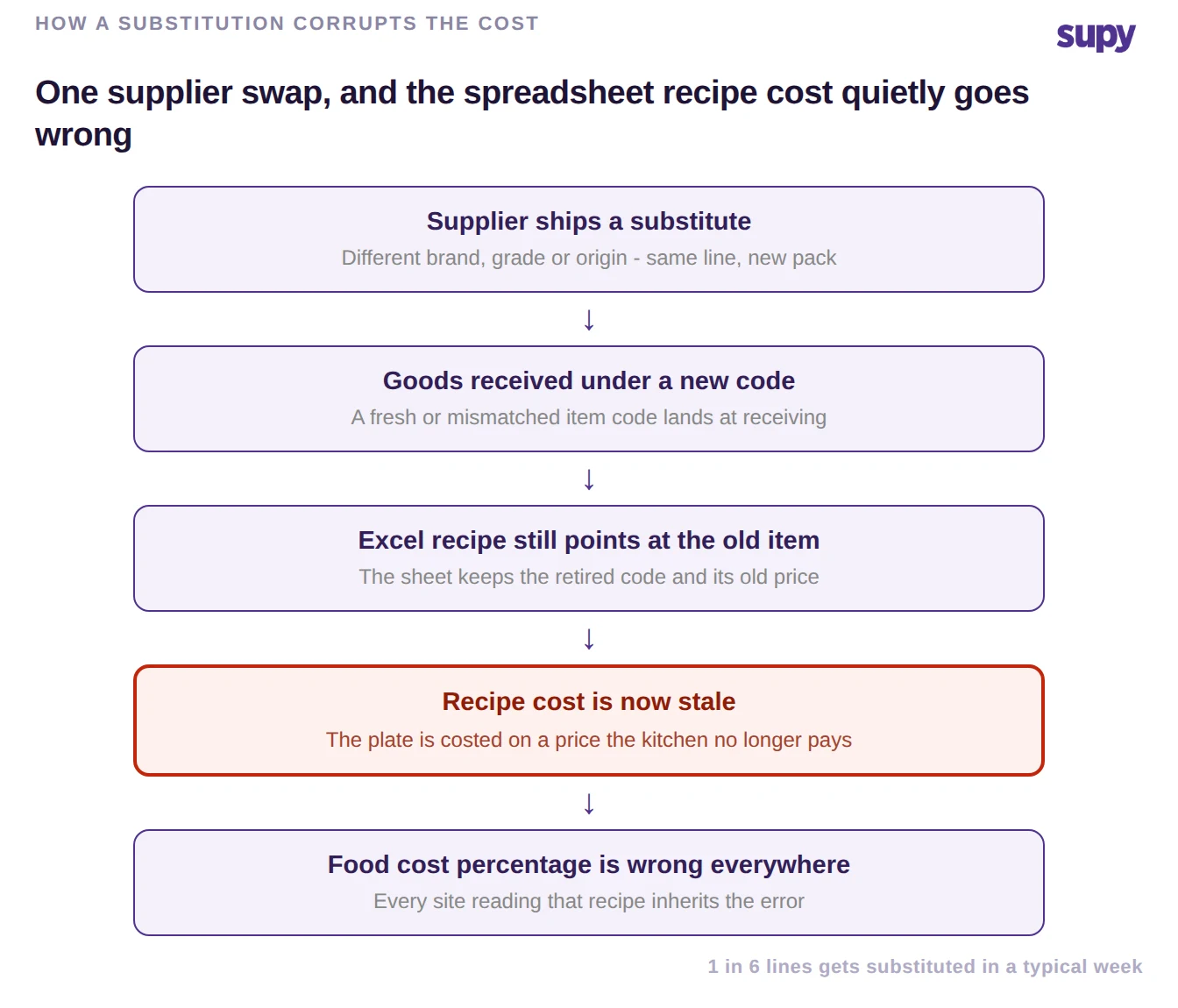
The spreadsheet bridge does not fail loudly. It fails one substituted line at a time. A supplier ships a different brand, grade or origin for the same ingredient, receiving logs it under a new or mismatched code, and the recipe in Excel keeps pointing at the retired item and its old price. The plate is now costed on a price the kitchen no longer pays, and because every site reads the same recipe, the error propagates everywhere at once.
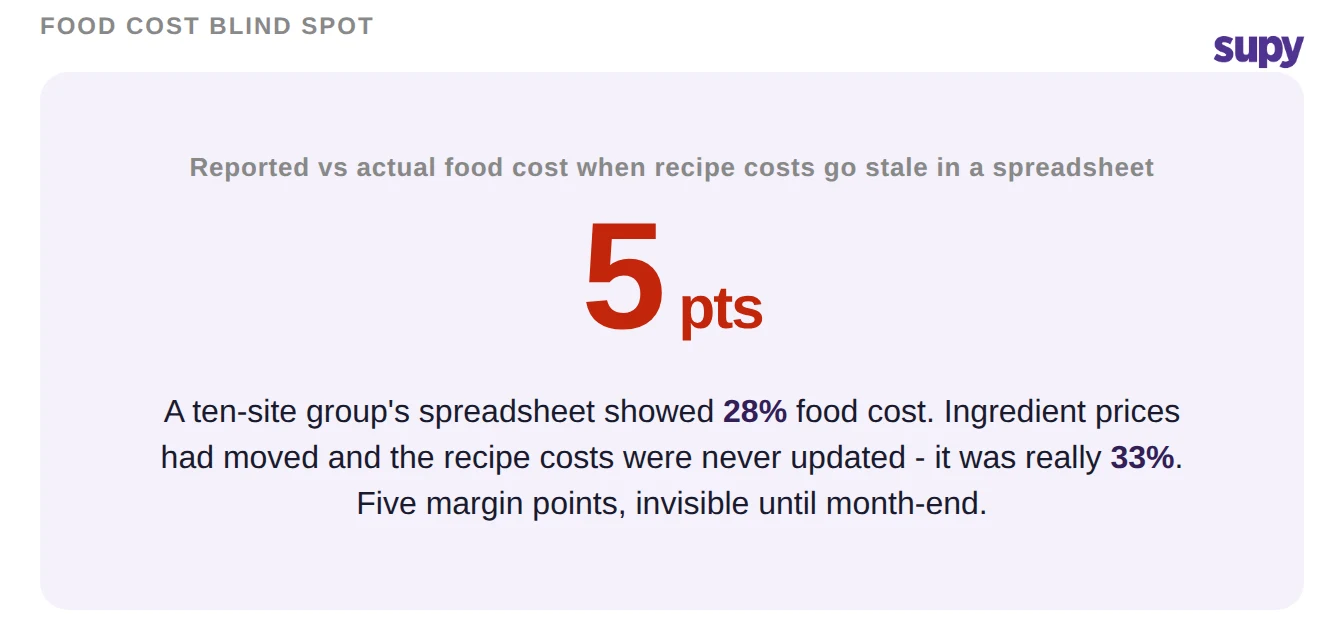
Multiply that by a busy week, where a meaningful share of lines gets substituted, and the reported food cost drifts away from reality without anyone touching the formula. A group can be looking at a food cost that reads healthy while the real number is several points higher, and nobody sees it until the month-end close forces a reconciliation.
A platform that pulls prices from receiving and keeps the recipe tied to the live item removes the manual re-keying that lets this happen. It is not that people are careless; it is that the spreadsheet has no way to know an item was substituted, so the correction never gets made.
Layer it on top, or rip and replace?
The decision that matters is not "ERP or dedicated platform". For most groups already running a finance ERP, it is "do we replace the ERP, or add a layer that does the part the ERP can't". Replacing a working finance system to get recipe costing is almost never worth it, and running restaurant operations entirely inside a general ERP means living with the spreadsheet workaround forever.
The middle path is the one most multi-site groups land on: keep the ERP as the system of record for finance and payables, and put a dedicated inventory and recipe platform on top for stock, recipe costing and food cost. The two connect through an integration, so goods-received values and document status flow between them rather than being re-keyed. Supy displays live sync status from connected accounting systems, including Xero, QuickBooks, NetSuite, MS Dynamics and others, directly on the receiving and supplier records, and sits within a library of 75+ integrations across point-of-sale, accounting and ERP. The ERP keeps doing what it is good at; the layer costs the plates it never could.
Choosing between them: when each approach wins
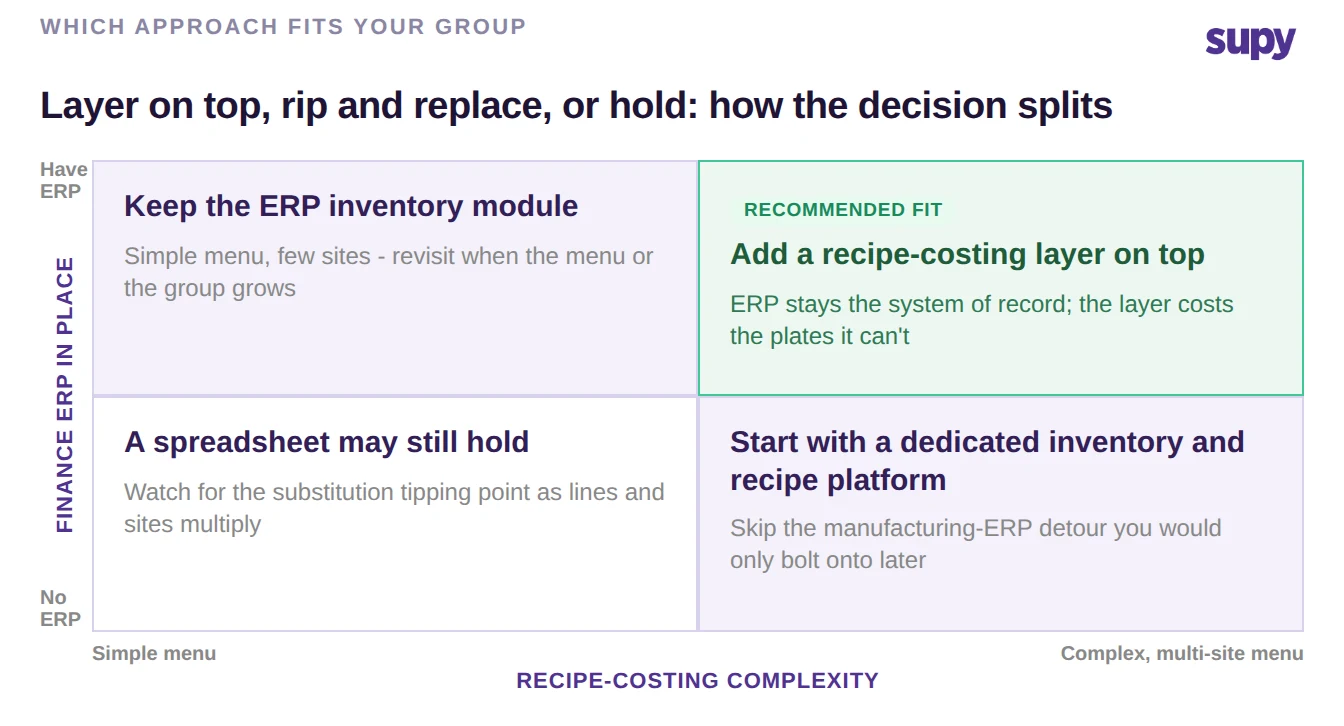
Reduce it to your own situation. Choose the ERP inventory module alone when your menu is simple, your sites are few, and recipe costing is a minor part of the operation. Choose a dedicated inventory and recipe platform on top of your ERP when you run a real menu across multiple sites, your costing team is exporting to Excel, and food cost is a number the business is trying to move. If you have no ERP yet and recipes are complex, start with the dedicated platform and skip the manufacturing-ERP detour you would only bolt onto later.
A quick self-check: open the last recipe your team costed and find the date the ingredient prices in it were last updated. If that date is older than your last supplier price change, your food cost is already drifting, and no amount of ERP configuration fixes a costing method that lives in a spreadsheet. If you want a fast read on where your plates sit before you change any system, our free food cost calculator gives you the number in a couple of minutes.
Supy is the dedicated layer for exactly this: restaurant-native recipe costing that updates as your prices move, sits on top of the ERP you already run, and keeps every site costing the same plate the same way. If that is the gap your group has been bridging with a spreadsheet, it is worth seeing it work on your own recipes.