.jpg)


Central Kitchen Stock Counts: Set Up a Process at a New Site
Where to Start When a New Site Has No Count Process
A new site can run clean, consistent stock counts from its first week. You set the count up once: one template in shelf order, a sensible count frequency, and instant variance the moment a count is submitted. Do that at the start, and the site never spends a year guessing at its stock.
Plenty of groups do the opposite. One operator ran a central kitchen and two retail branches for close to a year with no count process at all. The gap only surfaced during onboarding. This is a process gap, not a tooling problem, and the fix is a repeatable routine you clone to every site.
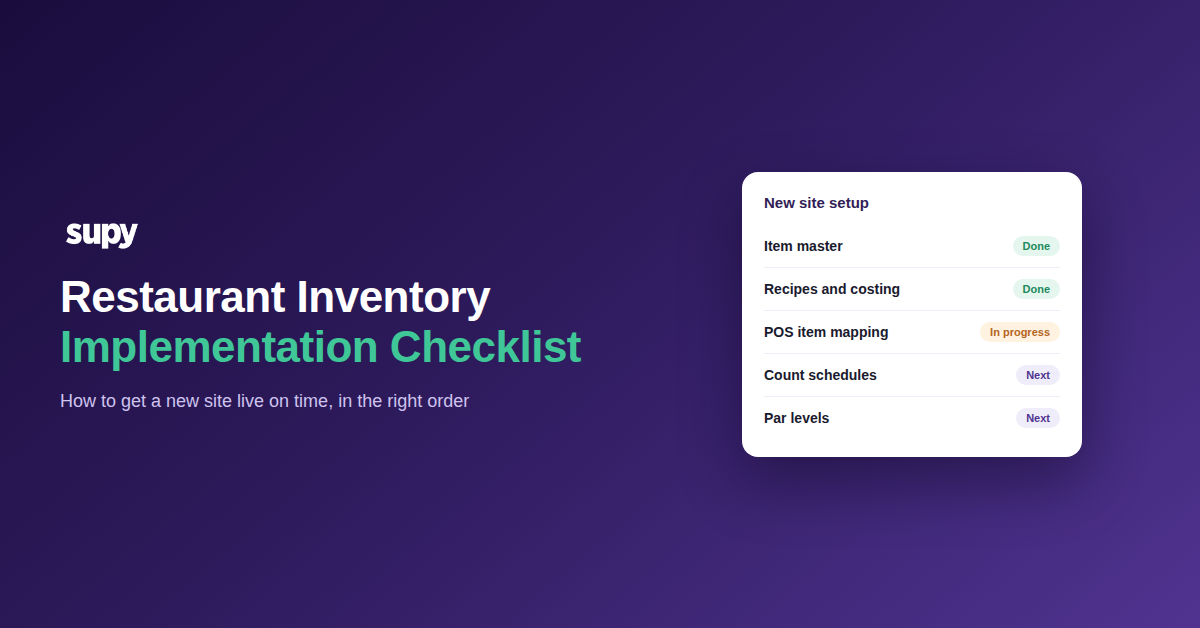
The setup has five parts. Build them in order, and each new site inherits the same routine.
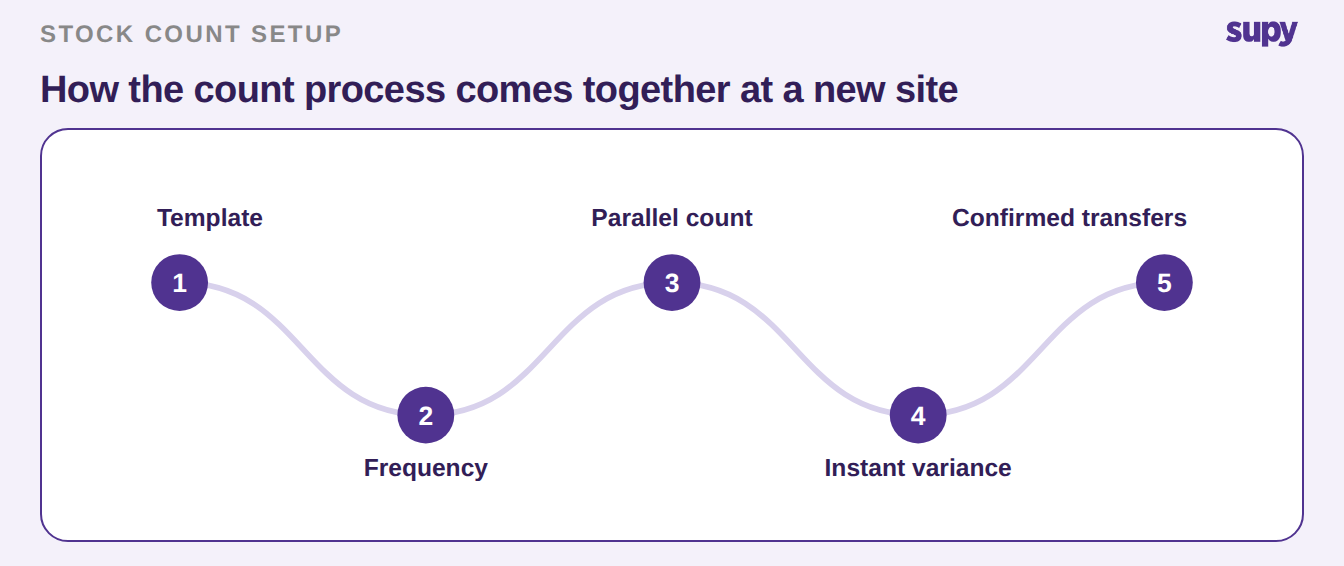
Build One Count Template and Clone It to Every Site
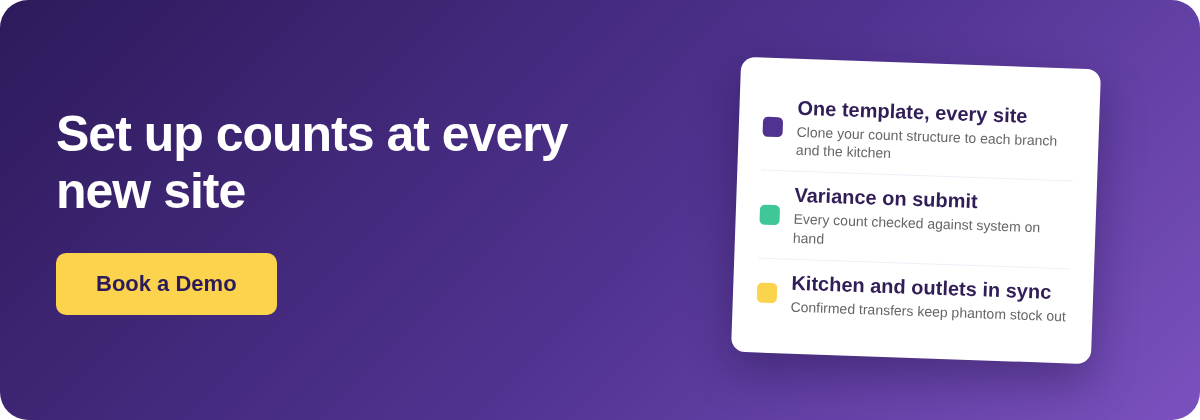
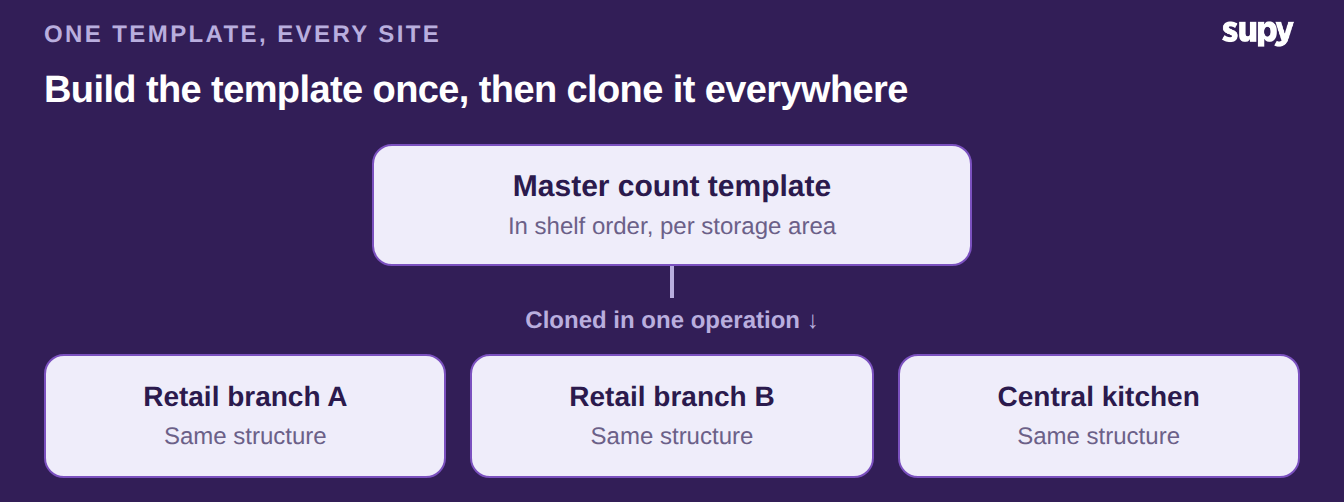
Counting breaks first on structure. Two sites that count in a different order, with different item names, cannot be compared. So build one template per storage area, in the order a counter actually walks the shelves. Then clone it to every site in a single operation, the central kitchen included.
Cloning matters most as you grow. A 15-location catering group that runs every branch and the kitchen on spreadsheets rebuilds the same sheet again and again. One shared stock counting template means one structure everywhere. A count from any site then reads the same way.
The template lists items you already hold. It does not create them. A clean item catalogue and recipe setup come first, and operators name that as the number one onboarding job. Counting sits on top of it.
Set Count Frequency by Value and Velocity
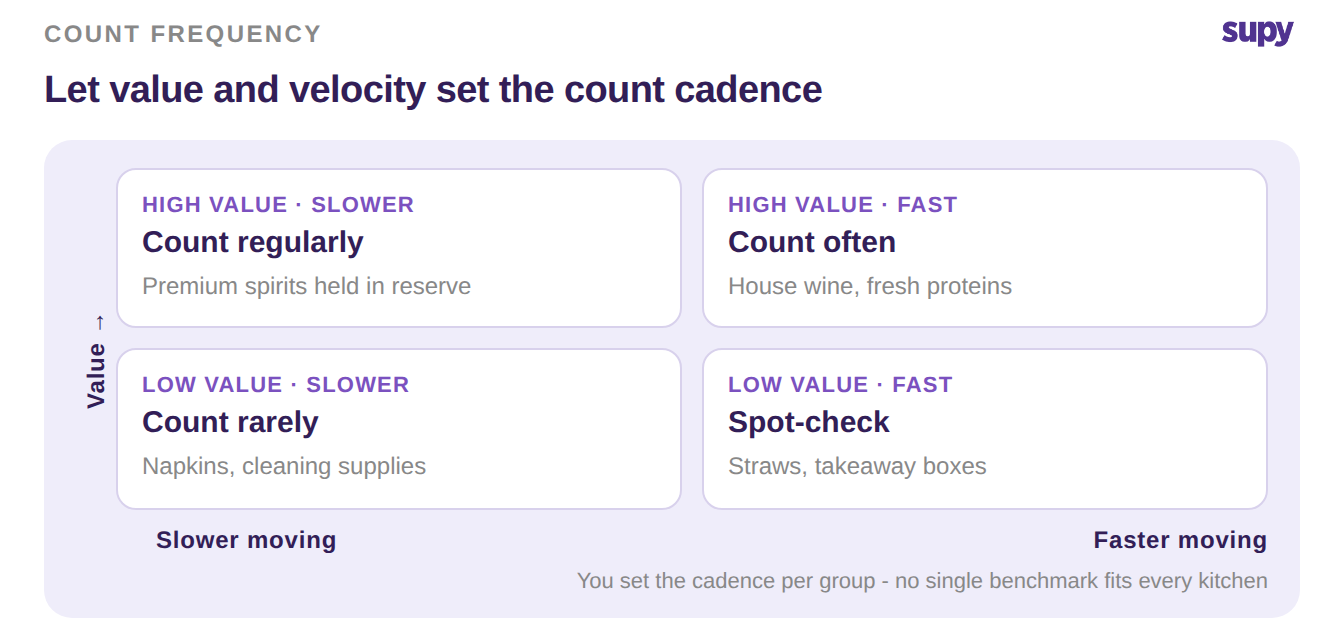
Not everything needs the same count cadence. Frequency is a judgement, set by two things: how much an item is worth, and how fast it moves. High-value items that move quickly deserve a close eye. Low-value, slow-moving stock can wait.
There is no single right number to copy, and no benchmark that fits every kitchen. You decide the cadence per item group, then let the template carry it. The point is that the decision is deliberate. A blanket weekly count applied to everything, from saffron to napkins, wastes hours on stock that never moves.
Count in Parallel, Then Read the Variance Instantly
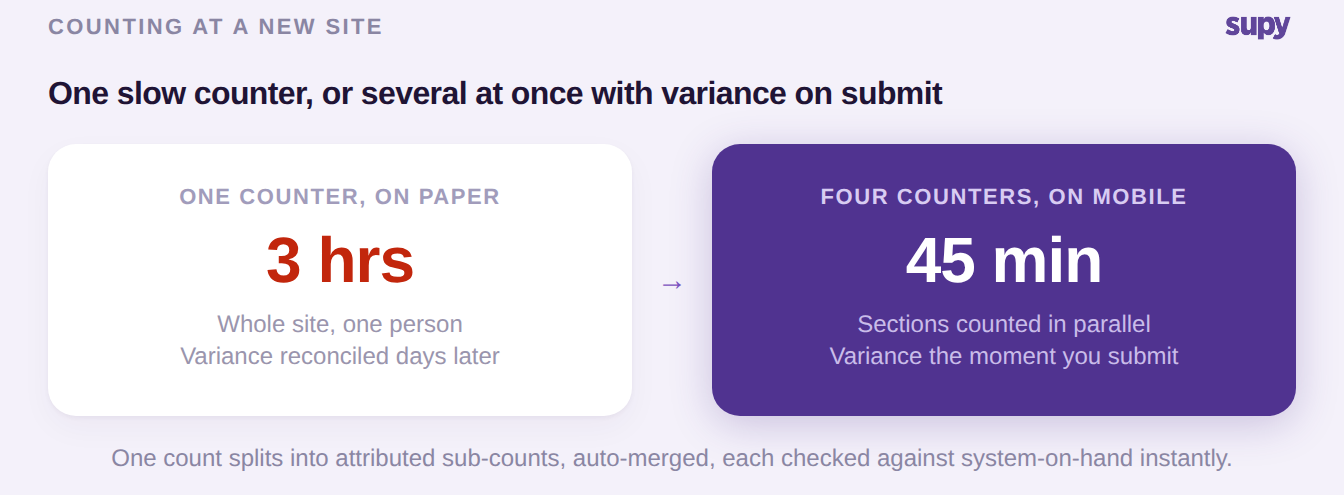
A single counter working through a whole site is slow, and slow counts get skipped. Split the count instead. Several people count different sections at the same time, on a phone or tablet. The app merges the sub-counts into one, with each person's work still attributed.
Low connectivity in a cold store is not a blocker. The count records on the device and syncs once it is back online.
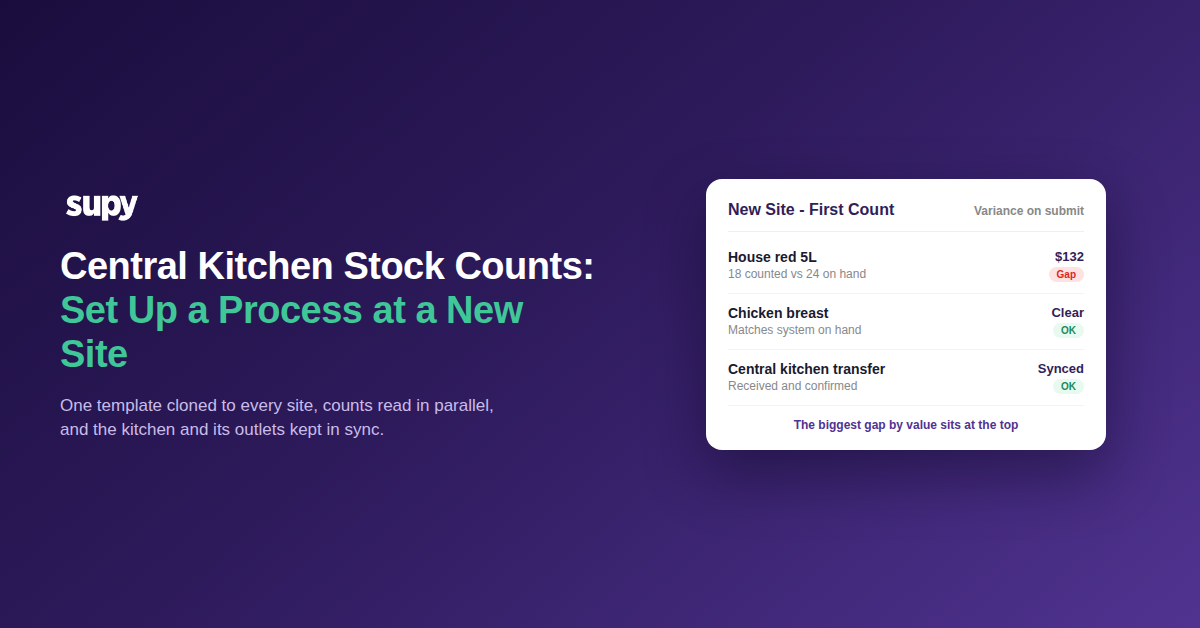
Then read the result at once. Every count checks against system-on-hand the moment it is submitted, item by item. A House red 5L counted at 18 against 24 on the system is a 6-unit gap, roughly $132 at $22 a unit. That gap is ranked and ready to investigate, not buried in a spreadsheet you reconcile next week.
Keep the Central Kitchen and Its Outlets in Sync
A central kitchen only stays accurate if its transfers do. When the kitchen sends stock to an outlet, the numbers should not move until someone confirms what actually arrived.
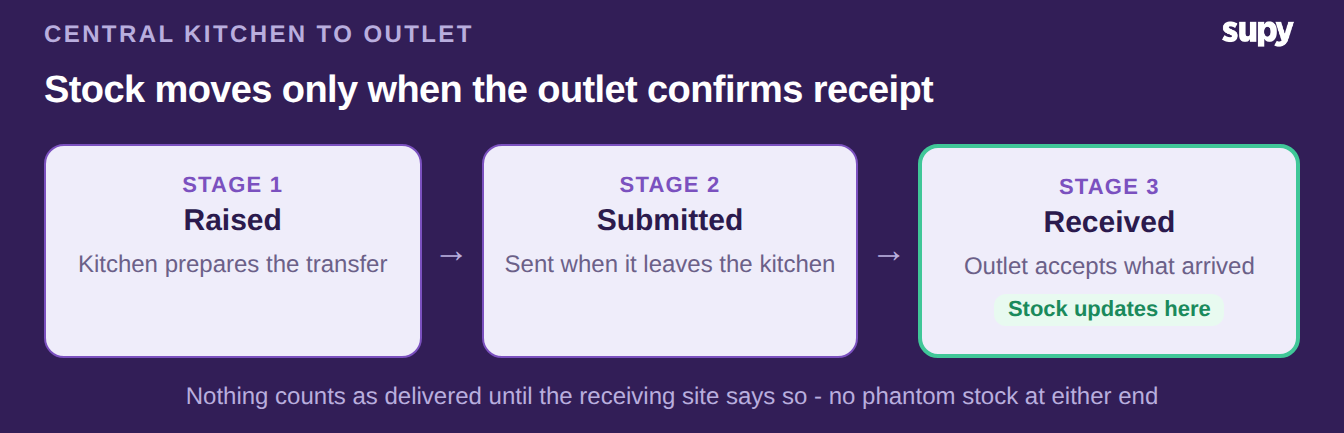
So make every transfer three-stage: raised at the kitchen, submitted when it leaves, and received when the outlet accepts it. Stock updates at both ends only on that final step. Nothing counts as delivered until the receiving site says so, which keeps phantom stock out of both counts.
Set up this way, the kitchen and every outlet it feeds hold one honest picture of stock. Branches raise their orders to the kitchen, the kitchen consolidates demand across them, and every confirmed transfer keeps the two sides reconciled.
In your first two weeks at a new site, start with the template. Build one in shelf order and clone it to the new site. Set a count frequency per item group by value and velocity, so the fast, costly items get counted more often than the slow ones.
Run the first count in parallel on mobile, read the variance, and investigate the largest gaps by value first. If the site feeds or is fed by a central kitchen, switch its transfers to confirmed receipt. Do these five things, and the site counts properly from week one, not a year in.