.jpg)


All-in-One vs Best-of-Breed Restaurant Inventory: Suite or Specialist
Where an All-in-One Suite's Inventory Module Runs Out
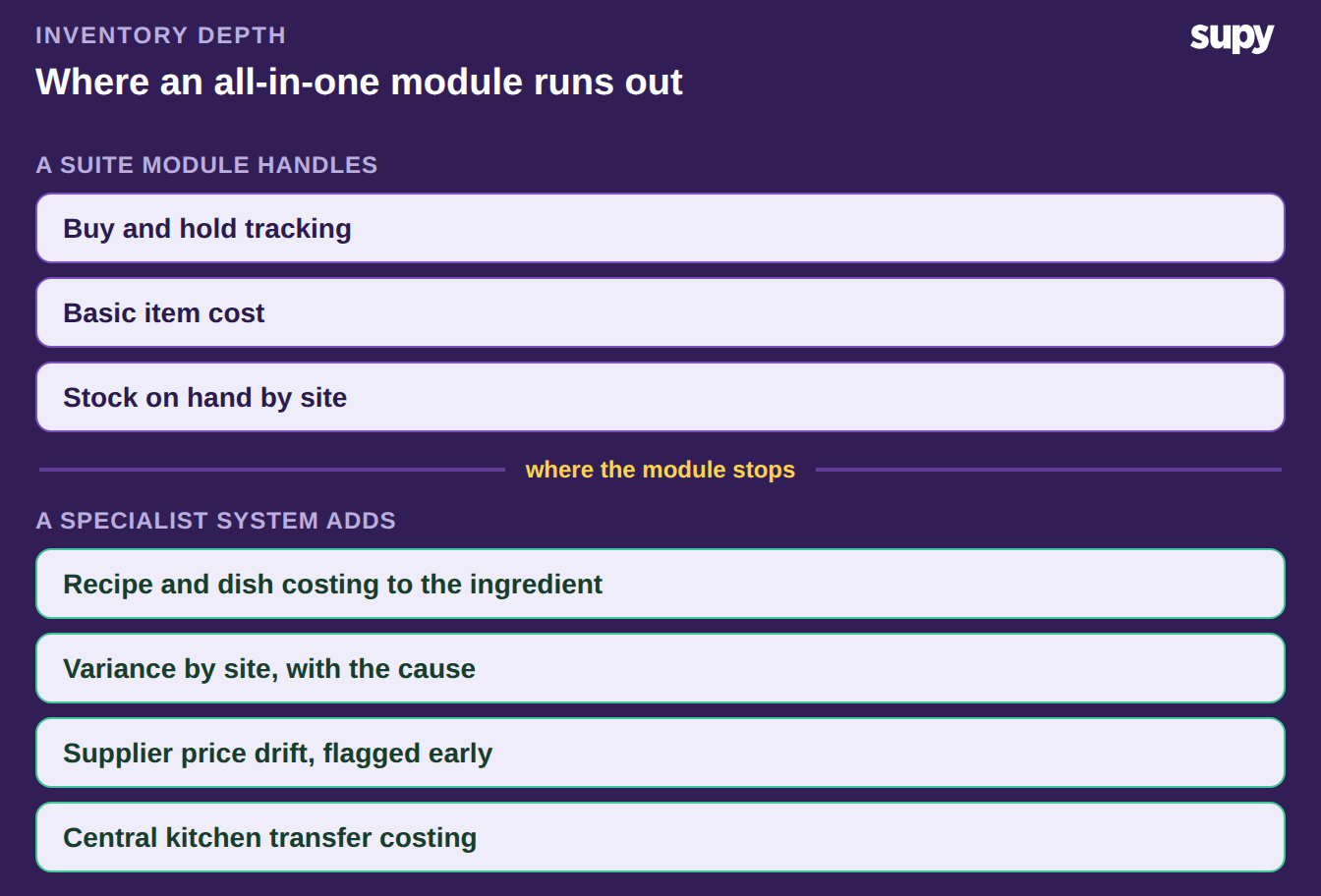
An all-in-one back-office suite runs stock, HR, rostering and finance behind one login, so its inventory module is built to be adequate rather than deep. Best-of-breed inventory software does one job in depth instead. For a multi-site group, the real question is not the feature list, but whether your inventory has outgrown an adequate module.
The suite module earns its place on simplicity. One vendor, one bill, one login, and stock sits next to the rota and the ledger. For a single site with a short menu, that is often enough. The gaps show up as a group scales.
Recipe-level costing is usually the first. A suite module tracks what you buy and hold, but rarely prices a plated dish down to its prep recipes and yields. Theoretical versus actual variance is the second. Adequate modules report stock on hand, yet struggle to show why a site burned more than its recipes predicted. Supplier price drift, central kitchen transfer costs and per-site par control tend to sit outside the module's reach too. A specialist system such as restaurant inventory management software is built around exactly those problems.
All-in-One vs Best-of-Breed, Side by Side
The two options are not good and bad. They are broad and deep. This table lines up the trade-offs a multi-site group actually feels, so you can see which side each of your own pain points falls on.
| What you are comparing | All-in-one suite module | Best-of-breed inventory |
|---|---|---|
| Setup and login | One system, one bill, stock beside HR and finance | A separate tool your team also logs into |
| Recipe and dish costing | Basic item costs; rarely prices prep recipes and yields | Plated and prep recipes costed to the ingredient |
| Theoretical vs actual variance | Reports stock on hand; weak on why it moved | Variance by site, category and item, with the cause |
| Central kitchen | Treated as another store | Consolidated demand and transfer costing across sites |
| Supplier price control | Records the last price paid | Flags price drift before it reaches month-end |
| Integrations | Closed to its own suite | Two-way sync to your POS and accounting |
When the Suite Module Is Enough, and When Depth Wins
Read the table against your own operation, not against a demo. The suite module is enough when inventory is a small line in a simple business. Depth wins when the same numbers have started to cost you real money every month.
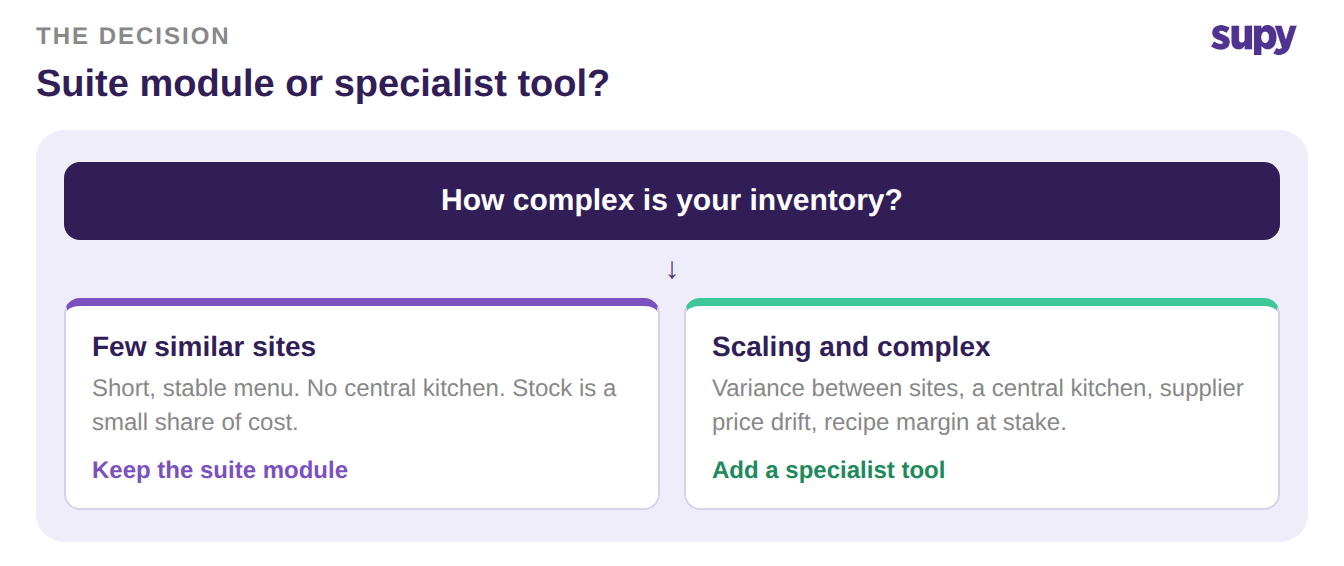
Stay with the suite module when a few things hold. You run one site or a few similar ones. The menu is short and stable, there is no central kitchen, and stock is a minor share of your costs. Adding a second tool would buy precision you do not yet need. The single login is worth more than the extra depth.
Add a best-of-breed system when the opposite is true. Variance between sites is real and unexplained. A central kitchen ships to stores on internal transfer prices. Supplier costs move often, or menu margin now depends on recipe-level accuracy. At that point the adequate module is quietly leaking margin, and depth pays for itself. A group crosses the same line with an ERP module. Two posts cover it: where a central kitchen breaks an ERP inventory module, and why a general ledger system cannot cost your recipes.
The Integration Test Before You Add a Specialist Tool
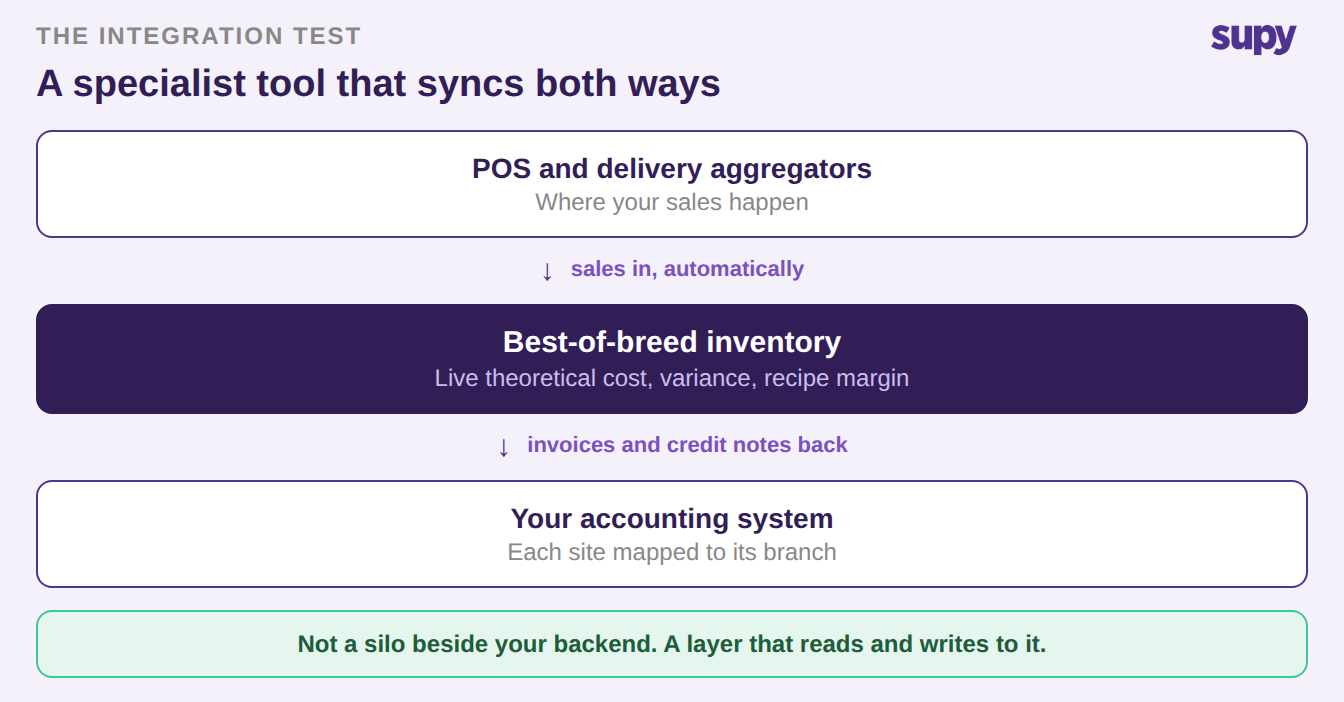
The real objection to a specialist tool is not depth. It is fragmentation: a group that runs one integrated backend does not want a standalone island beside it. That objection is right about the risk and wrong about the fix. A specialist tool that syncs both ways is not a silo. A tool that only exports once is.
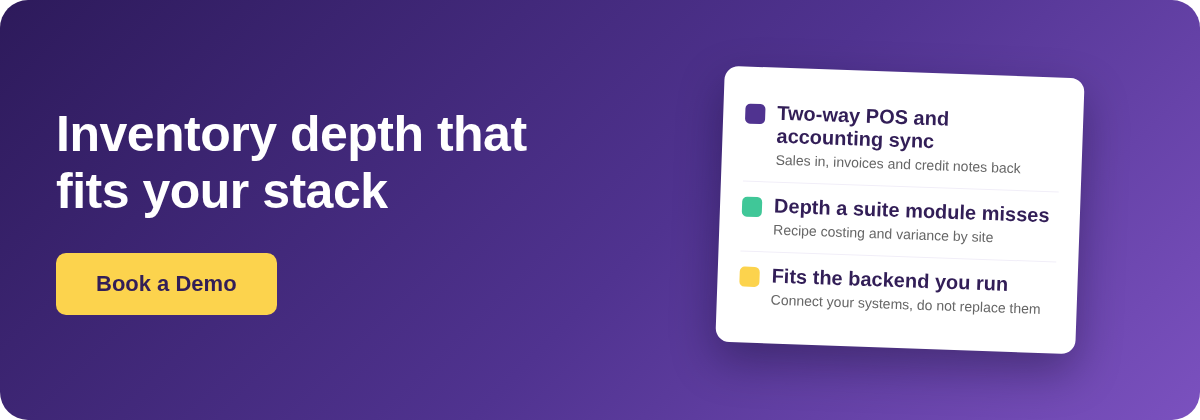
So put any inventory system through an integration test before you sign. A specialist system that passes reads and writes to the stack you already run, rather than sitting next to it. Supy is one example. It imports POS and delivery-aggregator sales by webhook. It maps each location to its matching branch in your accounting system. It pushes invoices and credit notes back automatically, across 75 or more integrations.
Run these five checks in the demo:
- Does it pull POS and aggregator sales automatically, so theoretical cost is live rather than a manual upload?
- Does it map each site to the right branch in your accounting system?
- Does it push invoices and supplier credit notes back to the ledger without re-keying?
- Does it cost central kitchen transfers between sites, not just track them?
- Does it export cleanly if you ever leave, so your data is yours?
A tool that answers yes to all five augments your backend instead of fragmenting it. One that cannot is the island the objection feared.
Choose the all-in-one suite module when inventory is simple, sites are few and alike, and one login matters more than depth. Choose a best-of-breed system when multi-site variance, a central kitchen, supplier price drift or recipe margin are costing you more than a second login would. Then apply the five-point integration test, so the specialist tool strengthens your stack rather than splitting it. The decision is not suite or specialist forever. It is which one your group has outgrown today.