.jpg)


Restaurant Inventory Software vs Spreadsheets: When to Switch
Where Spreadsheets Win, and Where They Stop
A spreadsheet is often the right first tool for restaurant inventory management. It costs nothing, every manager already knows how to use it, and for one site with one person counting stock it can hold the whole picture. The trouble starts when the operation grows past what one sheet, and one person, can carry.
At a single location, a well-kept sheet works. One person owns the counts, the orders and the reconciliation, and they keep it all in their head as much as on the page.
That strength becomes the weakness. When the stock process relies on one person, it stalls the moment they are on leave or move on. One operator described their spreadsheet process as fine until the person who owned it was away. After that, nobody else could make sense of it.
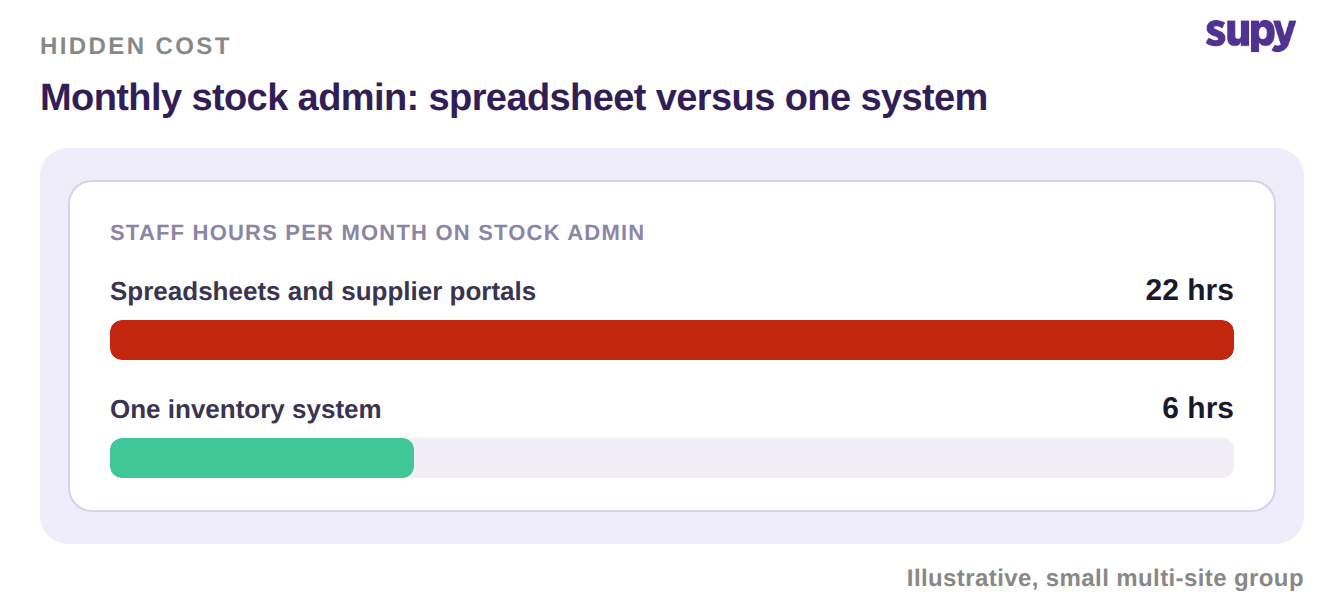
Hours are the other hidden cost. Purchase orders get compiled by hand across email, messaging apps and separate supplier portals. One food-service group reported spending about 160 staff-hours a month just assembling those orders. As sites are added, the errors and the effort grow with them.
Spreadsheets vs Inventory Software, Side by Side
The honest comparison is not feature for feature. It is about where each approach holds up as you scale. The table below scores both on the things operators raise most often.
| What you are judging | Spreadsheets | Inventory software |
|---|---|---|
| Handover when someone leaves | Lives in one person's head | Process and history stay in the system |
| Stock level right now | Only as fresh as the last manual update | Live stock on hand, updated automatically |
| Ordering across suppliers | Spread across email, chat and portals | One order screen with preferred supplier per item |
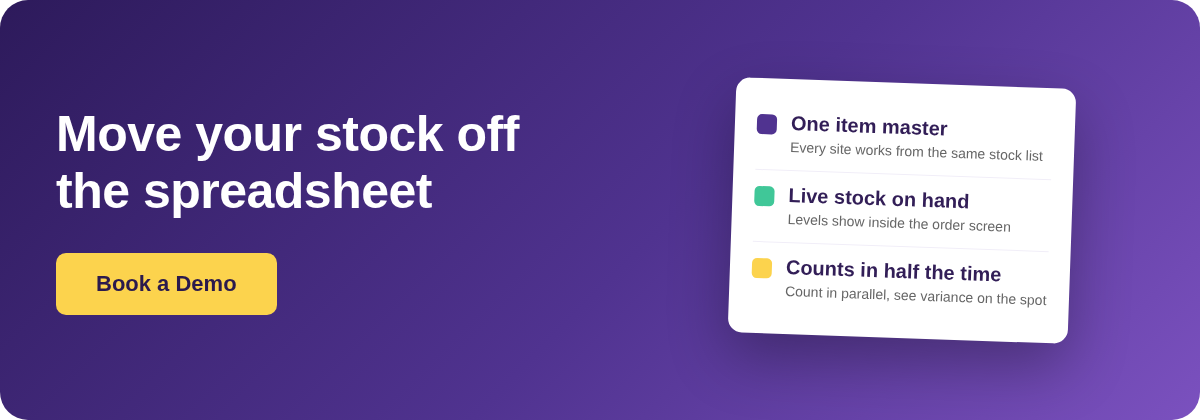
| Working across many sites | A separate sheet per site, merged by hand | One item master shared by every site |
| Counting stock | One counter at a time, keyed in later | Parallel counting, variance shown instantly |
| Month-end numbers | Rebuilt manually each period | Reports and cost of goods pull from the counts |
What Changes When Every Site Works From One System
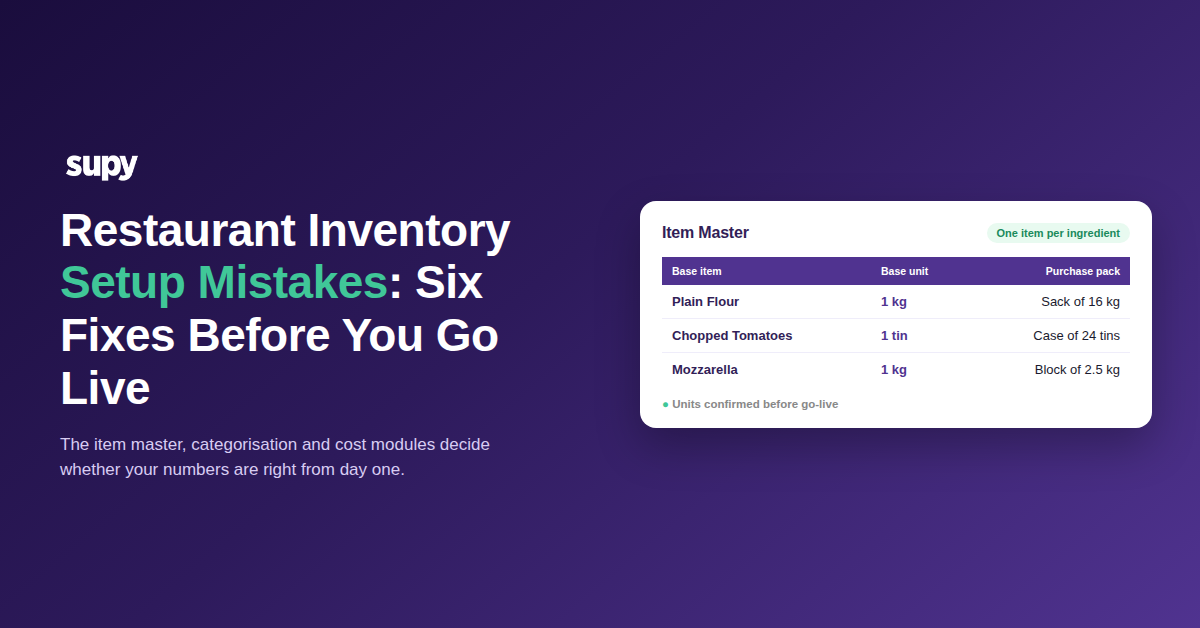
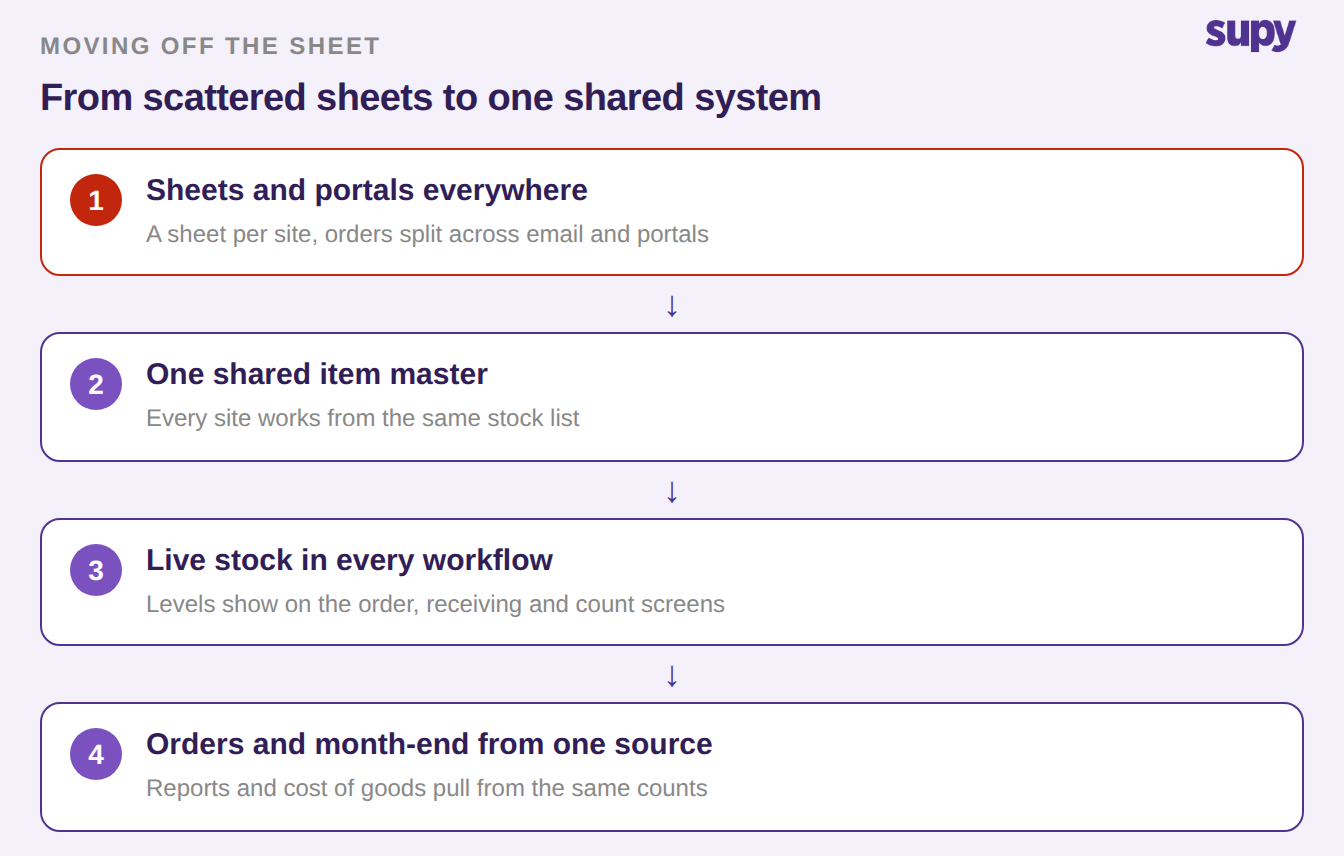
Moving off spreadsheets is not about adding features. It is about putting every site on one item master, so the same item means the same thing everywhere.
Live stock on hand then sits inside the screens teams already use. Current, minimum and par levels show up right on the ordering, receiving and count screens. Staff see what needs replenishing without opening a separate sheet. Orders flow through one screen, with the preferred supplier already set per item, instead of being rebuilt across portals each week.
Ordering to par is where a lot of manual effort hides. Software can fill an order to par from current stock in one step, rather than a manager working each line out by eye.
If you'd rather not work par out by hand, the free par level calculator does it for every item on your sheet from your usage, delivery days and supplier lead times.
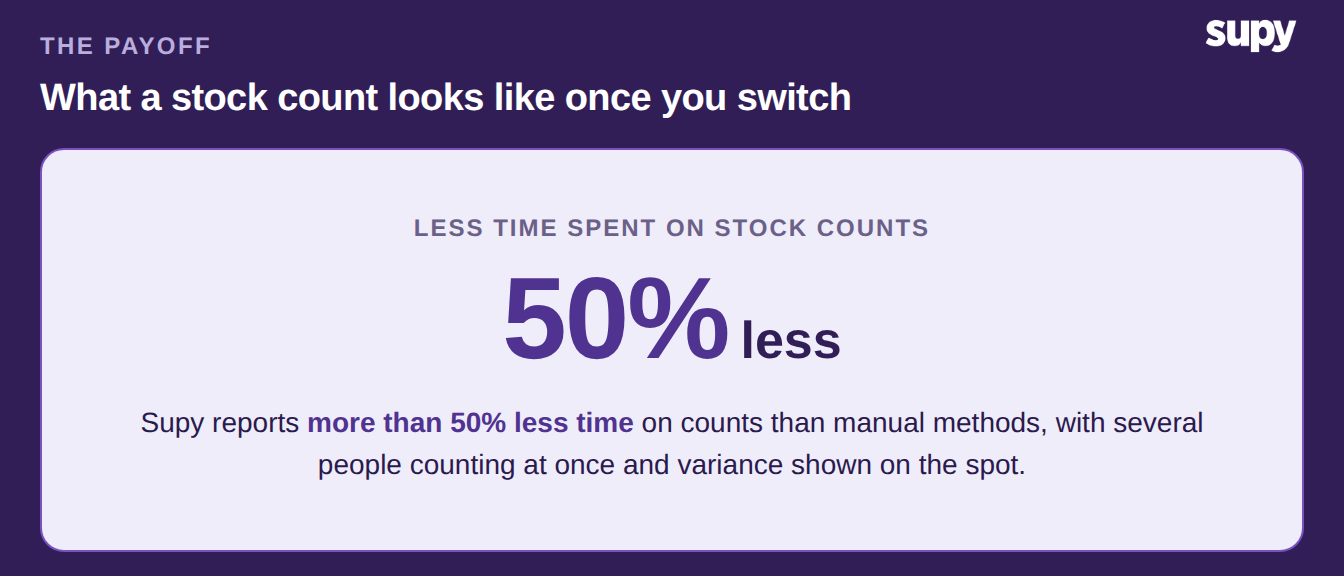
Counting gets faster too. Several people can count at once on their phones, the results merge automatically, and variance against the system shows on the spot. Supy reports more than 50% less time spent on counts against manual methods. Because every action is logged to a named user, the process survives a handover instead of leaving with the person who ran it. For the wider picture of what a dedicated system covers, see our guide to restaurant inventory management software, which connects to your POS and accounting through 75+ integrations.
How to Know You've Outgrown the Spreadsheet
The switch rarely comes down to one dramatic failure. It is usually a set of small signs that the sheet is now costing more than it saves.
Watch for four of them. More than one site now needs the same numbers at the same time. More than one person needs to read or update stock, not just the owner. Month-end reconciliation takes days rather than hours. And the same supplier is being ordered from separately by different branches. If two or more of these are true, you have likely outgrown the sheet. Our deeper look at the signs a group has outgrown spreadsheet inventory walks through each one.
So choose the sheet when you run one site, one person owns stock, and month-end is quick. Choose inventory software once stock spans more than one site or more than one person. Switch too when orders are scattered across suppliers, or the count and the close start eating whole days. The test is simple: if the process would break the week its owner is away, it is time to move it into a system.