





How to Choose an SFBB App for a Multi-Site Food Business
What Separates an SFBB App Your Team Keeps Using From a Paper Diary
When a fridge reads too high, a good SFBB app tells staff to check the ingredients inside it, not just log the number. Choose one on what it does when a check fails, and on whether your team still opens it in three months. One seven-site group that chose on the demo alone was back on paper within weeks. This article shows the features that decide both.
- Still a diary. An SFBB app runs the Food Standards Agency's Safe Food Better Business (SFBB) checks on a phone. Your team records opening, closing and temperature checks on a screen instead of a paper diary. Most apps that rank for the term stop there. A diary on a screen is still a diary.
- Moments that matter. You see the difference between a diary and a real app at the two moments that matter to a multi-site operator. The first is when a check fails. The second is when an inspector or head office asks you to prove a check was really done. Judge an app on those two moments, then on whether it survives a rollout across every branch.
| What to check | A digital diary | An inspection-ready SFBB app |
|---|---|---|
| When a check fails | Logs the reading, moves on | Prompts the right follow-up and records a corrective action |
| Proof a check was done | A photo anyone can copy | A photo stamped with who, when and where |
| Across several sites | One diary per branch | One audit trail head office can read |
| The method staff follow | A separate folder of guides | The guide opens on the check itself |
| Rollout | Looks good in a demo | Earns daily use, so staff keep it |
Check What an SFBB App Does When a Reading Goes Out of Range
A flat temperature log records a number and stops there. The better test is what the app does next.
- Conditional check. A conditional check prompts the right follow-up when a reading fails. If a walk-in chiller reads above the safe range you set for it, the app asks staff to check the temperature of the ingredients inside.
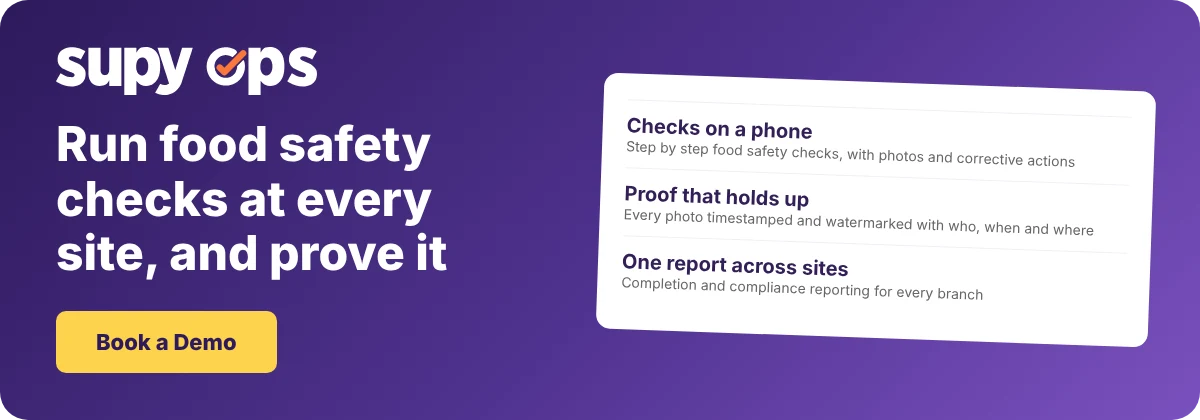
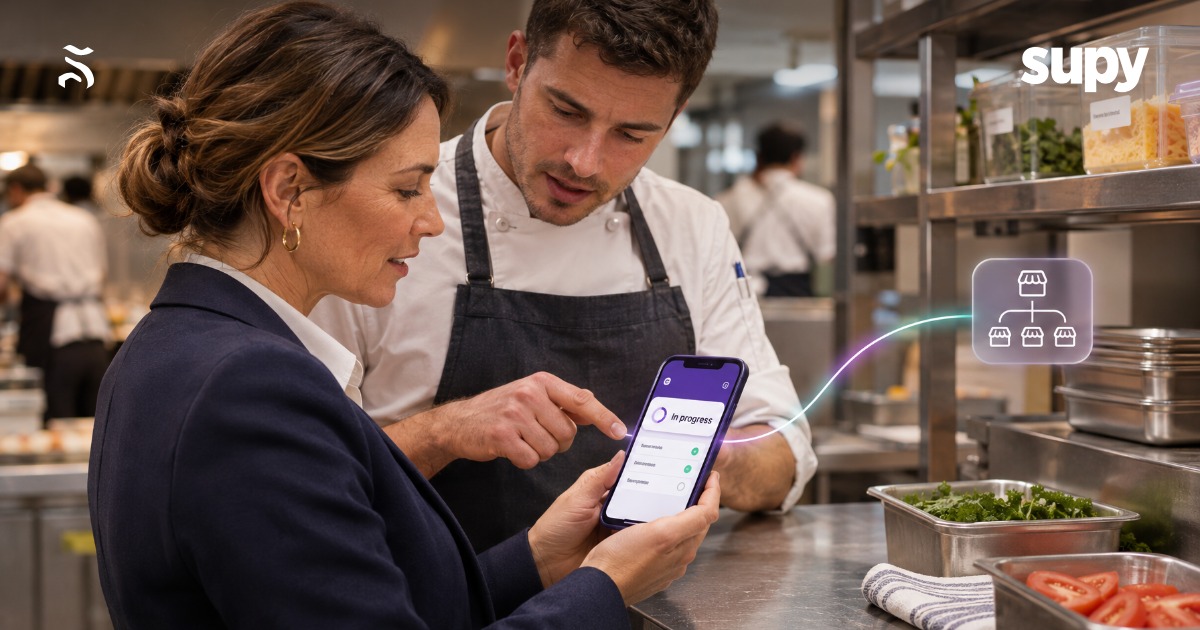
- Corrective action logged. Supy Ops, Supy's checklist software, works this way. Staff run a check on a phone step by step, recording temperatures, yes or no answers, numeric values, photos and multi-choice answers. When a step fails, they log a corrective action with a short description and a photo.
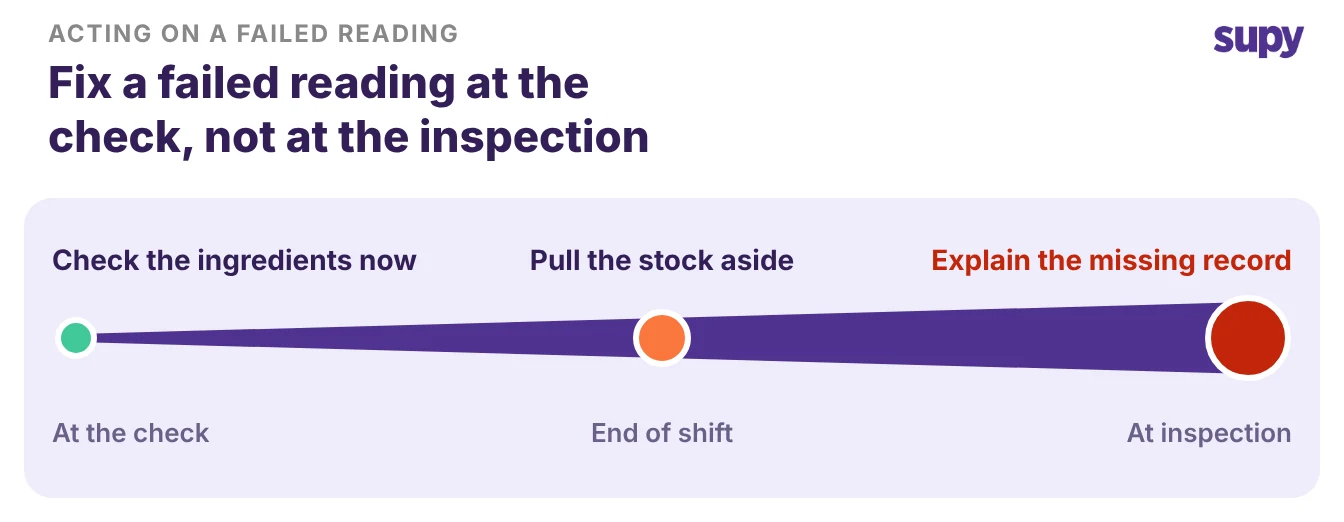
The failed step then has an owner and a record, not just a red mark on a sheet. Build a checklist once in Supy Ops and run it at every branch on the same schedule.
When you test an app, fail a check on purpose in the demo. Watch whether the app drives the next step or leaves the staff member to remember it. Set your safe ranges to match your food safety management system and current FSA guidance, and confirm any legal limit with the FSA first.
Make Sure the Proof Would Survive an Inspection
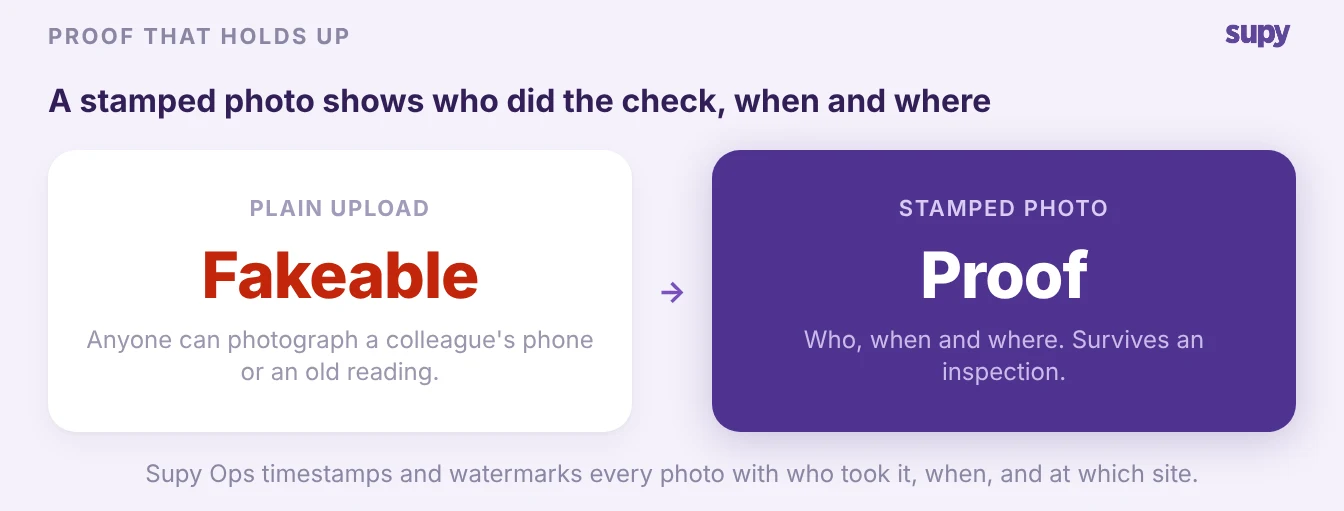
An inspection-ready app has to make its records hard to fake. A flat photo upload does not.
- Worthless proof. A staff member can photograph a colleague's phone or an old reading and pass a check that never happened. If you cannot trust the proof, the whole diary is worthless.
- Watermarks every photo. Supy Ops timestamps and watermarks every photo with who took it, when, and at which site. A check recorded this morning at one branch cannot be a screenshot from last week at another. For a related read, see how a food safety management system holds your records together.
For a buyer, the point is simple.
The app's proof should answer an inspector's first question.
- Was the check really done
- On site
- By the person named?
In a demo, ask to see a saved check from head office. If it shows only a tick and a photo with no name, time or site, the proof will not hold up.
Give Head Office One Audit Trail Across Every Site
A single branch can get by on paper. A group cannot.
- Shoebox of diaries. An inspector might visit your fourth site, or head office might want last month's closing checks across all of them. Either way, you need one trail of who did what and when, not a shoebox of diaries.
- Grouped audit log. This is where most SFBB apps stop, because they were built for one kitchen. Supy Ops records every check against the person and the site. It groups the audit log by action and user, so you open one grouped entry for each change instead of scrolling a long list of separate field updates.
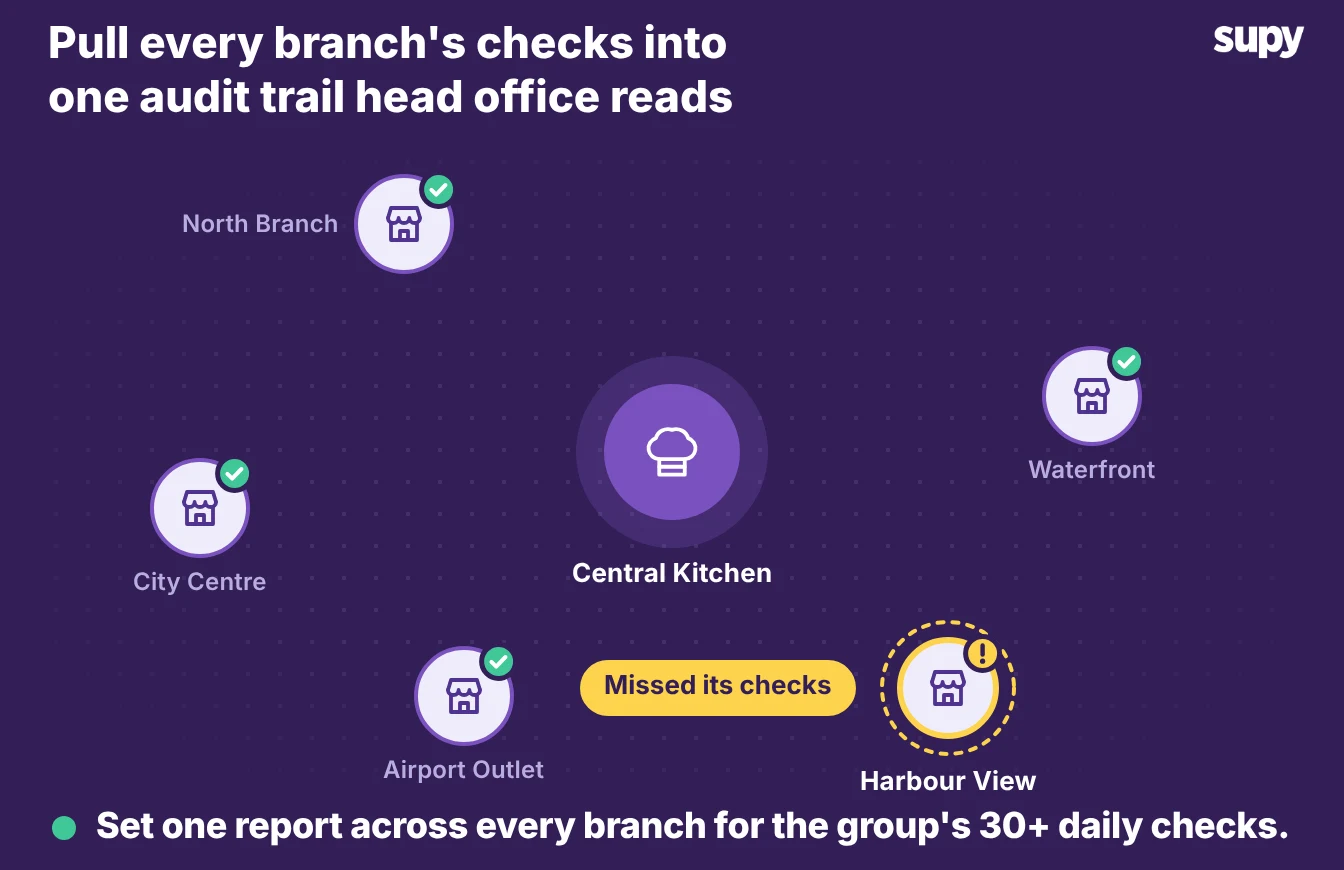
- Compliance reporting. Head office sees completion and compliance reporting across sites in one place. One report shows which branches finished their checks, which missed them, and which logged a corrective action. A seven-site group running 30+ opening, closing and temperature checks a day gets one report instead of seven piles of paper.
- Worst branch. When you judge an app, picture your worst branch on its worst day. The app should make that branch's gaps visible to you before an inspector finds them.
Put all four features to the test in a demo, and make the salesperson show you, not tell you:
- Does it drive the follow-up? Fail a check in the demo. Watch whether the app prompts the next step and opens a corrective action, or just records the fail.
- Is the proof tamper-evident? Ask how a photo is stamped. If it carries who, when and where, the record will survive an inspection.
- Does it read across sites? Ask to see one report covering every branch. If head office has to open each site in turn, the app was built for one kitchen.
- Will staff keep using it? Ask to see the check a line cook runs, with the method on the screen. A check that takes three taps survives a rollout.
Run a single-branch pilot before you commit the group, the way the operators who got this right did. Pick the app that still gets used in the branch where you expected it to fail, and roll that one out.