.jpg)


Restaurant Inventory System Migration: Multi-Site Plan, One Site First
Prove the Plan on One Site Before the Whole Group Switches
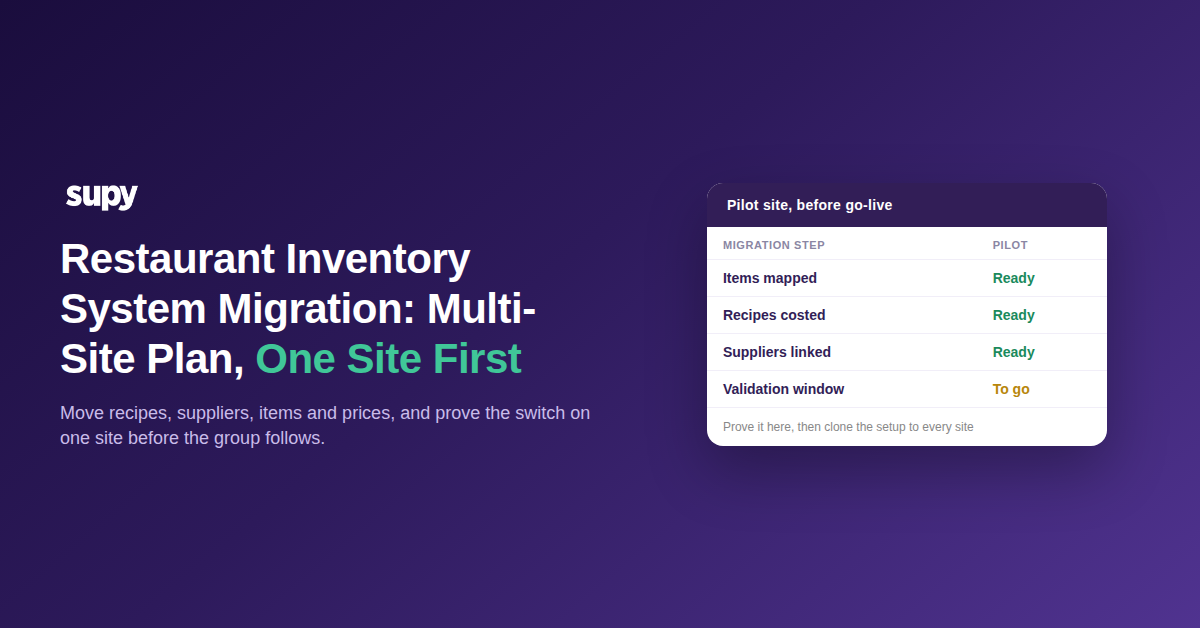
A restaurant inventory system migration plan works best when one site goes live first and the rest of the group follows the route that site has already proven. Move a single location's recipes, supplier records, item list and prices, run it live for two weeks, then clone that setup to every other site. Multi-site groups that sequence the switch this way carry far fewer surprises into go-live.
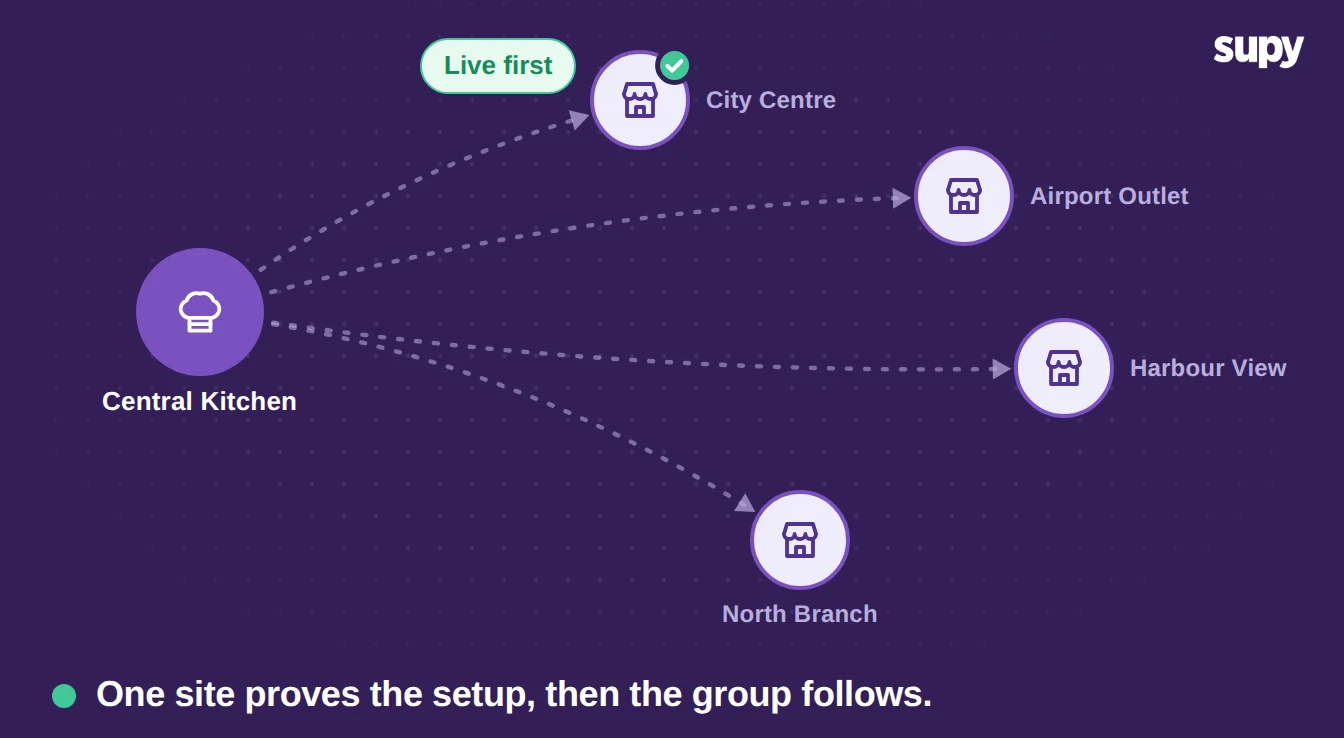
Start small because the switch feels too big to begin when recipes, pricing, costings and supplier records all have to move at once. One pilot site shrinks that scope to something a team can finish and check. It also surfaces the mapping gaps and the training gaps while a single location depends on the result, not the whole estate.
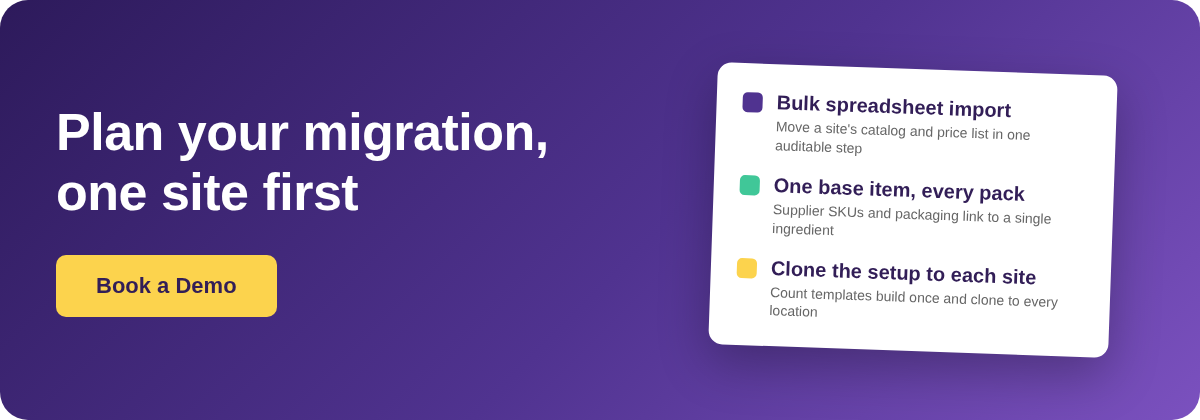
Cloneable setup is what lets one site scale to the group. Supy builds a count template once and clones it to every location. The item list transfers a single time and stays consistent across sites instead of being rebuilt branch by branch. The pilot becomes the template the next site inherits. A staged multi-site rollout turns one proven site into a repeatable route for the rest.
Map the Item List Before Anything Moves
Map every item before any data moves, because an item that does not map across cleanly disappears from ordering after the switch. The item list is the spine of the migration: procurement, counting and costing all read from it, so a gap here shows up everywhere downstream. Fixing it after go-live means chasing missing items while the site is already trying to order.
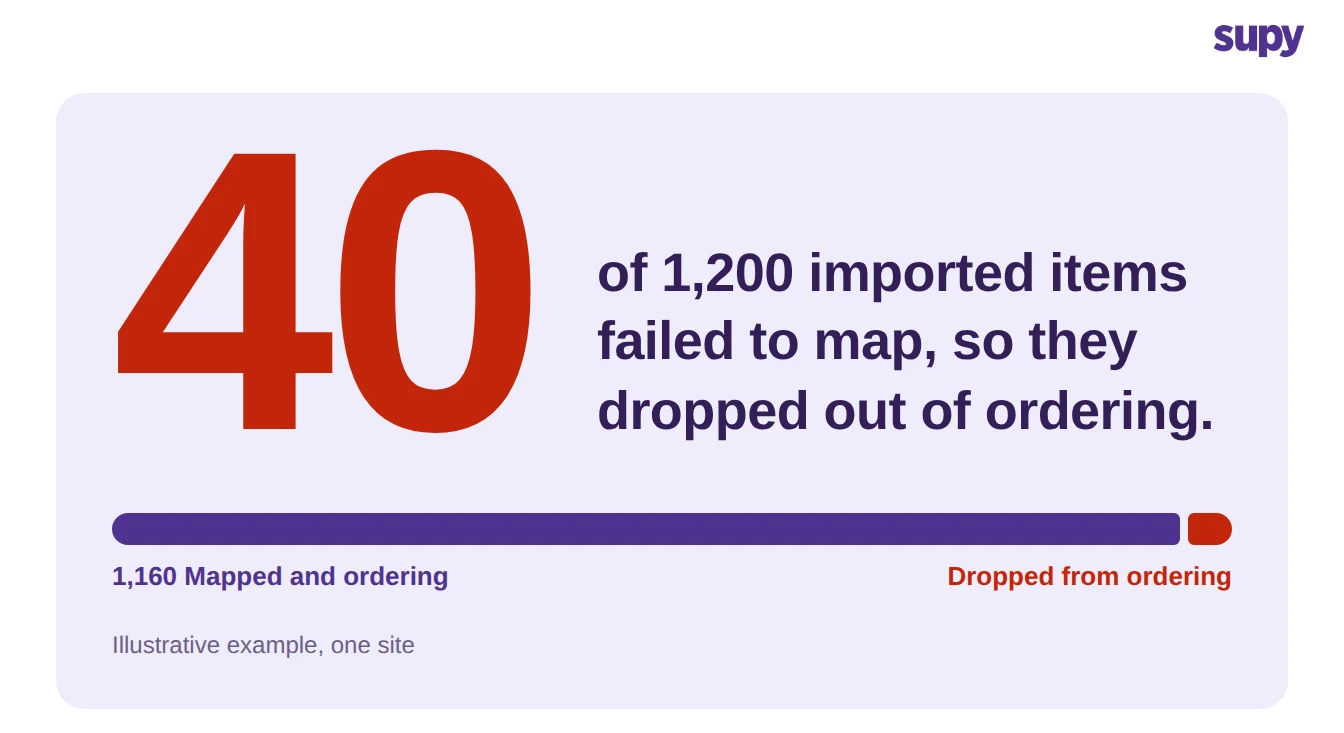
Bulk import moves the data fast, which is the very reason validation cannot be skipped. A restaurant inventory management platform like Supy imports a location's full catalog and price list from a spreadsheet in one auditable step. About 1,200 item and price lines move together rather than line by line. Your team owns the next step: confirming that every item mapped. On a first import, maybe 40 of them do not, and each one drops out of ordering until someone links it to the right record.
Keep the mapping decision with your own team. The system moves and records the data, it does not decide which legacy item becomes which new one for you. That judgement is where the real knowledge lives. A plan that hands the mapping to an import wizard is the plan that loses items at go-live.
Set Recipes Up First, Because Stock and Cost Reporting Wait on Them
Set recipes up before anything that reads from them. Recipe setup is the number-one onboarding blocker, because point-of-sale stock depletion and cost reporting only work once the recipe behind each dish is right. A dish that sells without a correct recipe depletes nothing and costs nothing in the new system, so the numbers stay blank until the recipes land. The deeper reason recipe setup blocks onboarding is that every downstream report inherits its errors.
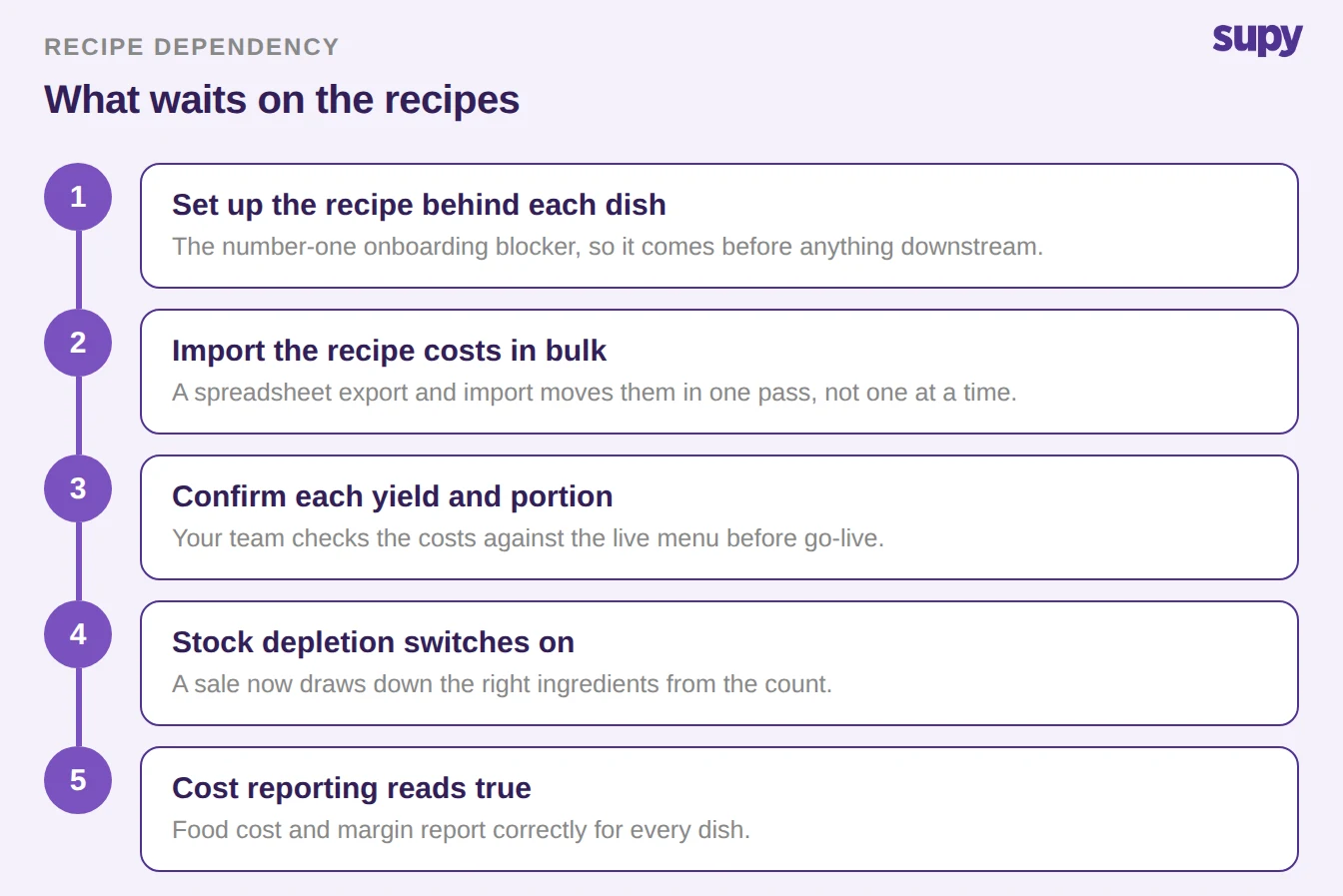
Move the recipe costs in bulk, then check them by hand. Supy exports and imports recipe prices through a spreadsheet, so around 300 recipes carry their costs across in one pass instead of being keyed in one at a time. Your team still confirms each yield and portion against the live menu, because a bulk import moves what the old system held, including whatever was already wrong in it.
Move Supplier Records and Prices as One Set
Move each supplier's records and prices together, never apart, or the first order after go-live prices itself against a gap. Supplier records carry the pack sizes and unit prices that costing depends on, so a supplier that arrives without its prices leaves every linked recipe miscosted. Packaging formats make this harder across a group. The same ingredient arrives as a case at one central kitchen and a sack at another, and both have to resolve to one base item.
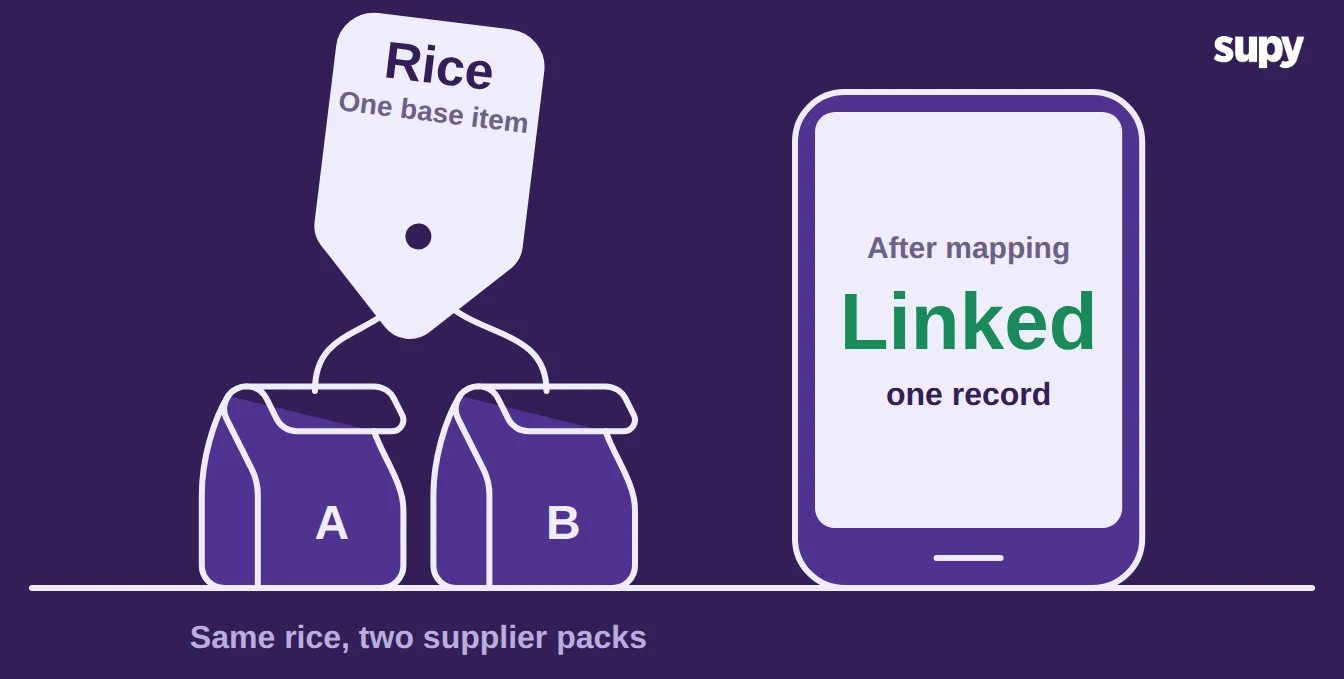
Supy links each supplier's SKUs and packaging to a single base ingredient, supports bulk ingredient swaps, and keeps version history on the records. A pack size or a price that changes mid-migration stays traceable, not lost. One base ingredient behind several supplier formats stops the same product counting as three items across the group.
Build a Validation Window Before Go-Live, Not a Hard Cut-Over
Build a validation window into the plan instead of cutting over on a single night. A legacy platform often gives only a short window to extract the data, sometimes 48 hours, and a short window pushes unchecked records straight into go-live. Run the new system alongside the old for two weeks: count the pilot site, reconcile it against the old records, and fix the mapping before you switch ordering across. The point of the window is to find the broken items while the old system is still there to check against.
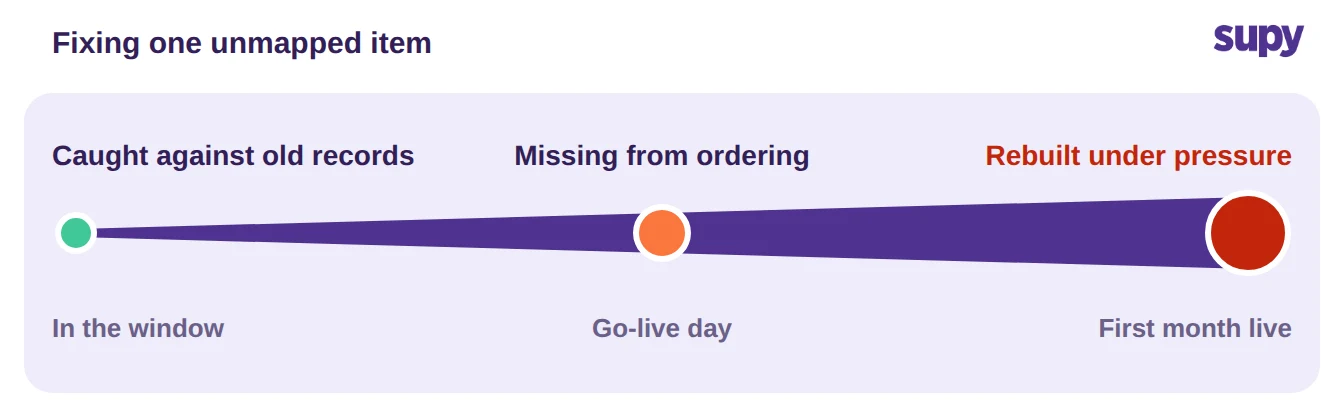
A validation window also protects the go-live itself, because every error caught in the window is one the next site never meets. Before the rest of the group follows, clear this short checklist on the pilot:
- Item list reconciled. All 1,200 item and price lines import, and the 40 that failed to map are fixed, so nothing drops out of ordering.
- Recipes costing correctly. Each of the 300 recipes depletes stock and reports a cost against the live menu.
- Suppliers and packaging linked. Every supplier SKU and pack size maps to one base ingredient, with prices attached.
- A live fortnight behind you. The pilot has run two weeks on the new system and its counts match the shelf.
Clear those four, and the next site inherits a route that already works. The group migrates one proven site at a time, and the estate reaches go-live without the scramble that a single hard cut-over forces on every location at once.