.jpg)


Restaurant Inventory System Go-Live: The Cutover Checklist
What a Clean Restaurant Inventory Go-Live Looks Like
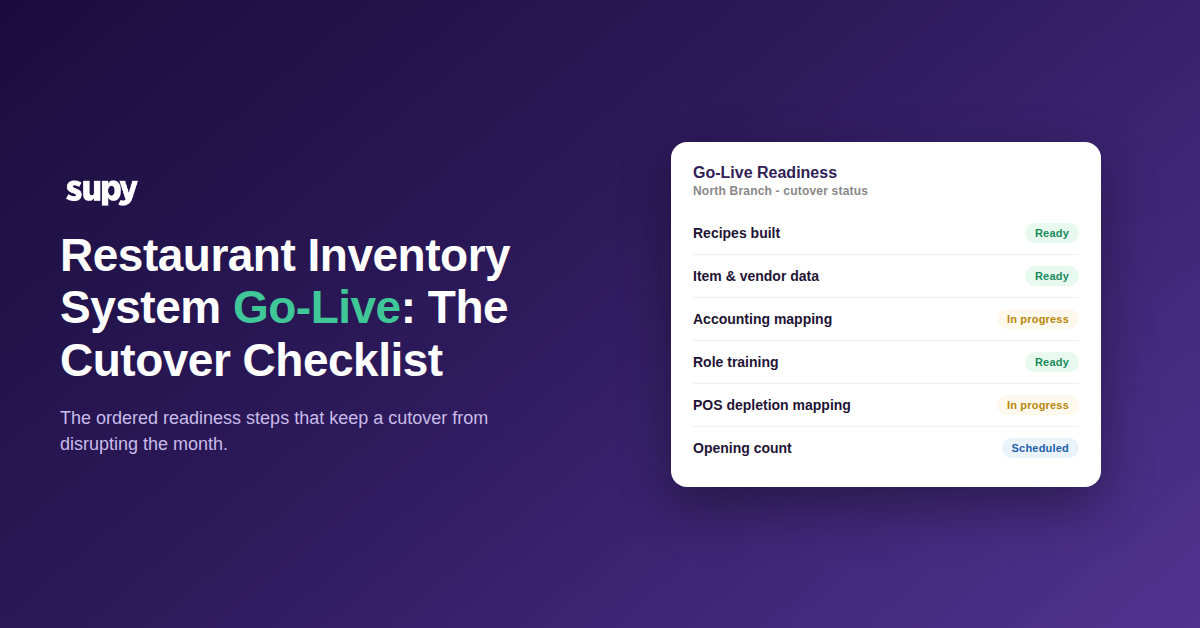
A clean go-live is one where the system can deplete stock and report cost from day one. That happens only when every dependency is ready first: recipes built, item and vendor data final, roles trained, and the opening count done. Nothing important is left to discover during service.
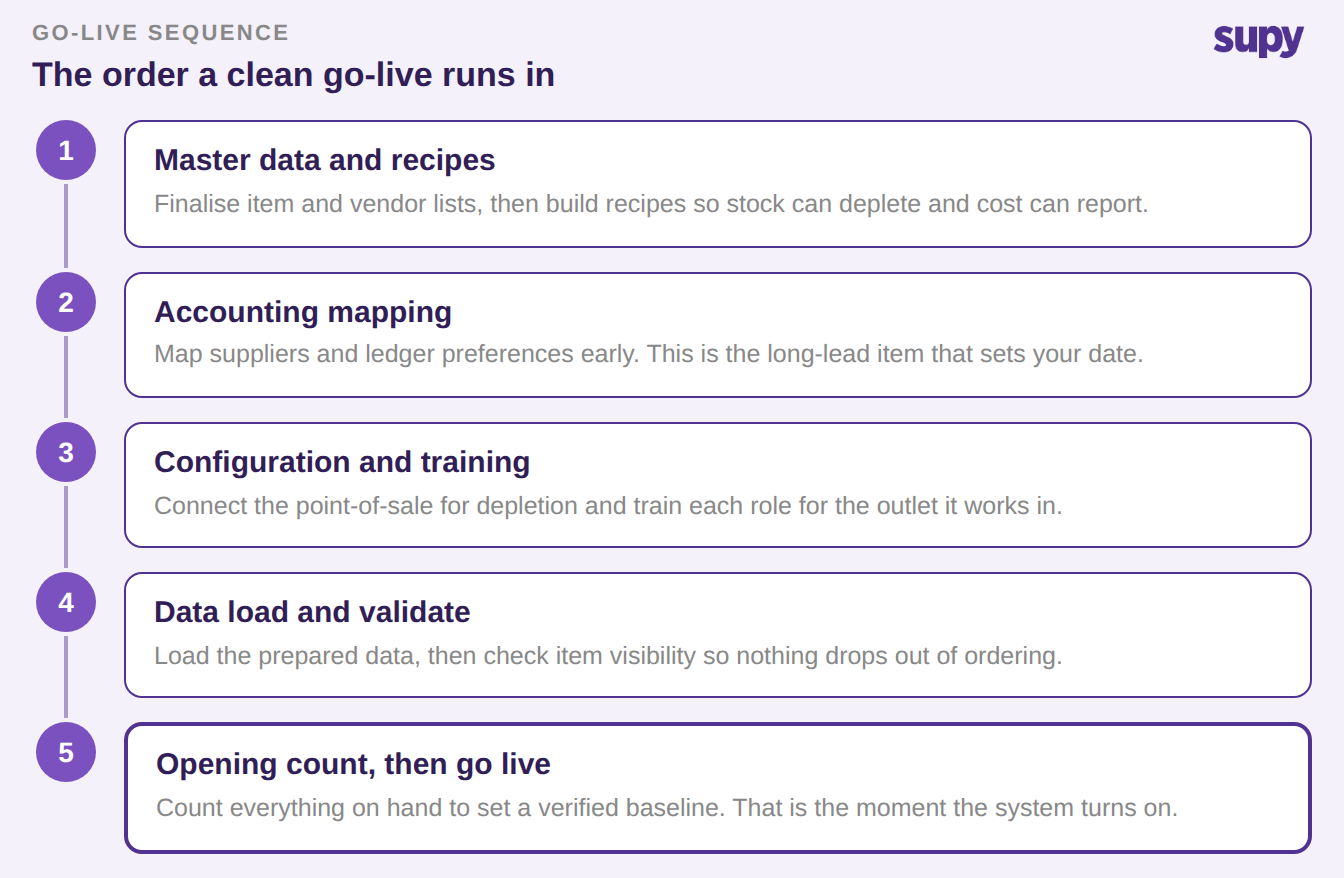
Most cutover pain comes from doing these steps out of order, or from starting the long ones too late. A go-live has a natural shape. Master data and recipes come first, then configuration and training, then the data load. The opening count comes last, and it is what turns the system on. The checklist below follows that shape, and the sequencing section shows which items to start weeks ahead.
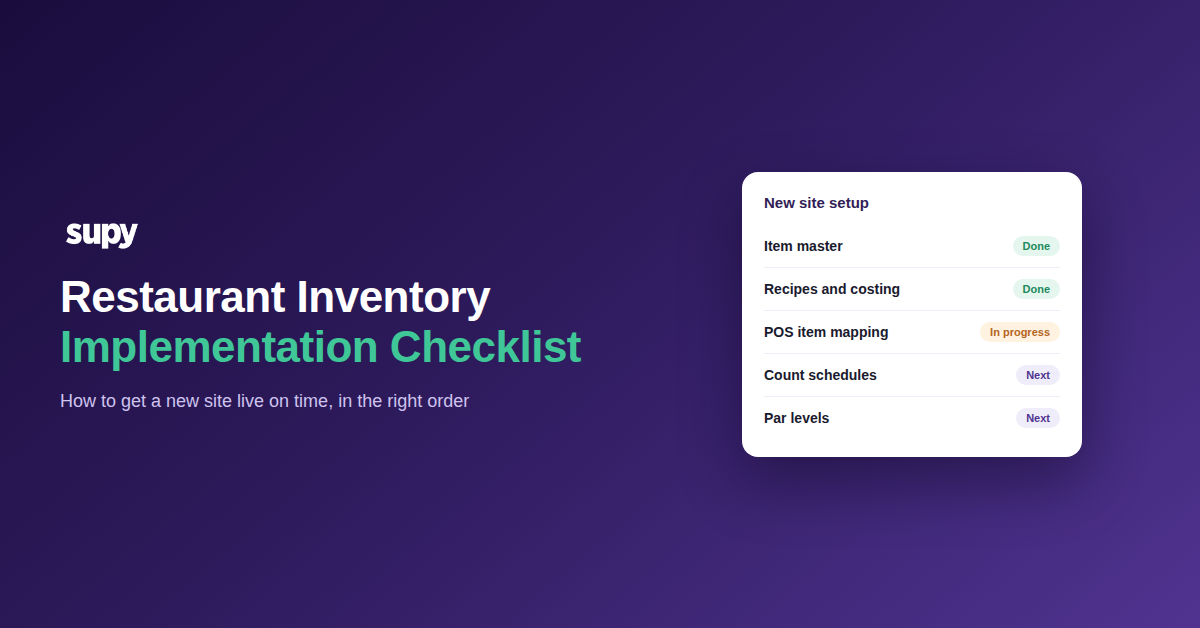
The Restaurant Inventory System Go-Live Checklist
Work the list top to bottom. The early items gate the later ones, so an unfinished step near the top will hold up everything under it.
- Build your recipes first. Nothing depletes stock or reports cost until recipes exist, so this is the item that gates every report you bought the system for. Operators consistently name recipe setup as the thing that stalls a rollout, and some reach go-live without it. Finish recipes before you set a date, because recipe setup is the real onboarding blocker more often than any other task.
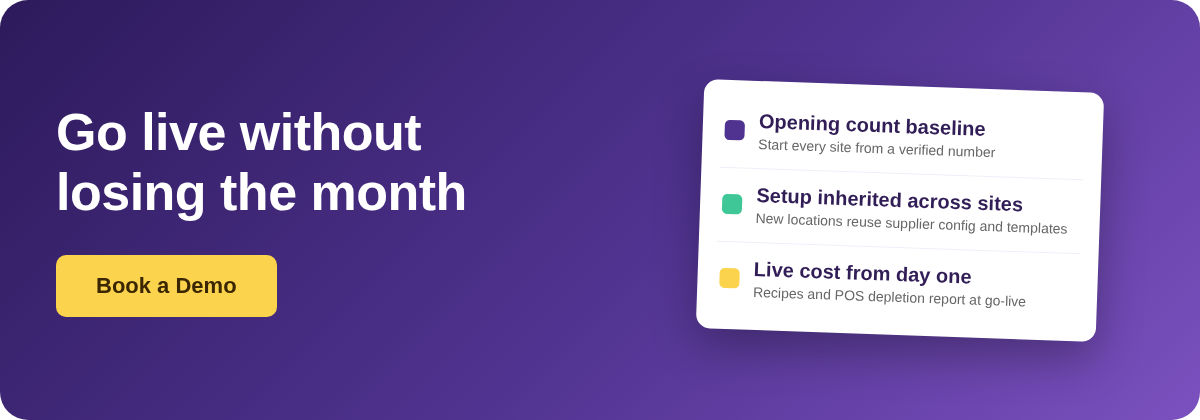
- Finalise item and vendor master data for every site. This is the largest data task, and it is worse when several brands or locations launch at once. Supplier pricing lives in one place with bulk import and export and location-specific overrides, so clean it centrally rather than site by site. When you add a location, its supplier item configuration can be inherited from an existing site, which saves re-entering the same setup.
- Start accounting integration mapping early. Supplier mapping, ledger preferences and legacy cleanup take weeks, not days. Left until launch week, they are the single most common reason a go-live slips. Treat mapping as a long-lead task and begin it alongside master data.
- Decide where invoices land during the freeze. Preparing data creates a gap of roughly four weeks, and invoices keep arriving through it. Name the person and the place that catch every invoice during the window. A clear plan here is the difference between a clean first month-end and a scramble.
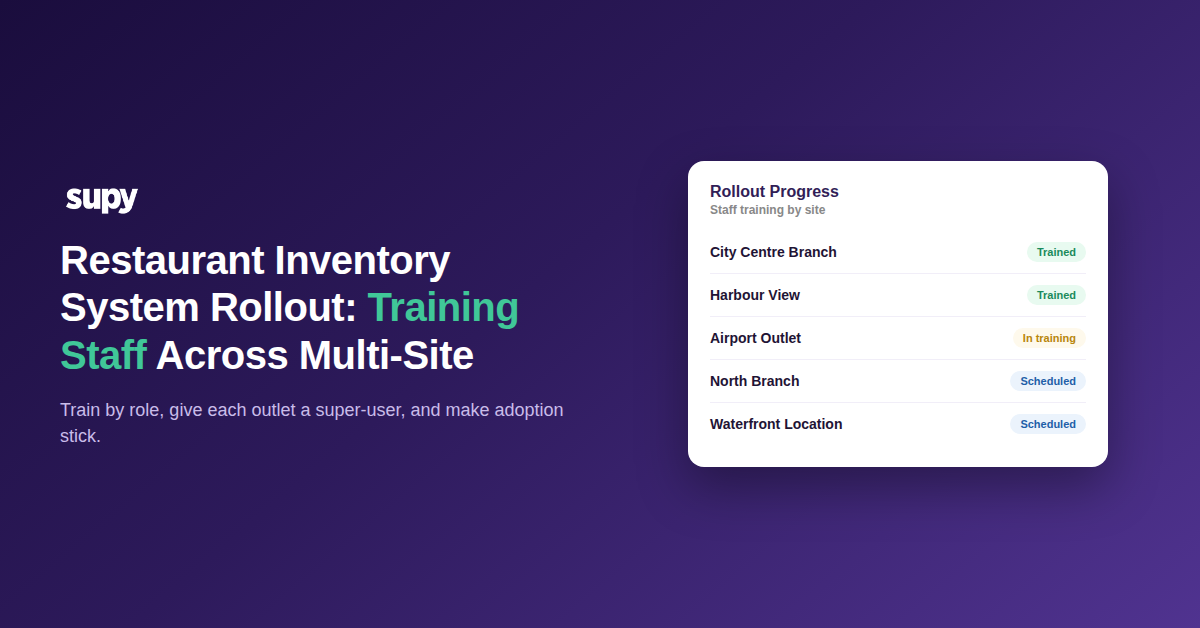
- Train each role before cutover, not during it. Missed or out-of-order training sessions are a recurring go-live failure across accounts. Every action in the app is gated by a role check scoped to the specific outlet, so train each person for the exact role they will hold. Sequence the sessions so managers are ready before their teams need them.
- Map recipes to POS items so depletion fires. Recipes only draw down stock once each POS item points at the right recipe. Confirm that mapping before go-live so a sale reduces the correct ingredients from the first order. This is what makes live stock and cost reporting real rather than theoretical.
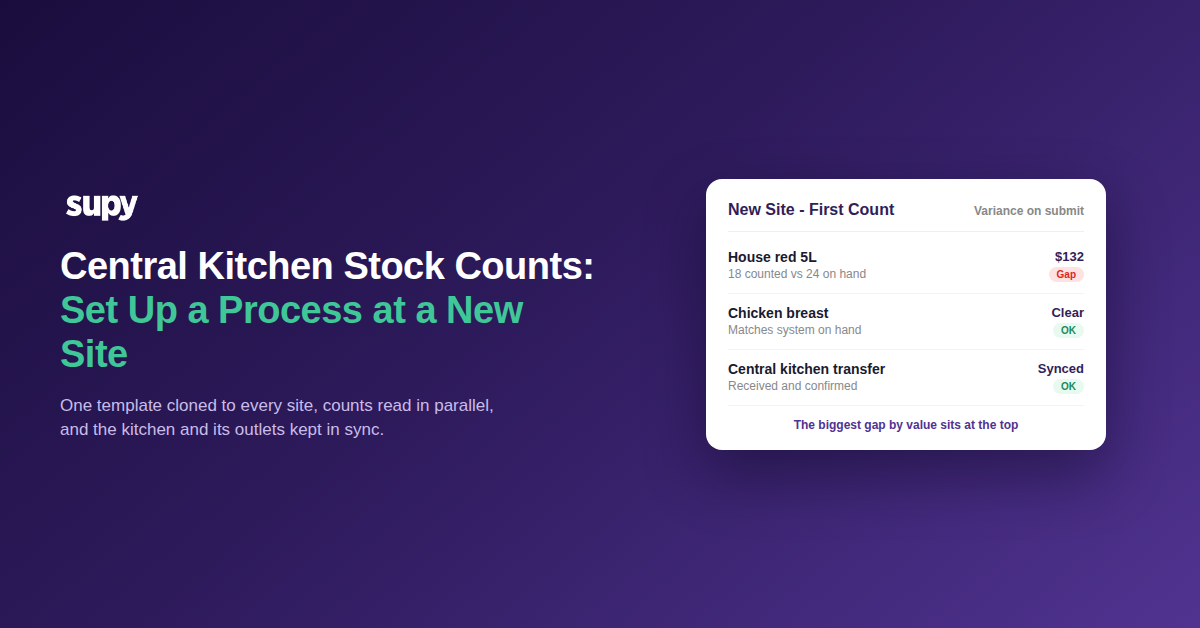
- Take a first opening count to set the baseline. On go-live day, run a first opening count so the system has a verified starting position before any movement is recorded. Everything the system reports afterwards is measured from this number. Skip it and every variance figure for weeks is built on a guess.
- Validate item visibility and config after the load. Items can drop out of ordering if their visibility flags are set wrong during import. Do a post-load check so nothing is silently missing from a site's order list. Changing a delivery location also triggers a wizard that flags which template items are unavailable at the new site, which is a useful second check.
How to Sequence Long-Lead Tasks Across Multiple Sites
Across several sites or brands, the long-lead items are what set your date. Groups delay most when item and vendor master data has to be finalised for every brand at once, so those tasks start first. A purpose-built restaurant inventory management system carries setup forward here. A new location can inherit supplier configuration from an existing one. Stock count templates can be cloned rather than rebuilt, which keeps counts consistent across sites.
Use the schedule below as a starting point and pull the dates in as your team gets faster. Start the long-lead items on time and the shorter ones fall into place.
| Cutover task | Start this far ahead | Owner |
|---|---|---|
| Accounting integration mapping | 4 weeks out | Finance |
| Recipes | 4 weeks out | Culinary and ops |
| Item and vendor master data | 3 weeks out | Procurement |
| POS and depletion mapping | 2 weeks out | Ops and IT |
| Role training | 1 week out | Store managers |
| Opening count | Go-live day | Store teams |
Run the list against your own rollout today. If recipes are not built, fix that first, because every report depends on them. If they are done, the next gap is usually accounting mapping or the invoice plan for the freeze window. Fix the earliest unfinished item and the date tends to take care of itself.