




How to Choose a Restaurant AI Agent for a Multi-Site Group
What a Restaurant AI Agent Does, and Which Kind a Group Needs
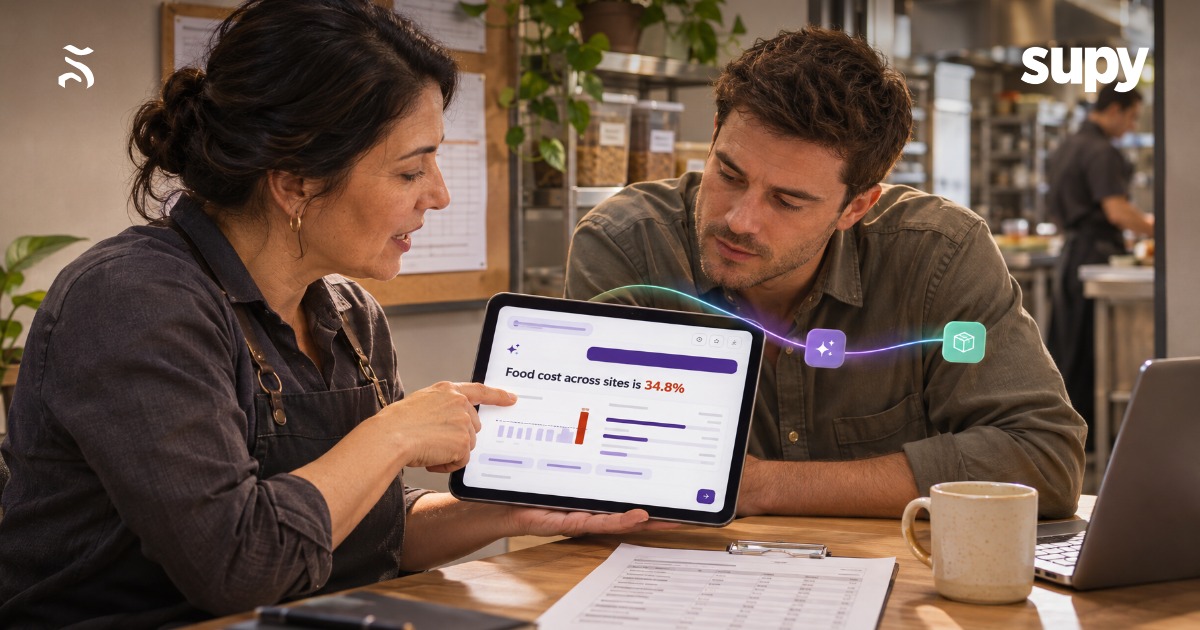
The restaurant AI agent worth buying for a group reads your own data. It answers questions about your stock, your costs and your sales across every branch. A four-site operations manager can lose 1 to 2 days a week to spreadsheets that do not link together. An agent that reads your live data gives those hours back. This article shows what these agents do, how operator-facing tools differ from guest-facing ones, and what to check before you buy.
Most results for "restaurant AI agent" describe guest-facing tools that take phone orders, handle bookings and prompt upsells, the kind covered in our overview of AI agents for restaurants. Decide which kind you want before you compare vendors, because an operator-facing agent solves a different problem for a different person.
| What to compare | Guest-facing AI agent | Operator-facing AI agent |
|---|---|---|
| Who it serves | Guests and callers | Managers and head office |
| What it reads or acts on | Orders, bookings, calls | Your own stock, cost and sales data |
| Where it runs | Phone, website, kiosk | Your back office and your own AI tools |
| Typical jobs | Takes orders, answers calls, upsells | Answers cost questions, forecasts sales, drafts orders |
| What you buy it for | More covers, fewer missed calls | Lower food cost, less admin across sites |
Both kinds can be worth having. Match the tool to the problem you are solving this quarter, and judge each vendor on the job you need done.
How Supy's AI Agent Forecasts Sales and Drafts Orders
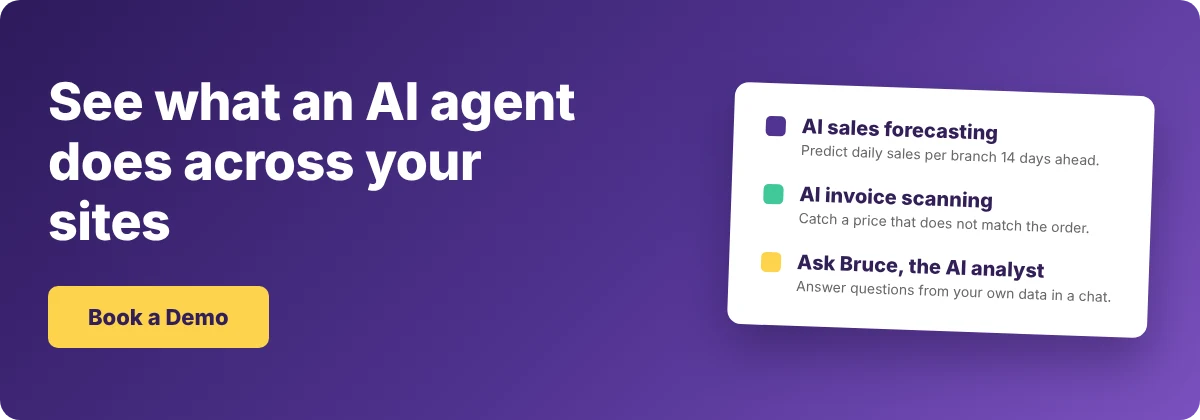
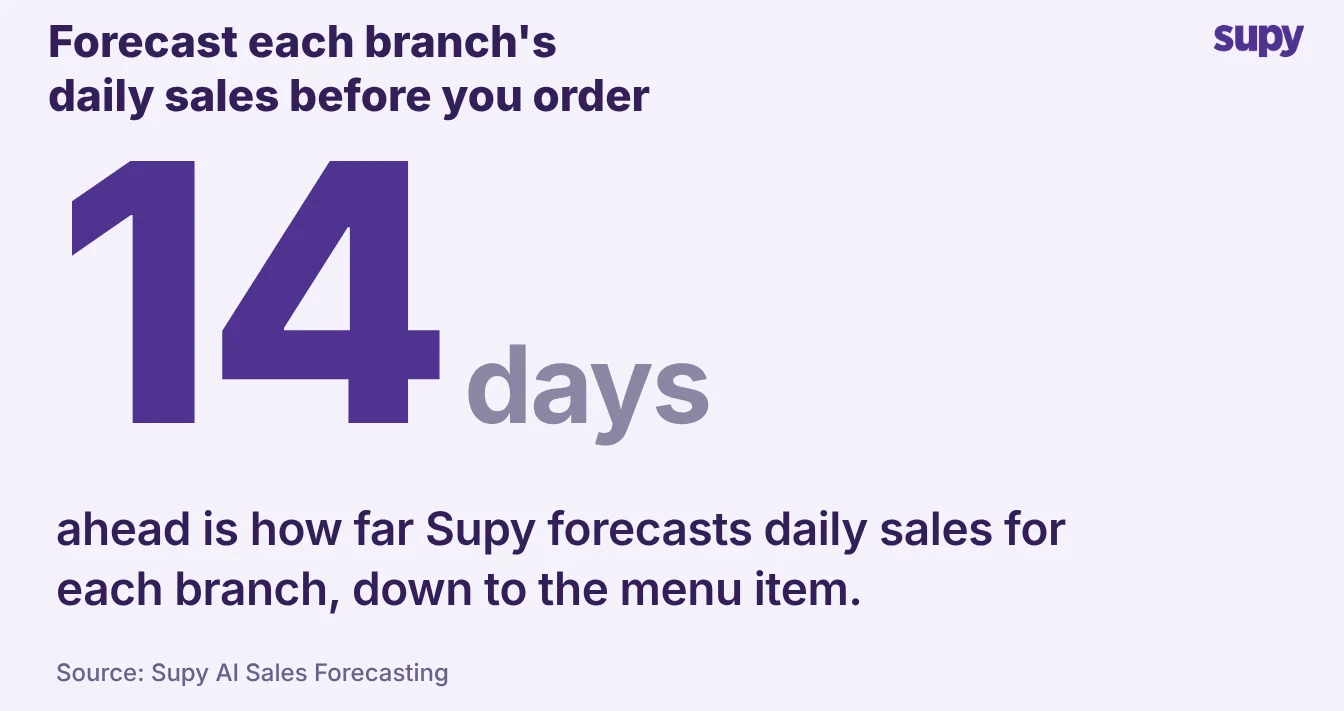
The clearest work for an operator-facing agent is ordering, because that is where guessing costs money. Supy's AI Sales Forecasting predicts daily sales for each branch 14 days ahead, down to the menu item. It shows the forecast against an 8-week average, and a manager can override a day or an item without retraining the model.
AI Predictive Ordering turns that forecast into ready-to-submit purchase orders, run through your recipes and set against current stock. It never sends an order on its own, so a person reviews every line first. That is the pattern to look for in any agent you buy: the tool does the arithmetic and the drafting, and a person keeps the decision.
How Supy's AI Agent Checks Invoices and Answers Your Questions
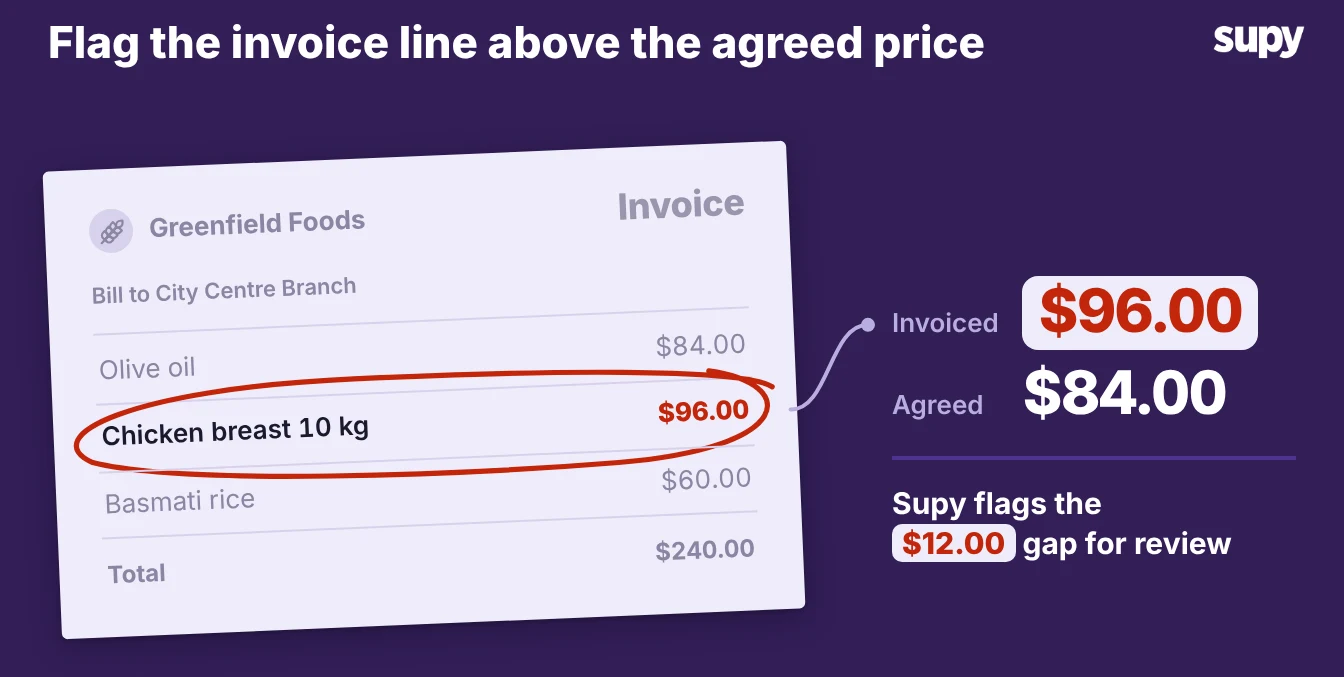
AI invoice scanning also takes on the paperwork. It reads a supplier invoice, matches it to the purchase order, and flags a price or quantity that does not agree before anything updates your stock or your accounts.
The agent flags a line invoiced above the price you agreed when the delivery arrives, not at month end when a credit note is harder to claim.
For the questions a manager would otherwise dig for by hand, Supy's AI Analyst answers in plain language from your own data. It is shown as Ask Bruce in the Supy menu, and it returns the answer as text, a chart or a table.
If your team already uses an assistant such as Claude, ChatGPT or Cursor, Supy MCP connects it to your data in Supy through a consent screen, with no API key to share. The assistant then reads your cost, stock and sales data in plain language and acts on it, so a manager works in the tool they already use.
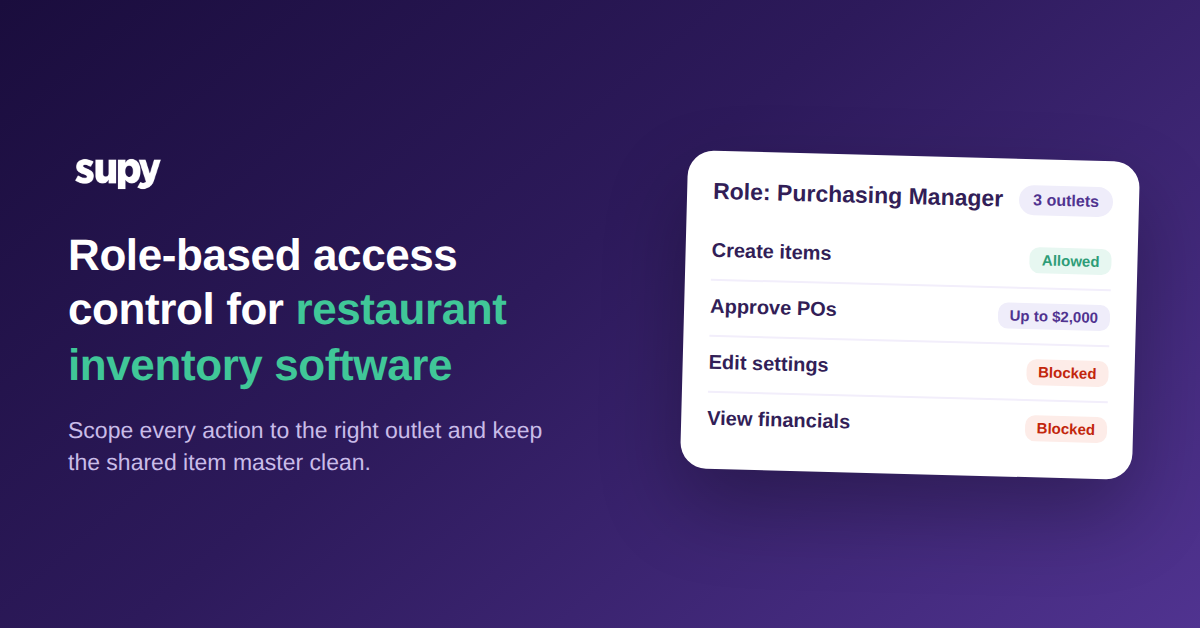
- Each person uses their own login. They sign in with their own Supy account and see only what their role allows, and every action is logged.
- Reports come out as Excel. The assistant pulls any of Supy's 28 Excel reports as a download.
- It makes changes, not just reads them. From the assistant a user can create and edit catalogue items such as names, codes, categories, tax codes, allergens and barcodes, approve or reject requested items, and make bulk changes of up to 500 items at once. A bigger change shows as a preview that applies only after the user confirms, items are archived rather than deleted, and orders, recipes and suppliers stay read-only.
All of this sits inside Supy's restaurant analytics software. Ops Tower gives a read-only view of operational health across requisitions, purchase orders, goods received notes, wastage, transfers and stock counts, with figures up to 30 minutes old. Supy connects to 75+ POS, accounting and ERP systems, so the agent reads from the tools each site already runs.
What to Check Before You Choose a Restaurant AI Agent
Judge a restaurant AI agent on a short demo, not a feature list. Run the four checks below on your own data, not a sample account. Each one separates a tool that moves your numbers from one that only reads well in a pitch.
| What to check | Ask the vendor to show | What good looks like |
|---|---|---|
| It answers your own data | A real question from last week | The answer traces back to your branches |
| A person stays in the loop | A forecast override and a purchase order held for review | Nothing commits until a person confirms |
| Access follows each role | Sign-in as a branch manager | They see their sites, not the whole group's margins |
| It works across every site | The same question answered for one site and for all | One place shows a branch and the group |
Run those four checks in the demo and you will know within an hour whether an agent fits a multi-site group or only a single restaurant. The right one gives your managers back the hours they spend reconciling spreadsheets, and puts the next decision in front of them with the data already attached.