.jpg)


Automated Restaurant Purchase Orders: Review First or Auto-Send?
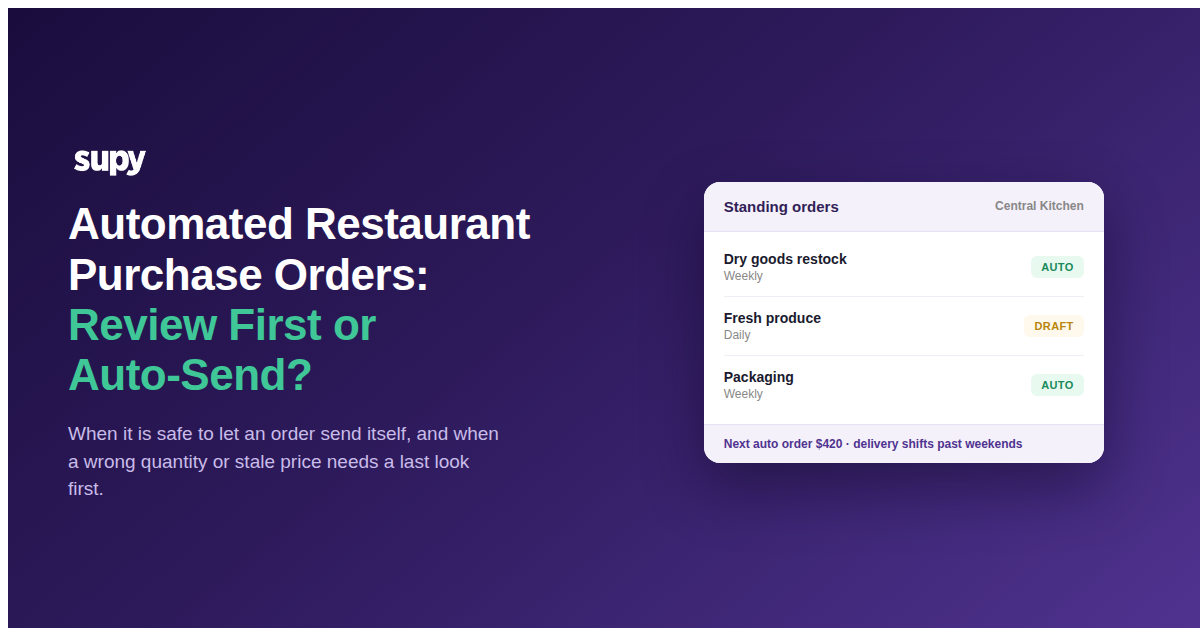
Automated restaurant purchase orders take the weekly re-keying out of supplier ordering: set a recurring order once and it generates itself on schedule, either waiting for a quick review or going straight to the supplier. In a system like Supy's standing orders, that choice is a single setting on each order, so a group can let predictable staples send themselves while keeping a last look on anything volatile or high-value.
Below is which orders belong in each mode, the controls that catch a wrong order before it ships, and a two-question rule for deciding per item and per site.
What Changes When No One Checks the Order
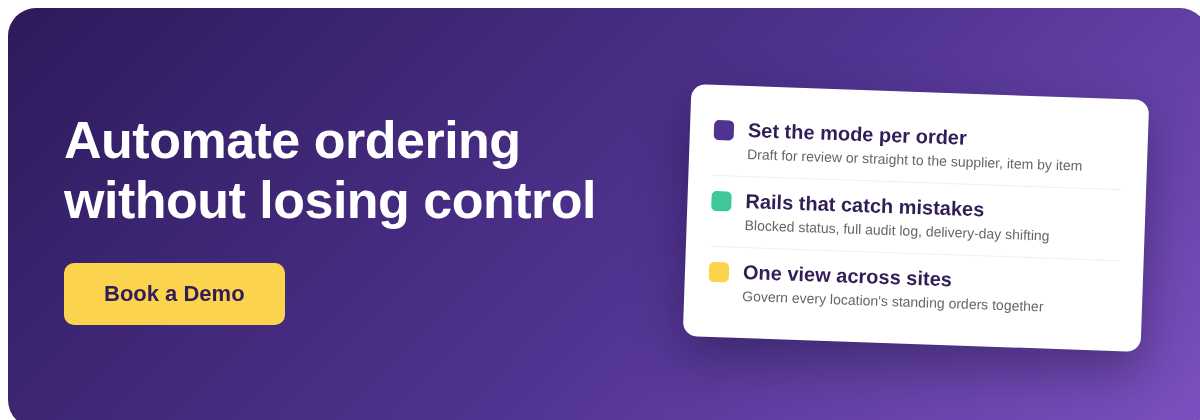
Both versions of a recurring order are the same standing order; only the last step differs. A draft order still generates on schedule, but it lands in your orders list as an unsent draft you approve before it reaches the supplier. An auto-submit order generates and sends in the same step, with no manual approval. The schedule, the items and the quantities are identical. The only thing that changes is whether a person confirms the order before it leaves the building.
That one difference decides who carries the risk. Keep the review and a human is the last check, so nothing wrong ships without someone having a chance to catch it, but every order needs that someone to act. Remove it and the order is only as right as its setup, because once the schedule fires there is no one in the loop. Neither is safer in the abstract; the right answer depends on the item.
| Criterion | Draft for review | Auto-submit |
|---|---|---|
| When the order is sent | After you approve it | Immediately, on schedule |
| Human check before it leaves | Yes, on every order | None |
| Best suited to | Volatile prices, changing menus, high-value orders | Stable staples, predictable quantities |
| Main risk | Approvals pile up and orders slip | A wrong quantity or stale price reaches the supplier |
The Orders It Is Safe to Stop Checking
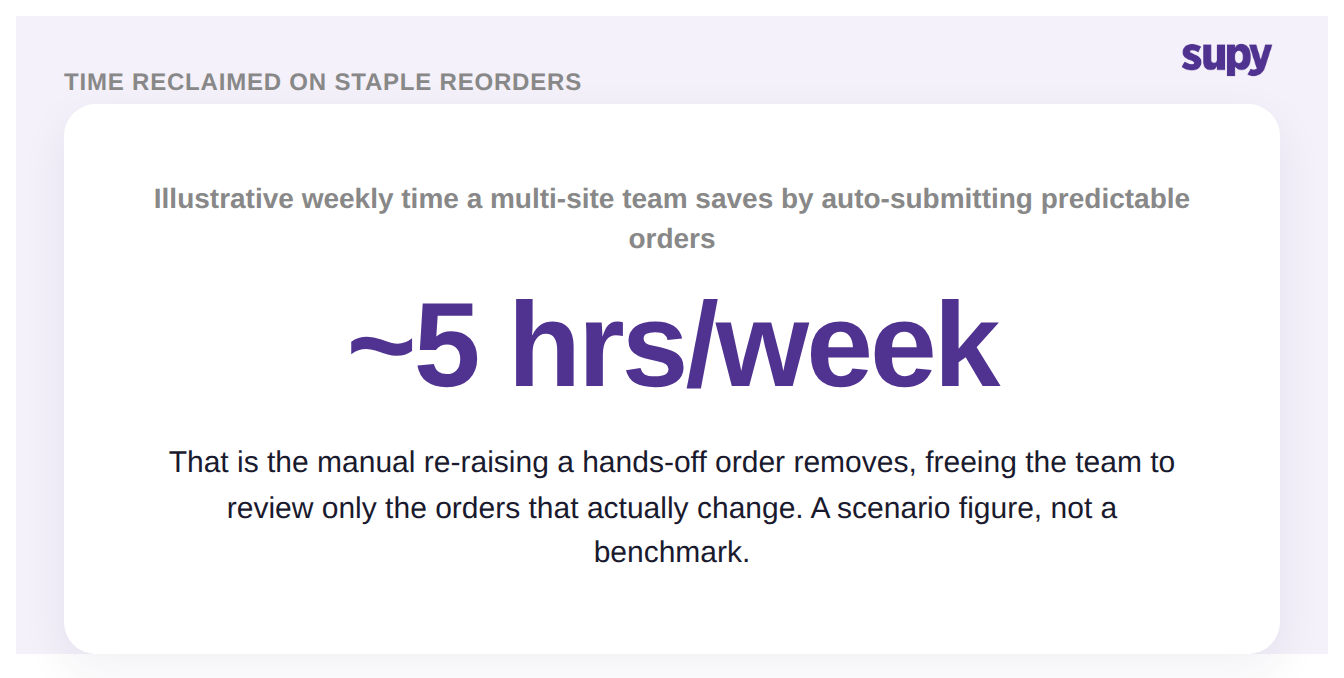
Some orders you would approve unread anyway, and those are the ones safe to leave unchecked. A weekly case of the same cleaning supply, a daily bread order, a fixed pallet of packaging: predictable staples where the quantity rarely moves and the price is stable. For these, a review step is pure friction, and the manual re-raising it replaces is real work. For a group re-keying the same staple orders by hand, that step can quietly add up.
Leaving an order unchecked only works if the schedule itself is trustworthy, and Supy's continuous-delivery mode is what makes it so: it fires the order only on days the supplier actually delivers, and shifts a date forward past weekends and supplier-unavailable days without anyone adjusting anything. Lead time is configurable from one to fourteen days per supplier, so the order is placed early enough to arrive on time. When the schedule is reliable and the item is boring, letting the order send itself is the honest call.
Where Review First Pays for Itself
An unchecked order fails in exactly the situations a review would have caught. A supplier's price drifts up and the order goes out at a number nobody re-checked. A menu changes and the fixed quantity no longer fits. Stock is already sitting on hand and the recurring order tops it up anyway. A single mis-sent order like this might cost only a few hundred dollars, but across a group and a full month the quiet leakage adds up, and the first anyone hears of it is at the point the goods are received.
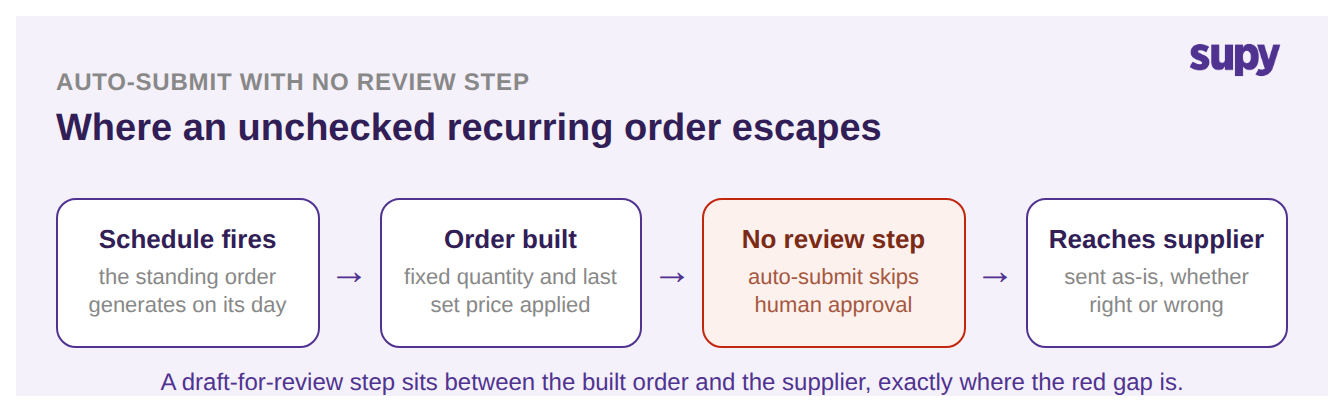
The pattern is consistent: the more an item's price or quantity moves, the more sending it unchecked becomes a bet that nothing changed since setup. That is a safe bet for a case of napkins and a poor one for a volatile fresh-produce line. This is not an argument against automating the order; it is the boundary of where sending it unchecked belongs.
What Catches a Bad Order When You Are Not Looking
Unchecked does not have to mean blind. Several controls sit under a self-sending order so that a problem surfaces instead of shipping silently. When an order cannot execute, for example because a supplier channel was removed, it moves to a blocked status that shows a clear, plain-language reason rather than failing quietly, and editing and saving the order restores it to active with no separate unblock step. Every change to a standing order, from schedule to quantities to currency, is captured in a full audit log with before-and-after values grouped by timestamp, so you can see what a self-sent order actually sent and who last changed it.
| Rail | What it catches before the order ships |
|---|---|
| Blocked status | An order that cannot send stops with a plain-language reason instead of failing silently |
| Continuous delivery | An order that would land on a weekend or non-delivery day, shifted forward automatically |
| Full audit log | What a self-sent order sent, and who last changed it, with before-and-after values |
| Calendar preview | A wrong recurrence rule, caught on a two-month preview before the order is ever saved |
Two more controls catch problems before the first order ever fires. The setup screen shows a two-month calendar preview of every upcoming delivery date from the recurrence rule, so you verify the schedule looks right before saving. And any standing order can be paused and resumed with its schedule and history intact, which is the fast way to stop a self-sending order during a seasonal closure or a supplier problem without deleting and rebuilding it. Together these are what let you drop the manual review step without dropping the oversight.
Deciding Which Orders Get a Last Look
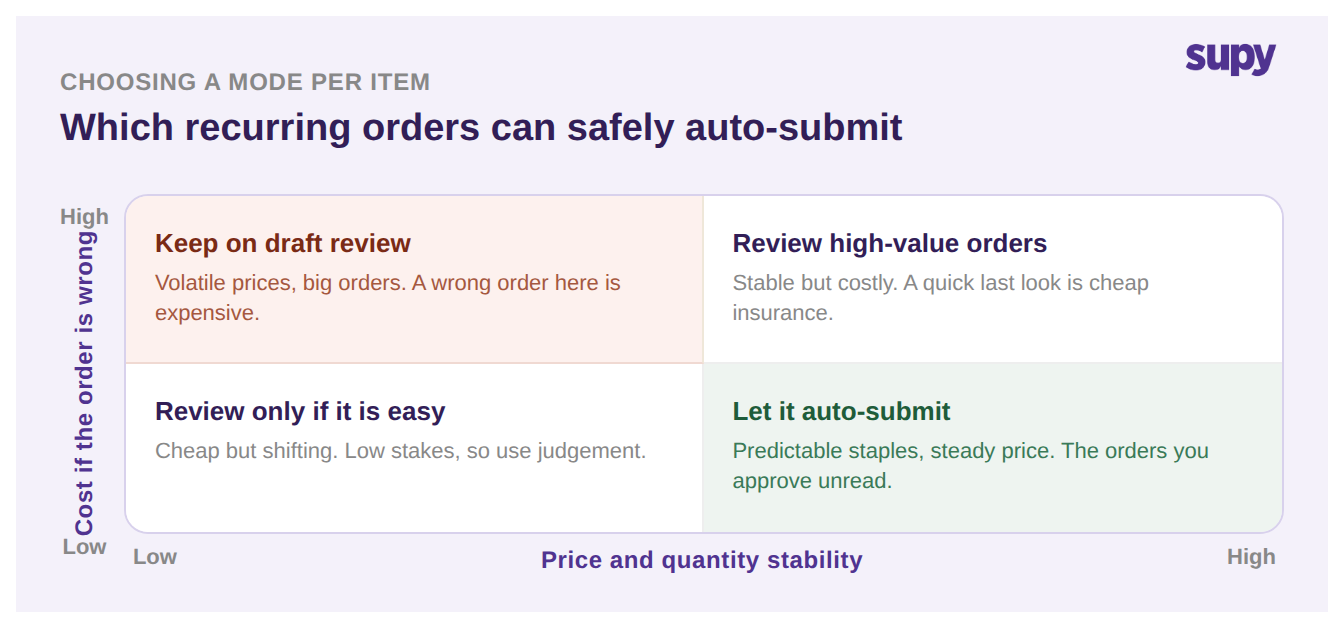
The clean way to decide is two questions per item: how stable is the price, and how much does one order cost if it is wrong. Stable and low-value can send itself; volatile or high-value keeps the last look. Most of an order book sits clearly in one corner or the other, and only a handful genuinely need thought.
Across sites, the decision is also a governance one. A super administrator can view and manage standing orders across every branch in the group from a single view, without switching between outlet accounts, and the same audit log records who let an order send itself where. That matters because the right mix is rarely uniform: a flagship site with a fast-changing menu may keep more orders on review while a steady satellite runs mostly unchecked. Supy's restaurant procurement software lets you set this per standing order rather than per company, so each site gets the balance that fits it while a group-level view keeps the whole thing accountable.
Let an order send itself when the item is a predictable staple, the price is stable, and the quantity rarely changes: the recurring orders you would approve unread anyway. Keep the last look when prices move, the menu is shifting, the order is high-value, or a supplier is new and unproven. Most groups land on a mix, hands-off on the boring staples and a check on everything else. Set it per order, revisit the split each quarter, and let the audit log tell you which self-sent orders actually needed a human after all.