.jpg)


Restaurant Month-End Close: Lock Invoices So the Period Stays Closed
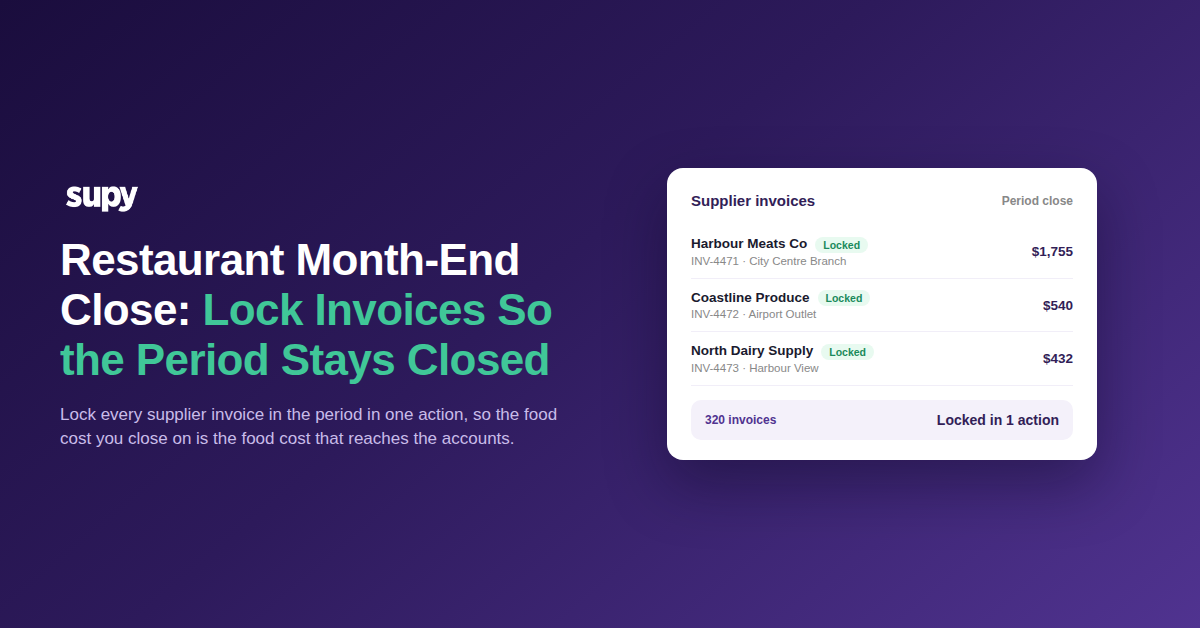
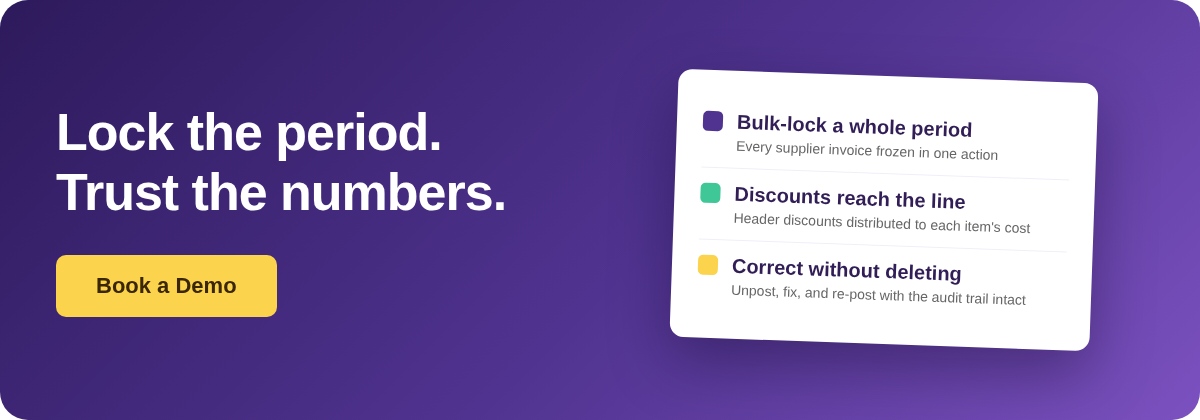
A restaurant month-end close holds when every supplier invoice in the period is locked the moment you sign it off. Finance selects the period's invoices and locks the whole set in one pass, so the food cost you see on the last day of the month is the food cost that reaches the accounts, and nothing behind it can move while you reconcile. For a group closing a few hundred invoices across several sites, that one action is the difference between a month that stays closed and one that has to be reopened.
Lock the Whole Period in One Pass, Not Invoice by Invoice
The failure a lock prevents is familiar: you sign the month off, a supplier invoice then moves underneath it, a corrected price or a late credit note, and the closed period stops reconciling.
It happens for a simple reason: if the invoices for a closed period are still editable, the period is not really closed. The fix is to freeze it the moment you close it. In Supy, a finance user selects the period's supplier invoices and locks the whole set in a single action, rather than working through them one at a time. For a group closing a few hundred supplier invoices across several sites, locking invoice by invoice is exactly where the close quietly breaks: someone misses a handful, those invoices stay editable, and a cost changes after the numbers have already been reported.
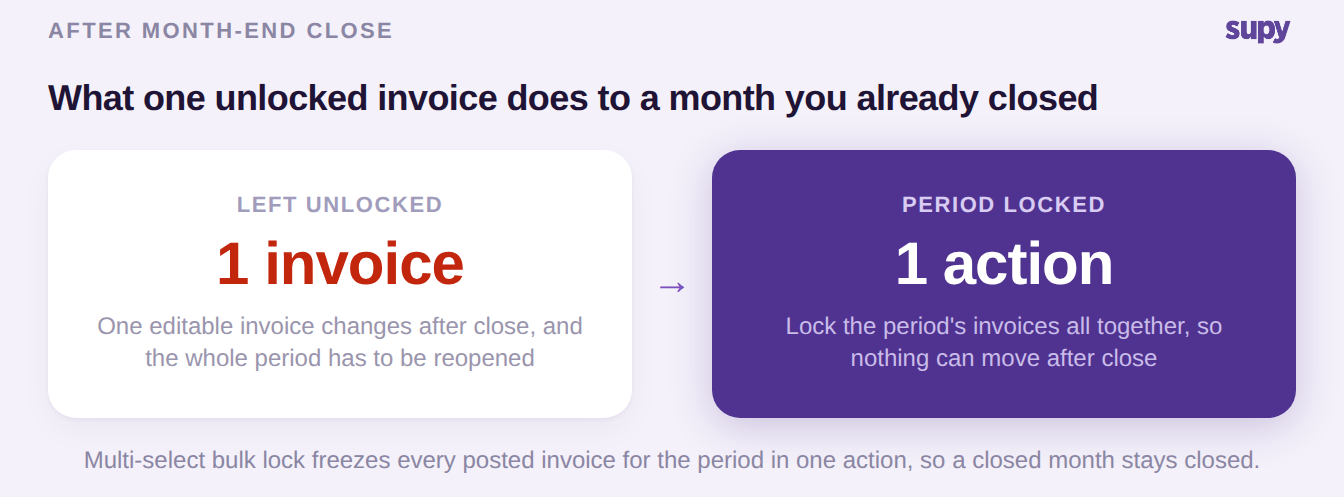
A bulk lock makes the freeze complete and deliberate. When you close the period, you close all of it in one pass, so nothing is left open behind you to move later.
Push Header Discounts Down to Every Line Before You Lock
Freezing the period only helps if the numbers you freeze are right, and the most common place they are quietly wrong is a discount. A supplier records a discount at the header level of the invoice, on the invoice as a whole, but it never gets pushed down to the individual line items. Each item keeps its full list price, every unit cost is a little too high, and cost of goods sold (COGS) is overstated for the whole period. Lock that invoice and you have frozen a clean-looking total sitting on top of line costs that are all slightly off.
Supy distributes any header-level discount across every line item in proportion to its value, so each item's unit cost reflects the price you actually negotiated. The example below shows a 10% invoice discount reaching each line, which is what keeps recipe costs and COGS honest before the period is frozen.
| Invoice line | Line value | Discount share | Corrected cost |
|---|---|---|---|
| Beef striploin, 15 kg | $1,950 | $195 | $1,755 |
| Olive oil, 20 L | $600 | $60 | $540 |
| Mozzarella, 10 kg | $480 | $48 | $432 |
| Tomato passata, 24 tin | $360 | $36 | $324 |
Getting the line-level cost right before you close is what makes the food cost number believable the rest of the month. If you want to pressure-test where your own number sits, our free food cost calculator is a quick check, and our guide to what actually reaches your ledger covers the rest of the path from invoice to COGS.
When an Invoice Genuinely Has to Change After Close
Sometimes a posted figure really is wrong and has to be fixed after the fact, and how you handle that is the difference between a tracked correction and a hole in the books. One multi-site group's finance team could not unpost or reverse a received record at all, so the only way to correct a single error was to delete the whole record and key it back in from scratch. That destroys the audit trail and puts the original recorded cost at risk, which is the last thing you want during a close.
Supy handles the correction as a controlled step rather than a deletion. An invoice posted to your connected accounting system can be unposted for a correction and re-posted once it is right, and unposting preserves the original recorded cost so the change stays auditable. If a post ever fails to sync, the system reverts it to unposted on its own and shows you the error, so a broken sync never leaves a half-posted invoice sitting in the period.
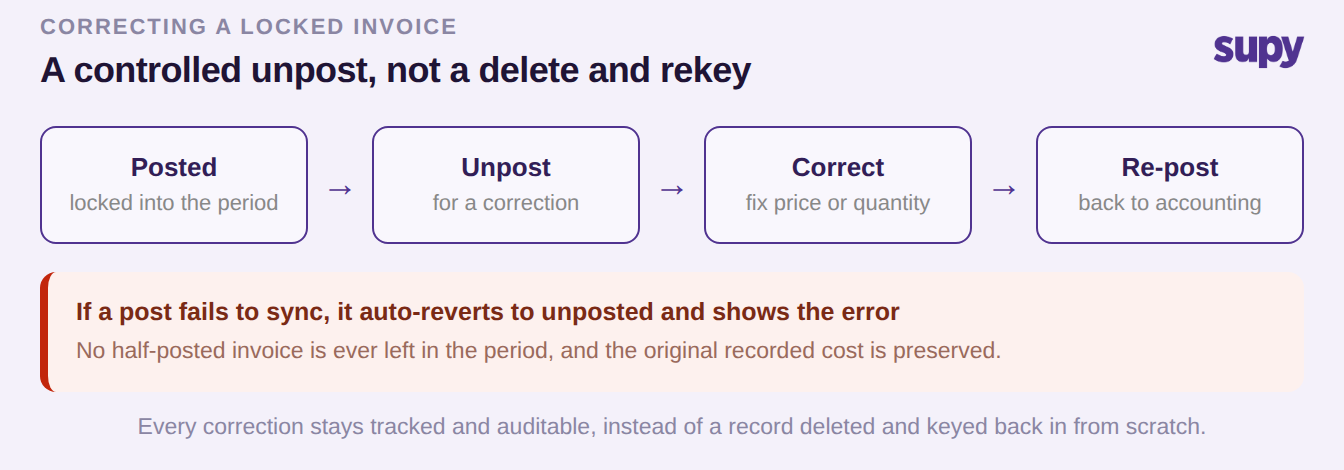
The difference matters most at close, when you are under time pressure and least able to afford a delete-and-recreate cycle. A controlled unpost means a late correction is a small, tracked edit, not a hole in the audit trail. Our guide to posting orders to accounting you can trust walks through the same control on the ordering side.
A Month-End That Stays Closed
Once the period's invoices are locked, the figures cannot drift while finance reconciles. The food cost you see the day the period ends is the food cost that reaches the report, because nothing behind it can still change. Locking a record after it is complete is what stops the data moving underneath a reconciliation that is already in progress.
That is the real reason a messy close hurts: when numbers are not frozen and reconciled cleanly, operators only discover their true food cost long after the period is over, too late to act on it. A clean lock turns the close from a moving target into a fixed set of numbers everyone works from.

The first move is to make locking a deliberate step in your close rather than an afterthought. Agree the point in the month when receiving is finished, then lock the period's invoices in one pass before anything else is reconciled. When you are evaluating how to do that, ask to see three things working end to end: selecting a period's invoices and locking them together, a header discount distributing down to the line items, and unposting a single invoice for a correction without deleting it. If all three hold up, your close will freeze clean, and the month you sign off will stay signed off.