.jpg)


Restaurant Invoice Processing Automation: From Capture to Ledger

Restaurant invoice processing automation earns its keep at the two points most tools skip. The first is clearing the invoices the scanner could not finish. The second is getting the finished ones into your accounting ledger without anyone re-typing them.
Capture is the easy part. This is about the rest of the chain, across every site.
Invoice Processing Automation Runs Past the Scan
Restaurant invoice processing automation is the whole chain from a supplier's invoice arriving to the figures landing in your accounts. The invoice is captured and its fields are read. Exceptions are triaged, the receipt is posted, and the posted invoice syncs to your accounting system. Reading the document is one step of five, not the finish line.
Most software sold as invoice automation stops at that scan. It reads the document, hands you a draft, and leaves the two hardest jobs to the operator. If you are still choosing a tool at the category level, our guide to restaurant invoice scanning software for multi-location groups covers that decision. This article picks up where the scan ends.

Why Invoice Automation Stalls Before It Posts
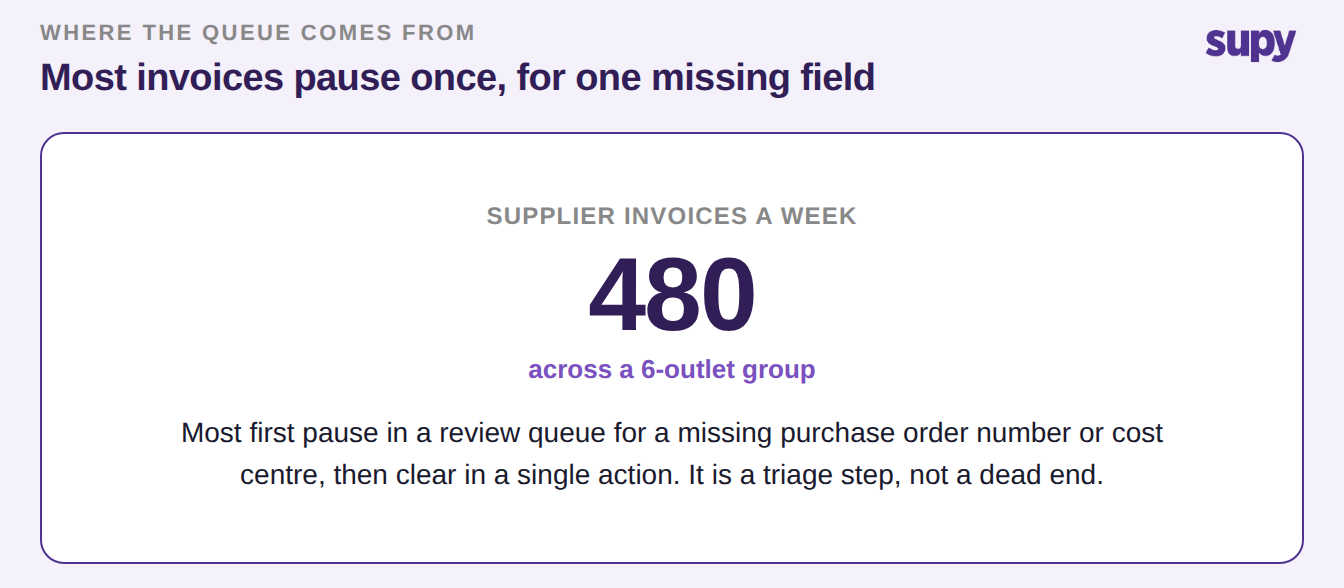
Automation rarely fails loudly. It stalls quietly. A supplier leaves off a purchase order number or a cost-centre name, or a supplier-name typo blocks a clean match. The invoice then pauses in a review queue instead of posting.
In a group taking 480 invoices a week, most first pause for one missing field like that.
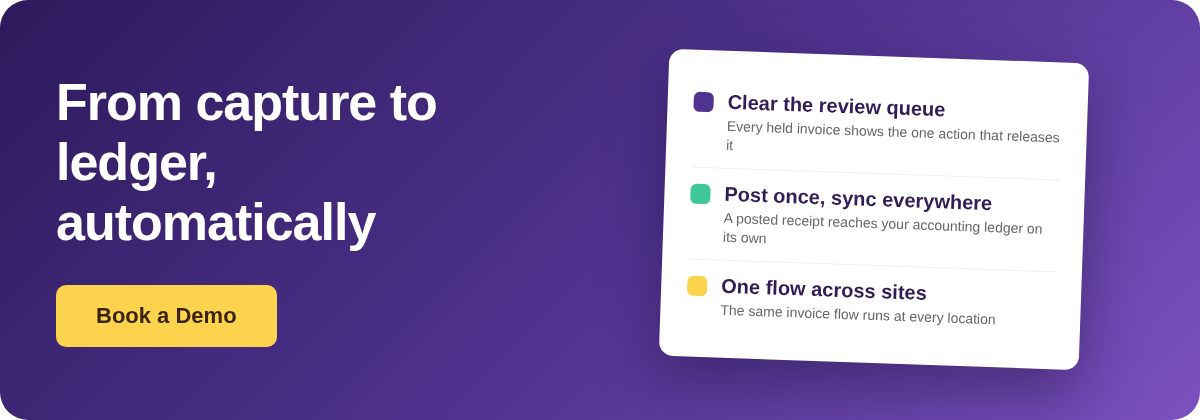
Treated as a dead end, that queue is where automation gets abandoned. Treated as a triage step, it clears fast. Each held invoice shows the reason it stopped and the single action that releases it, and nothing is silently dropped. The inbox and its review queue are covered in restaurant invoice inbox email processing. The point here is simpler: the pile is built to be cleared, then posted.
The Last Mile: A Posted Invoice Reaches the Ledger
The step no scanning tool covers is the last one. A posted invoice should reach the accounting ledger without anyone re-keying it. In Supy, that happens when you post a goods-received note, a supplier return, or a central-kitchen order. The matching invoice is pushed to the connected accounting system on its own, with no manual entry.
Supy connects to 75+ systems, accounting among them: Xero, QuickBooks, NetSuite, Odoo and Zoho. If a batch sync fails partway, the posting is reverted on the affected orders. Your records never drift out of step with what was received.
This is capture and receiving through to an accounting sync. Paying the supplier still happens in your accounts payable process, where it belongs.
In the worked example, that one connection is the whole difference. It separates 16 hours a week re-entering captured invoices into accounting from about 2 hours spent only on the exceptions that genuinely need a person.

One Invoice Flow Across Every Site
The gap most groups feel is not at one restaurant. It is the same job repeated at every site with no shared view. A single flow changes that.
One goods-received note can be assigned across several locations. Every received line lands on one page with its price-discrepancy status. Separate notes consolidate into a single invoice and credit-note record, instead of a stack per branch.
You can also set an acceptable variance between the goods-received note and the invoice, below which nothing is disputed, and cap the extra charges any one receipt can carry. Small differences clear on their own. Only the ones worth a query reach a person.
| Criterion | Manual, per site | One automated flow |
|---|---|---|
| Invoice entry | Re-keyed at each branch | Captured once from the supplier inbox |
| Exceptions | Chased by email, easy to lose | Held with a reason and a single-action fix |
| Posting to accounting | Re-typed per site | Auto-synced to the connected ledger |
| Cross-site view | A stack of files per branch | One received-items page for the group |
| Variance control | Spotted by hand, if at all | A threshold clears small gaps, flags the rest |
The fastest way to find where your own flow breaks is to follow one invoice all the way through. Pick a supplier invoice from last week and ask three plain questions.
Did it post without anyone re-typing it? How long did it sit in the review queue before someone cleared it? Did the posted figure reach your accounting ledger on its own?
If the honest answer to the last question is that someone re-enters it at each site, the scan was never your bottleneck. The last mile was. So watch one thing in a demo. Not whether the tool can read an invoice, but whether a posted receipt reaches your ledger without a second set of hands.