.jpg)


How Multi-Site Restaurant Teams Automate Supplier Reconciliation With Email Invoice Processing
What a Restaurant Invoice Inbox Actually Does
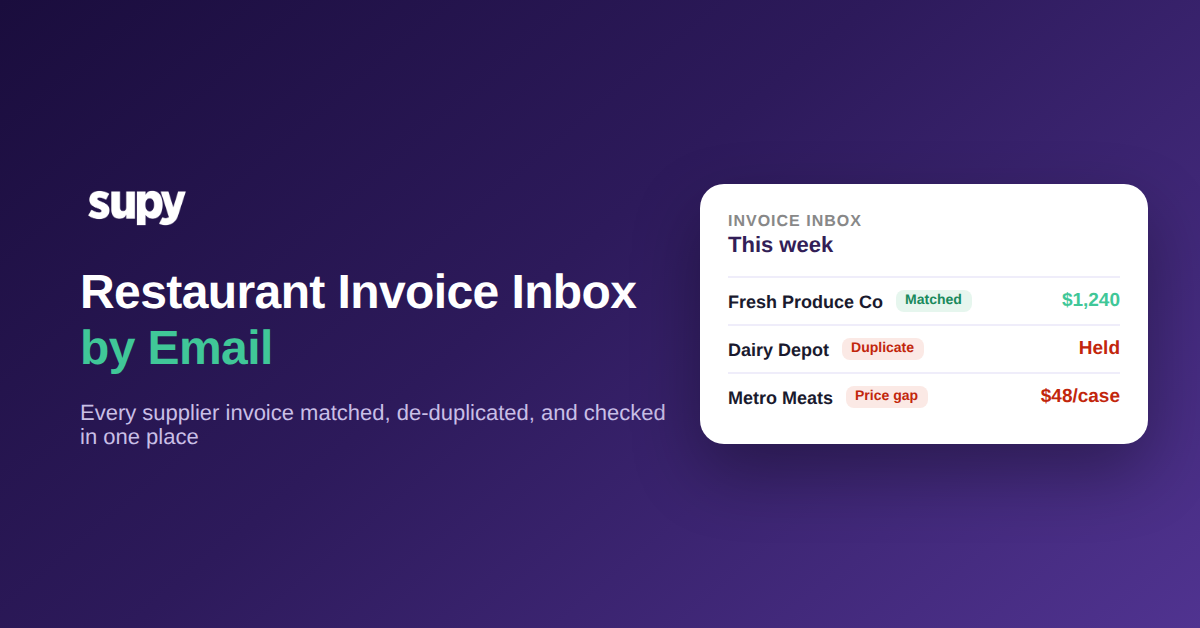
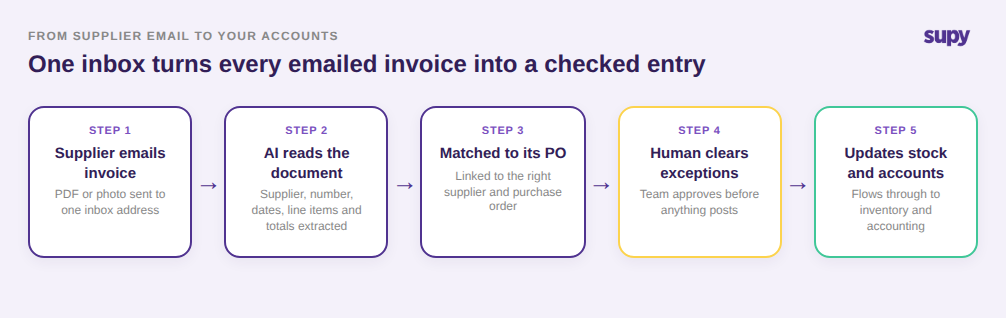
A restaurant invoice inbox is a single email address your suppliers send invoices to, where each PDF or photo is read automatically, matched to the right supplier and purchase order, and queued for a quick human check before it updates your stock and accounts. For a multi-site accounts team, that means every vendor's invoice lands in one place to be processed, instead of being chased across personal inboxes and shared drives.
That matters because email is already how most suppliers send invoices. The problem is never the email itself; it is what happens after it arrives. On a group running 8 locations and buying from around 40 suppliers, an accounts clerk can receive 300 supplier invoices in a week, spread across dozens of individual mailboxes. Without a shared inbox, each invoice has to be found, opened, keyed in, and reconciled by hand, and the ones that arrive during a busy service are the ones that quietly go missing. This is the same problem a dedicated restaurant invoice scanning setup is built to solve at the group level.
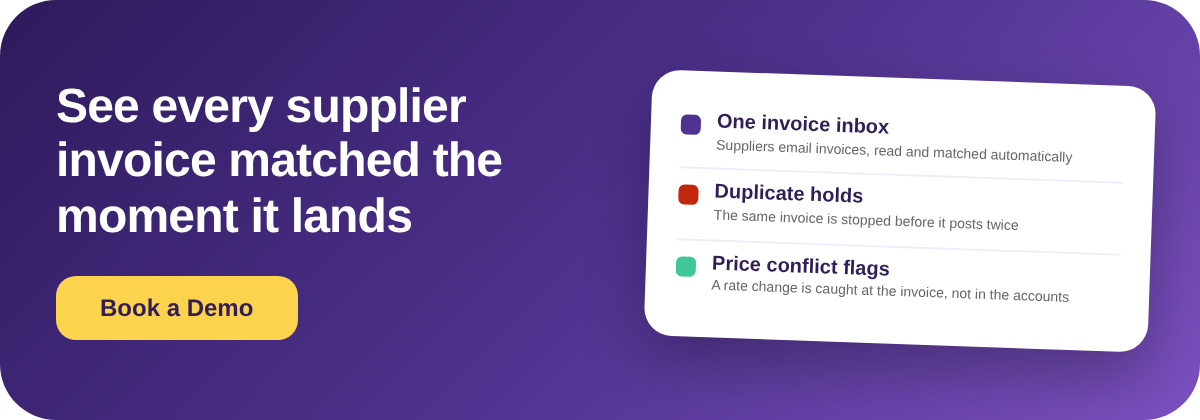
Supy's invoice receiving inbox reads the supplier, invoice number, dates, line items, prices, taxes, and totals directly off the document, even when every supplier uses a different format, and auto-matches the invoice to its purchase order. Nothing touches your stock or accounts until a person approves the exceptions, so automation speeds the work up without taking the final decision away from your team.
Why Your Team Re-Identifies the Same Suppliers Every Week
The slowest part of manual invoice processing is not reading the numbers. It is telling the system, over and over, which supplier each email is from. A produce vendor who emails three invoices a week is three separate identification steps unless the inbox already knows who they are.
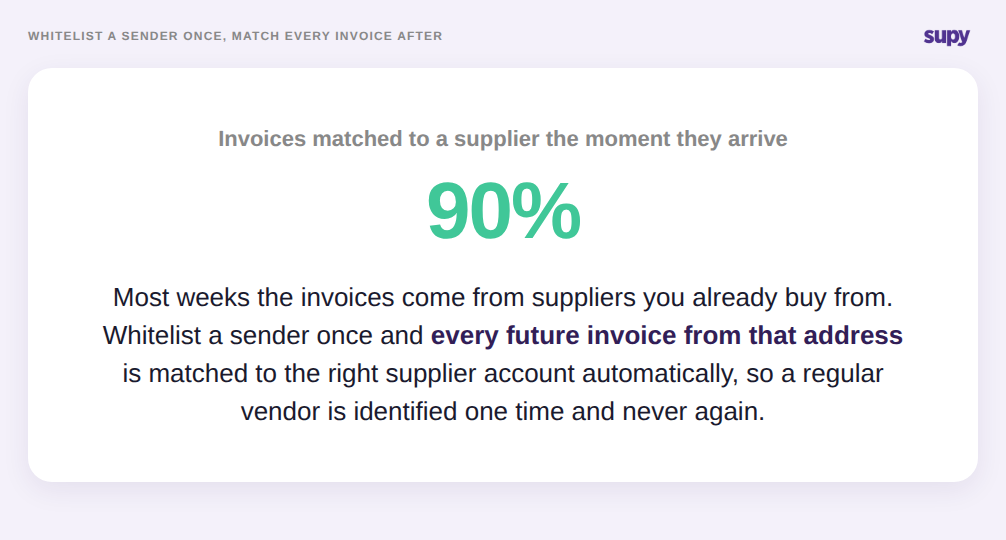
Whitelisting fixes this. When you whitelist a supplier's sending email address, every future invoice from that sender is matched to the correct supplier account automatically, so a regular vendor is identified once and never again. On a typical week where 90% of invoices come from suppliers you already buy from repeatedly, that removes the single most repetitive task in the accounts clerk's day.
Whitelisting also clears backlogs. When you add a supplier to the whitelist, the inbox can reprocess the invoices it previously held from that same sender in the same action, so you recover a stack of missed invoices in one step rather than hunting down and resubmitting each email by hand. For a team that has fallen behind during onboarding or a busy month, that is the difference between a clean ledger and a weekend of catch-up.
How the Same Invoice Gets Paid Twice - and How the Inbox Stops It
Duplicate invoices are one of the most expensive quiet errors in a multi-site accounts function. A supplier resends a copy, a manager forwards the same PDF from their phone, or a statement arrives alongside the original, and the same charge gets posted twice. Across 40 suppliers and 300 invoices a week, even a 3% duplicate rate is money paid out for goods received once.
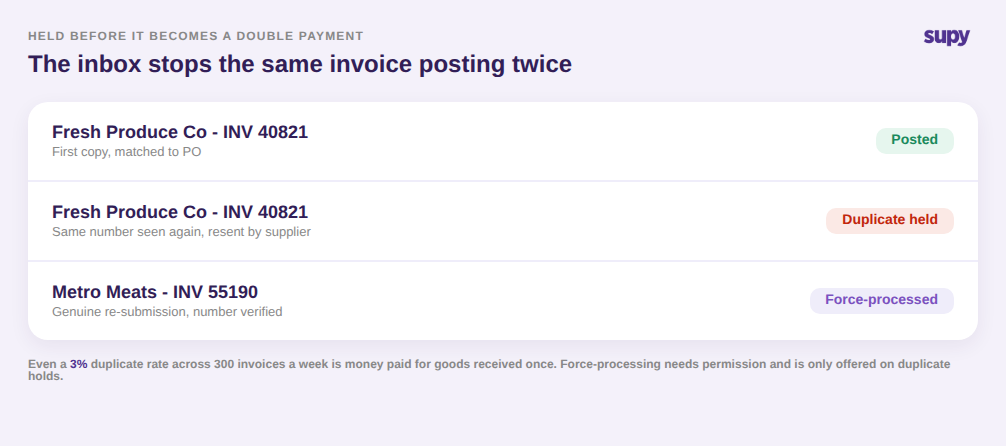
The inbox catches this before it becomes a payment. When it detects that an emailed invoice has already been received and processed, it flags the document as a suspected duplicate and holds it for review instead of posting it automatically. Your accounts team sees the exception and clears it, rather than discovering the double charge in a bank reconciliation weeks later.
Real re-submissions still happen, so the control has an escape hatch. An operator with the right permission can force-process a held document after verifying the invoice number, and that override is only available when the email was held specifically for duplicate detection. That keeps a genuine second delivery moving while making it impossible to wave through the wrong kind of exception by habit.
Catching Bad Line Items Before They Reach Your Food Cost
Once an invoice is matched and de-duplicated, the last risk is the numbers themselves. A misread price or a supplier who quietly raised a rate flows straight into your food cost and recipe costs if nobody checks it. Automated extraction is fast, but on an unfamiliar invoice format it can still read a price column wrong, and a wrong cost is worse than a slow one.
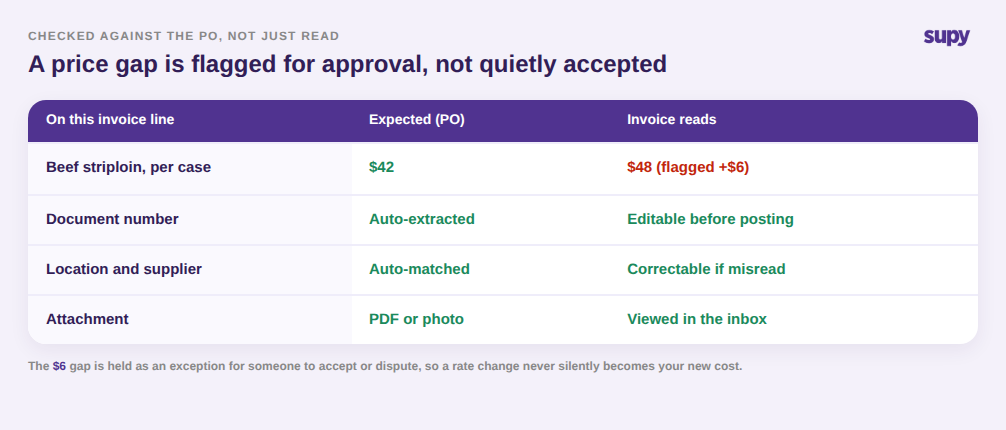
The inbox is built for that check to be quick. You can open an emailed invoice, both PDFs and image attachments, directly inside the inbox without downloading it, so the person reviewing sees the original document next to the extracted figures. Where the extraction is off, you can correct the document number, location, and supplier on the invoice before it is processed, rather than fixing it downstream after it has already moved your stock.
Price conflicts get surfaced, not buried. When an invoice price does not match the expected purchase-order price, the inbox flags the gap for approval. If a case of an item was quoted at $42 and the invoice reads $48, that $6 difference is held as an exception for someone to accept or dispute, instead of silently becoming your new cost. Because Supy connects to more than 75 POS and accounting systems, the invoice only reaches your accounting package once it has cleared that review. The same discipline underpins purchasing budget control, where catching a change before the invoice lands is what keeps spend on plan.
Where to Start
If supplier invoices still arrive in individual mailboxes at your group, the fastest test is to count how many vendors email the same person every week and how often two copies of one invoice reach your accounts team.
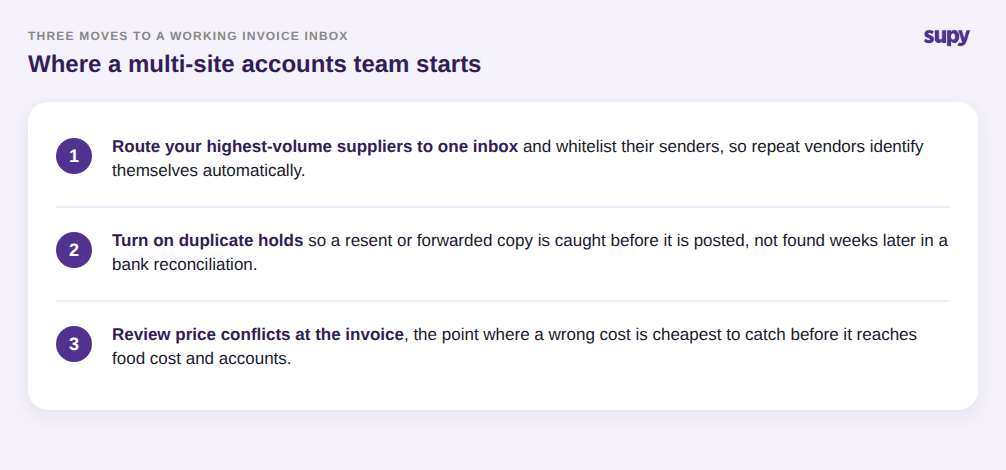
Start by routing your highest-volume suppliers to a single inbox and whitelisting their senders, so the repeat vendors identify themselves automatically and duplicates are held before they are posted. Then use the exception review on price conflicts to catch rate changes at the invoice, which is the point where a wrong cost is cheapest to fix. A structured invoice inbox does not replace your accounts team; it hands them every supplier invoice in one place, already read, matched, and checked for the errors that cost the most. If your suppliers already email invoices, better supplier invoice processing is mostly a matter of routing them to one place and letting the exceptions surface.