

Procurement

How to Choose a Restaurant Automated Ordering System
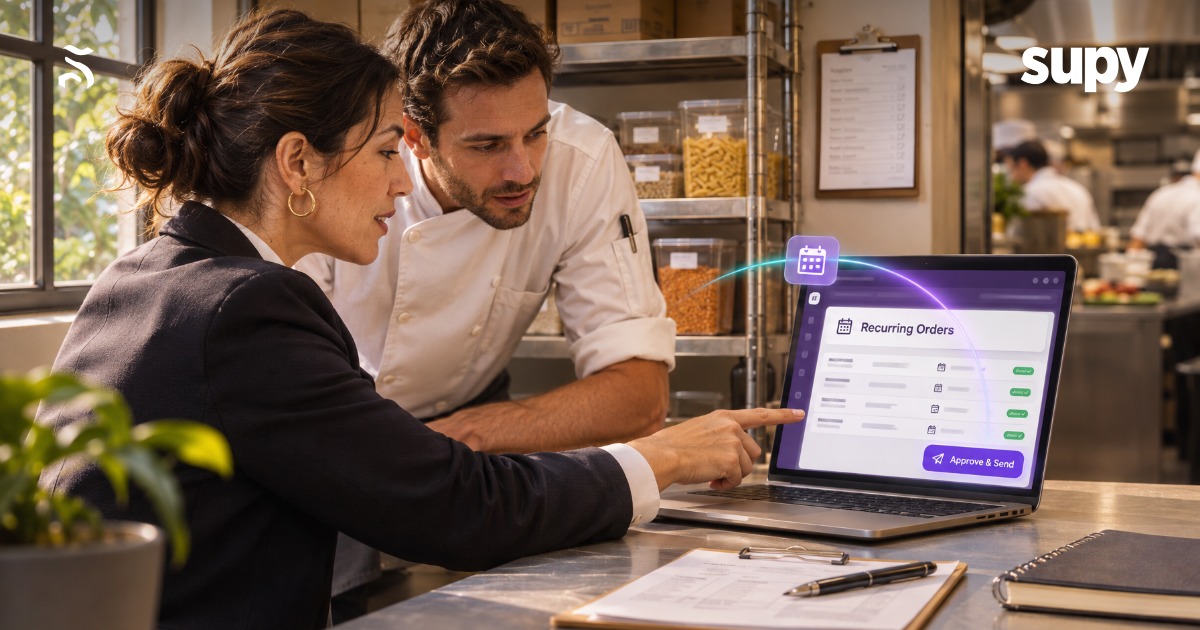
A purchasing manager and a head chef review the weekly recurring supplier orders on a laptop in a restaurant group back office.

What a restaurant automated ordering system actually automates

Most results for this search are guest ordering apps that take customer orders at the till. A restaurant automated ordering system, the kind a multi-site group needs, places your recurring supplier orders for you on a schedule or against stock levels. This guide covers what to automate, what to keep manual, and what to check before you buy.

The win for a group is steady orders that go out on time, from every branch, with no one keying them in. Automated ordering is the part of restaurant procurement software that handles the orders your sites send to suppliers. It is not the guest ordering that happens at the till.

  • Cost by hand. The cost of doing it by hand is real. One operations manager spends about 2 hours a week re-typing the same recurring orders, and about 3 hours a day keying in orders from supplier emails. A large group placing hundreds of orders a day had no way to consolidate them. The team exported orders to a spreadsheet and sent them over WhatsApp, which put the manual steps back into the process they wanted to automate.
  • Keying not judgement. Automated ordering takes out the keying. It does not take out the judgement. The rest of this guide is where to draw that line.
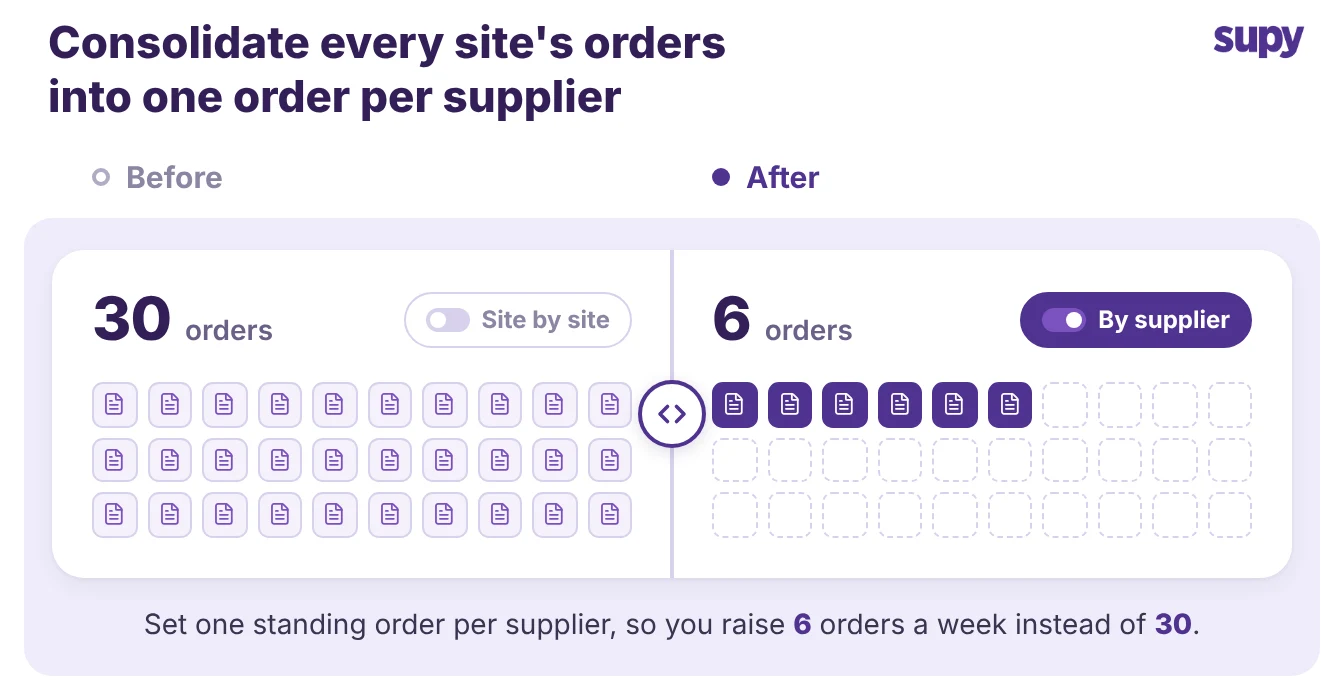
Before and after: 30 site-by-site weekly orders consolidated into 6 orders, one per supplier.

Decide what to automate and what to keep manual

Not every item belongs on an automatic schedule. The split that works for most groups follows how predictable each item is.

Item typeHow to order itWhy
Staples with steady use, such as oil, flour and packagingA fixed standing order on a set dayDemand barely moves, so a recurring schedule is safe
Core stock that tracks salesFill-to-par replenishmentThe system tops each item back up to its par level
Volatile fresh items, such as fish and specialsA manual order, checked each timeUse changes daily, so a person still decides the quantity

Supy builds recurring orders on templates and runs them daily, weekly or monthly. Its fill-to-par option generates an order that brings each item back to its par level. That level is the par minus what you already hold and what is already on its way.

  • Par level calculator. If you'd rather not work par out by hand, the free par level calculator does it for every item on your sheet from your usage, delivery days and supplier lead times.
  • Order by hand. For items that swing too much to schedule, you still order them by hand. Several operators told Supy exactly that about their fresh ranges, where what they buy changes with what sold the night before.

Choose whether an order sends itself or waits for a review

Once an order is automatic, you still decide whether it goes straight to the supplier or waits for a person to check it first. Both are valid, and the right one depends on the item and the site. This is the same question covered in automated restaurant purchase orders, applied here per standing order.

  • Send or hold. Send it straight through when the order is low-risk: a fixed weekly delivery of the same staples at a known price. Hold it for review when a wrong quantity or an outdated price would be expensive, or when a new site is still learning the system.
  • Per standing order. Supy sets this per standing order. Each one is created either as a draft for a person to check, or submitted to the supplier with no stop. A purchasing lead who sometimes forgot to place the weekly order gets the schedule. The order they would hate to get wrong keeps the review step.
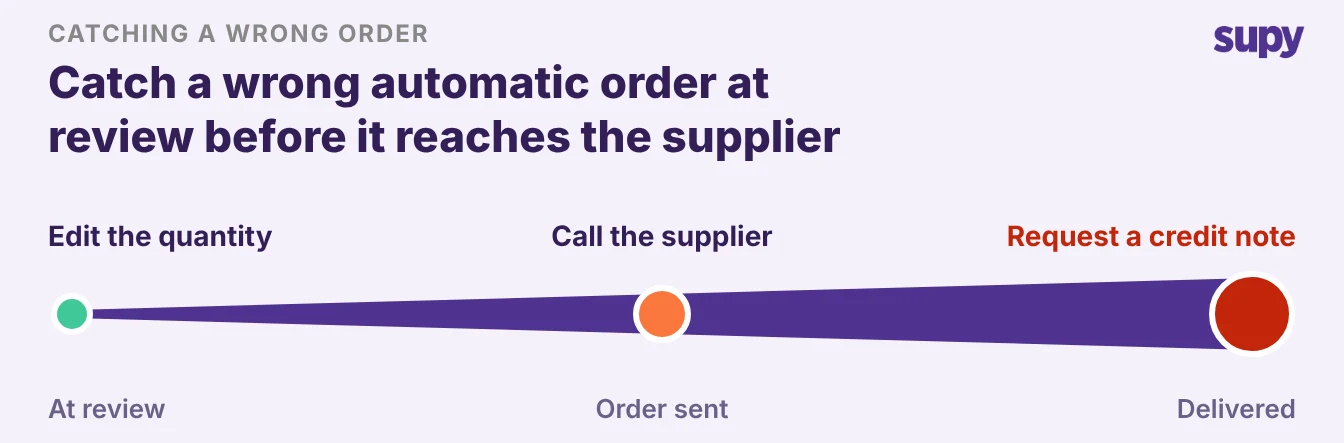
A timeline showing a wrong automatic order is cheapest to fix at review, before it reaches the supplier.

Keep control when every site is ordering

A recurring order that fires on its own needs a way to pause, stop and track it. Without that, automation just moves the risk somewhere you cannot see.

Supy gives every standing order a clear state:

  • Active. The order is running on its schedule.
  • Paused. A manager has suspended it, and it resumes when they switch it back on.
  • Blocked. The system could not build the order, usually a setup problem to fix.
  • Archived. The order is ended for good and does not come back.

Who can create, pause or archive an order is set by permission, so head office decides which sites can change what.

  • Schedules handle cases. Schedules handle the awkward cases on their own. A weekly order skips a day the supplier does not deliver, and a monthly order set for the end of the month fires on the last day even when the month is short.
  • Under your control. Those states and permissions are what keep an automatic order under your control, not a risk. One mid-market group had logged over 600 hours a month across its sites on manual stock and ordering before it moved to a system like this.
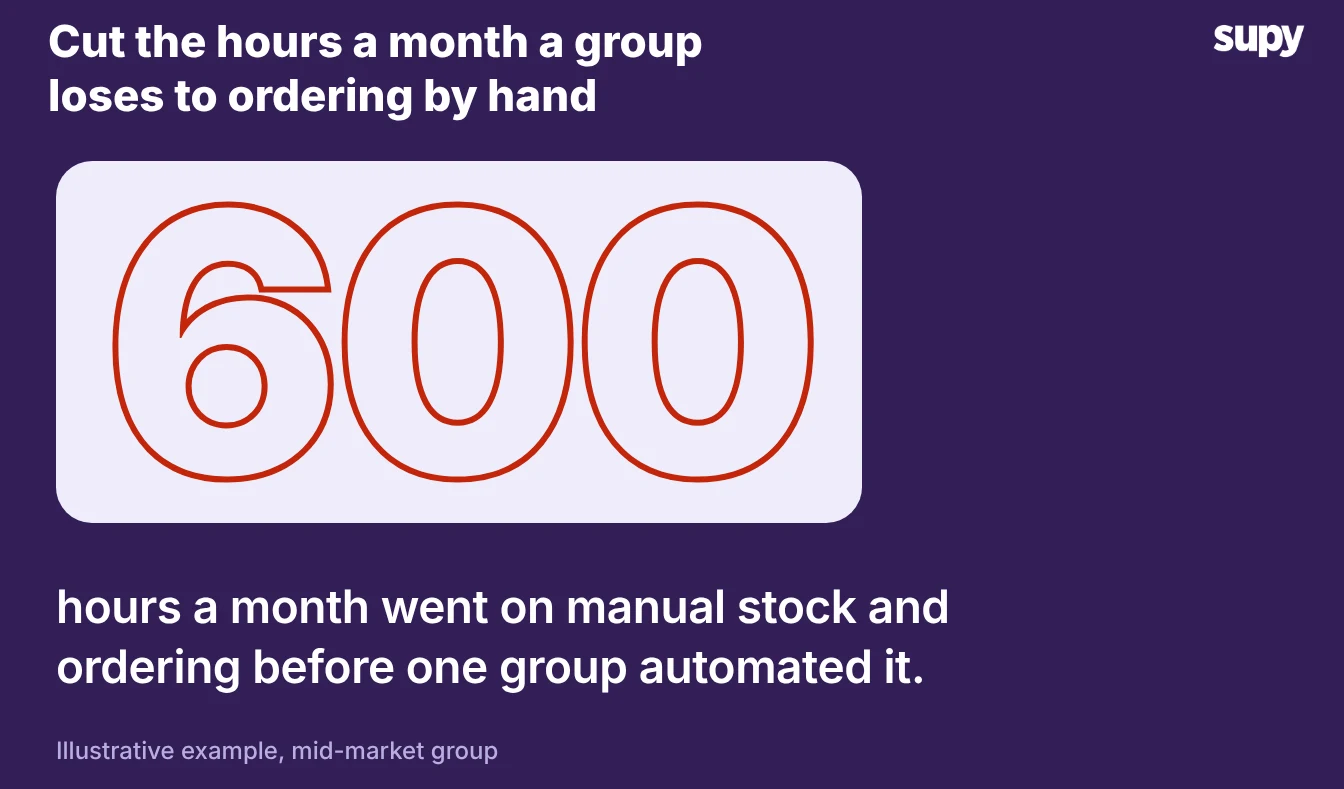
600 hours a month lost to manual stock and ordering before one group automated it.

What to check in a demo before you buy

Judge an automated ordering system on four things, and ask to see each one in a demo rather than taking it on trust.

CriterionWhat to check in the demo
Scheduling that matches your cadenceCan it run daily, weekly and monthly orders, and handle non-delivery days without you fixing them?
A review-or-auto-send choiceCan you set, per order, whether it sends itself or waits for a person?
Multi-site controlCan head office see every site's orders and limit who changes a standing order?
It fits what you already runDoes it connect to your point-of-sale and accounting so orders, stock and costs stay in one place?

Supy covers all four, and connects to 75+ systems so ordering is not kept separate from the rest of what you run. Start with the orders you already place every week on the same day. Put those on a schedule first, keep your volatile items manual, and add the review step wherever a mistake would cost you.
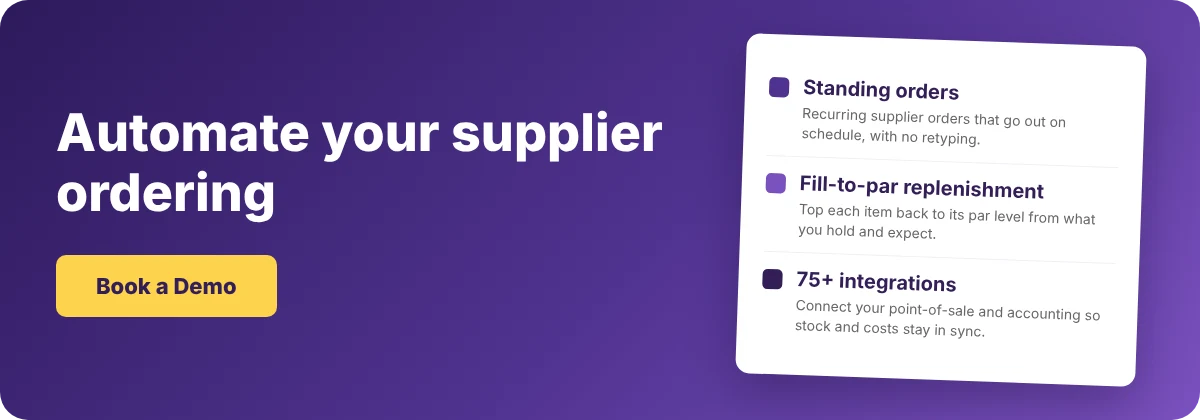
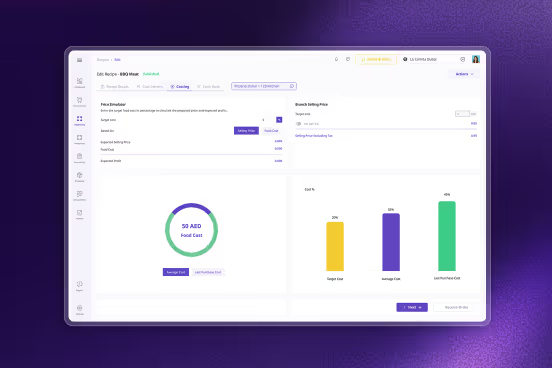
Book a Demo with Supy - automate your restaurant supplier ordering

Ready to optimize your restaurant operations?

Blog

Our operational insights

Integration
Inventory

AI‑Driven Procurement: A Step‑by‑Step Guide to Slashing Food Waste and Food Costs

Inventory
F&B
Analytics

How Technology Can Streamline Restaurant Procurement: Optimise Inventory, Staffing, and Menu Planning for Profitability

Goods received note (GRN) management for multi-site restaurant groups
Procurement

Goods Received Note (GRN) Management for Multi-Site Restaurant Groups: Where Receiving Breaks Down Across Locations And How To Fix It

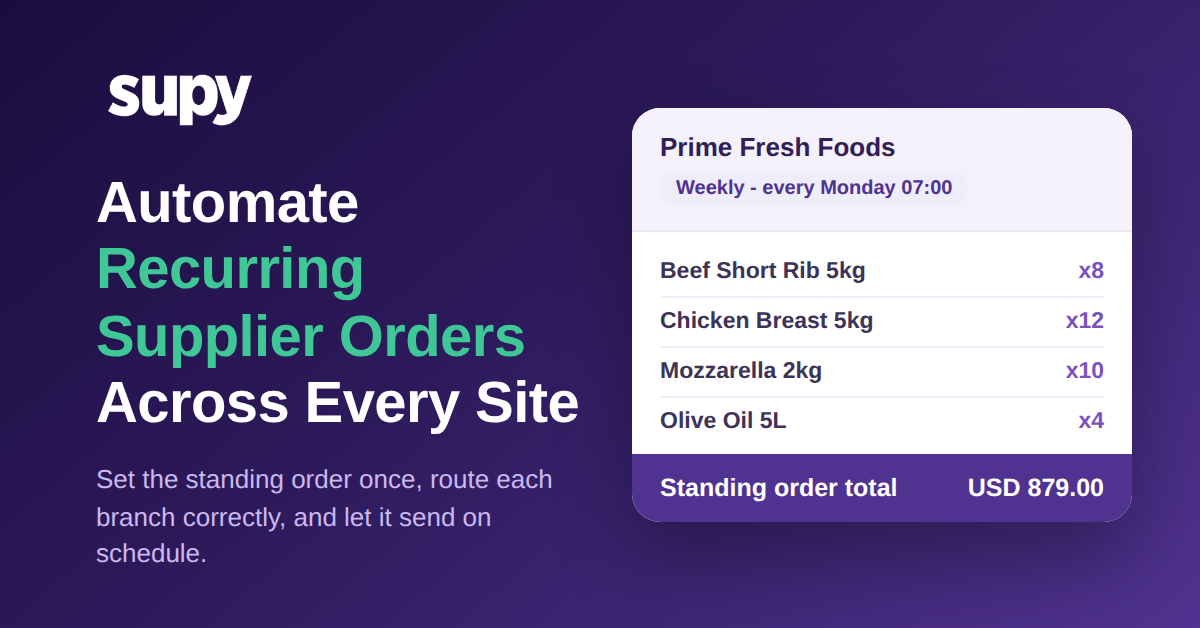
Standing order template for a supplier, sent on schedule across every site
Procurement

How Restaurant Standing Orders Automate Recurring Supplier Purchases

The 4 Points Where Supplier Credit Notes Go Missing in Multi-Site Restaurant Groups
Procurement

The 4 Points Where Supplier Credit Notes Go Missing in Multi-Site Restaurant Groups

Your questions 
answered

Everything you need to know about Supy — from setup to integrations, pricing, and daily use. If it’s not covered here, just ask.

What is a restaurant automated ordering system?
+
A restaurant automated ordering system places your recurring supplier orders for you, so staff stop retyping the same order every week. It works two ways: a standing order that fires on a set schedule, and fill-to-par replenishment that tops each item back up to a target level from what you hold and what is already on the way. For a multi-site group, the point is that every branch orders the same way, on time, without manual keying. It covers supplier ordering, not the guest ordering that happens at the till.
How is automated supplier ordering different from a guest ordering system?
+
Supplier ordering and guest ordering solve opposite problems, so do not confuse the two when you search. A guest ordering system takes orders from your customers at the till, online or on a kiosk. Supplier ordering, the kind this guide covers, sends your own orders out to the vendors who deliver your stock. Most software ranking for "automated ordering" is guest-facing, which is why a multi-site operator looking to cut purchasing work often lands on the wrong tool. Check that a system manages recurring purchase orders to suppliers before you book a demo.
Which items should a restaurant put on automatic orders?
+
Put steady, predictable items on automatic orders, and keep volatile ones manual. Staples with flat demand, such as oil, flour and packaging, suit a fixed standing order on a set day. Core stock that moves with sales suits fill-to-par, which reorders up to a par level. Fresh items that change daily, such as fish or specials, still need a person to decide the quantity each time. The rule is simple: automate what barely changes, and keep judgement where the quantity swings. Starting with your steady items gives the fastest, safest win.
Should an automated order send to the supplier automatically, or wait for a review?
+
It depends on the risk, and a good system lets you choose per order. Send an order straight through when it is low-risk, such as a fixed weekly delivery of the same staples at a known price. Hold it for review when a wrong quantity or an outdated price would be expensive, or when a new site is still learning. In Supy, each standing order is set either as a draft a person checks, or submitted to the supplier with no stop. The forgettable weekly order gets the schedule; the costly one keeps the review step.
How do automated orders work across multiple sites?
+
Across multiple sites, automated orders run per site but stay under central control. Each branch can have its own standing orders and schedules, while head office sees every site's orders in one place. Permissions decide who can create, pause or archive an order, so a branch cannot quietly change a central arrangement. Schedules also handle the awkward cases on their own: an order skips a day the supplier does not deliver, and a month-end order fires on the last day even in a short month. That mix of local ordering and central oversight is what a group needs.
Can you pause or stop an automated order?
+
Yes. In Supy, every standing order has a clear state you control. It is active while it runs, paused when a manager suspends it, blocked when the system cannot build the order, and archived when you end it for good. A paused order stops firing and picks up its schedule again when you resume it. An archived order is finished and does not come back, so archive only when you are sure. If an order was blocked by a setup problem, fixing and saving it makes it active again, with no separate unblock step.
What should I check in a demo before buying an automated ordering system?
+
Check four things in a demo, and ask to see each one rather than trust a feature list. First, scheduling: can it run daily, weekly and monthly orders and handle non-delivery days on its own? Second, control: can you choose per order whether it auto-sends or waits for review? Third, multi-site oversight: can head office see every site's orders and limit who changes them? Fourth, fit: does it connect to your point-of-sale and accounting so orders, stock and costs stay together? A system that covers all four will save real purchasing time.

Ready to transform your operations?

Join 5,000+ restaurant operators cutting costs, streamlining operations and making smarter decisions with Supy.