





How to Choose Pub Stocktake Software for a Hospitality Group
What Good Pub Stocktake Software Does for a Group
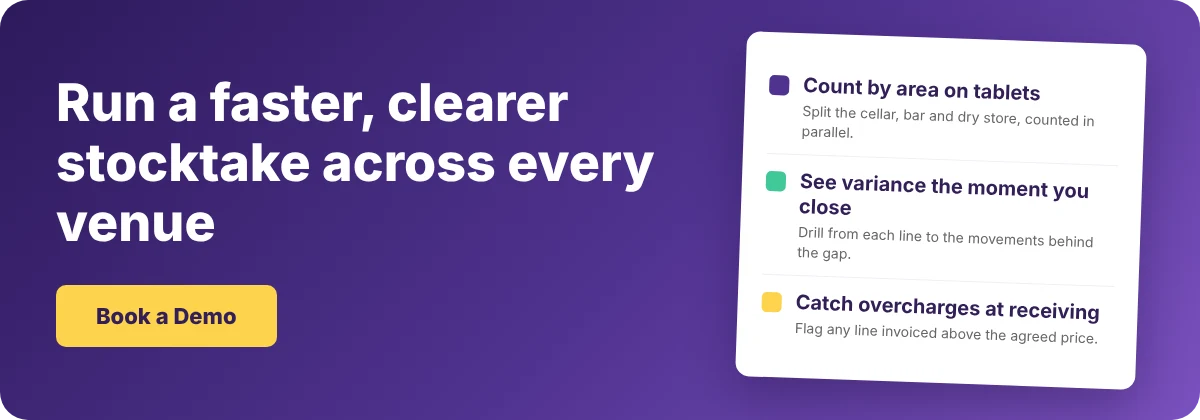
Good pub stocktake software splits a count by storage area, the cellar, the bar and the dry store. Counters work each area on a tablet without typing the same line twice. It makes a frequent count fast, and it shows where stock went, not just a gross profit figure. This article shows what to check before you buy.
Most tools sold as pub stocktake software stop at the number. They total the stock, print a gross profit (GP) figure, and leave the manager to guess why it moved. For a group running several branches, that is the easy half.
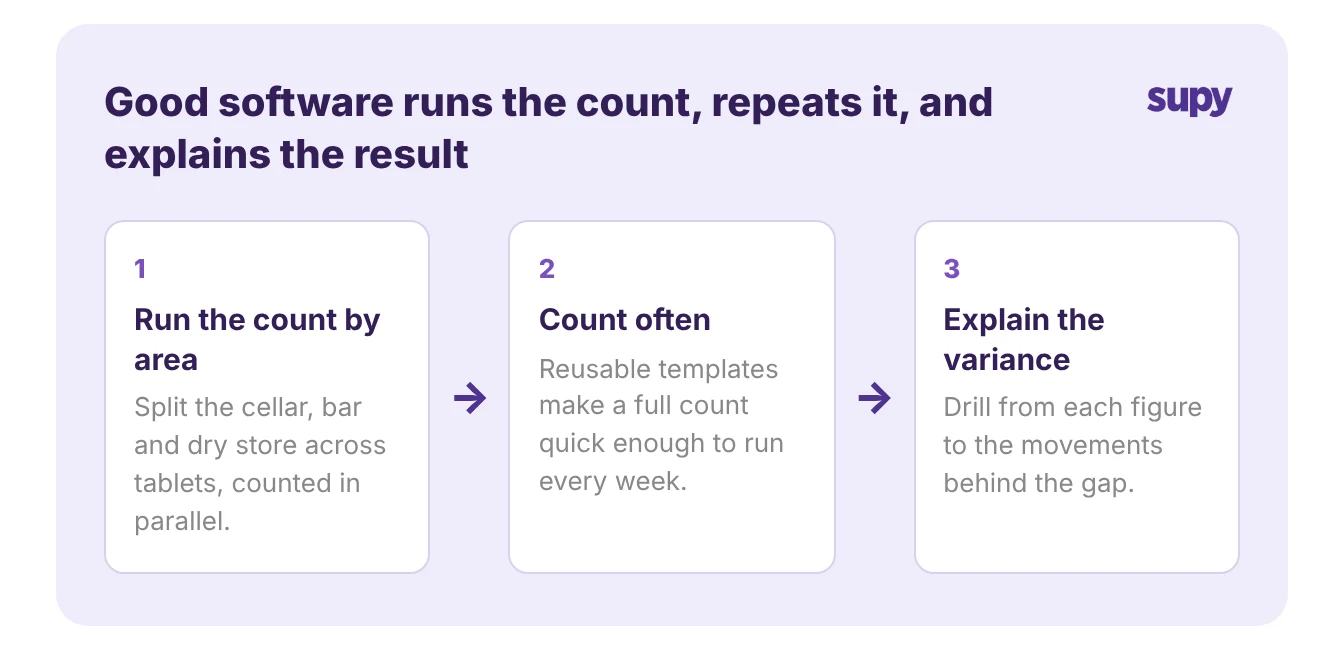
The hard half is running the count itself, across a cellar, a back bar and a dry store, in every venue. You have to count often enough to trust the result, then read it well enough to act.
- Judge any tool. So judge any tool on three jobs. How does it run the count, how often does it let you count without a scramble, and how does it explain the result?
- Vendor questions. A strong inventory management software platform does all three. The rest of this guide takes them one at a time, then gives you the questions to put to a vendor.
Split the Count by Storage Area, and Run It in Parallel
The count is where most pub stocktakes fall apart, so start there. A venue holds stock in several places at once. A single long list that ignores those places makes counters walk back and forth and double up on lines.
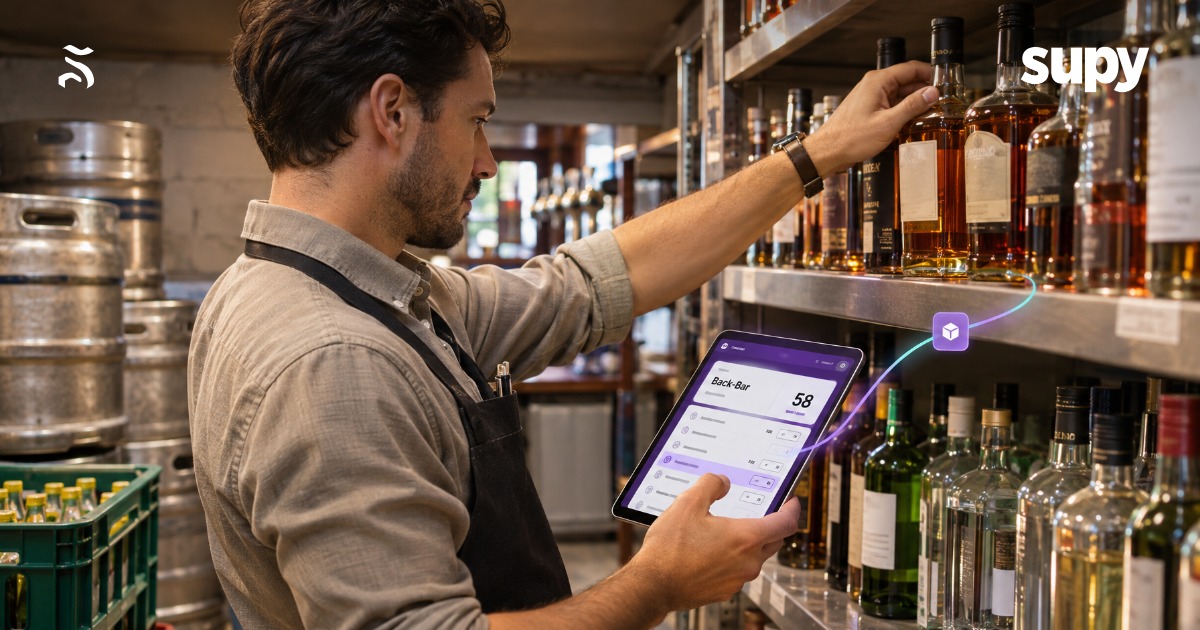
One multi-site operator wanted the opposite. They asked for counts organised by designated storage areas, the cellar, the dry store and the kitchen, worked on tablets so two counters never make a duplicate entry.
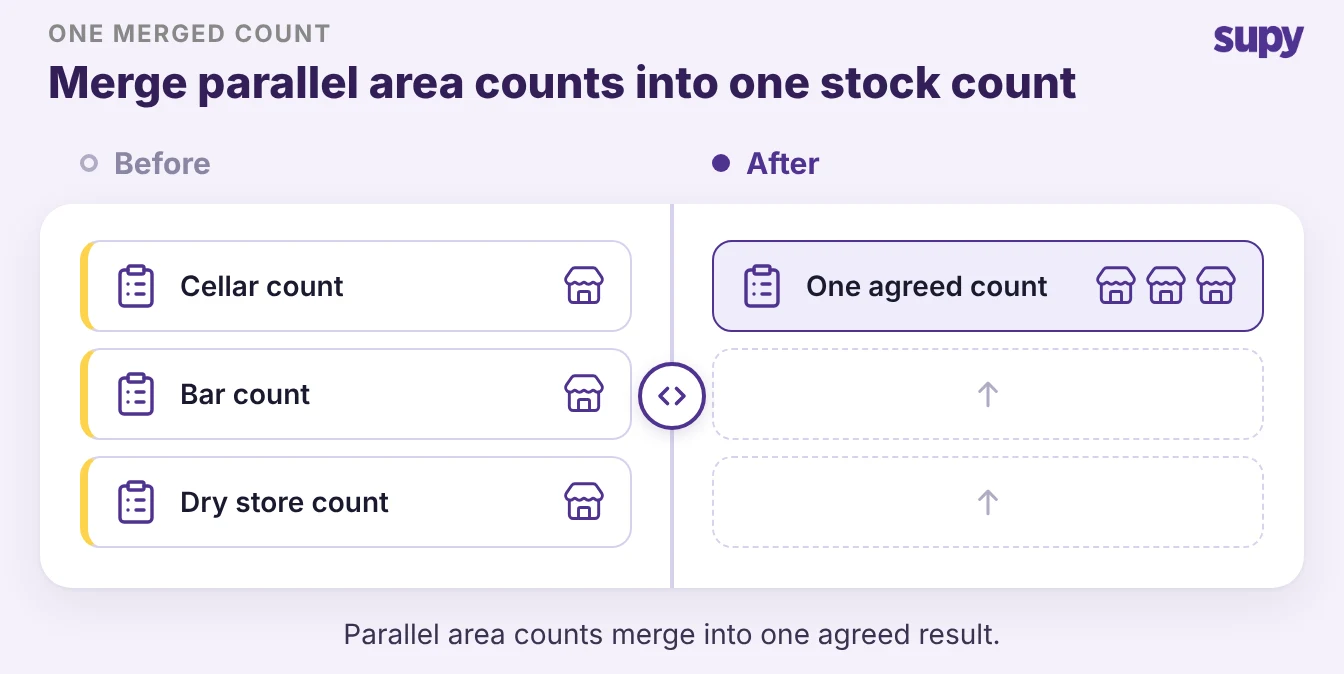
Good software builds the count around those areas.
- Counter opens area. Each counter opens the area they are standing in on a tablet.
- Software merges parts. They work the shelf in the order the stock sits on it, then submit their part. The software merges the parts into one count and records who counted what.
Here is what to check:
- Count templates follow shelf order. A reusable template lists items in the order they sit on the shelf. The counter reads straight down the shelf, not up and down a random list. Ask whether templates are custom per area and reused each period.
- Several people can count at once. Parallel counting lets a cellar counter and a bar counter work the same stocktake together. Supy merges their entries automatically and keeps each person's name on the lines they counted. Nobody re-keys a section someone else already did.
- It works on a tablet in a cold cellar. A count happens in a store room or a cellar with weak signal. The app should keep working when the connection drops and sync when it returns.
Run this test in a demo. Ask the vendor to set up two areas and have two people count them at the same time. The result should be one merged list with both names on it.
Count Often Enough to Trust the Numbers
The more often you count, the more your records can be trusted. The right software is what makes counting often realistic.
- Quarterly scramble. A full stocktake becomes overwhelming once the numbers grow. A team that faces one giant count a quarter tends to lose data and skip items. Templates, tablets and a parallel count turn that quarterly scramble into a short routine.
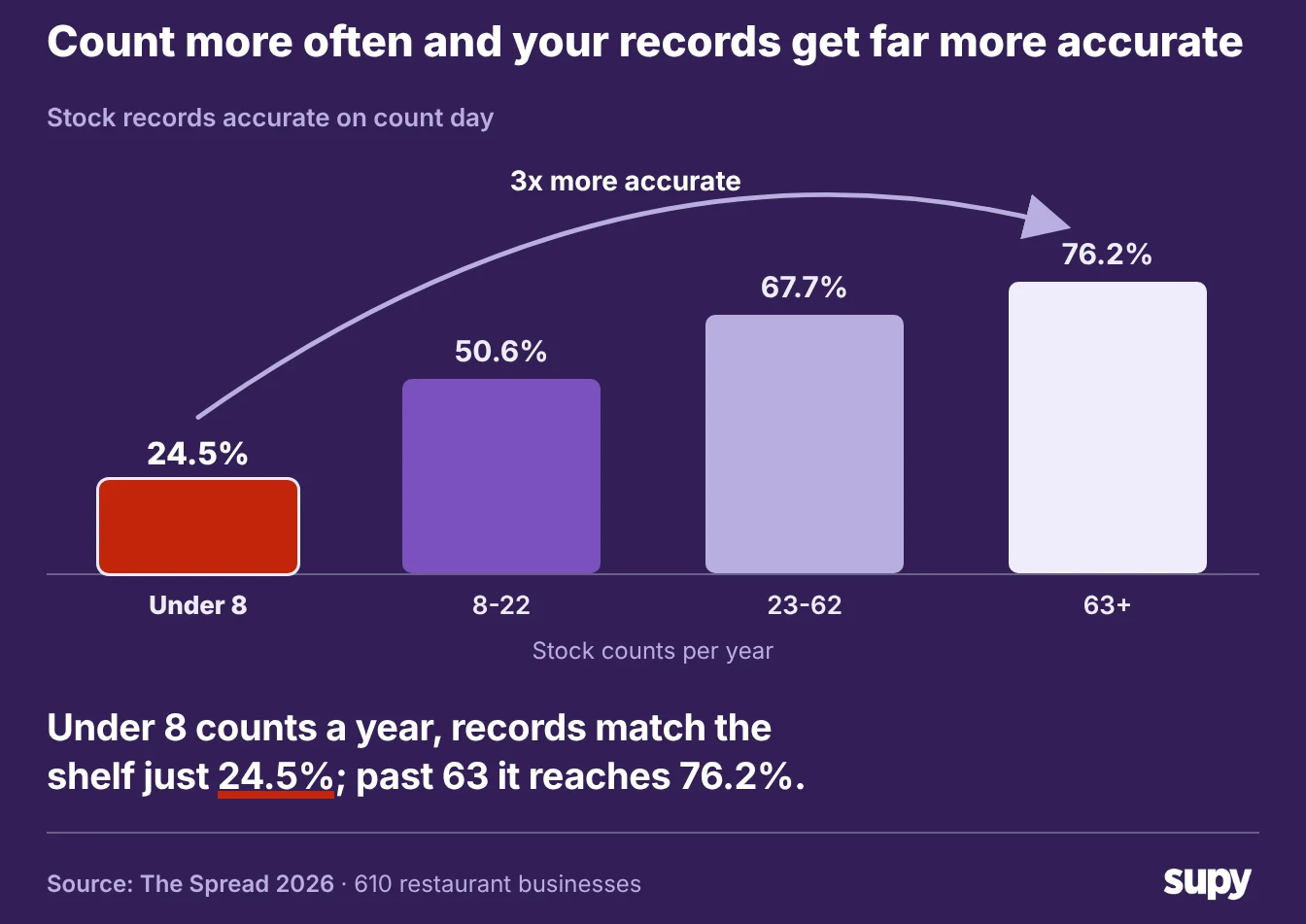
- Accuracy gain measured. The accuracy gain is large. The Spread, Supy's data across 610 restaurant businesses, measured accuracy by count frequency. Sites counting fewer than 8 times a year had records accurate on count day just 24.5% of the time.
Sites counting weekly reached 67.7%. Sites counting more than 63 times a year reached 76.2%, about 3x the under-8 group.
The pattern is an association, not proof, and it is measured on count days. Even so, the direction is clear: counting more often lifts accuracy, and it keeps rising well past weekly counting.
Supy reports that reusable templates and parallel counting cut stock-count time by more than 50%. That time saving is the point. A count the team can finish quickly is a count they will actually run often.
Short, frequent counts and the full quarterly version each have a place. Our guide to cycle counting versus full stocktakes covers how multi-site groups mix the two. Ask the vendor how long a full count takes with their tool, and whether anything stops you counting the cellar every week.
Judge How It Explains Variance, Not Just Totals It
A number on its own does not help you. When an operations manager finds a large gap between the count and the system, the question is always the same. Where did it come from?
Software that only prints the variance leaves that question open, and an unexplained gap is money nobody can chase.
- Shows the variance. Good pub stocktake software shows the variance against system stock the moment the count closes, then lets you drill into it. You should be able to open a single item and see its expected quantity against the counted quantity.
- Trace the movements. From there you trace the movements behind the difference. A sale, a transfer between venues, wastage or a delivery at the wrong price can each explain part of it.
When a count is submitted, Supy lists every item whose counted quantity differs from the system. The report covers one venue, every item in the count.
Each line carries the cost of its variance, so a costly keg outranks an item that moved more units. From there you drill into the movements behind a line, and the platform also flags received items invoiced above the agreed price.
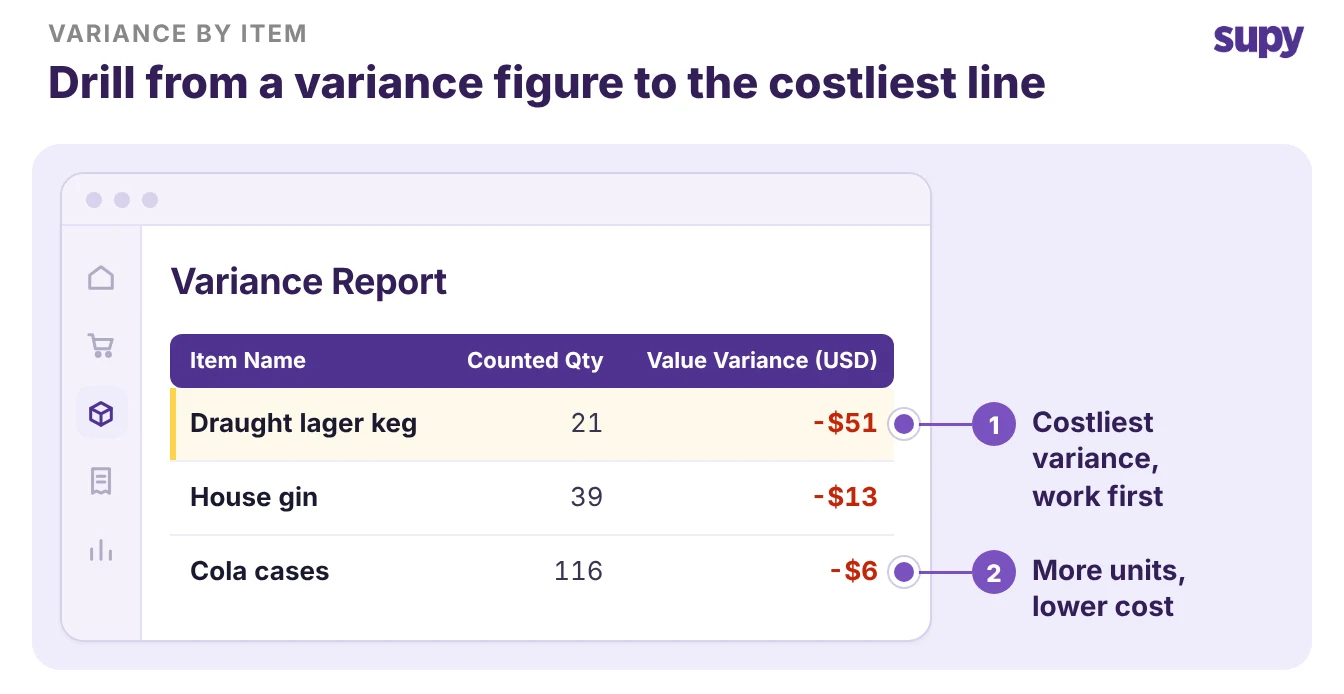
Check in a demo that you can click from a variance figure to the item, and from the item to the movements behind it. If the trail stops at a total, keep looking.
The Criteria to Take Into a Demo
Pull the three jobs together into a short checklist. Walk a vendor through it rather than watching a generic tour. The table below is the one to take into the room.
| Criterion | What good software does | What to ask in the demo |
|---|---|---|
| Count by area | Splits the count by storage area on tablets, in shelf order | Set up a cellar and a bar count, and show them as one list each |
| Parallel counting | Lets several people count at once, merges the result, keeps names | Have two people count two areas at the same time |
| Count frequency | Makes a full count quick enough to run weekly | How long does a full count take, and can we count the cellar weekly |
| Variance explained | Drills from a variance figure to the movements behind it | Click a bad number through to the item and its history |
| Fits your stack | Connects to your point of sale and accounting so counts feed cost | Show the count updating cost against our own POS |
A tool that clears every row earns a trial in one venue before you roll it across the group. Start the trial in your busiest branch, with your real team counting a real period. Watch whether the count gets faster by the second or third round.
The software that makes frequent, structured counting easy is the one that pays for itself. Accurate stock is what turns a GP figure into a decision you can defend.