.jpg)


Restaurant Procurement Software vs Spreadsheets: When to Keep Each
Spreadsheets vs Procurement Software: What Actually Differs
A spreadsheet records what you ordered. Procurement software links each order to live supplier prices, your recipes and your stock. It then recalculates cost the moment a price or a count changes. That is the whole difference: a static record against a live link.
Both tools can run a tidy purchasing process. The real question is not which is more advanced. It is how many sites, suppliers and price changes you carry before the manual version costs more time and margin than it saves.
A spreadsheet holds the number you typed last. A procurement system holds the number as it is now, because it reads the latest invoice price and pushes it into every recipe that uses the item. On one site that gap is small. Across a group it is the difference between a cost report you trust and one you reconcile after the fact.
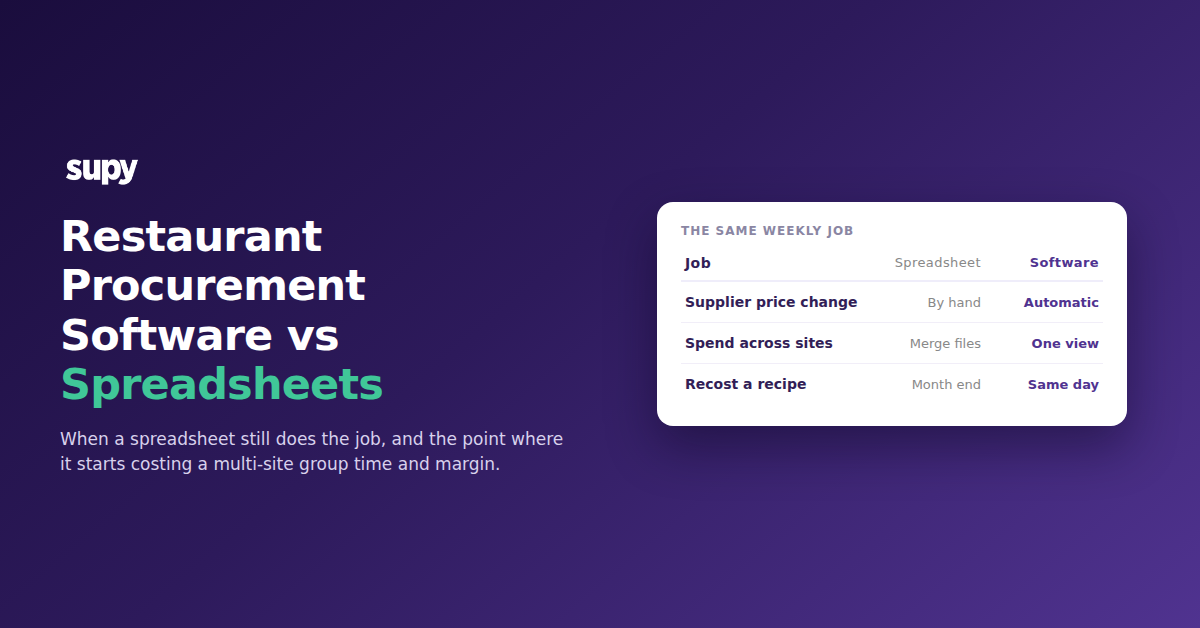
The table sets the two side by side on the jobs a multi-site buyer does every week.
| Weekly job | Spreadsheet | Procurement software |
|---|---|---|
| Record an order | Fast, and everyone already knows how | Fast, with the price and supplier filled in |
| Track a price change | Someone spots it on a docket and edits by hand | Caught at receiving and applied across every recipe |
| See spend across sites | One sheet per site, merged later | One live view for the whole group |
| Recost a recipe after a price move | Manual, so it waits for month end | Automatic, the same day |
| Find an error | Hunt through formulas | Flagged against the order and the count |
When a Spreadsheet Is Still the Right Call
A spreadsheet is the right tool when the work still fits in one head. One site, a short menu and a supplier list that barely moves rarely need more than a well-built sheet. One operator told us they run on a spreadsheet and an in-house system, are happy with it, and have no plans to switch. For a single kitchen with stable prices, that is a sound call, not a gap.
The strength of a sheet is that it costs nothing to start and bends to whatever you want. A new line, a one-off supplier, an odd pack size: you just type it in. That flexibility is real, and it is why so many good operators stay on spreadsheets far longer than a software vendor would admit.
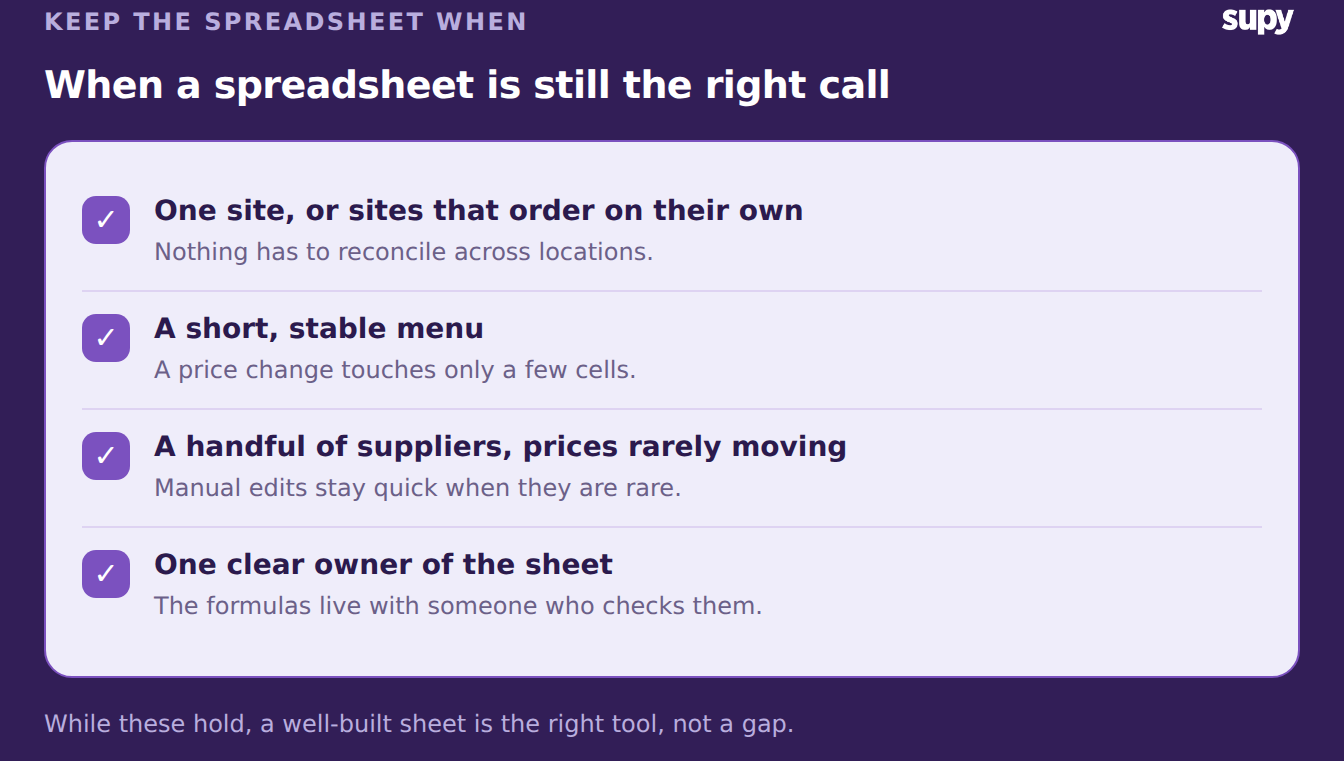
Keep the spreadsheet while these hold true:
- One site, or sites that order on their own. Nothing has to reconcile across locations, so a sheet per kitchen is enough.
- A short, stable menu. Few recipes means a price change touches few cells.
- A handful of suppliers whose prices rarely move. Manual edits stay quick when they are rare.
- One person owns the sheet. The formulas and the quirks live with someone who checks them.
The Point Where Spreadsheets Stop Scaling
Spreadsheets break at the seams you cannot see. A four-site group running a sheet per kitchen has no single view of spend until someone merges the files, and by then the week is over. One four-location operator tracked food cost and invoice data by hand and had no real-time view across sites. A chef on an older sheet called stock management tedious and error-prone.
Scale adds suppliers as well as sites. An operator coordinating ten suppliers often ends up running orders through messages, screenshots and separate lists, with a different sheet for each location. Each handover is a place a number can go missing. A central kitchen feeding several outlets makes it harder again, because an internal transfer has to be priced and recorded as carefully as a supplier invoice.
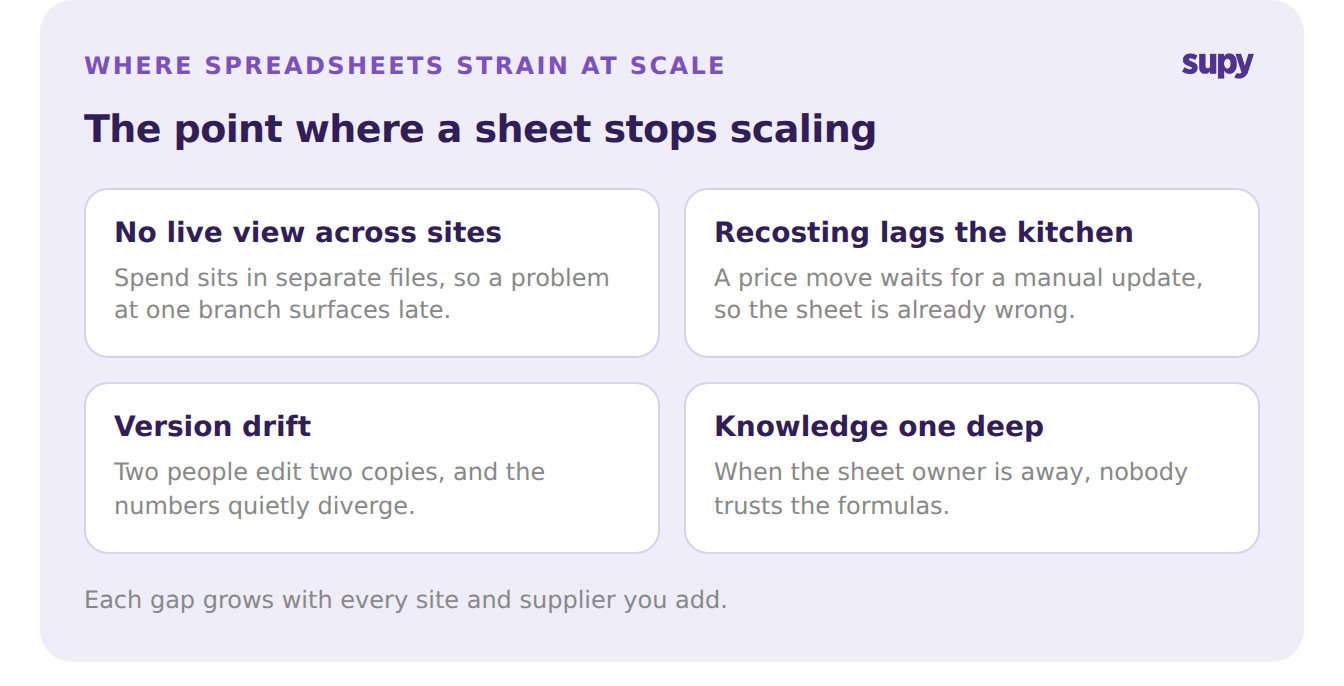
The strain shows up in a few predictable places:
- No live view across sites. Spend and margin sit in separate files, so a problem at one branch surfaces late.
- Recosting lags the kitchen. A price move waits for a manual update, so the cost on the sheet is already wrong.
- Version drift. Two people edit two copies, and the numbers quietly diverge.
- The knowledge is one deep. When the sheet owner is away, nobody trusts the formulas.
Supplier Price Changes: the Cost a Spreadsheet Hides
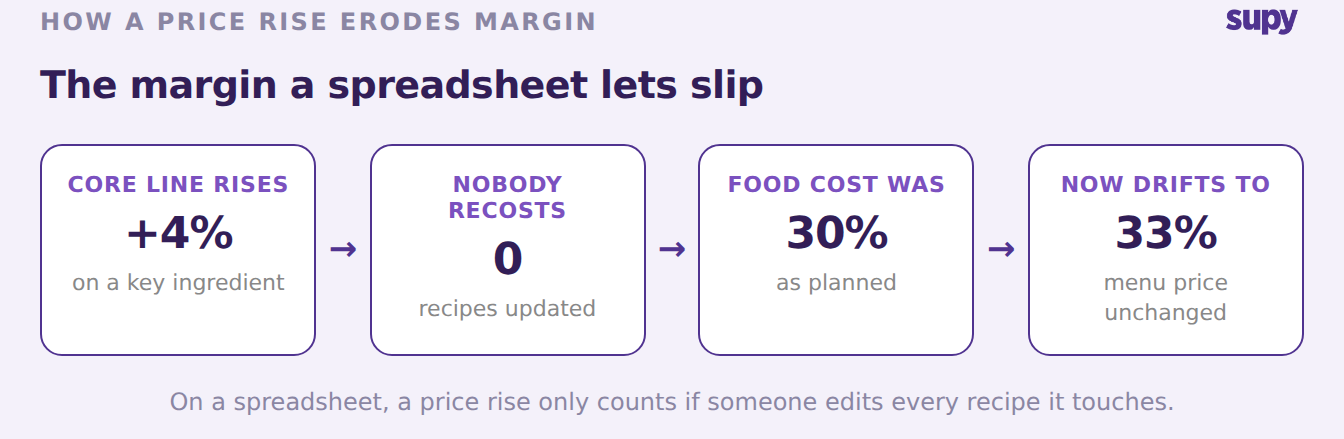
The clearest break-point is price. One operator watched supplier prices move off delivery dockets and kept menu prices steady anyway, so margin slipped without anyone deciding to let it. On a spreadsheet a rise is only caught if someone reads every docket and edits every recipe it touches.
The cost compounds quietly. Say a core line rises 4% and nobody recosts the dishes that use it. A plate built at a 30% food cost can drift to 33% while the menu price never moves. Across ten suppliers and several sites, a few unnoticed rises are the gap between the margin you planned and the one you get.
This is the one task a sheet is worst at, because it depends on a person noticing. A system reads the new price at receiving and applies it to every affected recipe before the next order goes out. Catching price moves early is the whole subject of our guide to supplier price management, and it is where the two tools part company most sharply.
How to Decide: Keep the Spreadsheet or Switch
Match the tool to the shape of your group, not to the calendar. Keep the spreadsheet while the work fits one head and prices sit still. Move to restaurant procurement software once price tracking, cross-site visibility and recosting start eating the week.
| Signal | Keep the spreadsheet | Move to software |
|---|---|---|
| Sites | One, or fully independent | Several that share suppliers or recipes |
| Supplier price moves | Rare and easy to spot | Frequent, and slipping past you |
| Cross-site spend | Not needed | Needed weekly, not at month end |
| Recosting | Keeps up by hand | Always a step behind |
Pick the row that describes this month. If two or more land in the right-hand column, the spreadsheet is already costing you margin, and a switch pays for itself in the first few price moves it catches.