.jpg)


Restaurant Goods Received Note Price Errors: Fix Moving Average Cost

A wrong price on a single goods received note does not announce itself. The quantity is right, the supplier is right, the delivery turned up, so nothing on the screen looks off. But the unit price is wrong. That one figure quietly rewrites the item's moving average cost, and with it every recipe, food cost percentage and stock valuation that leans on it. Most operators find out weeks later, when a stocktake value looks wrong and nobody can say why.
How One Wrong Receiving Price Corrupts Your Cost
Moving average cost is built from your purchase history, so every goods received note feeds it. When a note carries a wrong unit price, the system blends that figure into the average and re-costs the recipes that use the item. One keying error therefore spreads from a single delivery into recipe costs, food cost percentage and the value of everything still on the shelf.
A goods received note records what arrived and at what price. Supy reads the price on each note, updates the item's running average cost in the inventory ledger, and recalculates the theoretical cost of every recipe that uses it. That is exactly the behaviour you want when a supplier's real price moves. It is also what makes a keying error dangerous, because the system treats a wrong price the same way it treats a real one.
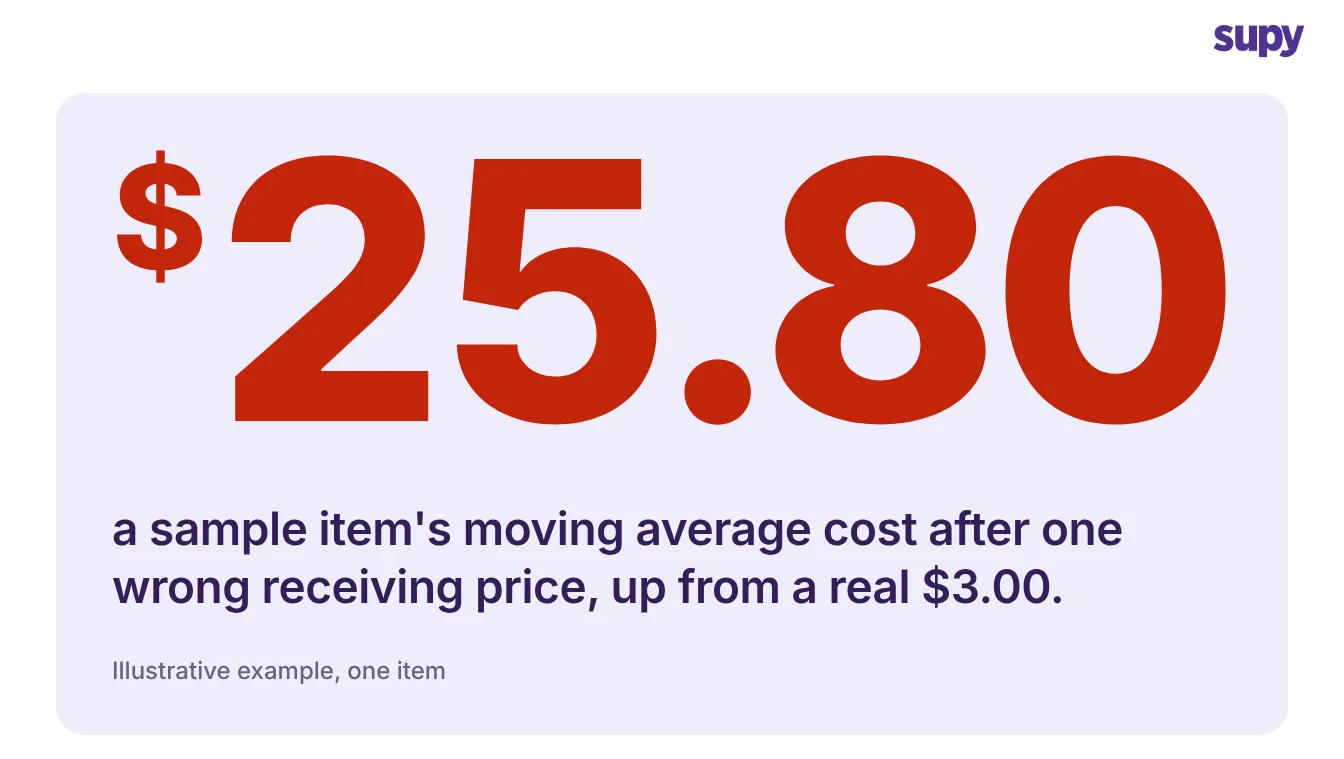
A worked example shows how far one figure travels. Say you hold 30 litres of cooking oil at $3.00 a litre, a value of $90. A 20-litre delivery arrives, invoiced at $60.00 in total. Someone keys that $60.00 into the per-litre field, so the system books the delivery at $1,200 instead of $60.00. Your moving average cost is now $1,290 spread across 50 litres, which is $25.80 a litre. That is 8.6 times the real cost, and every dish using that oil looks 8.6 times more expensive to make.
Nothing errored, and the quantity on hand is still correct. Only the cost is wrong, which is why the error hides so well.
Where the Wrong Price Comes From
Most corrupted averages trace back to a handful of receiving habits, not to the system itself. Each one puts a plausible-looking number into the price field, so no alert fires.
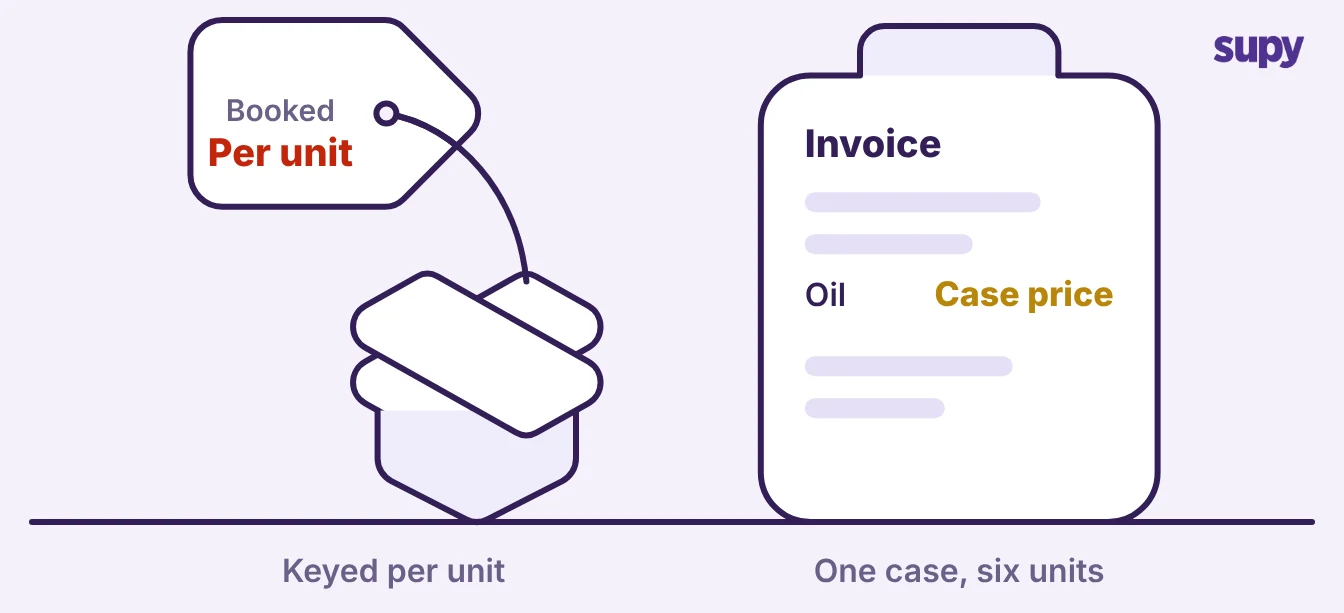
- A unit mismatch. The invoice shows a case or pack price and someone keys it against a single unit, or the reverse. The line total lands in the per-unit field and the cost jumps by the pack size.
- A stale price carried forward. An old price is copied onto a new note because the catalogue was never updated, so the average drifts toward a figure the supplier stopped charging months ago.
- A double-entered note. The same delivery is received twice. The quantity and the spend both double, and the average shifts even when every price on both notes is correct.
- Charges spread onto item lines. Pallet, delivery or fuel fees get added to item prices instead of booked separately, lifting the cost of goods that did not actually cost more.
The pattern underneath all four is the same. The price field accepts whatever it is given, and a wrong entry becomes the new truth for that item until someone notices.
How to Catch It Before the Stocktake
You can catch a wrong price the day it lands, rather than waiting for the stocktake to expose it. The checks below take minutes and run against what the system already stores.
- Compare the two cost figures. Supy keeps a running average cost and the most recent purchase price for every item at every branch. When the average sits far above or below the last price you actually paid, a note has skewed it, and the gap tells you by how much.
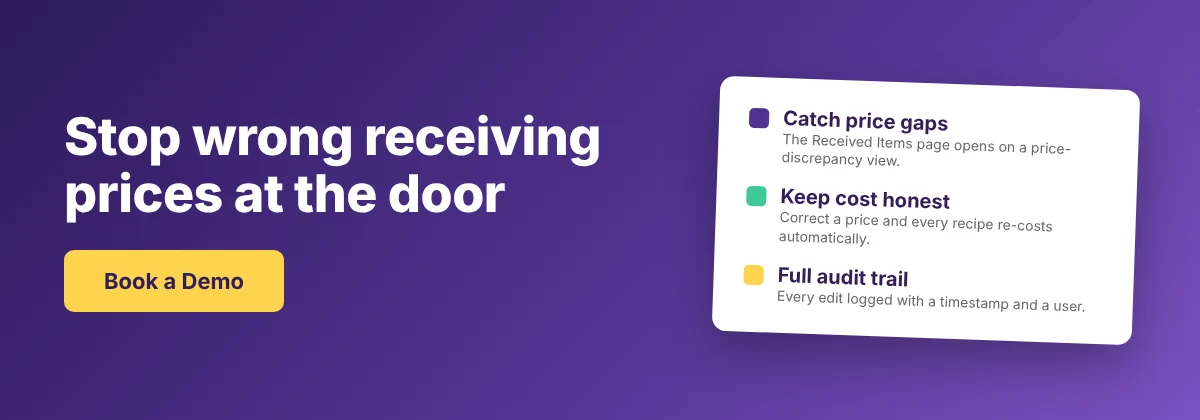
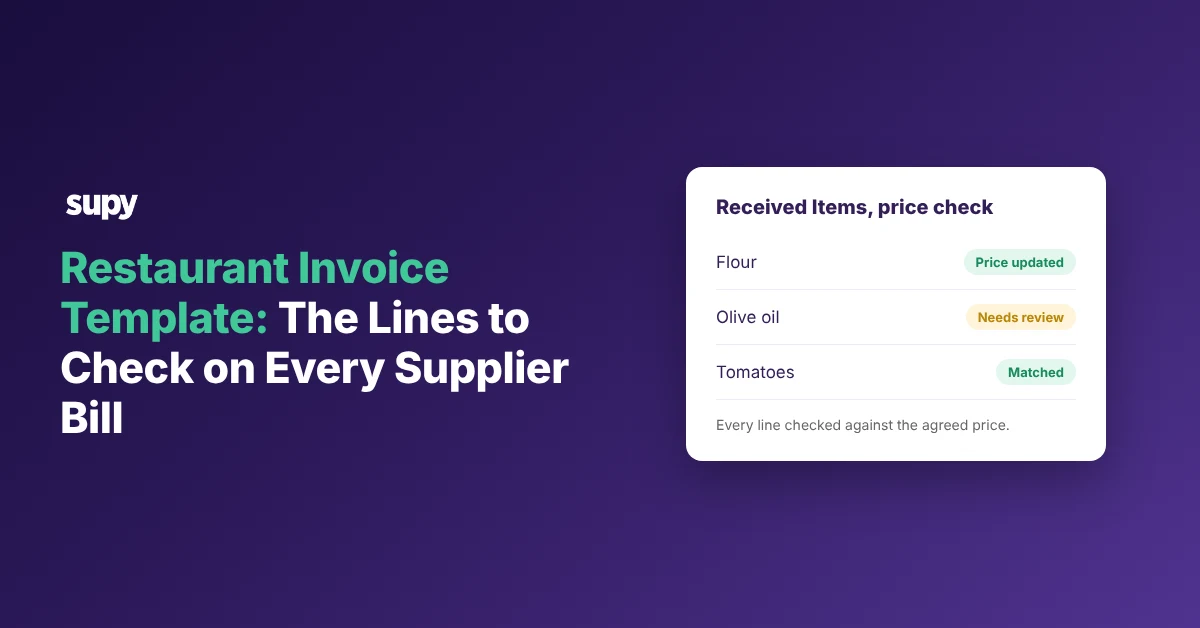
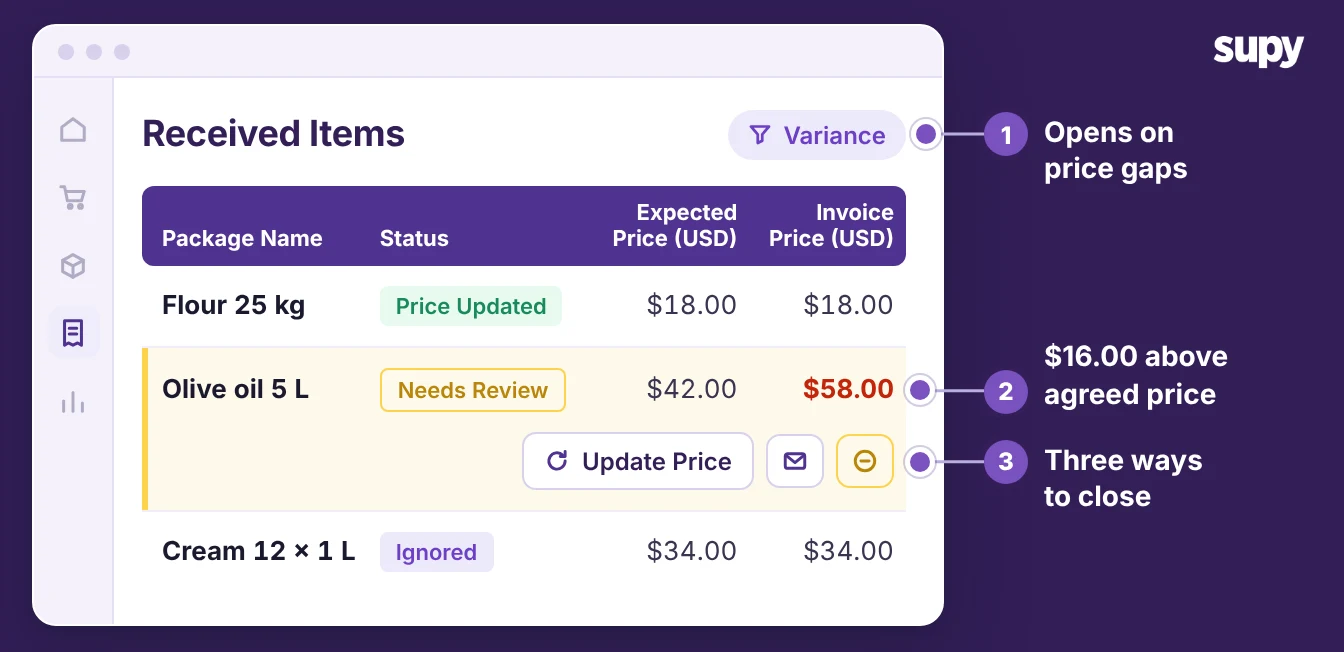
- Filter received items by price discrepancy. The Received Items Page lists every received line across your goods received notes and opens on a price-discrepancy view. Each line reads as needs review, price updated, credit issued or ignored, so you work a short list of exceptions instead of re-reading every delivery.
- Read the cost-movement trail. Every price change recalculates the affected recipes and writes a timestamped record of what drove the move. A sudden jump traces straight back to the note that caused it, with no spreadsheet archaeology.
- Scan the stock movement history. Filter an item's movements to goods received and export the list. An outlier price stands out against every other receipt for the same item, and the export gives finance the evidence in a form they can keep.
Run these on your highest-volume items first. A wrong price on oil, dairy or protein moves the average far more than the same error on a garnish nobody buys in bulk.
How to Correct the Price Without Breaking the Ledger
Correcting the cost does not mean deleting the delivery. A posted goods received note is locked so the stock and cost record stays intact, which means you fix the price in place rather than erasing history.
- Update the expected price. On the Received Items Page, set the correct unit price on the flagged line. Supy recalculates the item's average cost and every recipe that uses it, so the numbers recover without a manual re-cost.
- Raise a credit note for a real overcharge. When the supplier genuinely charged too much, post a supplier return. It syncs to your accounting system as a credit note and emails the supplier, so the books and the supplier relationship both stay straight.
- Keep the trail. Every edit and every return is logged with a timestamp and the person who made it. That record is what you show a supplier in a dispute and an auditor at year end.
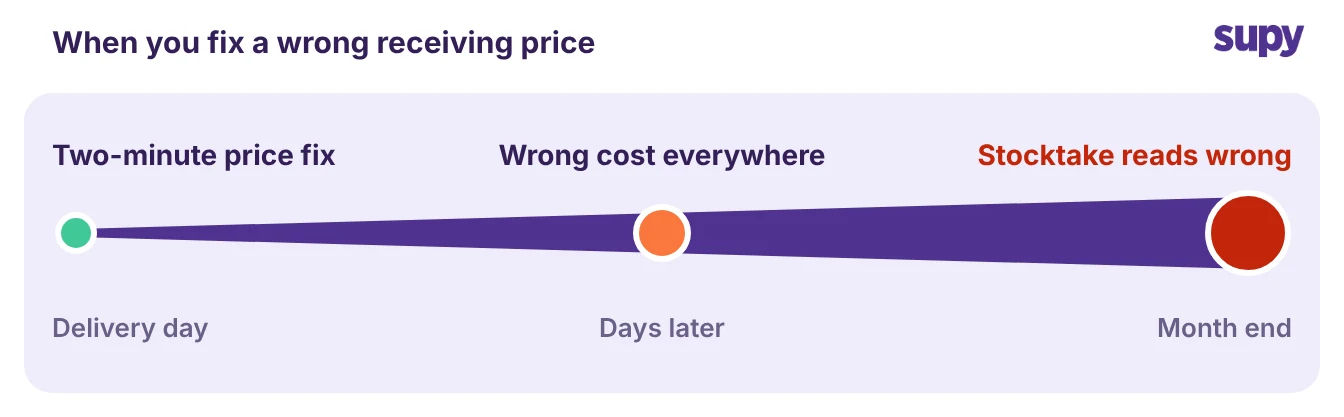
Fix the cost before the next count rather than after it. Once a stocktake is valued on a corrupted average, the variance it reports is noise, and you spend the review chasing a gap that never existed.
If you are not sure this is happening in your own operation, three checks settle it quickly. Pull any item where the average cost and the last purchase price are far apart. Open the Received Items Page and look for lines still flagged for review. Check whether a recent stocktake valuation moved more than the deliveries behind it should explain. If any of the three turns something up, start with the item whose average cost sits furthest from its last price. That is where the biggest correction is waiting.
Wrong receiving prices are one of the quiet ways a cost of goods sold number drifts with no obvious cause. Supy catches the price at the door and keeps the average honest. The stocktake becomes the moment you confirm the count, not the moment you discover the cost was wrong all along.