.jpg)


Restaurant POS Stock Depletion: Four Paths Without Full Integration
How POS Sales Deplete Your Stock
Linking POS sales to stock depletion runs on one engine. A recipe ties every menu item to its ingredients, so each sale removes those ingredients from stock at the quantities the recipe holds. Sell a cheeseburger and Supy pulls 150 g of beef, a bun and 30 g of cheese out of inventory.
Modifiers and prep recipes deplete the same way. Add bacon to that burger and the bacon leaves stock too, as long as the modifier maps to an ingredient. A prep recipe, such as a sauce batch, depletes its own components when a dish that uses it sells.
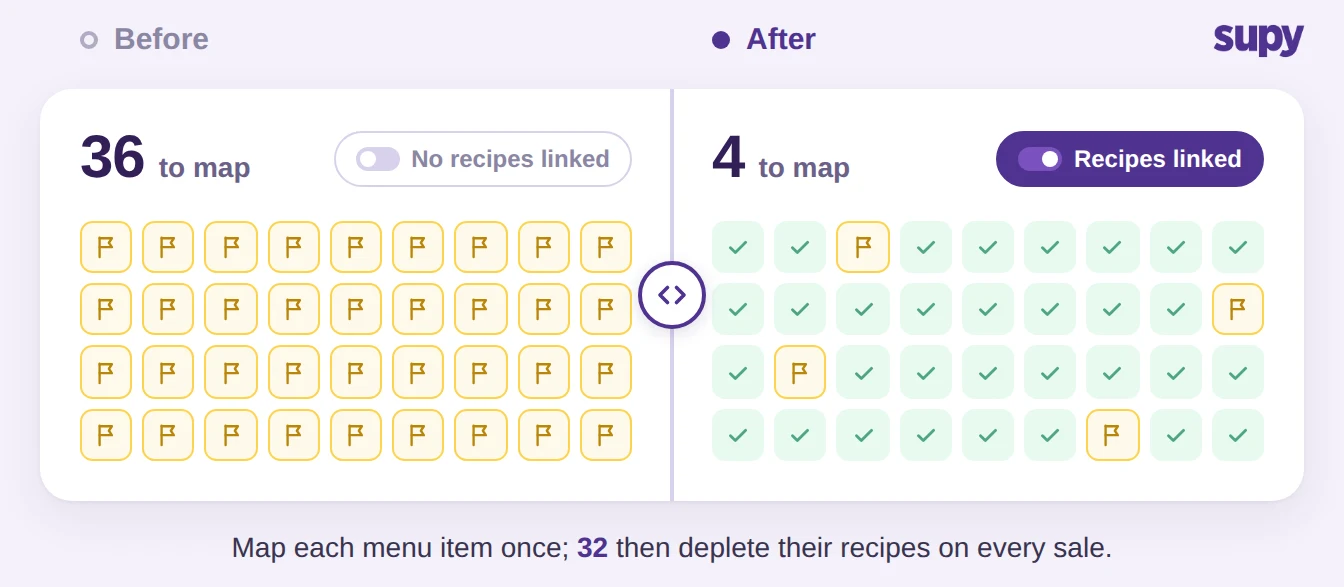
The import path decides how the sale arrives, never what it does to stock. One step comes before any path works. Map each menu item and its modifiers to a recipe, once.
An unmapped item still sells, but it depletes nothing, so a half-mapped menu leaves silent gaps in your inventory counts. Do the mapping first and every sale after it draws the right ingredients down on its own. That is the idea behind connecting POS sales to inventory. Your theoretical stock tracks actual usage between physical counts, so a gap at the next count points to waste or loss, not to sales you forgot to record.
If Your POS Has a Native Connector, Sales Import on Autopilot
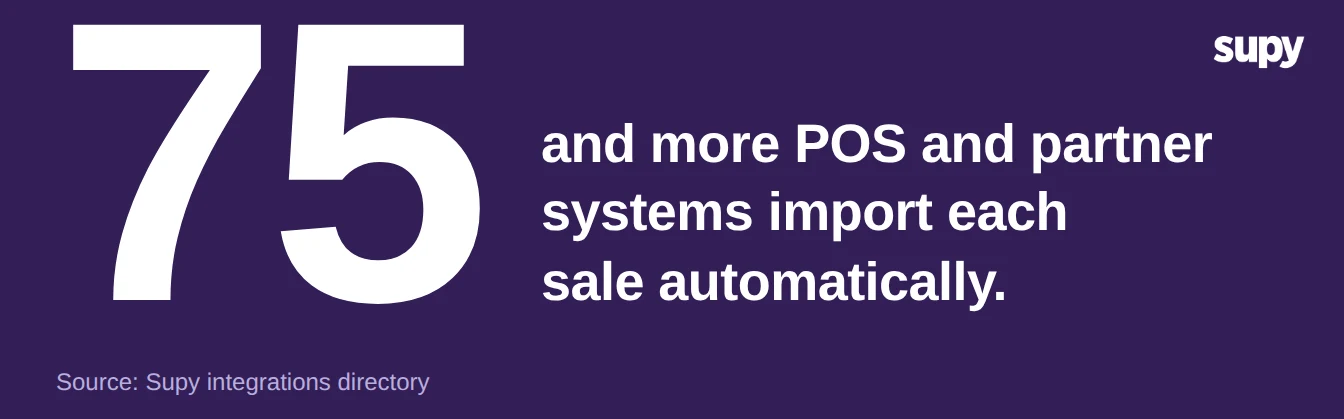
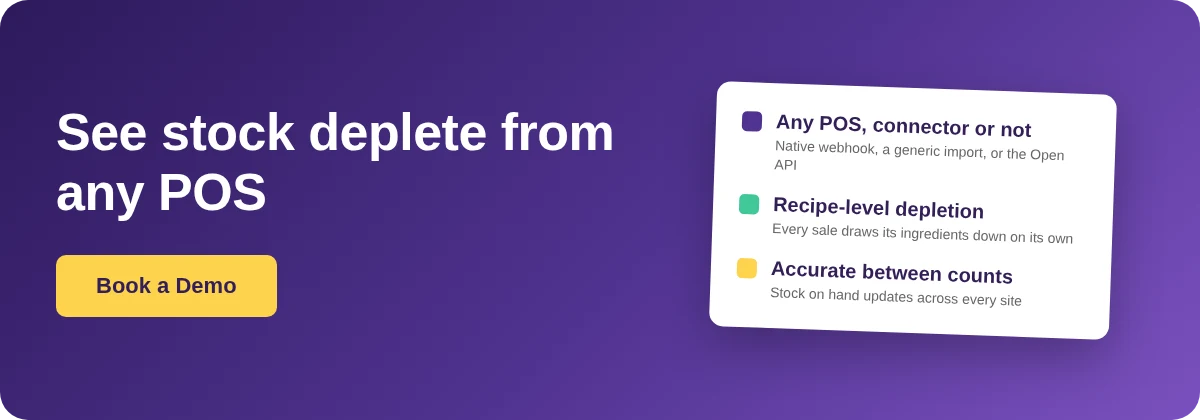
Start here when your POS is one of the 75+ systems Supy already connects. That list includes Foodics, Square, Toast, Lightspeed and Oracle Micros. A native connector imports each sale by webhook the moment the ticket closes. Nothing to upload, no button to press.
Wire this path first whenever it is open to you. Sales land in near real time, so stock on hand reflects what the kitchen served minutes ago, not what someone keyed in last night. Delivery apps and online orders flow through the same connectors, so a sale from an aggregator depletes stock like a till sale.
After you connect, run one test sale and watch the ingredient leave stock. That confirms the recipe mapping before real volume arrives. A live feed also pays off downstream: with daily POS sales in Supy, demand forecasts and predictive ordering have real numbers to work from.
The connector list keeps growing, so a POS with no slot today may gain one later. Check the integrations directory before you assume yours is missing.
No Native Connector? Bring Sales In as Miscellaneous
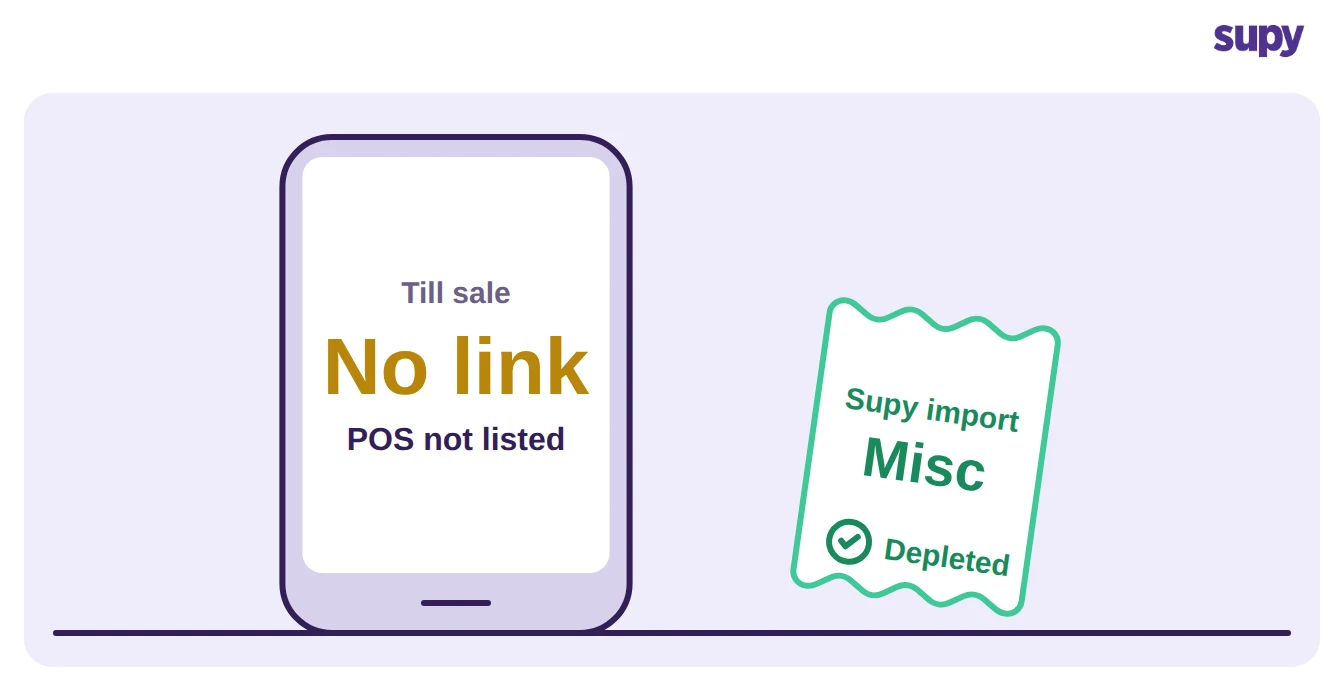
When your POS is not on the connector list, you are not stuck running two systems side by side. A generic sales import brings the tickets in and files them under a Miscellaneous POS source. From there they decompose through recipes exactly like connector sales, down to the same ingredient quantities.
This path closes the gap the connector list leaves open. The operator who used to reconcile sales by hand, or guess usage between counts, gets the same recipe-level depletion every connected site gets. Day to day, the generic import runs on a schedule or on demand. The sales still carry their own POS label inside Supy, so you can read performance by outlet and by item even though no two-way connector exists.
Two more paths cover the rest. A manual sales import pulls a named date range, such as last week, this month or last quarter. Use it to catch stock up after a feed gap, or to load history before go-live so day one opens with real depletion.
A group can also let sales flow on its own schedule. The Open API carries sales, cost of goods sold, recipe and wastage data in real time or on a set cadence. It feeds reporting tools such as Power BI, Tableau and Looker, and warehouses such as BigQuery or Snowflake. The API is the heaviest path to stand up and the most flexible once it runs.
Which Path Fits Your POS and Your Sites
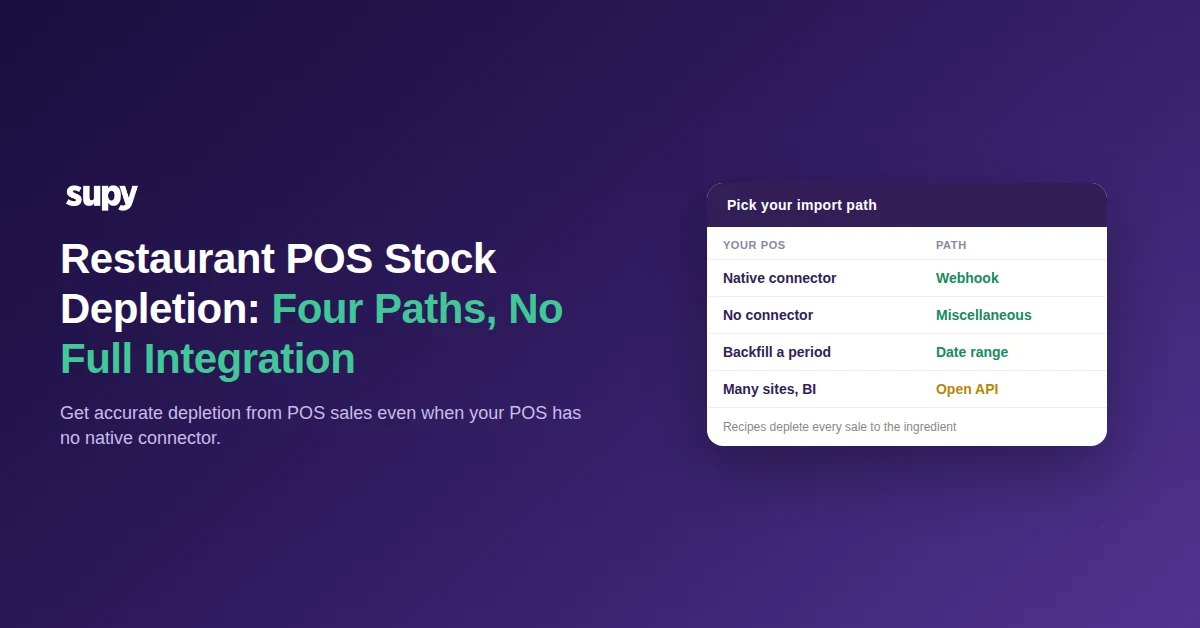
Choose by two questions. Does your POS have a native connector, and how many sites feed it? The connector path wins whenever it is available, because it needs no upkeep. Every other path trades a little manual effort for the same recipe-level depletion.
| Your situation | Path to use | Why it fits |
|---|---|---|
| POS is on the connector list | Native webhook import | Automatic, near real time, nothing to maintain |
| No native connector, sales flowing daily | Miscellaneous generic import | Recipe-level depletion with no two-way connector |
| A gap to backfill, or history before go-live | Manual date-range import | Loads a named period on demand |
| Many sites, data lake or BI in play | Open API | Programmatic feed you control end to end |
Start with the path your POS allows today, not the one you might build later. A Miscellaneous import switched on this week depletes stock more accurately than a native connector still three months from signing. You can move up a path once the connector lands or the data stack is ready.
To check your setup is working, run one test. Sell an item, then open its ingredients and confirm the stock moved. If it did not, the item is unmapped or the feed is not reaching Supy, so fix the mapping first and the feed second. Once a test sale depletes correctly, the rest follow, and the depletion engine stays the same underneath whichever path you chose.

.png)