.jpg)


Connecting POS Sales to Restaurant Inventory: Deplete the Right Stock
How a POS Sale Turns Into an Inventory Count
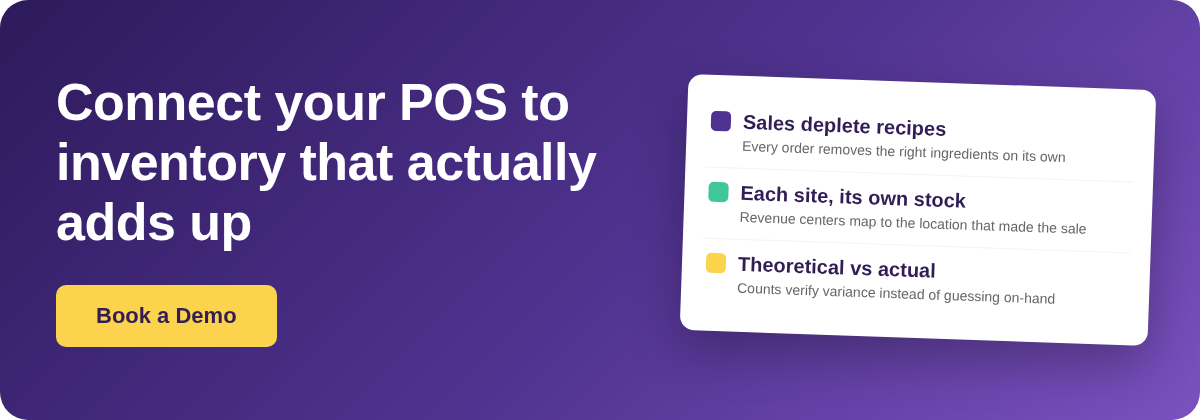
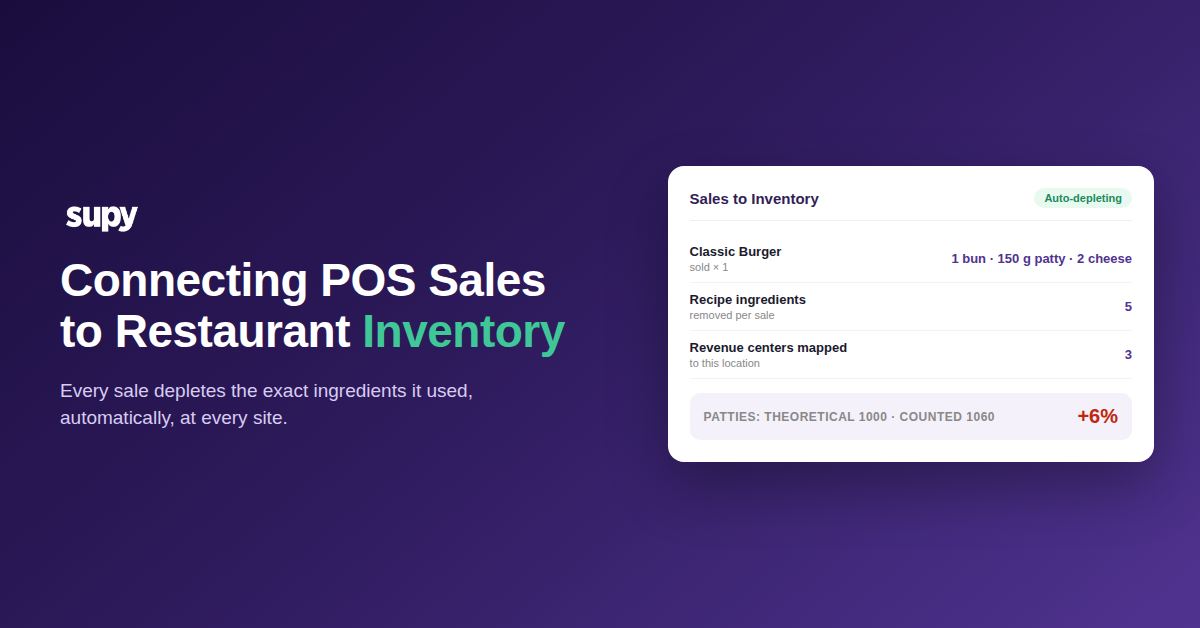
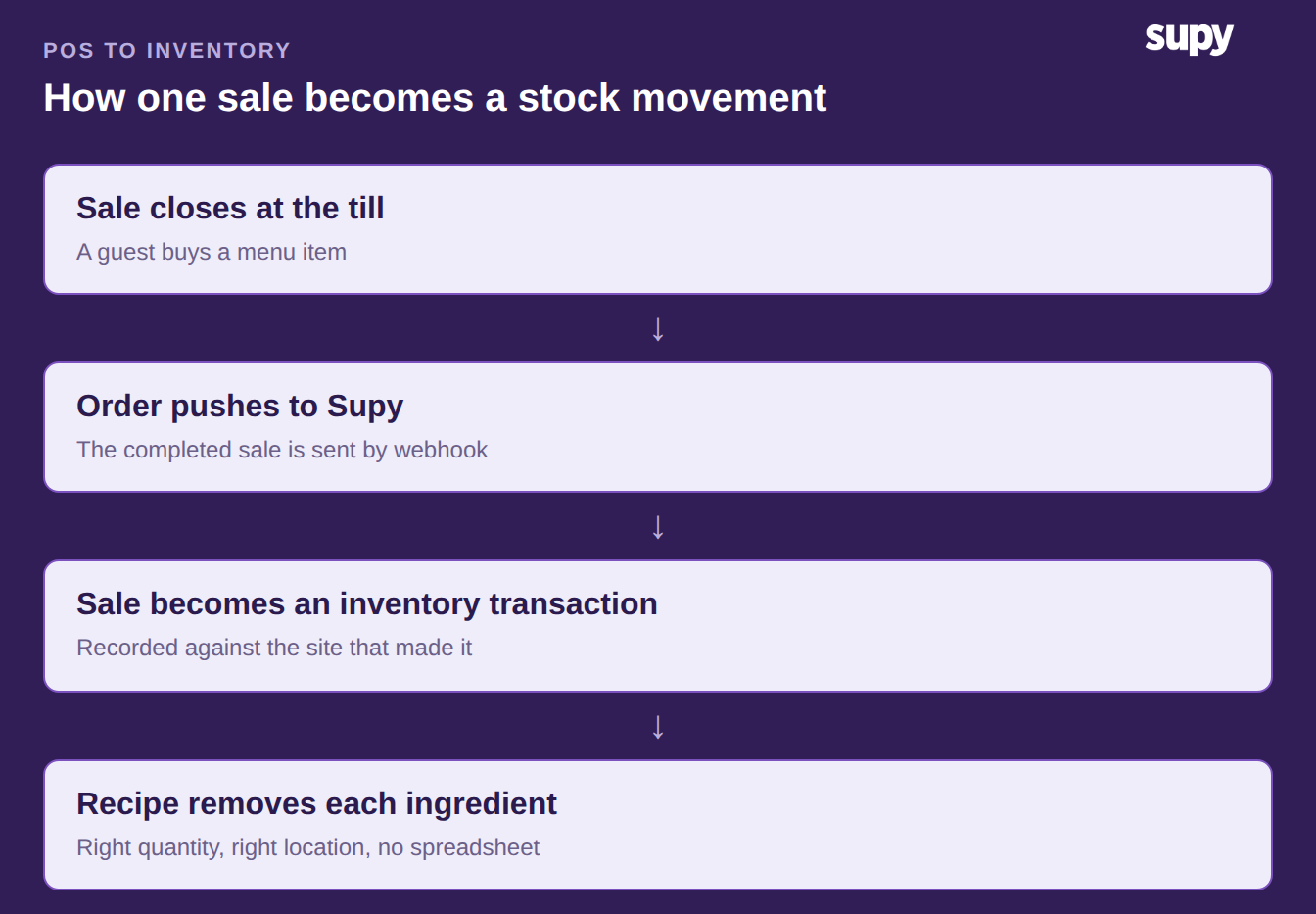
A connected point-of-sale sends every completed sale to your inventory system the moment it closes. Supy turns that sale into an inventory transaction, finds the recipe behind the menu item, and removes each ingredient in the right amount. The stock movement happens on its own, at the site that made the sale, with no spreadsheet in between.
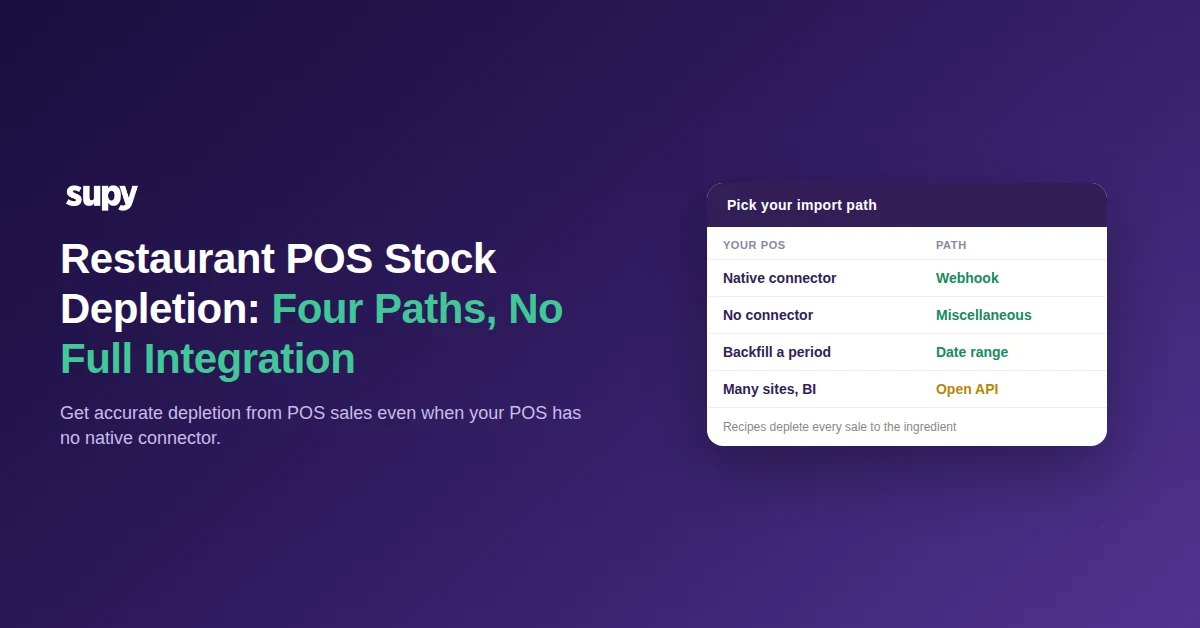
The sale arrives by webhook, so nothing is keyed in twice. Supy connects to 75+ POS and online-ordering systems, so the feed works whether the order came from the till or a delivery app. You review every imported sale on one screen before it touches your numbers.
Map Every Menu Item to a Recipe So Stock Actually Moves
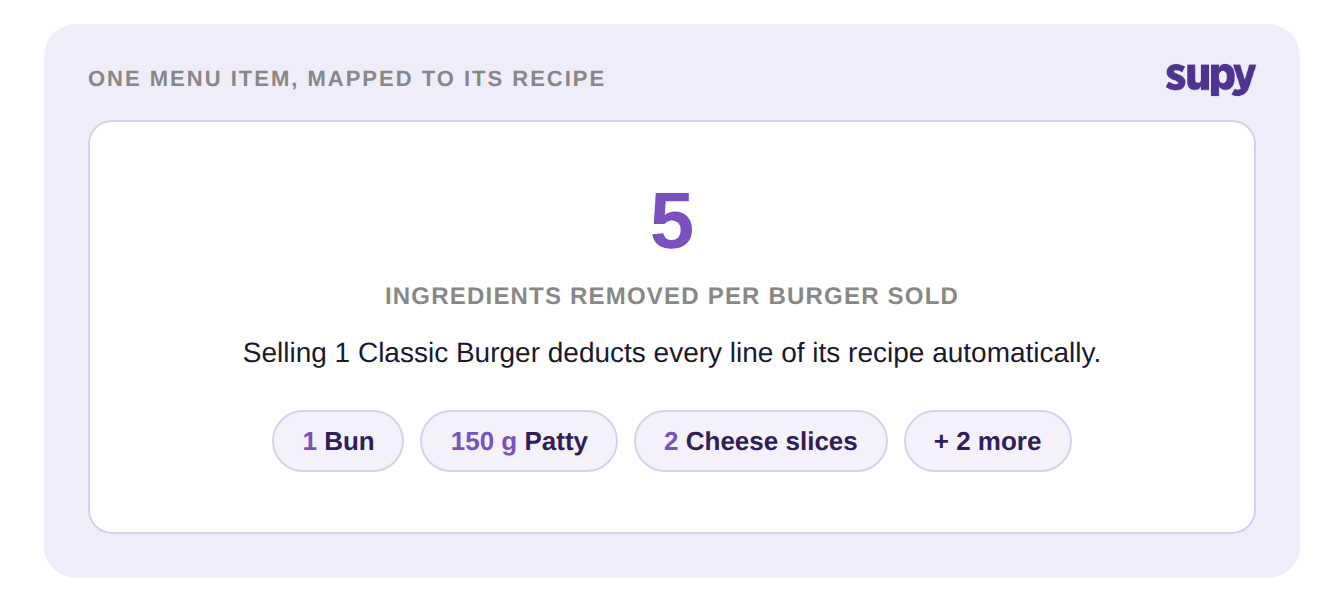
Depletion only fires when a POS item is linked to a recipe. The recipe names the ingredients a sold item uses, and how much of each. A Classic Burger mapped to its recipe removes 1 bun, a 150 g patty and 2 cheese slices on every sale, one line for each of its 5 ingredients.
An item with no recipe link still sells at the till, but stock never moves. This is where the silent leak begins. Adding or renaming a POS item breaks its mapping until someone re-links it. A new special can then sell all week while its ingredients sit untouched on the books. In a 240-item menu, 12 unmapped items are 12 blind spots in your cost of goods. Keeping these links current across sites is its own discipline, covered in standardizing POS item and ingredient mapping.
Map Modifiers So the Right Ingredient Leaves the Shelf
Modifiers decide which ingredient a guest's choice consumes. Without a mapping, a modifier depletes a hard-coded default. An oat-milk latte can still remove dairy from stock while the oat milk it actually used never leaves the books. Three mapping approaches fix this, and the right one depends on what the modifier changes.
| Modifier | Map it as | Result |
|---|---|---|
| Changes no ingredient | Revenue-only recipe | Sale recorded, stock untouched |
| Swaps to an alternative | Finished recipe per option | Chosen ingredient depletes, not the default |
| Removes from the base | Return-to-stock reversal | Default reverses, actual usage stands |
Set each modifier once and the choice at the till matches the movement in stock. Get it wrong and inventory quietly disagrees with what you sold, every single day.
Give Each Site Its Own Stock: Map Revenue Centers to Locations
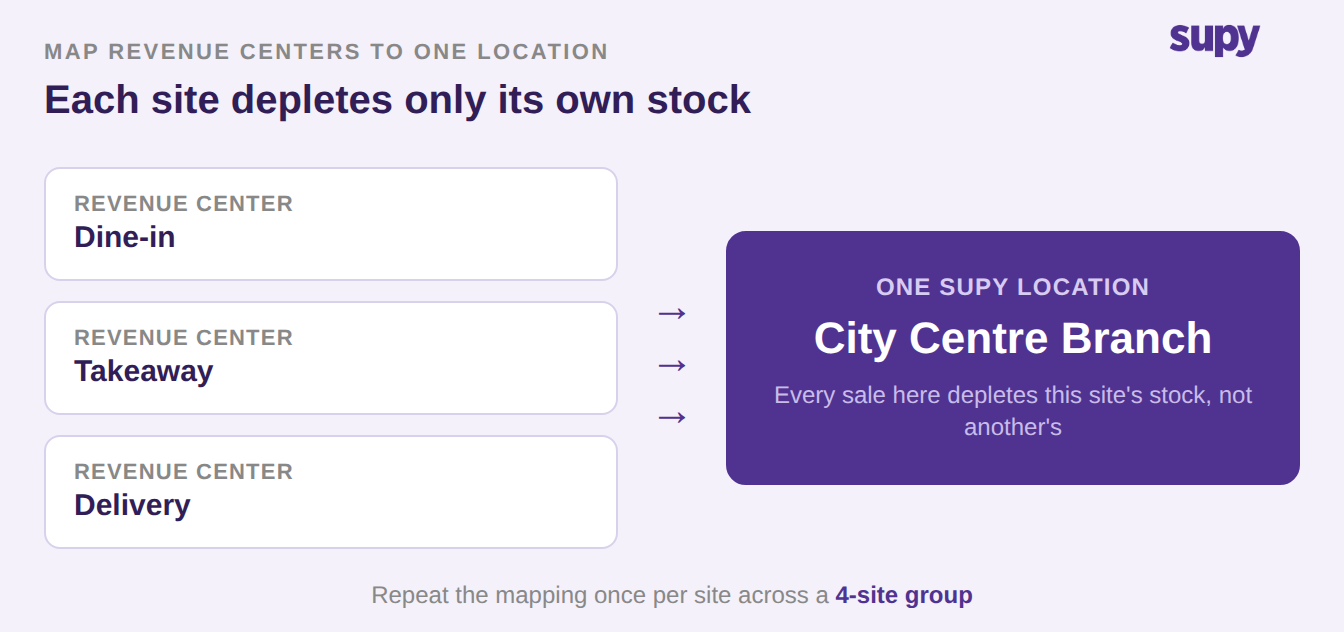
Depletion has to land on the right location, or one site drains another site's shelves. During setup, Supy pulls the provider's branch list, sales types and wastage codes, so you map them without retyping. Where a POS uses revenue centers, you can point several of them at one Supy location.
Say a site runs 3 revenue centers for dine-in, takeaway and delivery. You map all 3 to that one location, and every sale it takes depletes only its own stock. A 4-site group repeats the mapping once per site, and each shelf stays honest. This is the backbone of accurate restaurant inventory management across an estate.
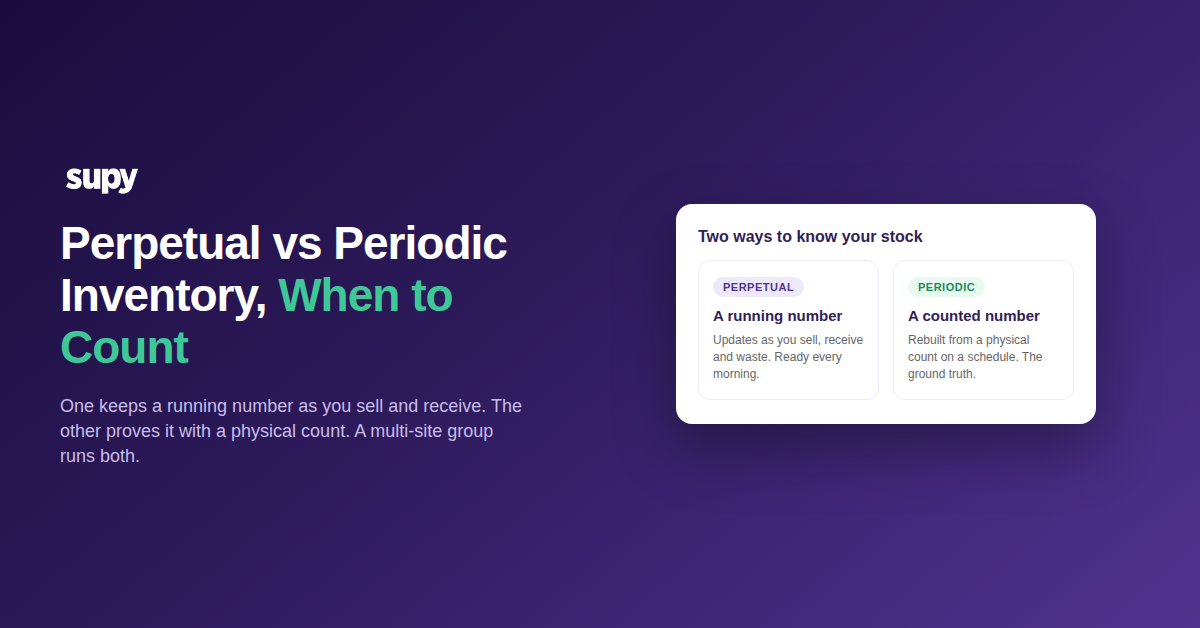
Counts still matter, but their job changes. Once depletion is accurate, a stock count stops being how you find your on-hand and becomes how you check it. Sell 1000 burgers and the system expects 1000 patties gone. If the count shows 1060, that 60-patty gap is a real 6% overage. It is worth about $72, and now it is visible instead of buried in a monthly surprise. Start here: list every POS item and modifier, then confirm each maps to a recipe. Re-check the mapping the day you add or rename an item. To put a money figure on that variance, run it through our food cost calculator. If your POS and inventory already disagree, reconcile the mismatch first.