





15 ChatGPT Prompts That Give Restaurant Managers Food Cost Answers
What ChatGPT cannot see in a restaurant until it is connected to your data
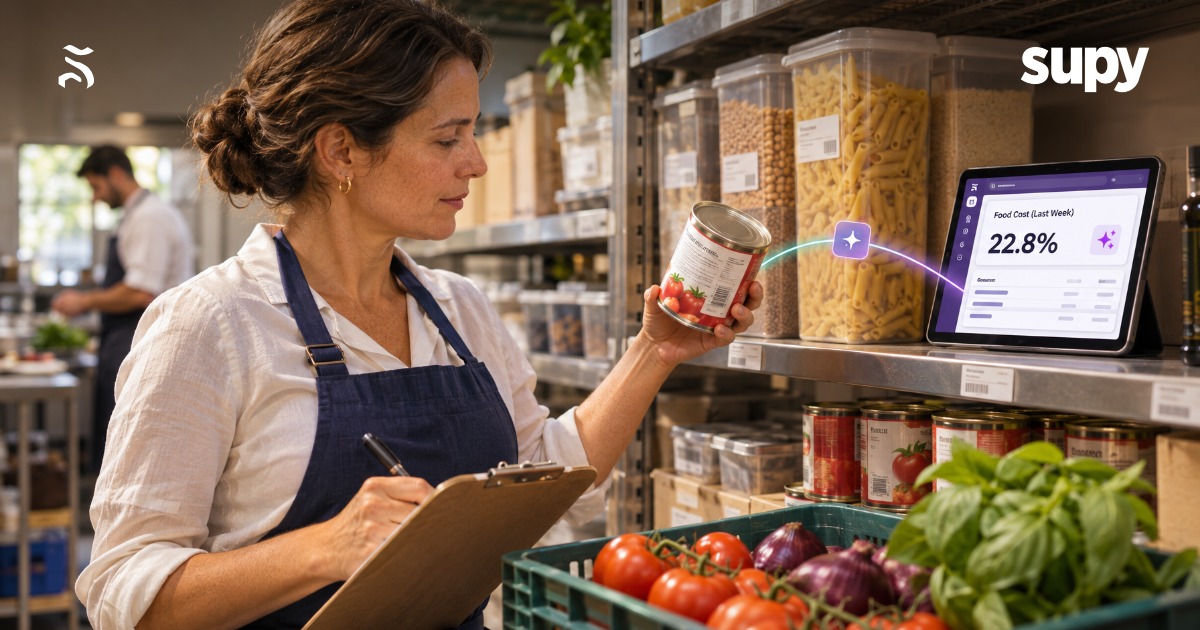
ChatGPT answers restaurant food cost questions well only once it can read your own numbers. On its own it has never seen your sites, your suppliers or your orders, so it guesses from general knowledge. Connect it to your group's figures in Supy and it reads your real food cost, wastage and supplier prices, then answers from them. This article gives you fifteen prompts to run once you connect, grouped by the job you are doing.
- Read-only connector. An MCP server is a connector that lets an AI assistant such as Claude or ChatGPT read, and sometimes change, data in another system. Supy MCP is the connector for your Supy account. It answers questions from your figures in Supy's restaurant analytics software, and it is read-only today. That is how Supy describes what it does now: the assistant reads and answers, and it never creates or changes anything.
- Your own login. You sign in with your own Supy login and approve a consent screen that names the assistant, and you can decline it. There is no API key to copy or share. Supy switches Supy MCP on for each company, so if you cannot see it yet, ask your account manager to turn it on for your group.
- Live connection. Pasting a report in is the alternative most teams reach for, and it is weaker. A pasted export is a snapshot that goes stale the moment you receive a delivery or post a count, so two people who paste the same report an hour apart can get different answers. A live connection reads the current figures every time you ask.
Supy's integrations page lists the AI tools you can connect this way.
- Claude
- ChatGPT
- Gemini
- Microsoft Copilot
- GitHub Copilot
- Perplexity
Claude has the most evidence of real use with Supy MCP so far. Supy MCP is not the only restaurant connector, so here is how it sits next to the servers two of Supy's partners publish.
| Server | What an assistant can read | Can it change data | Status |
|---|---|---|---|
| Supy MCP | food cost and cost of goods sold, wastage, dish margin, supplier prices, procurement and open purchase orders, recipes (examples, not a full list) | No, read-only | Released, switched on per company |
| Square MCP server | catalogue, inventory, orders, labour, locations, payments, customers, vendors | Yes, though a local copy can be set to read-only | Beta |
| Foodics MCP | sales, customers, orders, menu, inventory, branches, promotions, taxes | No write claim | Live |
| Tenzo MCP | sales, labour cost, covers and transactions by location, reviews, manager logs | No, read-only | No status stated |
Square documents its server on its developer pages, Foodics on its own MCP page, and Tenzo in its docs. Read the vendor's page for the current detail, because a beta server can change. Square and Foodics are the point-of-sale partners Supy connects to, so treat them as that here, not as stock or costing tools.
ChatGPT prompts for restaurant purchasing and open orders
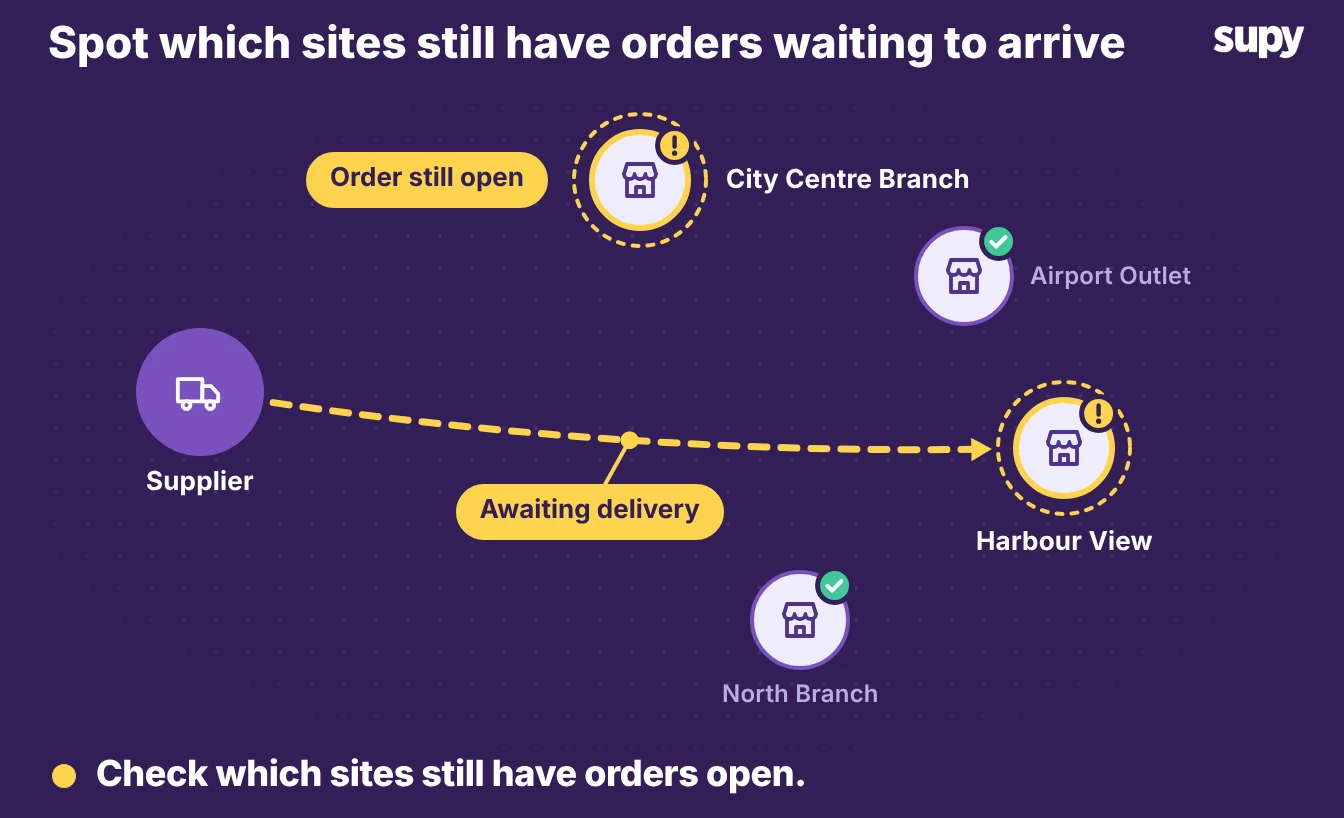
These four prompts cover what you have on order and what you are spending with suppliers. Each one needs your procurement and purchase order history in Supy, and a good answer names the site, the supplier, the order and the money, so you can act on it the same day.
What is pending on our open purchase orders?
- Orders raised. This asks the assistant to list the orders you have raised that are not yet closed. A clear answer gives the site, the supplier, the order value and the date you raised it, so you can chase the ones that matter.
Which open purchase orders are still waiting for delivery?
- Late delivery. This narrows the first prompt to orders a supplier has not delivered. Expect the site, the supplier and how long each order has been open, so a late delivery is easy to spot before it stops a service.
How did our procurement spend change this month compared with last, and which suppliers drove it?
- Spend direction. This asks for the direction of your spend and the suppliers behind the move. A good answer gives the total for each month, the change and the two or three suppliers that account for most of it, so you know where to look.
What did we spend with each supplier this month, by site?
- Spend by supplier. This breaks your spend down by supplier and site in one view. The answer should name each supplier, the amount and the site, so you can see which branch is buying what before you negotiate.
Food cost and wastage prompts
Supy's own suggested questions cover food cost, cost of goods sold, wastage and dish margin, so most of these nine prompts sit on confirmed ground.
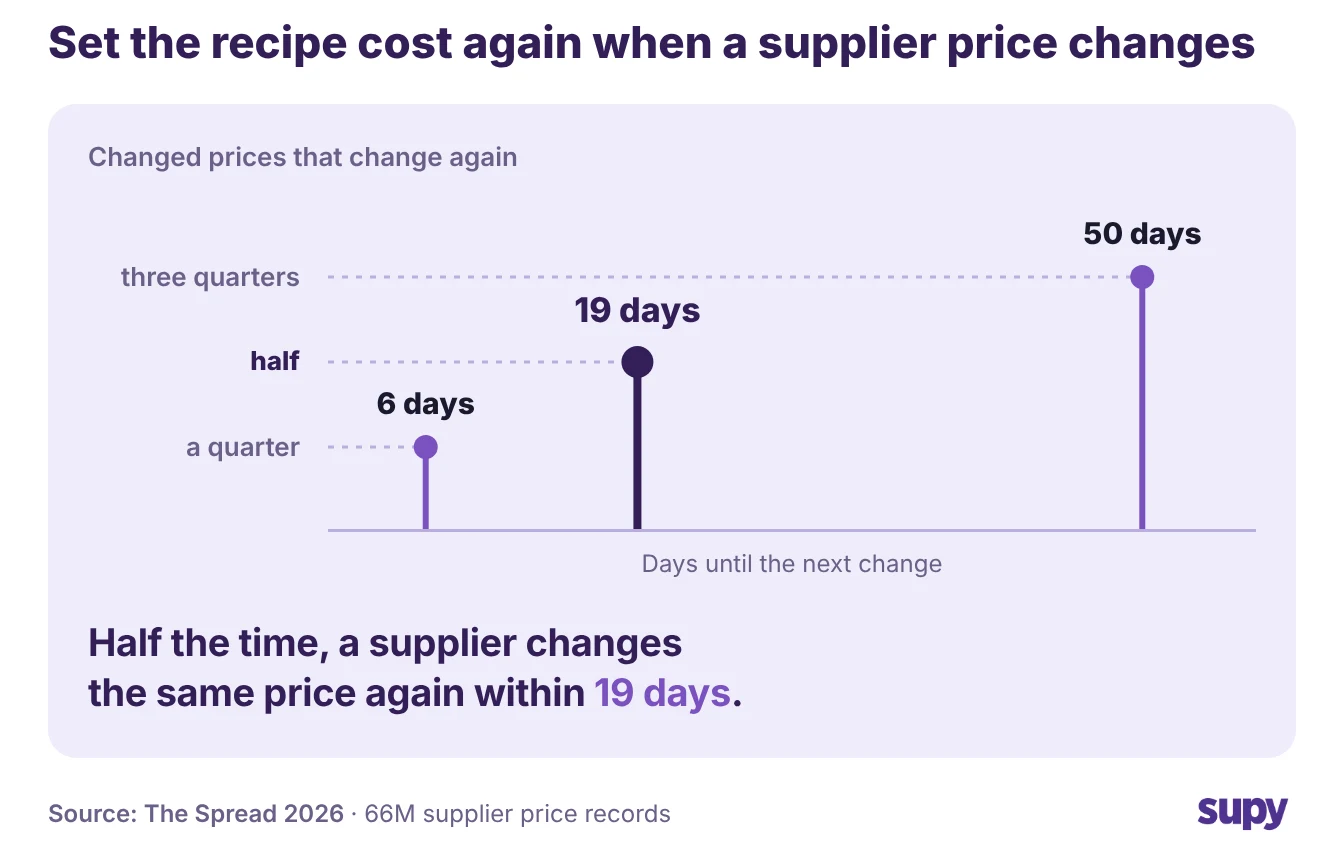
- Prices keep moving. Asking them often matters because ingredient prices keep moving. Among the supplier list prices that change, half change again within 19 days, according to The Spread.
- Ask the assistant. A recipe cost you checked last month may already be wrong. For the variance between actual and theoretical food cost, ask the assistant what it can read first, because the list of what Supy MCP answers is not complete. Read-only means it reports the number rather than changing anything.
Which venues blew their food cost last week, and why?
- Food cost rank. This asks the assistant to rank your sites by food cost and name the reason behind the worst. A useful answer gives each site, its food cost for the week and the items or events that pushed it up.
Which sites' food cost percentage rose most this week?
- Sudden move. This is the week-on-week version of the question above. Expect each site, its food cost percentage now and the size of the rise, so a sudden move stands out before it becomes a habit.
Where did our cost of goods move most this month compared with last?
- Cost of goods. This points the assistant at your cost of goods sold across the group. A good answer names the sites and categories where the number moved most, with the amount, so you start the month knowing where to dig.
Why is cost of sales higher at one site than the others?
- Branch variance. This asks for the reason one branch runs hotter than the rest. The answer should compare that site's cost of sales with the group and name the suppliers, dishes or waste behind the variance.
Which sites have the highest wastage, and which items drive it?
- Worst wastage. This asks for your worst sites for wastage and the items behind it. Expect the site, the wastage value and the two or three products that make up most of it, so a quick fix is obvious.
Which of our high-volume dishes have the worst margin right now?
- Reprice or rework. This pairs how often a dish sells with how much it makes. A good answer lists the dishes you sell most of that earn you least, so you can reprice or rework the recipe.
Which dishes cost the most to make right now?
- Most expensive dishes. This asks for your most expensive dishes by recipe cost. The answer should name the dish, its current cost to make and the ingredients driving it, so a price rise on one ingredient does not sit hidden in a plate.
Which recipes now cost more to make than last month?
- Creeping cost. This tracks recipe cost over time. Expect the recipe, its cost last month and now, and the ingredient behind the rise, so you catch a creeping cost before it eats the margin.
Which sites have the biggest gap between theoretical and actual food cost?
- Stock going missing. This compares what a site should have used against what it did use. Whether the assistant can answer this depends on what Supy MCP reads for you, so ask it first. A good answer names the site, both numbers and the variance between them, which tells you where stock is going missing.
Supplier price prompts
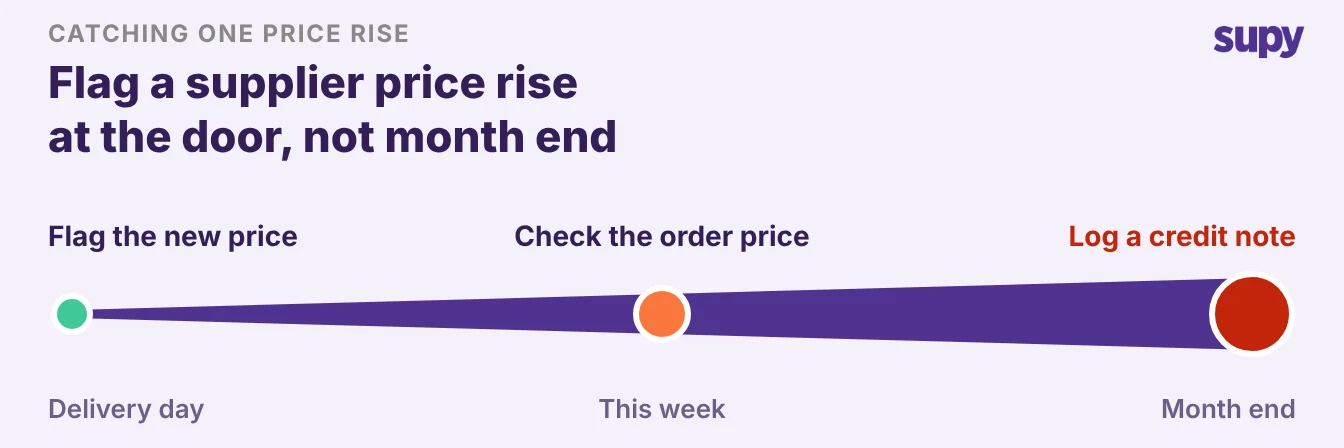
These two prompts watch what suppliers charge you. Each needs your invoice and price history in Supy, and a good answer names the supplier, the item and the change, so a quiet price rise does not reach month end unnoticed.
Which suppliers raised prices on our top 20 items this quarter?
- Compare current prices. This asks the assistant to compare current prices with the start of the quarter on the items you buy most. Expect the supplier, the item, the old price and the new one, so you can question the rises that matter.
Which small supplier price rises have been eating our margin?
- Small increases. This looks for the rises too small to notice one at a time that add up across the quarter. A good answer lists the items, the size of each rise and the running cost, so a run of small increases stops hiding in the total.
Checking an answer before you act on it
Read-only is the point to remember when you act. The assistant reports the number. You still make the call and do the work in Supy or with your team, so treat every answer as a prompt to check, not an instruction to follow.
- Spot-check and confirm. Spot-check one figure in Supy before you move on a big one, and confirm the assistant read what you think it read. The engineering team's own advice is to ask Supy MCP what it can read, because the list of answers it gives is not complete. Supy has not confirmed everything.
- Verify in Supy. For the variance between actual and theoretical food cost, or your live stock on hand, read the answer as a question to verify in Supy, not a settled fact. The assistant's own subscription runs these questions, and the terms for Supy MCP come from your account manager, so ask them what your group pays for.
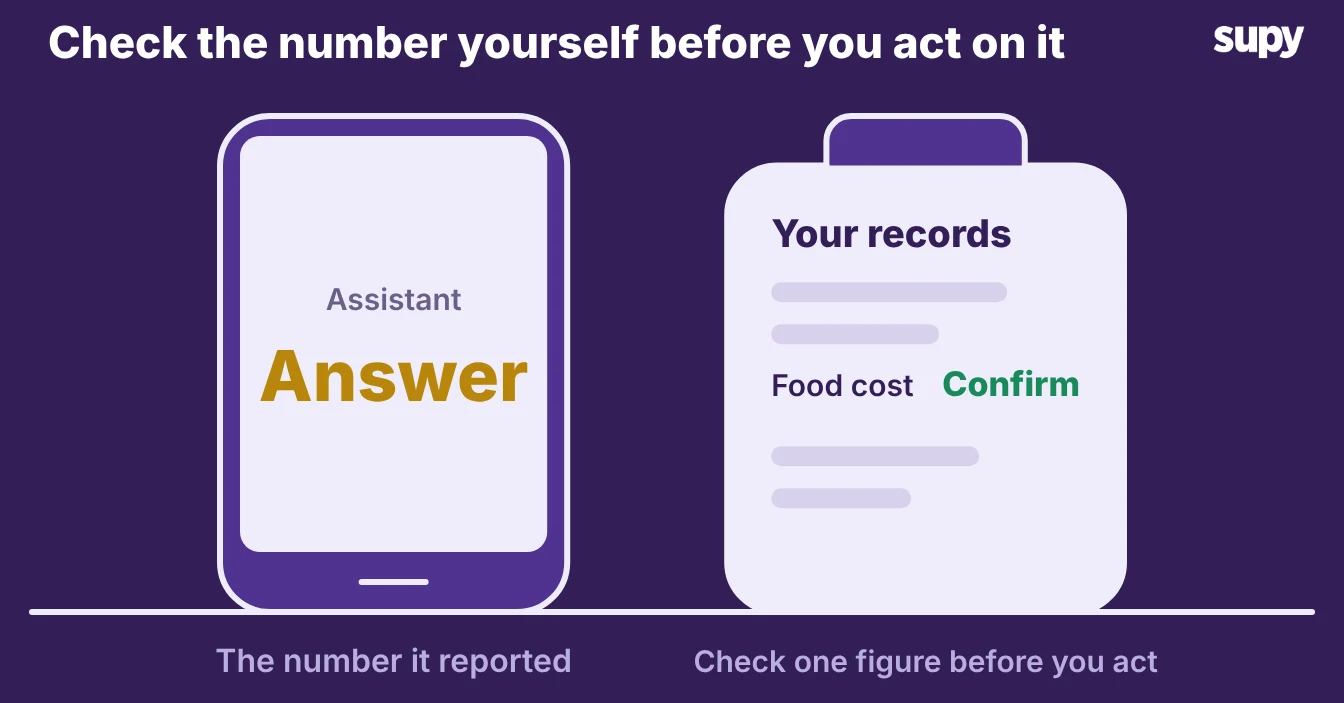
Start with one prompt this week. Run the food cost question for last week across your sites, then check the worst site's number in Supy.
You have turned a report you used to build by hand into a question you can ask in a sentence. Once that one lands, the other fourteen are there when you need them.