





Choosing a Catering Management Tool for Multi-Site Restaurants

Start With Your Back of House, Not the Event Calendar
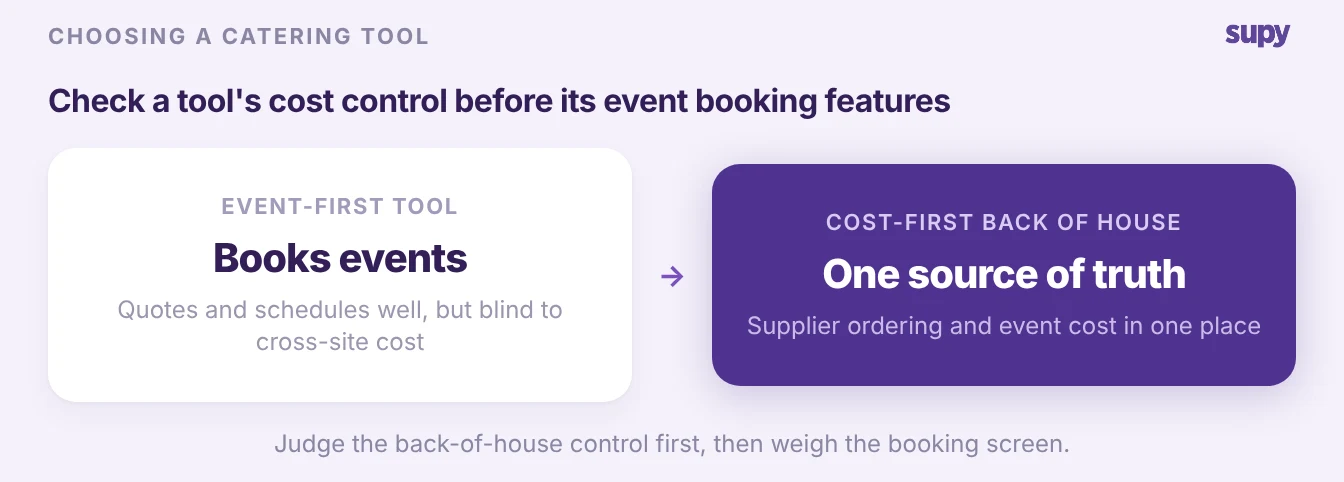
For a multi-site restaurant group, the right catering management tool has to hold the back of house together, not just book events. When a group opens another site and catering volume climbs, keeping supplier ordering consistent across concepts and costing each event accurately becomes the hard part. Most tools that rank for the term are built for event companies, so they book and schedule well but miss cross-site cost. This article shows the criteria that expose that gap, and where an inventory and cost platform fits and where it stops.
Can It Keep Supplier Ordering Consistent Across Every Concept?
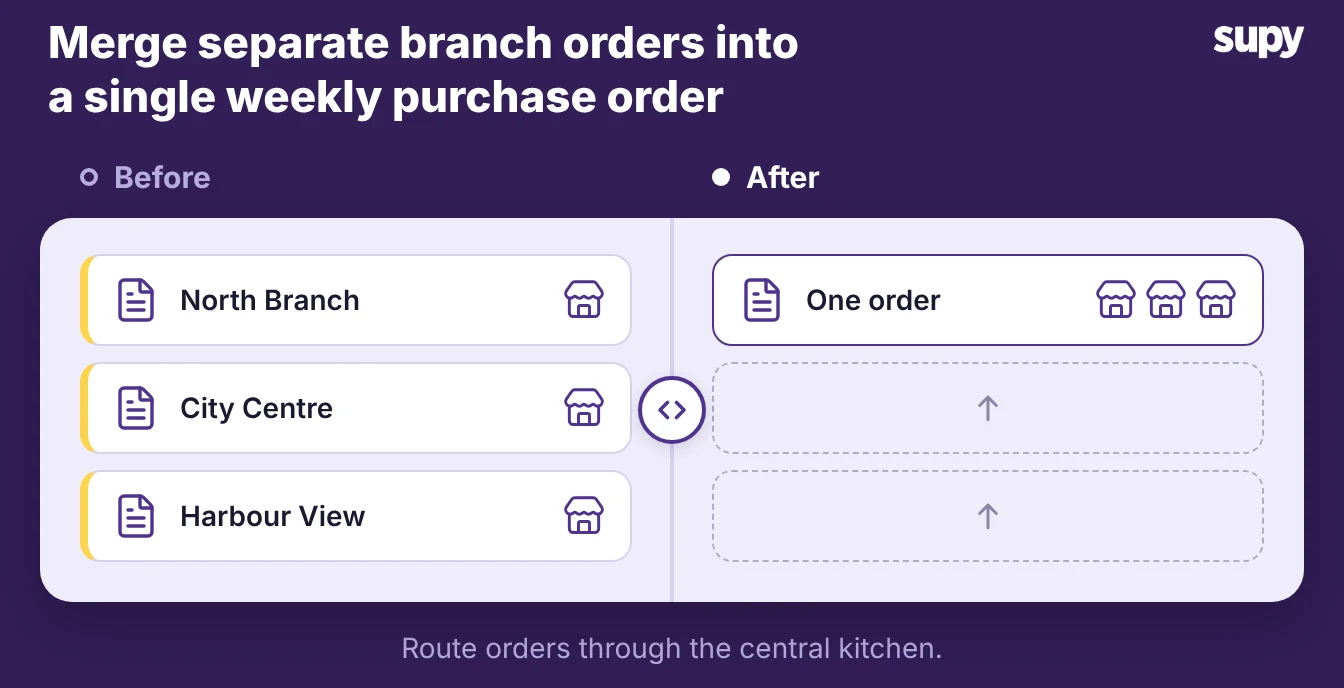
Ask how the tool holds ordering together when one group runs several concepts and a central kitchen. A burger brand, a coffee concept and an events kitchen each order from overlapping suppliers, and without one back-of-house layer each site reorders on its own.
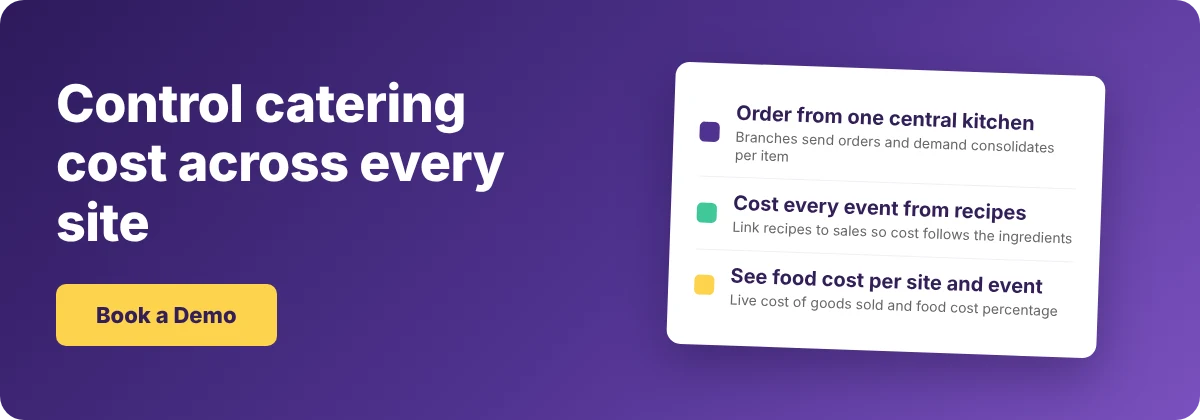
Supy runs this as central kitchen ordering. Branches send purchase orders to the central kitchen, the system consolidates cross-branch demand per item, and one team can order on behalf of any site. A group needs that shared ordering layer before it adds catering on top, and it is part of the same restaurant inventory management software that already runs your daily stock.
- Par level. Check how the tool decides how much to order for an event on top of steady service. A good one reorders each item to a par level set per site, so a spike in catering demand does not leave the kitchen short or overstocked.
- Par calculator. If you would rather not work par out by hand, the free par level calculator does it for every item on your sheet from your usage, delivery days and supplier lead times.
Can It Cost a Bespoke Event, Not Just File It?
The hardest question to answer about catering is also the one a tool must get right: what did that event actually cost? Operators running highly customised catering, where no two events are identical, often cannot trace true cost per event beyond a generic ledger bucket like "banquet food". A catering management tool is worth buying when it costs the event from its recipes, not from a bucket.
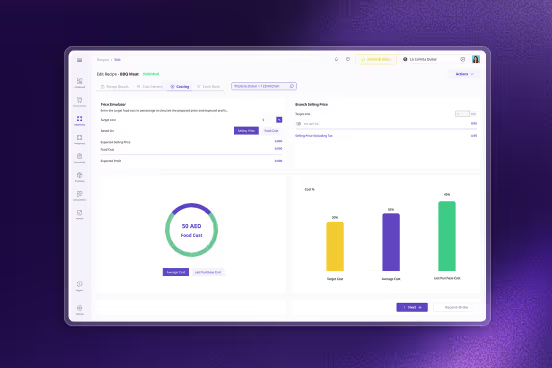
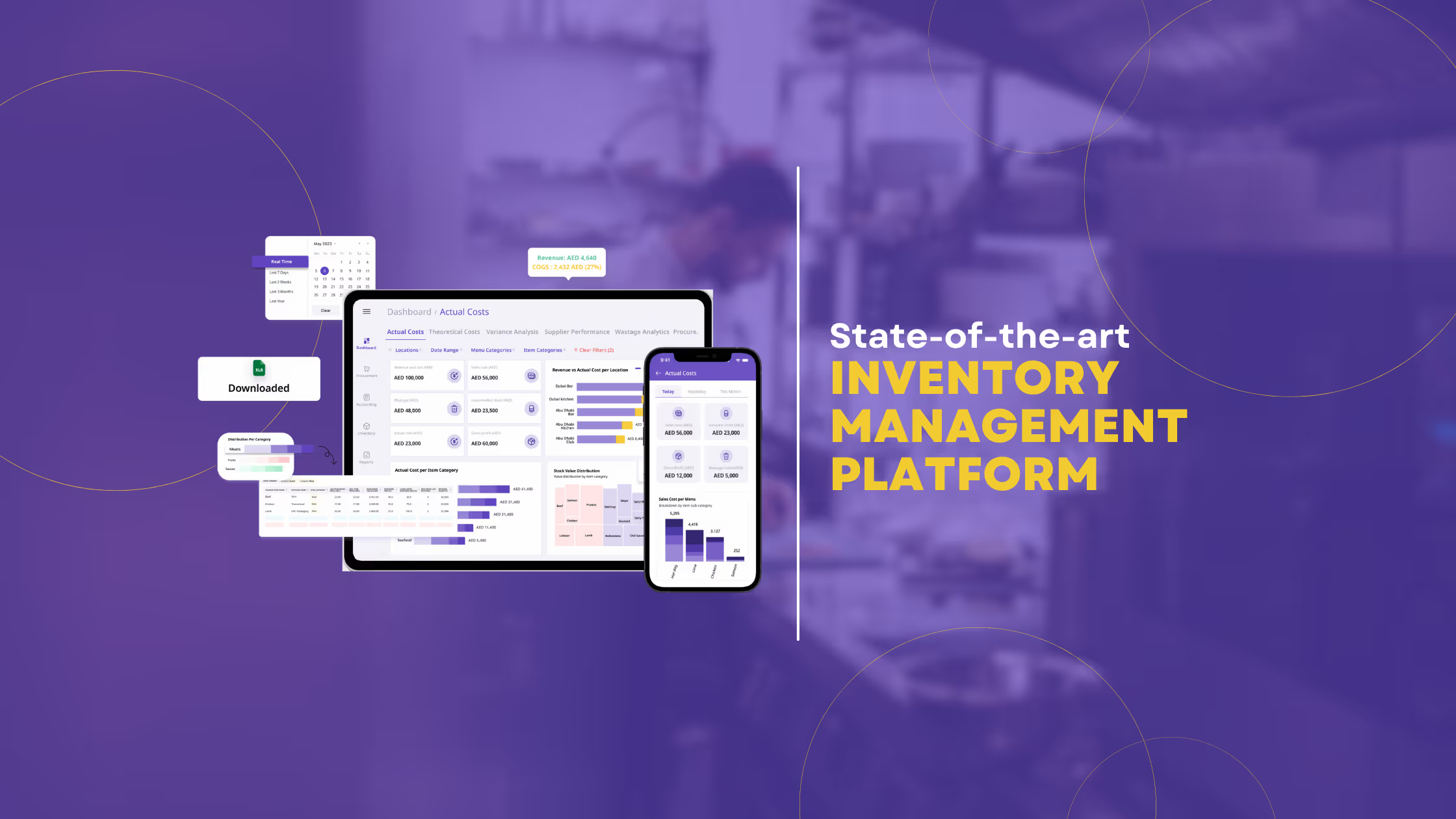
Supy builds this from recipes and prep recipes. You cost a plated dish or a semi-finished batch from its ingredients, and link it to the items a till sells so sales deplete the right stock. Then you read live cost of goods sold and food cost percentage by site, menu category or dish. For a one-off event, you create the recipe once and the cost follows the ingredients. Here is what to put a tool through before you buy.
| What to test in a demo | A booking-first tool | A cost-first tool |
|---|---|---|
| Cost of a bespoke event | Flat price or a ledger bucket | Costed from the event's own recipes |
| When ingredient prices change | Last agreed price | Recipe cost updates from the new price |
| Reporting | Revenue per event | Cost, food cost percentage and margin per event and site |
| Where the number lives | A separate events system | Beside your daily stock and cost of goods sold |
How Does It Handle Catering Sales the Till Never Sees?
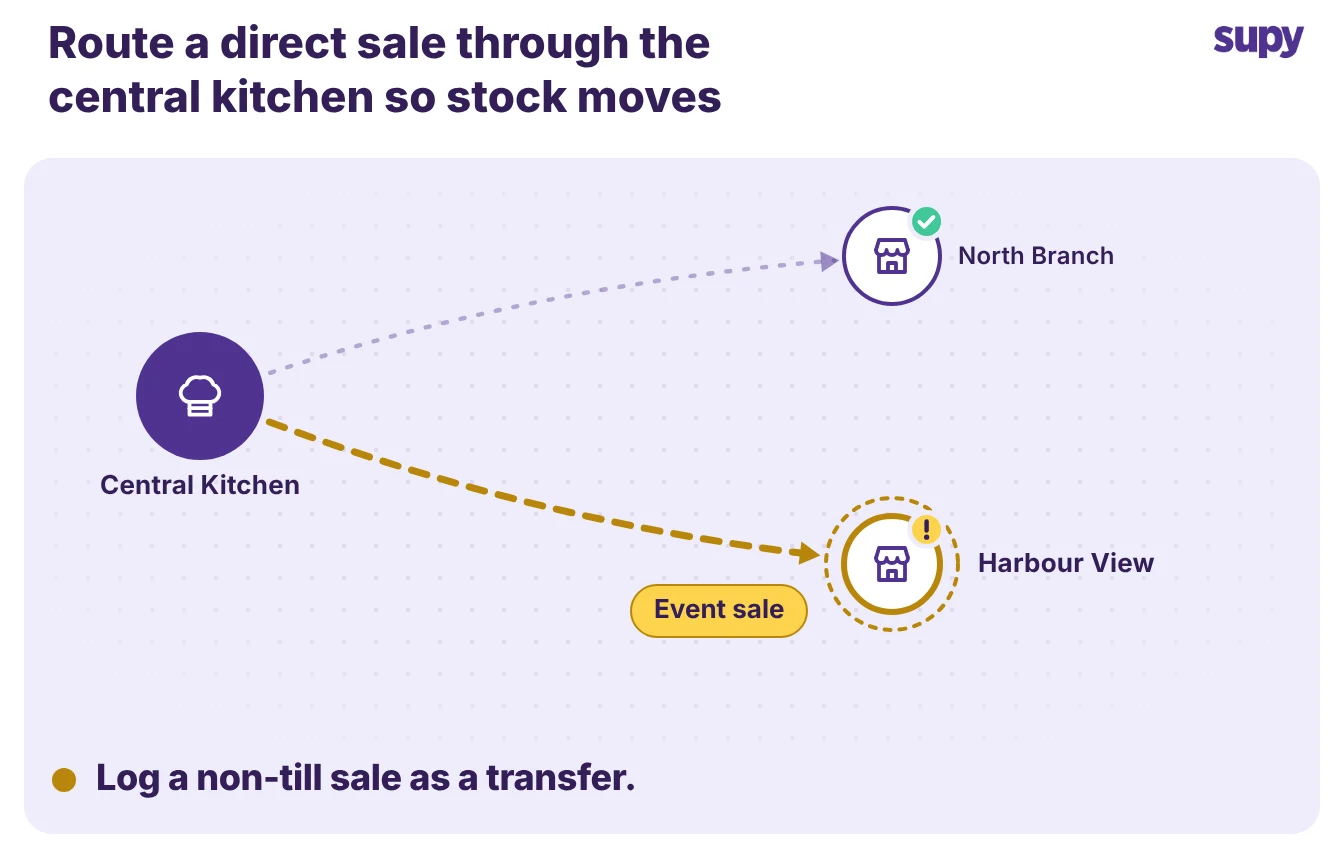
Catering orders worth thousands often never pass through the till, yet they still have to hit inventory and margins. A group might sell a corporate buffet direct, or ship trays from a central kitchen.
- Post to cost. Those sales still need to deplete stock and post to the cost report the same way a counter sale does. Ask any tool you are judging how it records a sale the point-of-sale never saw.
- Recipes and transfers. Supy handles this through recipes and transfers rather than a dedicated events till. You record the event as a recipe or an internal transfer out of the kitchen, so stock moves and the cost posts even though no till rang it up.
The central kitchen module takes this further for groups that sell to outside customers. It can:
- Issue invoices. Pro forma and tax invoices for each catering event.
- Hold price lists. Per-customer price lists for B2B clients.
- Keep statements of account. One running record per customer.
So B2B catering is billed and costed in the same place as internal supply. This is cost and supply control, not an event sales and booking system. If you need quotations and event scheduling as well, confirm in the demo which of those a tool owns and which it leaves to you.
Does It Turn an Event Into a Production Plan?
Operators keep asking for the same thing. They want to enter an event, say a set menu for a given number of guests, and have the system work out the shopping list and the production.
Treat that as a buyer's criterion, because it is where many tools stop. Ask the vendor to walk a real event from menu to prep list in front of you, and hold what you see against the checks below.
| What to ask a vendor | What good looks like | Where Supy stands today |
|---|---|---|
| Shopping list from a guest count | Built from the set menu automatically | Build the event recipe; demand consolidates across branches |
| Production schedule | Generated for the event | Batch production, yields and prep wastage tracked |
| Cost of the planned event | Rolled up from the recipes | Live from recipes and prep recipes |
| The honest limit | Stated plainly, not buried | No auto event schedule from a guest count on its own yet |
Supy covers the production half from recipes. It tracks batch production, yields, prep wastage and target costs, and consolidates demand across branches so a central kitchen produces to plan.
It does not auto-generate an event production schedule from a guest count on its own today. So if that specific automation matters to you, make each tool show it live rather than take it from a feature list.
How to Judge a Catering Management Tool in a Demo
Pick the tool on four checks, and make the vendor prove each one on your own operation rather than a polished sample. A restaurant group does not need the flashiest booking screen; it needs the back of house to stay consistent and the cost of every event to be visible.
| Criterion | What good looks like in the demo |
|---|---|
| Ordering across concepts | One central kitchen consolidates purchase orders for every site and concept |
| Cost per event | A bespoke event is costed from its recipes, with food cost percentage per event |
| Non-till sales | A direct or B2B catering sale depletes stock and posts to the cost report |
| One source of truth | Catering cost sits beside daily stock and cost of goods sold, not in a separate system |
Run the central kitchen and the cost reporting the way your busiest week would, and watch whether the numbers hold. If you already run multi-site back of house, the same discipline that keeps a central kitchen's ERP inventory honest is what keeps catering costs honest too. Start there, and let the event features earn their place on top.