





How to Build a Temperature Log Sheet for Your Restaurant
What a Temperature Log Sheet Gives Your Restaurant
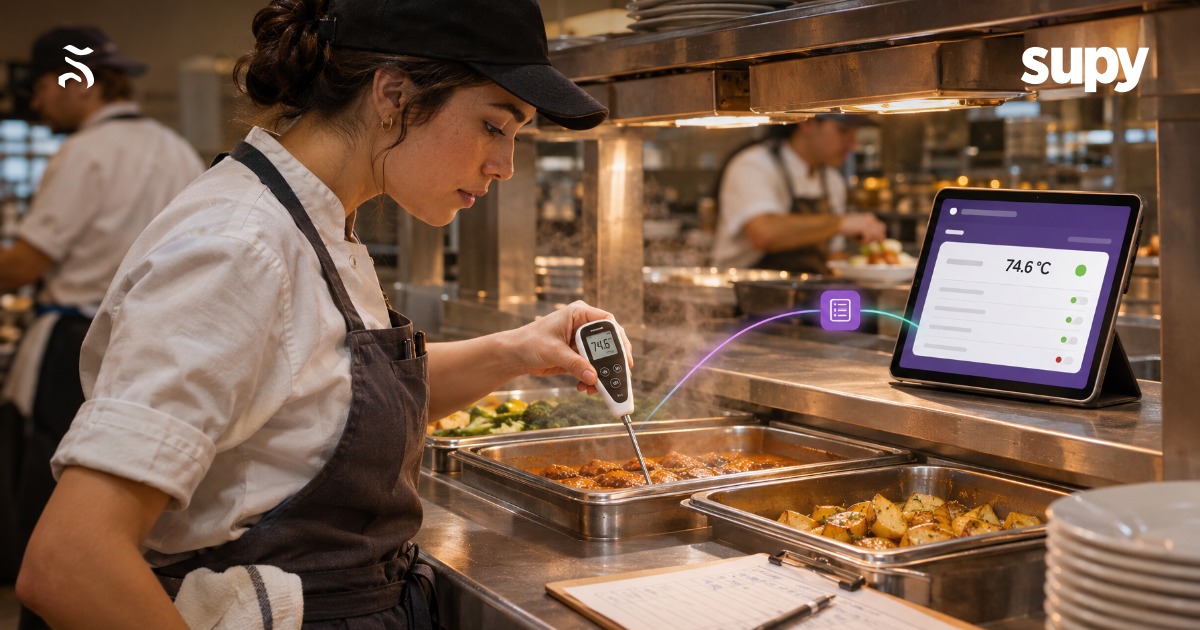
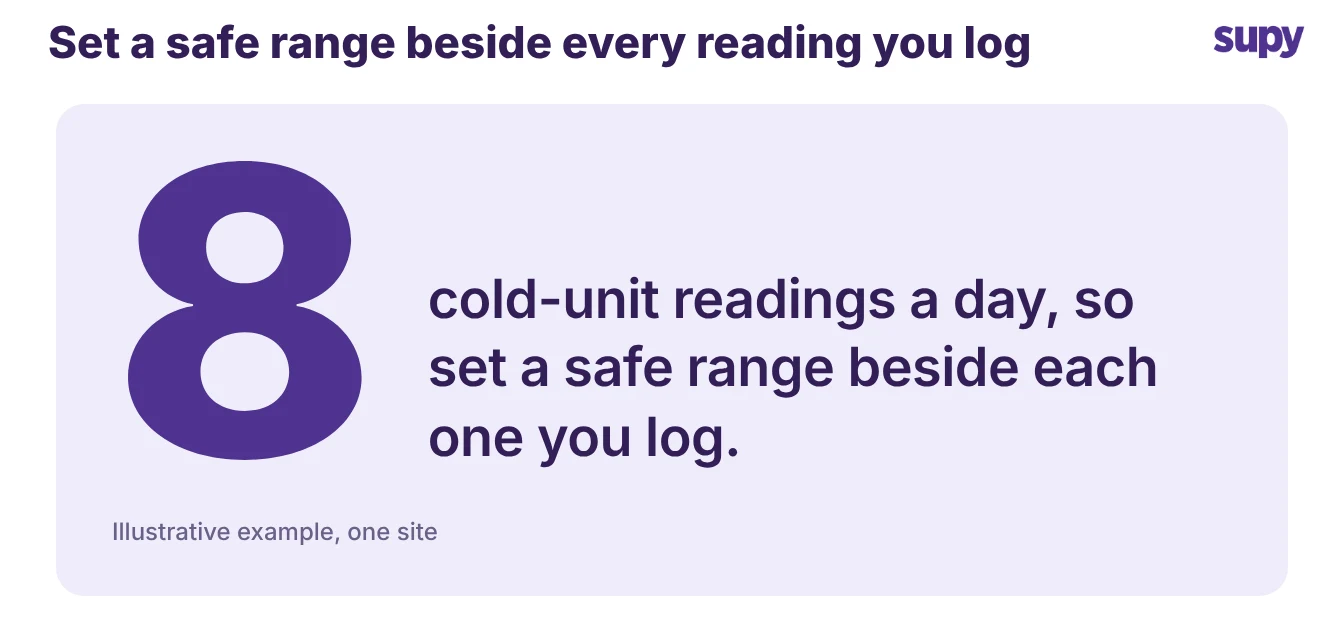
A temperature log sheet is the dated record your restaurant team fills in every time they check a fridge, freezer or hot-hold unit. One site with four cold units checked at open and close logs eight readings a day. A sheet that prints the safe range beside each reading lets a cook act on a warm unit fast. This article gives you the sheet, the FDA safe range for each reading, and how to log it without paper.
A good log does three jobs at once:
- It tells staff what each reading should be. A number on the sheet is never just a number.
- It leaves a record a manager can sign. An inspector can read exactly what was checked and when.
- It turns a daily habit into proof. A complete, dated sheet shows that your cold chain held.
The Columns Every Temperature Log Needs
Build your sheet around eight columns, and every reading carries its own context. A blank grid records numbers; this layout records whether each number was safe and what the team did about it. Copy the columns below into a sheet, a clipboard form, or a digital checklist.
| Column | What to record |
|---|---|
| Date | The day of the check |
| Time | When the reading was taken |
| Unit or item | Which fridge, freezer, hot-hold unit or cooked batch |
| Reading | The temperature shown, in °F |
| Safe range | The FDA range for that unit or food |
| In range? | Yes or no |
| Corrective action | What the team did about an out-of-range reading |
| Initials | Who took the reading |
The three columns most templates leave out are the safe range, the in-range check and the corrective action. Without them, staff write down a warm reading next to a fridge and move on. Nothing on the page tells them it is too warm or what to do next.
Print the safe range on the sheet, and staff can tell whether a reading is safe the moment they write it down.
What Each Reading Is Checked Against
Every reading on the sheet is measured against a published safe temperature. Put the safe range in the safe-range column, and a cook checking a unit never has to remember it.
The numbers below come from the FDA Food Code for time and temperature control for safety (TCS) food, the ingredients that grow bacteria fastest. Confirm the exact figures with your local health department before you rely on them, since state and county codes can add their own rules.
| Check | Safe temperature | FDA Food Code |
|---|---|---|
| Cold holding | 41°F (5°C) or below | 3-501.16 |
| Hot holding | 135°F (57°C) or above | 3-501.16 |
| Danger zone | 41°F to 135°F | 3-501.16 |
| Cooling, first stage | 135°F to 70°F within 2 hours | 3-501.14 |
| Cooling, second stage | 70°F to 41°F within the next 4 hours | 3-501.14 |
| Reheating | 165°F for 15 seconds | 3-403.11 |
The danger zone is the band to stay out of. Keep cold food below the cold-holding line, hot food above the hot-holding line, and move cooked food through that zone as fast as the cooling rule allows. A reading inside that zone is the one your corrective action is for.
What to Do When a Reading Is Out of Range
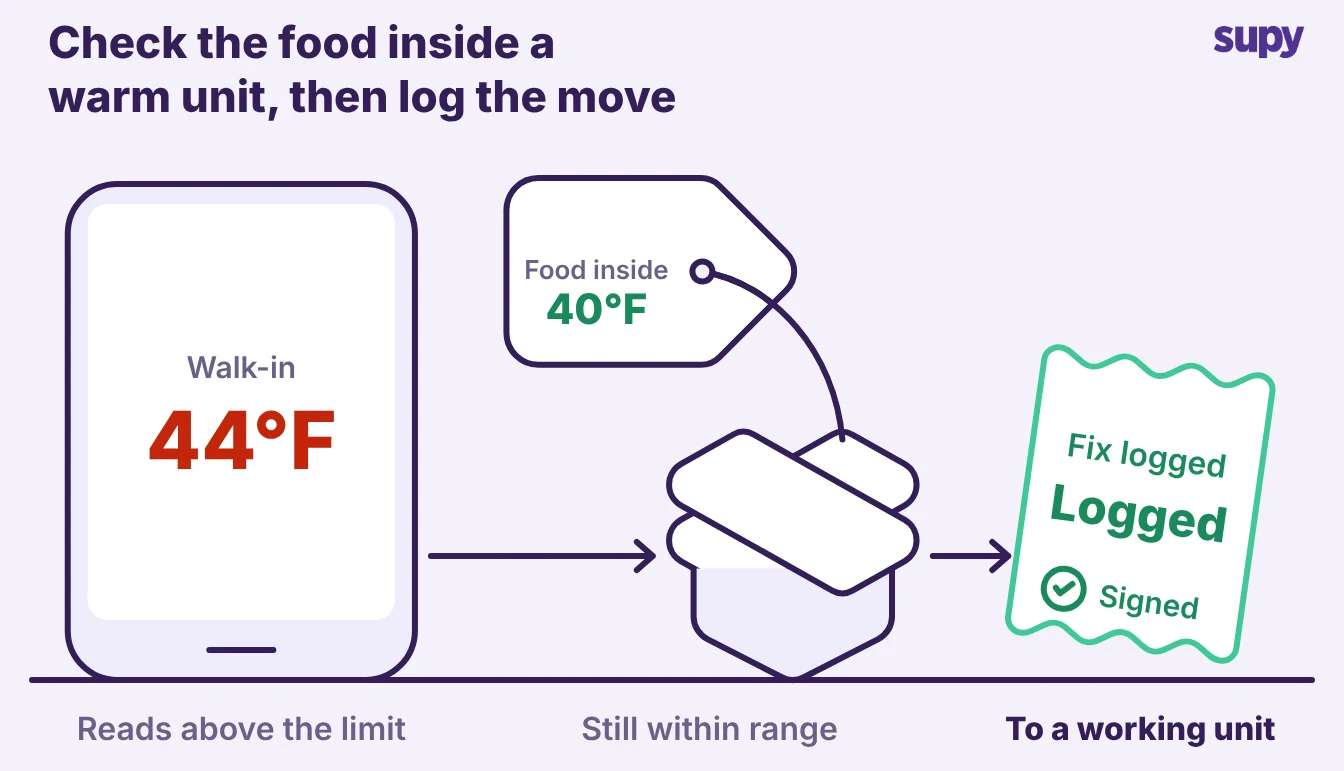
A log only helps if an out-of-range reading leads to an action, not just a circled number. The reading is the alarm, and the corrective action is the response. If a fridge reads too warm, for example, the team checks the food inside it, because the food is what you are protecting, not the box.
Give staff a short, written response for each kind of reading so nobody has to improvise:
- A cold unit reads above its safe range. Check the temperature of the food inside. If the food is still within range, move it to a working unit and call for a repair. If it has climbed into the danger zone, follow your discard rule.
- A hot-hold unit falls below its safe range. Reheat the food to the safe reheating temperature in the table above, then return it to hot holding, or discard it if you cannot say how long it sat.
- A cooling batch misses a stage. If cooked food has not cooled fast enough at the first stage, reheat and start cooling again, or discard it.
Write the action you took in the corrective-action column and initial it. That line turns a near-miss into a record an inspector trusts, because it shows the problem was caught and handled, not missed.
How Often to Check, and Who Signs It Off
Set a fixed rhythm so checks happen at the same points every day and one person owns each one. Cold units, hot holding, cooling and deliveries each need their own check, so a rhythm staff can repeat without thinking is what keeps the sheet complete.
| Check point | When | Who |
|---|---|---|
| Opening | Before first service | Opening cook |
| During service | Every few hours | Line lead |
| Closing | End of day | Closing cook |
| Sign-off | End of day | Duty manager |
The manager's sign-off is not a formality: it is the moment someone confirms every reading was taken and every out-of-range reading was dealt with. A sheet with gaps and no signature tells an inspector the checks were skipped, even when they were not.
Keep finished sheets somewhere you can find them, because an inspector can ask for the last three months. A group that keeps sheets in a drawer at each branch cannot see which site missed a check without sending someone out to look.
Run the Log on a Schedule, Without Paper
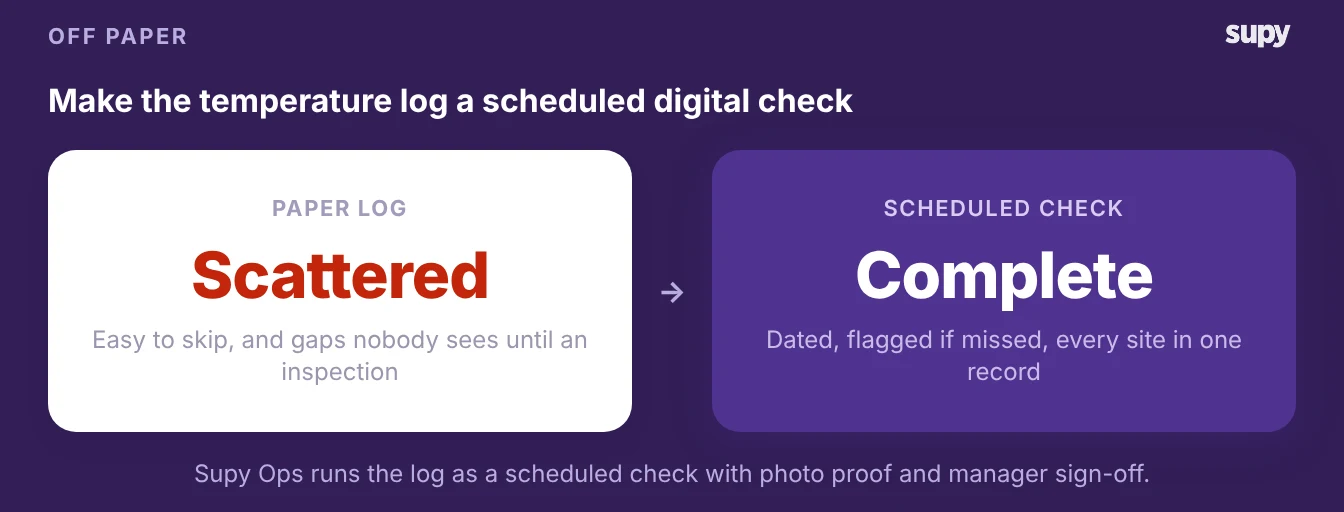
Paper is where temperature logs go to get skipped. A clipboard by the walk-in is slow to fill, easy to forget, and useless to a group that wants to see every branch at once. Operators are moving these checks off paper to cut the labour, and the fix is a scheduled digital check, not new hardware on your fridges.
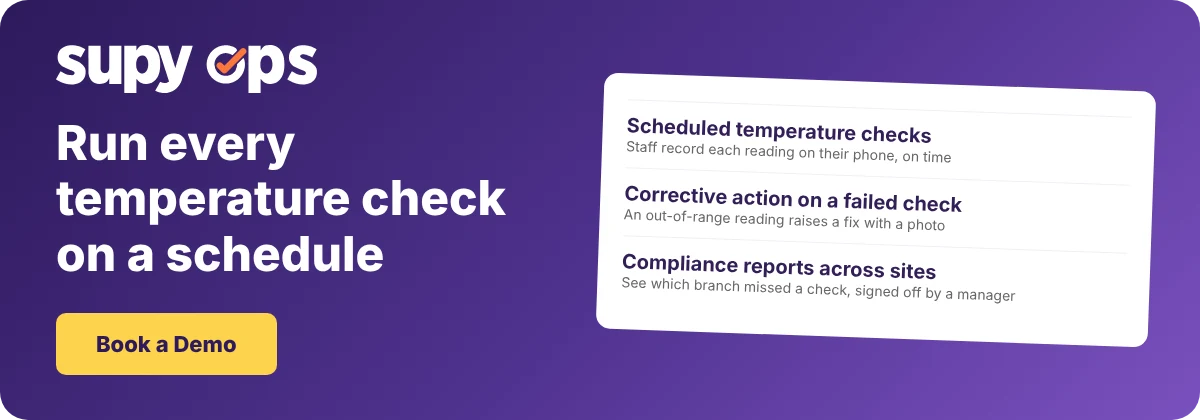
Supy Ops, Supy's checklist software, runs the temperature log as a scheduled check your team completes on their phones:
- Staff record each reading themselves. The same number they would write on paper, so there is no extra hardware to buy or fit.
- An out-of-range reading raises a fix on the spot. The staff member adds a written note and a photo, stored with the completed check.
- A manager signs off, and reports cover every site. Completion and compliance reports show which branch missed a check, without driving out to count clipboards.
The sheet, the safe ranges and the corrective actions all live in one place, ready for the next inspection. For how the same records work on paper first, see our guide to the food temperature log.
Build the eight-column sheet today and print the FDA safe ranges in the safe-range column. Write a one-line corrective action for each kind of reading, then decide who checks and who signs. When paper slows your team down or hides a missed check, move to a scheduled digital check and keep every record in one place.