Inventory

How to Speed Up Restaurant Stock Counts: Cut the Monthly Count Down
What Actually Makes a Stock Count Fast

The fastest way to cut a monthly stock count is to change how the count is structured, not to count faster. The three changes that do most of the work are reusable templates in shelf order, several staff counting in parallel, and variance checked against the system as you go. Together they take a count that used to swallow a full day down by more than half.

The manual version, done on pen and paper or walked round on a laptop, is the real bottleneck. Most groups do not abandon counting because their team is slow. They abandon it because the process does not scale. One person walks every storeroom and then types the sheet into a spreadsheet afterwards. By the time the numbers are in, the wastage they were meant to catch has already gone out the door. The guides that rank for this topic tell you to tidy your shelves and count in a fixed order. That helps, but it never ties the speed gain to the thing that delivers it: the system doing the setup, the merging and the checking for you.

Supy's stock counting is built around that idea, with a stated reduction in counting time of more than half. The rest of this post is the concrete list of what gets you there.
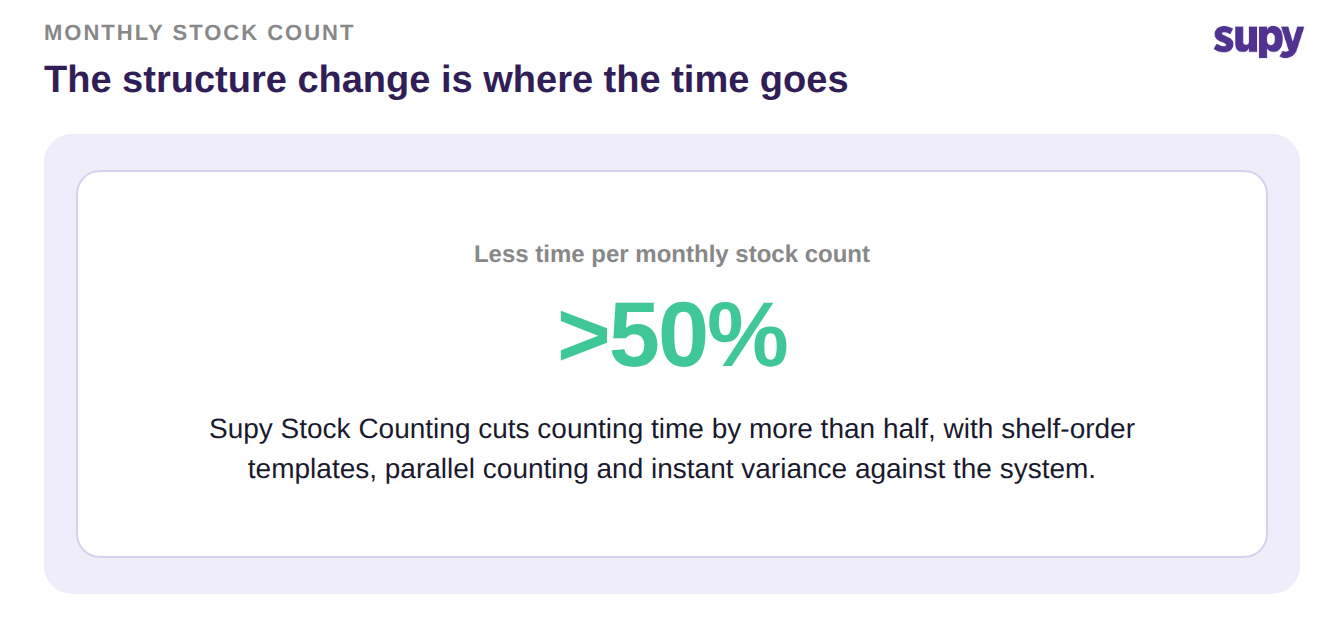
Supy Stock Counting cuts monthly stock-count time by more than half


Eight Ways to Cut Your Monthly Count Time

Each of these is a change you can make to the count itself. The first few are habits any operator can adopt. The ones that compound are the system mechanisms underneath them.

  1. Count in shelf order, every time. Build a reusable count template that lists items in the exact order a counter walks the shelf, fridge or dry store. There is no hunting, no scrolling and no skipped corners. Set it once and every future count follows the same path, so a new starter counts as fast as your head of kitchen.
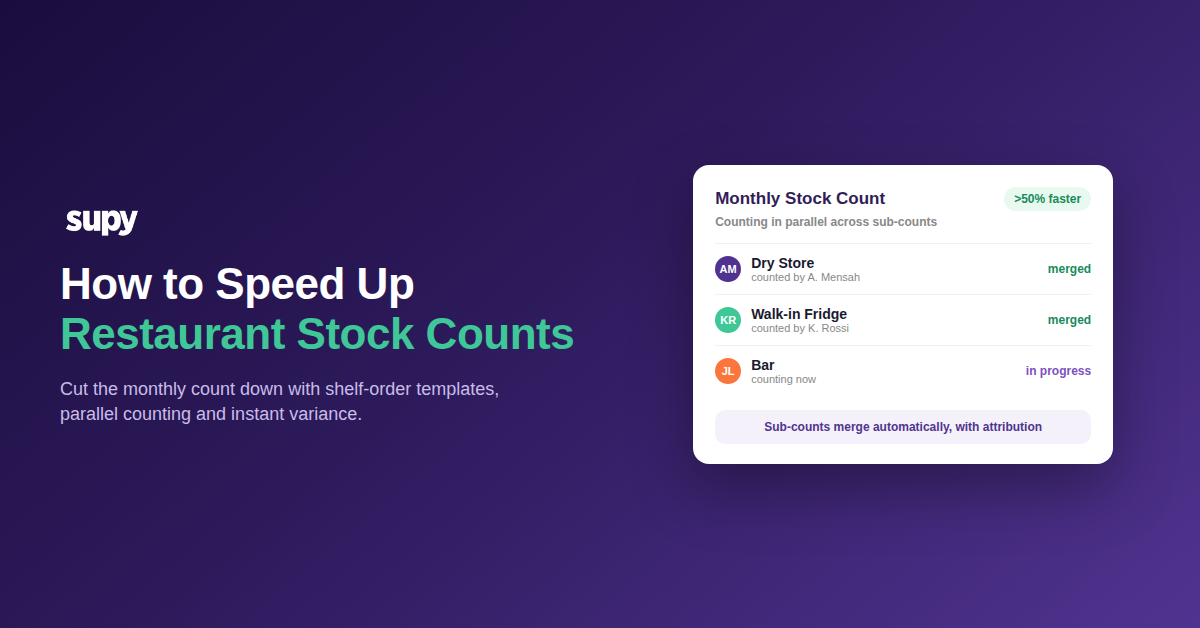
  2. Split the count and run it in parallel. Break each location's count into sub-counts, one per section or cost centre, and put a different person on each. They count at the same time, the results merge automatically, and every line keeps the name of who counted it. Three people on three sections finish in roughly a third of the wall-clock time.
  3. Count on a phone or tablet, not paper. Enter numbers where you are standing, including in a walk-in or a back storeroom where the signal drops. The count syncs when you are back in range. That removes the entire pen-to-spreadsheet re-keying step that used to happen after everyone had gone home.
  4. Let the system generate the count sheets for you. Set a recurring schedule once, pick the locations, the cadence and the item groups. The system then creates one ready-to-fill count per location when it is due. A 10-site group gets up to 10 counts generated with no per-site setup, so nobody is building sheets by hand the night before.
  5. Run every site at the same time, not one after another. On a group count day, scheduled counts are processed in parallel rather than queued site by site. Your busiest outlet is not waiting on your quietest one to finish before it can start.
  6. Count against the system, and only recount what is off. When each line shows its variance against the expected figure as you enter it, you stop re-counting everything to find the few items that moved. You see the drift instantly, drill into it, and recount only those lines. Pair this with the accuracy side of counting so the fast count is also the right one.
  7. Count the fast movers often and the slow movers rarely. Not every item earns a monthly count. Put high-value, high-movement lines in their own group and count them weekly. Let the stable, slow-moving stock sit on a longer cadence. You spend your counting time where money actually moves.
  8. Review the variances that repeat, not every line. Once counts are submitted, let the system produce the per-item variance report and flag the items that drift period over period. A line that is short every single month is a pattern worth fixing at source. Spotting it is far quicker than reading every number again from scratch.
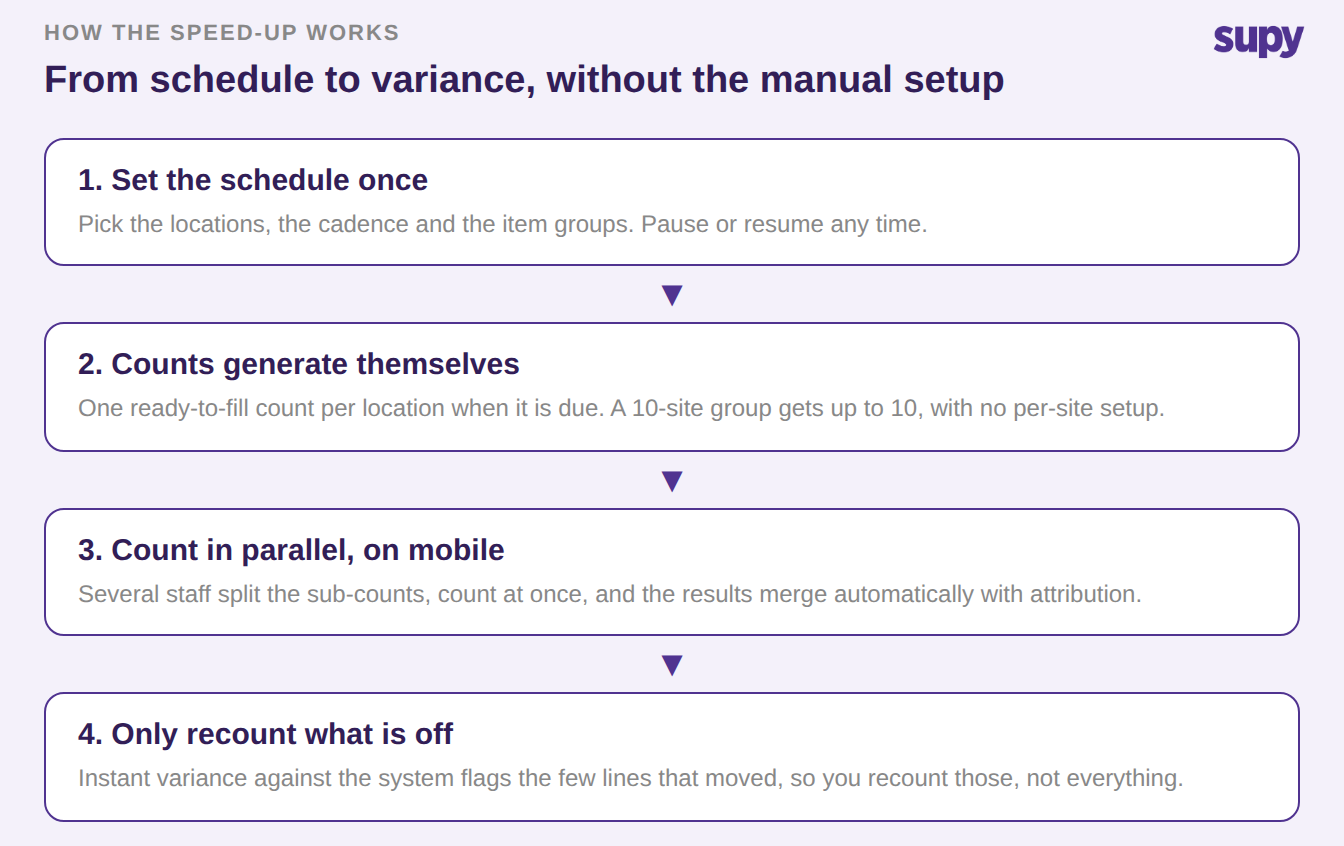
How Supy speeds up stock counts: set a schedule, counts generate per location, count in parallel on mobile, recount only what is off


If you only change one thing this month, build the shelf-order template and turn on a schedule for your busiest location. That single move removes the two slowest parts of the count, the setup and the walk order, before you have added a second counter. Everything else on this list compounds from there.

Book a Demo with Supy — speeding up restaurant stock counts

Ready to optimize your restaurant operations?

Blog

Our operational insights

No items found.

Your questions 
answered

Everything you need to know about Supy — from setup to integrations, pricing, and daily use. If it’s not covered here, just ask.

How long should a monthly stock count take?
+

There is no single right number, because it depends on how many items and locations you count. The useful benchmark is the direction of travel. A fully manual count, done on pen and paper and then re-typed into a spreadsheet, often swallows most of a day for a single site. Restructuring that same count with shelf-order templates, several people counting in parallel, and variance checked as you go typically cuts the time by more than half. If your count still takes a full day for one location, the process is the bottleneck, not your team.

What is the fastest way to speed up a restaurant stock count?
+

The biggest single win is to stop counting items in a random order. Build a reusable count template that follows the physical walk order of each shelf, fridge and dry store, so nobody hunts or scrolls. From there, split the count into sub-counts so several staff count at once and the results merge automatically, and check variance against the system as you go so you only recount the few lines that moved. Those three changes attack setup time, counting time, and checking time at once, which is where a slow count actually loses its hours.

Why do restaurant teams stop doing stock counts?
+

Teams usually abandon counts because the manual process is unsustainable, not because they do not see the value. Walking every storeroom with a clipboard, then re-keying the sheet into a spreadsheet after service, is slow and easy to skip when the week is busy. In multi-site groups it is worse, because the same manual effort repeats at every location with no shared setup. When counting feels like a full day of work for a number that is already out of date by the time it lands, it quietly drops down the priority list and stops happening at all.

Can several staff count stock at the same time?
+

Yes, and it is one of the largest time savings available. Split a location's count into sub-counts, one per section or cost centre, and put a different person on each. They count in parallel rather than waiting for one person to walk the whole site, and the separate sub-counts merge into a single count automatically. Each line keeps the name of whoever counted it, so there is still accountability and a clear audit trail. Three people counting three sections finish in roughly a third of the wall-clock time one person would need for the same site.

Does counting on a mobile work in a walk-in or a storeroom with no signal?
+

Yes. The point of counting on a phone or tablet is to enter numbers where you are physically standing, including cold rooms and back storerooms where connectivity is poor. You count against the sheet on the device, and the data syncs once you are back in range. That matters because the slowest and most error-prone part of a manual count is the step afterwards, where paper tallies are typed into a spreadsheet back in the office. Removing that re-keying step both saves time and cuts the transcription mistakes that make a count untrustworthy.

How does counting against the system save time?
+

A blind count forces you to re-count everything to find the few items that are wrong. Counting against the system flips that around. As you enter each line, you see its variance against the expected figure immediately, so the items that have drifted stand out while you are still on the floor. You drill into those and recount only them, instead of repeating the whole count to chase one discrepancy. It also turns the count into something useful straight away, because the variance report is ready the moment you submit rather than after a separate reconciliation step.

Which items should you count most often?
+

Not every item deserves the same cadence, and counting everything monthly wastes time on stock that barely moves. Put your high-value, fast-moving lines, the ones that drive food cost and go missing, into their own item group and count them weekly or more often. Let stable, slow-moving items sit on a longer cycle. Scheduling lets you set this up once per item group and per location, so the right things get counted at the right frequency automatically. You spend your counting effort where money actually moves, which is the whole point of counting in the first place.

Ready to transform your operations?

Join 3500+ restaurant operators cutting costs, streamlining operations and making smarter decisions with Supy.