.jpg)


Restaurant Inventory Software Integrations: Connecting Accounting, POS and ERP Across Every Site
Picture a restaurant group where the numbers simply arrive. A delivery is received at one location, and the goods received note, the supplier invoice behind it, and the cost impact are all sitting in the accounting system before the manager has finished their shift. Sales from every till flow into the cost reports overnight. When a supplier credit is due, it is already waiting as a vendor credit in the books. Nobody re-typed anything. That is what good restaurant inventory software integrations deliver for a multi-site operation: not one more tool to check, but the tools you already run kept in agreement automatically.
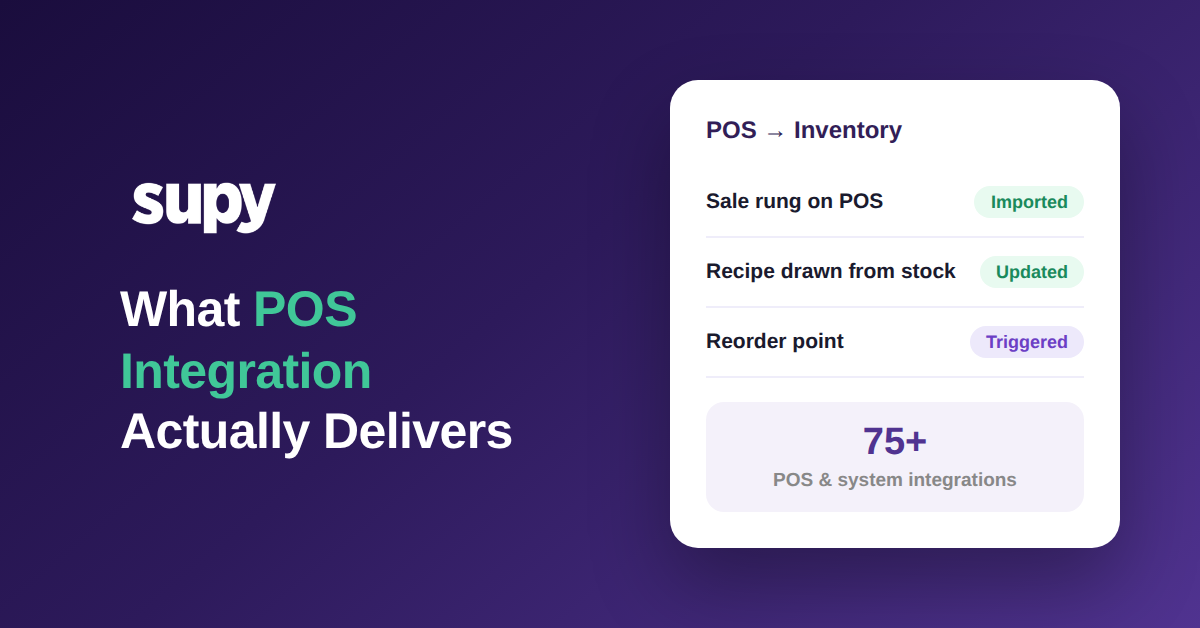
Most groups never reach that state because they treat integration as a single connector, usually a link to one accounting package. A real integration layer is wider than that. It connects inventory and procurement data to your accounting, POS, and enterprise resource planning (ERP) systems at once, and it does it for every site. If you have searched for restaurant inventory software that integrates with accounting and POS, this is the difference worth understanding before you commit: Supy connects to 75+ platforms and adds an open API on top, so the whole procurement-to-ledger loop moves on its own across a multi-site estate. This guide walks through how that works and what to check before you buy.
What Restaurant Inventory Software Integrations Really Mean for a Multi-Site Group
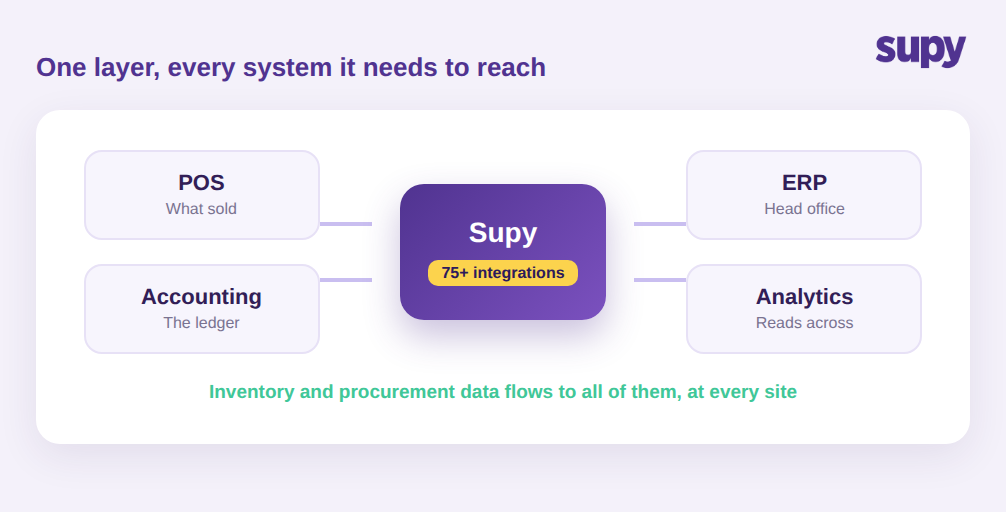
Integration is not a single pipe to one accounting tool. For a group, the data that matters lives in several systems: the point of sale (POS) records what sold, the accounting or ERP system holds the ledger, and analytics tools read across both. An integration layer is the connective tissue that keeps inventory and procurement data flowing between all of them, at every location, without a person acting as the courier.
Supy is built as that layer rather than a single connector. It ties into 75+ POS, accounting, ERP, and analytics platforms, so procurement, inventory, and financial data stay consolidated instead of scattered across tools that never speak to each other. For the systems that are not on the prebuilt list, an open API lets your team wire in a custom connection. The practical result is that a group running a POS in the dining room, an accounting package in finance, and an ERP at head office does not have to choose which one holds the truth. They all read from the same procurement and inventory data.
The layer reaches outward to suppliers too, not just to internal systems. Where a supplier can accept a direct feed, Supy transmits each purchase order straight to the supplier's own system over a secure file transfer connection the moment it is submitted, so the order never has to be re-sent by email or re-keyed on the other side. Integration, in other words, is not only about pushing data into your books. It is about removing every manual hop between the moment a decision is made and the moment every connected system knows about it. The question for a group is not whether a tool lists an integration, but whether it behaves as a layer: does the data reach every system, at every site, without someone moving it by hand?
Map Every Location to the Right Cost Center
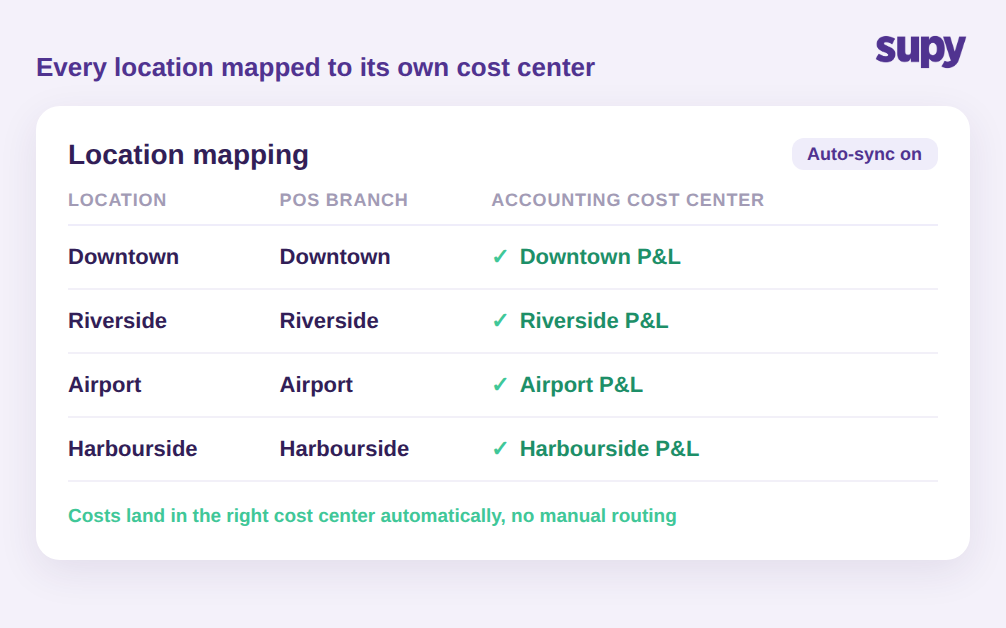
The moment a group has more than one site, a single connection is not enough. Head office needs to know which costs belong to which location, and the finance team needs those costs to land in the correct cost center without anyone sorting them by hand. This is where per-site mapping matters more than the connector itself.
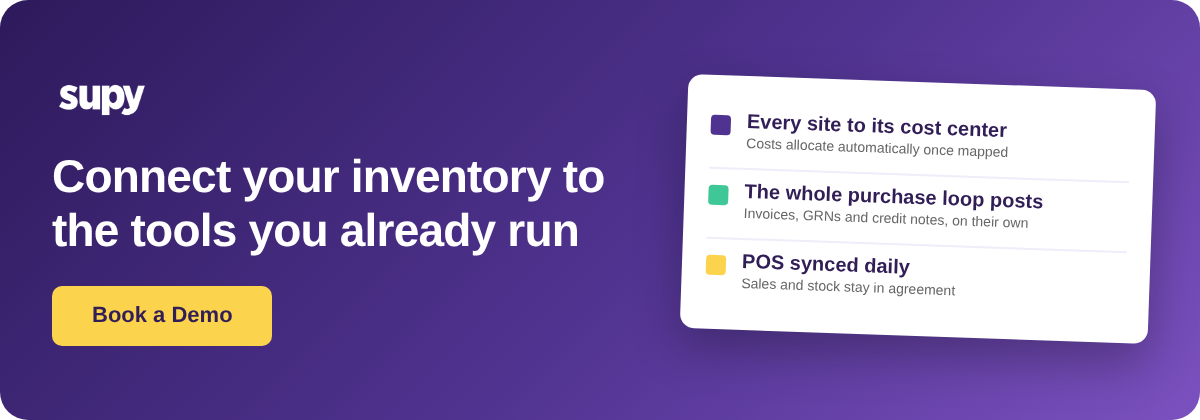
In Supy, each location is mapped to its corresponding branch or cost center in the connected accounting system. With optional auto-sync switched on, purchasing data flows into the books and each cost is allocated to the right cost center automatically, with no manual routing. That mapping also fixes a quiet source of error that shows up when POS and inventory data are stitched together badly. One multi-site operator's operations director reported that incomplete item mapping between the POS and their system caused real revenue and stock-depletion underreporting across locations. Correct per-location mapping is what makes the cost reports for each site trustworthy, and it is what lets a head office compare like with like rather than arguing about whether two branches are even measured the same way. Before you trust a per-site profit and loss figure, ask whether each location is mapped to its own cost center, or whether costs are being dropped into one shared bucket.
Post the Whole Purchase Loop into Your Books Automatically
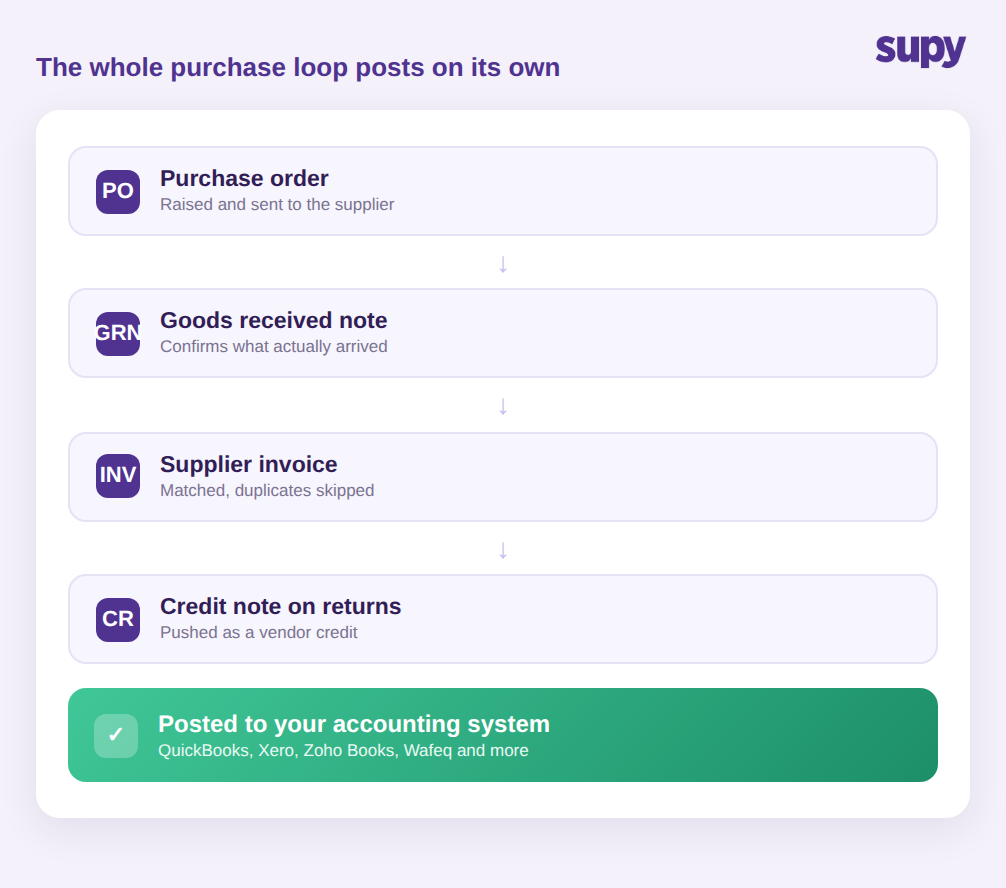
Plenty of tools claim they sync with an accounting package. What they usually mean is that they push a daily sales total or a batch of invoices. A multi-site group needs the whole purchase loop to post, not just the headline number: the purchase order, the goods received note that confirms what actually arrived, the supplier invoice, and the credit note when a return is due.
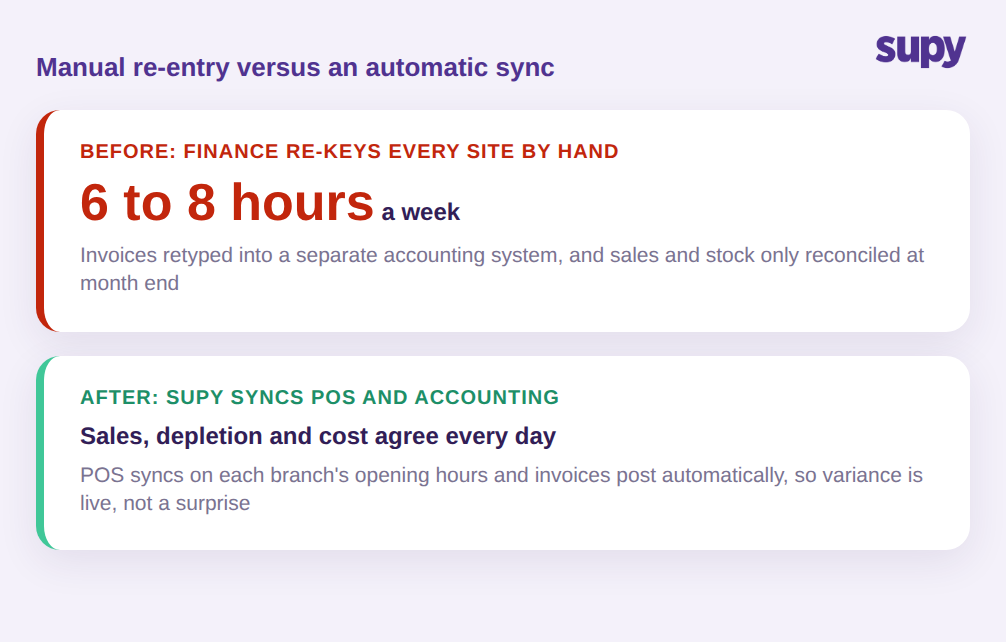
Supy connects directly to QuickBooks, Xero, Zoho Books, Wafeq, and the rest of its 75+ platforms, and it pushes purchase invoices and goods received note data into the accounting system automatically. That removes the re-keying that eats finance time: in a 14-site group, re-entering supplier invoices into a separate accounting system by hand can absorb 6 to 8 hours a week before anyone reconciles a thing. The loop also closes properly on returns. When a supplier return is recorded, Supy generates a credit note and pushes it to the connected accounting system as a vendor credit, so the team does not recreate the adjustment in Xero or QuickBooks by hand. Because the cost data is already in the ledger, the group's cost of goods sold reporting reflects reality without a month-end scramble.
What posts to the books is protected as well, which matters as much as the fact that it posts at all. When an invoice arrives by email, Supy detects if the same document has already been received and processed and flags the duplicate as skipped, so the same bill is never posted twice. A goods received note can only be posted once every item on it is confirmed to belong at the receiving location, which stops stock from silently landing against the wrong site. And once a goods received note is posted, it is locked rather than quietly deletable, so the stock and cost records behind the ledger stay intact. For a finance team, that means the automatic feed is not just faster than manual entry, it is harder to get wrong. The test to put to a vendor is simple: does it post the whole loop, invoices, goods received notes and credit notes, or only a daily total someone still has to break apart by hand?
Sync Your POS So Sales and Stock Always Agree
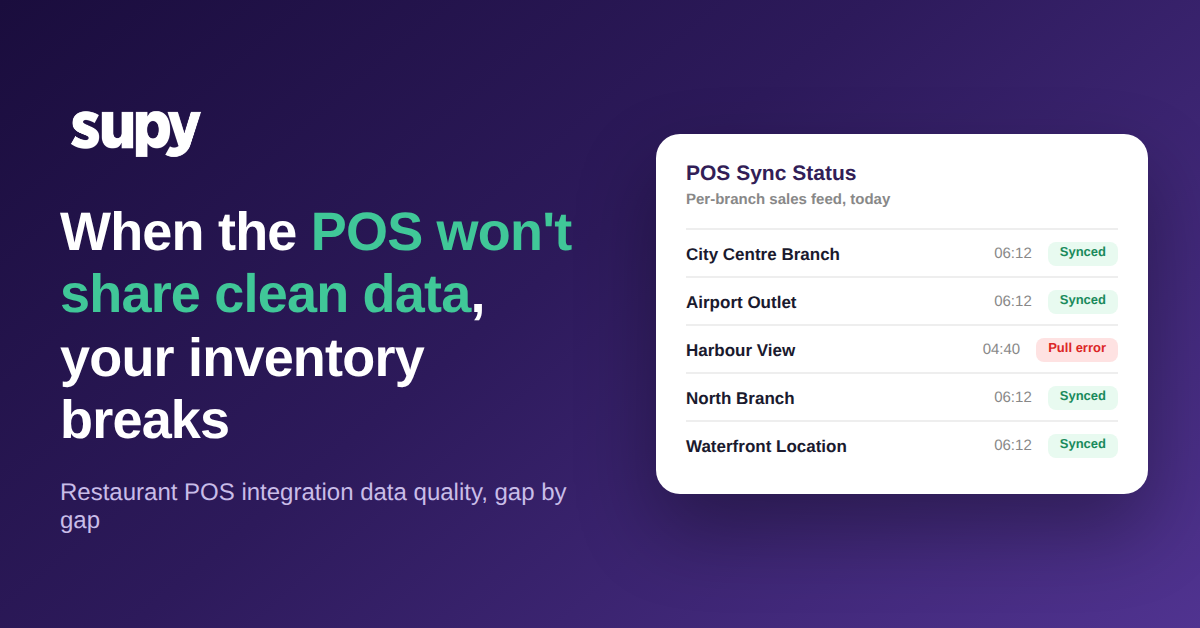
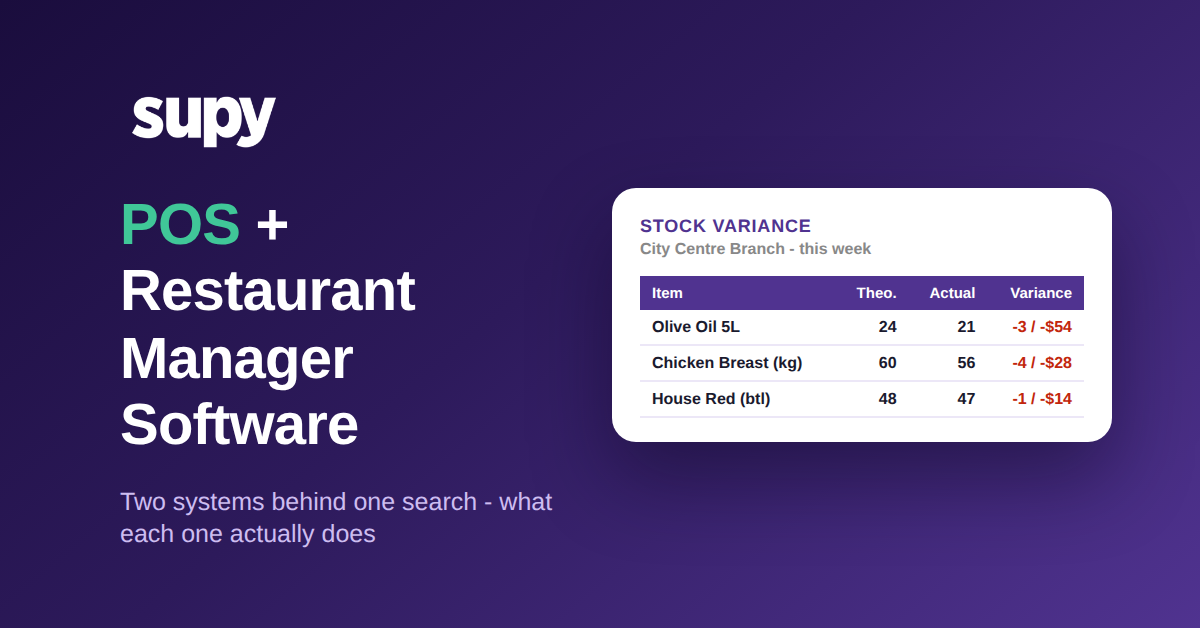
Costs are only half of the picture. The POS holds what sold, and that has to line up with what inventory says was used, or the variance reports become guesswork. The failure mode here is subtle: a POS item that is mapped to the wrong recipe or to nothing at all quietly understates depletion, and the gap only surfaces at the count.
Supy syncs with the POS on a schedule tied to each branch's configured opening hours, so every site's sales data flows into the cost reports each day without a manual trigger. Combined with correct per-location item mapping, that means sales, depletion, and cost reconcile on their own rather than being forced to agree once a month. For an operator, the payoff is a daily read on food cost per site that they can act on this week, not a surprise they discover after the period closes. A branch drifting two points over on cost shows up while there is still time to change an order or a portion, instead of becoming a line in a report nobody can now explain. So ask any vendor how often the POS syncs and on whose schedule: automatically on each branch's opening hours, or a manual export a manager has to remember to run?
How to Judge an Integration Layer Before You Commit
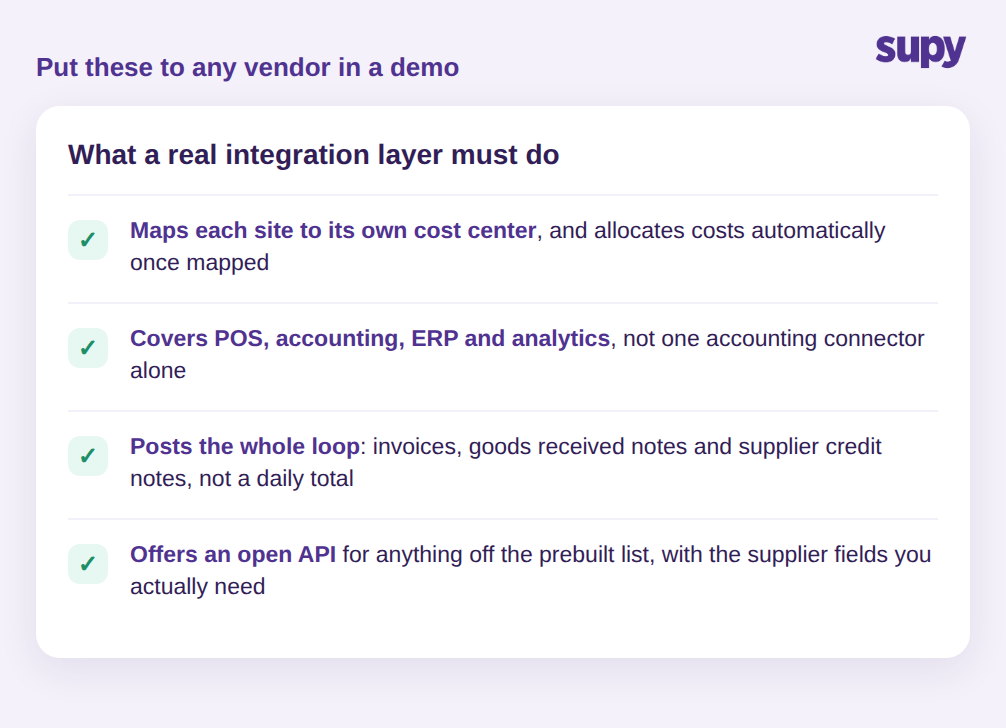
Integration promises sound alike on a website, so it pays to test them against the way a multi-site group actually works. Four checks separate a real layer from a single connector, and each one is easy to put to a vendor in a demo.
First, ask whether the tool maps each location to its own cost center in your accounting system, and whether costs allocate automatically once mapped. If every site lands in one undifferentiated bucket, head office loses the per-location view. Second, confirm the coverage is wide: POS, accounting, ERP, and analytics, not one accounting connector alone. A group that runs an ERP such as Microsoft Dynamics as its finance backbone needs procurement and inventory data to reach it, and one multi-site group's IT director flagged exactly that as a hard requirement rather than a nice extra. Third, check that the whole loop posts, including invoices, goods received notes, and supplier credit notes, rather than a daily total, and ask what protects it: duplicate detection, location checks, and locked records once posted. Fourth, ask about the open API for anything not on the prebuilt list, and be specific about the fields you need. One integration engineer found certain supplier fields were not exposed by the API when building a connector into a general ledger, so confirm the data you depend on is actually available before you plan around it. Put those four questions to any vendor and the difference between a connector and an integration layer becomes clear fast.
For a multi-site group, the win from restaurant inventory software integrations is not that a box gets ticked next to the name of one accounting package. It is that every location is mapped to the right cost center, the full purchase loop posts to the books on its own and stays protected once it lands, the POS keeps sales and stock in agreement daily, and an open API covers whatever the prebuilt connectors do not. Get those four things right and the numbers stop being a monthly reconstruction and start being something the group can run on. If your finance team is still re-keying invoices site by site, that is the first hour a real integration layer gives back.