.jpg)


Manual Invoice Entry vs Automated Scanning: Which Fits Your Restaurant
A multi-site restaurant group keys hundreds of supplier invoices a week. Every one carries a header, a supplier, and a list of priced lines that has to reach the accounting system. Manual invoice entry and automated invoice scanning both get those numbers in. They differ in three ways: how many hours the work takes, how many figures a person keys wrong, and what each one needs from the document. This comparison sets out what each costs at scale, where automated scanning wins, where it still needs clean inputs, and how to choose.
What manual invoice entry costs a multi-site group
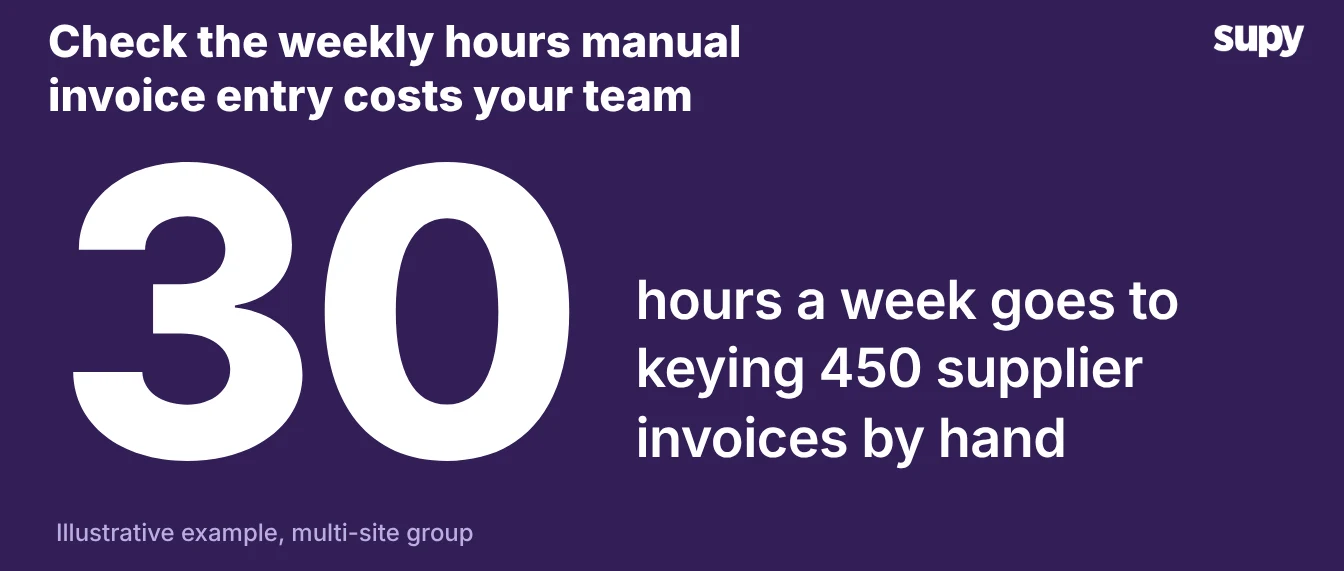
Manual invoice entry costs a multi-site group its procurement team's week. At 450 invoices a week and about 4 minutes to key each one, that is close to 30 hours of typing before anyone checks a price. The hours are only half of the cost.
Every figure typed by hand is a figure someone can mistype. A wrong unit price or quantity ends up in food cost and the month-end close. You find those errors late. A transposed price sits unnoticed until someone reconciles the supplier statement. By then the delivery is long gone, and the credit note is harder to request.
Manual entry and automated scanning side by side
The two approaches split cleanly on effort, error exposure, and what they depend on to work.
| Criterion | Manual entry | Automated scanning |
|---|---|---|
| Weekly effort | About 30 hours of keying | About 8 hours of review |
| Where errors enter | Every typed field | Fields the capture reads wrong |
| Line population | Typed by hand | Auto-populated from the document |
| Order to receipt | Matched by hand | One click, multiple receipts per order |
| Posting to accounting | One invoice at a time | Bulk post in one action |
| Weak point | Volume and fatigue | Missing purchase orders or cost centres |
Read the table as a decision aid, not a verdict. The right column wins on volume. The left column still handles a low, messy invoice load without new setup.
Where automated invoice scanning pays off
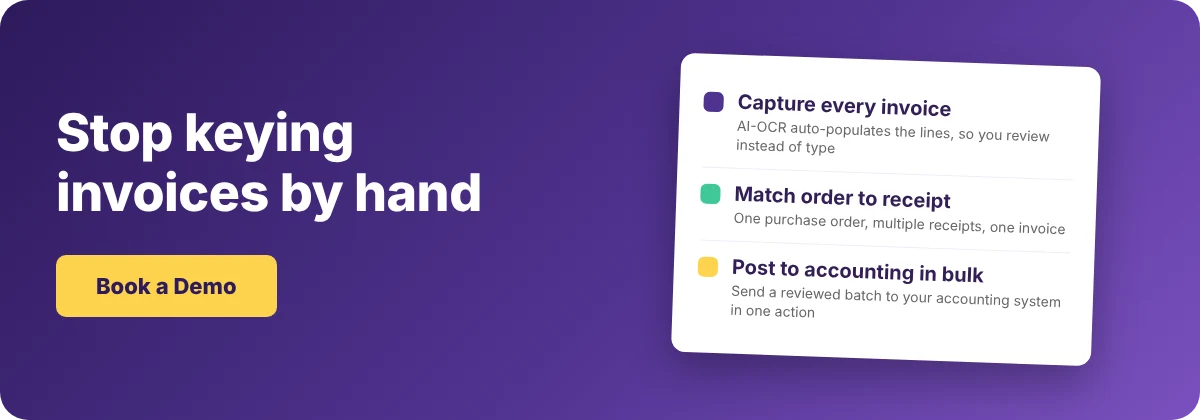
Automated invoice scanning pays off on volume. Supy's AI-OCR reads each invoice and auto-populates the lines, so a receiver reviews figures instead of typing them. Quantity and price stay editable on receipt. Purchase order to goods received note is one click. One purchase order can carry multiple goods received notes, and those receipts consolidate into a single invoice with a full audit trail.
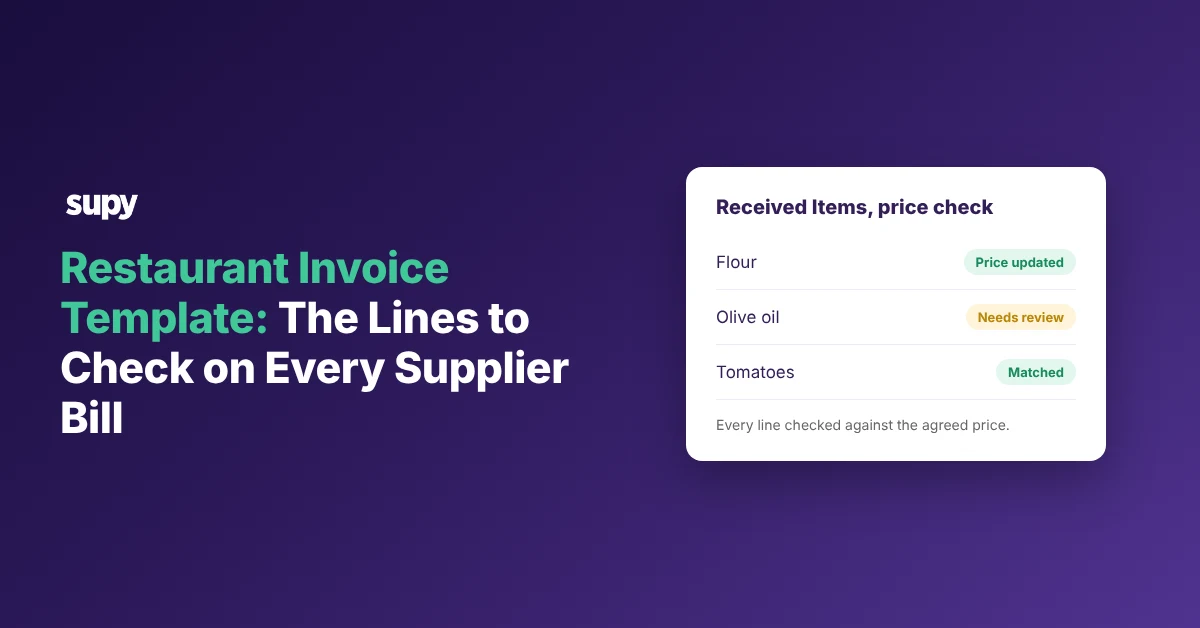
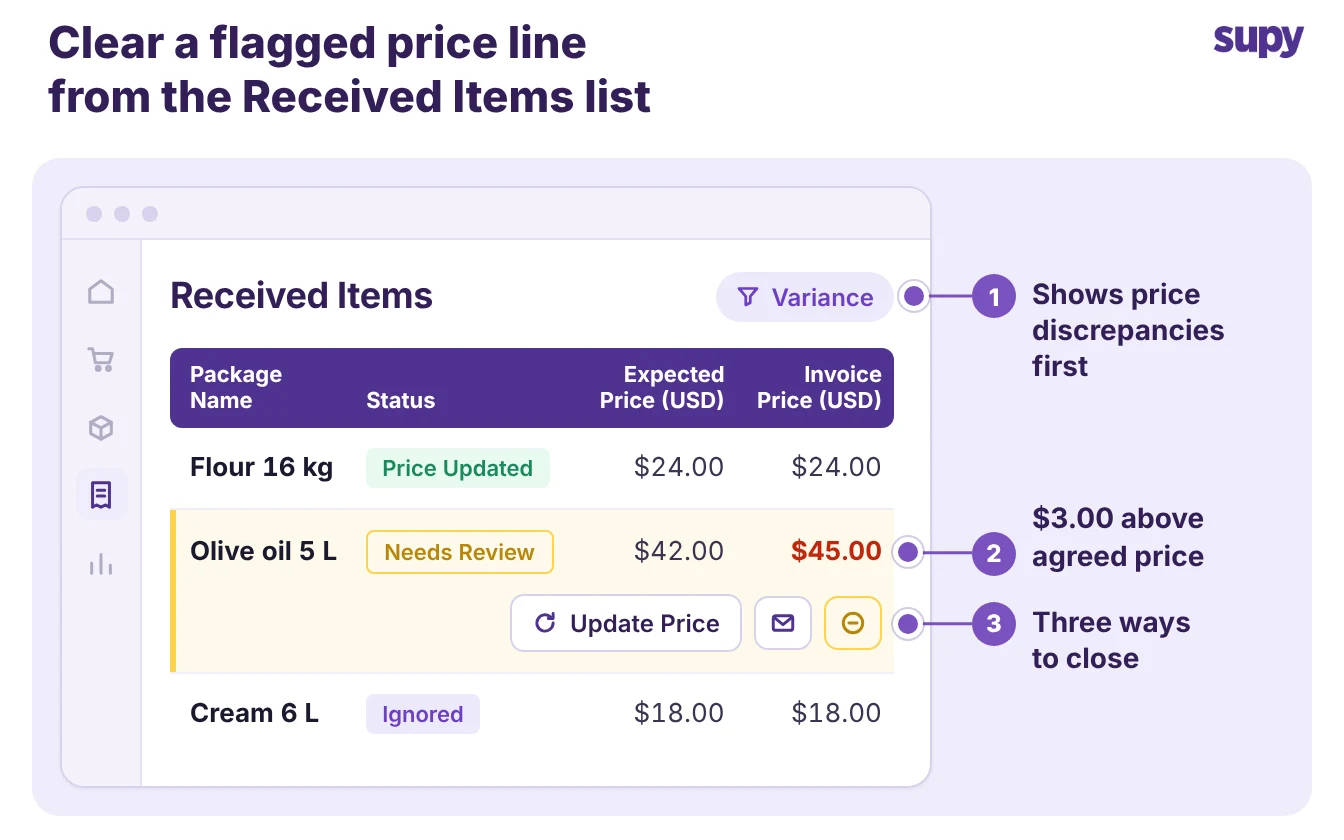
The review happens in one place. On the Received Items page, every captured line shows its expected price beside its invoice price. The page opens on a price-discrepancy filter that shows any line invoiced above the agreed price first. From the same list you update the expected price, contact the supplier, or ignore the variance, without opening each goods received note. You can read how Supy handles invoices and credit notes on the product page.
Posting to accounting is faster too. Your team selects many captured documents and posts them in one bulk action, instead of one invoice at a time. Supy connects to 75+ systems, so the posting fits the accounting platform you already run. For how this sits in the wider workflow, see our guide to restaurant invoice processing.
Where automated scanning still needs clean inputs
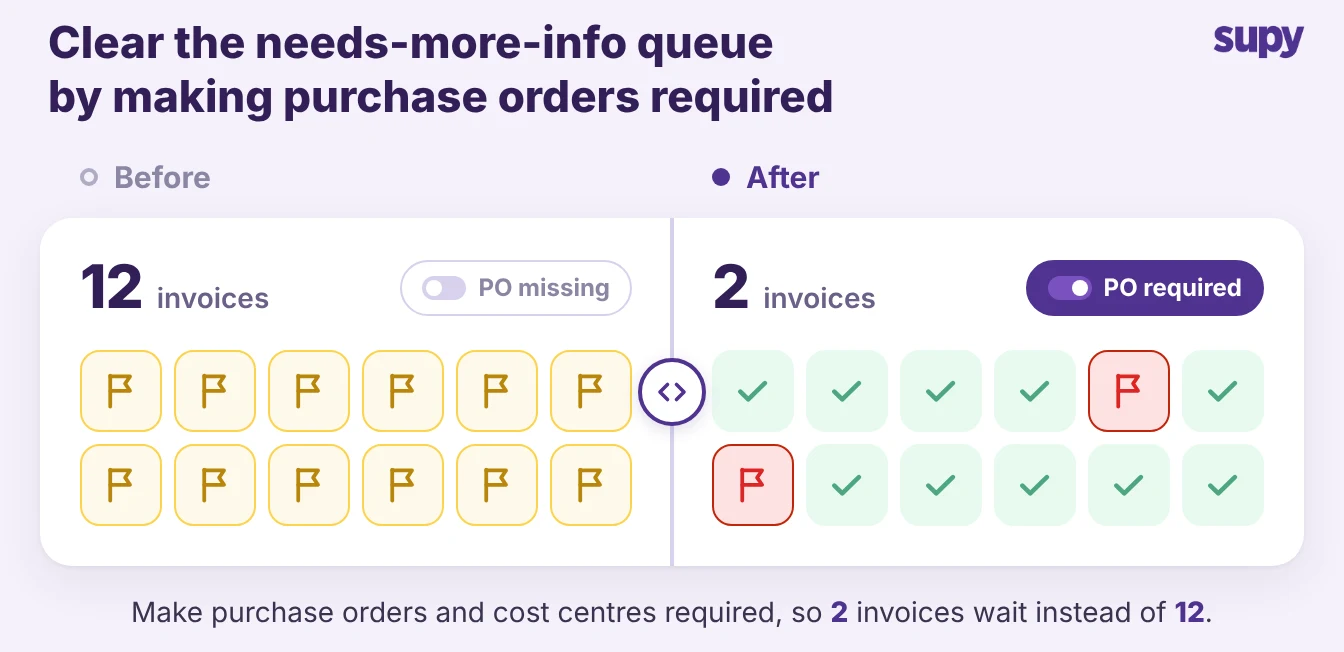
Automated capture depends on clean inputs. When a document arrives without a purchase order number or a cost centre, the captured invoice stalls in a needs-more-info queue until a person supplies the missing field. About 10% of invoices still need a human before they post. Inconsistent supplier names cause the same stall.
The fix is setup, not typing. Add a supplier to the AI Invoice Inbox whitelist, and Supy reprocesses the invoices it previously skipped. Fewer invoices wait once your supplier names are consistent. Automated scanning removes the keying, not the need for consistent purchase orders, cost centres, and supplier names.
How to decide which your restaurant should use
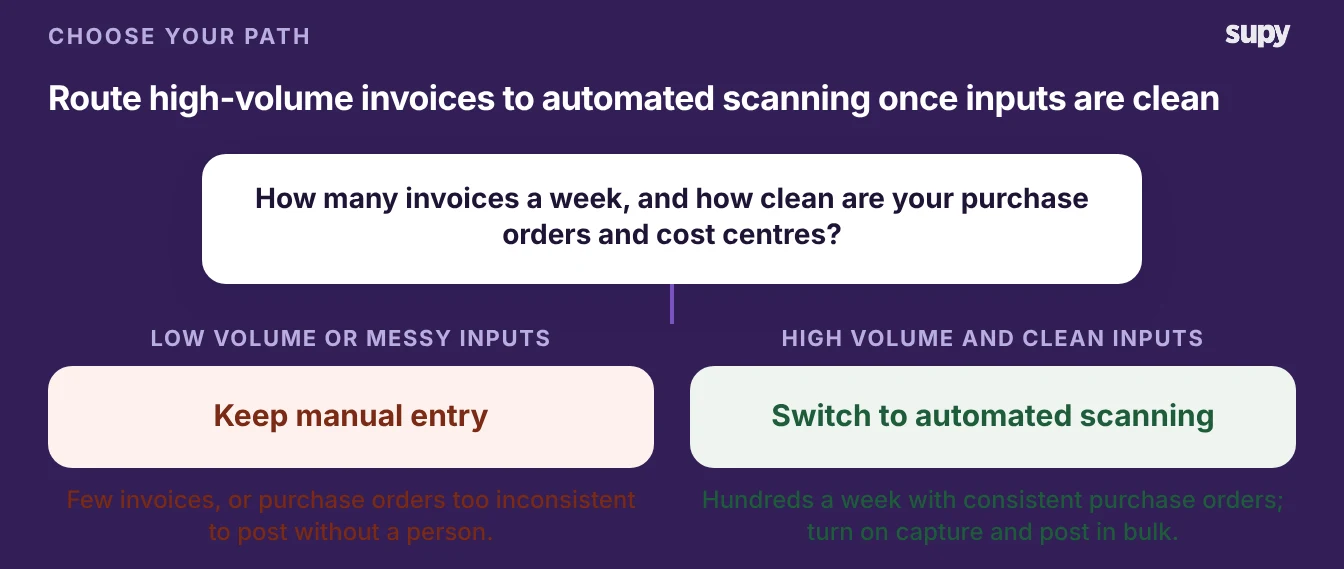
Choose by invoice volume and input quality, not by preference.
- Choose manual entry when your invoice count is low, your suppliers are few, and your purchase orders are too inconsistent to post without review.
- Choose automated scanning when you run hundreds of invoices a week and your purchase orders and cost centres are consistent.
- Fix the inputs first when volume is high but the data is messy: standardise supplier names and make purchase orders mandatory, then turn on capture.
The decision is rarely all or nothing. Most multi-site groups run automated scanning for the suppliers they order from every week. They keep a manual path for the rare, one-off invoice that is not worth the setup. Count your weekly invoices, and judge how clean your purchase orders and cost centres are. Move toward capture as the volume rises and the inputs become consistent.