.jpg)


Food Temperature Log: What to Record and What to Do When It Fails
What a food temperature log should record
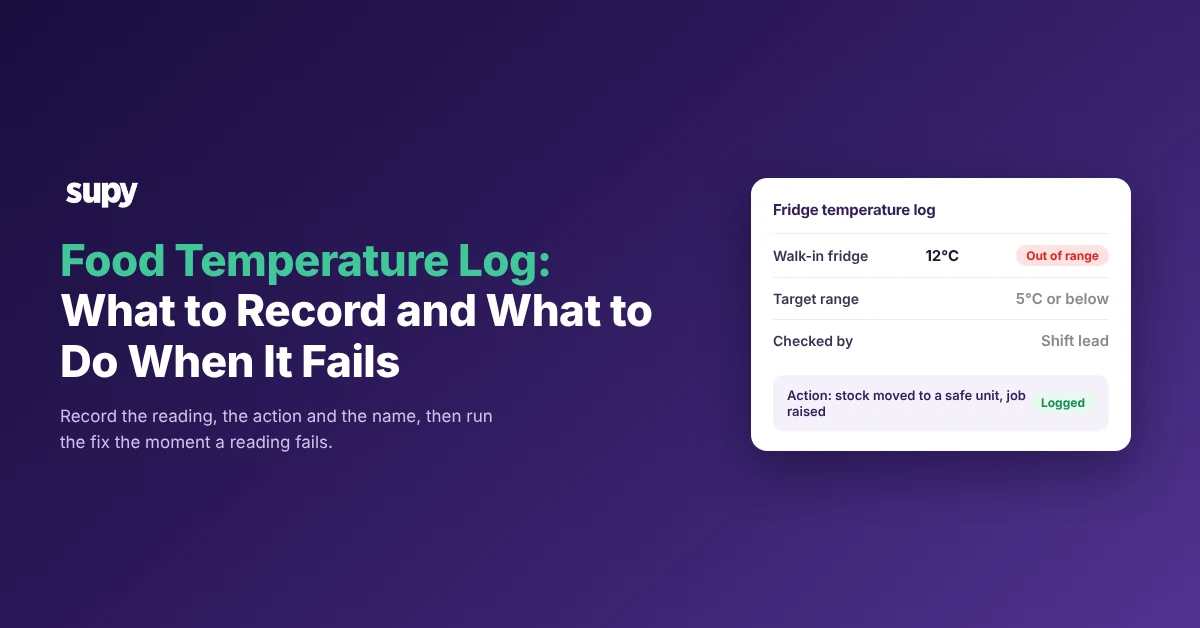
A food temperature log records what happened at every fridge, freezer and hot-holding unit. Each entry carries the date and time, the target range, the reading, whether it was in range, the action taken, and who checked it. The entry that protects you is the one that fails a reading, because a number nobody acts on is just paper. This article shows what each entry needs, the safe ranges, and what to do when a reading fails.
Most logs capture the number and stop there. The entries that protect you are the last two columns, the action and the name, because they turn a reading into a record an inspector or an area manager can follow. Build every entry from these fields.
| Field | What to record | Why it matters |
|---|---|---|
| Unit and location | Which fridge, freezer or hot cabinet, and the site | Pins the reading to one unit, so a repeat failure is visible |
| Date and time | When the check happened | Shows the gap between checks and when a drift started |
| Target range | The safe range for that unit | Tells the reader what counts as a pass without guessing |
| Actual reading | The temperature on the probe or display | The measurement the rest of the entry hangs on |
| In range | Pass or fail against the target | Flags the entry that needs an action |
| Action taken | What the checker did about a failure | Turns a failed reading into a fix, not a note |
| Checked by | The named person who took the reading | Gives the entry an owner an inspector can question |
Safe ranges for fridges, freezers and hot holding
Safe temperatures differ by country, so a group running across markets reconciles several regulators rather than one. The headline split is the same everywhere: cold food stays cold, hot food stays hot, and the temperature danger zone in between is where bacteria grow. Confirm the exact figures with your local food safety authority before you rely on them, because the limits are set in law and can change. The table below sets the main thresholds from the US FDA Food Code, the UK Food Standards Agency, Food Standards Australia New Zealand and the Dubai Municipality Food Code side by side; check each against your own regulator before you build it into a log.
| Market (regulator) | Cold holding | Hot holding | Danger zone |
|---|---|---|---|
| United States (FDA) | 41°F or below | 135°F or above | 41°F to 135°F |
| United Kingdom (FSA) | 8°C or below | 63°C or above | 8°C to 63°C |
| Australia (FSANZ) | 5°C or below | 60°C or above | 5°C to 60°C |
| UAE, Dubai (DM) | 5°C or below | 60°C or above | 5°C to 60°C |
Three more rules sit alongside the holding ranges and belong in the same log, each with its own government source.
- Frozen storage. The Dubai Municipality Food Code sets frozen food at -18°C or below, the one freezer figure these codes state plainly.
- Cooling. The US FDA Food Code brings cooked food from 135°F to 70°F within 2 hours, then down to 41°F within the next 4 hours, a 6 hour window in total.
- Time out of temperature. Food Standards Australia New Zealand runs the 2-hour and 4-hour rule: food between 5°C and 60°C for under 2 hours is used or refrigerated, 2 to 4 hours is used but not put back, and over 4 hours is thrown out.
- Date marking. Under the US FDA Food Code, ready-to-eat food held over 24 hours is marked, then used, sold or discarded within a maximum of 7 days while held at 41°F or below.
What to do when a reading fails
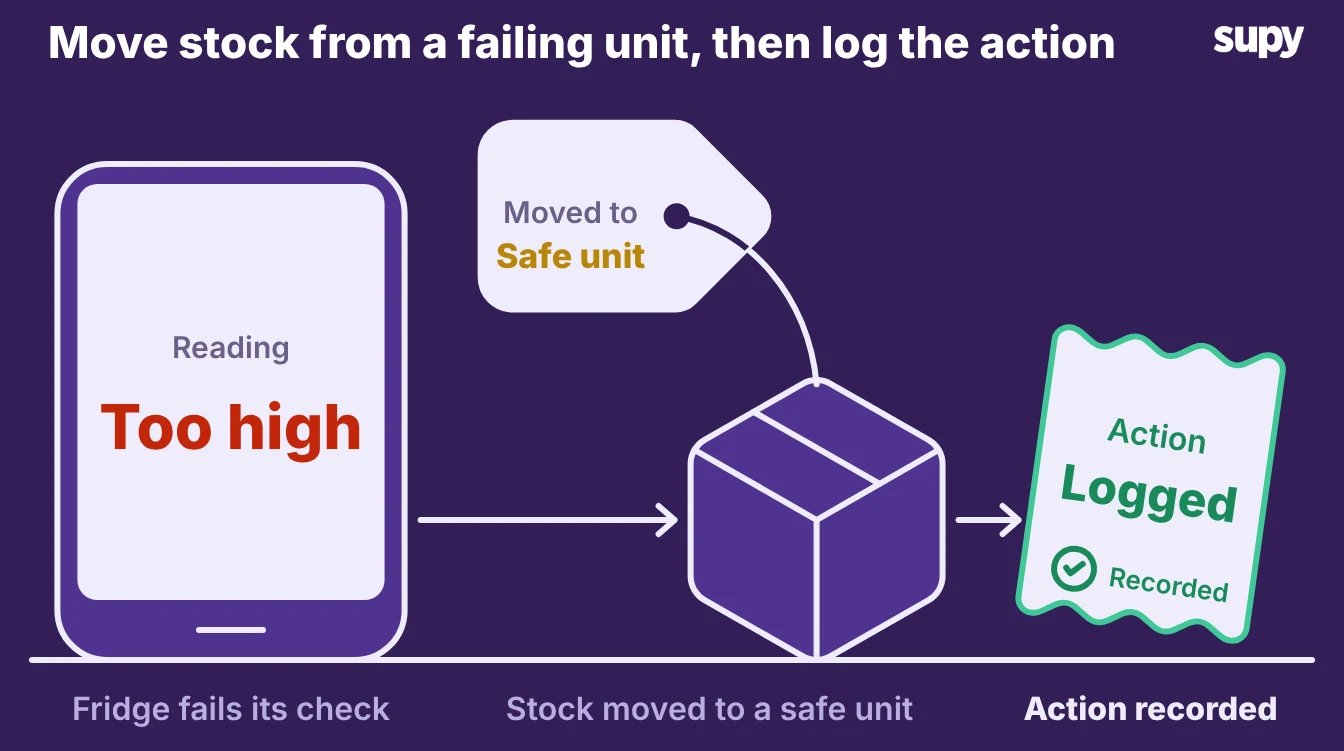
When a reading comes back out of range, work the food before you work the fridge. A high reading on the air probe is a prompt to check the stock inside, not a line to initial and forget. Run the same path every time so the response does not depend on who is on shift.
- Check the food inside. Take the temperature of the stock in the unit, not only the air reading on the door.
- Move what is still safe. Shift stock that is still inside a safe range to a working unit straight away.
- Write off what is not. Bin anything that has sat in the danger zone past its safe time.
- Raise a maintenance job. Put the failing unit on a named person to fix, not on a sticky note.
- Record the whole event. Log the reading, what you did, and the stock you moved, so it leaves a trail.
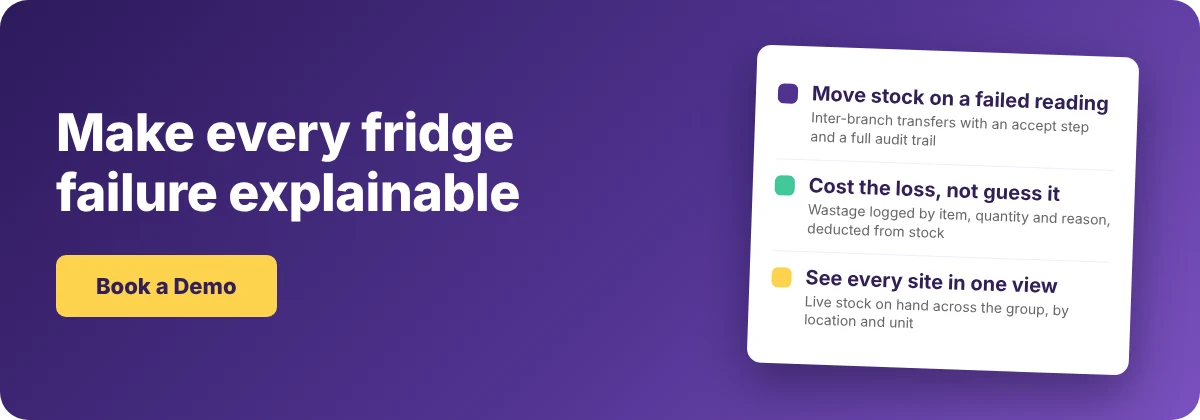
Moving that stock is where restaurant inventory software does the part a log cannot. In Supy, inventory transfers record the move between units with an accept step at both ends and a full audit trail, so the unit that receives the stock confirms what arrived. Wastage recording logs what you bin by item, quantity and reason, deducts it from stock and costs it by branch, so you can price a fridge failure the day it happens rather than find a hole weeks later.
The setup decisions that make those wastage numbers trustworthy matter here, because a loose reason list buries the cause. Live stock on hand and theoretical-versus-actual usage keep the loss explainable, and every move lands in a tamper-proof audit log tied to a named user and time.
Raising that maintenance job from the failed check itself, rather than re-keying it afterwards, is coming soon. Until then the manager raises it, which keeps a person on the decision about food that may already be unsafe.
Why paper temperature logs miss the reading that matters
A paper log records the number and stops there. It cannot flag the one reading that failed, it cannot tell you whether anyone acted, and it costs labour: a nightly manual walk of every fridge and store can tie up close to one staff member per venue. The reading that matters is the one that fails, and paper is where it goes quiet.
The cost rarely shows up as a food safety event. It shows up later in the numbers. When staff pull stock from a failing unit and move or bin it without logging the draw, the month-end count shows an unexplained variance. In one operation the point of sale recorded 250 units sold against an actual draw of 380, a gap of 130 nobody could place, long after the fridge had been fixed and forgotten.
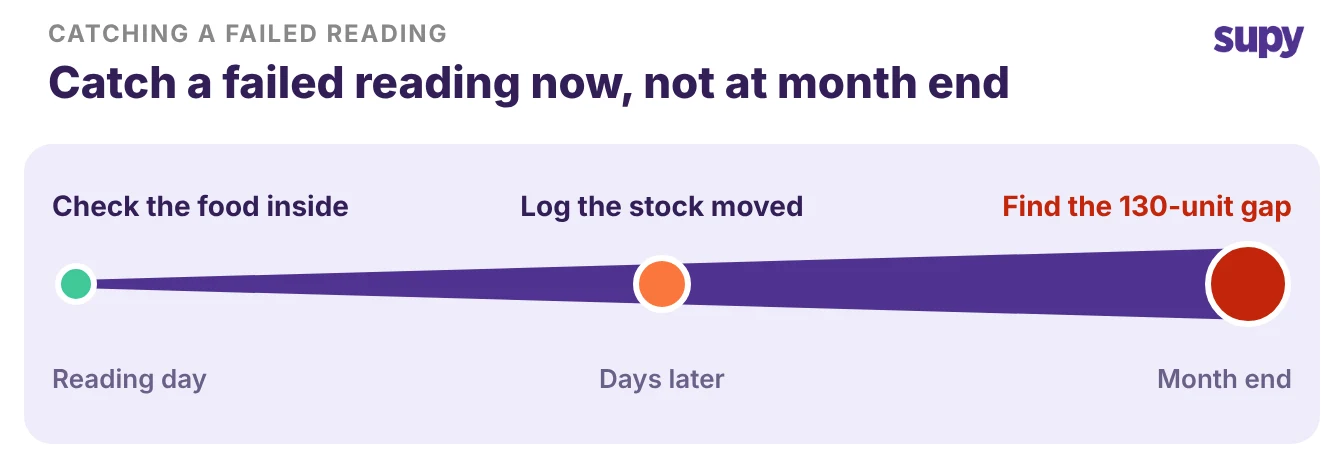
That temperature failure became an inventory mystery because the corrective action never left a trail. Handwritten logs also fail the audience they exist for. An operator opening a new site has to produce temperature records a council or municipal inspector will accept, and a folder of initialled sheets with no actions against the failures is exactly what an inspector distrusts.
Keeping temperature records across several sites
Across several sites the problem is not the reading, it is the single view. On paper, whether a failed unit got fixed depends on one person at one branch remembering to chase it. A 12-site group has no way to see which fridge failed, where, and whether anyone acted, so corrective action falls through the gap between branches.
The fix is to hold the stock and the action in one place every branch writes to. Live stock visibility shows real-time stock on hand by location and storage unit across the group, so a manager at head office sees the stock sitting in a unit that just failed.
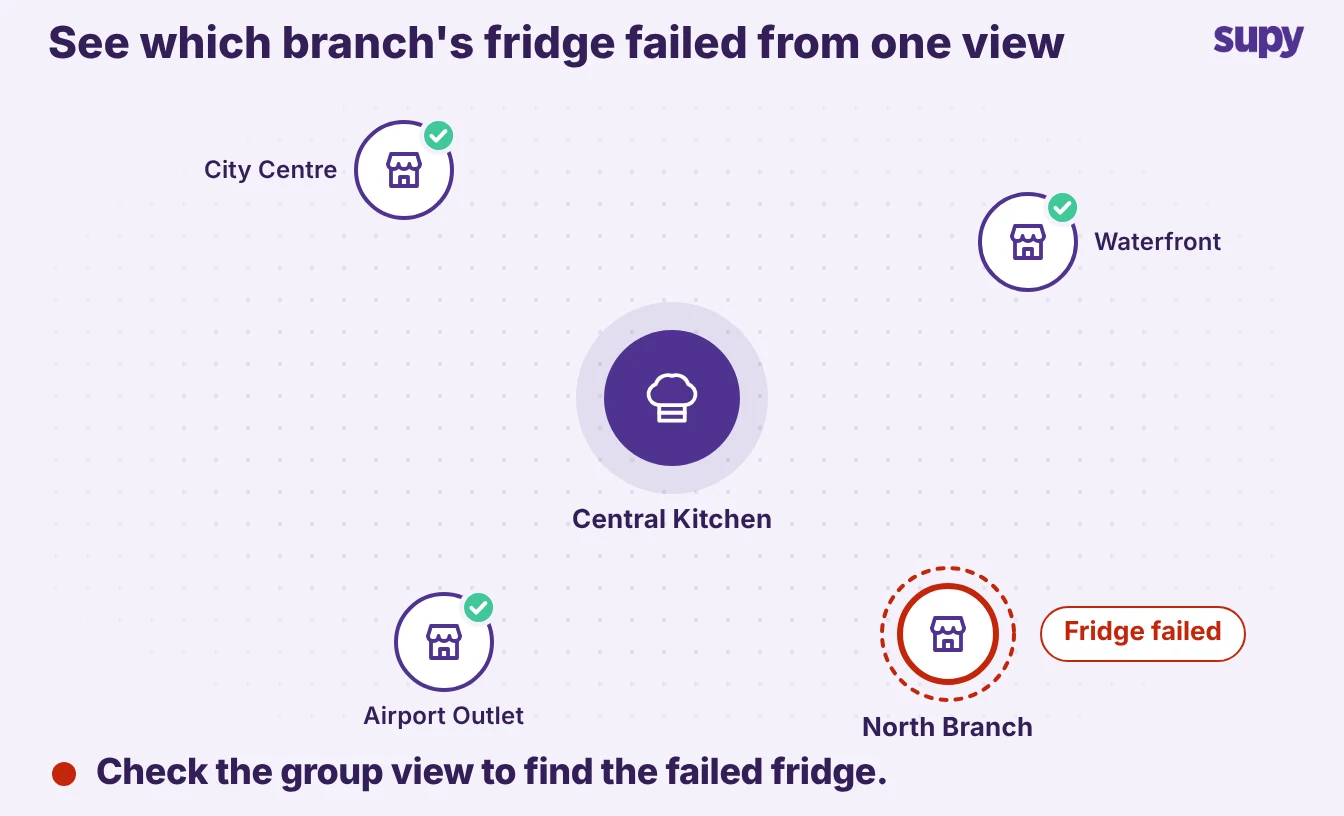
The same tamper-proof audit log runs across every branch, filtered by site, user, action and date, which turns a fortnight of chasing into one screen. The temperature reading still comes from the person at the unit, but what happens to the stock after it is visible to everyone who needs it.
To put this to work, run one check on your own operation this week. Pull last week's temperature logs, find a reading that failed, and follow it forward. If you cannot see what happened to the food, your log is recording numbers and nothing else, which is the variance that costs you at month end and in front of an inspector.
The first move is small: add an action column and a name to every log, so the person taking the reading also records what they did about a failure. Then put the corrective path on the wall by each unit, check food before fridge, move stock, write off, raise the job. A reading protects you once it triggers an action and leaves a trail, so judge your log by what it makes people do, not by how many boxes are initialled. Book a demo to see how the inventory side of that trail holds up across sites.